- Dashboard
- Widgets
- AI Diary
- AI Humanizer
- AI Image
- Audio Editor
- Base64 / URL Encoder
- Calendar
- Canvas
- Collection
- Color Picker
- Container
- Countdown Timer
- Currency Converter
- Daily Quiz
- Daily Quote
- Daily Riddle
- Date & Time
- Embed
- GitHub Releases
- Google Calendar
- Habit Tracker
- Hacker News
- Image Compression
- IP Info
- JSON Formatter
- Links
- Markdown Editor
- News
- News Summary
- Notes
- Photo Frame
- Podcast
- Pomodoro Timer
- Product Hunt
- QR Code Generator
- Quick Answer
- Quick Note
- Regex Tester
- RSS Feed
- Search
- Spacer
- Stopwatch
- Story Snippet
- Stripe Sales
- Subreddit
- Substack
- t0ggles Focus
- t0ggles My Boards
- t0ggles My Tasks
- Tasks
- Text Diff
- Todo
- TradingView Advanced Chart
- TradingView Market Summary
- TradingView Mini Chart
- TradingView Symbol Overview
- TradingView Ticker Tape
- Translation
- Unit Converter
- Uptime Monitor
- Weather
- What If
- World Clock
- YouTube Channel
RSS Feed Widget
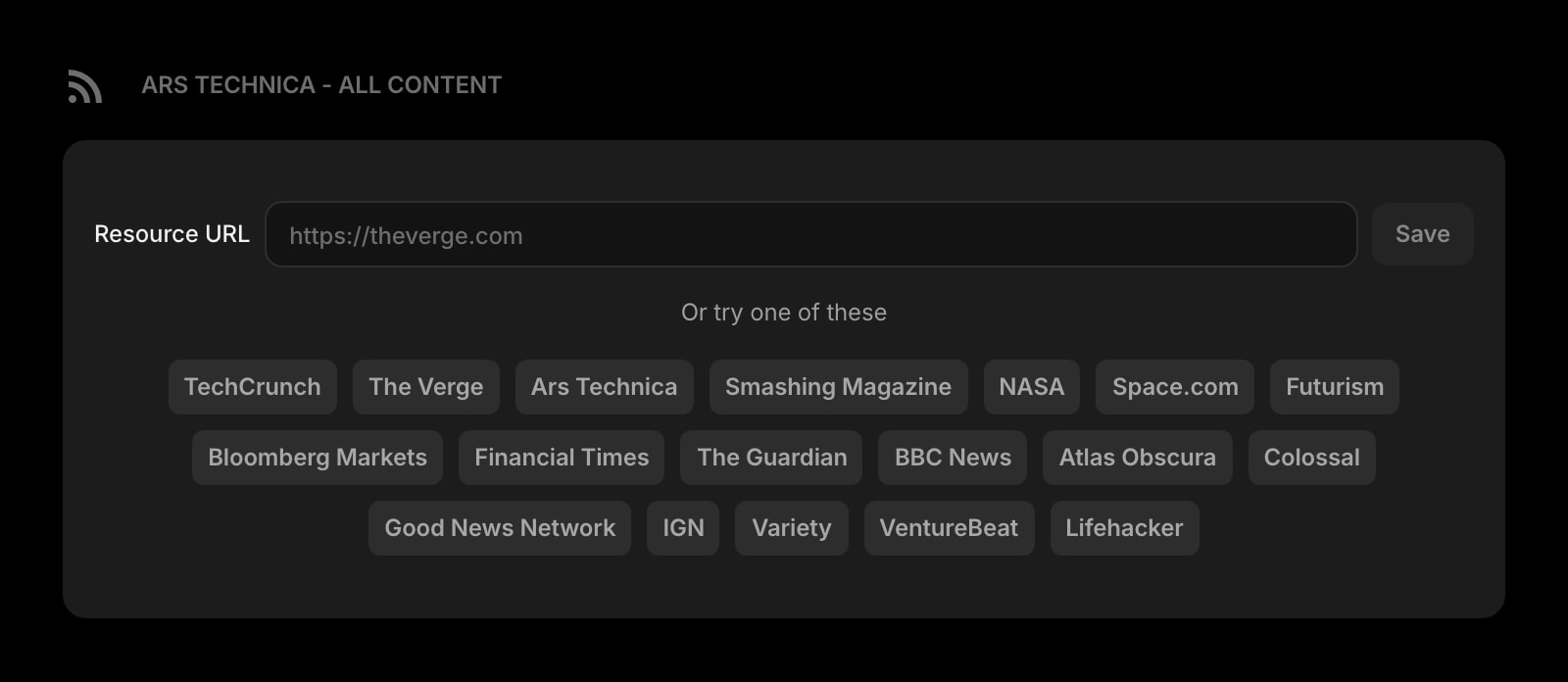
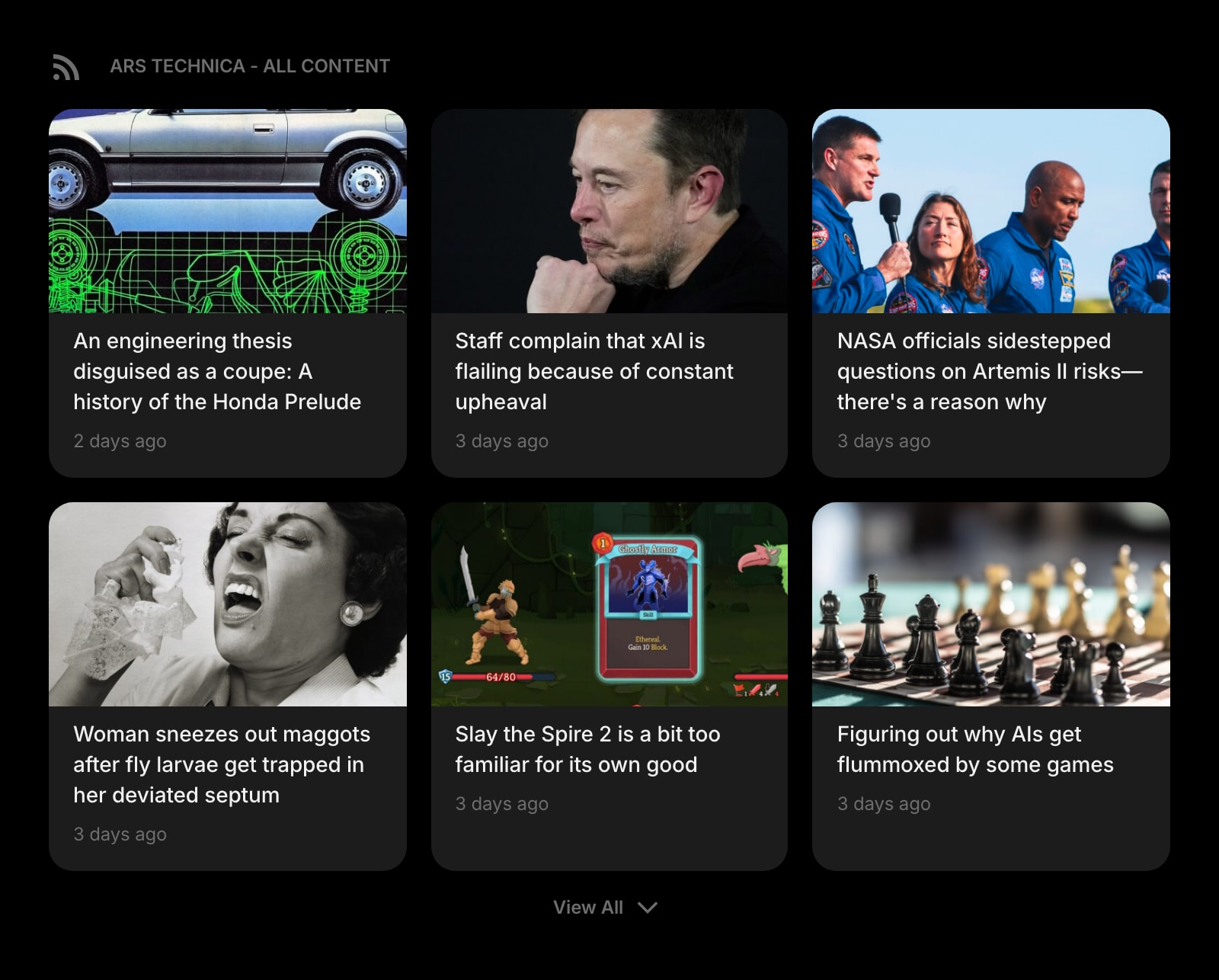
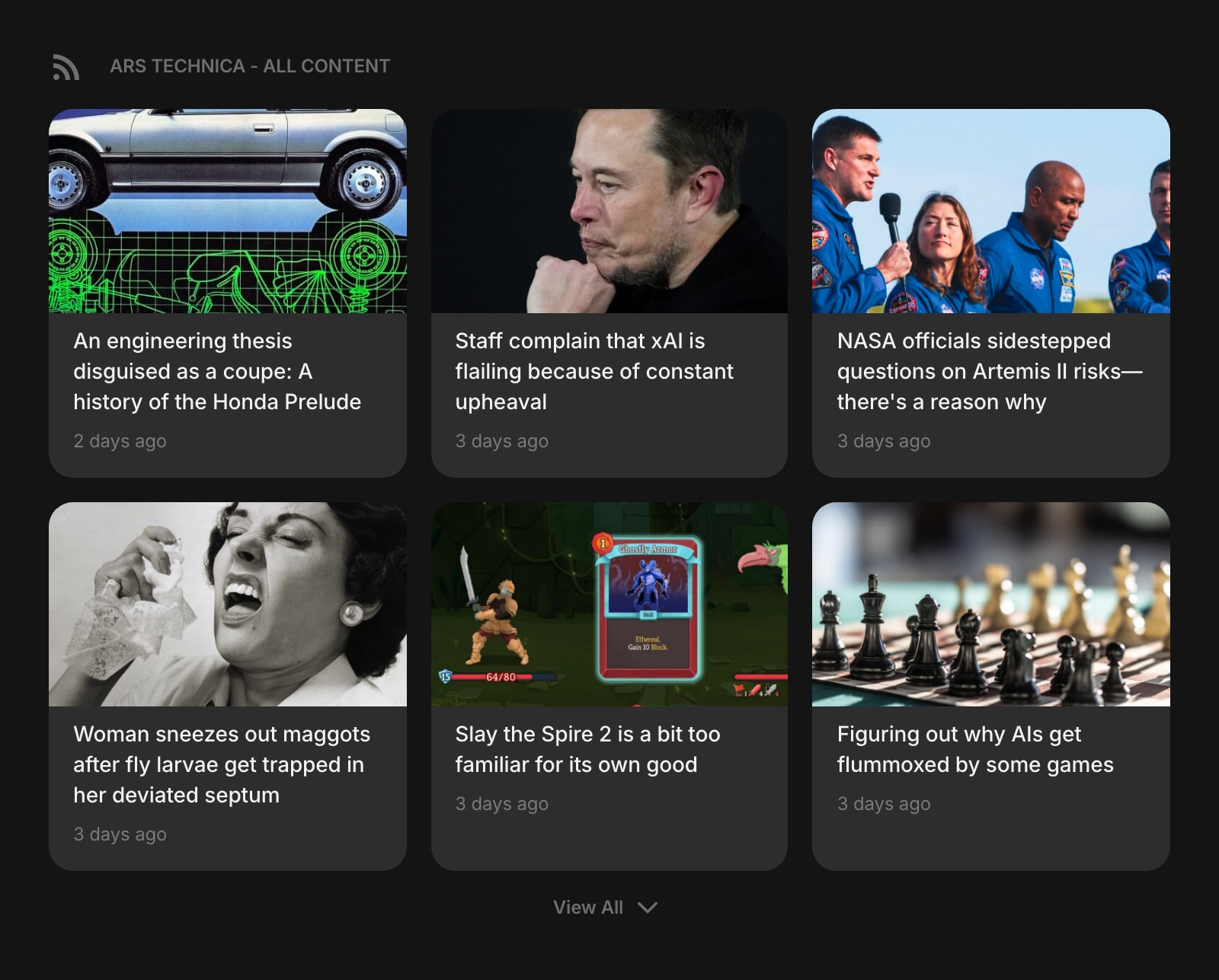
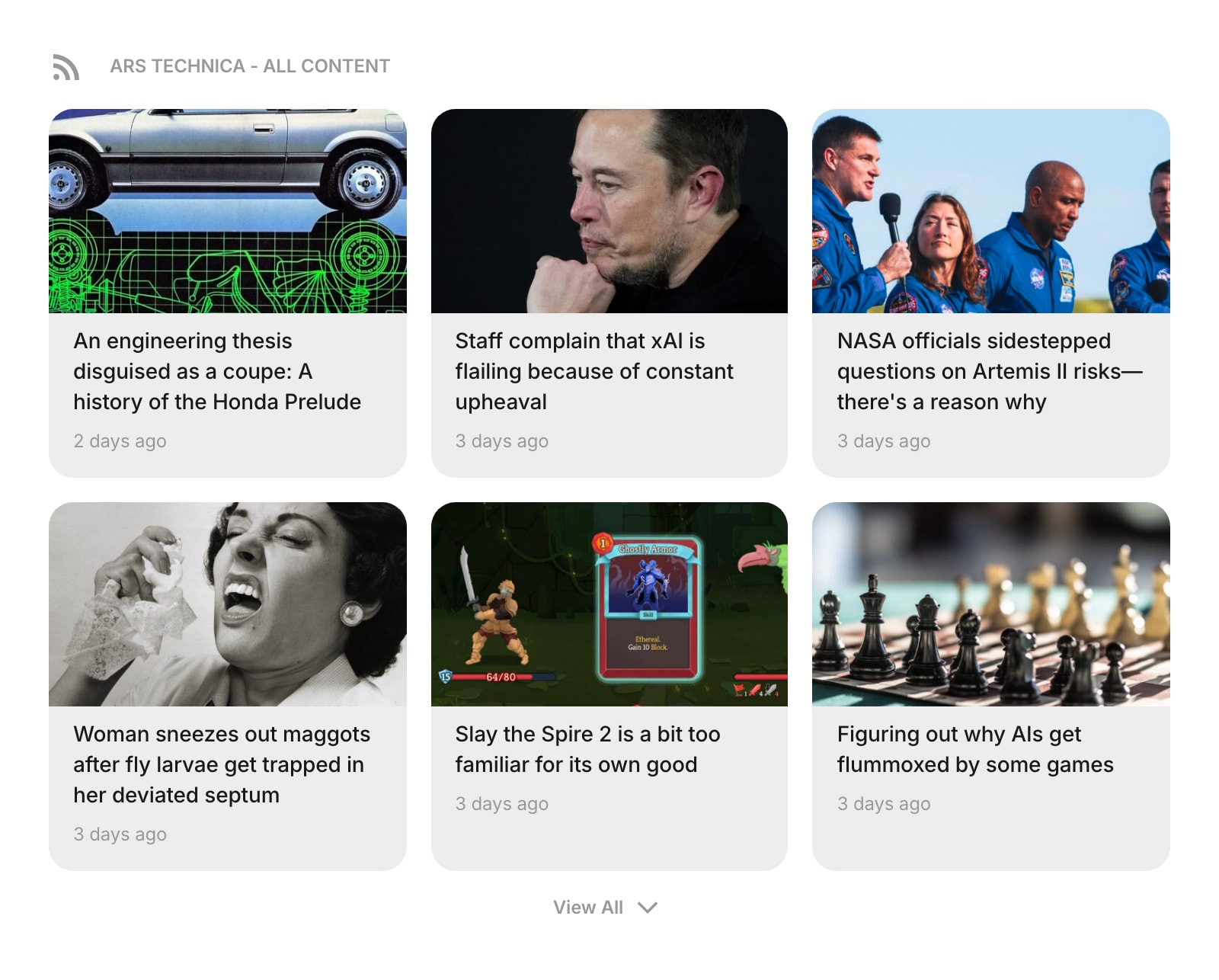
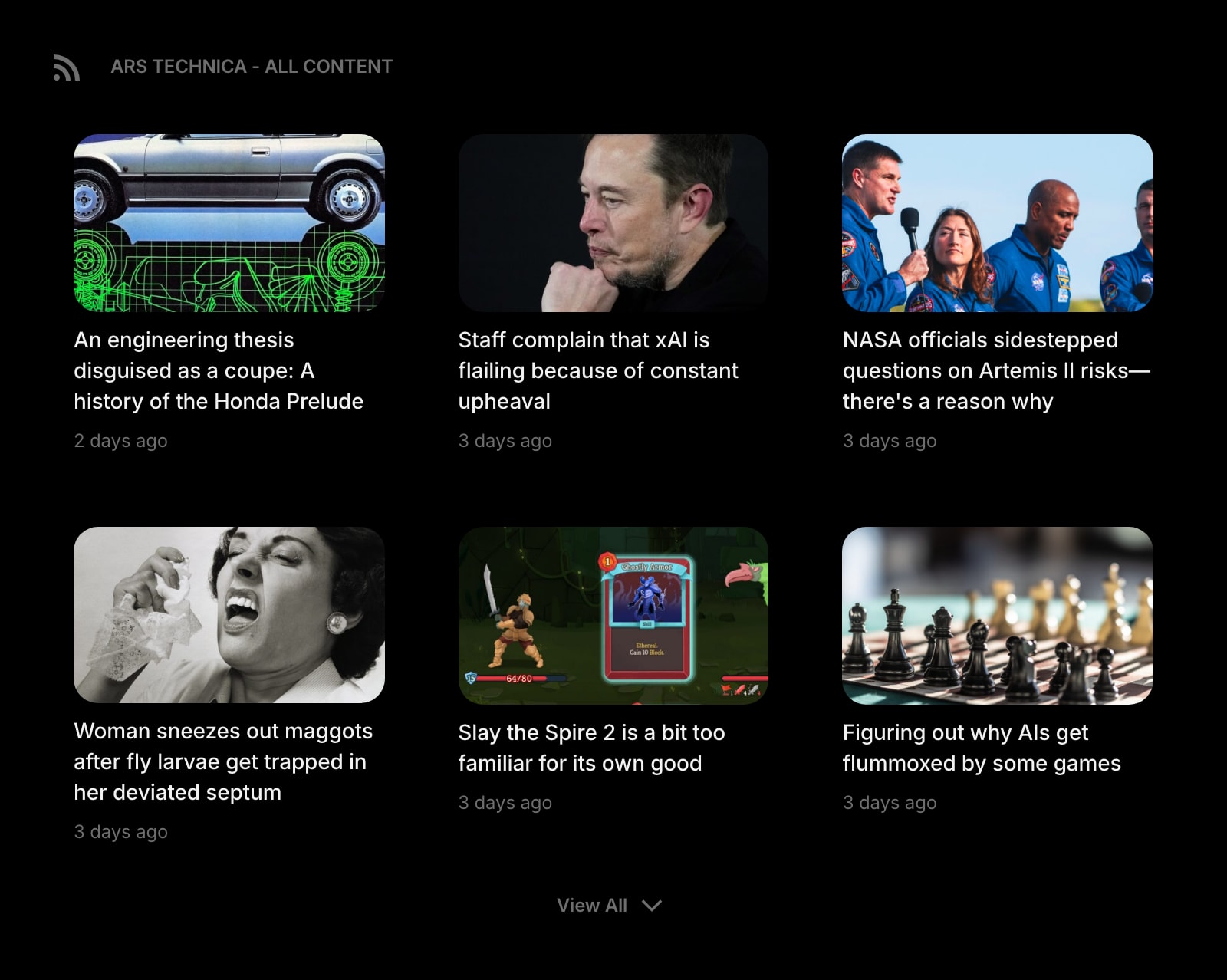
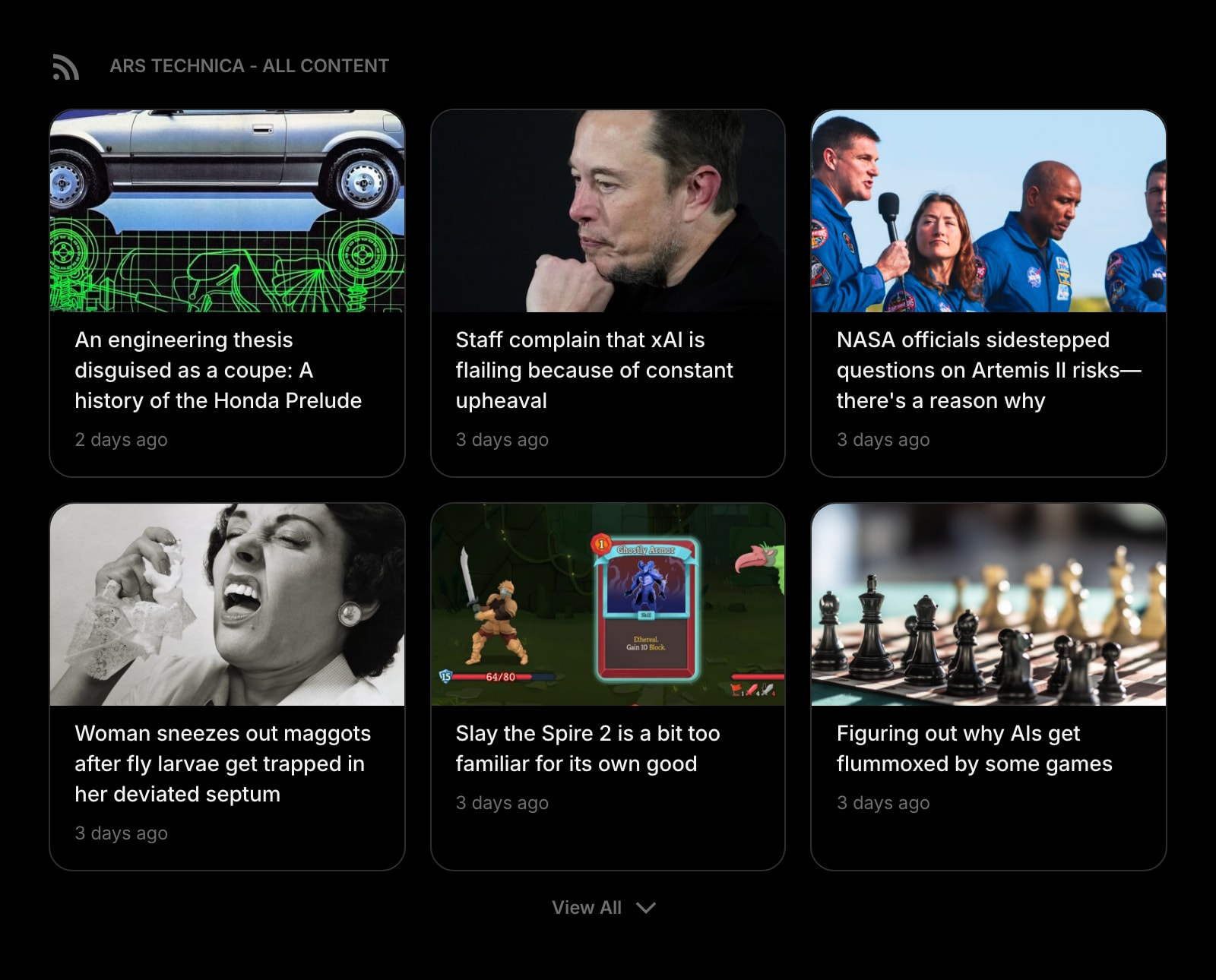
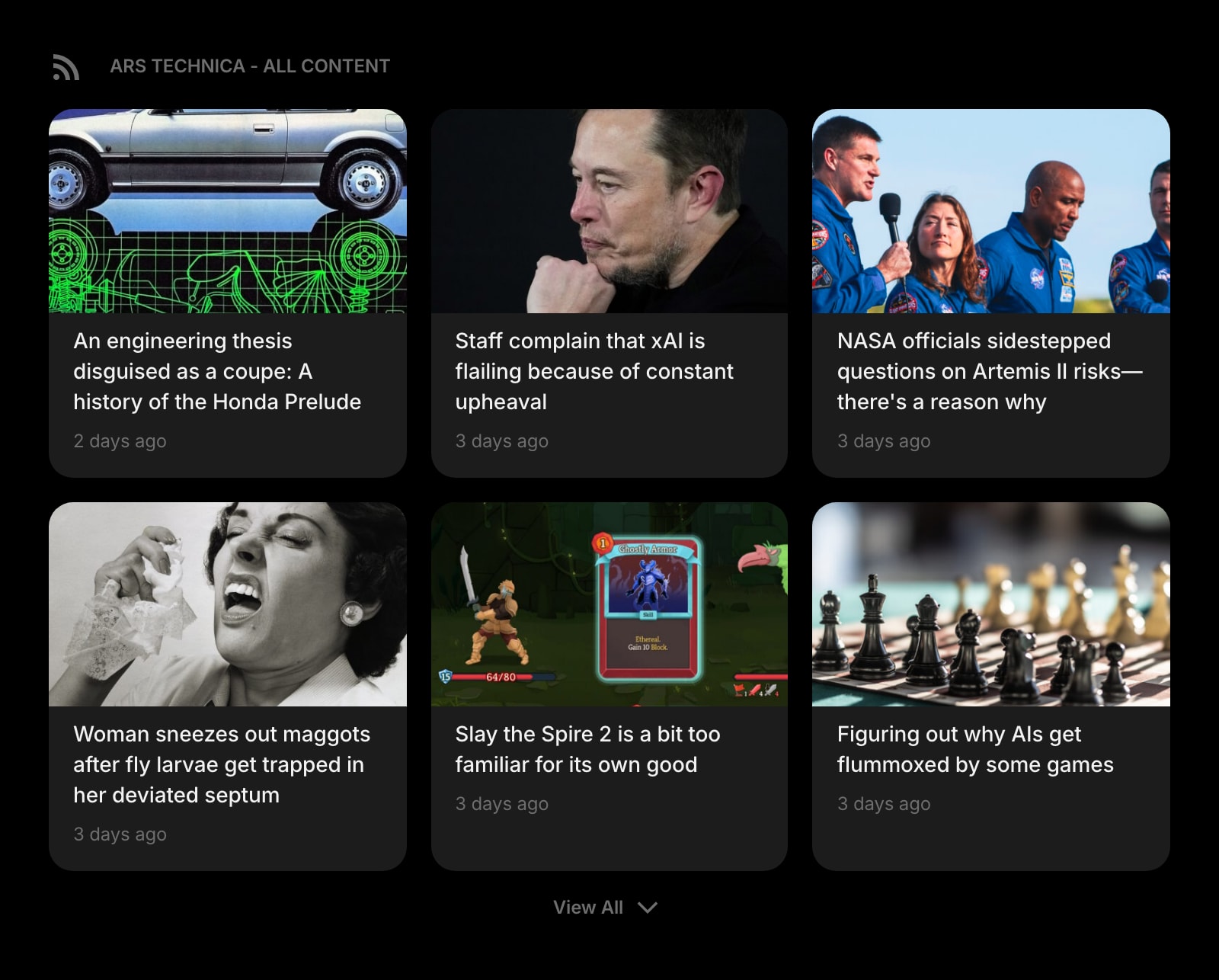
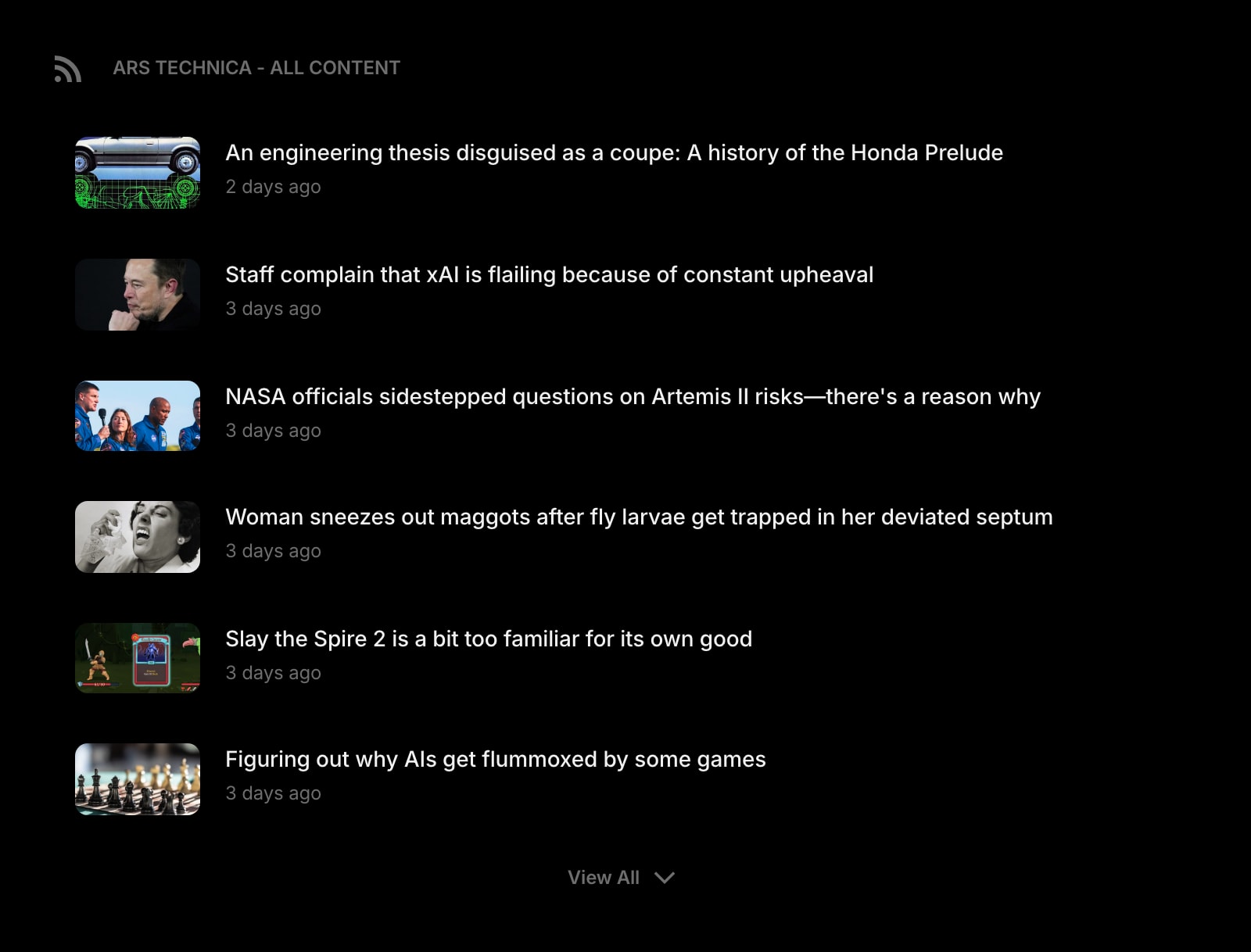
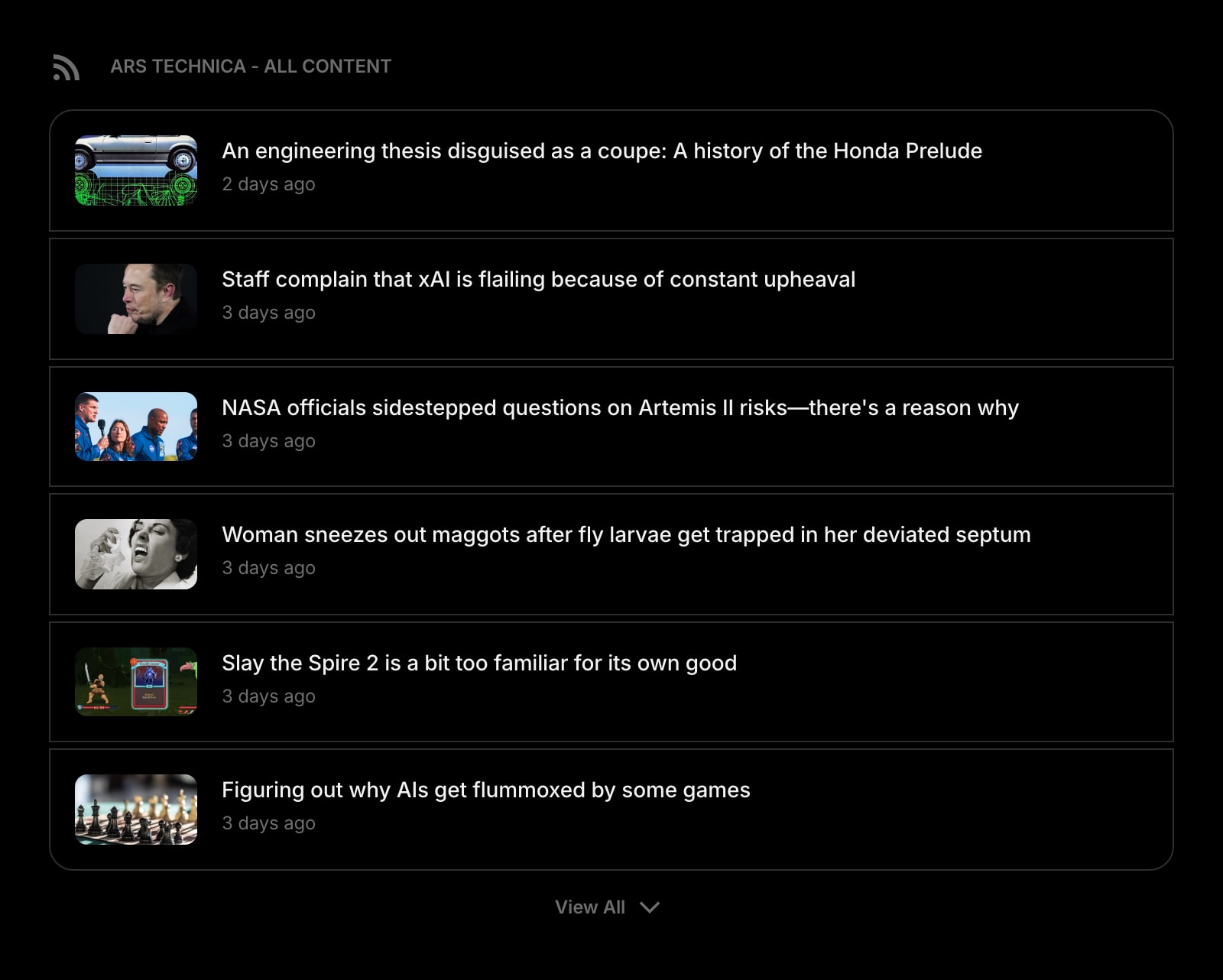
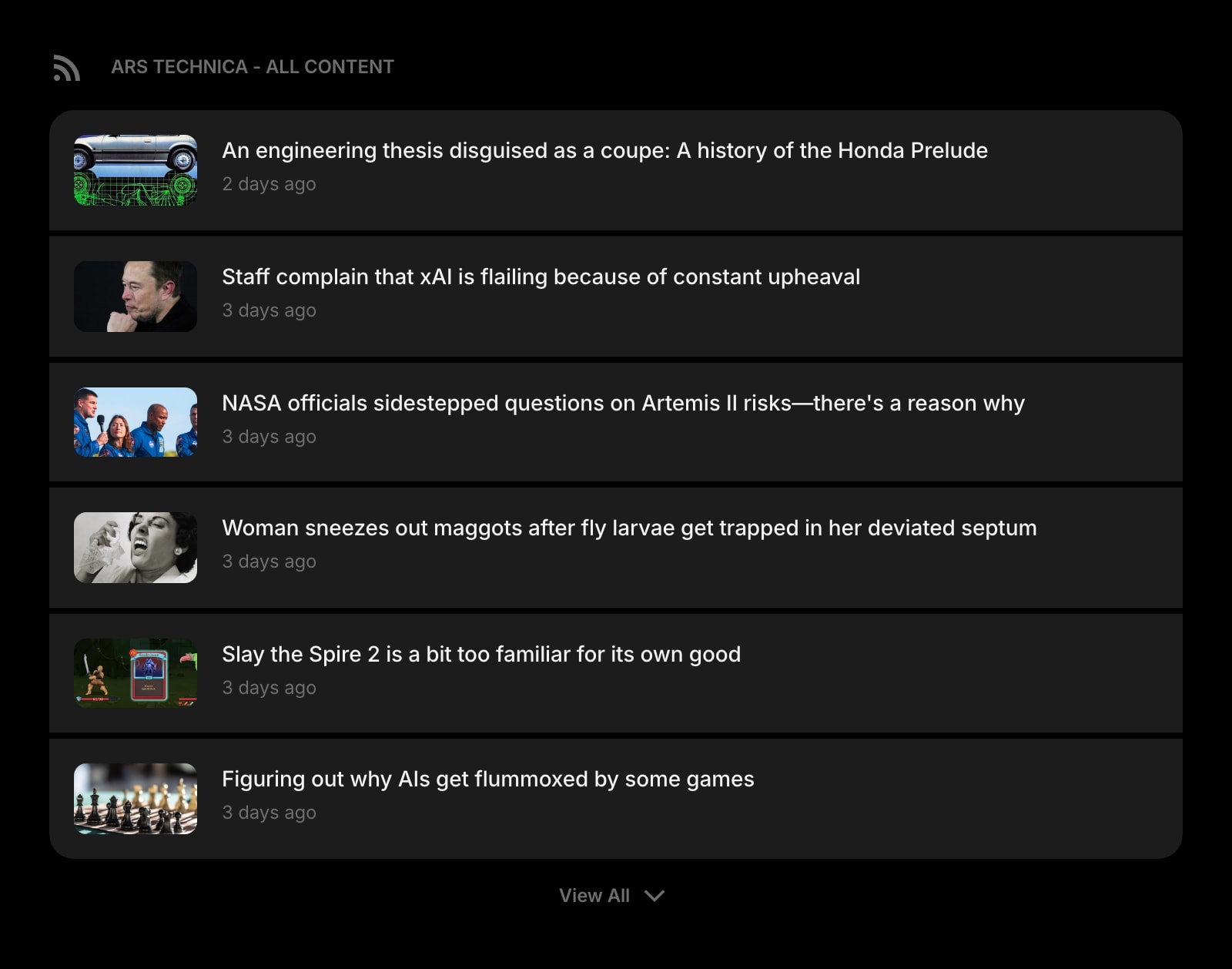
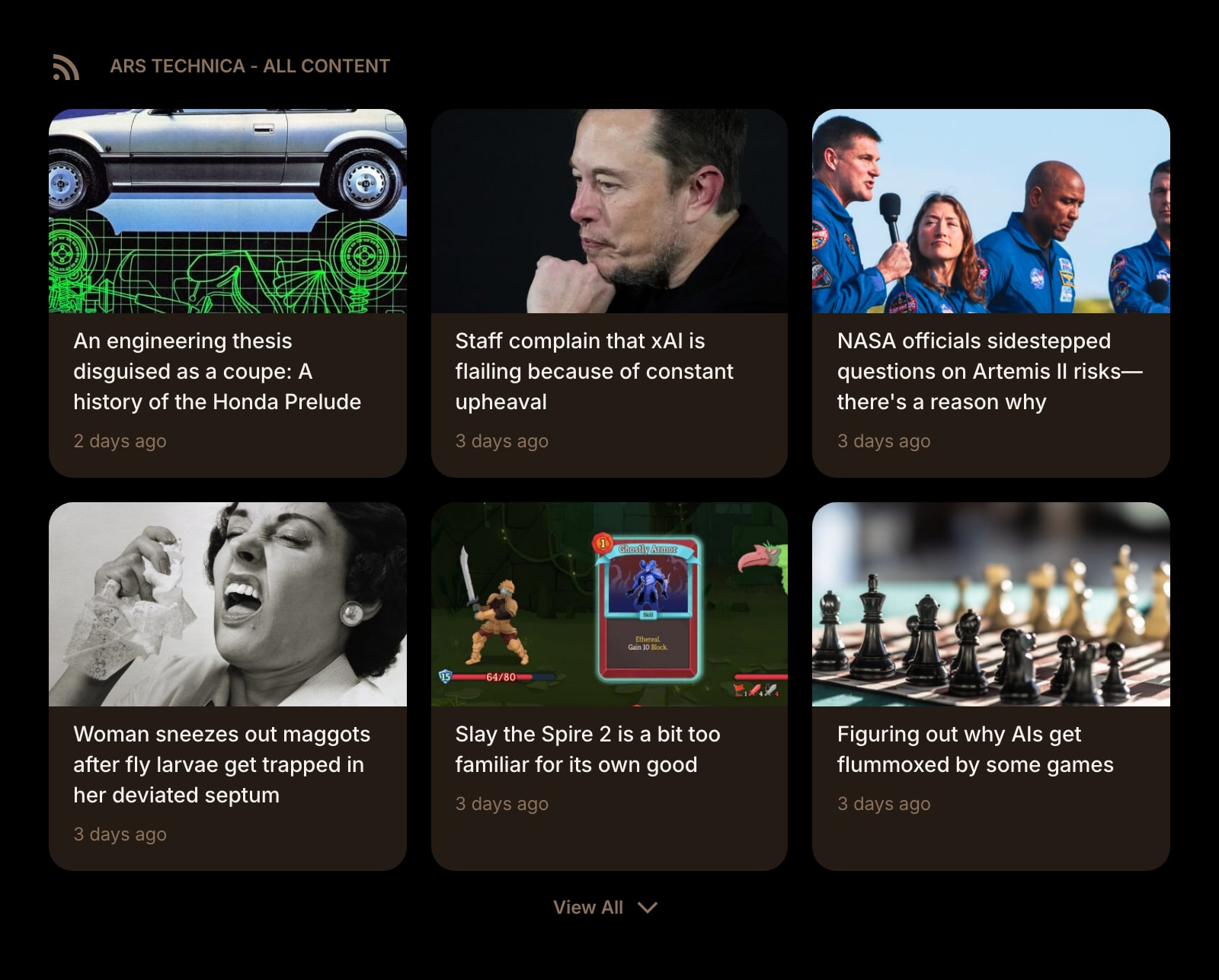


The RSS Feed widget lets you subscribe to any website that offers an RSS or Atom feed. Add your favorite blogs, news sites, and publications, and their latest articles appear right on your dashboard.
Installing on a specific browser? See the step-by-step guides: RSS widget for Chrome, RSS widget for Firefox, RSS widget for Safari, or RSS widget for Edge.
Coming from a dedicated RSS reader? See our Feedly vs Inoreader comparison, or the Feedly and Inoreader alternative pages.
#How to Use
#Adding a Feed
- Enter a website URL in the input field - for example,
https://theverge.com. You don't need to find the exact feed URL; the widget discovers it automatically. - Click Save or press Enter.
- The widget fetches the feed and displays the latest articles.
You can also pick from built-in presets like TechCrunch, The Verge, Ars Technica, NASA, BBC News, and many more - just click a preset button to load it instantly.
#Reading Articles
Articles appear in a grid or list layout. Each article shows:
- Title - the article headline
- Description - a short preview of the content
- Image - a thumbnail from the article (if available)
- Date - when the article was published (shown as relative time, like "2 hours ago")
Click any article to open it in a new tab on the original website.
#Context Menu
Right-click (or tap and hold) an article to see quick actions:
- Open in New Tab - open the article in a new browser tab
- Copy Link URL - copy the article's web address
- Share Link - share the article using your device's share menu
#Widget Settings
- Show Image - show or hide article thumbnails. Turned on by default.
- News Layout - choose between Grid (default) and List view.
- News Style - set the look of article cards: Clear, Outline, or Solid (default).
- Resource URL - the website or feed URL. Change it to switch to a different feed.
#Tips
- You can enter any website URL - the widget will automatically find and use the site's RSS or Atom feed.
- Feeds update automatically when you open your dashboard, so you're always seeing the latest articles.
- Use Grid layout for a visual overview with thumbnails, or List layout for a compact text-focused view.
- Add multiple RSS Feed widgets to follow different sources on the same page.