- Dashboard
- Widgets
- AI Diary
- AI Humanizer
- AI Image
- Audio Editor
- Base64 / URL Encoder
- Calendar
- Canvas
- Collection
- Color Picker
- Container
- Countdown Timer
- Currency Converter
- Daily Quiz
- Daily Quote
- Daily Riddle
- Date & Time
- Embed
- GitHub Releases
- Google Calendar
- Habit Tracker
- Hacker News
- Image Compression
- IP Info
- JSON Formatter
- Links
- Markdown Editor
- News
- News Summary
- Notes
- Photo Frame
- Podcast
- Pomodoro Timer
- Product Hunt
- QR Code Generator
- Quick Answer
- Quick Note
- Regex Tester
- RSS Feed
- Search
- Spacer
- Stopwatch
- Story Snippet
- Stripe Sales
- Subreddit
- Substack
- t0ggles Focus
- t0ggles My Boards
- t0ggles My Tasks
- Tasks
- Text Diff
- Todo
- TradingView Advanced Chart
- TradingView Market Summary
- TradingView Mini Chart
- TradingView Symbol Overview
- TradingView Ticker Tape
- Translation
- Unit Converter
- Uptime Monitor
- Weather
- What If
- World Clock
- YouTube Channel
JSON Formatter Widget
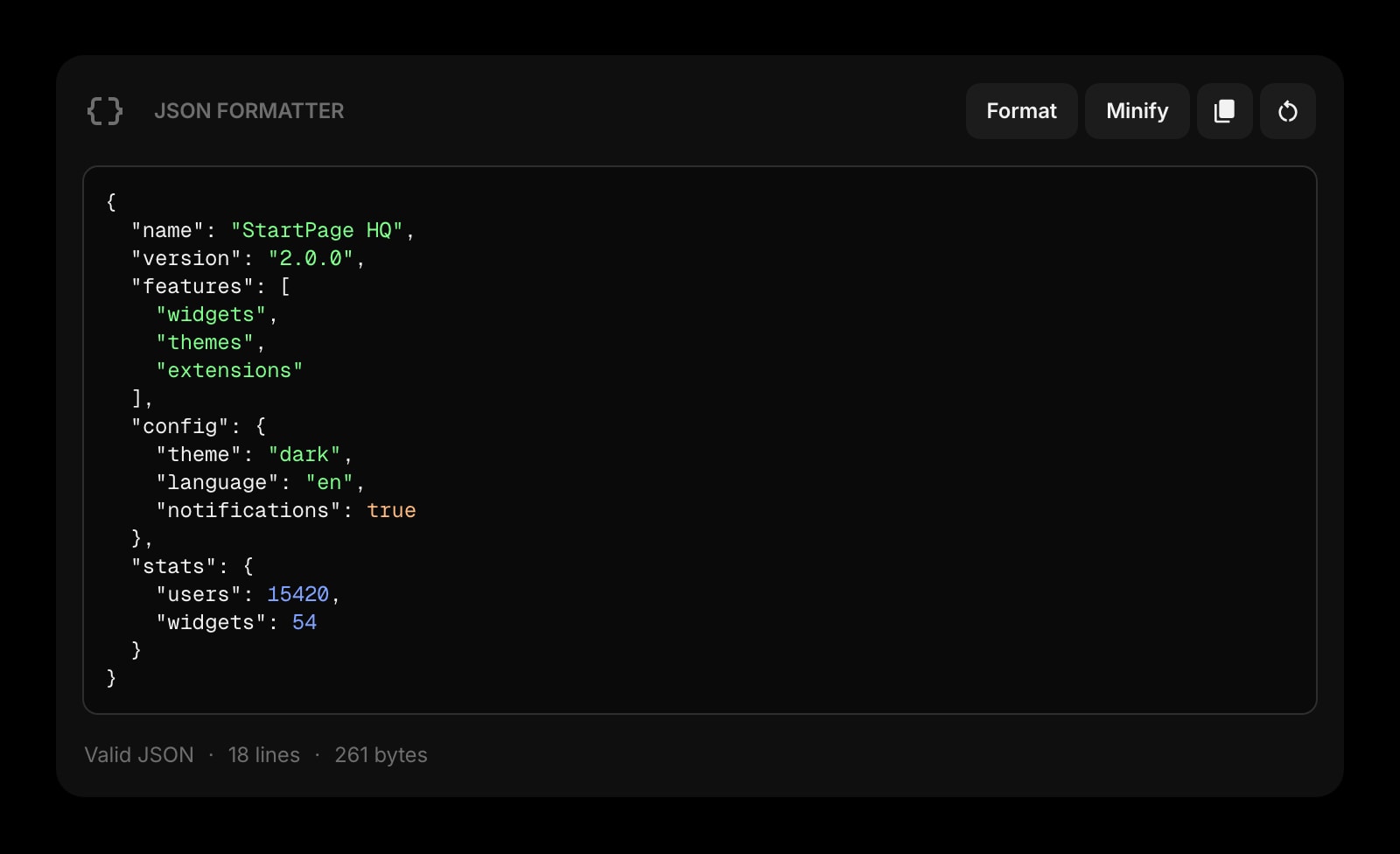
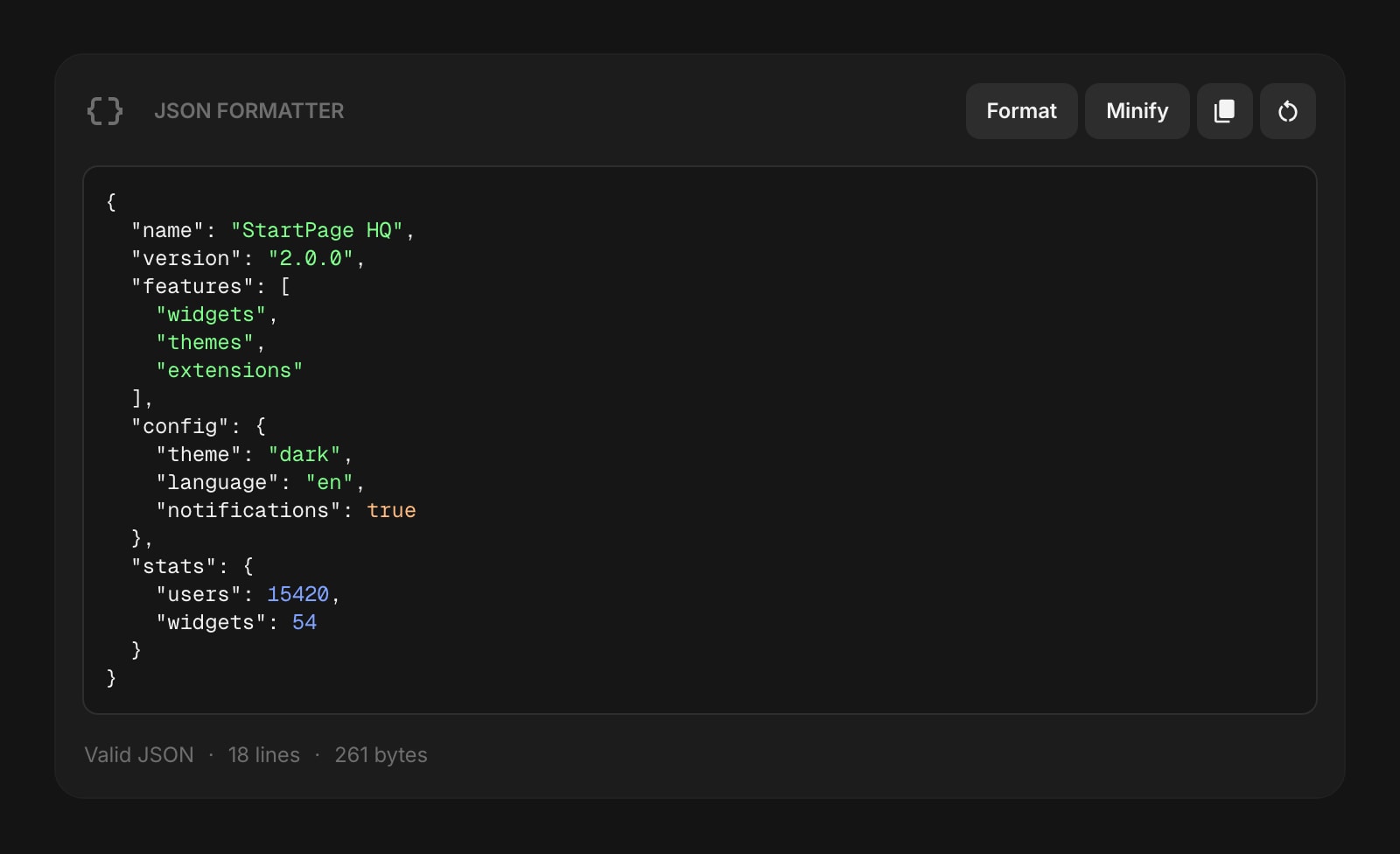
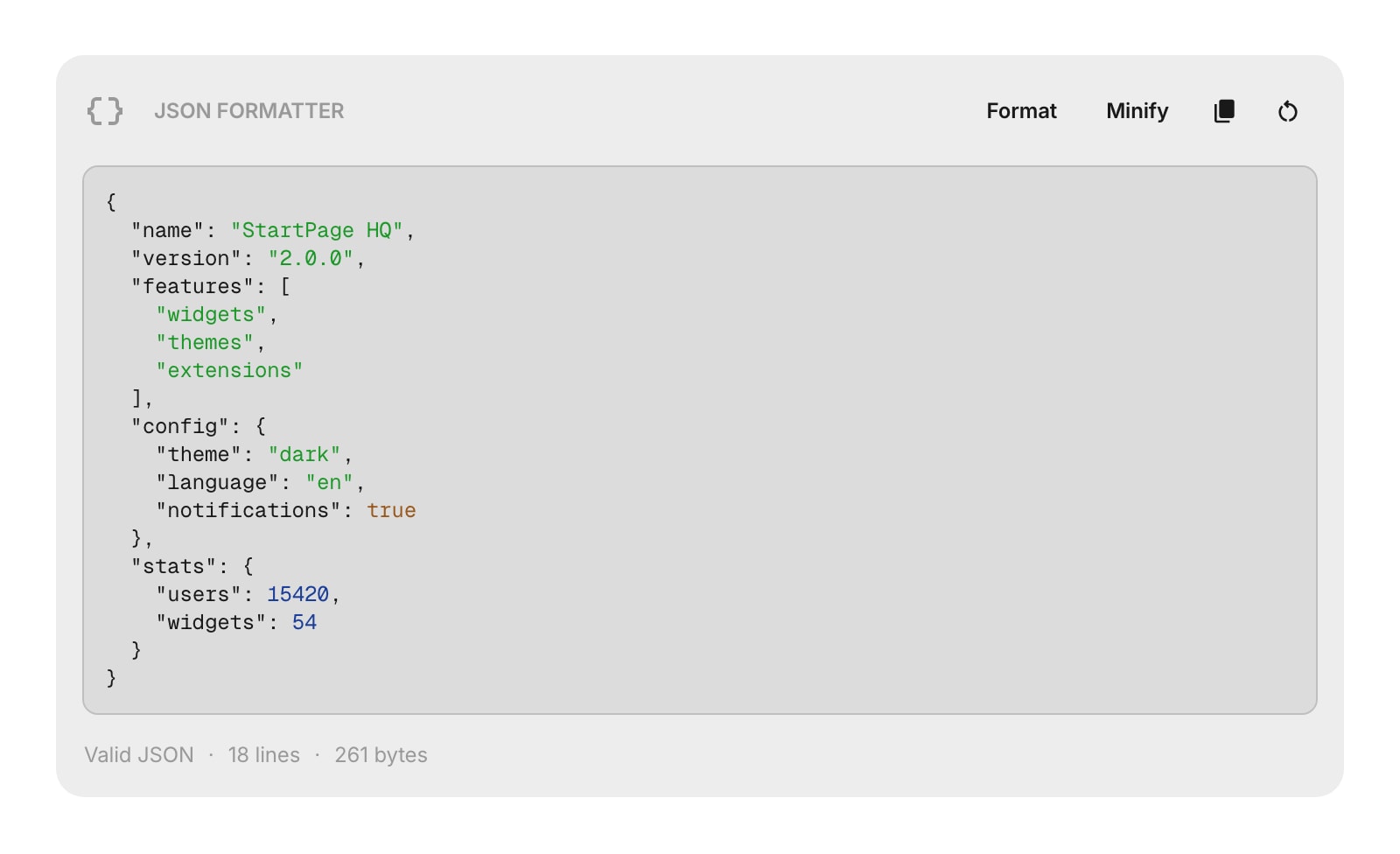
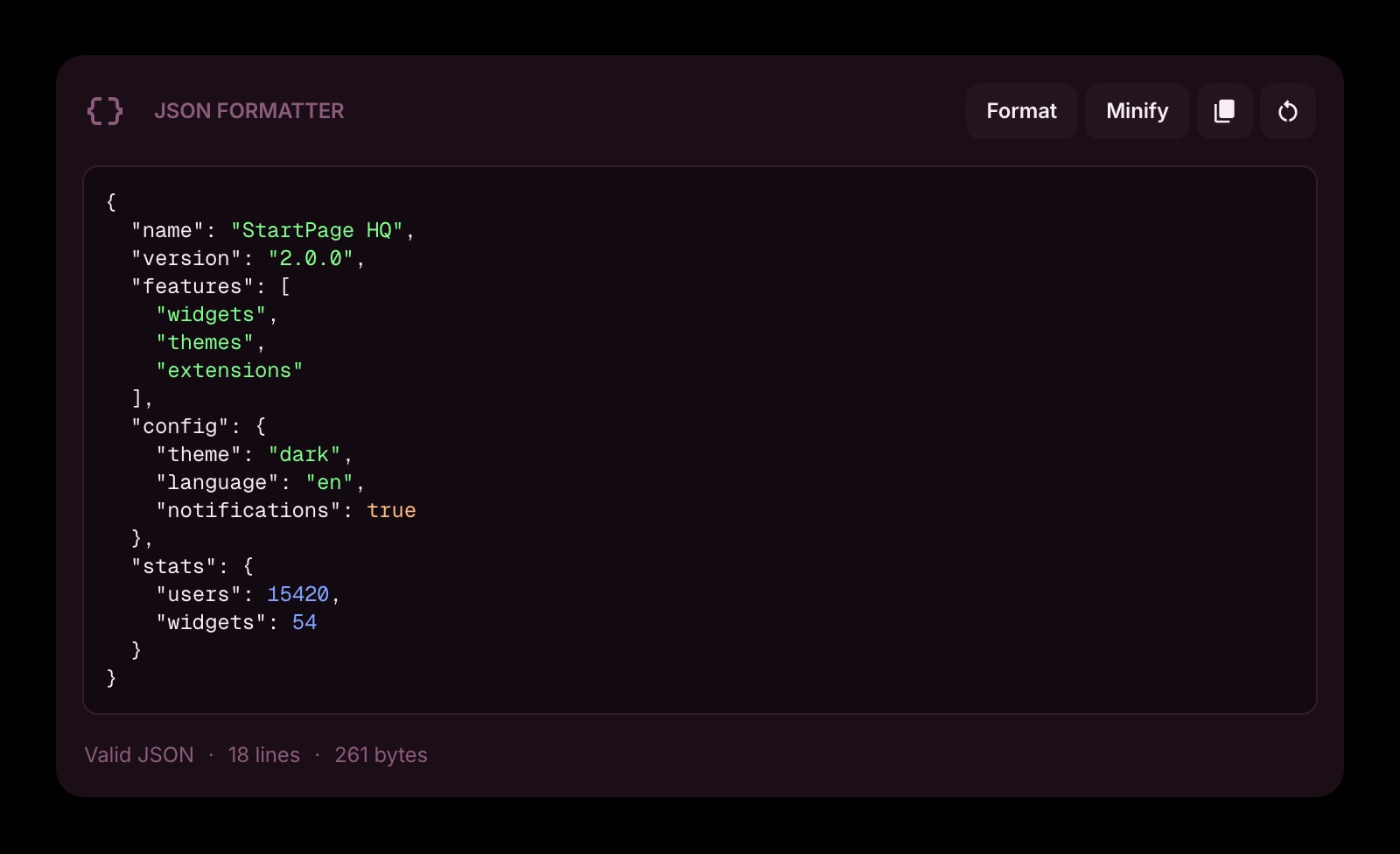


Looking to use this tool right now? See the JSON Formatter online tool. The page below covers settings and advanced usage for the widget inside Start Page HQ.
The JSON Formatter widget lets you format, minify, and validate JSON directly on your dashboard. Paste or type JSON into the editor and see real-time syntax highlighting with instant validation feedback.
#How to Use
Paste or type JSON into the text area. The widget highlights your JSON in real time - keys, strings, numbers, booleans, and null values each get their own color so the structure is easy to read.
Below the editor, you'll see whether your JSON is valid or invalid, along with the line count and size in bytes.
#Formatting
Click the Format button to auto-indent your JSON using the selected indent size. The formatted result is automatically copied to your clipboard.
You can also press Cmd/Ctrl + Enter to format.
#Minifying
Click the Minify button to remove all whitespace and compress your JSON into a single line. The minified result is automatically copied to your clipboard.
#Copying
Click the copy button to copy the current content to your clipboard exactly as it is.
#Clearing
Click the clear button to remove all content from the editor.
#Validation
The widget validates your JSON as you type:
- Valid JSON - shows "Valid JSON" along with line count and byte size
- Invalid JSON - shows the error message so you can find and fix the problem
Format and Minify buttons will show an error message if the JSON is invalid.
#Widget Settings
- Indent Size - choose how JSON is indented when formatted: 2 spaces (default), 4 spaces, or Tab.
#Tips
- Format and Minify both copy the result to your clipboard automatically - no need to copy separately.
- Use the syntax highlighting colors to quickly spot structure issues: strings are green, numbers are blue, booleans are orange, and null is purple.
- Your content is auto-saved, so you can close the page and come back to it later.