- Dashboard
- Widgets
- AI Diary
- AI Humanizer
- AI Image
- Audio Editor
- Base64 / URL Encoder
- Calendar
- Canvas
- Collection
- Color Picker
- Container
- Countdown Timer
- Currency Converter
- Daily Quiz
- Daily Quote
- Daily Riddle
- Date & Time
- Embed
- GitHub Releases
- Google Calendar
- Habit Tracker
- Hacker News
- Image Compression
- IP Info
- JSON Formatter
- Links
- Markdown Editor
- News
- News Summary
- Notes
- Photo Frame
- Podcast
- Pomodoro Timer
- Product Hunt
- QR Code Generator
- Quick Answer
- Quick Note
- Regex Tester
- RSS Feed
- Search
- Spacer
- Stopwatch
- Story Snippet
- Stripe Sales
- Subreddit
- Substack
- t0ggles Focus
- t0ggles My Boards
- t0ggles My Tasks
- Tasks
- Text Diff
- Todo
- TradingView Advanced Chart
- TradingView Market Summary
- TradingView Mini Chart
- TradingView Symbol Overview
- TradingView Ticker Tape
- Translation
- Unit Converter
- Uptime Monitor
- Weather
- What If
- World Clock
- YouTube Channel
QR Code Generator Widget
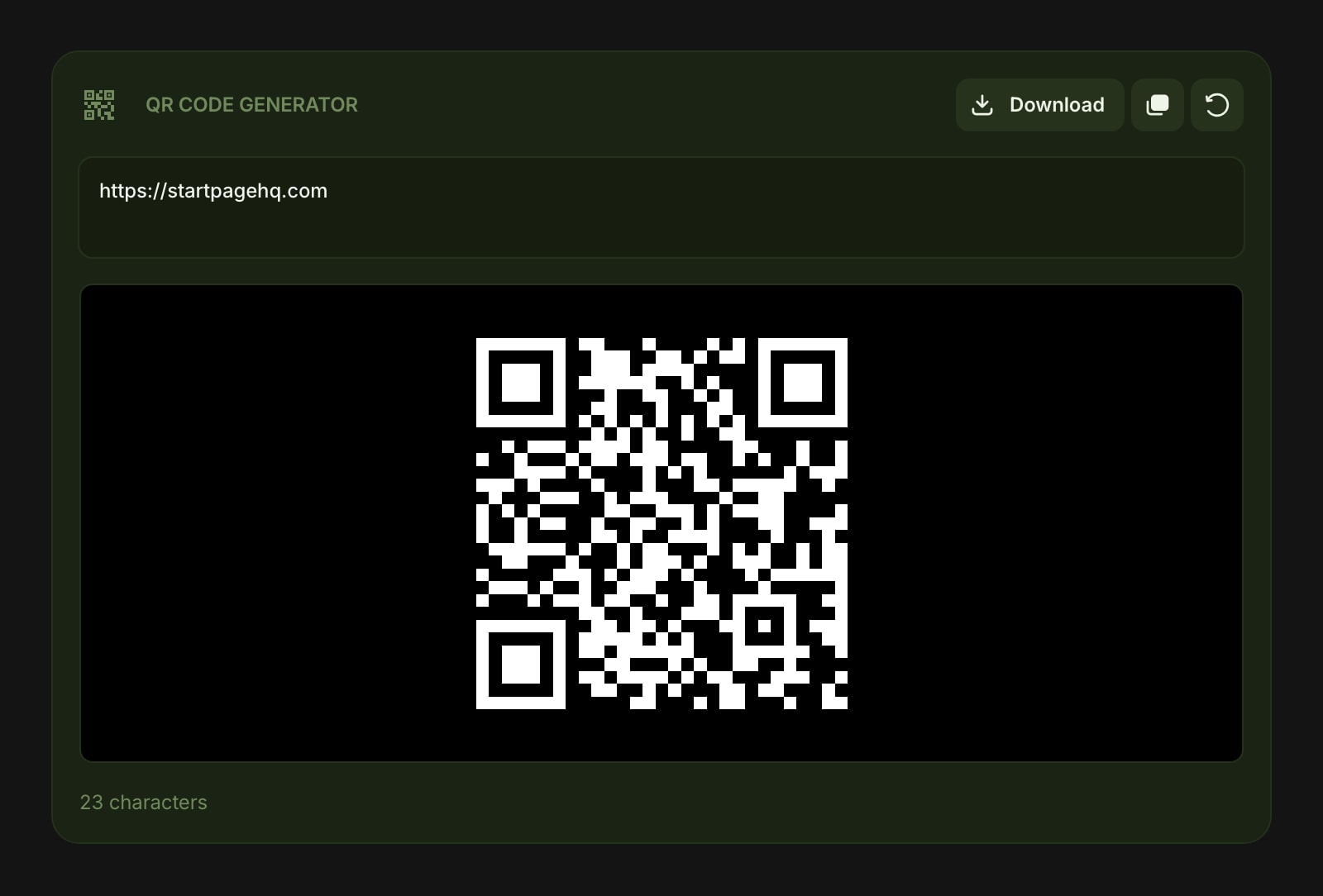
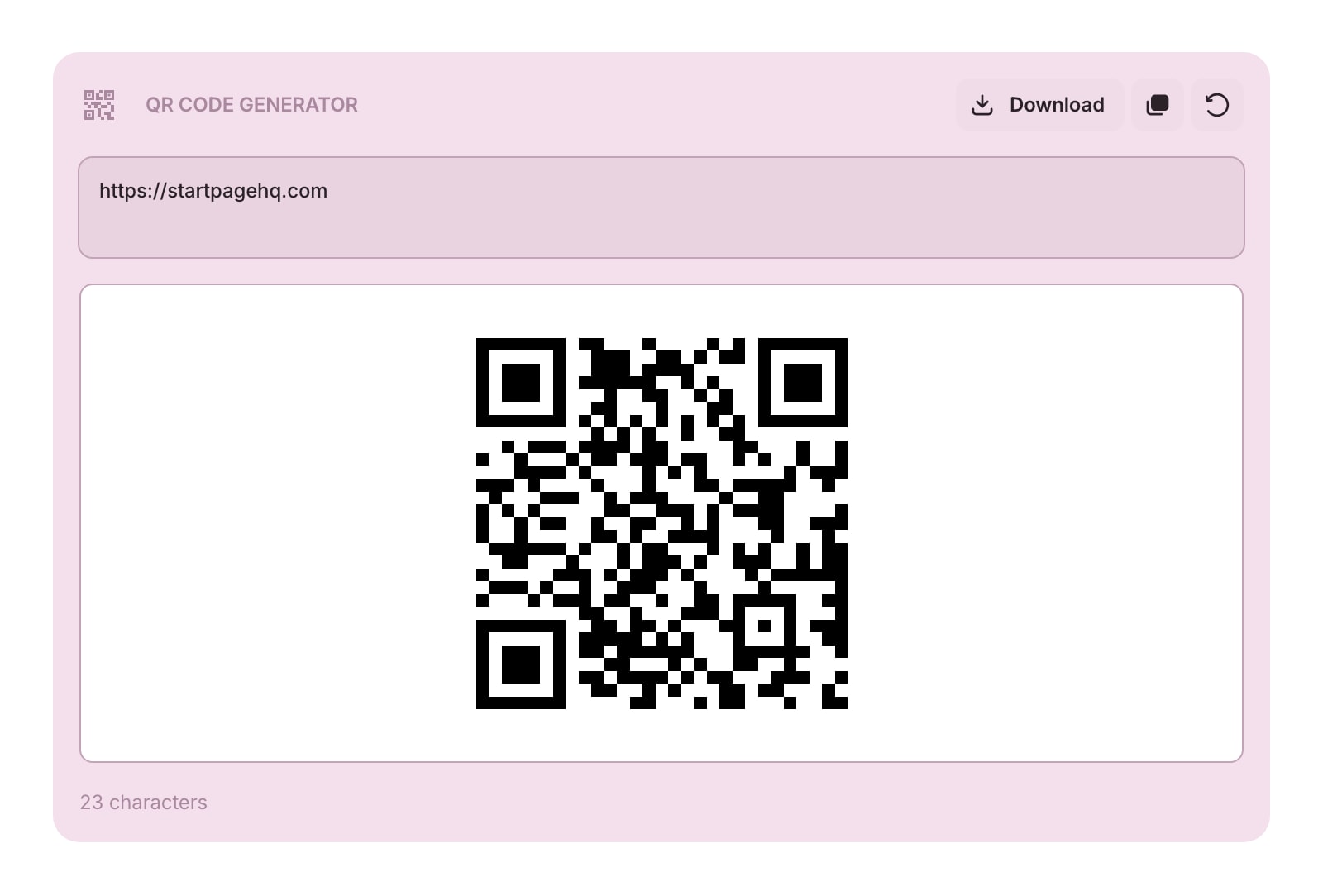
Looking to use this tool right now? See the QR Code Generator online tool. The page below covers settings and advanced usage for the widget inside Start Page HQ.
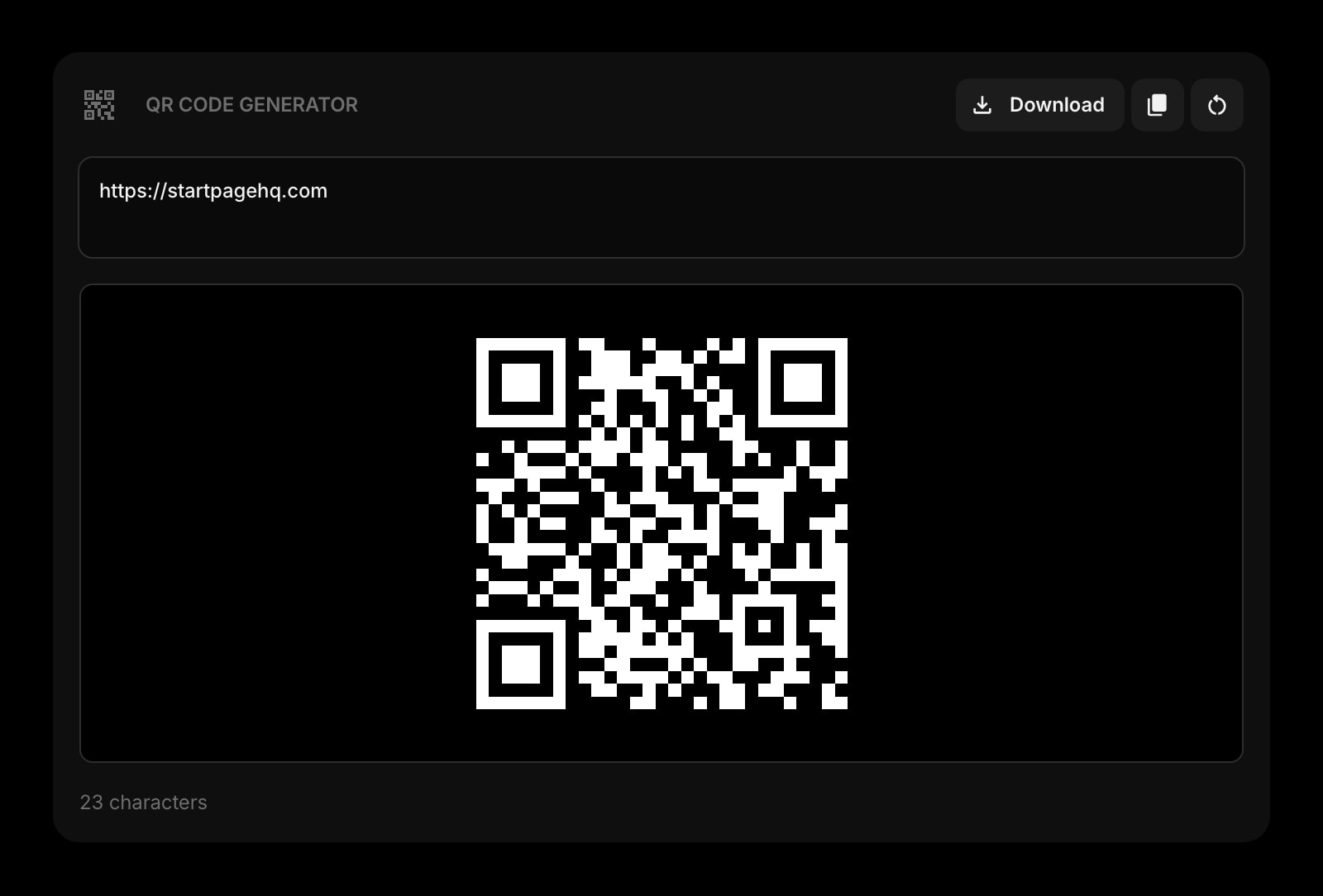
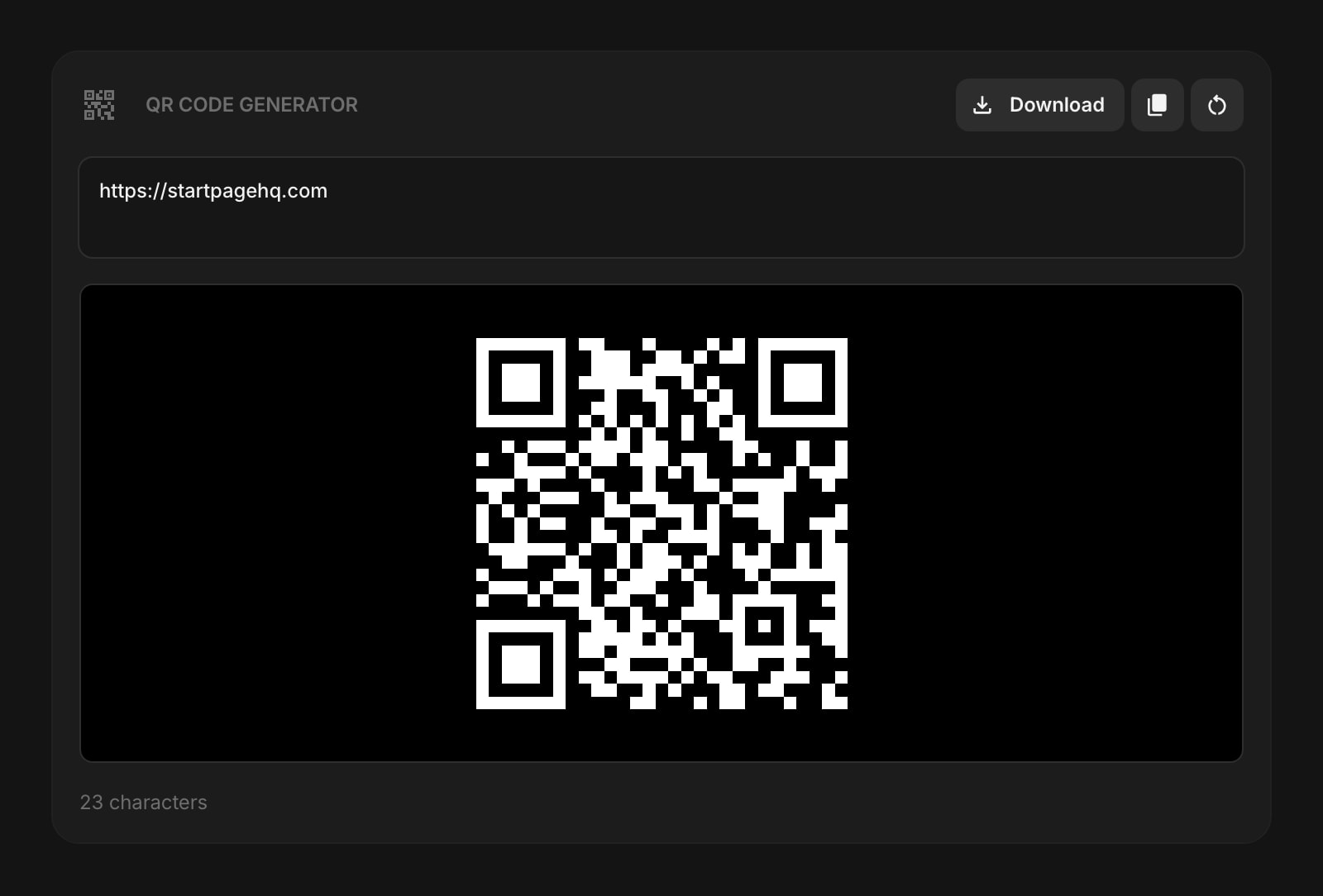
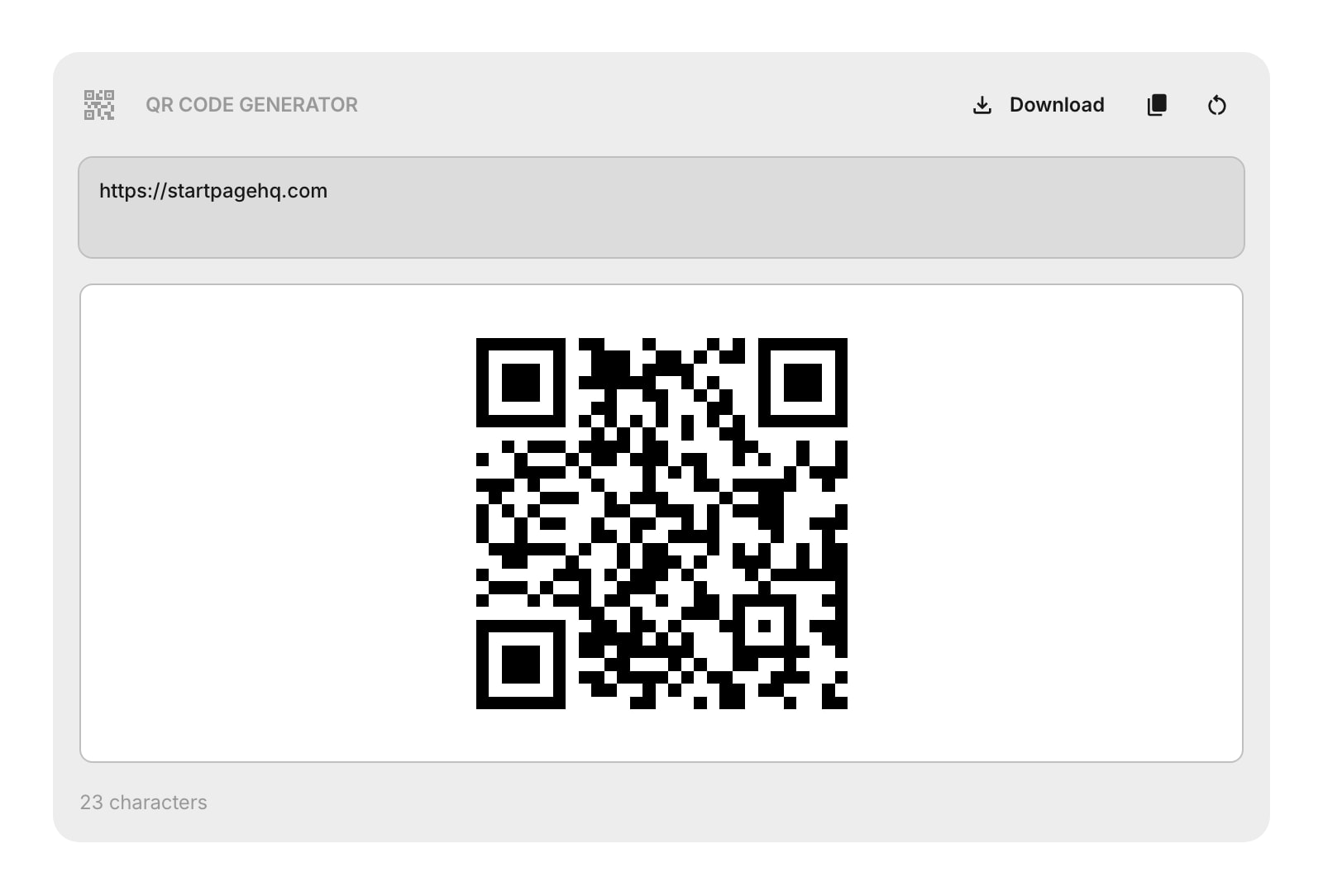
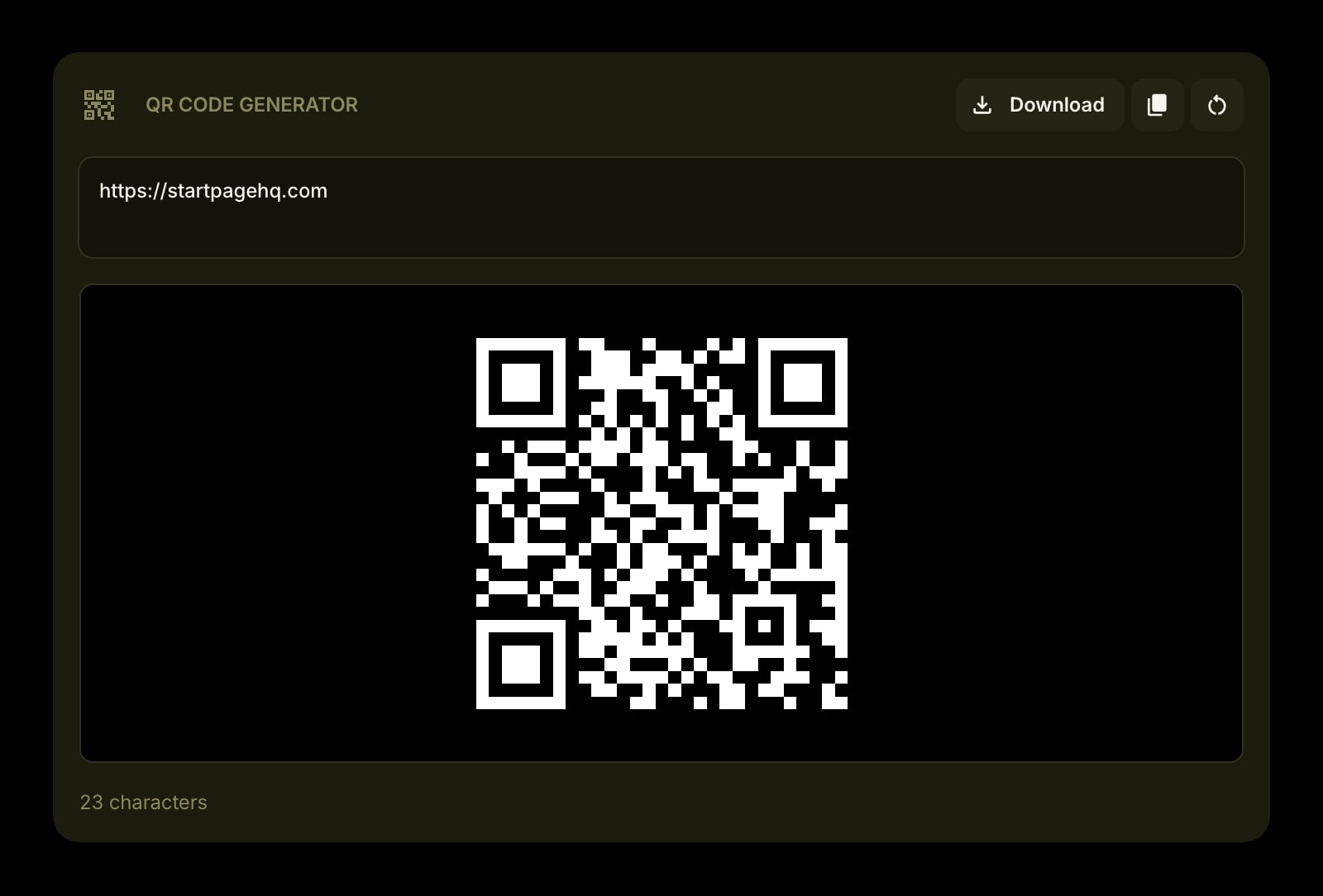
The QR Code Generator widget turns any text or URL into a scannable QR code right on your dashboard. Type or paste your content, and the QR code updates in real time.
#How to Use
Enter text or a URL in the input area. The QR code generates instantly as you type. Below the input, a character counter shows how many characters you've entered.
If the input is empty, the widget shows a placeholder message instead of a QR code.
#Toolbar Actions
- Download - save the QR code as a PNG image file
- Copy - copy the input text to your clipboard
- Clear - erase the input and start fresh
All three actions are disabled when the input is empty.
#Tips
- The QR code uses the highest error correction level, so it stays scannable even if the image is slightly damaged or partially covered.
- The QR code adapts to your theme - it uses a dark code on a light background in light mode, and a light code on a dark background in dark and dim modes.
- Great for quickly sharing URLs, Wi-Fi credentials, or contact info from your desktop to your phone.