

Feedly vs Inoreader: Which Should You Pick?
Both are mature RSS readers built for people who actually live in their feeds. Here is how they differ on free-tier limits, AI, rules and filters, browser support, and which one fits your workflow.
Pick Feedly if you want the most polished reading experience, Leo AI that learns what you want to see, visual Boards for saving articles, and tight integrations with Slack, Teams, IFTTT, and Zapier. Pick Inoreader if you want a heavier free tier (150 feeds vs 100), broader browser support including Safari, rules and filters that automate tagging, and the ability to monitor pages that do not even publish a feed. Both cover the basics; they diverge on philosophy: Feedly is curated and AI-led, Inoreader is configurable and power-user-led.
At a Glance
A line-by-line look at how Feedly and Inoreader stack up.
| Feature | Feedly | Inoreader |
|---|---|---|
| Free tier — RSS feeds | Up to 100 | Up to 150 |
| Free tier — boards / folders | 3 boards | Folders + tags (free) |
| Free tier — ad-free | No | No |
| Pro / paid entry price | ~$6/mo (annual) | $7.50/mo (annual) |
| Higher tier | Pro+ (~$8.25/mo, Leo AI) | Custom / Team |
| Chrome | Yes | Yes |
| Firefox | Yes | Yes |
| Safari extension | No | Yes |
| Edge | Yes | Yes |
| iOS / Android apps | Yes | Yes |
| Hosted web app | Yes | Yes |
| Cross-device sync | Included | Included |
| Offline reading on mobile | Yes | Yes |
| OPML import / export | Yes | Yes |
| Newsletter inbox | Pro+ tier | Free + paid |
| Social / non-RSS source monitoring | Pro+ tier | Free + paid |
| Active monitoring of sites without RSS | No | Yes |
| Rules / filters automation | Mute filters (paid) | Rules + filters |
| AI summaries | Leo (Pro+) | Inoreader Intelligence (Pro) |
| Notes and highlights | Pro+ tier | Pro tier |
| Slack / Teams / IFTTT / Zapier integrations | Yes | Yes |
| Quick capture from new tab | No | No |
Feature by Feature
How each product handles the things that actually matter day to day.
Free Tier
Both readers have a free tier, and both are usable for casual reading — but Inoreader is dramatically more generous. Inoreader Free covers up to 150 RSS subscriptions, 20 web (non-RSS) feeds, 20 email newsletter feeds, social streams from Bluesky, Telegram, Facebook, and more, plus 30 rules, 50 filters, and push notifications. Feedly Free is capped at 100 RSS feeds and 3 boards, with no Leo AI, no Notes, no Highlights, and no integrations. If you plan to never pay, Inoreader Free is the better starting point.
AI Features
Feedly leans heavily on Leo, its in-house AI assistant. Leo reads your feeds, surfaces what matters, deduplicates near-identical stories, mutes topics you do not care about, and prioritizes must-reads. It is one of the most polished AI implementations in the RSS category and the centerpiece of the paid tiers. Inoreader Intelligence ships on the Pro plan and covers article summaries, AI-generated tags, audio transcripts of podcasts and videos, and summary reports. Feedly is the stronger pick if you want an AI that actively shapes your reading queue. Inoreader is the stronger pick if you mostly want summaries and transcripts on demand.
Power-User Workflows
Inoreader is the favorite of researchers, analysts, and journalists for a reason: it has rules, filters, and active monitoring built in. You can write a rule that auto-tags every article matching a keyword, mark it read, send it to a folder, or push it to Slack. You can monitor a site that does not even publish a feed (Inoreader will watch the page and emit changes as items). Feedly has mute filters and tight integrations with Slack, Teams, IFTTT, and Zapier, but it does not match Inoreader on rules-based automation or on watching sources that lack RSS. If your workflow involves processing hundreds of items a day with structure, Inoreader has the edge.
Reading Experience
Feedly is widely considered the most polished reading interface in the category. Typography, density, image handling, and the mobile apps all feel a step ahead of most competitors. Boards (saved articles, optionally shared with a team) are visual and quick to scan. Inoreader is functional and dense — it puts a lot of information on screen and gives you knobs to control how it looks, but the default feel is more utilitarian than calm. Casual readers usually find Feedly easier on the eyes; power readers tend to prefer the information density of Inoreader.
Browser Support
Inoreader has the wider browser footprint. There are official extensions for Chrome, Firefox, Safari, Edge, and Opera, plus the web app at inoreader.com. Feedly ships extensions for Chrome and Firefox, with Edge supported via the Chromium store; there is no native Safari extension at this time, though the feedly.com web app works in Safari. If you live in Safari on macOS or iOS and want a one-click save extension, Inoreader is the easier fit. If you mostly use Chrome or Firefox, both are fine.
Mobile and Sync
Both have native iOS and Android apps with offline reading, mark-as-read sync, gesture navigation, and dark mode. Feedly mobile is more visually polished and famously fast. Inoreader mobile feels denser and exposes more of the rules, filters, and tags from the web app. Cross-device sync is included on every plan for both products, including the free tiers — change something on the web and it shows up on your phone in seconds.
Integrations and Sharing
Both readers integrate with Slack, Microsoft Teams, IFTTT, Zapier, Buffer, Hootsuite, Pocket, Evernote, and OneNote on their paid tiers. Feedly leans on integrations as its main "send to" path — once you mark something as a must-read, you push it to your team channel or your task tool. Inoreader covers the same ground but pairs it with rules so the routing can be automatic, not manual. Both export OPML cleanly, so leaving either one is straightforward.
Pricing
Inoreader has the much heavier free plan; at the paid tiers the two land closer than they look. Inoreader Free covers up to 150 RSS subscriptions, 20 web feeds, 20 newsletter feeds, social and monitoring streams, 30 rules, 50 filters, push notifications, and 10 article translations per day — with ads. Inoreader Pro is $7.50/month billed annually ($90/year) or $9.99/month, lifts feed caps to 2,500, removes ads, and unlocks AI Intelligence (article summaries, transcripts, suggested tags, reports), priority support, and automatic backups. There is also a Team / custom tier for organizations. Feedly Free is capped at 100 RSS feeds and 3 boards with no AI, no Notes, no Highlights, and no integrations. Feedly Pro runs about $6/month billed annually ($72/year) and adds search, Notes, Highlights, mute filters, and integrations with Slack, Teams, IFTTT, and Zapier. Feedly Pro+ runs about $8.25/month billed annually ($99/year) and adds Leo AI, social streams, newsletter inbox, and team boards. Feedly also sells separate Threat Intelligence and Market Intelligence plans aimed at security and competitive-intelligence teams; those are custom-priced. Net: as a permanent free user, Inoreader wins by a wide margin. At paid tiers, Feedly Pro ($72/year) undercuts Inoreader Pro ($90/year) but holds Leo AI back for Pro+ ($99/year) — so if AI is the reason you are paying, the two effectively cost within ten dollars of each other, and Inoreader is the slightly cheaper one.
Which One Should You Pick?
Specific use cases, not vague verdicts.
Choose Feedly If
Polished RSS reader with Leo AI for filtering noise and prioritizing must-reads.
- You want the most polished reading interface in the category and you read on mobile a lot.
- You want an AI assistant that actively filters noise and prioritizes must-reads, not just on-demand summaries.
- You share articles to a team via Slack, Teams, or shared Boards as a regular part of your workflow.
- You are evaluating a serious tier (Threat Intelligence, Market Intelligence) for a security or competitive-research team.
- You are happy paying for a slightly more curated, opinionated experience.
Choose Inoreader If
Power-user RSS reader with rules, filters, and active monitoring of sites without feeds.
- You read more than 100 feeds and want to stay on a free tier as long as possible.
- You want rules and filters that auto-tag, route, and process articles without manual work.
- You need to monitor sites that do not publish RSS, or watch newsletters and social streams next to your feeds.
- You live in Safari on macOS or iOS and want a native browser extension.
- You like dense, configurable interfaces and want to control density, sorting, and layout in detail.
Start Page HQ
Both Feedly and Inoreader are dedicated readers — you open a tab to them, read, and close. The catch is that the rest of your day happens somewhere else: tasks, calendar, links, weather, dashboards. Reading lives in one app and the work it should inform lives in another.
Start Page HQ is a customizable start page with 63+ widgets that lives on every new tab. The Feed widget puts your RSS subscriptions right next to your todos, calendar, and links — so the headlines you skim in the morning are already on the same page as the work they should feed. Dedicated Substack, Hacker News, Subreddit, YouTube, and Podcast widgets sit alongside RSS, instead of being wedged through one generic feed list. You can keep using Feedly or Inoreader for deep, all-day research and offline reading, and let Start Page HQ handle the ambient daily checking that happens on every new tab. There is a free plan to start on, and a free public demo at startpagehq.com/demo if you want to see the fit before signing up at all. A team that follows the same sources can share one workspace of feeds, links, and calendar through Teams, at $4 per seat per month (or $40 per seat per year, minimum 2 seats).
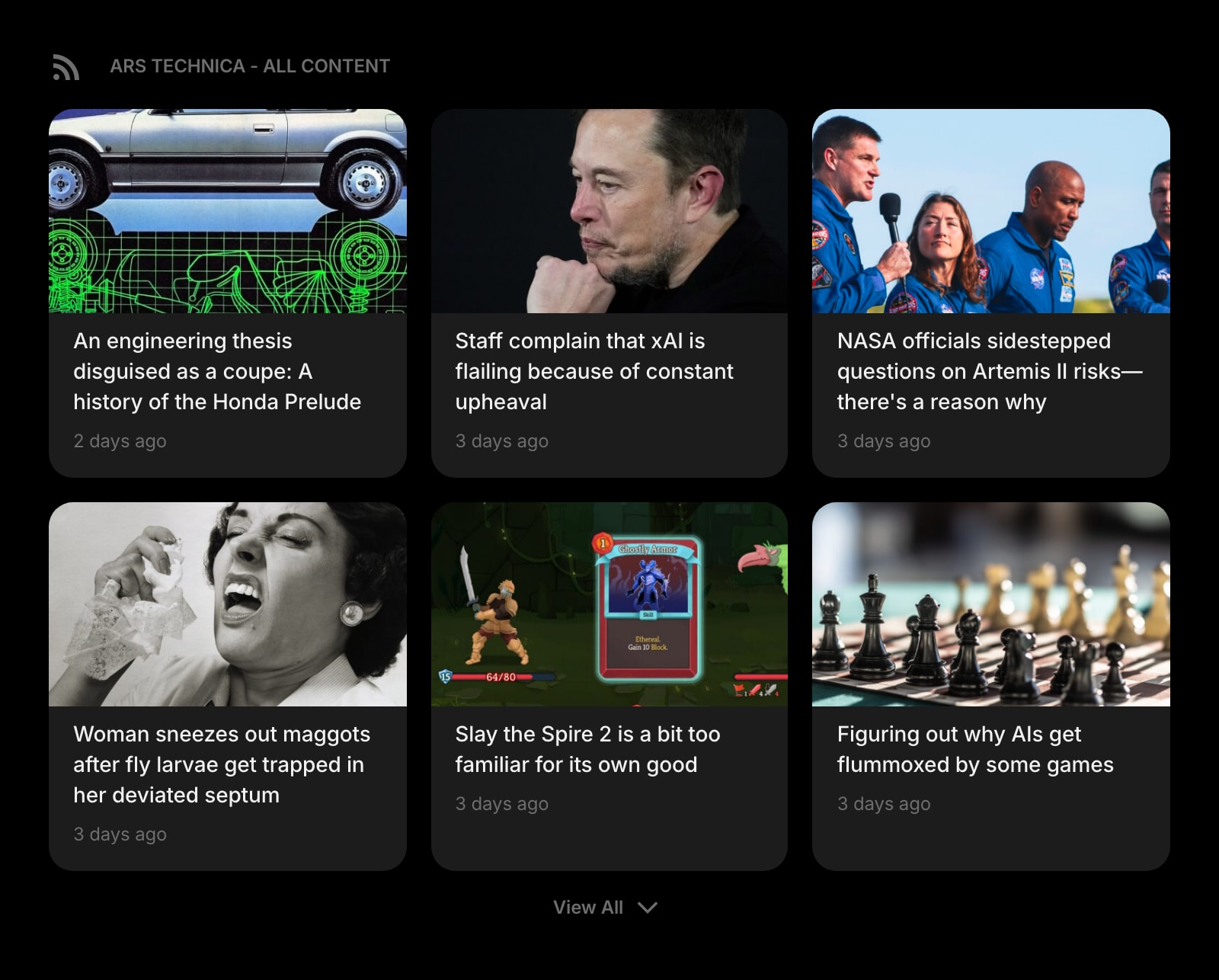
RSS Feed
Follow RSS and Atom feeds from any site, right on your start page — the core of what brought you to Feedly or Inoreader, but always one tab away.
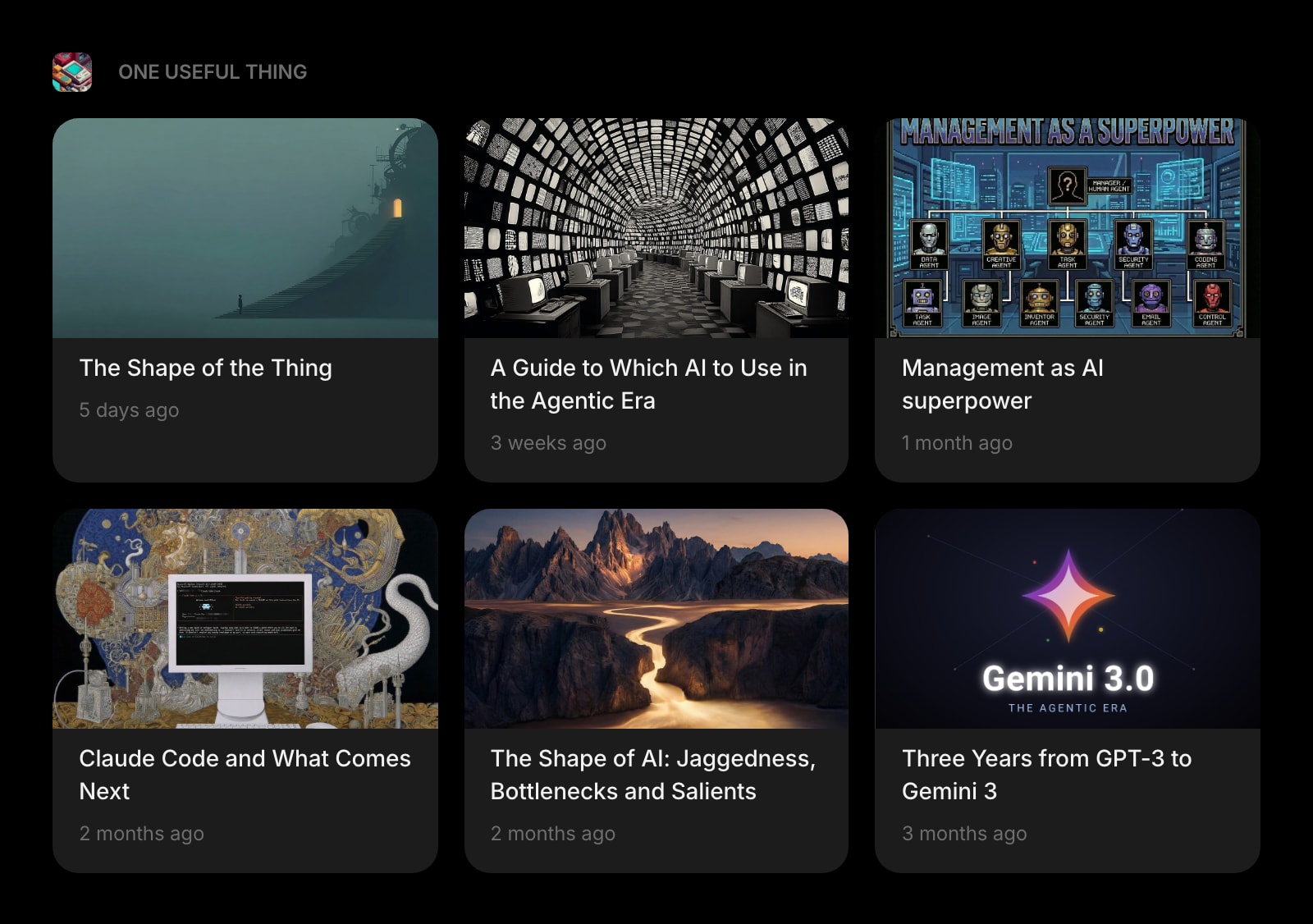
Substack
A dedicated widget for Substack newsletters. Track your favorite writers without wedging them into a generic RSS list or paying for a Pro+ newsletter inbox.
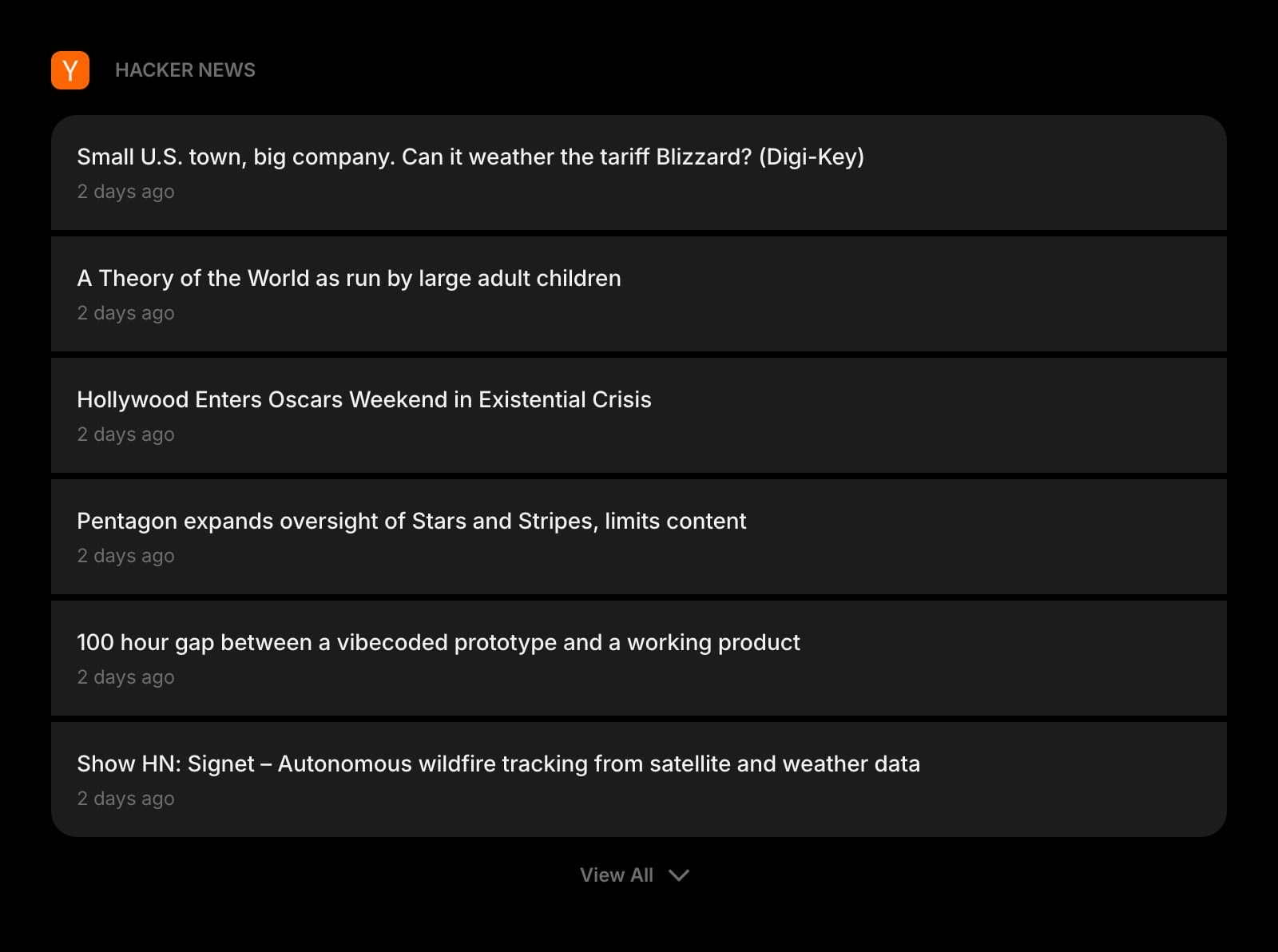
Hacker News
Tech news and discussions from Y Combinator's Hacker News, sitting next to your RSS feeds on the same dashboard.
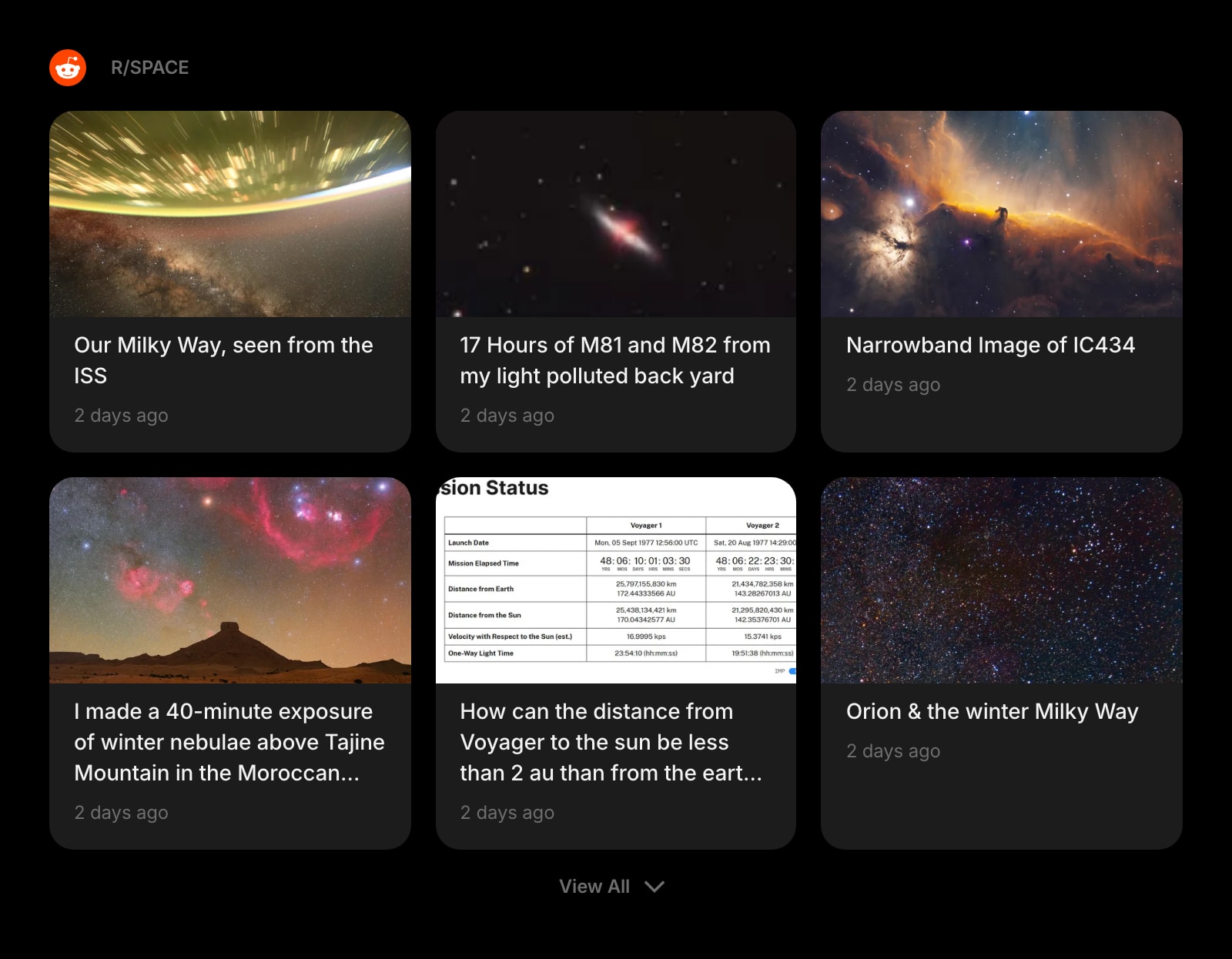
Subreddit
Pull a specific subreddit straight onto your start page — without paying for Feedly Pro+ social streams or wiring up an Inoreader rule.
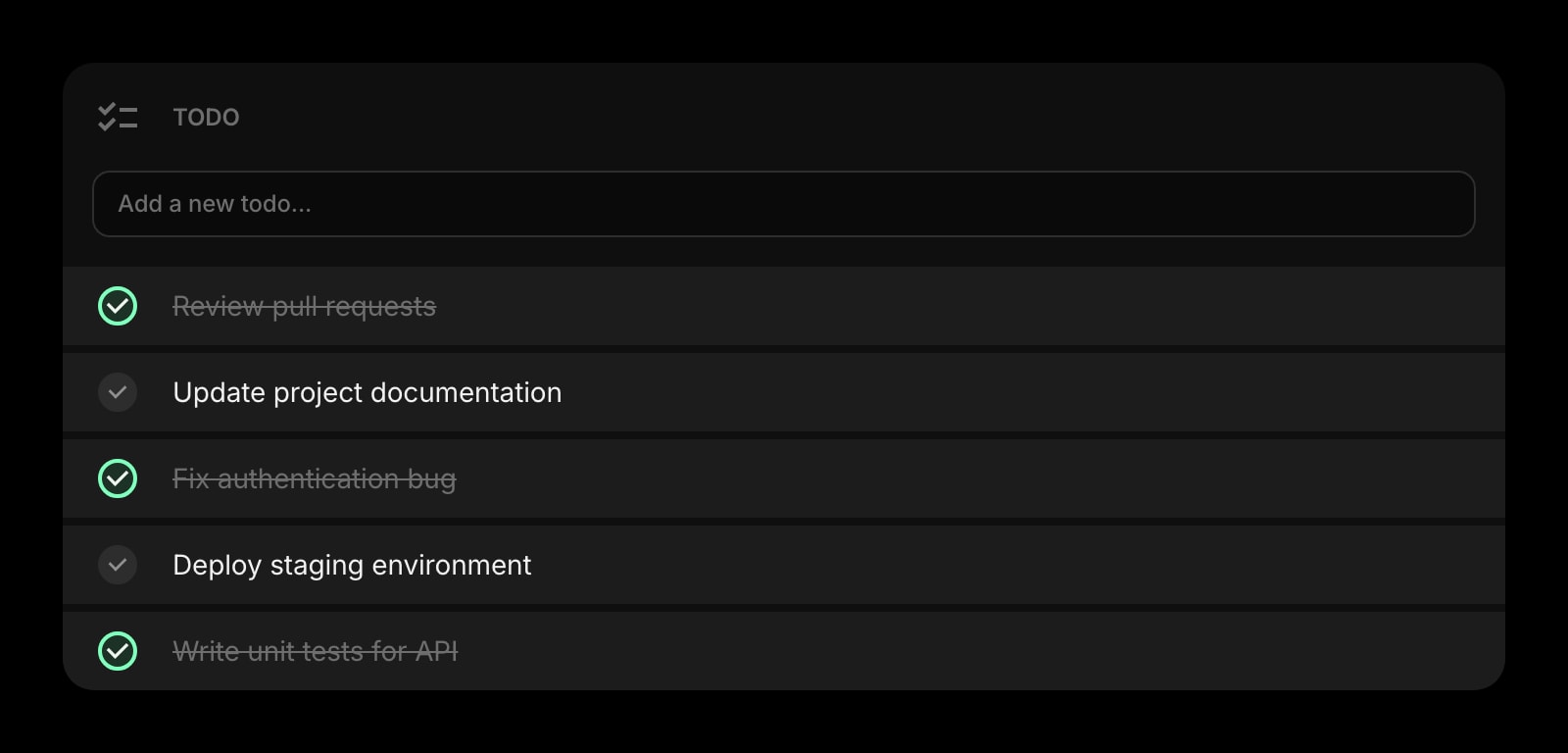
Todo
A daily task list that lives next to your feeds, links, and clock — so the article you just read can turn into a follow-up task without switching apps.
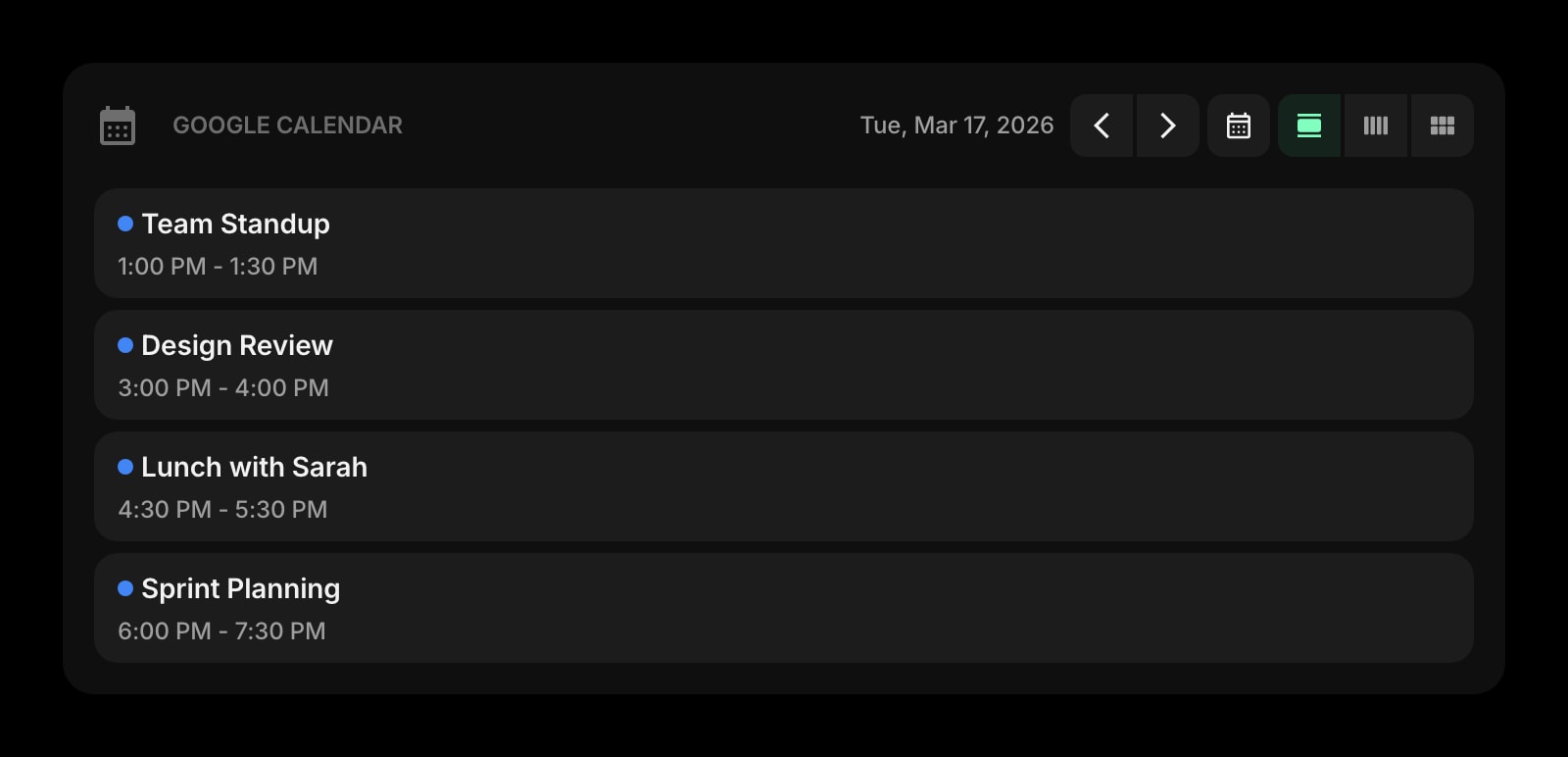
Google Calendar
Today's meetings on the same page as your reading list — no more bouncing between a feed reader, an inbox, and a calendar to plan your day.
Frequently Asked Questions
Feedly tends to feel nicer for casual reading — the typography, image handling, and mobile apps are a step ahead, and Leo quietly trims down the noise. Inoreader works fine for casual reading too, especially on the free tier where you get up to 150 feeds, but the default interface is denser and more utilitarian. If you mostly skim headlines on a phone, Feedly is the easier pick.
Inoreader, by a clear margin. It has rules and filters that let you auto-tag, route, mute, and forward articles without manual work; it can monitor sites that do not even publish RSS; and the free tier alone covers more sources, social streams, and newsletter inboxes than Feedly Free does. Feedly leans on Leo and integrations rather than on configurable rules. If your workflow involves hundreds of items a day with structure, Inoreader is the stronger tool.
Inoreader Free covers up to 150 RSS feeds plus 20 web (non-RSS) feeds, 20 newsletter feeds, social and monitoring streams, 30 rules, and 50 filters — with ads. Feedly Free is capped at 100 RSS feeds and 3 boards, with no AI, no Notes, no Highlights, and no third-party integrations. For a permanent free user, Inoreader is dramatically more capable.
Inoreader ships a native Safari extension alongside Chrome, Firefox, Edge, and Opera. Feedly does not have a native Safari extension at this time — the feedly.com web app works in Safari on macOS, but the official browser extension is Chrome and Firefox first (Edge via the Chromium store). If a one-click Safari extension matters to you, Inoreader is the safer choice.
Yes. Both readers import and export OPML files cleanly, so moving a list of feeds between Feedly and Inoreader takes a couple of minutes. Tags, folders, and rules do not always survive the round trip, but the underlying subscription list does.
It depends on the tier. At the free level Inoreader is far more generous: 150 feeds versus 100, plus newsletter and social streams Feedly reserves for paid plans. At entry paid, Feedly Pro (about $6/month billed annually, $72/year) actually undercuts Inoreader Pro ($7.50/month, $90/year) — but Feedly holds Leo AI back for Pro+ (about $8.25/month, $99/year), while Inoreader Pro already includes Intelligence. Comparing the AI-equipped tiers, Inoreader is slightly cheaper.
No. Leo on Feedly requires the Pro+ tier, and Inoreader Intelligence (article summaries, transcripts, suggested tags, reports) is on the Pro tier. The free tiers on both products are AI-free; if you want AI-shaped reading, you are looking at Inoreader Pro at $7.50/month or Feedly Pro+ at about $8.25/month, both billed annually.
The Verdict
Both are mature, well-built RSS readers, and most readers will be fine with either. Pick Feedly if you want the most polished reading experience, Leo AI shaping your queue, and tight integrations with Slack, Teams, IFTTT, and Zapier — and especially if you might grow into a Threat Intelligence or Market Intelligence use case. Pick Inoreader if you want a much heavier free tier, native Safari support, rules and filters that automate the boring parts, and the ability to monitor sources that do not even publish a feed. If neither feels quite right — for example, you want your RSS to live on the same page as your tasks, calendar, and links instead of in a separate reader — Start Page HQ is worth a look.