Free Online JSON Formatter
Format, validate, and minify JSON in your browser. Live syntax highlighting, instant error messages, and a one-click copy of the result.
What It Does
The capabilities you'd expect from a dedicated json formatter tool — nothing less.
- Auto-indent any JSON string with 2 spaces, 4 spaces, or tabs - and copy the formatted result with a single click.
- Minify JSON down to a single line for production payloads, environment variables, or terse copy-paste.
- Live syntax highlighting on every keystroke: keys, strings, numbers, booleans, and null each have their own color.
- Instant validation with the exact parser error message - no more hunting for the missing comma or stray bracket.
- A live status line showing whether the JSON is valid, the line count, and the byte size of the payload.
Common Use Cases
Specific scenarios where this tool earns its place.
Debugging an Ugly API Response
Your API returned a single-line, 4 KB blob of JSON in the browser console. Paste it in, hit Format, and the structure becomes a readable tree in one keystroke - far quicker than asking the backend team to add a pretty-printer.
Sharing Readable JSON With a Teammate
Pasting a flat one-liner into Slack helps no one. Format it, paste the indented version into a code block, and the recipient can actually scan the structure when they pick it up tomorrow morning.
Cleaning Up a Config File Before Committing
Hand-edited package.json or tsconfig.json files drift in their indentation. Run them through Format with your preferred indent size and the diff in your PR is small and uncontroversial.
Compressing Payloads for Environment Variables
A service config you set as an env var grows over time. Minify it to drop every byte of whitespace, then paste it back into your deployment dashboard - smaller, faster, and easier to copy without losing characters.
Validating a Hand-Written Fixture
You wrote a 200-line test fixture by hand and a test is failing for a reason that smells like JSON. Paste it in. The validator points at the exact line and character of the missing quote, faster than your editor would.
The Bigger Story
Free online JSON formatters are everywhere - JSONLint, JSONFormatter.org, half the IDE plugins on the planet. The tool above does the same job, in the same browser, with the same speed. The reason this page exists is different: every minute you spend bouncing between a JSON formatter tab, a regex tester tab, a base64 encoder tab, and a diff tab is a minute you could spend in one place. Start Page HQ is the new tab dashboard that puts all of those - and 63+ more - on every new tab you open. Format your JSON here today, and tomorrow when you need a regex tester, you already know where it lives.
Start free — 1 page, 8 widgets, sync across devices, no credit card. Paid lifts the caps: $4/month, $24/year, or $48 lifetime.
Other Tools You Might Use
Tools developers and writers reach for next, all part of the same dashboard.
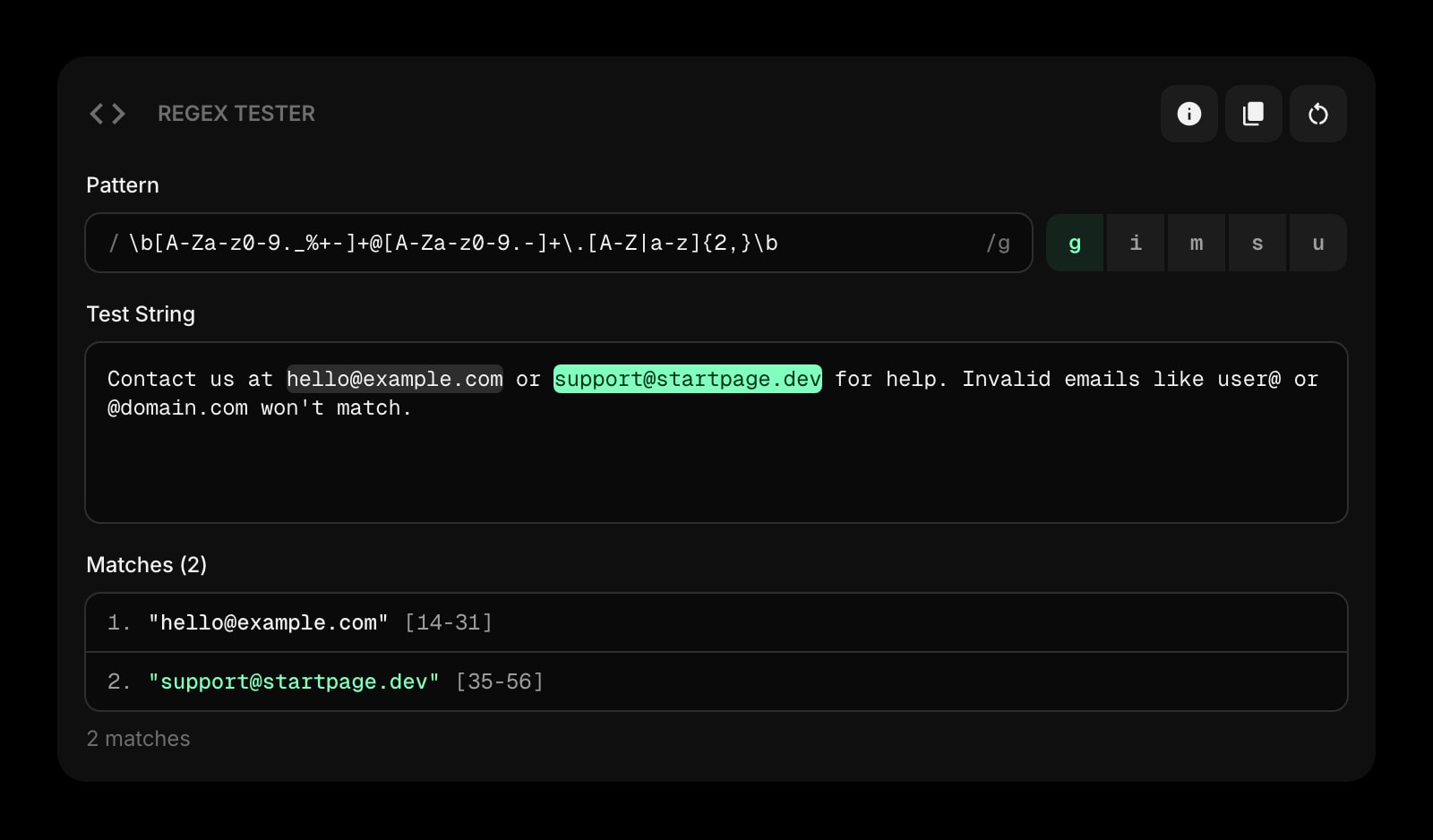
Regex Tester
Live regex matching against sample text with capture groups highlighted. The natural pair when parsing fields out of JSON.
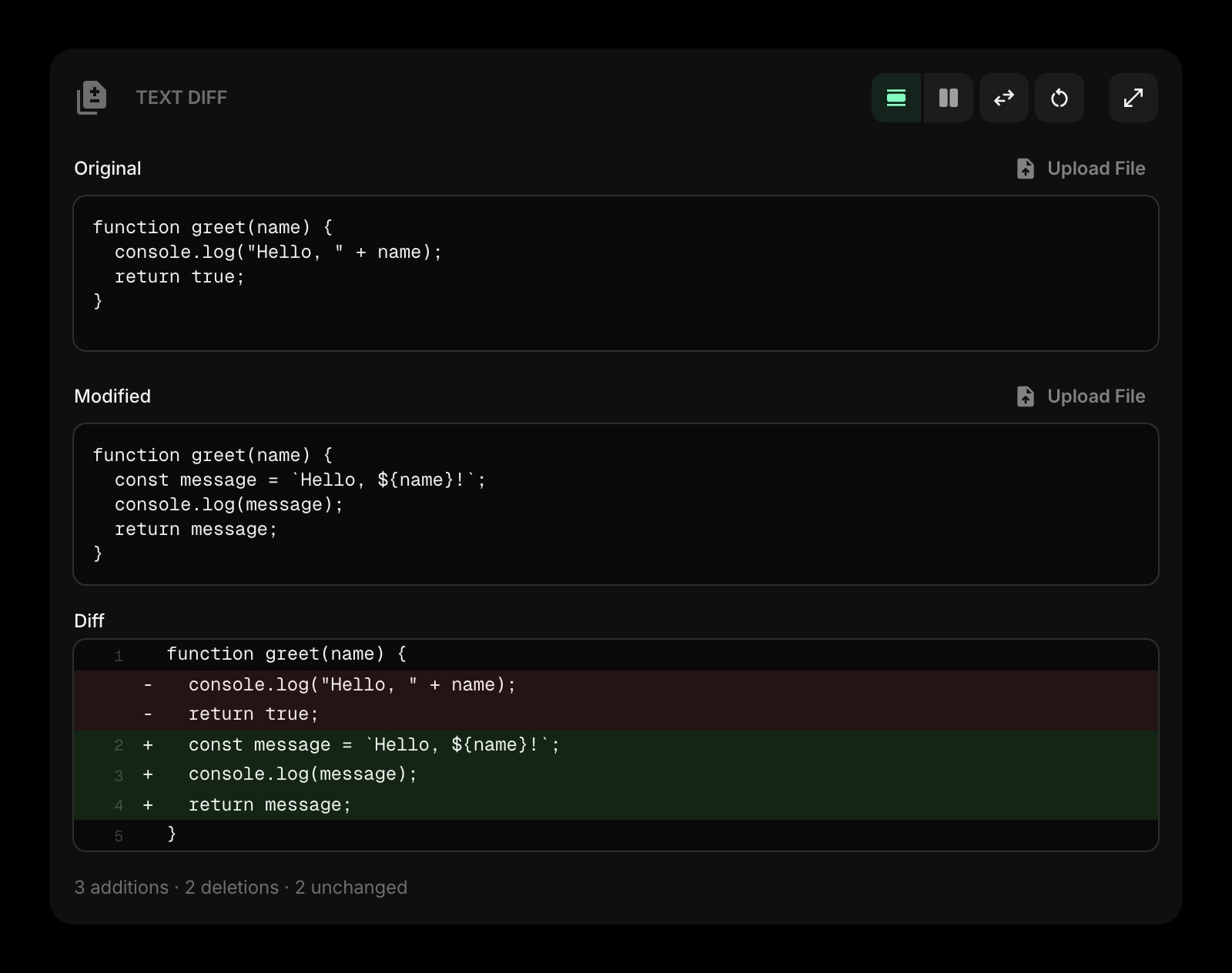
Text Diff
Side-by-side diff for any two blobs of text - including formatted JSON. Spot the field that changed between two API responses.
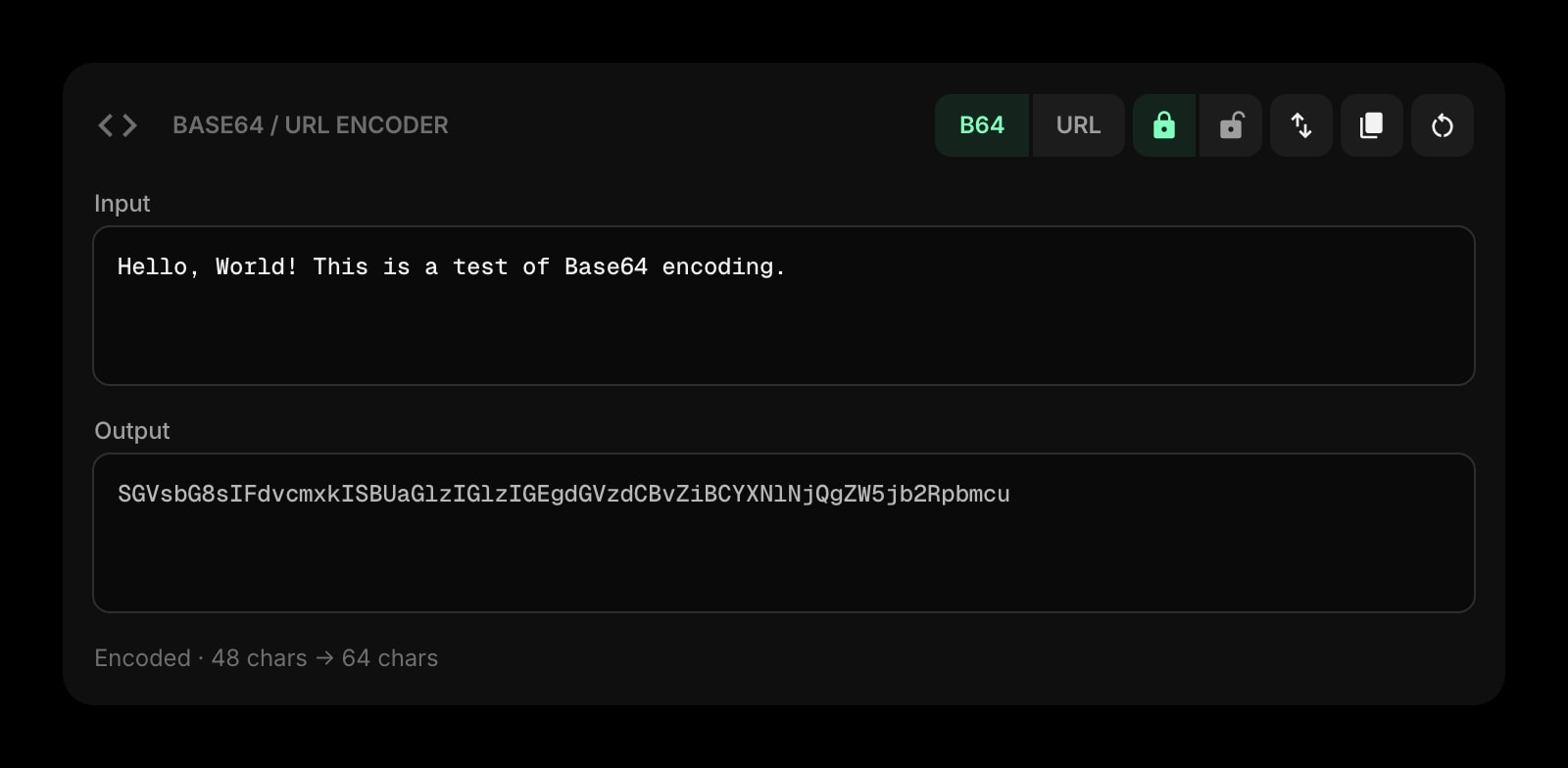
Base64 & URL Encoder
Encode or decode base64 and URL-safe strings. Decode the JSON Web Token payload your auth team just sent you.
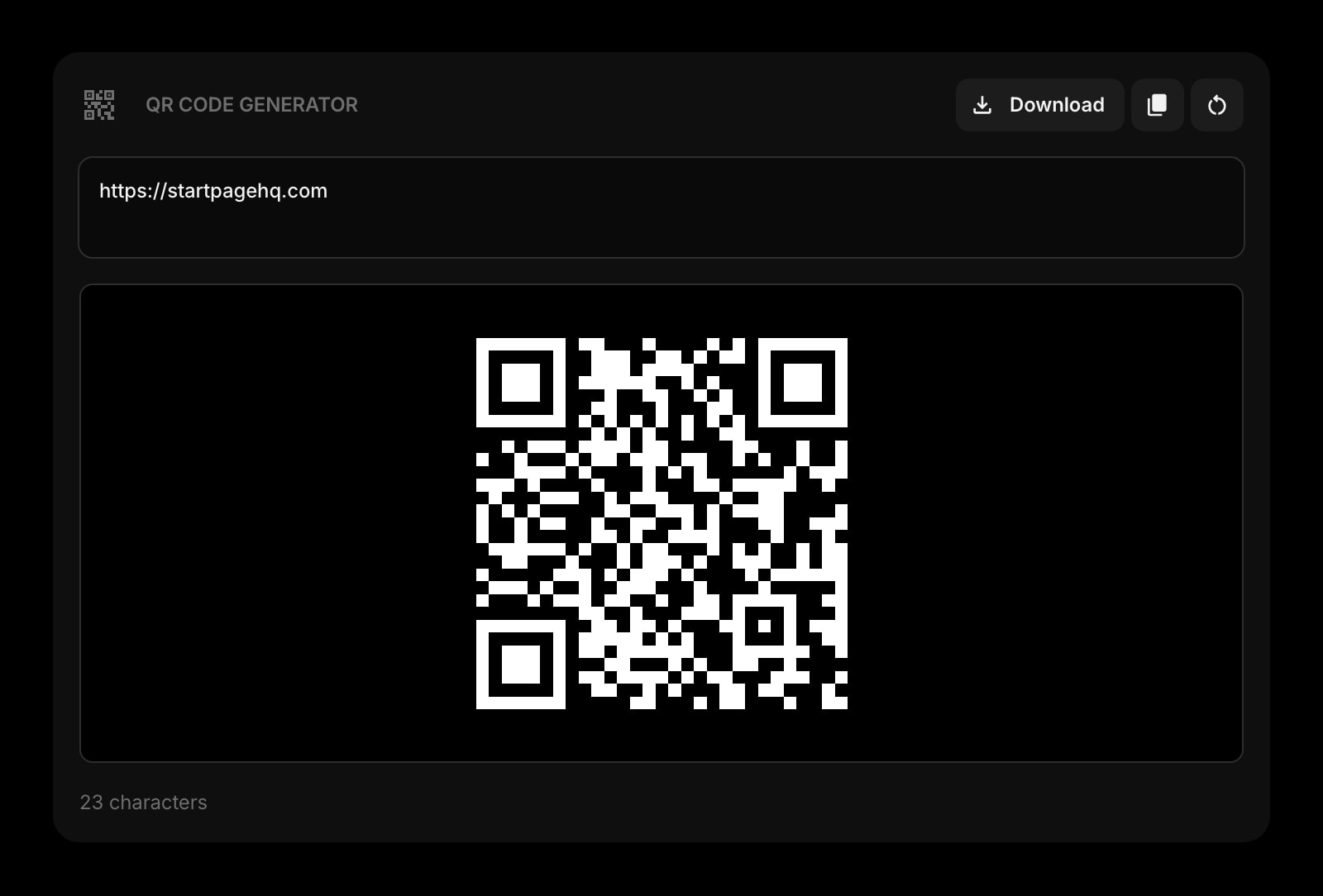
QR Code
Generate a QR code for a localhost URL, staging endpoint, or deeplink. Point your phone and skip the manual typing.
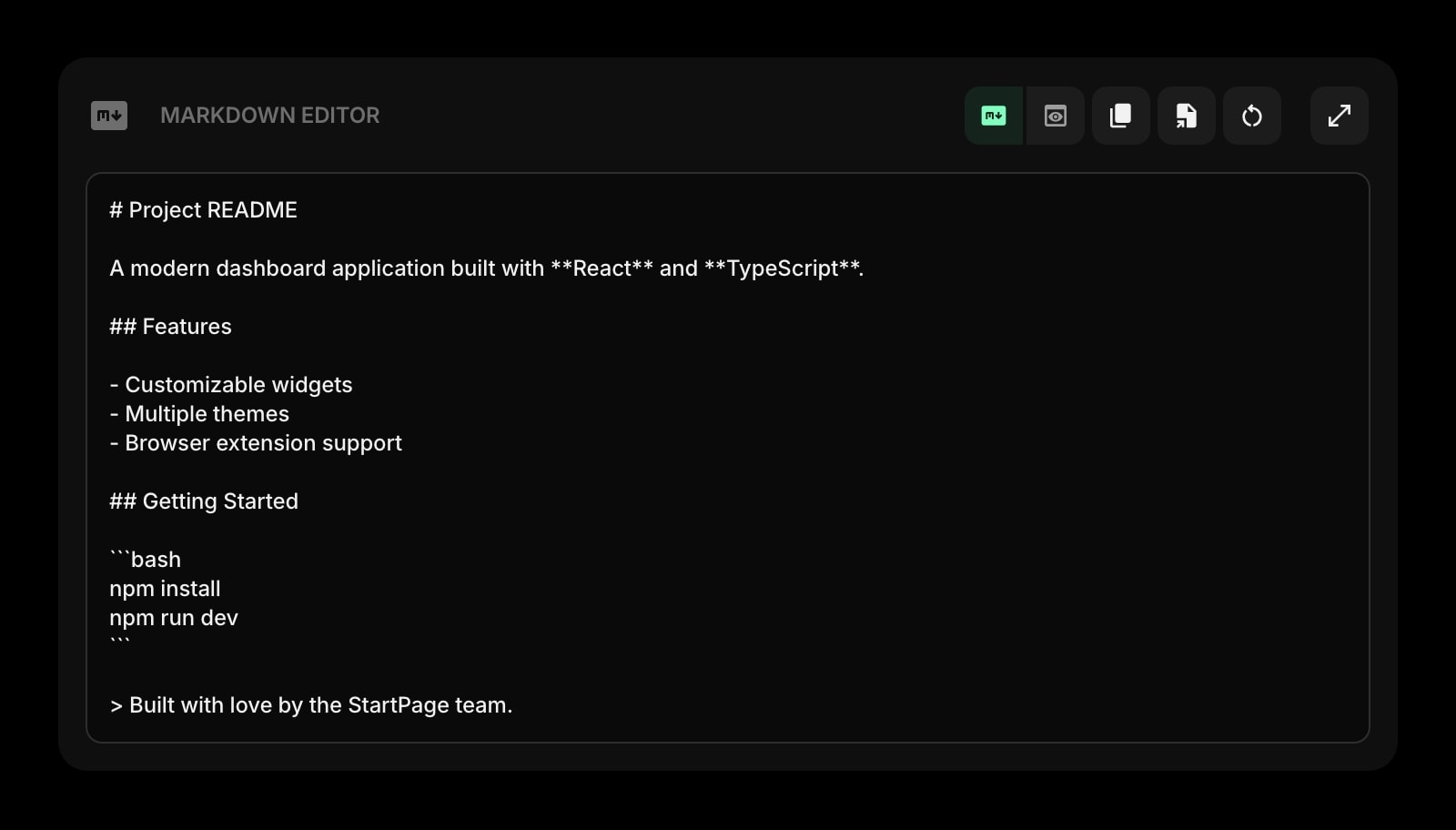
Markdown Editor
Draft a PR description or issue with live preview. Drop in formatted JSON snippets without breaking the layout.
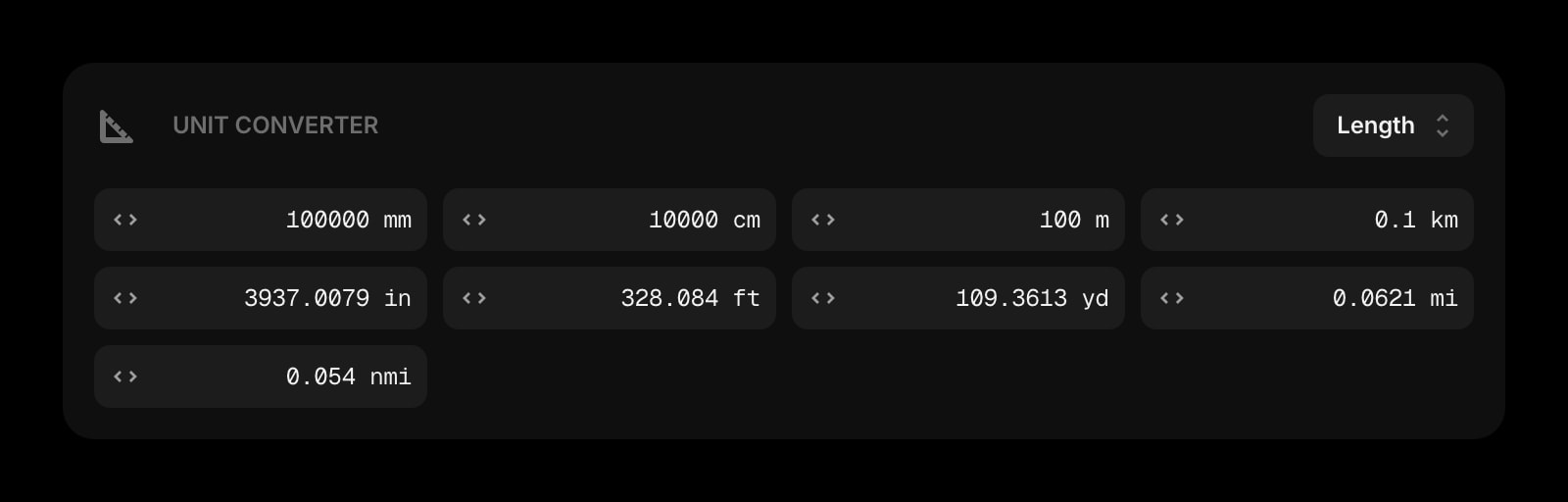
Unit Converter
Bytes, milliseconds, hex/decimal, length, weight - the conversions that come up next to a JSON debugging session.
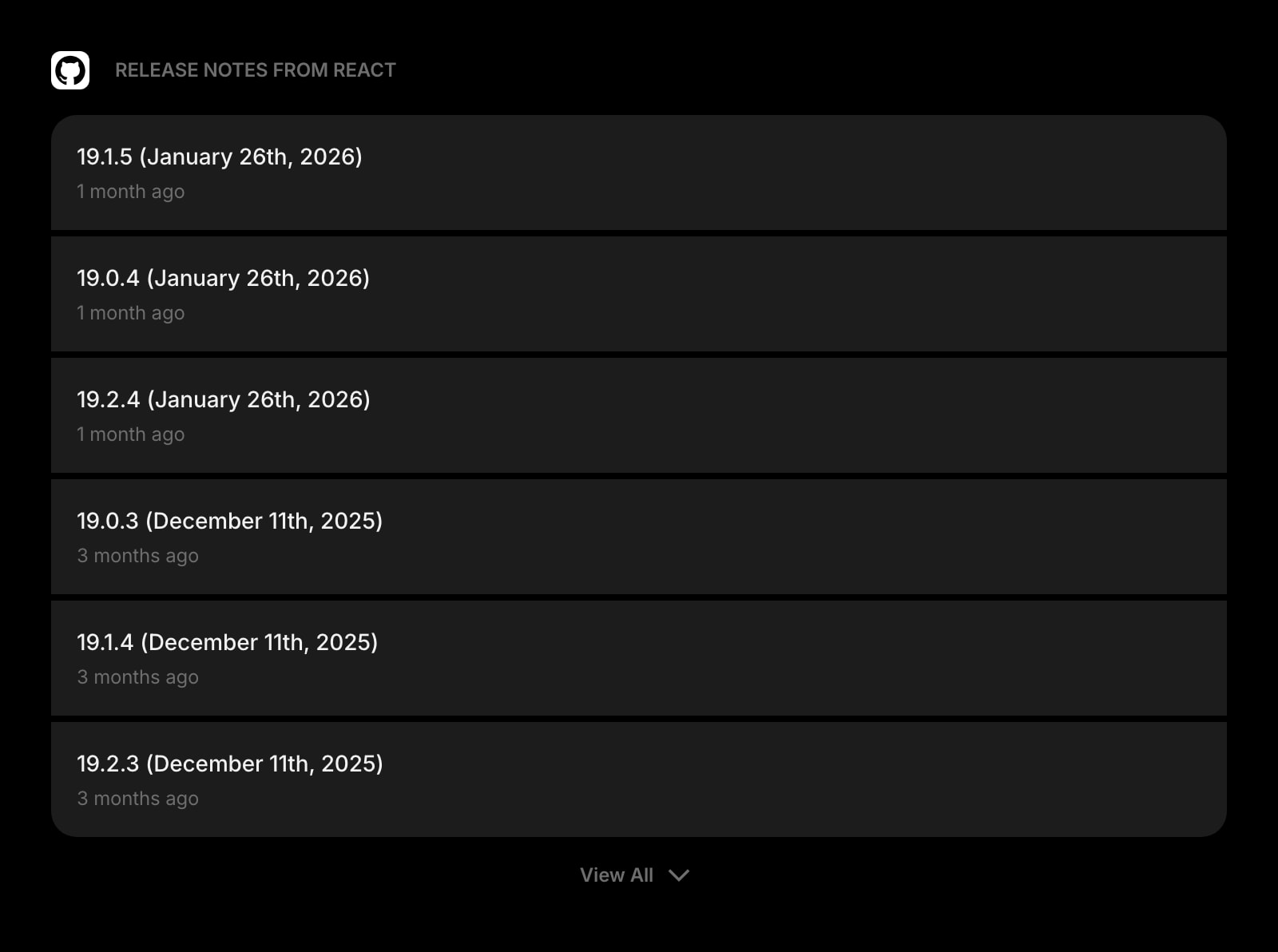
GitHub Releases
Track new releases for the libraries you depend on. The other tab developers keep open without admitting it.
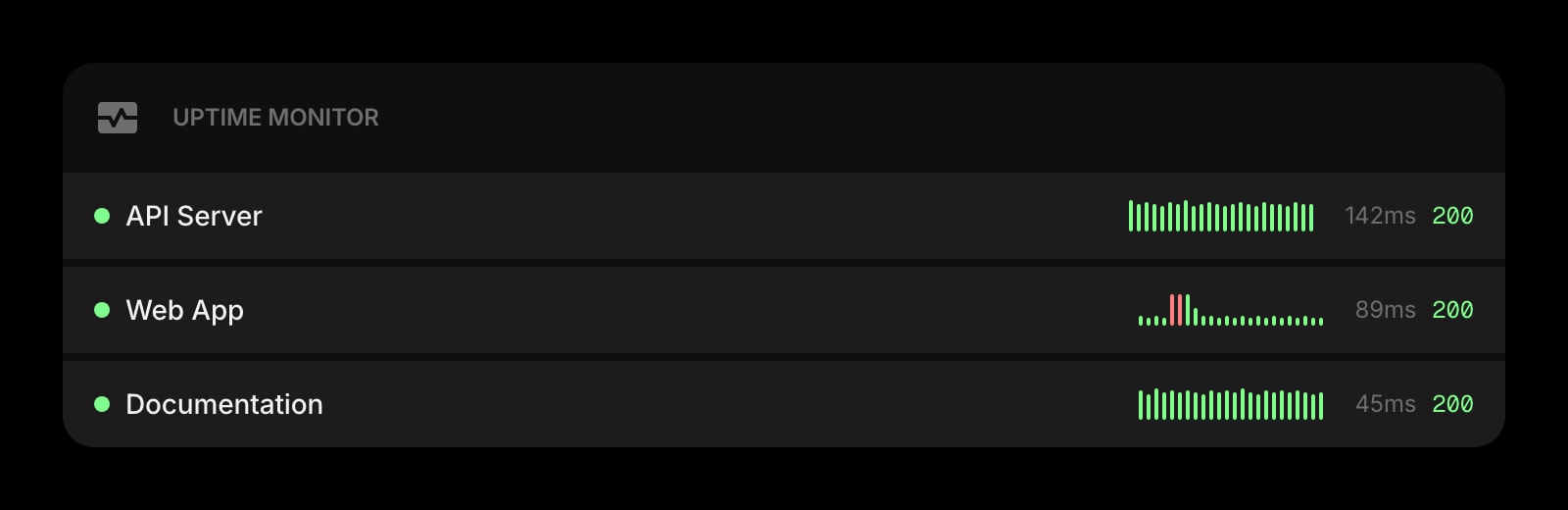
Uptime Monitor
Watch production endpoints and status pages. Notice an outage before the alert fires - and before you blame your JSON.
Frequently Asked Questions
Yes. The JSON Formatter above runs entirely in your browser with no usage limit and no signup. The full Start Page HQ dashboard also has a free plan - 1 page, 8 widgets, sync across devices, every browser extension, and 50 AI credits to start, with no credit card. Paid lifts the caps to unlimited pages and all 63+ widgets at $4/month, $24/year, or $48 lifetime. There is also a public demo at startpagehq.com/demo with every widget unlocked.
No. Parsing, formatting, and validation happen entirely client-side in your browser. Nothing you paste leaves your device, and we never log, store, or process the JSON server-side. Safe for API responses with sensitive fields, internal configs, or auth payloads.
It handles JSON up to several megabytes comfortably - typical API responses, config files, and fixtures format in milliseconds. Very large blobs (50+ MB) will start to lag the browser, but for normal developer workflows you will never feel it.
Almost always because the input is not strictly valid JSON: a trailing comma, a single quote instead of a double quote, a missing bracket, or an unquoted key. The error message at the bottom of the editor points at the exact character. JSON5 and JSONC (with comments) are not supported - if you need those, strip the comments first.
For a one-off format or validate, it covers the same ground - same parser, same indent options, same error messages. The difference is the page above is one widget on a dashboard with 63+ others (Regex Tester, Text Diff, Base64 encoder, QR generator, GitHub Releases, uptime monitors). Stop maintaining a bookmarks folder of single-purpose tool sites.
Open the Full Dashboard
The json formatter tool, plus 63+ widgets, on every new tab. Free plan, no credit card — or try the demo without an account.