- Dashboard
- Widgets
- AI Diary
- AI Humanizer
- AI Image
- Audio Editor
- Base64 / URL Encoder
- Calendar
- Canvas
- Collection
- Color Picker
- Container
- Countdown Timer
- Currency Converter
- Daily Quiz
- Daily Quote
- Daily Riddle
- Date & Time
- Embed
- GitHub Releases
- Google Calendar
- Habit Tracker
- Hacker News
- Image Compression
- IP Info
- JSON Formatter
- Links
- Markdown Editor
- News
- News Summary
- Notes
- Photo Frame
- Podcast
- Pomodoro Timer
- Product Hunt
- QR Code Generator
- Quick Answer
- Quick Note
- Regex Tester
- RSS Feed
- Search
- Spacer
- Stopwatch
- Story Snippet
- Stripe Sales
- Subreddit
- Substack
- t0ggles Focus
- t0ggles My Boards
- t0ggles My Tasks
- Tasks
- Text Diff
- Todo
- TradingView Advanced Chart
- TradingView Market Summary
- TradingView Mini Chart
- TradingView Symbol Overview
- TradingView Ticker Tape
- Translation
- Unit Converter
- Uptime Monitor
- Weather
- What If
- World Clock
- YouTube Channel
Substack Widget
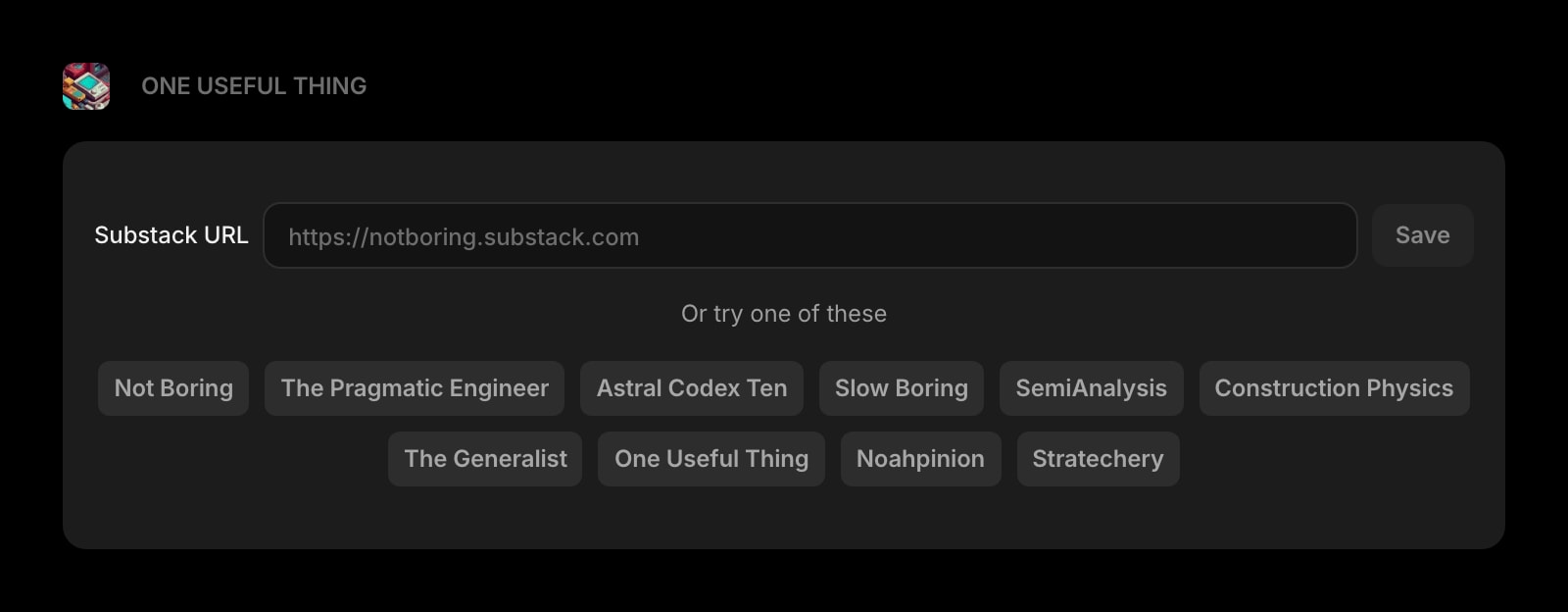
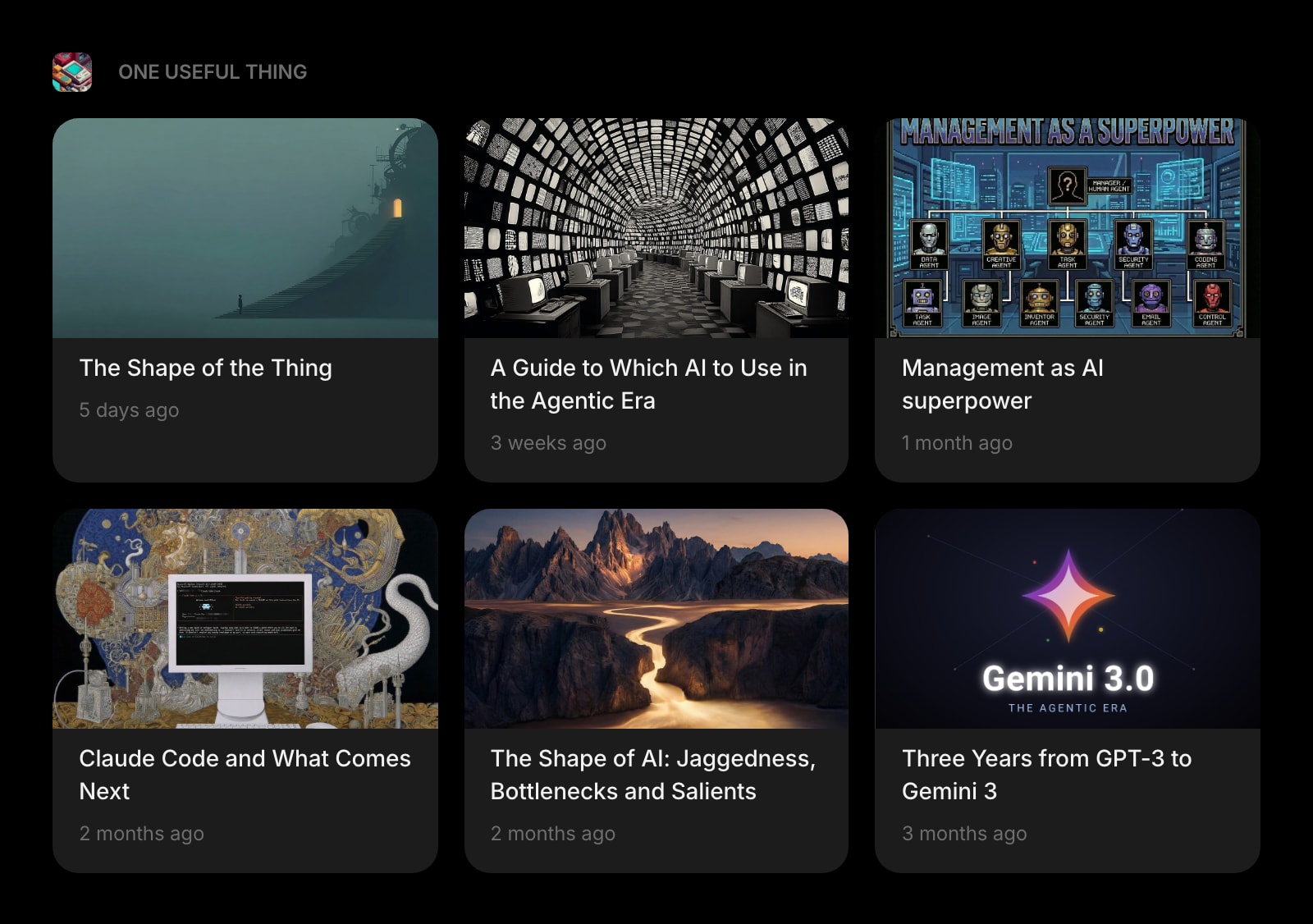
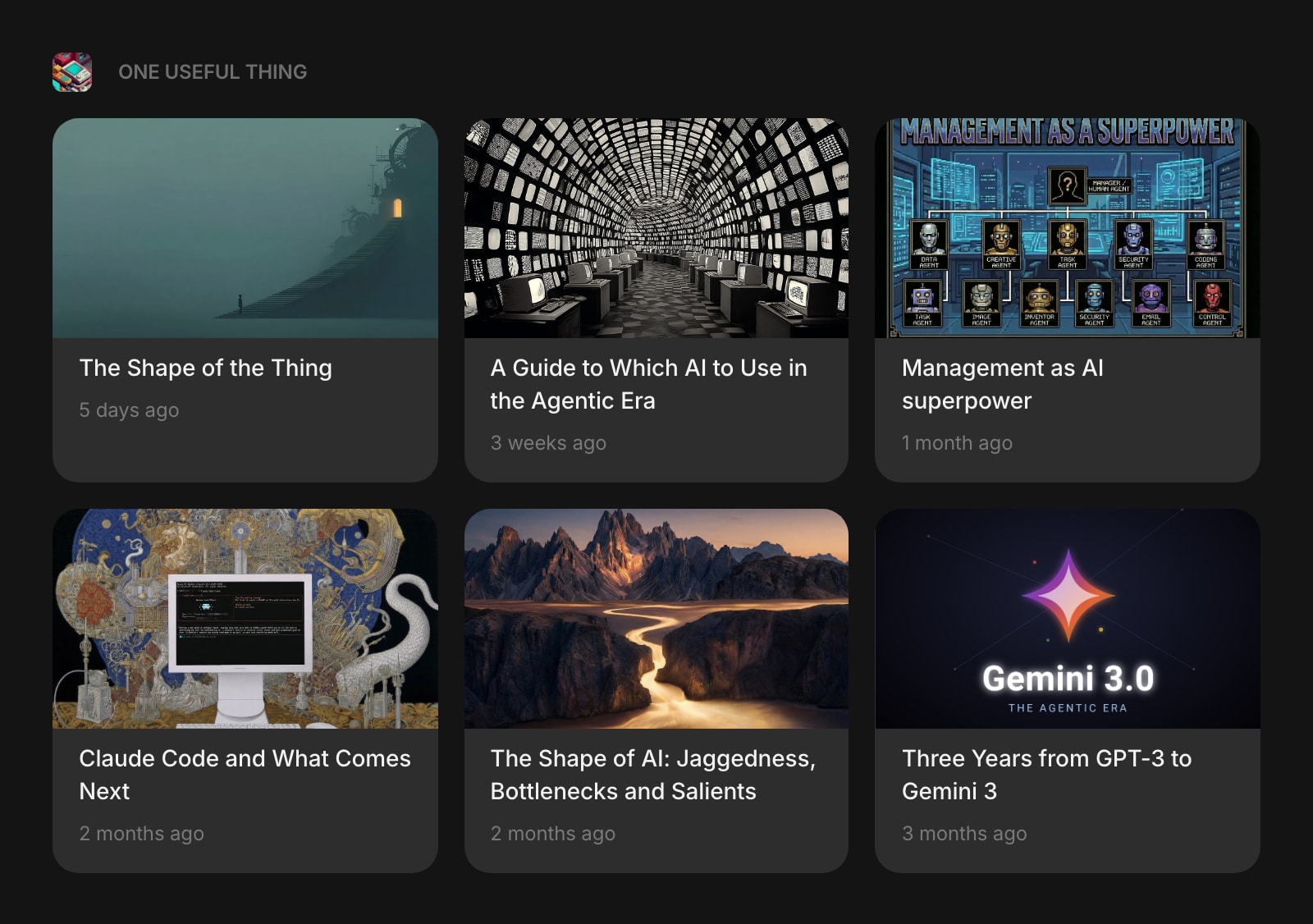
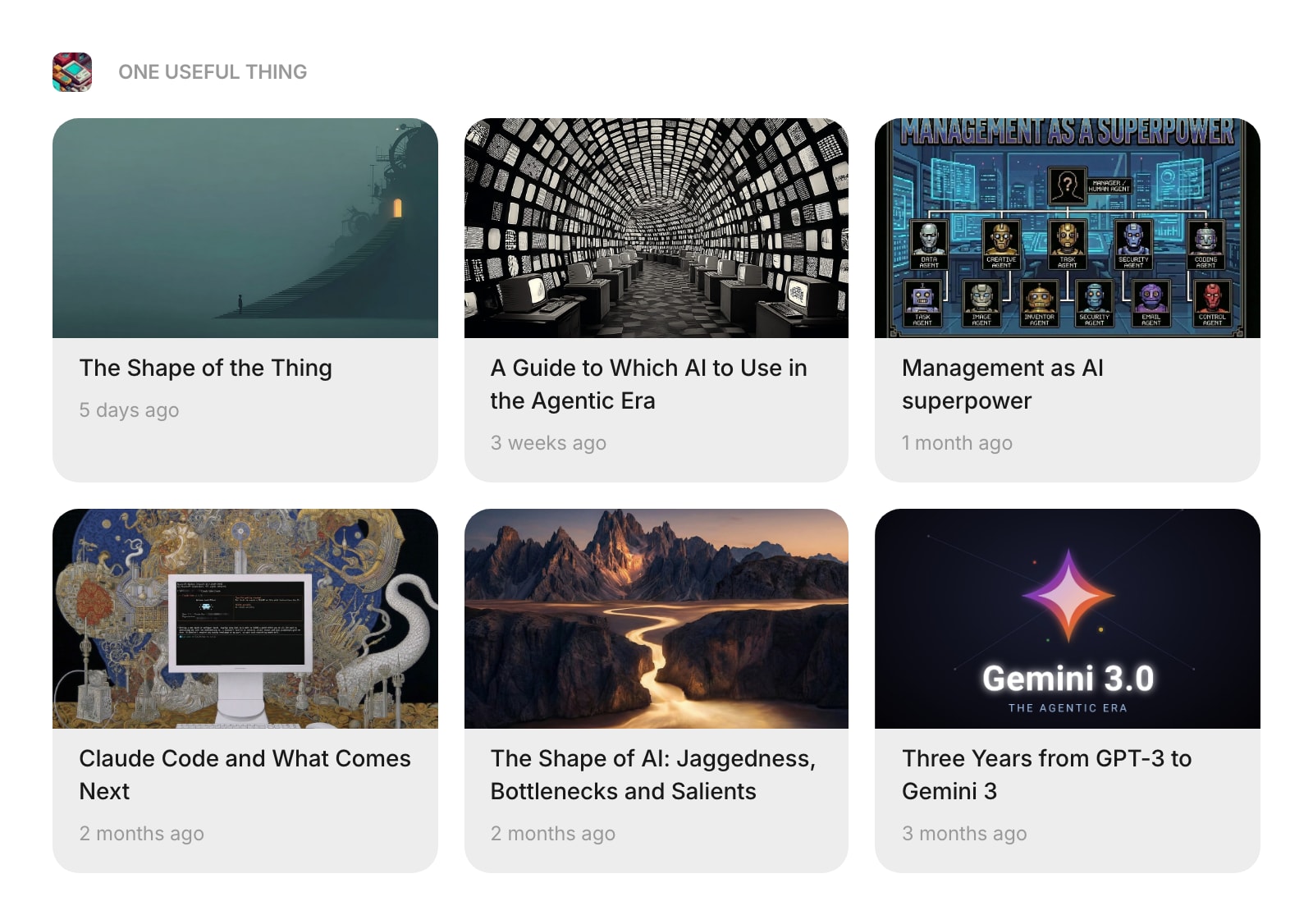
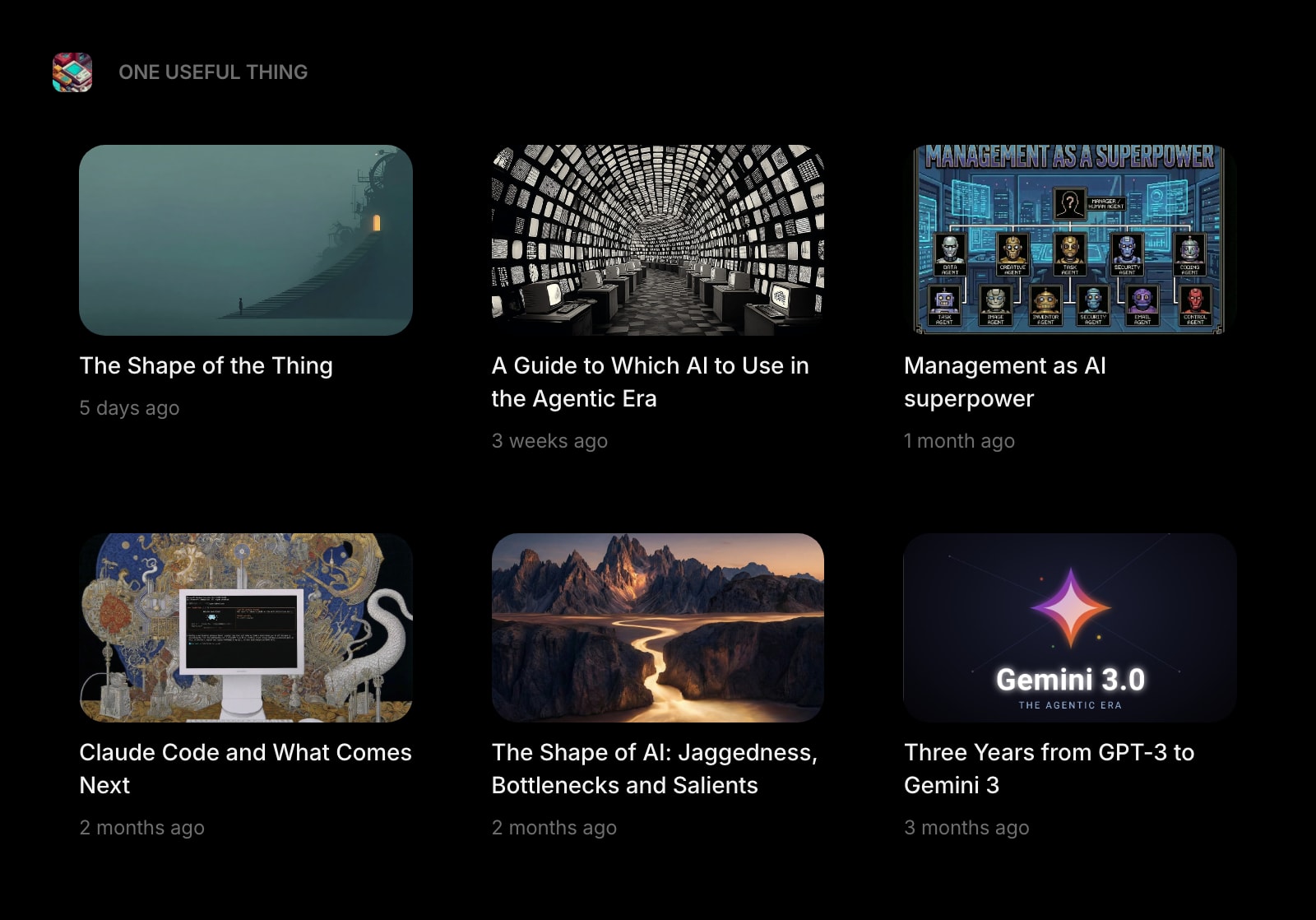
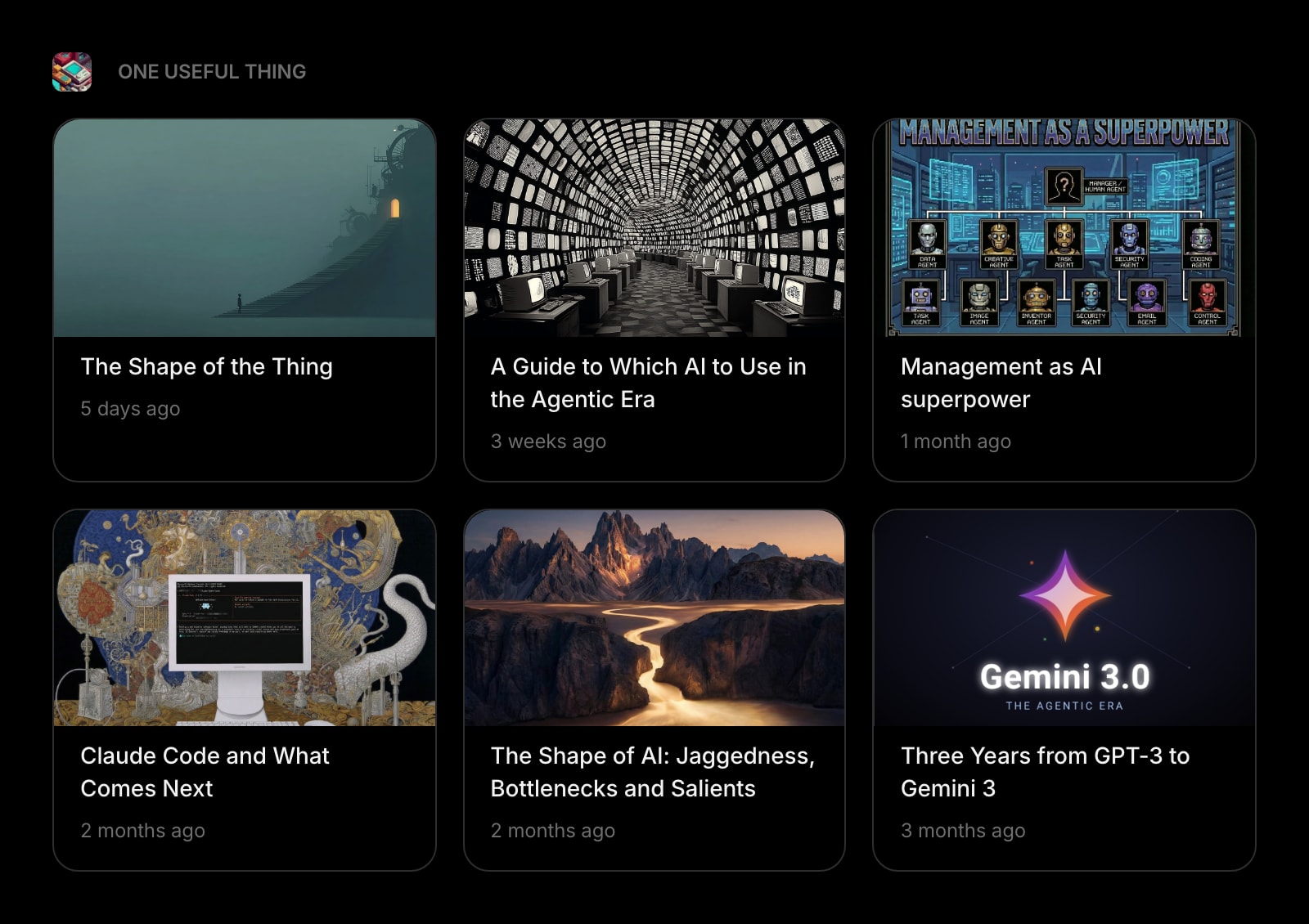
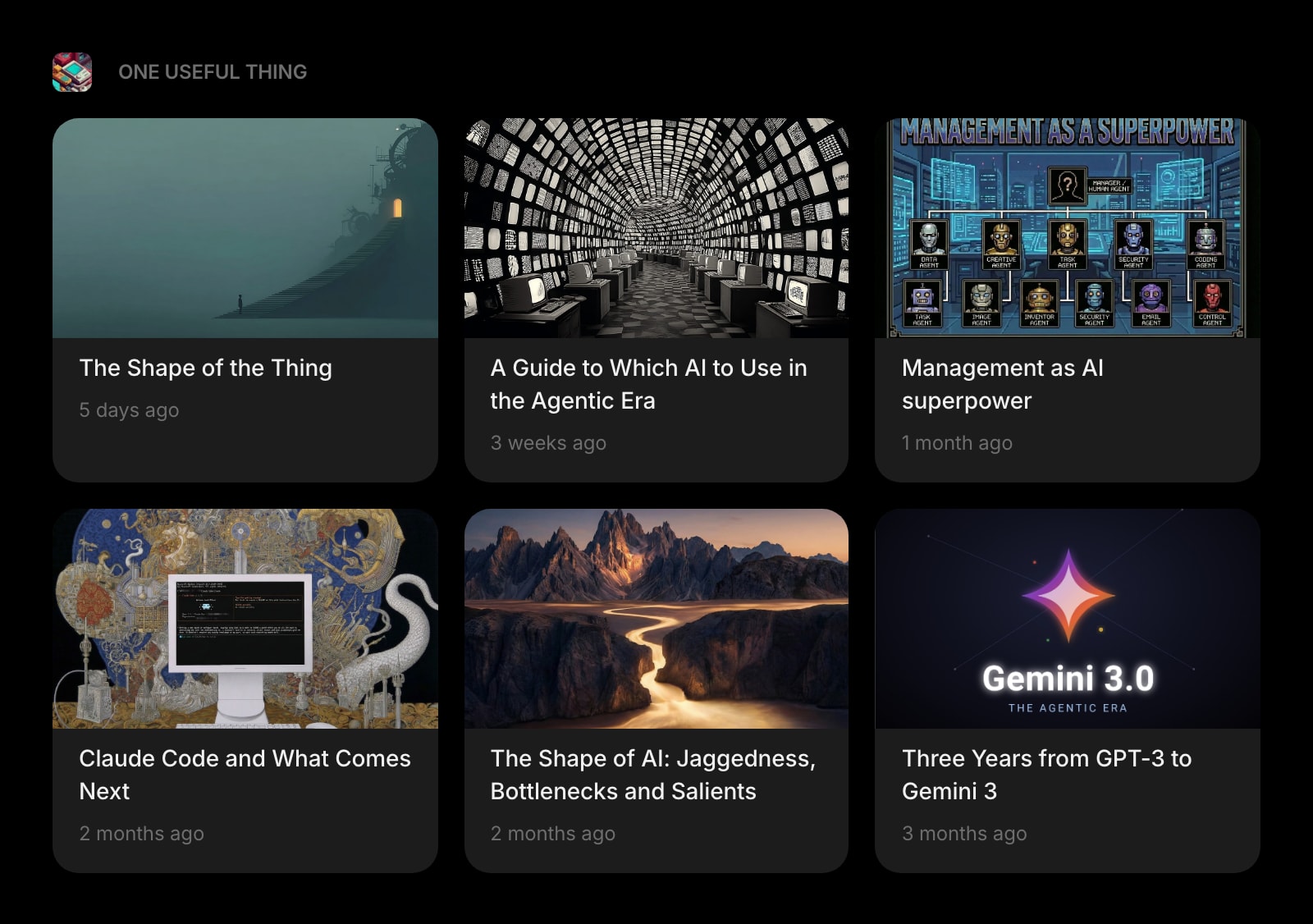
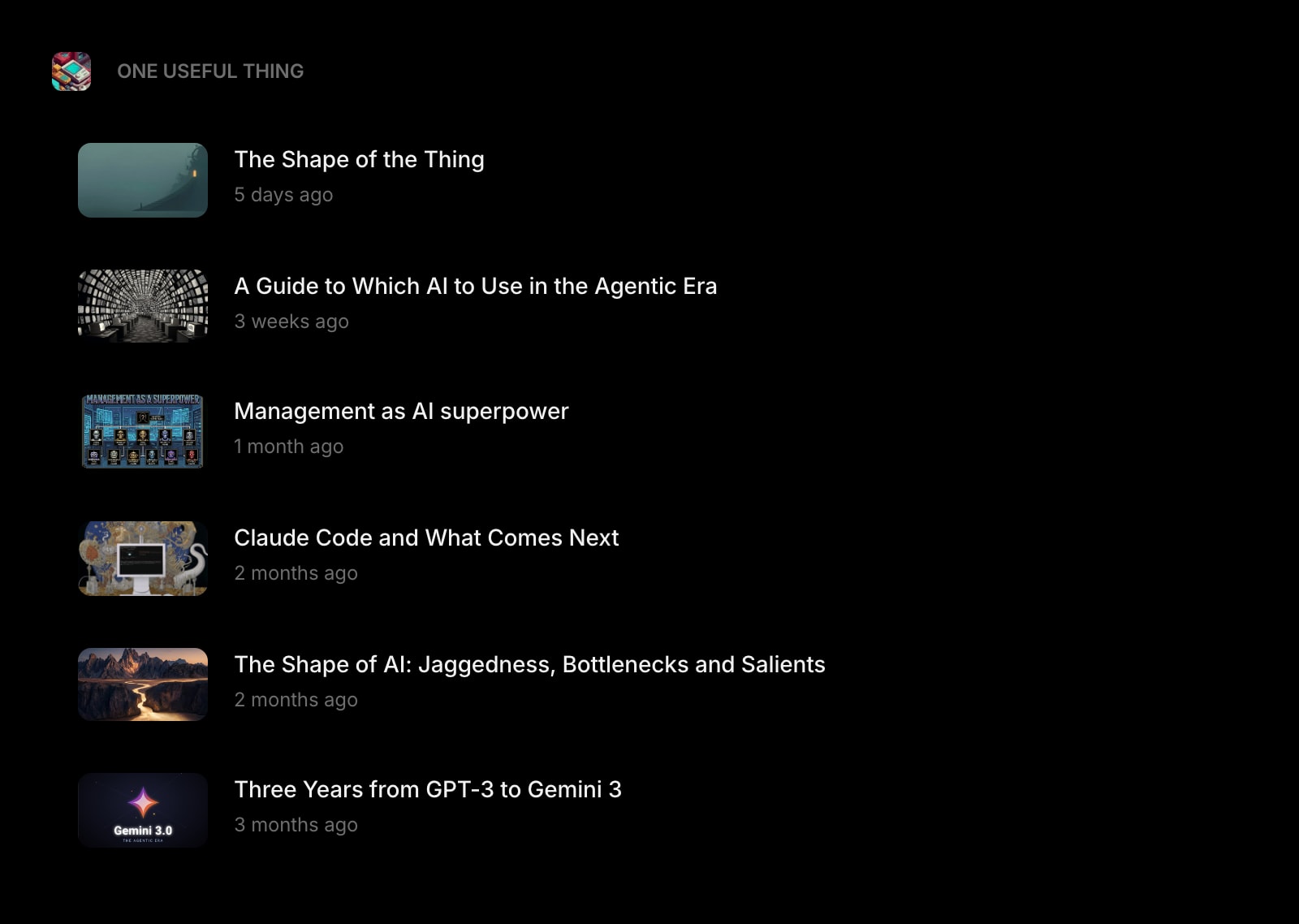
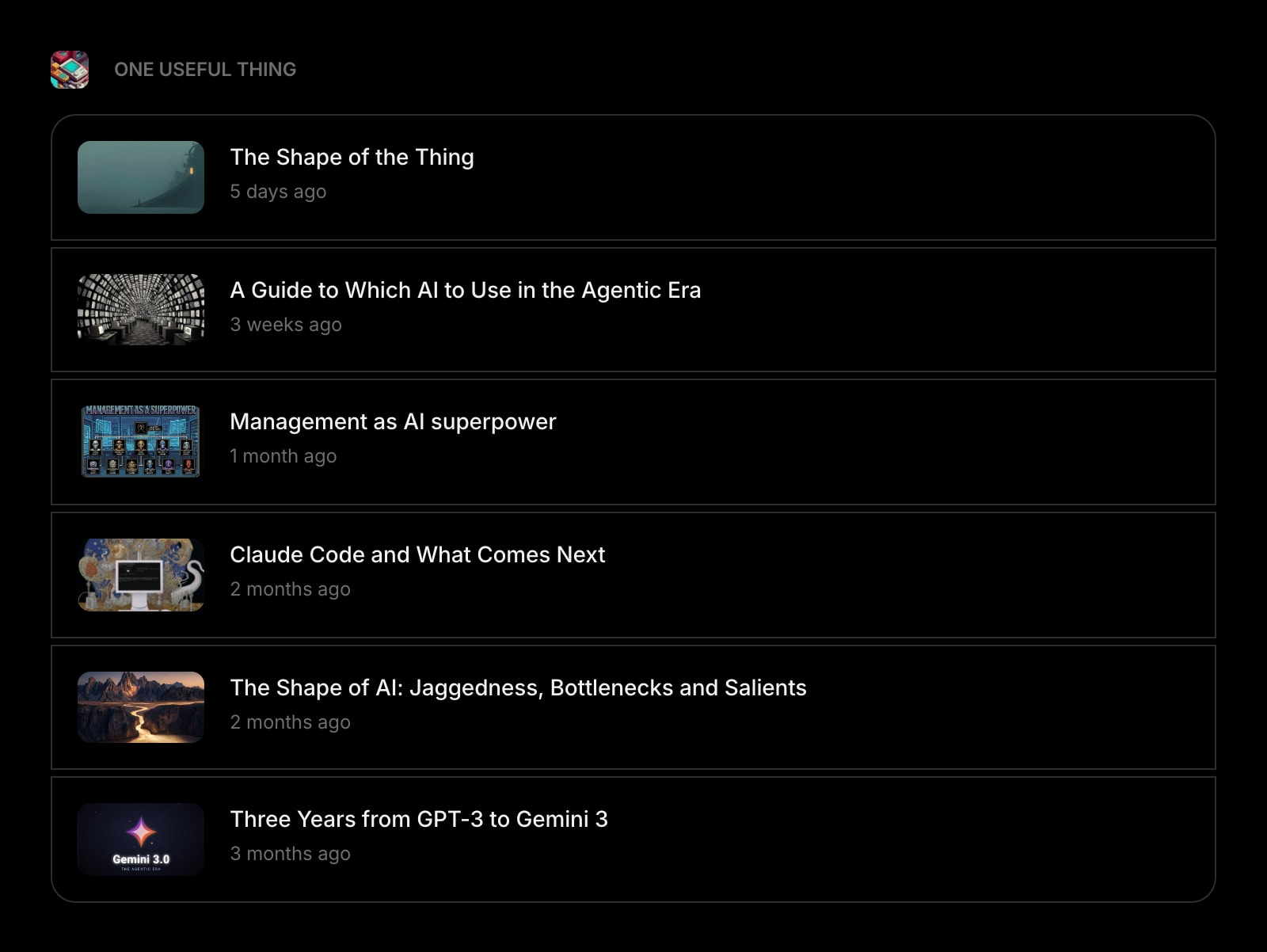
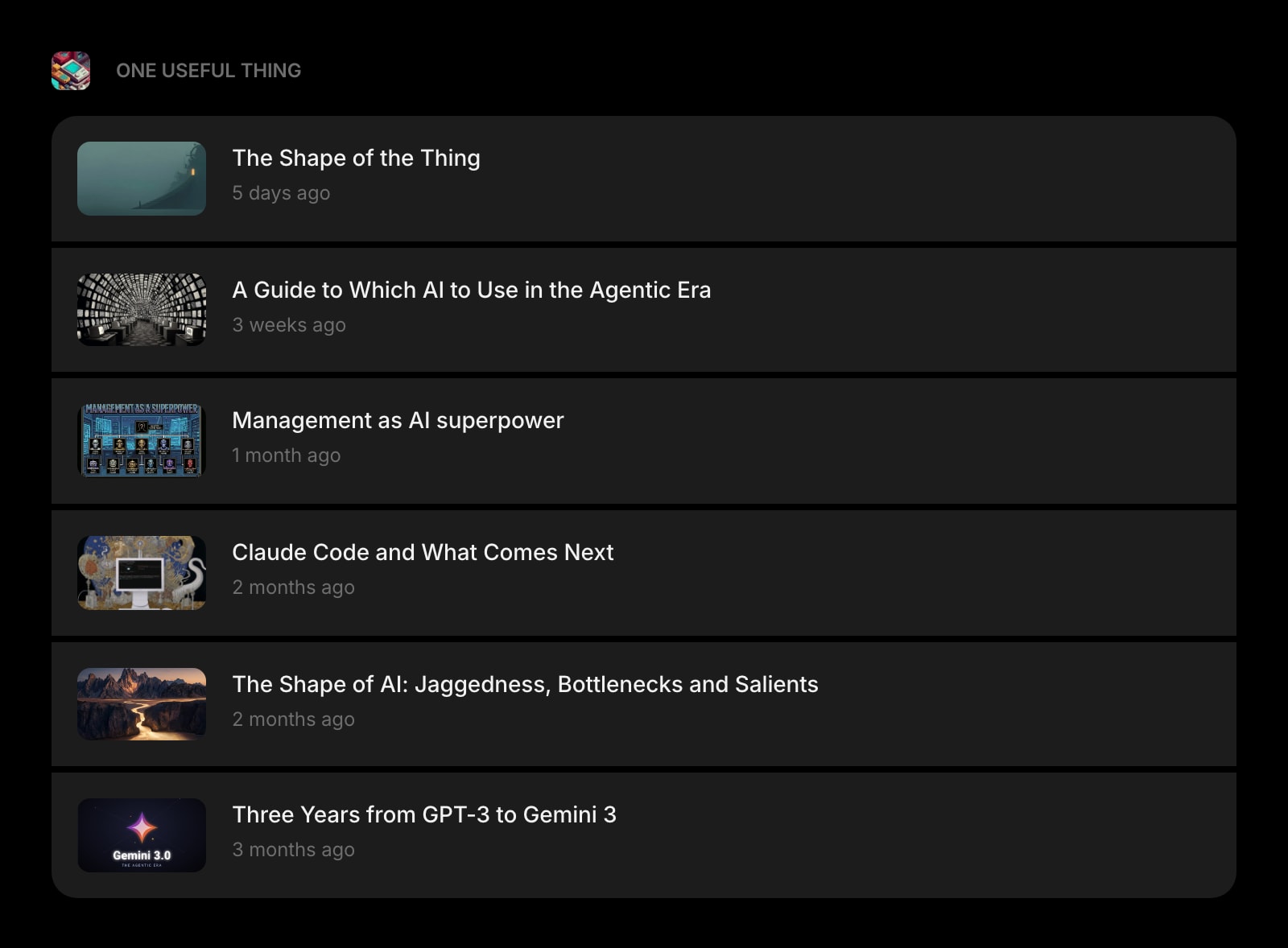
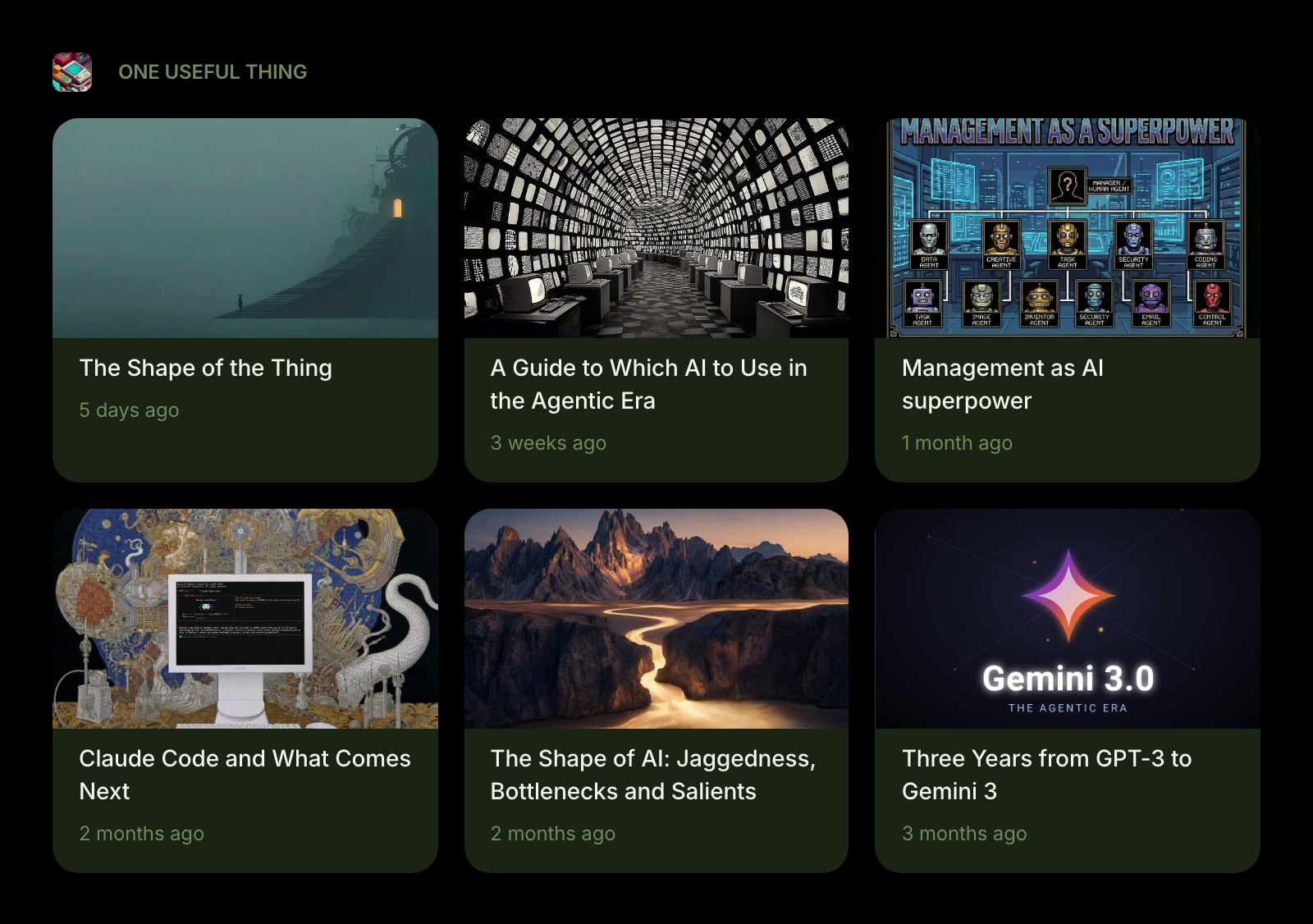
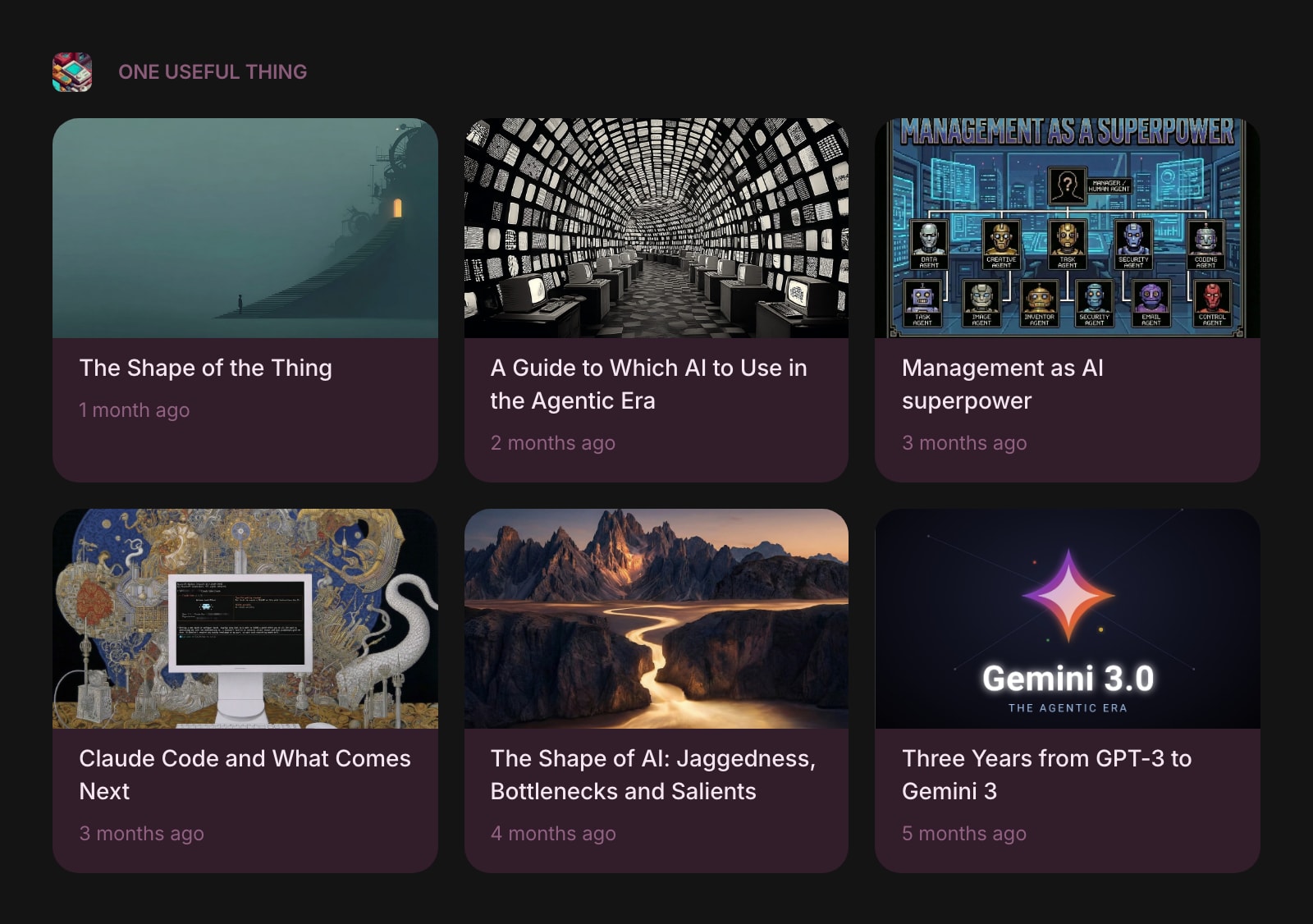
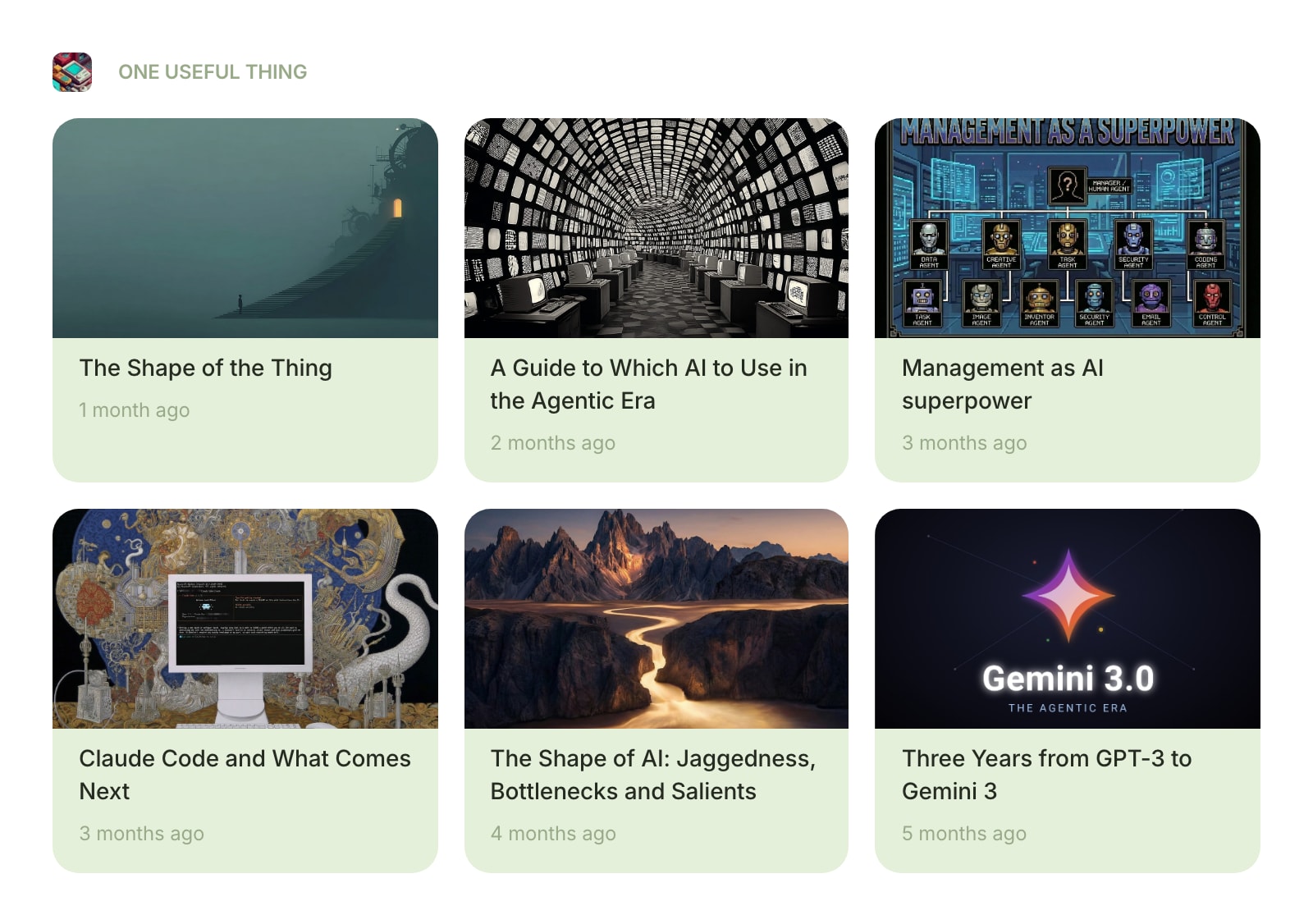
The Substack widget lets you follow your favorite newsletters right from your dashboard. Enter a Substack URL or pick from popular newsletters, and read the latest posts without leaving your start page.
#How to Use
#Adding a Newsletter
When you first add the widget, enter a Substack URL in the input field. You can use the newsletter's Substack address (like notboring.substack.com) or a custom domain. The widget automatically finds the RSS feed.
Or pick from one of the built-in presets:
- Not Boring, The Pragmatic Engineer, Astral Codex Ten, Slow Boring, SemiAnalysis, Construction Physics, The Generalist, One Useful Thing, Noahpinion, Stratechery
Click a preset button to load it instantly.
#Browsing Posts
Posts appear in a grid or list layout. Each post shows:
- Title - the post headline
- Image - a featured image (if available)
- Description - a short preview of the post content
- Date - when the post was published (shown as relative time, like "2 days ago")
Click any post to open the full article in a new tab.
#Context Menu
Right-click (or tap and hold) a post to see quick actions:
- Open in New Tab - open the article in a new browser tab
- Copy Link URL - copy the article's web address
- Share Link - share the article using your device's share menu
#View All
The widget shows the 6 most recent posts by default. Click View All to expand and see all available posts.
#Widget Settings
- Show Image - display featured images for each post. Turned on by default.
- News Layout - choose between Grid (default) and List view.
- News Style - set the look of post cards: Clear, Outline, or Solid (default).
- Substack URL - change the newsletter at any time by entering a new URL.
#Tips
- Posts update automatically when you open your dashboard, so you're always seeing the latest articles.
- The widget works with custom domains too - if a Substack newsletter uses its own domain, just enter that URL.
- Use Grid layout for a visual overview with images, or List layout for a compact reading list.
- Add multiple Substack widgets to follow different newsletters side by side.