- Dashboard
- Widgets
- AI Diary
- AI Humanizer
- AI Image
- Audio Editor
- Base64 / URL Encoder
- Calendar
- Canvas
- Collection
- Color Picker
- Container
- Countdown Timer
- Currency Converter
- Daily Quiz
- Daily Quote
- Daily Riddle
- Date & Time
- Embed
- GitHub Releases
- Google Calendar
- Habit Tracker
- Hacker News
- Image Compression
- IP Info
- JSON Formatter
- Links
- Markdown Editor
- News
- News Summary
- Notes
- Photo Frame
- Podcast
- Pomodoro Timer
- Product Hunt
- QR Code Generator
- Quick Answer
- Quick Note
- Regex Tester
- RSS Feed
- Search
- Spacer
- Stopwatch
- Story Snippet
- Stripe Sales
- Subreddit
- Substack
- t0ggles Focus
- t0ggles My Boards
- t0ggles My Tasks
- Tasks
- Text Diff
- Todo
- TradingView Advanced Chart
- TradingView Market Summary
- TradingView Mini Chart
- TradingView Symbol Overview
- TradingView Ticker Tape
- Translation
- Unit Converter
- Uptime Monitor
- Weather
- What If
- World Clock
- YouTube Channel
Currency Converter Widget
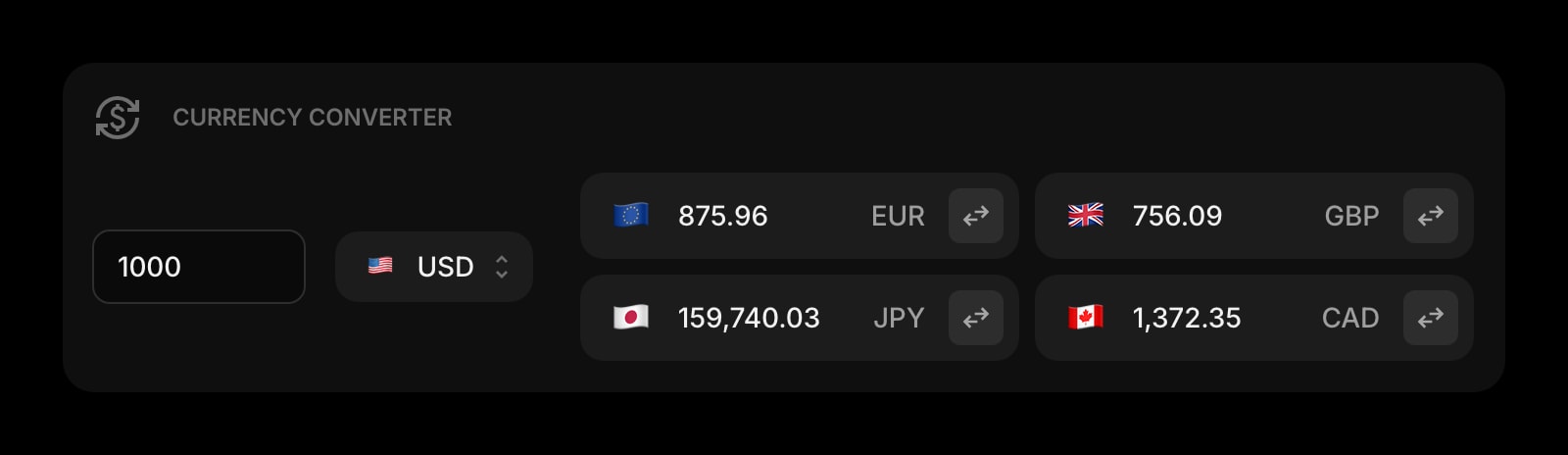
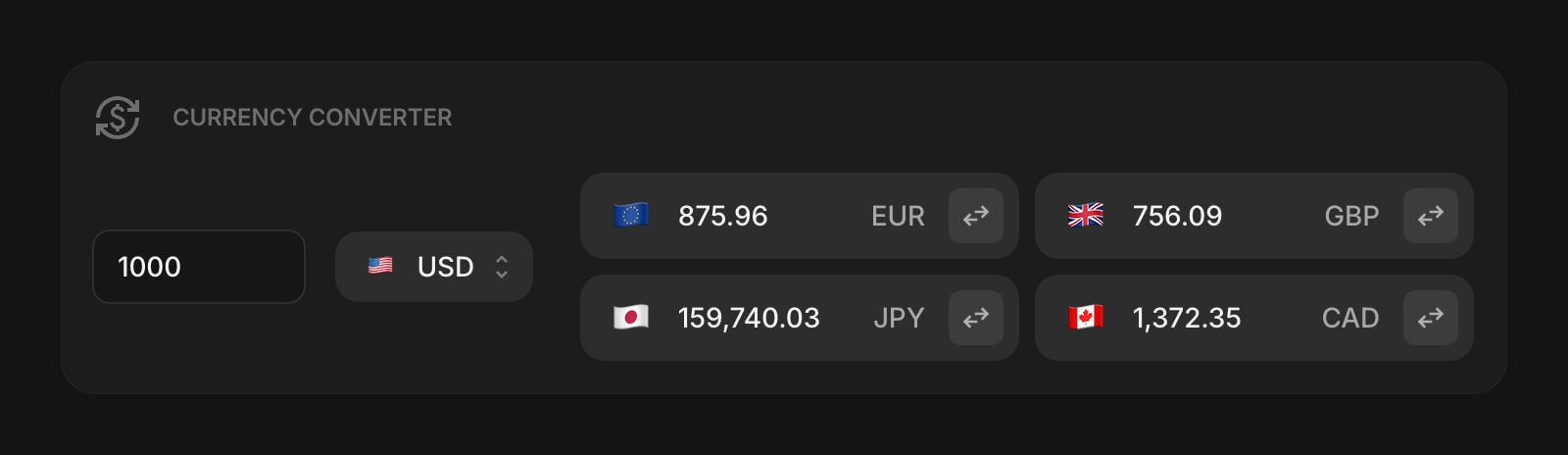
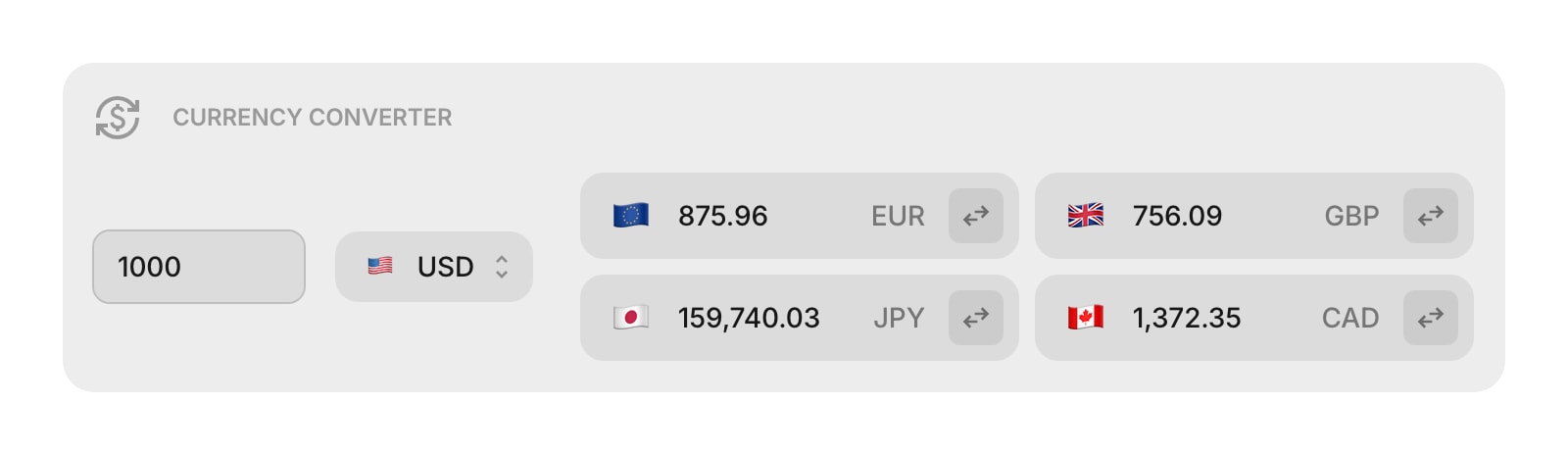
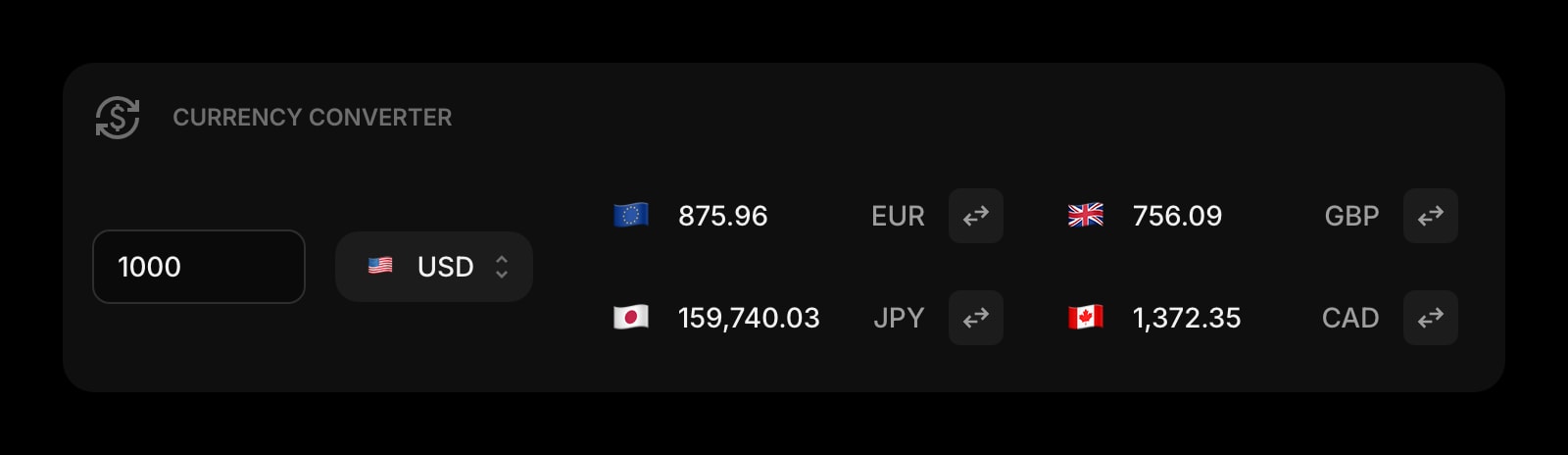
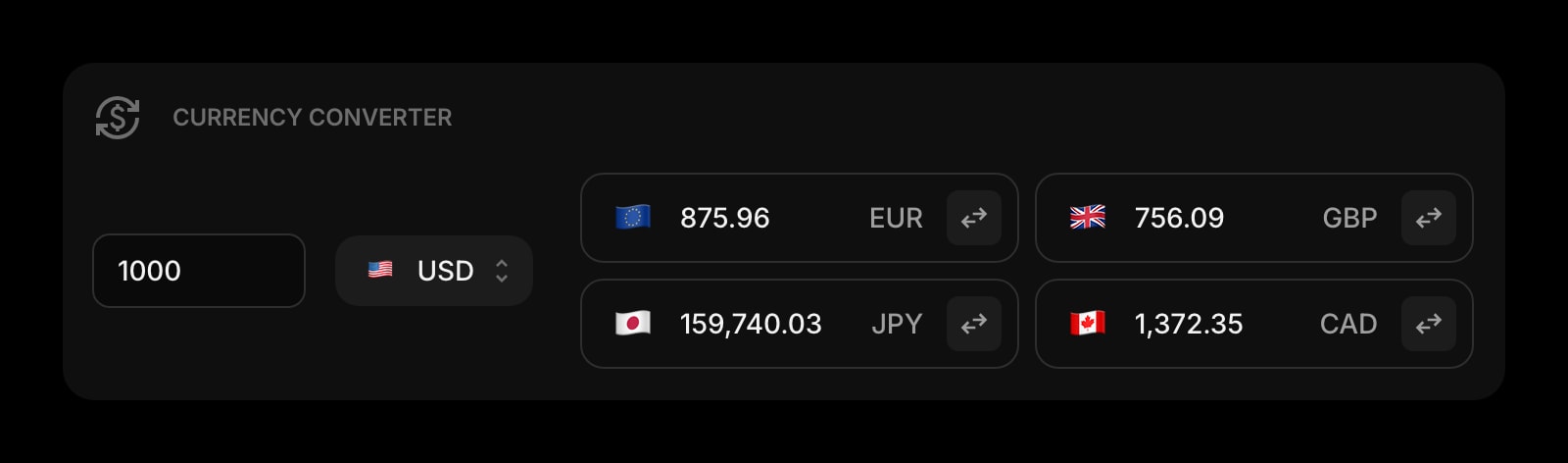
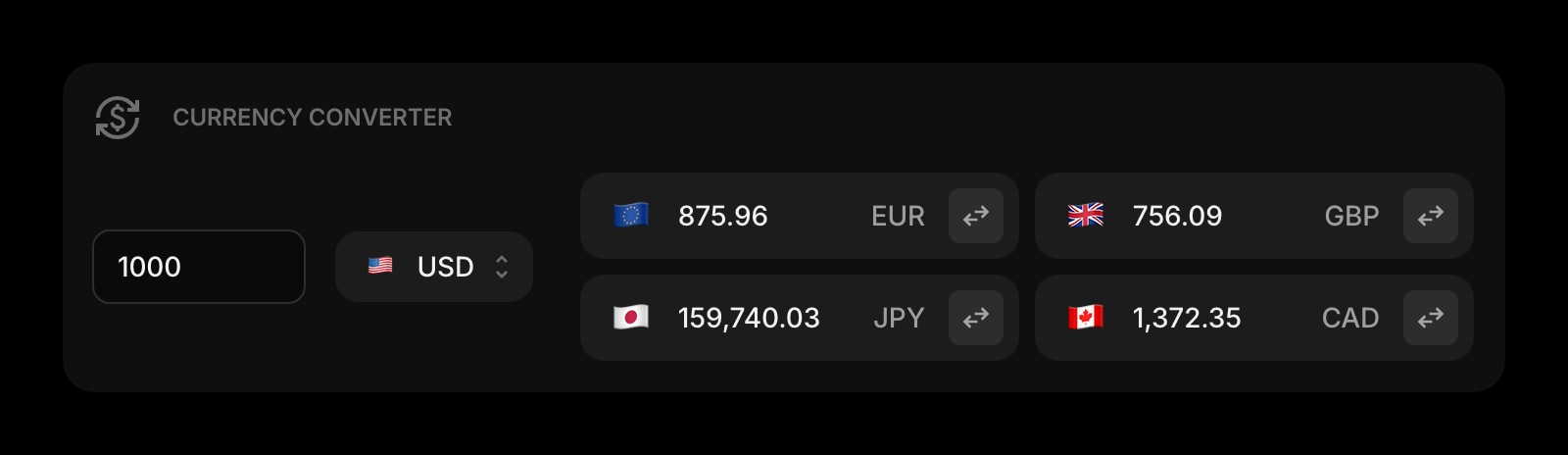
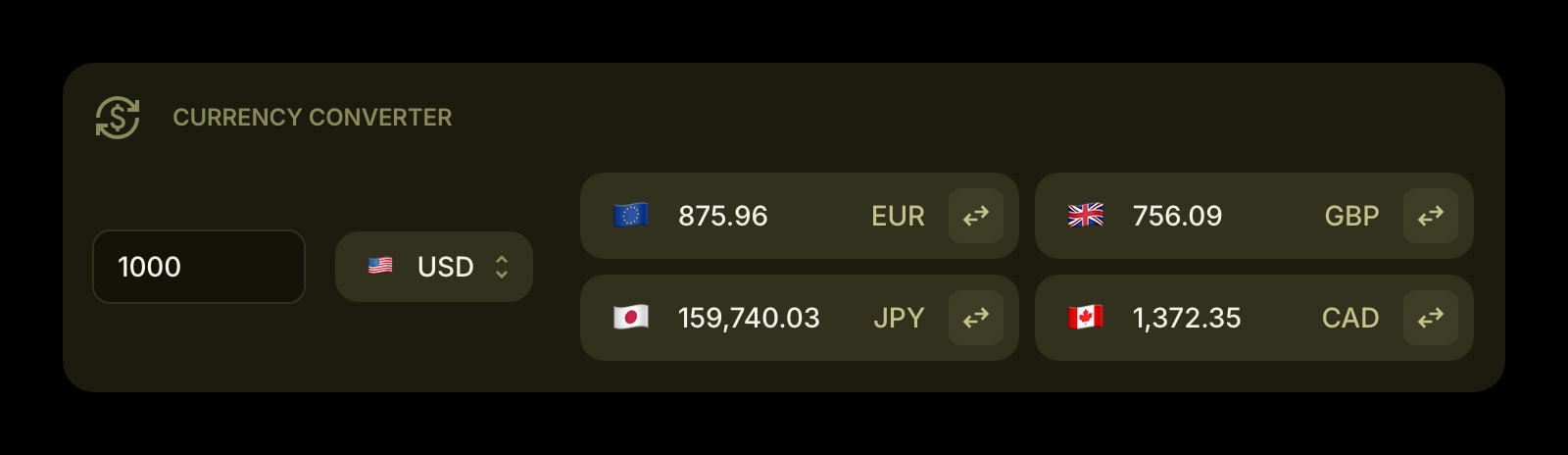
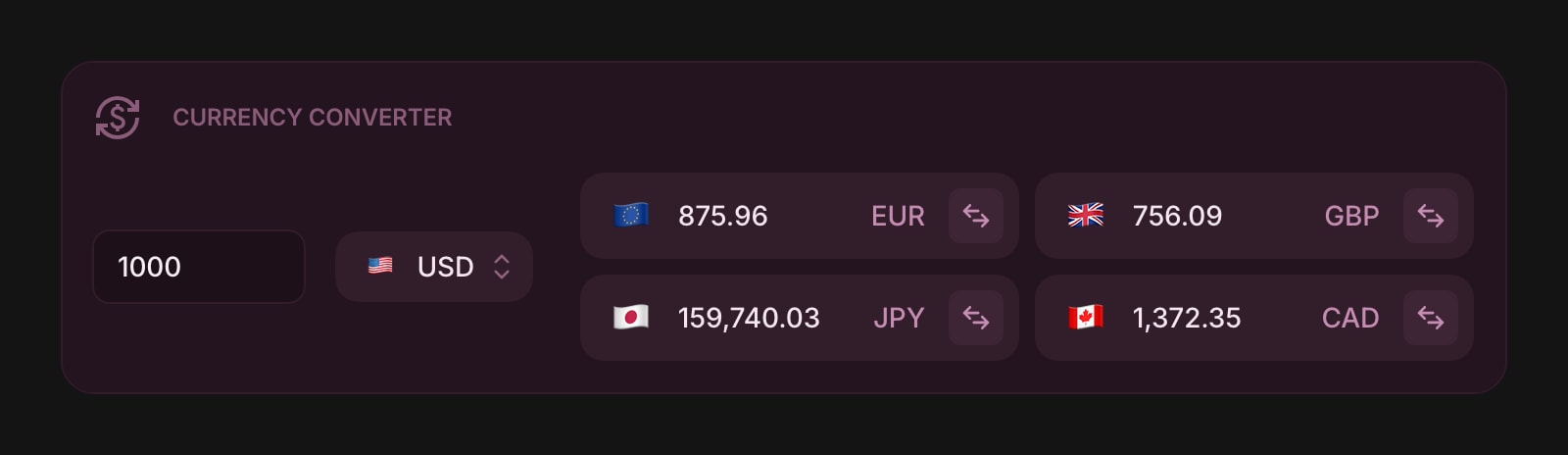
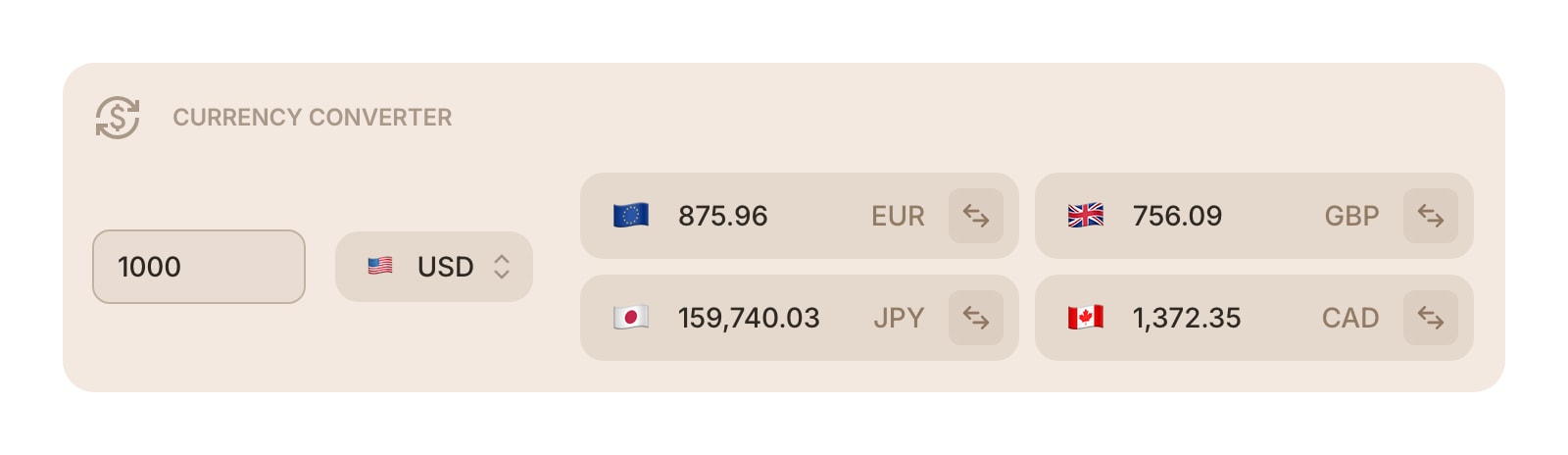
The Currency Converter widget displays live exchange rates and lets you quickly convert between currencies. It supports over 55 currencies - including major fiat currencies, cryptocurrencies like Bitcoin and Ethereum, and precious metals like gold and silver.
#How to Use
Enter an amount in the input field at the top. Choose your base currency from the dropdown - this is the currency you're converting from. The widget instantly shows the converted amounts for all your target currencies below.
Rates are fetched automatically and update when you open your dashboard.
#Swapping Currencies
Click the swap button on any target currency to make it the new base currency. The old base currency moves into the target list, so you never lose track of it.
#Managing Currencies
#Adding a Currency
In edit mode, click the + Add Pair button in the widget toolbar. A searchable list opens where you can find currencies by code, name, or flag. Pick one and it's added to your target list.
You can also right-click (or tap and hold) an existing currency and choose Add Currency to insert a new one after it.
#Removing a Currency
Right-click (or tap and hold) a currency and choose Remove. You'll be asked to confirm before it's removed.
#Reordering Currencies
On desktop, drag and drop currencies to rearrange them in the list.
#Setting a Currency as Base
Right-click (or tap and hold) a currency and choose Set as Base Currency, or click the swap button on the currency item.
#Widget Settings
- Item Style - choose the look of each currency item: Clear, Outline, or Solid (default).
- Decimals - set the number of decimal places shown: 2 (default), 4, or 6. Some currencies like JPY automatically use fewer decimals.
- Show Last Updated - display when the exchange rates were last refreshed. Turned off by default.
#Tips
- The widget starts with USD as the base and EUR, GBP, JPY as targets - customize it to the currencies you use most.
- Use the swap button for quick back-and-forth conversions without rearranging your list.
- Add crypto currencies like BTC or ETH alongside fiat currencies to keep an eye on both.