- Dashboard
- Widgets
- AI Diary
- AI Humanizer
- AI Image
- Audio Editor
- Base64 / URL Encoder
- Calendar
- Canvas
- Collection
- Color Picker
- Container
- Countdown Timer
- Currency Converter
- Daily Quiz
- Daily Quote
- Daily Riddle
- Date & Time
- Embed
- GitHub Releases
- Google Calendar
- Habit Tracker
- Hacker News
- Image Compression
- IP Info
- JSON Formatter
- Links
- Markdown Editor
- News
- News Summary
- Notes
- Photo Frame
- Podcast
- Pomodoro Timer
- Product Hunt
- QR Code Generator
- Quick Answer
- Quick Note
- Regex Tester
- RSS Feed
- Search
- Spacer
- Stopwatch
- Story Snippet
- Stripe Sales
- Subreddit
- Substack
- t0ggles Focus
- t0ggles My Boards
- t0ggles My Tasks
- Tasks
- Text Diff
- Todo
- TradingView Advanced Chart
- TradingView Market Summary
- TradingView Mini Chart
- TradingView Symbol Overview
- TradingView Ticker Tape
- Translation
- Unit Converter
- Uptime Monitor
- Weather
- What If
- World Clock
- YouTube Channel
t0ggles My Tasks Widget
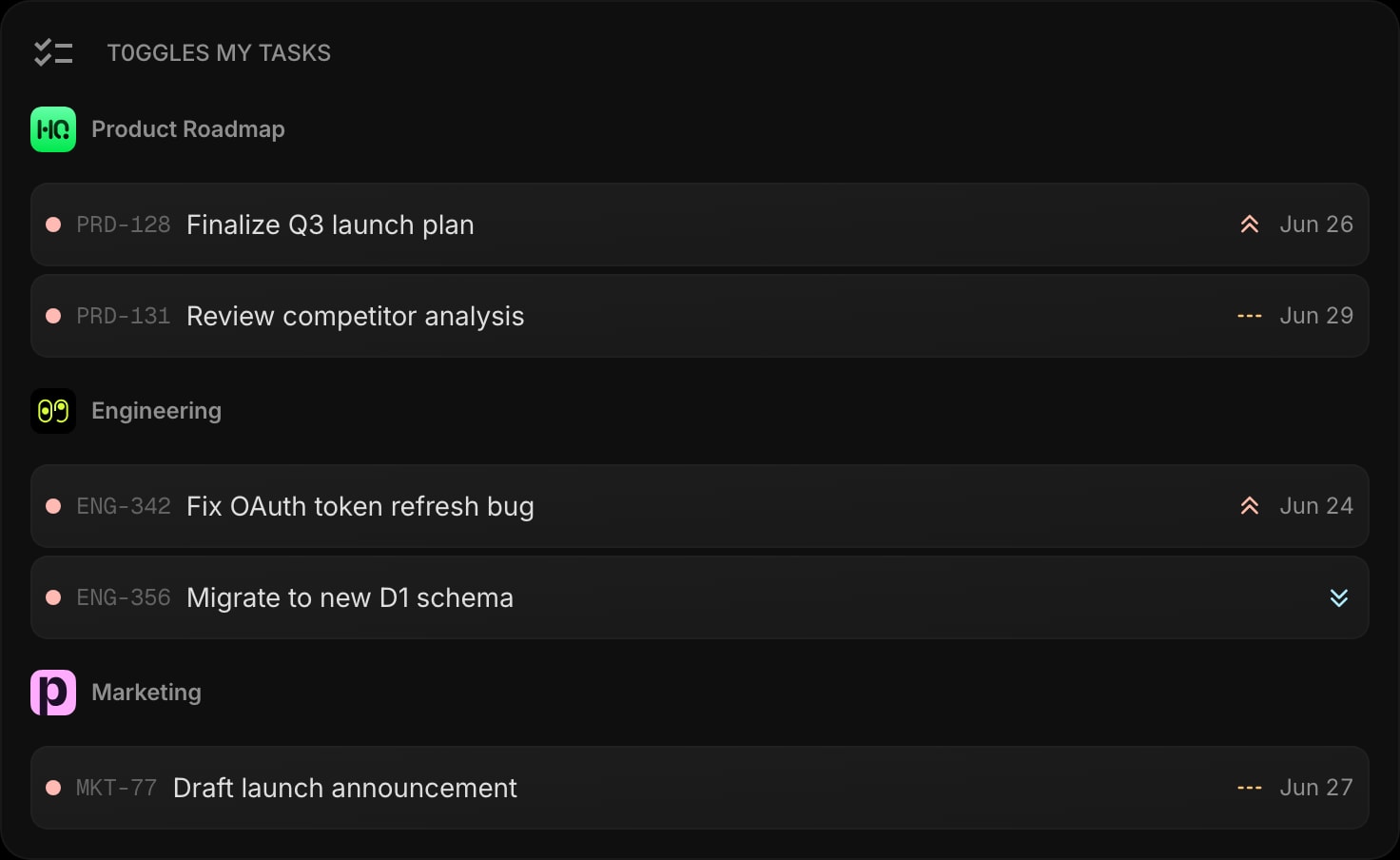
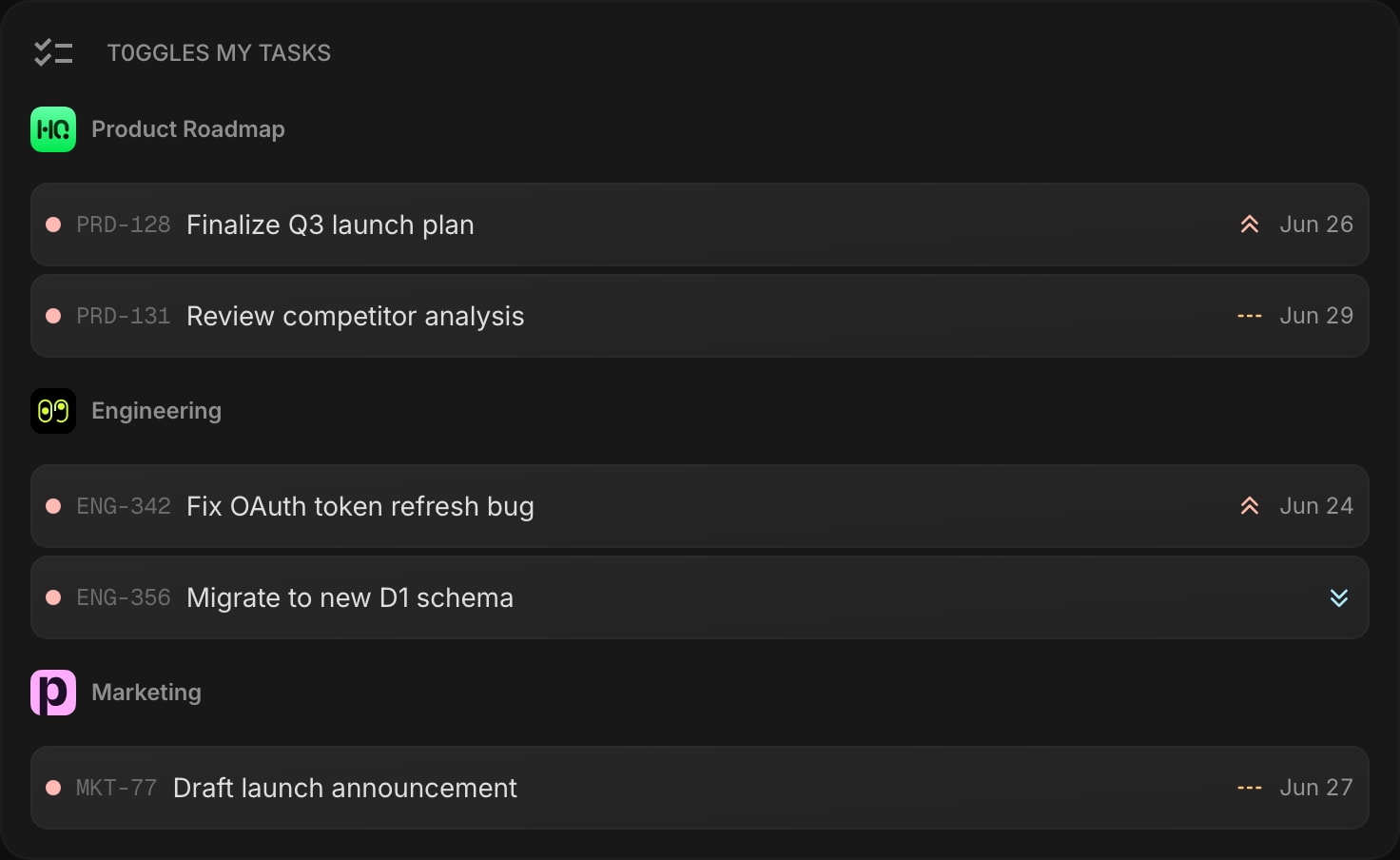
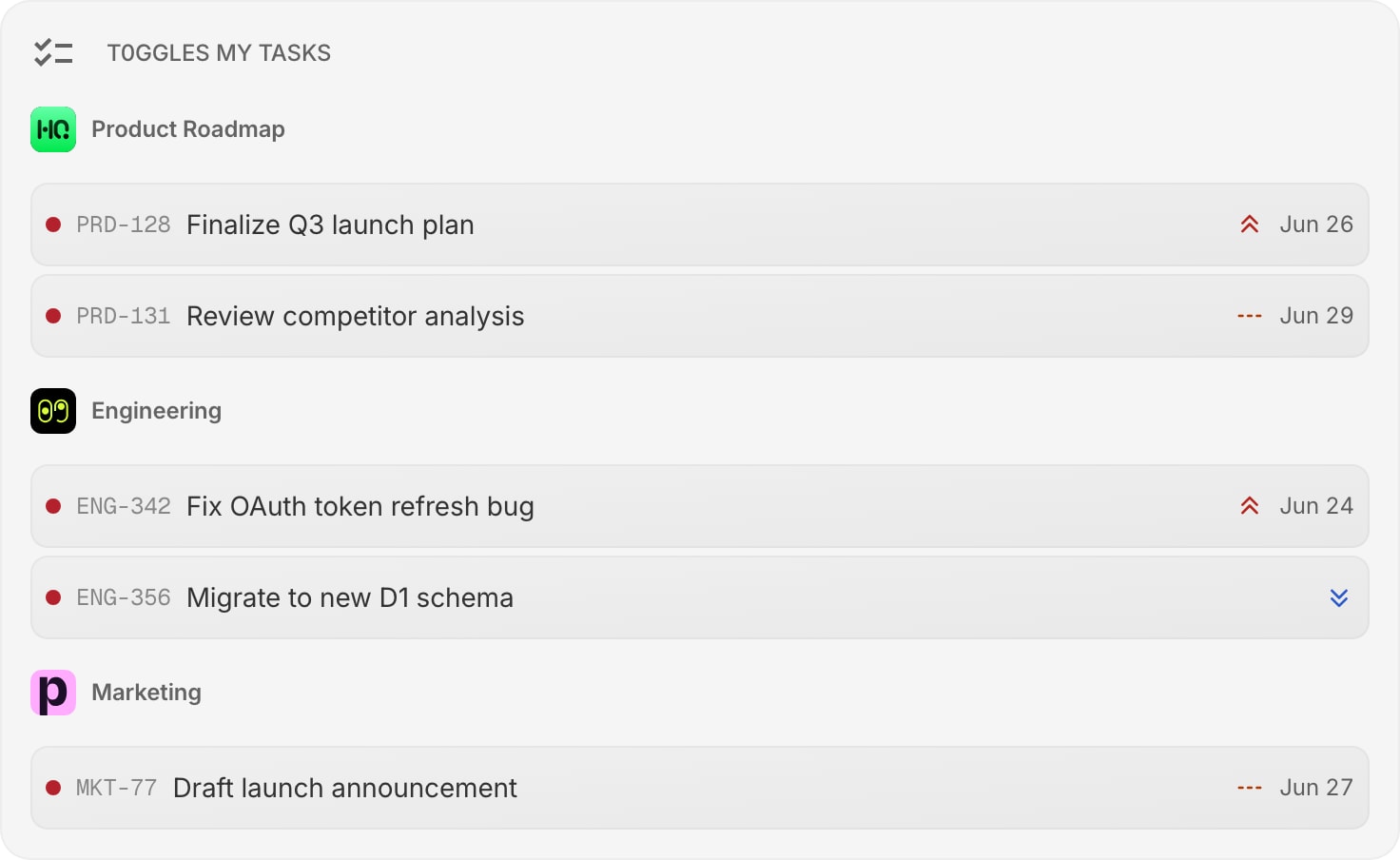
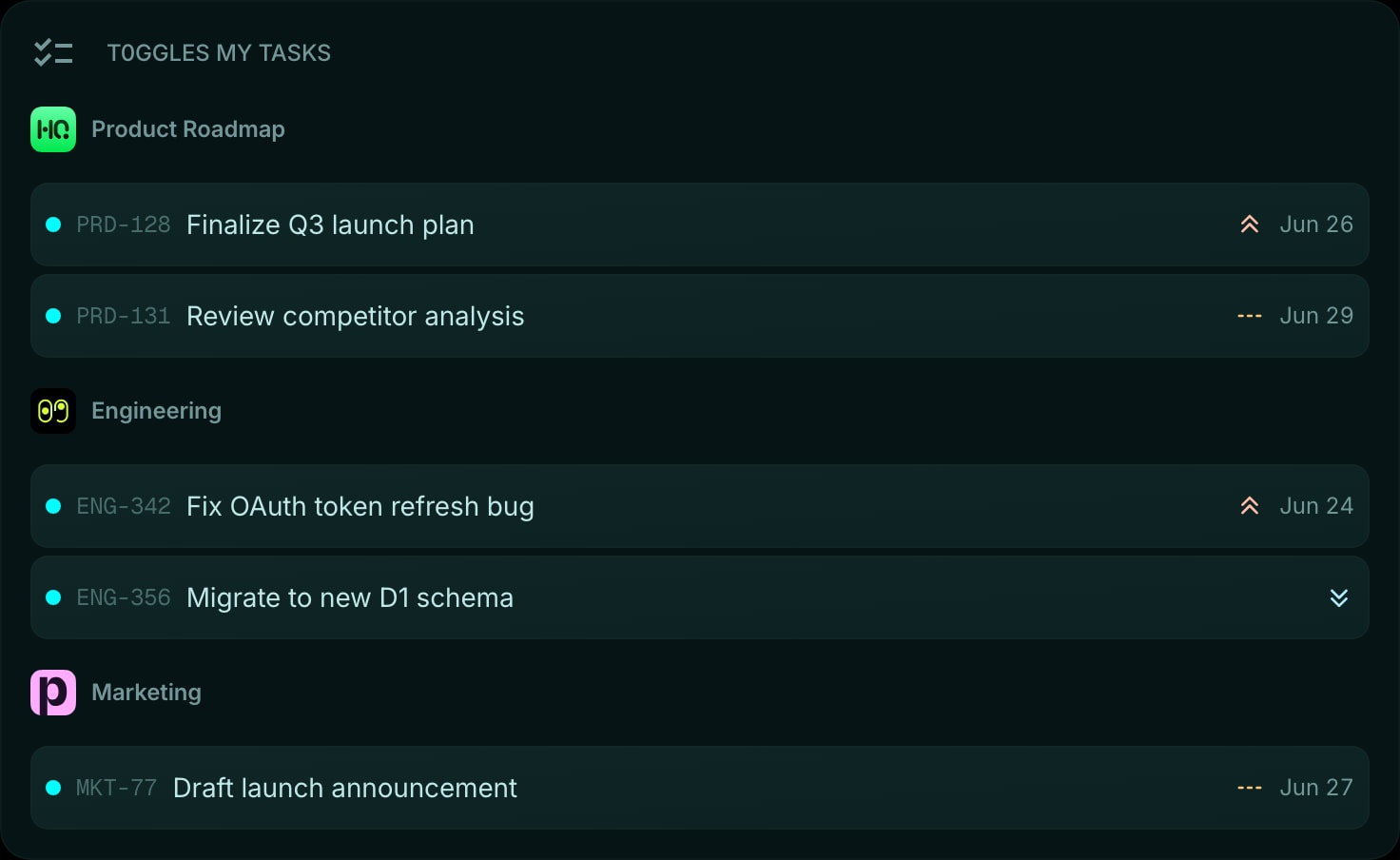
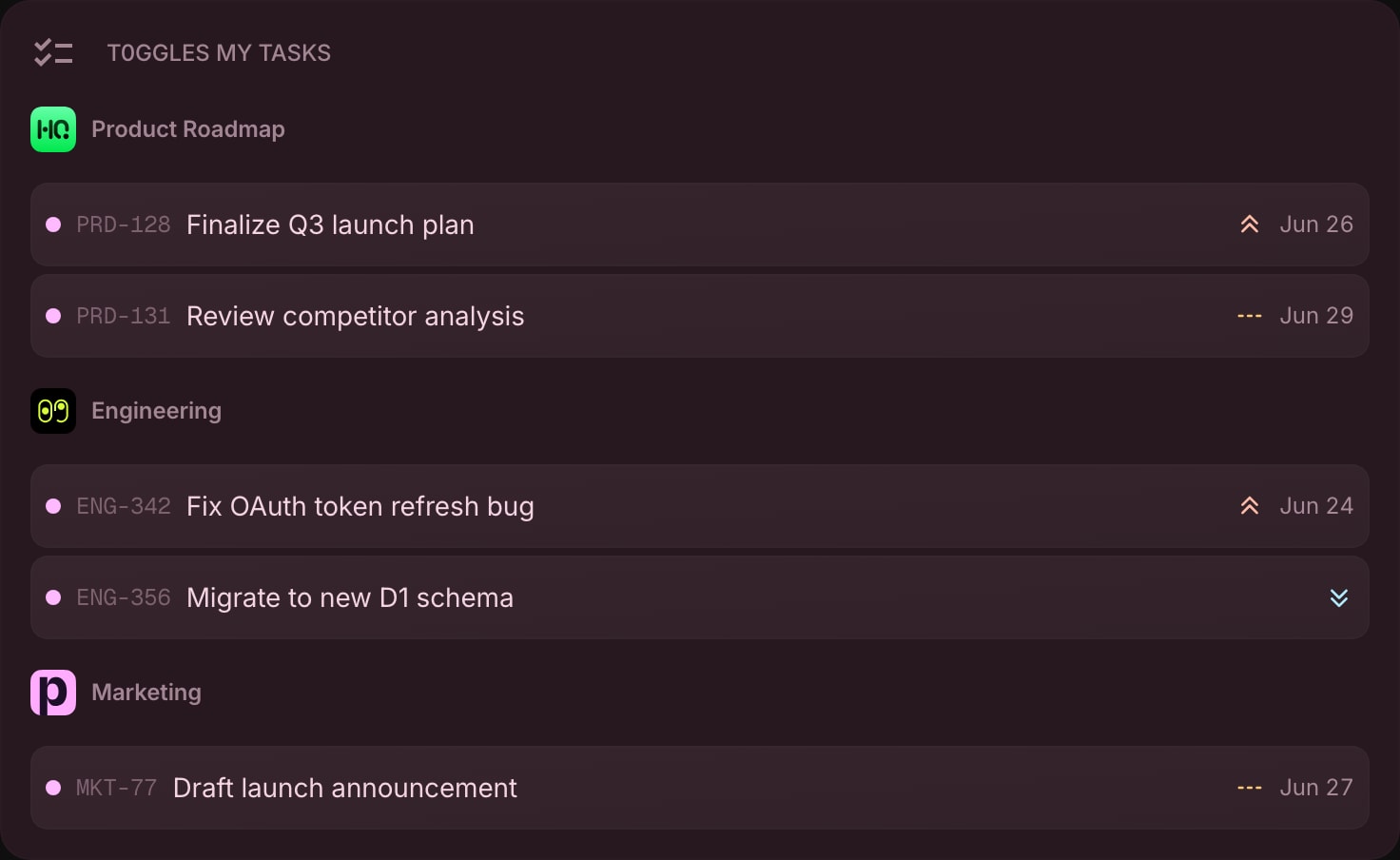
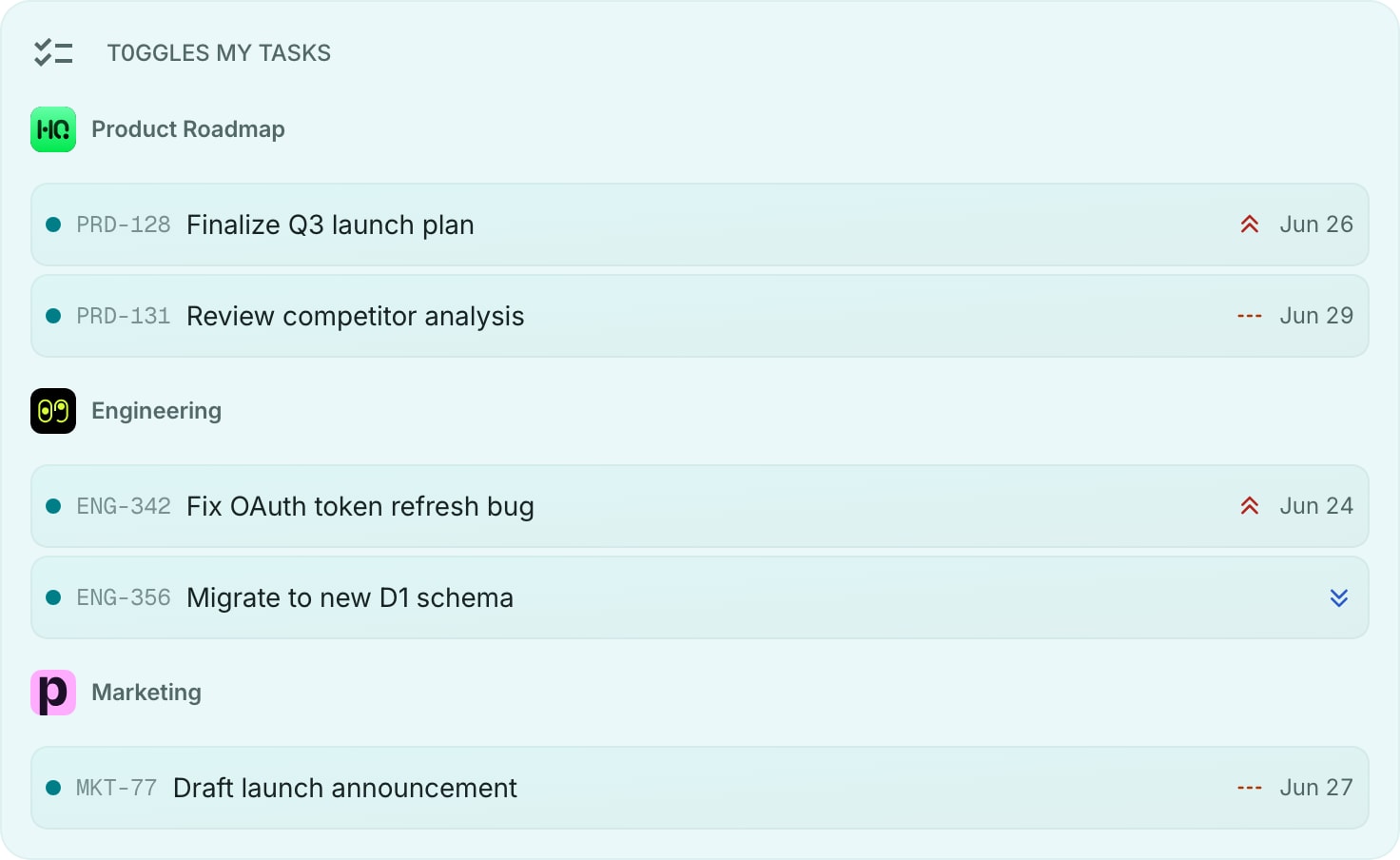
The t0ggles My Tasks widget brings the My Tasks view from your t0ggles dashboard onto your new tab page. It lists the active tasks assigned to you across all of your boards, grouped by board and ordered by priority, so your full workload is one glance away.
#How to Use
#Connecting Your Account
- Click the Connect t0ggles button on the widget.
- Sign in to t0ggles and approve access for Start Page HQ.
- Once connected, your assigned tasks load automatically.
You link each t0ggles account once. Every t0ggles widget - My Tasks, Focus, and My Boards - shares the same connection, so adding more widgets is instant.
#Reading the Widget
Tasks are grouped under their board, with the board name and logo as a header. Within each board, tasks are ordered by priority (high to low) and then by due date. Each task row shows:
- Status color - a colored dot matching the task's status in t0ggles.
- Task key - the short identifier, such as
PRD-128. - Title - the task name.
- Priority - a colored dot for high, medium, or low priority.
- Due date - shown in red when the task is overdue.
Click any task to open it in t0ggles. Right-click a task for quick actions: open in t0ggles, copy the link, or share it.
#Widget Settings
- Account - choose which connected t0ggles account this widget shows. This selector appears only when you have linked two or more accounts.
- Max Tasks - the total number of tasks to display, from 1 to 100. Default is 25.
- Status Color - show or hide the status dot. On by default.
- Priority - show or hide the priority dot. On by default.
- Due Date - show or hide due dates. On by default.
#Tips
- Lower the Max Tasks count for a tighter, scannable list, or raise it to see everything on your plate.
- Use the t0ggles Focus widget alongside My Tasks to surface what is overdue or running right now.
- Add t0ggles My Boards to jump straight into any board.