
RSS Widget for Chrome
Chrome dropped the built-in RSS reader years ago. The Start Page HQ RSS widget puts feeds back where they belong — on the new tab page you already open dozens of times a day.
Install on Chrome
The Chrome-specific flow, start to finish.
- 1Open the Start Page HQ listing in the Chrome Web Store and click "Add to Chrome". Approve the new-tab override permission.
- 2Open a new tab to land on the dashboard, click the gear icon in the bottom right, and choose Add Widget → RSS Feed.
- 3Paste a feed URL into the widget — this part needs a paid plan; free accounts pick from the preset sources instead. If the site only exposes a homepage URL, paste that and the widget tries common feed paths (/feed, /rss, /atom.xml) automatically.
- 4Pick a layout (grid or list) and a style (clear, outline, or solid) so the feed sits well next to your other widgets.
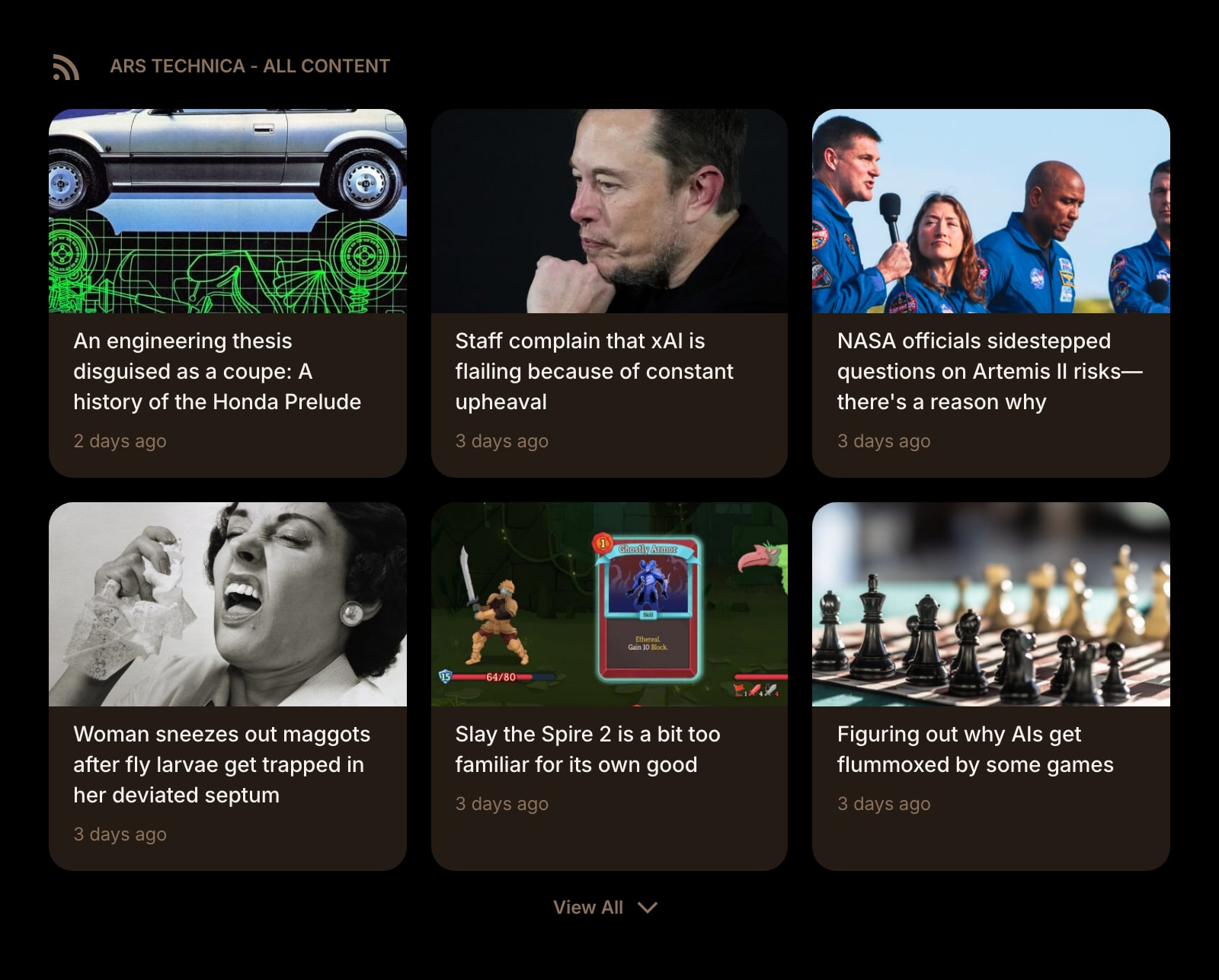
- 5Add more RSS widgets for more feeds. Each one is independent, so you can mix layouts: a grid of news cards next to a long list of dev releases.
What RSS Feed Does
A short tour of the widget. Already sold? Skip ahead.
- Connects to any site that publishes an RSS or Atom feed.
- Auto-discovers feeds from a homepage URL — no need to hunt for /feed.
- Grid or list layout per widget, with images on or off.
- Background refresh keeps the latest items ready before you open the tab.
- Works alongside Hacker News, Substack, Subreddit, and YouTube Channel widgets for a single feed-reading dashboard.
Notes for Chrome Users
Chrome's aggressive ad blocking and tracking-protection features (Enhanced Safe Browsing, third-party cookie blocking) don't affect the RSS widget — feed fetching happens server-side through Start Page HQ's proxy, not from your browser. That means feeds load identically on Chrome with strict privacy settings, on a corporate Chrome profile with policies that block direct cross-origin requests, and on Chrome Incognito.
If you previously used a Chrome RSS extension that injected its UI into the new tab, you can uninstall it after Start Page HQ takes over — only one extension can own the new tab slot, and the RSS widget covers the same job (with the rest of the dashboard around it).
Other Widgets You Might Add
Pair the RSS Feed widget with these. One install gets you all of them.
Hacker News
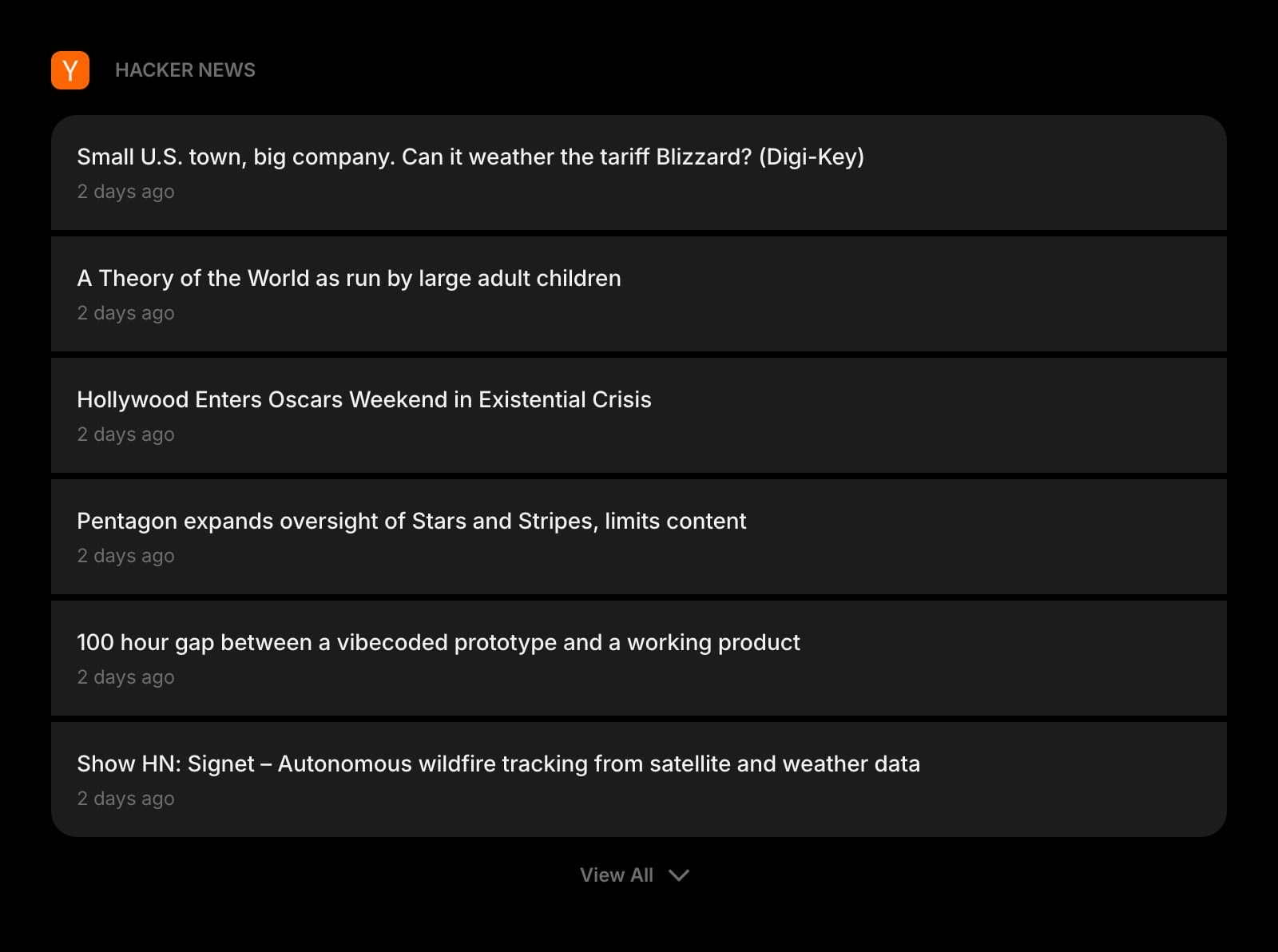
Top stories from HN with a discussion link. Pair with a couple of RSS widgets for an editorial-tech morning read.
Substack
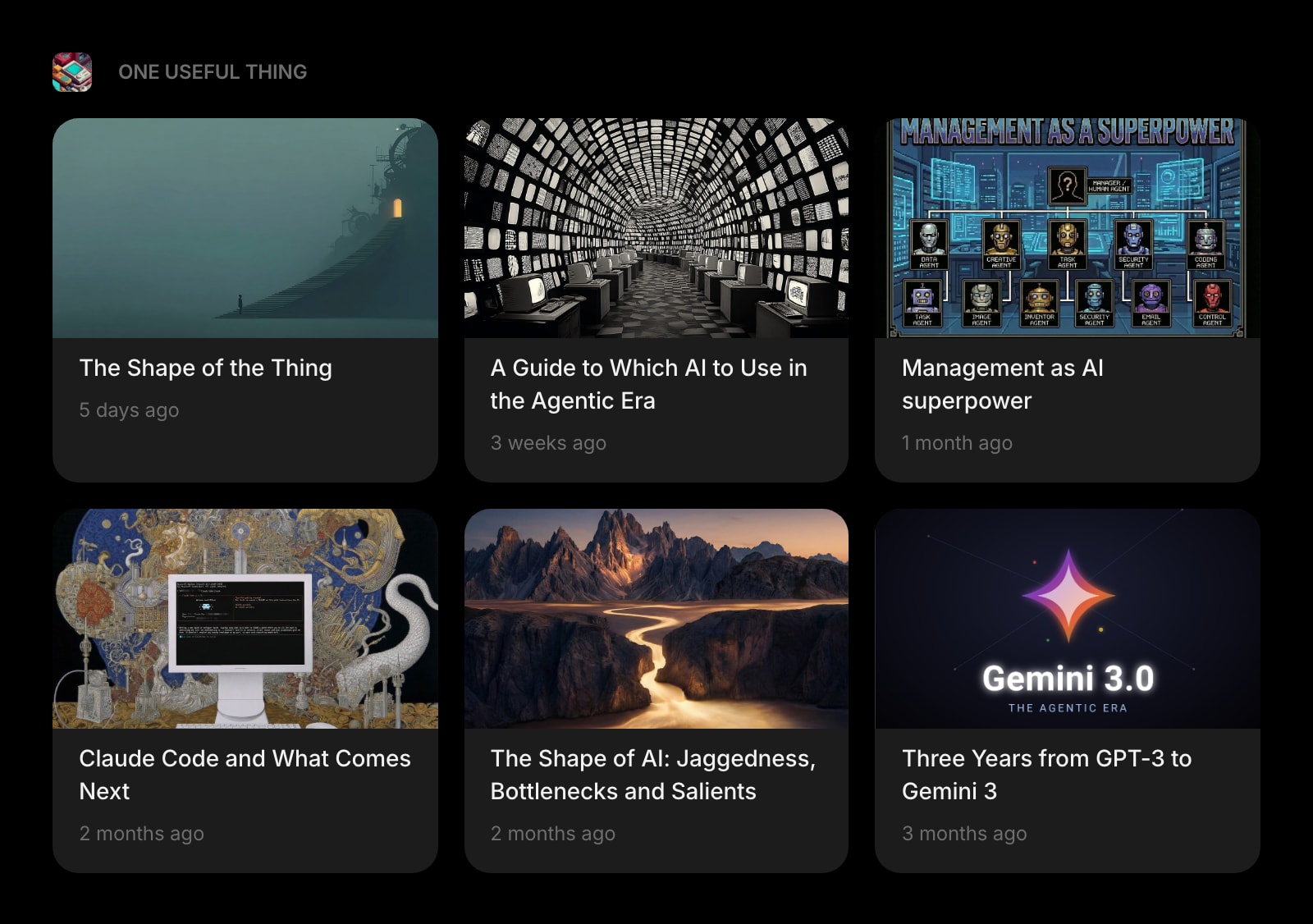
Subscribe to Substack newsletters without inbox noise. Renders next to your other RSS widgets identically.
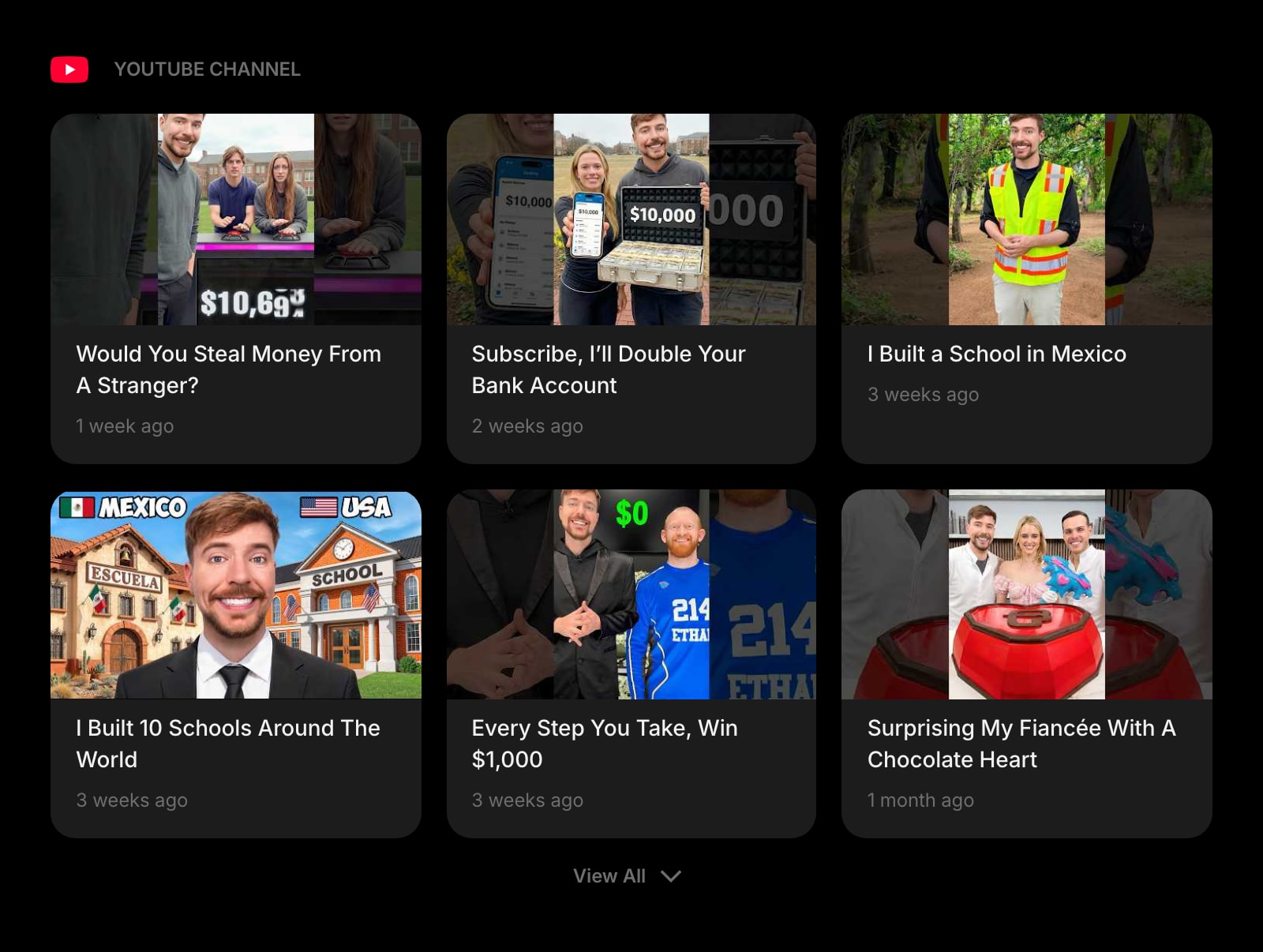
YouTube Channel
Latest uploads from any channel as RSS-style cards. No YouTube tab required.
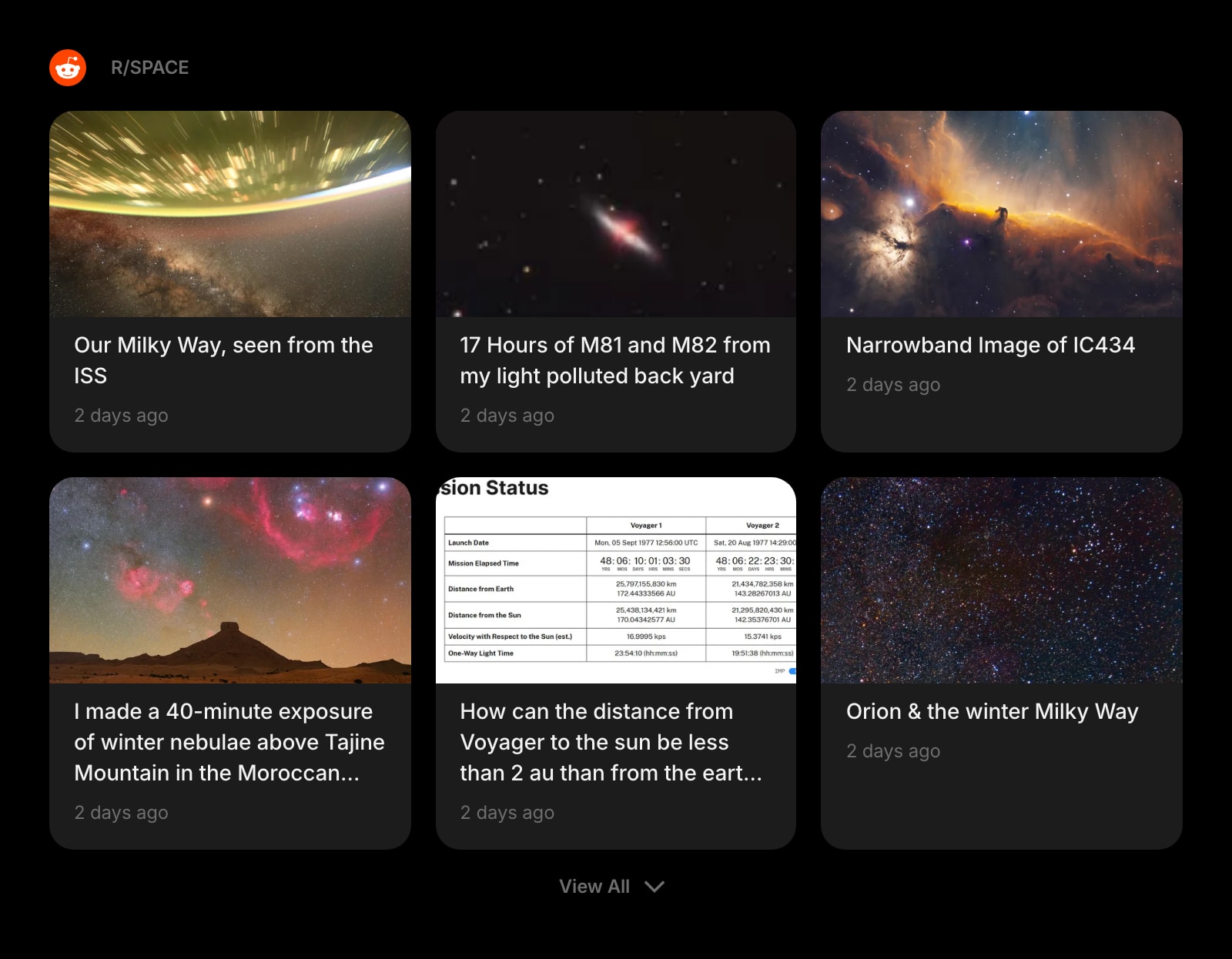
Subreddit
Pull r/programming, r/webdev, or any other subreddit into the same dashboard.
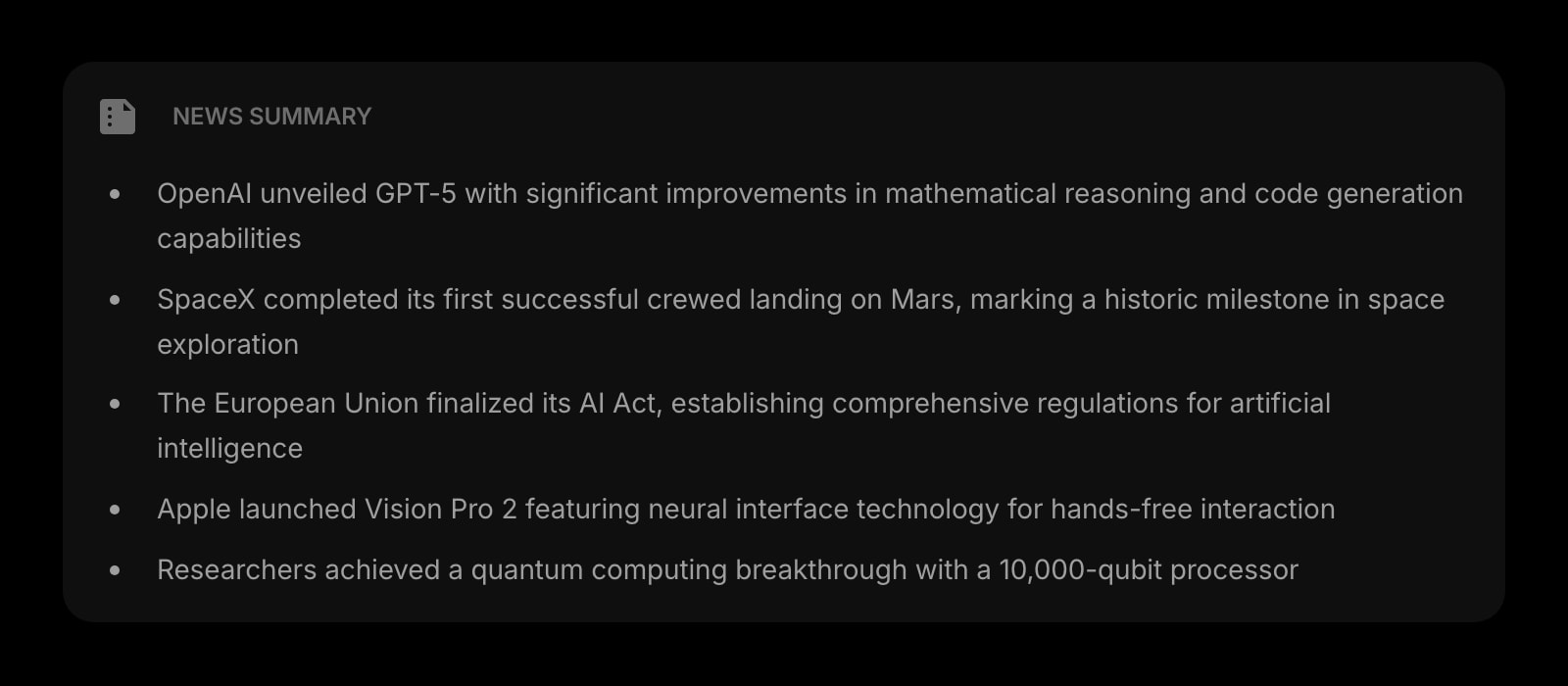
News Summary
AI-summarised digests of high-volume feeds — useful when one of your RSS widgets fires too many items per day.
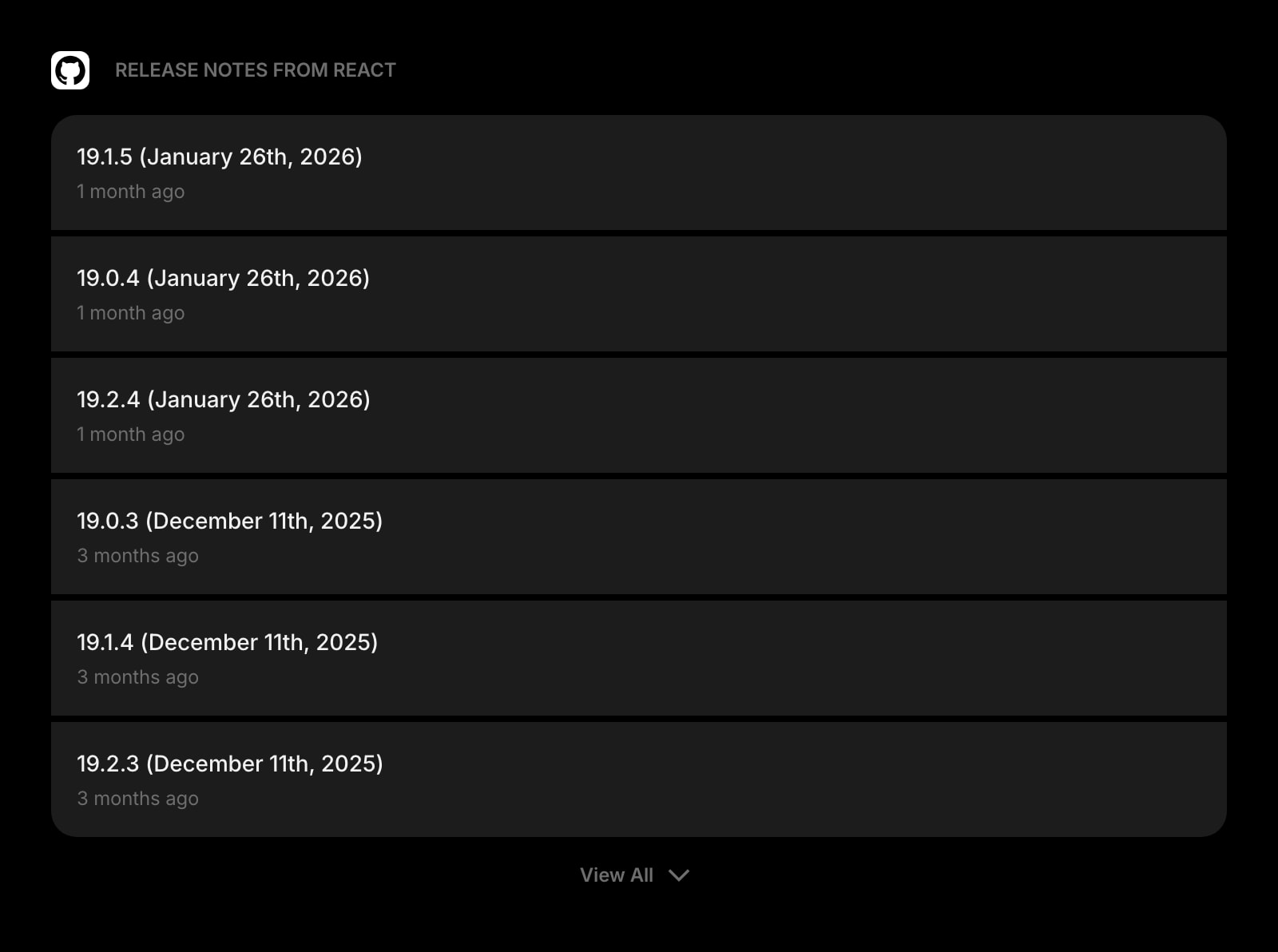
GitHub Releases
Track new releases for libraries you depend on. The dev-feed companion to your editorial RSS widgets.
The RSS Feed widget is one of 50+ in Start Page HQ. Tasks, notes, RSS, AI tools, dev utilities — the same install gives you all of them. Start free with 8 widgets on a page, or lift every limit at $4/month, $24/year, or $48 lifetime.
Frequently Asked Questions
No — pasting your own RSS or Atom URL is a paid capability, so it needs a plan: $4/month, $24/year, or $48 one-time. A free account still gets the RSS widget, on 1 page with up to 8 widgets, but it reads from the preset feed sources rather than URLs you supply. The demo at startpagehq.com/demo has the widget unlocked with no signup.
Chrome removed its built-in RSS reader and the Chrome Web Store has very few standalone RSS extensions left that take over the new tab. Start Page HQ's RSS widget gives you the feed reader inside a dashboard you already use — and you also get tasks, notes, weather, and other widgets in the same install.
No. Feed fetching happens through Start Page HQ's server, not directly from your browser. Whatever filter lists you have enabled (uBlock Origin, AdBlock Plus, Brave Shields if you mirror to Brave) don't see the request and don't affect the result.
Not yet — feeds are added one URL at a time by pasting the feed or homepage URL. If you have a long subscription list to migrate, copy the URLs over once; after that they sync across every Chrome you sign into.
Yes. Paste theverge.com or substack.com/@whoever and the widget tries the common feed paths automatically. If the site doesn't expose RSS at a guessable URL, you'll get an inline error and can paste the explicit feed URL instead.
Add the RSS Feed Widget to Chrome
Free plan, no credit card — see plans or try the demo without installing.