Start Page HQ for Developers
JSON formatter, regex tester, text diff, base64 encoder, GitHub releases, Hacker News - the dev tools and feeds you keep in browser tabs, all on the new tab page you already open dozens of times a day.
The Problem
What the current setup costs developers every day.
- You have eight browser tabs open right now: one for jsonlint, one for regex101, one for diffchecker, one for a base64 decoder, one for the GitHub releases page of a dependency, one for Hacker News, one for an internal status page, one for a unit converter. None of them are "work" - they are pure context switches.
- Every fresh laptop, every browser profile reset, every locked-down work machine means re-bookmarking the same fifteen single-purpose web tools and feeds. None of it syncs.
- Your homepage tab is a Google search box. It does nothing for you. The most-opened tab in your day is the one piece of your browser you've never customized.
- The 'developer dashboards' you've tried are either Chrome extensions stuffed with crypto and weather, or Notion templates that take an hour to set up and never get opened again.
- Your work computer blocks browser extensions. Your personal laptop runs Firefox. Your tablet runs Safari. Whatever you set up on one of them stays on that one device.
Widgets That Fit Developers
A curated set, not a dump. Each one earns its place on the page.
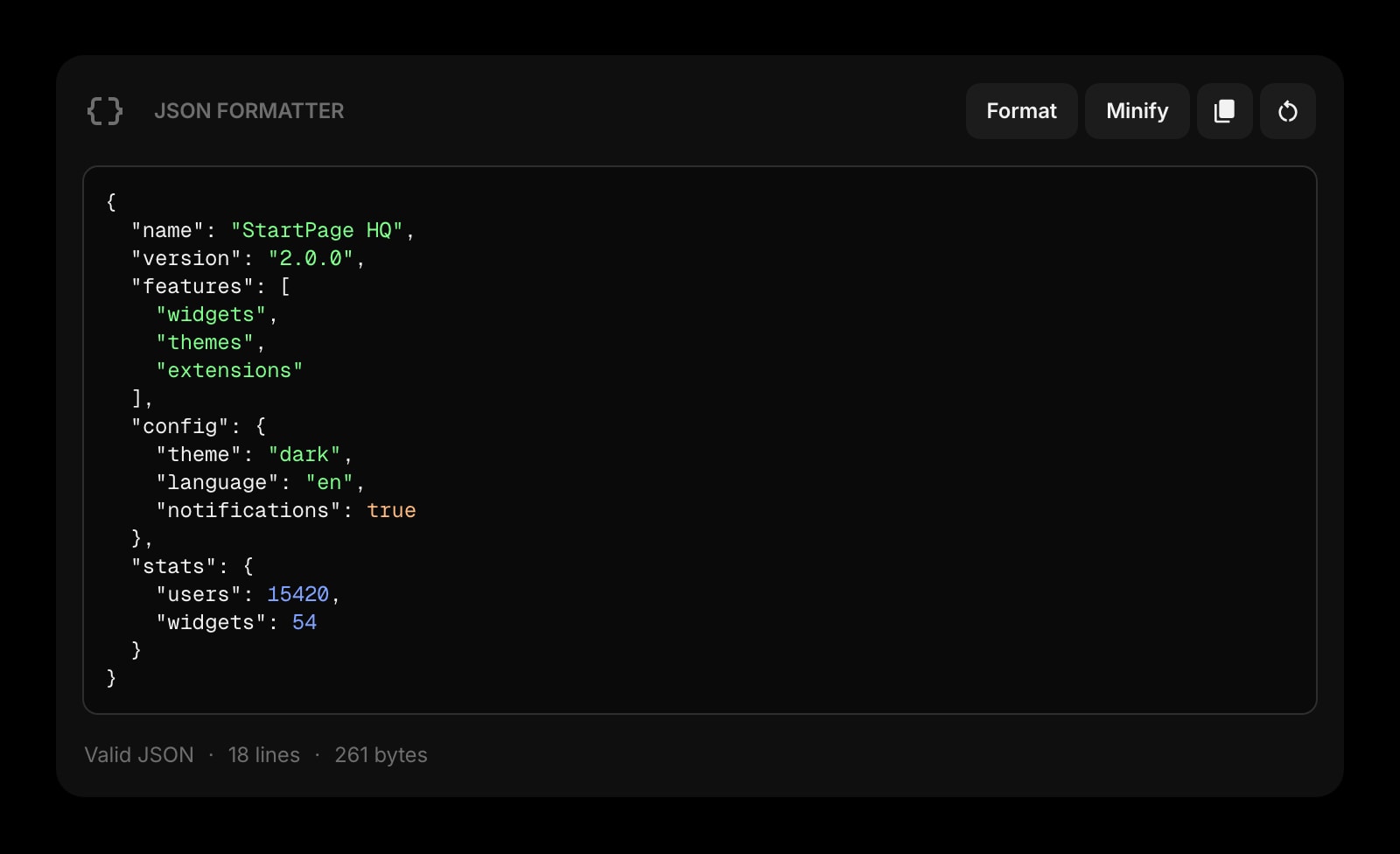
JSON Formatter
Paste an ugly API response, get formatted, validated, color-coded JSON. No more bouncing to jsonlint.com a dozen times a day.
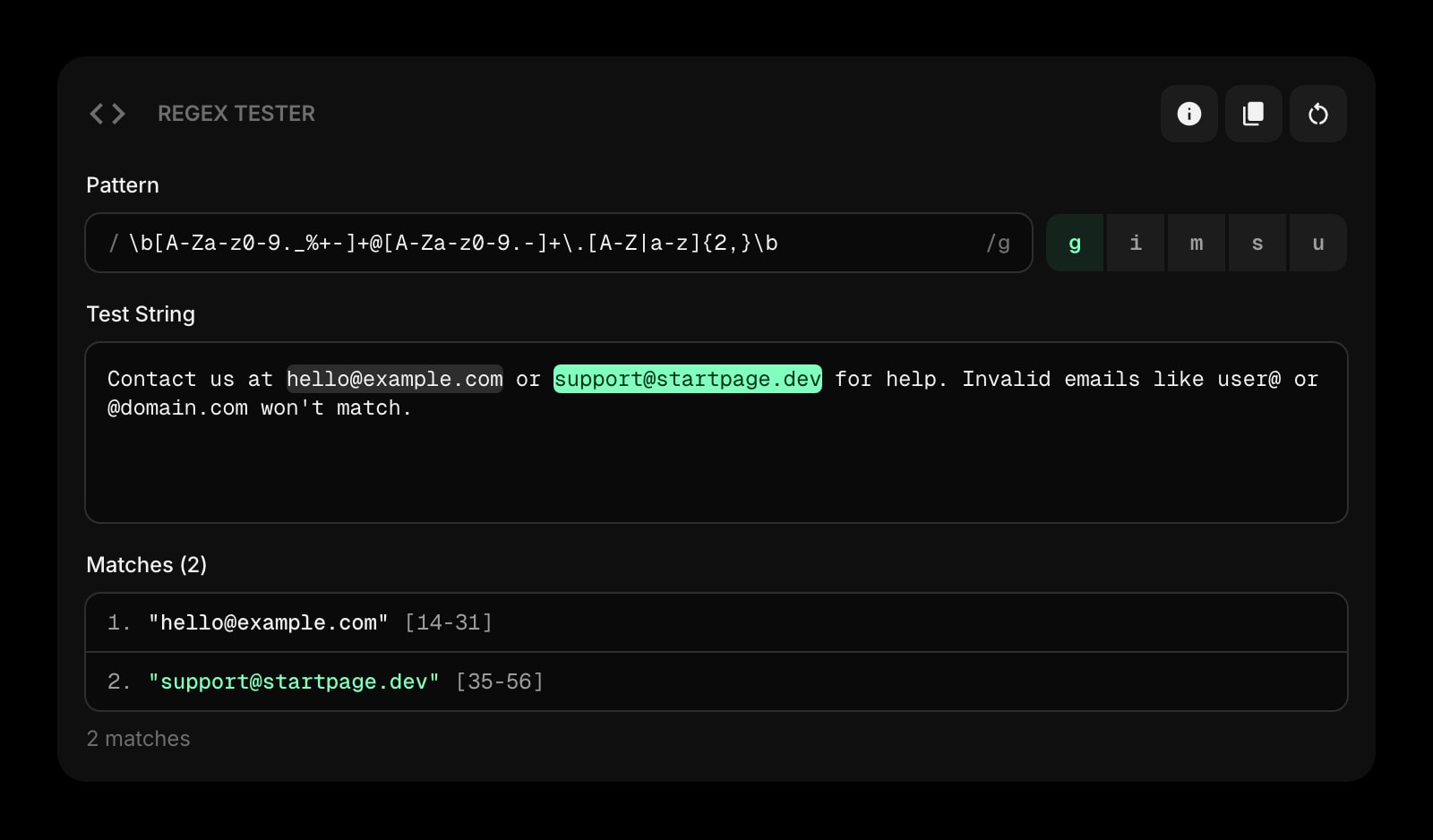
Regex Tester
Live regex matching against sample text with capture groups highlighted. The regex101 workflow without the tab.
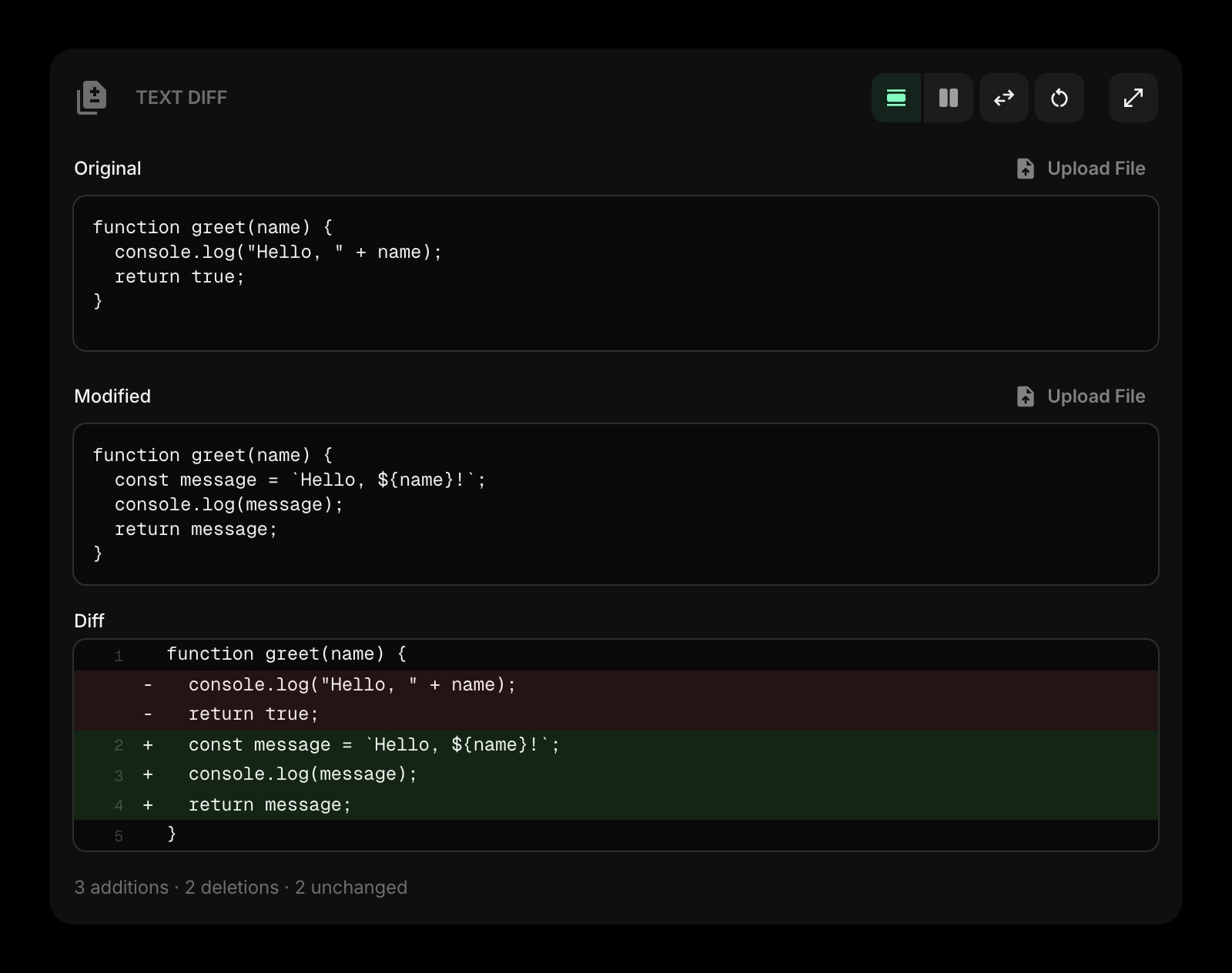
Text Diff
Side-by-side diff for config files, log lines, or any two blobs of text. Compare without opening Diffchecker.
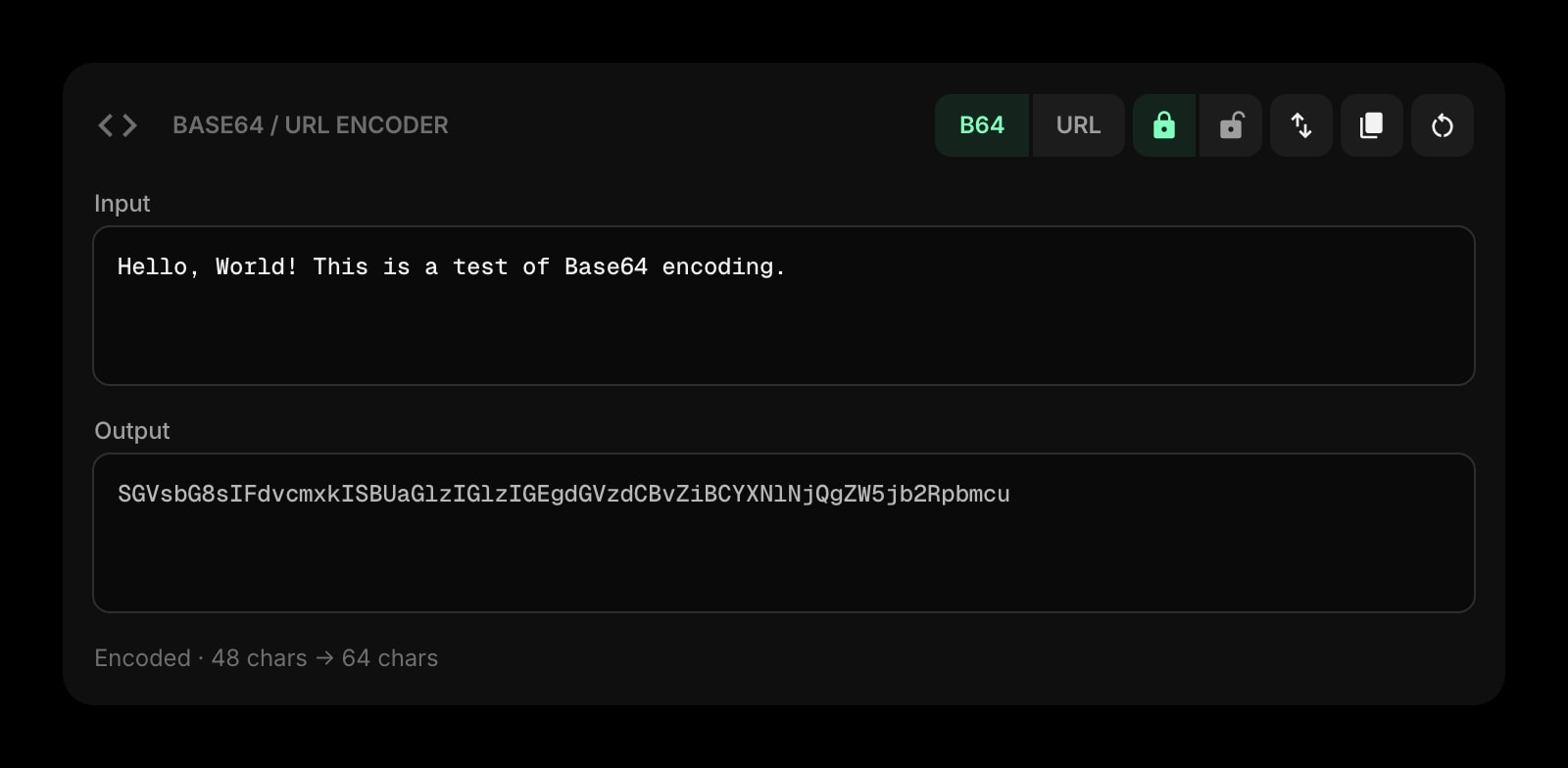
Base64 & URL Encoder
Encode or decode base64 and URL-safe strings instantly - the kind of thing you reach for ten times a week building APIs.
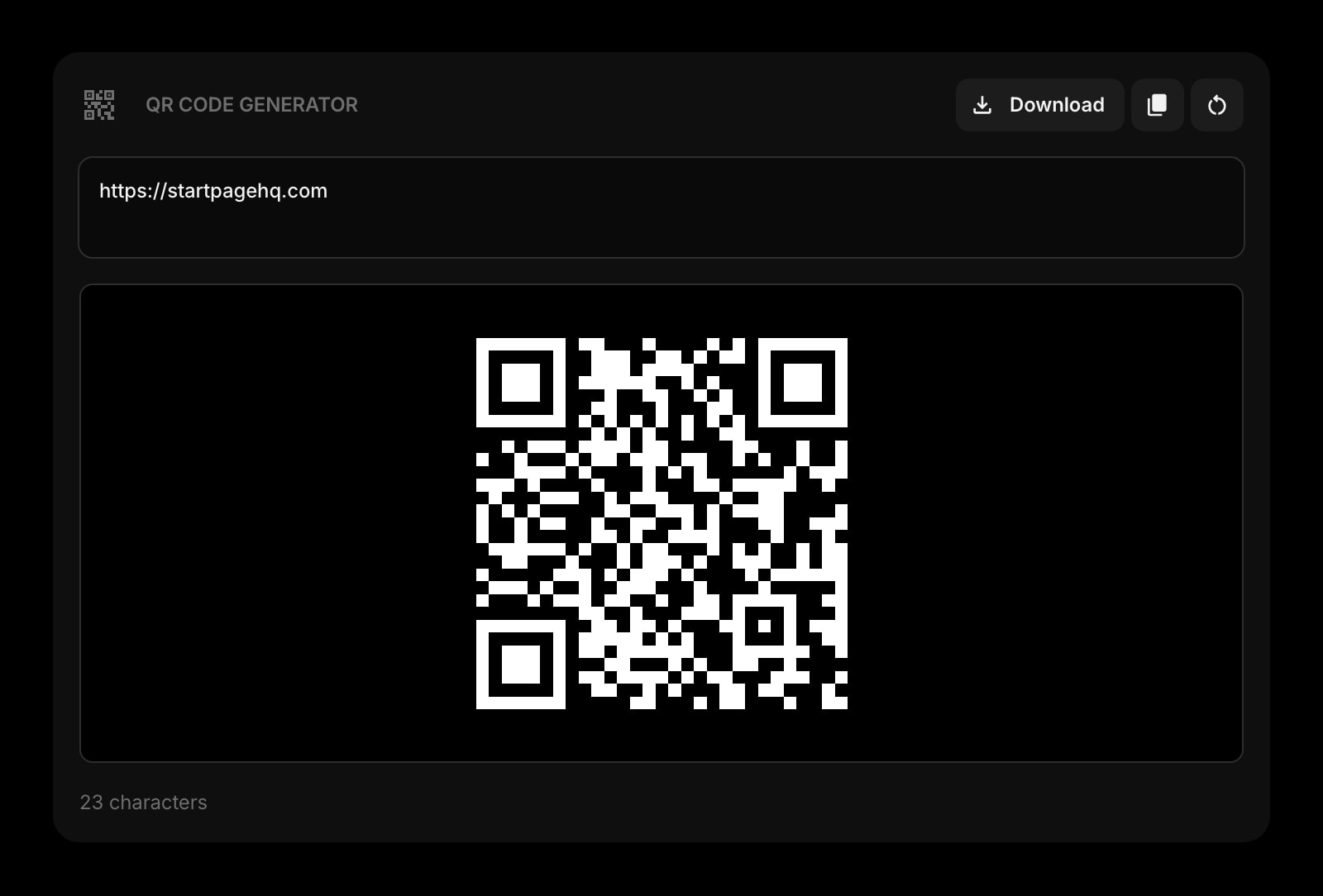
QR Code
Generate a QR code for a localhost URL, a staging build, or a deeplink, then point your phone at it. No third-party generator.
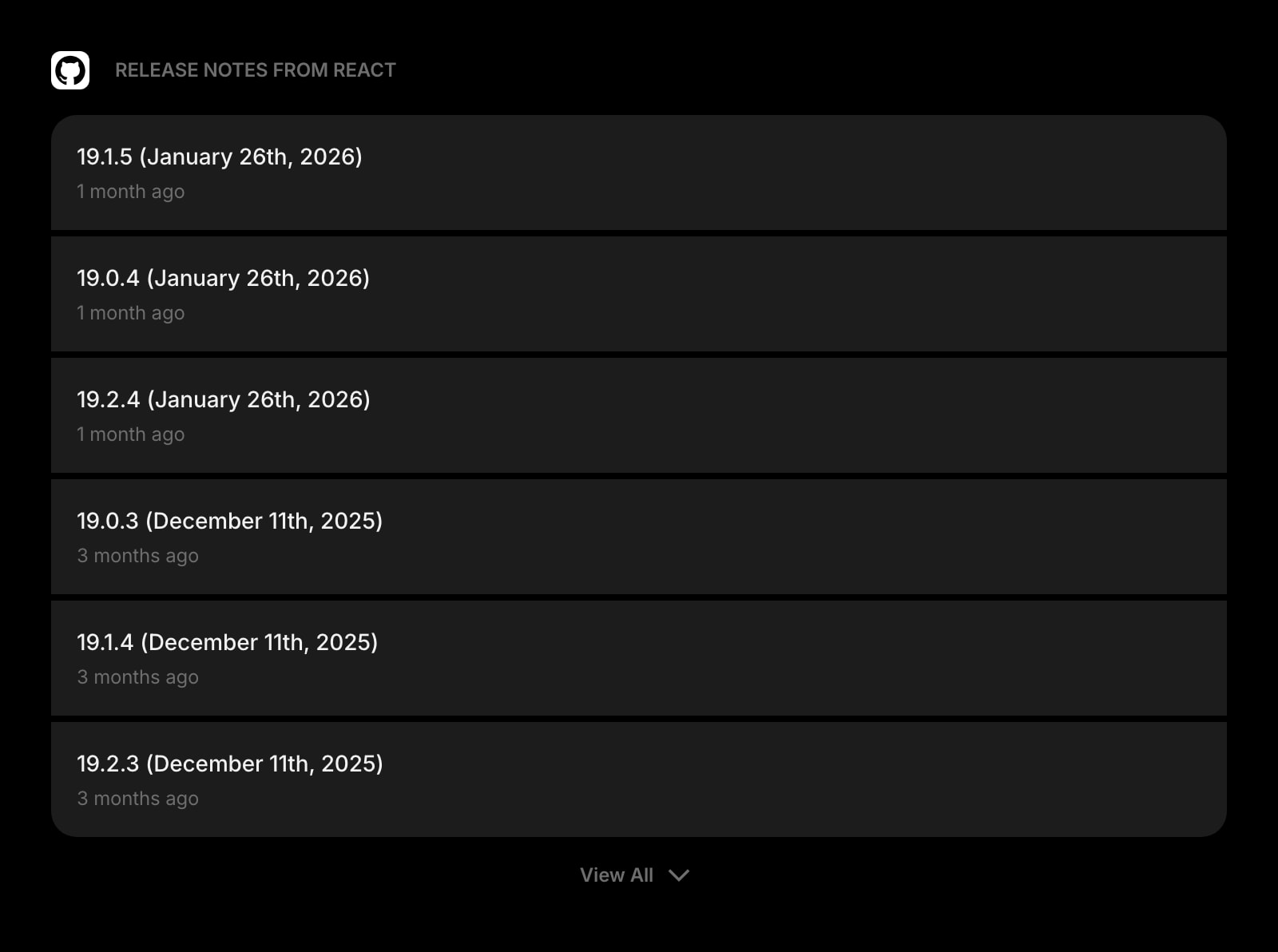
GitHub Releases
Track new releases for the libraries, frameworks, and tools you depend on. See what shipped overnight without trawling notification email.
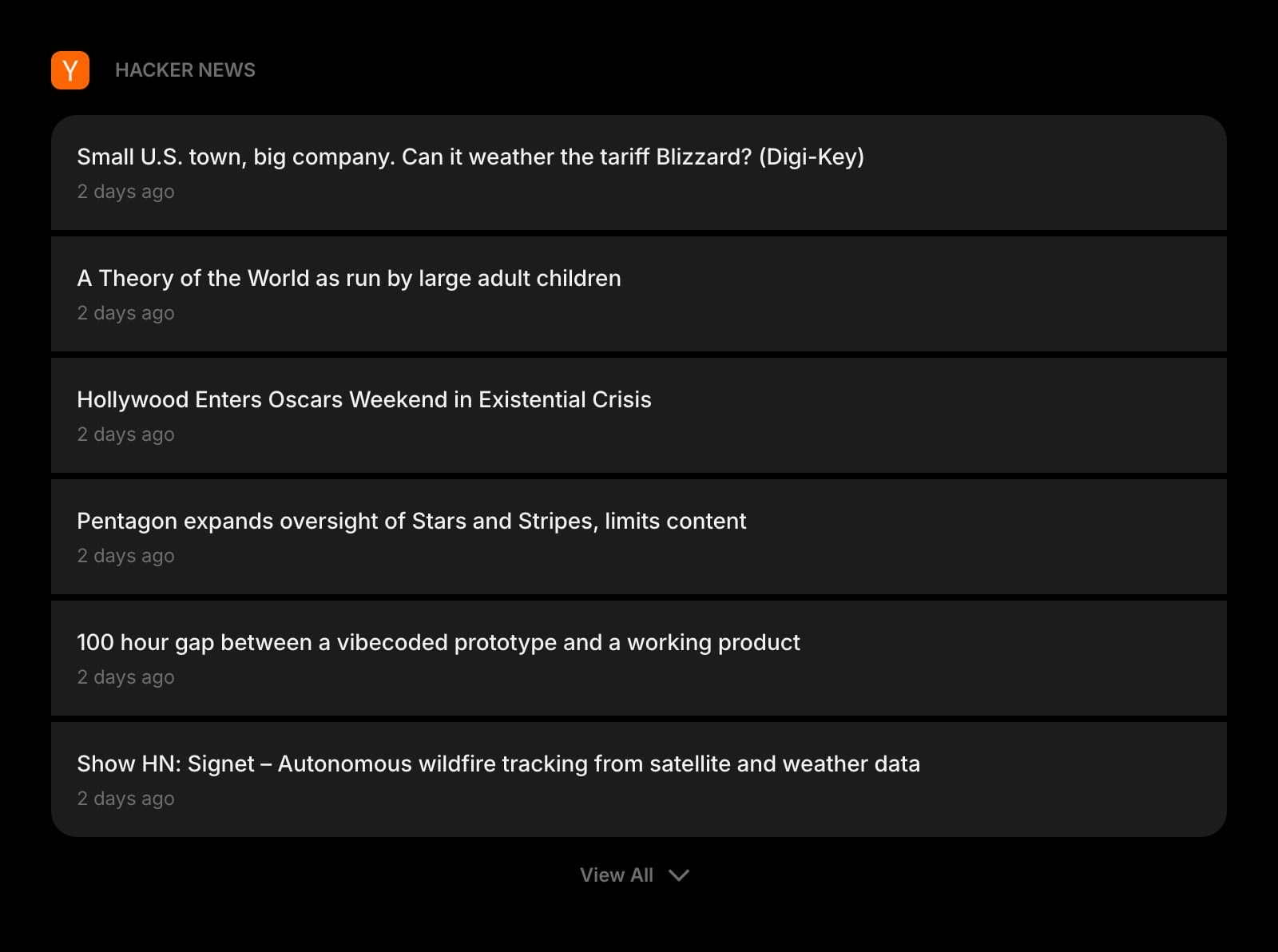
Hacker News
Top stories on your new tab. Skim the front page in the same place you already glance at every morning.
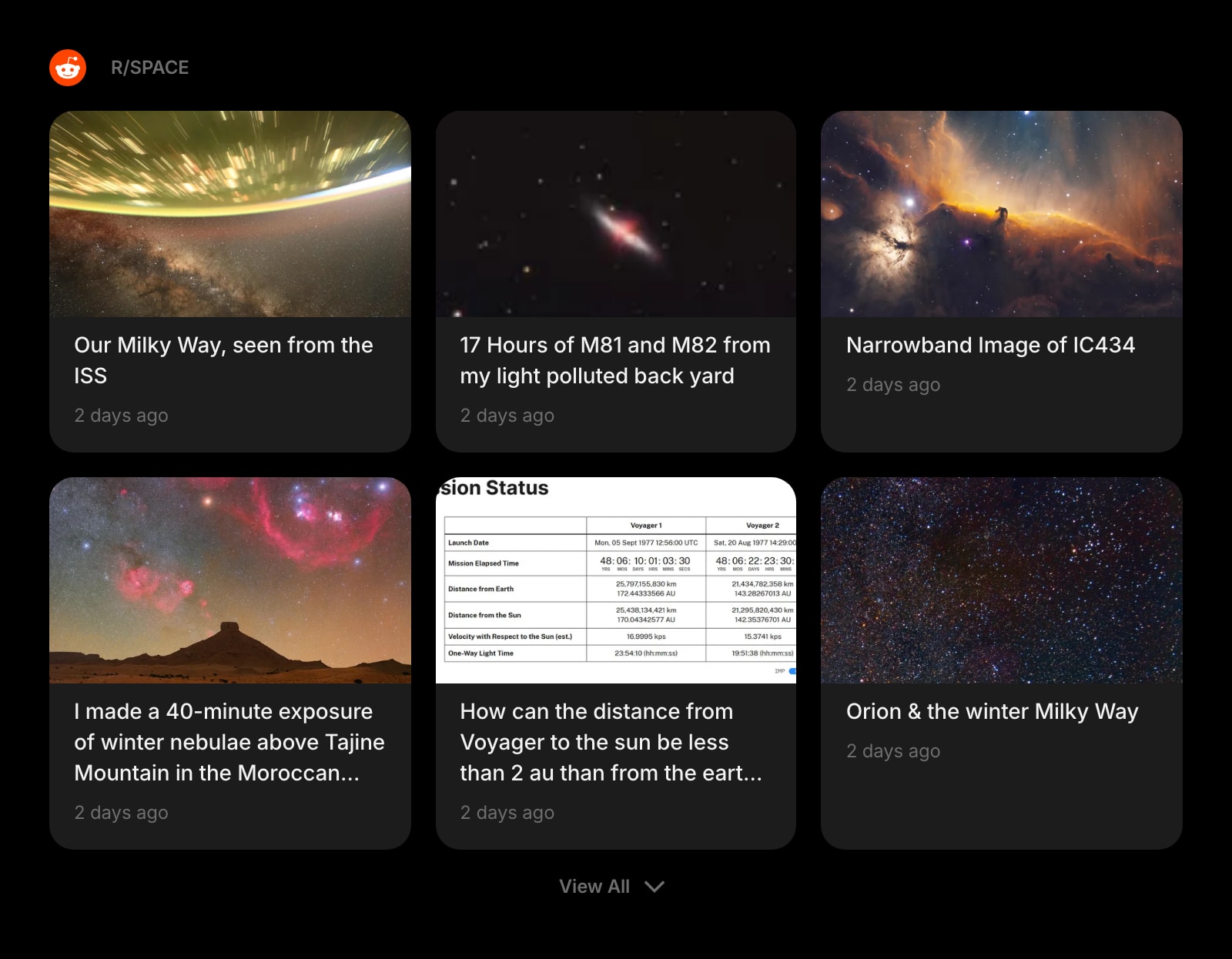
Subreddit
Pull r/programming, r/webdev, r/devops, or any other subreddit straight into your dashboard - no Reddit tab required.
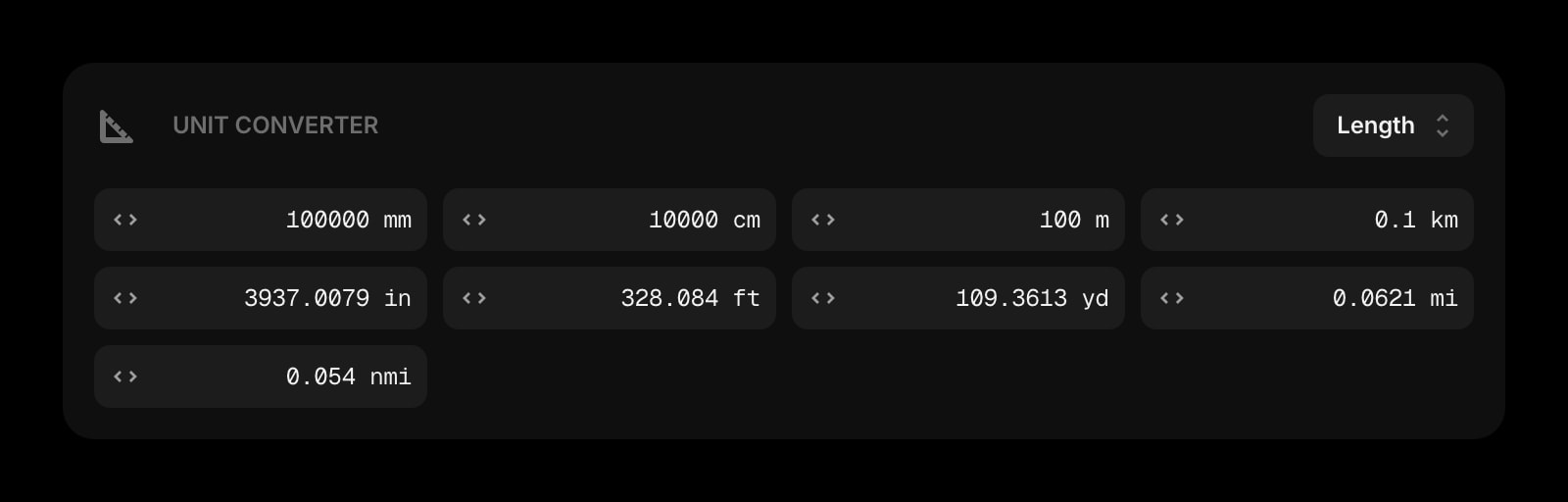
Unit Converter
Bytes, milliseconds, hex/decimal, length, weight - the unit conversions that come up while you debug, without a Google trip.
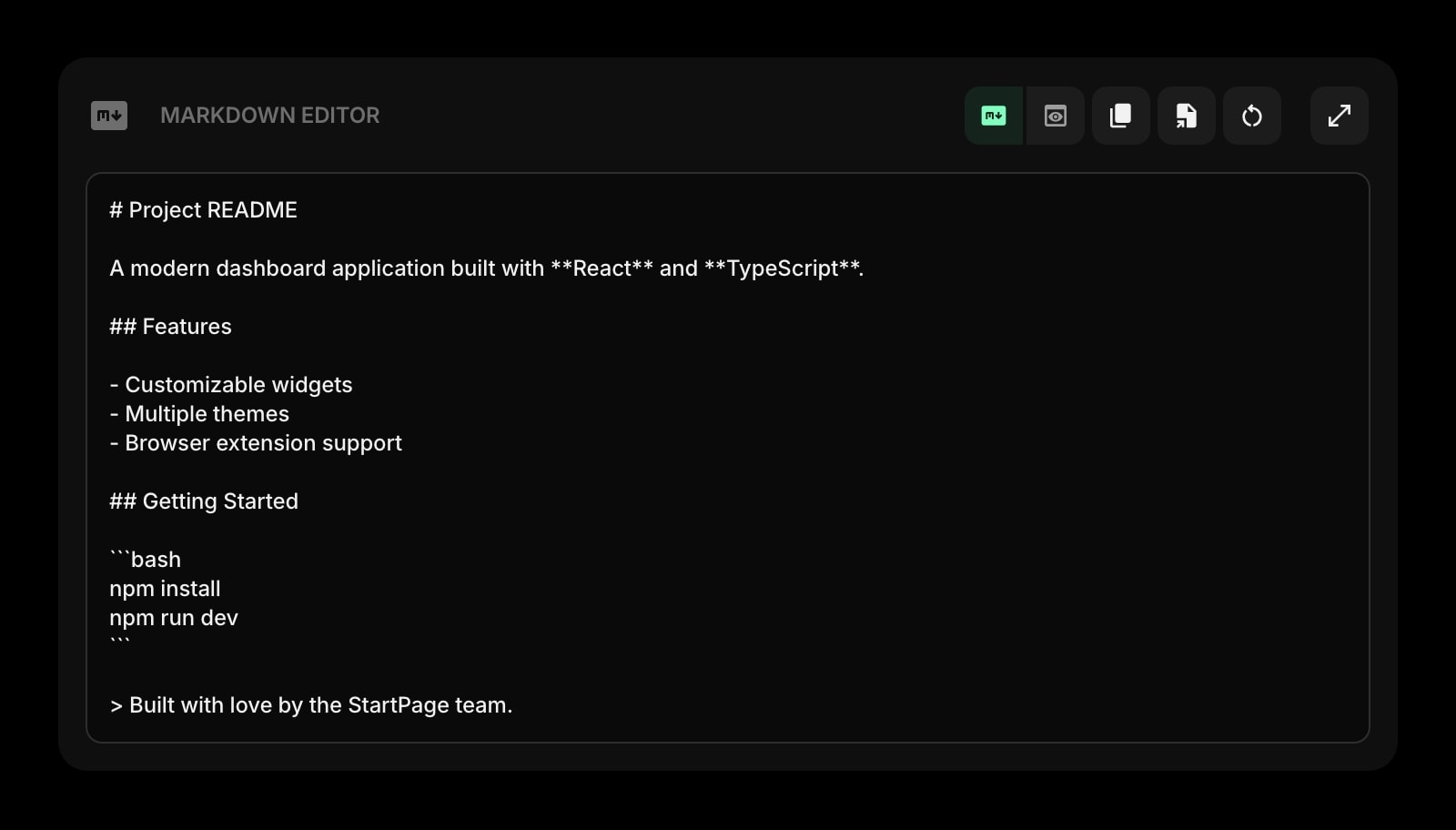
Markdown Editor
Draft a PR description, an issue, a release note, or a quick design doc with live preview. Paste it where it needs to go.
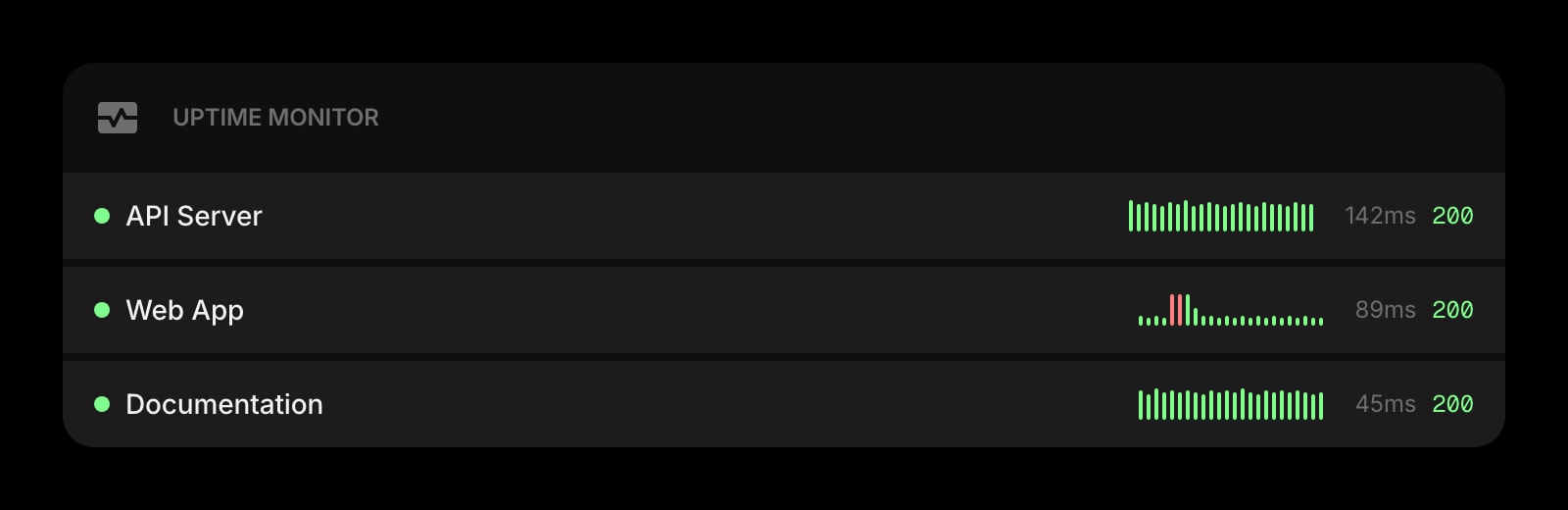
Uptime Monitor
Watch your production endpoints, staging environment, or status pages from the new tab page. Notice incidents before the alert fires.
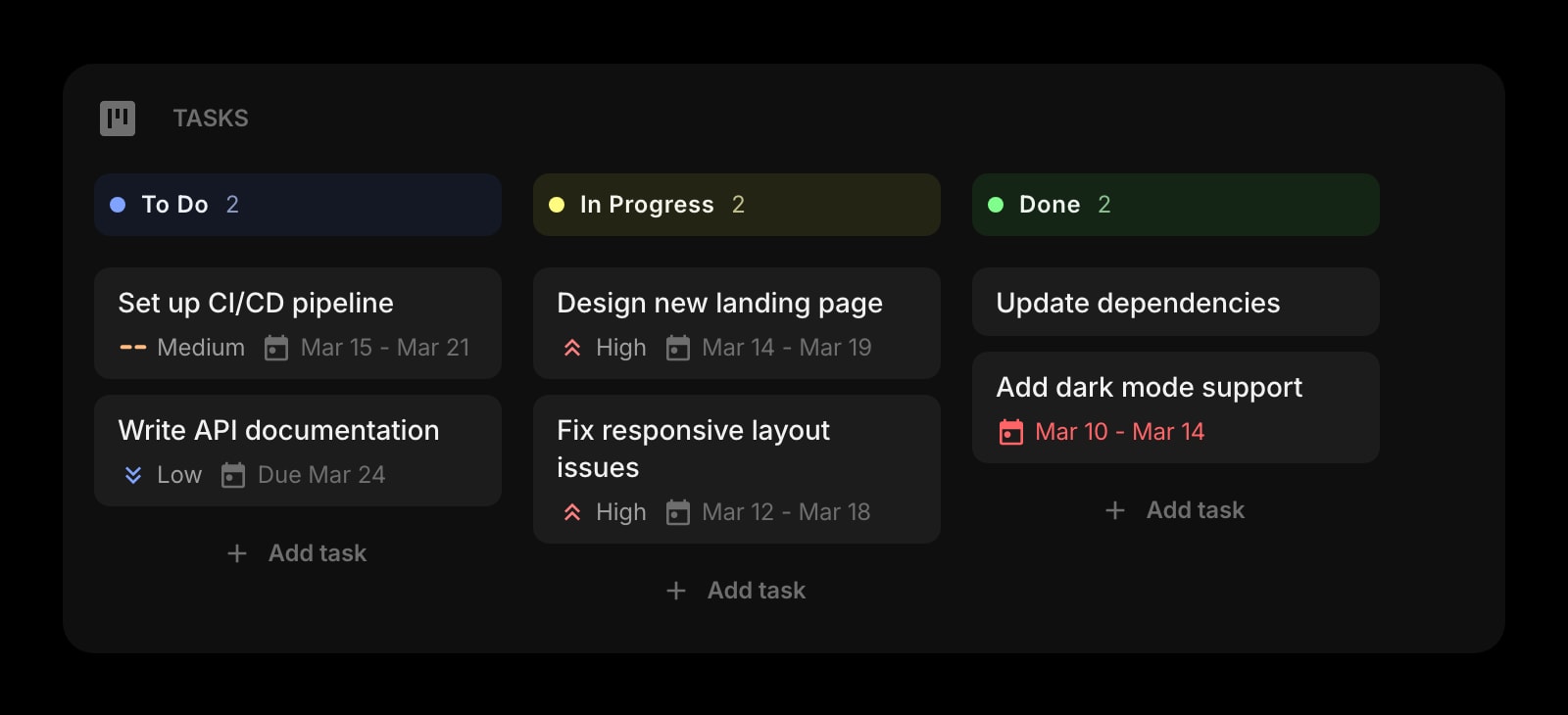
Tasks (Kanban)
A lightweight Kanban board next to your tools. Drag tickets across To Do, In Progress, and Done without opening Jira.
A Day in the Life
How Start Page HQ shows up across the moments that actually matter.
Morning Standup Prep
Open new tab. Glance at the GitHub Releases widget for overnight versions of dependencies you care about. Skim Hacker News for any incident or outage that might bite the day. Check the Tasks Kanban to confirm what you said you would ship.
Mid-Morning Bug Investigation
Need to format that ugly JSON the API returned? JSON Formatter widget. Need to test a regex against a sample log line? Regex Tester widget. Need to base64-encode a sample header? Base64 widget. No tab-switching, no third-party single-purpose pages.
Pairing on a New Endpoint
Drop the request payload into the JSON Formatter, diff it against the previous version in the Text Diff widget, and generate a QR code so your teammate can hit the staging URL on their phone. Three tools, one tab, zero copy-paste-into-some-random-website.
End-of-Day Wrap
Move the ticket on the Kanban board. Draft tomorrow morning's standup notes in the Markdown Editor. Check the Uptime Monitor one last time before closing the laptop. Same page, every day, every device.
Why It Sticks for Developers
Specific reasons it works for this audience - not generic productivity claims.
Dev Tools Live Where You Already Are
JSON Formatter, Regex Tester, Text Diff, Base64 encoder, QR generator, unit converter - the single-purpose web tools you used to keep in browser tabs are all widgets on a page you already open dozens of times a day.
Works on Locked-Down Work Computers
The hosted web app at startpagehq.com runs anywhere a browser does. If your IT policy blocks Chrome extensions, set startpagehq.com as your homepage and you keep your full setup.
Sync Across Every Browser and Device
Chrome at the office, Firefox at home, Safari on the iPad. Sign in once and your widgets, links, todos, and Kanban board show up identically on every device. Included in the base plan, not a paid add-on.
Multi-Page Dashboards for Different Contexts
A Tools page for dev utilities. A Feeds page for GitHub Releases, Hacker News, and subreddits. A Project page for the Kanban board and uptime monitors. Switch with a click instead of stuffing one tab with everything.
One Plan, Every Widget
No Plus tier or per-widget paywalls. $4/month, $24/year, or $48 lifetime unlocks every widget, every page, sync across every device, and a pool of AI credits. Try it free at startpagehq.com/demo before paying.
Coming From Another Tool?
Already using a dedicated tool for one of these jobs? The widgets do the same job in the same tab. See how they map.
Frequently Asked Questions
No. Widgets render lazily and the page is built on a static framework. The new tab opens as fast as a blank page; the dev tools (JSON Formatter, Regex Tester, Text Diff) only do work when you paste text in.
Yes. Start Page HQ runs as a hosted web app at startpagehq.com - no extension required. Set it as your browser homepage and you have your full setup, even on a locked-down corporate machine.
The core layout and dev tools (JSON Formatter, Regex Tester, Text Diff, Base64 encoder, unit converter, QR code) work without a network connection once the page is loaded. Feeds and live widgets like Hacker News, GitHub Releases, and uptime monitors need a connection to refresh.
Yes. Sign in once and your pages, widgets, links, and Kanban board sync across every browser and device automatically. Sync is included in the base price - no Plus tier required.
Yes, with Teams. A team workspace is one shared new tab for the whole team: the repo, CI, and staging links, an Uptime Monitor for production, and GitHub Releases for the services and dependencies you ship on. Editors keep it current, and everyone switches between it and their own Personal dashboard from the avatar menu, in the web app and every browser extension. Teams is $4 per seat a month or $40 per seat a year, minimum 2 seats.
For day-to-day developer work - format an API response, test a regex, diff two configs, encode something to base64 - yes. They cover the same workflows as Regex101, JSONLint, and Diffchecker without the tab. For deep regex debugging with explainers and step-by-step matching, the dedicated tools still go further.
There is a free plan: 1 page, 8 widgets, sync across devices, every browser extension, and 50 AI credits to start. Paid lifts the limits at $4/month, $24/year, or $48 one-time (lifetime) - unlimited pages, every widget including the premium ones, and a recurring pool of AI credits. There is also a free public demo at startpagehq.com/demo with every widget unlocked, no signup.
Build Your Developers Dashboard
Start free — 1 page, 8 widgets, sync across devices, no credit card. Or open the live demo first, no signup needed.