RSS Widget for Safari
Safari dropped its built-in RSS reader with Safari 6 and never brought it back. This widget puts your feeds on the Safari new tab, on the Mac and on the iPhone, from one App Store install.
Install on Safari
The Safari-specific flow, start to finish.
- 1Install Start Page HQ from the Mac App Store, open it once, then enable it under Safari → Settings → Extensions and allow its permissions. On iPhone or iPad, install from the App Store and switch it on under Settings → Safari → Extensions.
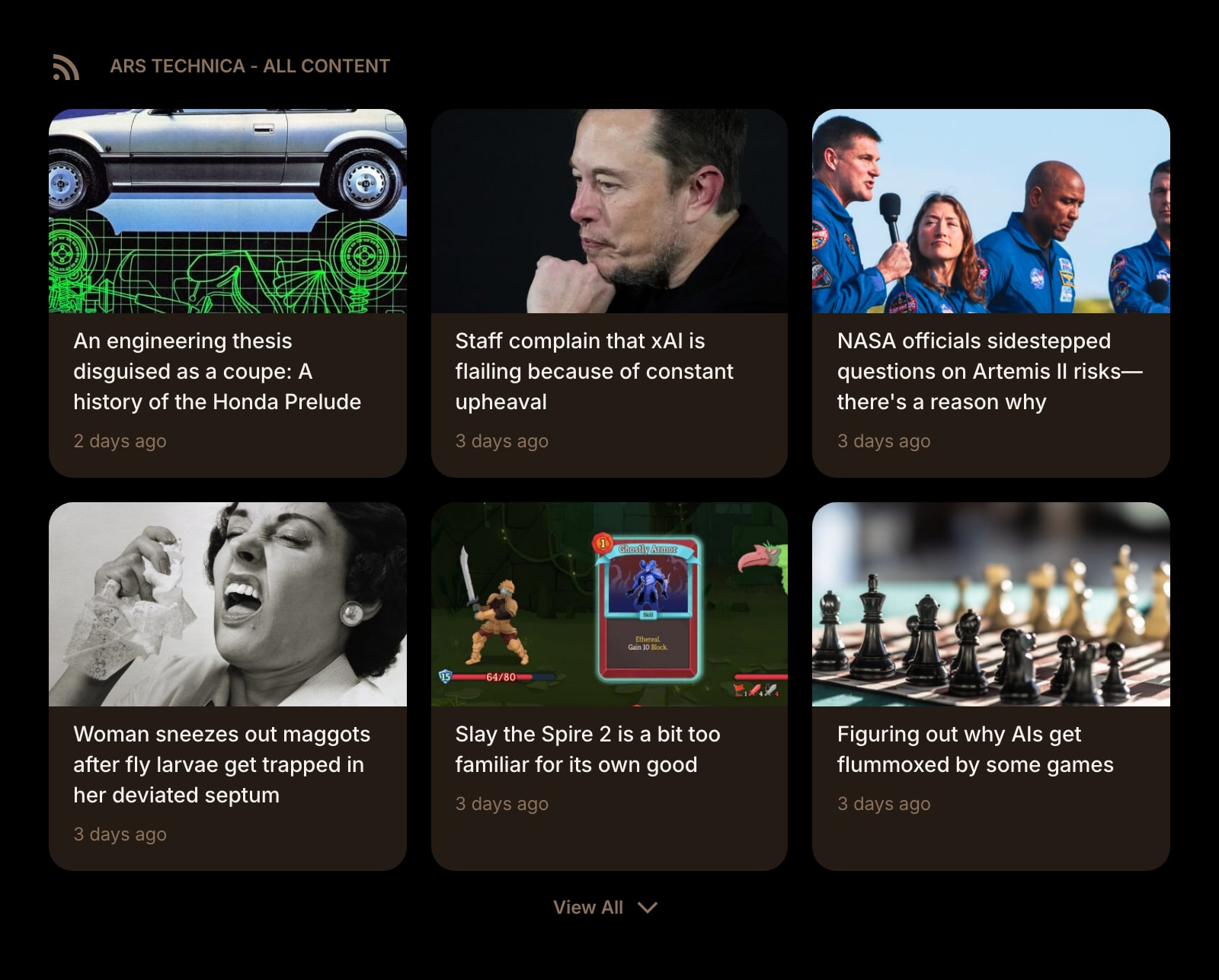
- 2Open a new tab in Safari. The dashboard replaces the Start Page. Click the gear icon in the bottom right and choose Add Widget → RSS Feed.
- 3Paste a feed URL or just the site address; the widget tries /feed, /rss, and /atom.xml on its own. Your own URLs need a paid plan — a free account picks from the preset sources.
- 4Choose a grid or list layout and a card style. Add one RSS Feed widget per source, or a News Summary widget on top of a busy one.
- 5Sign into the same account in Safari on your other Apple devices. The feeds, layout, and read position are the same everywhere.
What RSS Feed Does
A short tour of the widget. Already sold? Skip ahead.
- Any RSS or Atom feed — blogs, newsrooms, newsletters, release notes.
- Feed discovery from a homepage URL, so the exact feed link is optional.
- Grid or list per widget, images on or off.
- Server-side fetching and caching, so headlines are there when the tab opens.
- Combine with Hacker News, Substack, Subreddit, YouTube Channel, and Podcast widgets.
Notes for Safari Users
Safari once had the best built-in RSS reader of any browser, and Apple removed it in Safari 6 in 2012. What Safari offers on the Start Page today is Reading List — articles you have already found and saved — and Suggestions, chosen by Safari. Neither is a feed. The RSS Feed widget fills that gap in the new tab itself: your sources, newest items first, in the space Safari would otherwise fill with a favorites grid.
Safari is also where most new tab extensions stop, because an extension has to be packaged inside a Mac or iOS app and reviewed for the App Store. Start Page HQ went through that, and the iPhone and iPad get the benefit: the same feeds appear on Safari's new tab on all three, and on Chrome, Firefox, or Edge elsewhere. Nothing in the feed loading depends on Safari itself. Fetching is done by Start Page HQ's server, so Safari's Intelligent Tracking Prevention and Private Relay on iCloud+ have no request to interfere with — the browser only loads the publisher's page when you click a headline.
Other Widgets You Might Add
Pair the RSS Feed widget with these. One install gets you all of them.
Hacker News
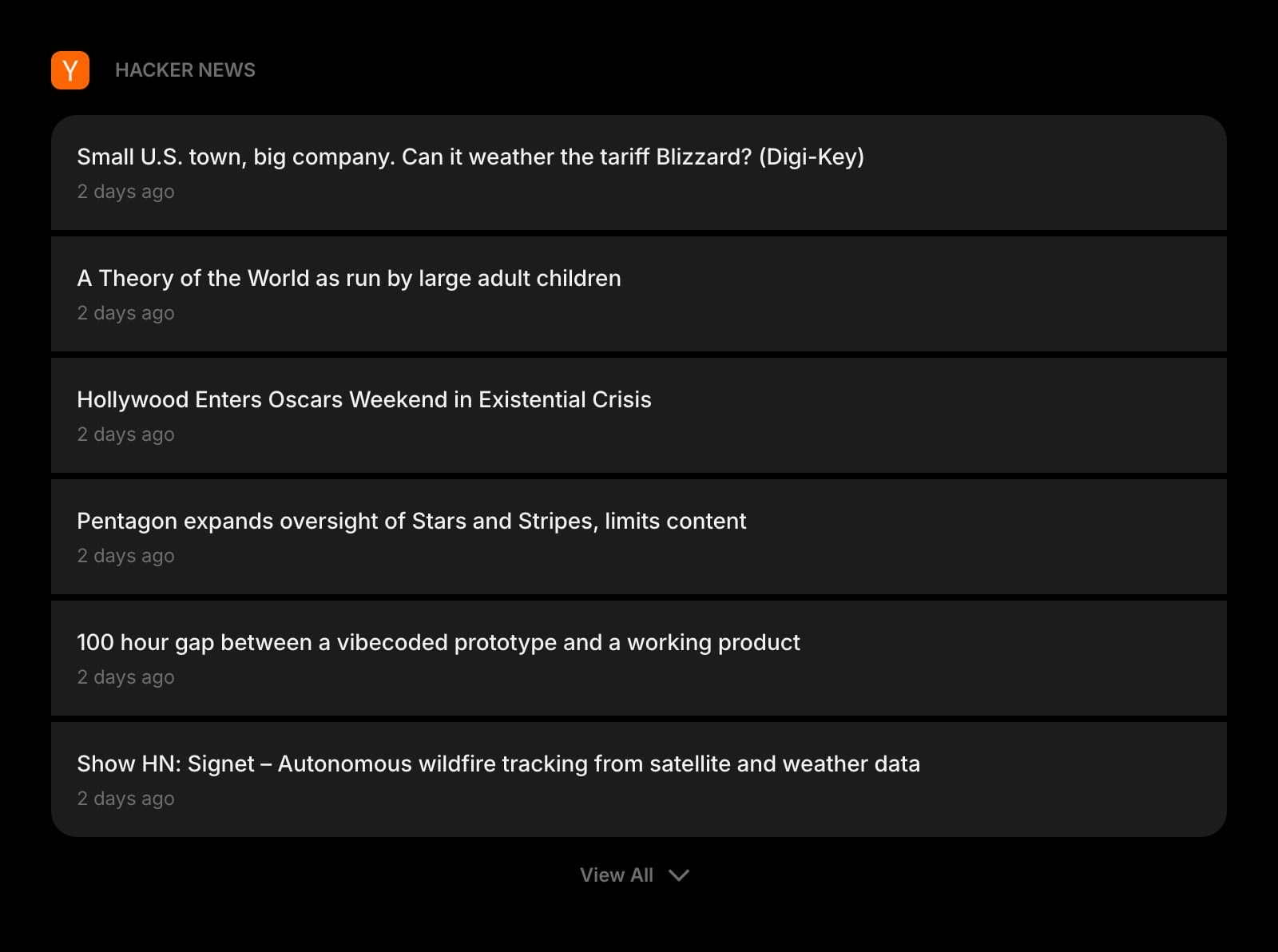
The front page as cards, with the discussion one click away.
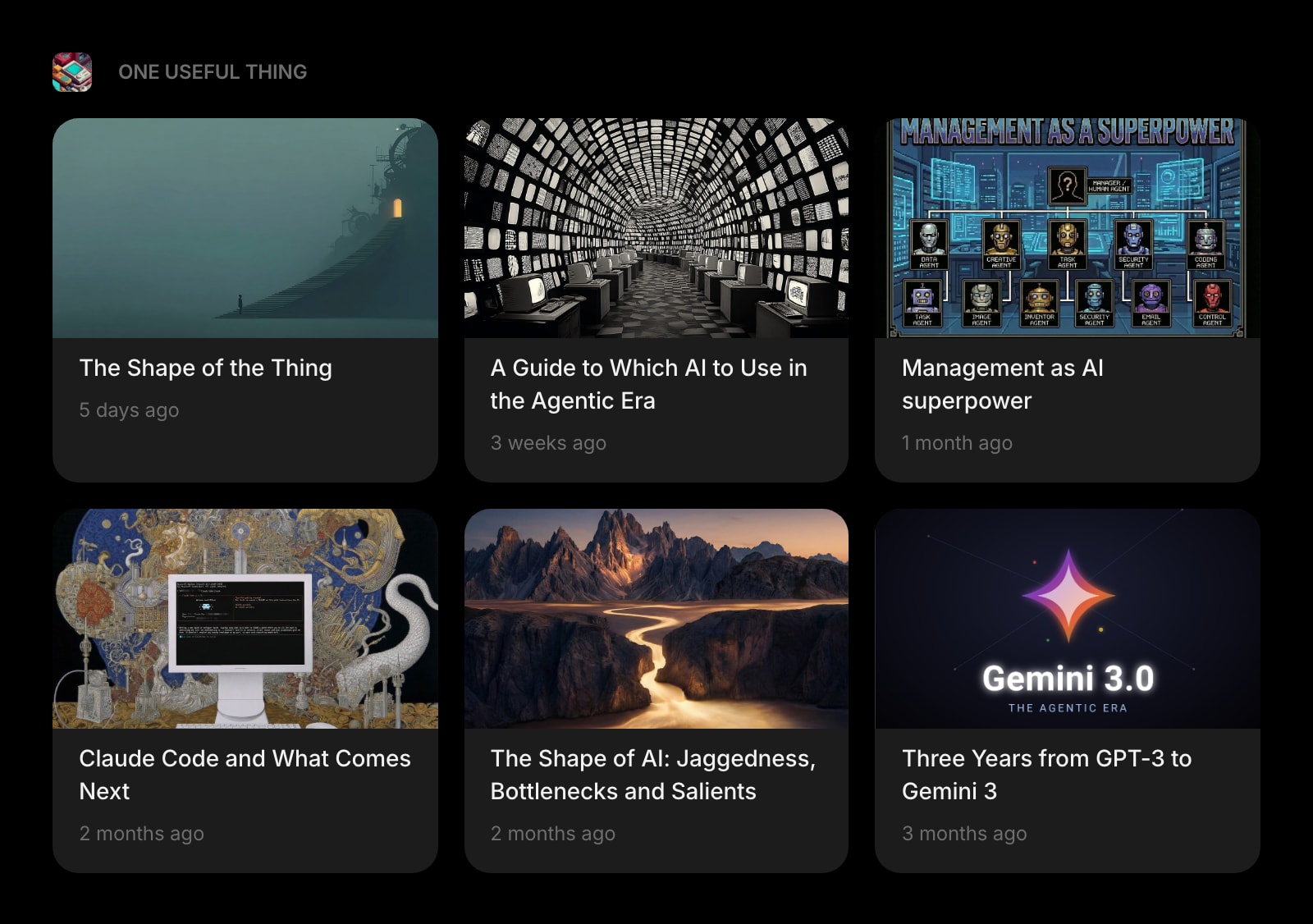
Substack
Newsletters read on the new tab instead of in Mail.
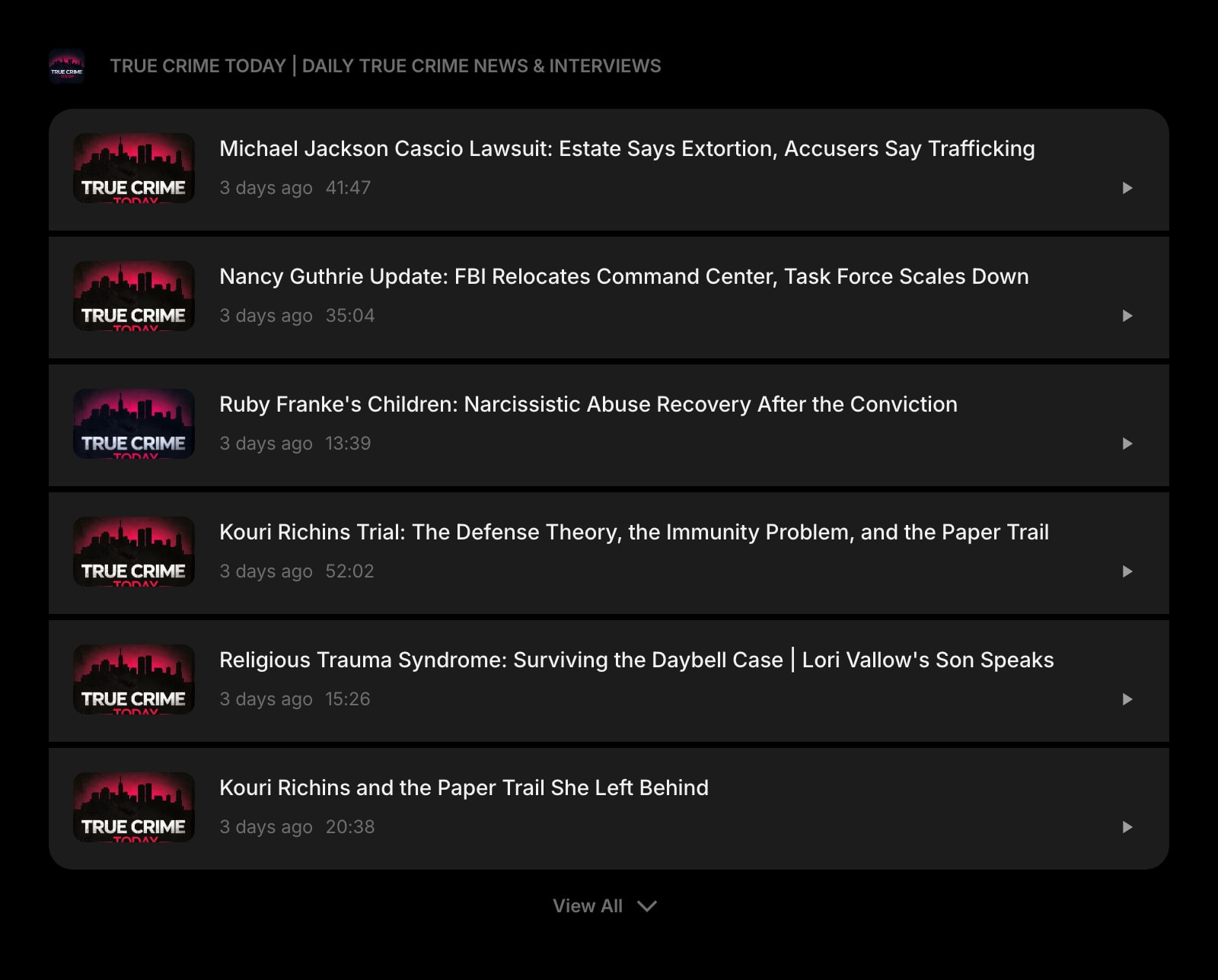
Podcast
Latest episodes from a show's feed, playable without opening the Podcasts app.
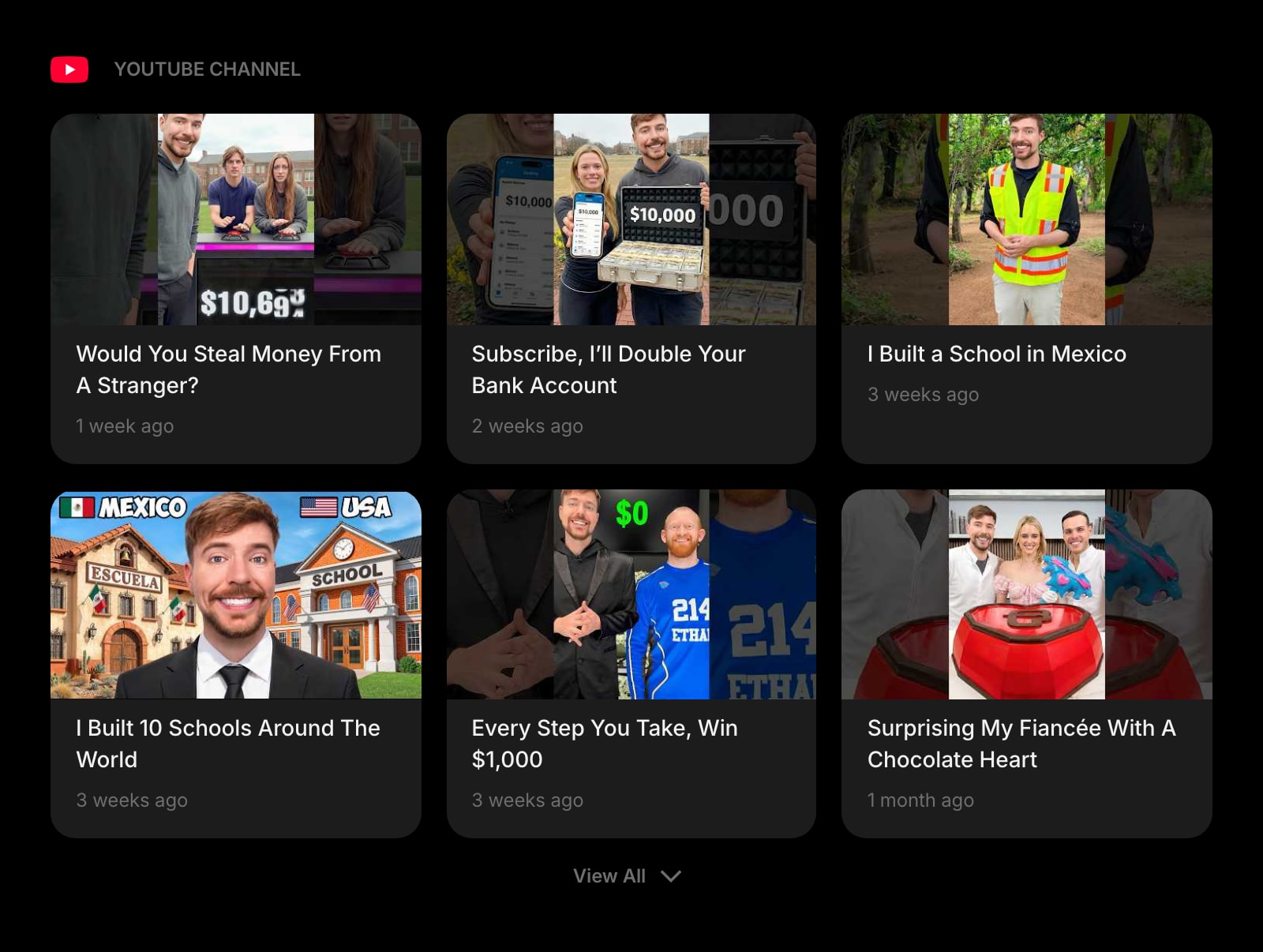
YouTube Channel
New uploads from a channel, minus the recommendations rail.
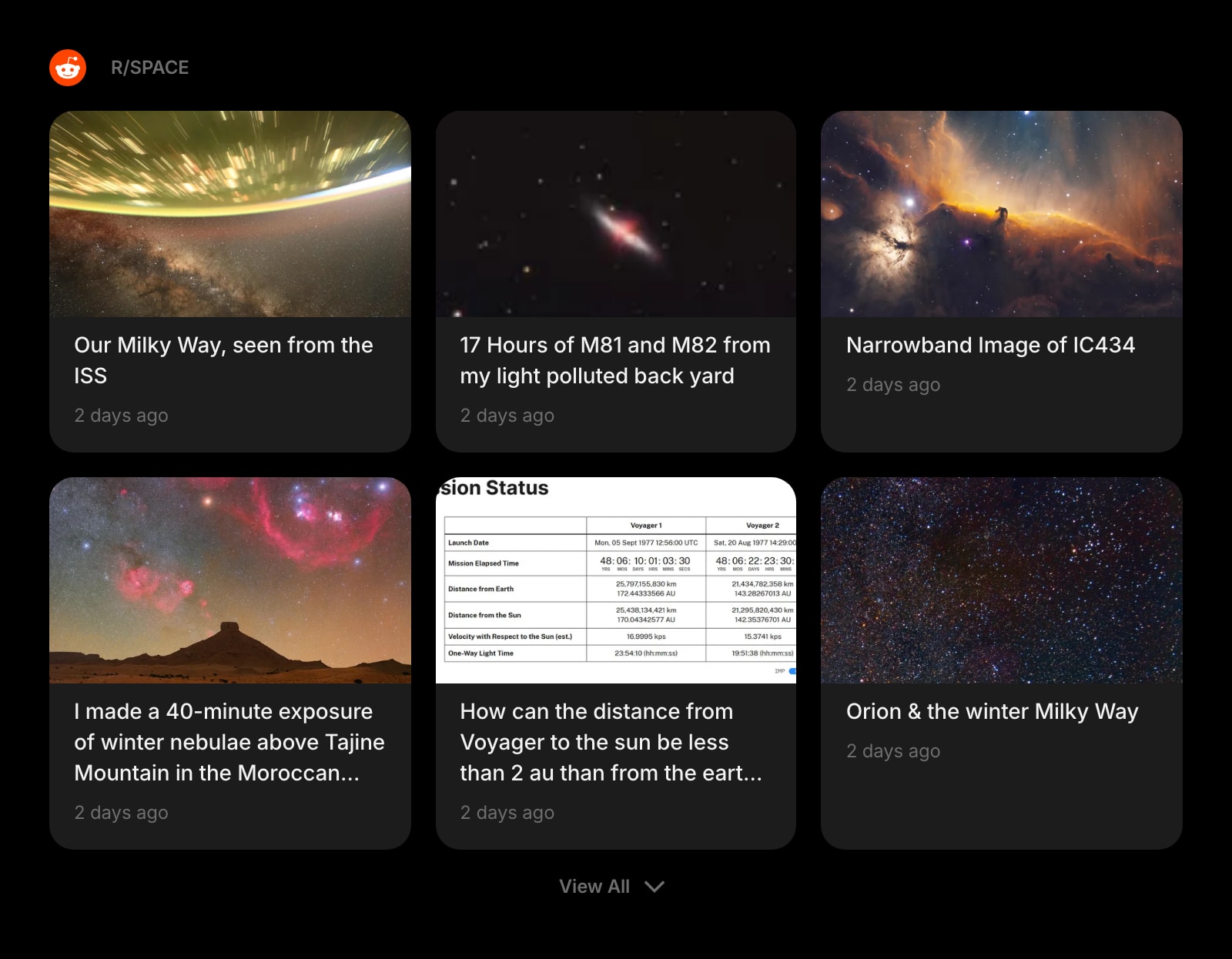
Subreddit
One subreddit as a feed, in the same card style as everything else.
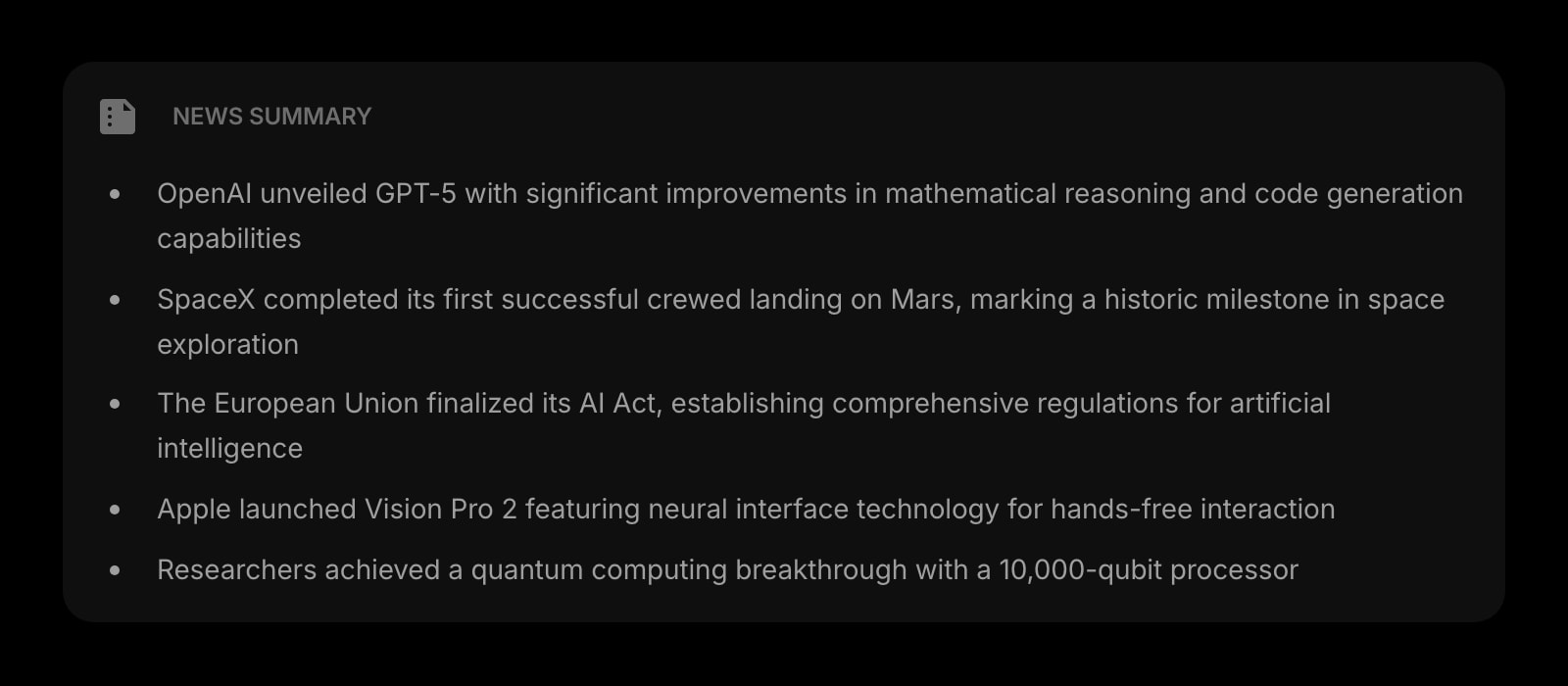
News Summary
An AI digest of a high-volume feed, for the days you only have a minute.
The RSS Feed widget is one of 50+ in Start Page HQ. Tasks, notes, RSS, AI tools, dev utilities — the same install gives you all of them. Start free with 8 widgets on a page, or lift every limit at $4/month, $24/year, or $48 lifetime.
Frequently Asked Questions
Yes. The App Store app installs the Safari extension on iOS and iPadOS 15 and later. Enable it under Settings → Safari → Extensions, and the new tab shows the same feeds you set up on the Mac.
Not on the free plan — custom RSS or Atom URLs need a paid plan at $4/month, $24/year, or $48 one-time, also available as an in-app purchase inside the iOS app. A free account gets the widget on 1 page with up to 8 widgets, reading from the preset sources. The demo at startpagehq.com/demo has custom feeds unlocked with no signup.
No. Feeds are fetched and parsed on Start Page HQ's server, so Safari never contacts the publisher until you open an article. Intelligent Tracking Prevention and Private Relay see nothing to act on.
It covers a different job. Reading List is for articles you saved; the RSS Feed widget shows what your sources published since you last looked. Many people keep both: the widget for discovery, Reading List for the pieces worth returning to.
Add the RSS Feed Widget to Safari
Free plan, no credit card — see plans or try the demo without installing.