Start Page HQ for Remote Workers
Calendar, world clocks, RSS, focus timer, task board, weather - the workspace that is the same on every device, in every browser, no matter which laptop the day starts on.
The Problem
What the current setup costs remote workers every day.
- Half the team is in Lisbon, the other half is in Austin, your client is in Melbourne. You have done the timezone math five times this week and still booked a 4am call. Whatever world clock app you tried last month is now a closed tab somewhere.
- The "office" is wherever the laptop opens that morning - kitchen counter, co-working space, hotel desk, Airbnb couch. The setup that lives on your work machine never makes it to the personal one, and the bookmarks bar is a graveyard of one-click experiments.
- Your work is split across Slack, Notion, Linear, Google Calendar, the design tool, the doc tool, and email. The new tab page you open hundreds of times a day shows none of them. It is the most-used surface in your day and it is empty.
- You signed up for three "remote work dashboards" last year. Two are extensions that were one Chrome update away from breaking. The third was a Notion template that needed an hour of setup and never actually got opened during a real workday.
- Your IT-managed laptop blocks half the extensions you would want. Whatever you build for yourself has to work without admin permissions, on whatever browser the company decided was approved this quarter.
Widgets That Fit Remote Workers
A curated set, not a dump. Each one earns its place on the page.
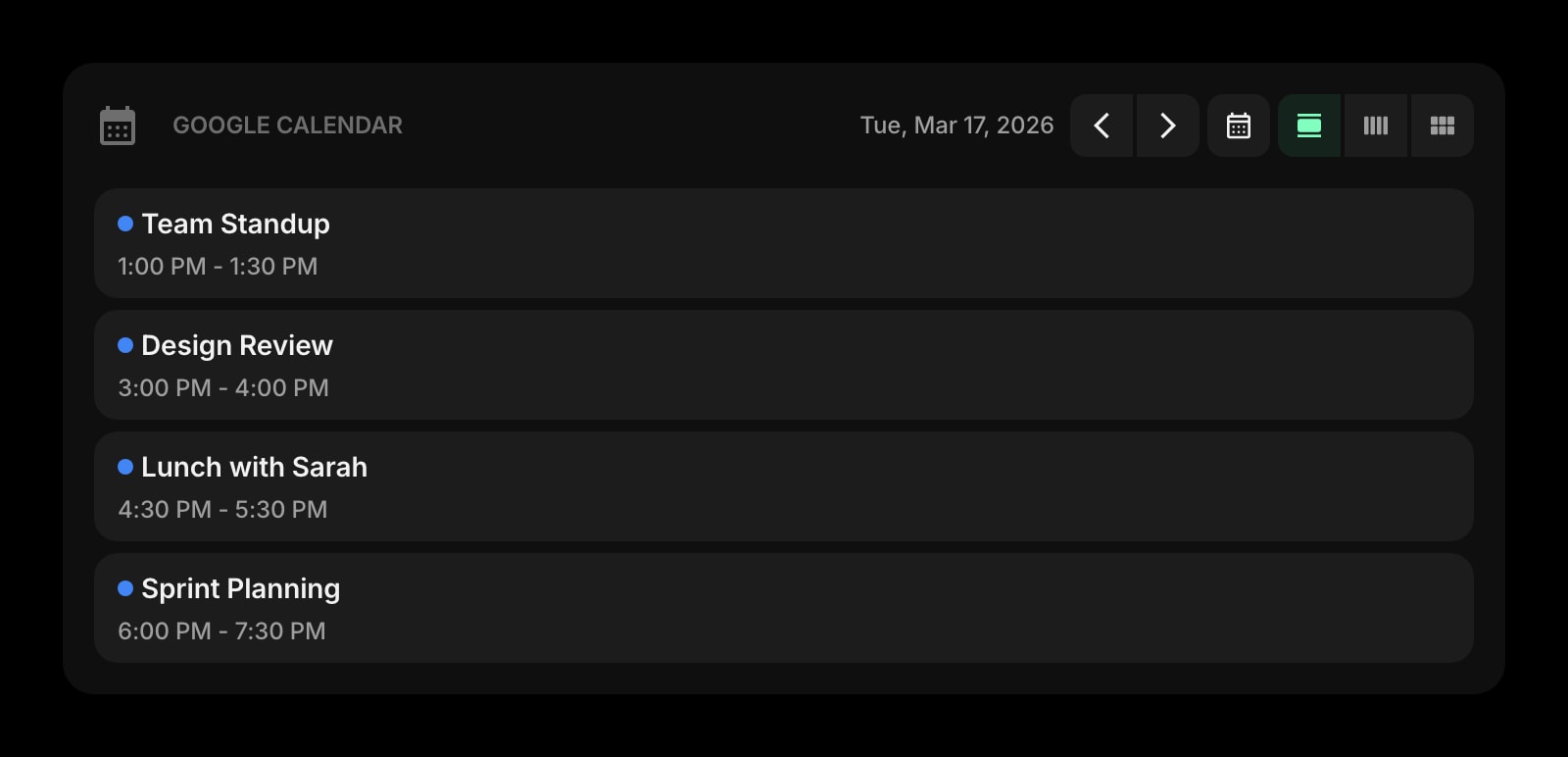
Google Calendar
Today's standups, client calls, and deep-work blocks rendered on the new tab page. See what is next without context-switching to the calendar tab.
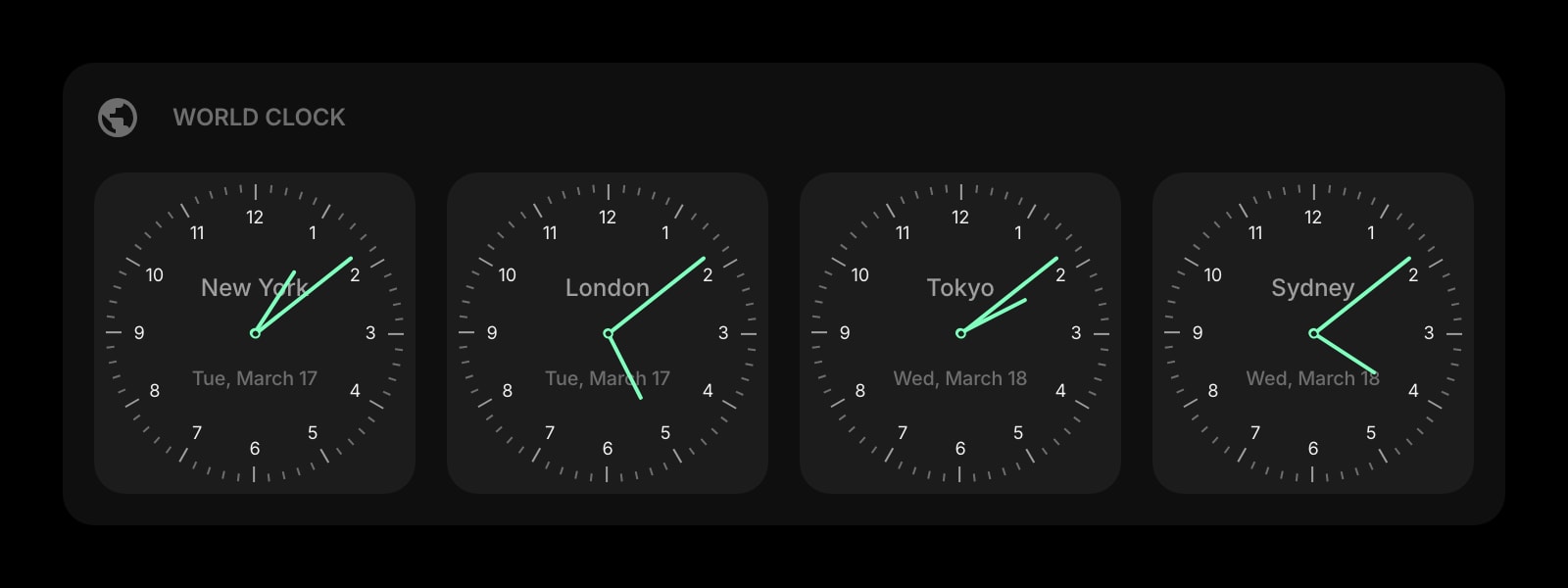
World Clock
Persistent clocks for every timezone you collaborate in. Lisbon, Austin, Melbourne, Berlin - all visible at a glance so you stop scheduling at 4am for somebody.
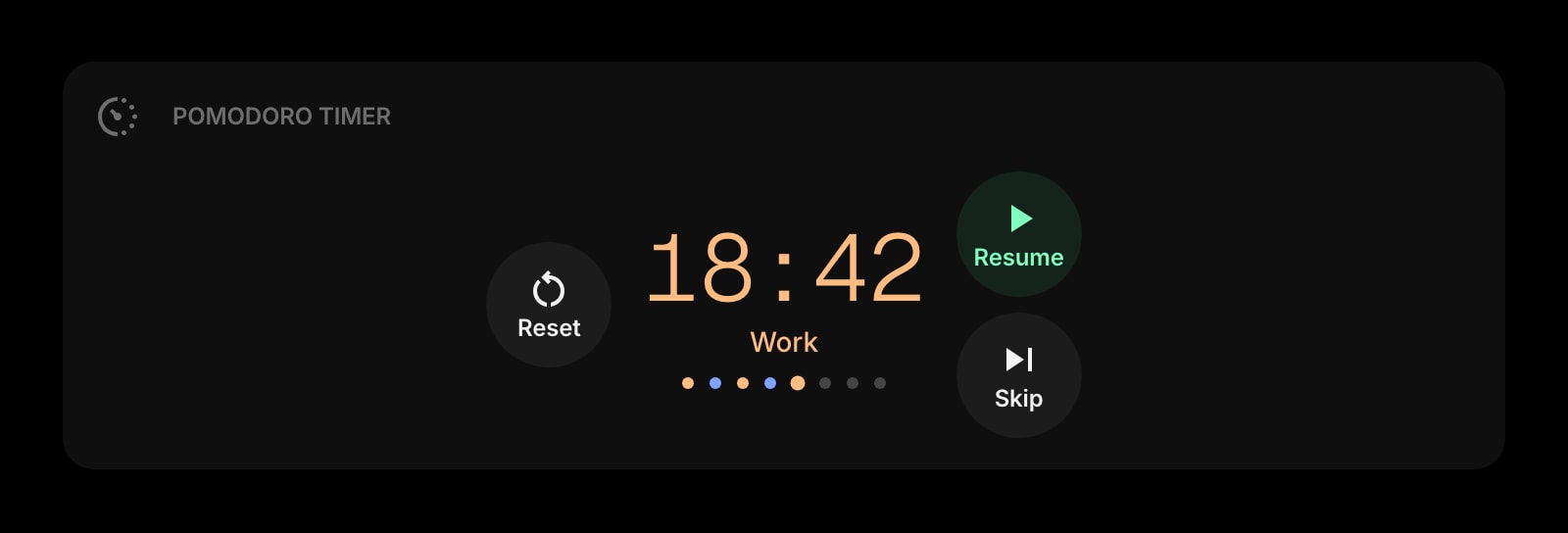
Pomodoro Timer
A focus block timer for the deep-work segments between meetings. Click start, ignore Slack for 50 minutes, claw back the focus that working from home is supposed to give you.
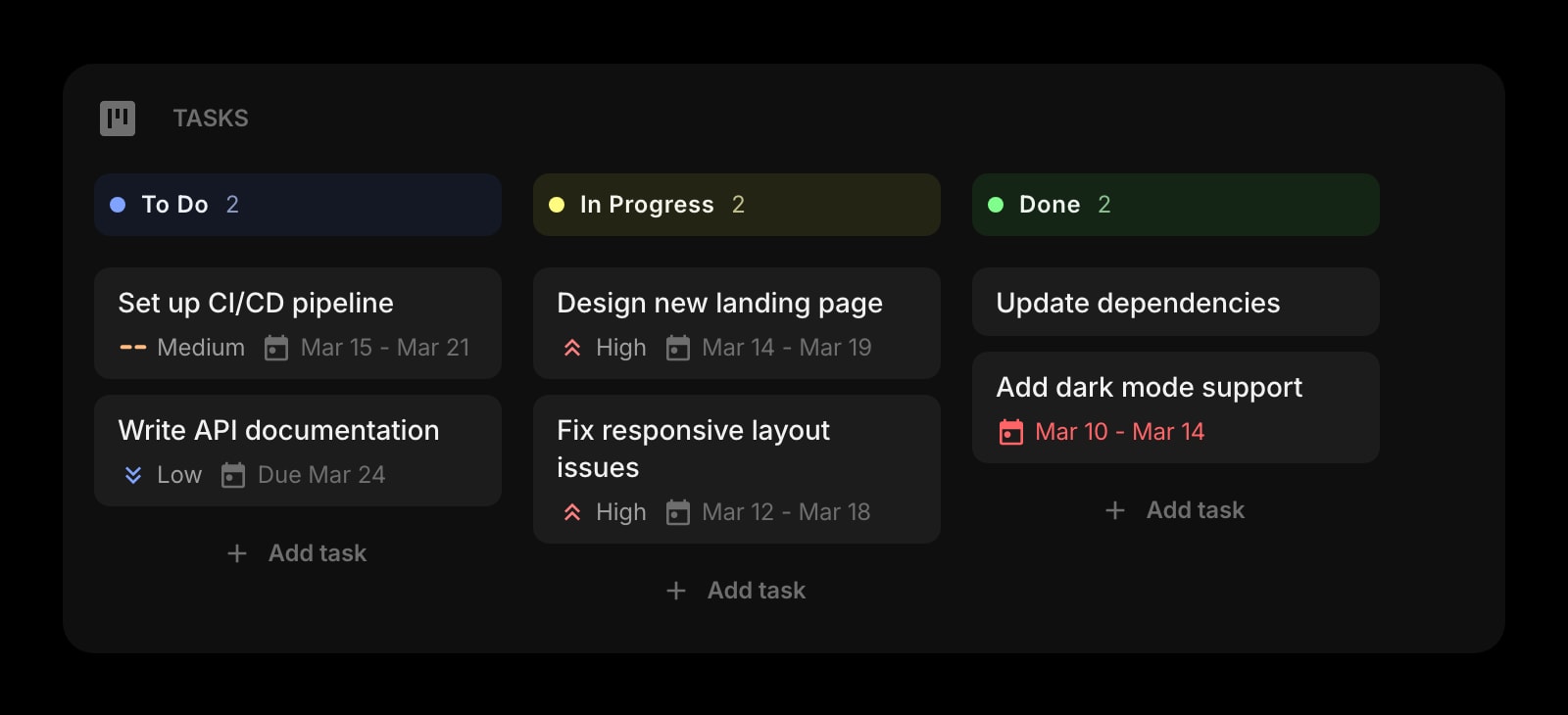
Tasks (Kanban)
A personal Kanban board for the work you are actually shipping today. Drag cards from To Do to In Progress to Done without opening Linear or Jira.
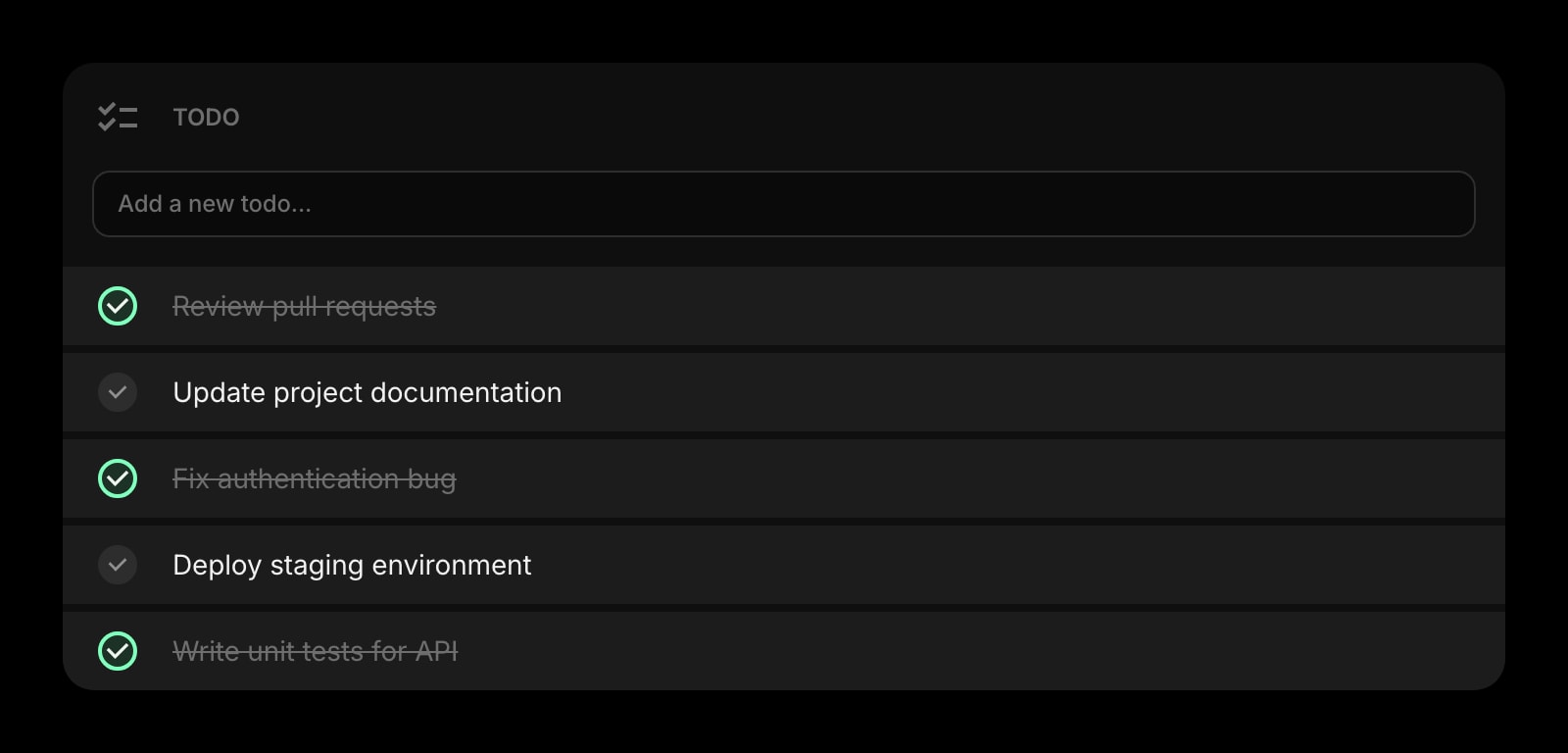
Todo
A flat checklist for the small things - send the contract, reply to the client, update the doc. Tick items off in the same tab where the day already started.
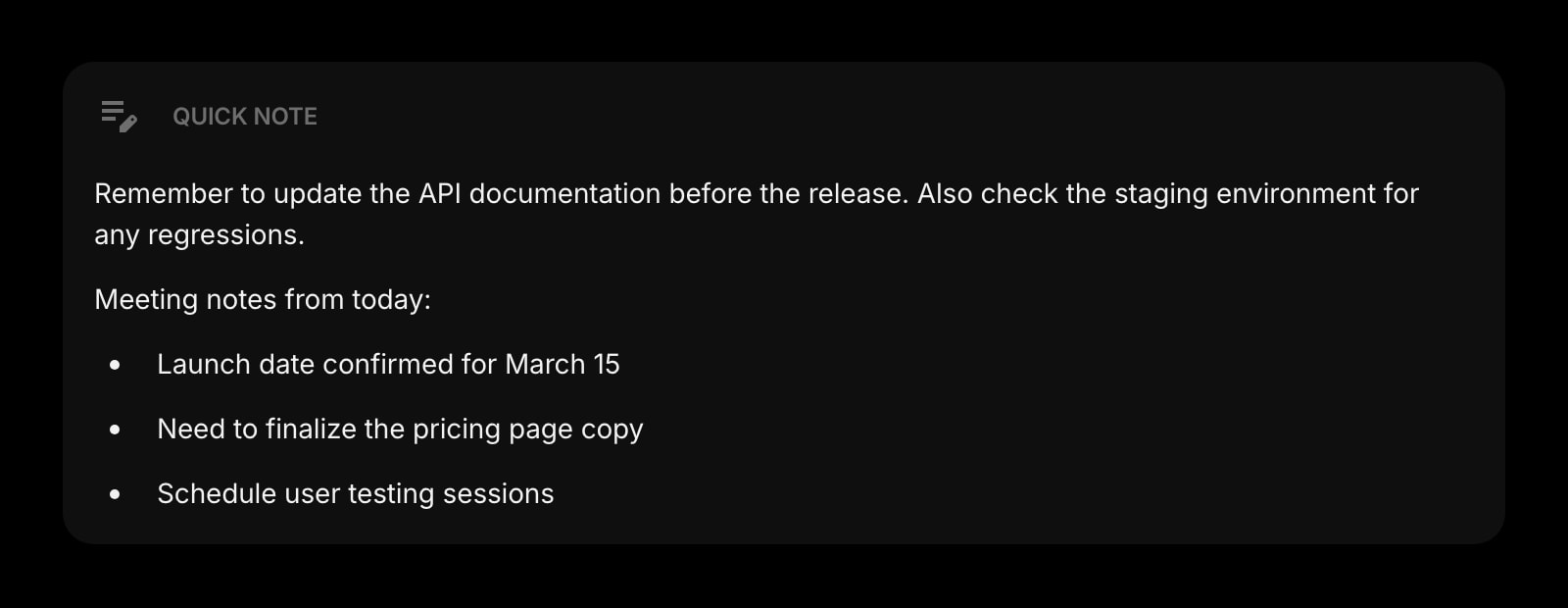
Quick Note
A scratch surface for the half-formed thought between meetings. Always there, always saved, no folder structure to navigate before you can write a sentence.
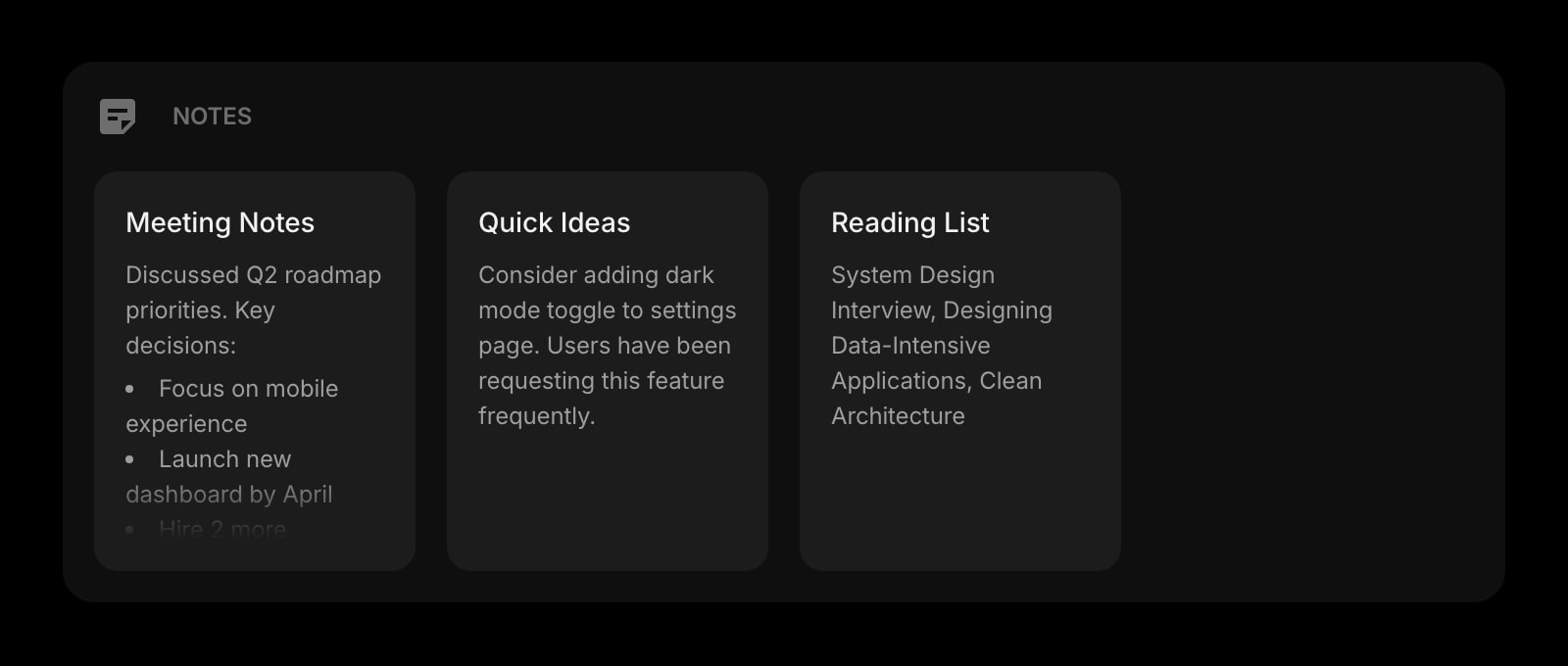
Notes
Rich text notes for meeting summaries, client briefs, and weekly review docs. Format with bold, headings, and lists - the same shortcuts you already know.
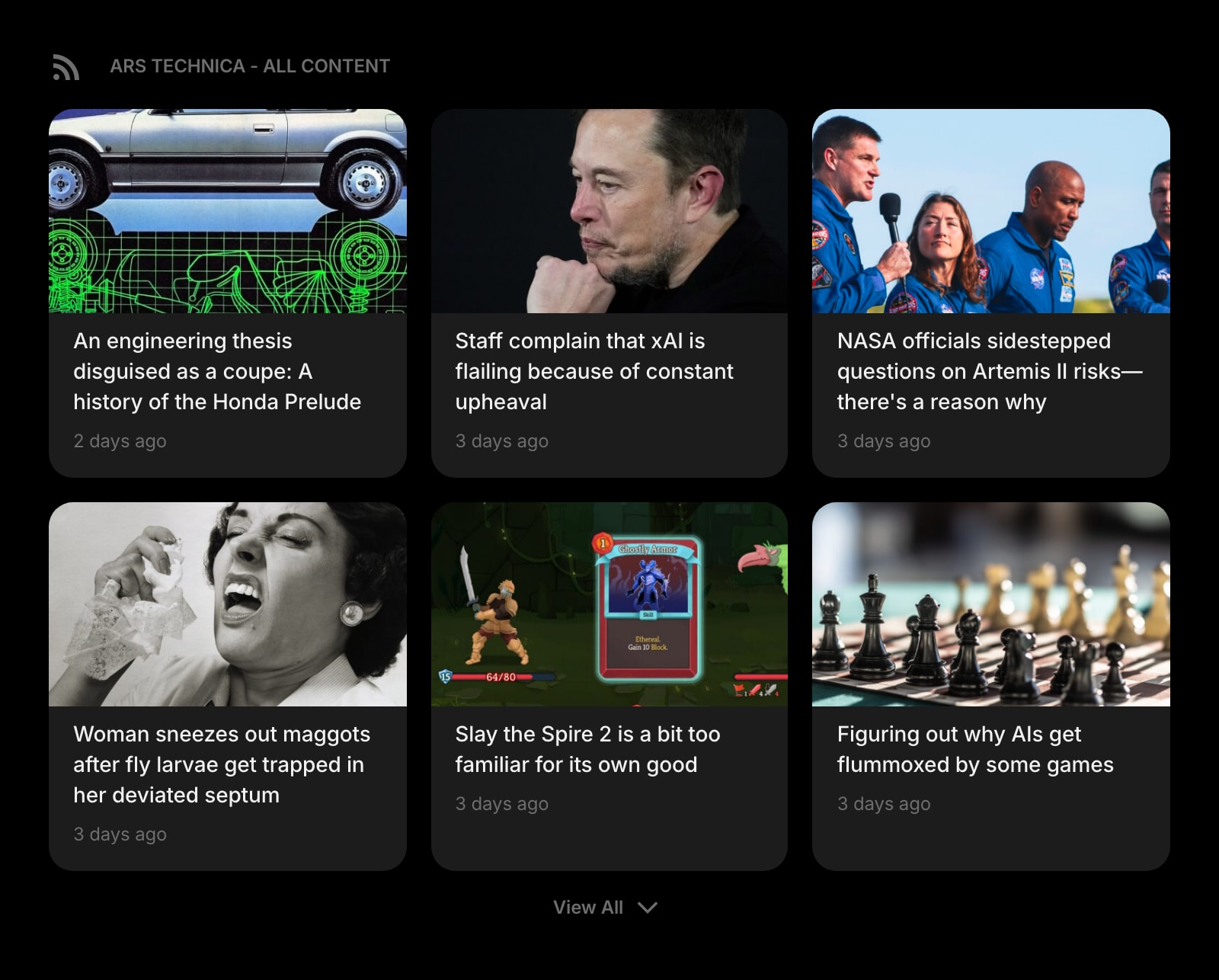
RSS Feed
Industry blogs, company changelog, client status pages - the reading you want to scan once a day, on the page you already open hundreds of times.
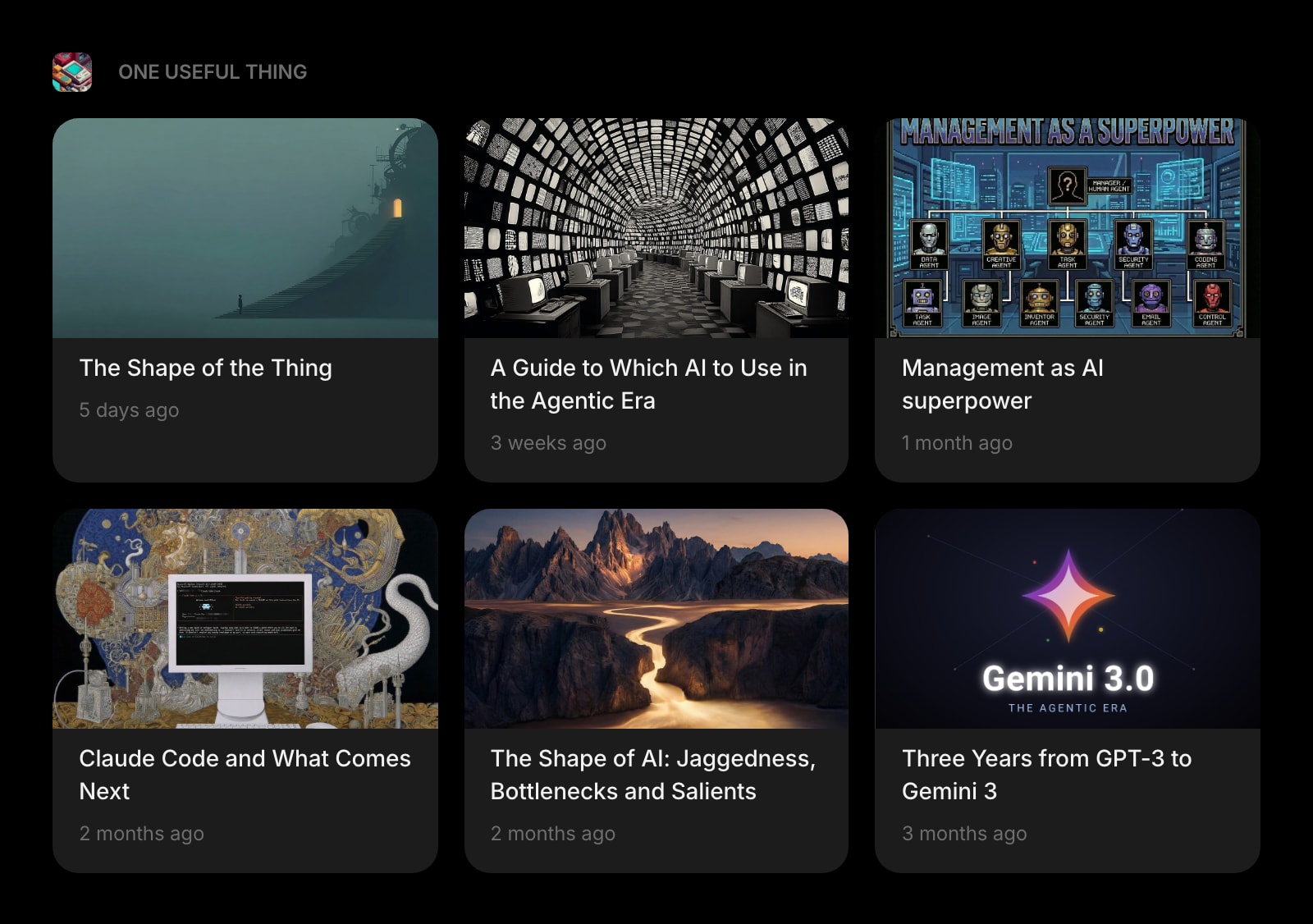
Substack
The newsletters you actually read - founder essays, industry weekly reports - inline on the dashboard instead of buried in an inbox folder.
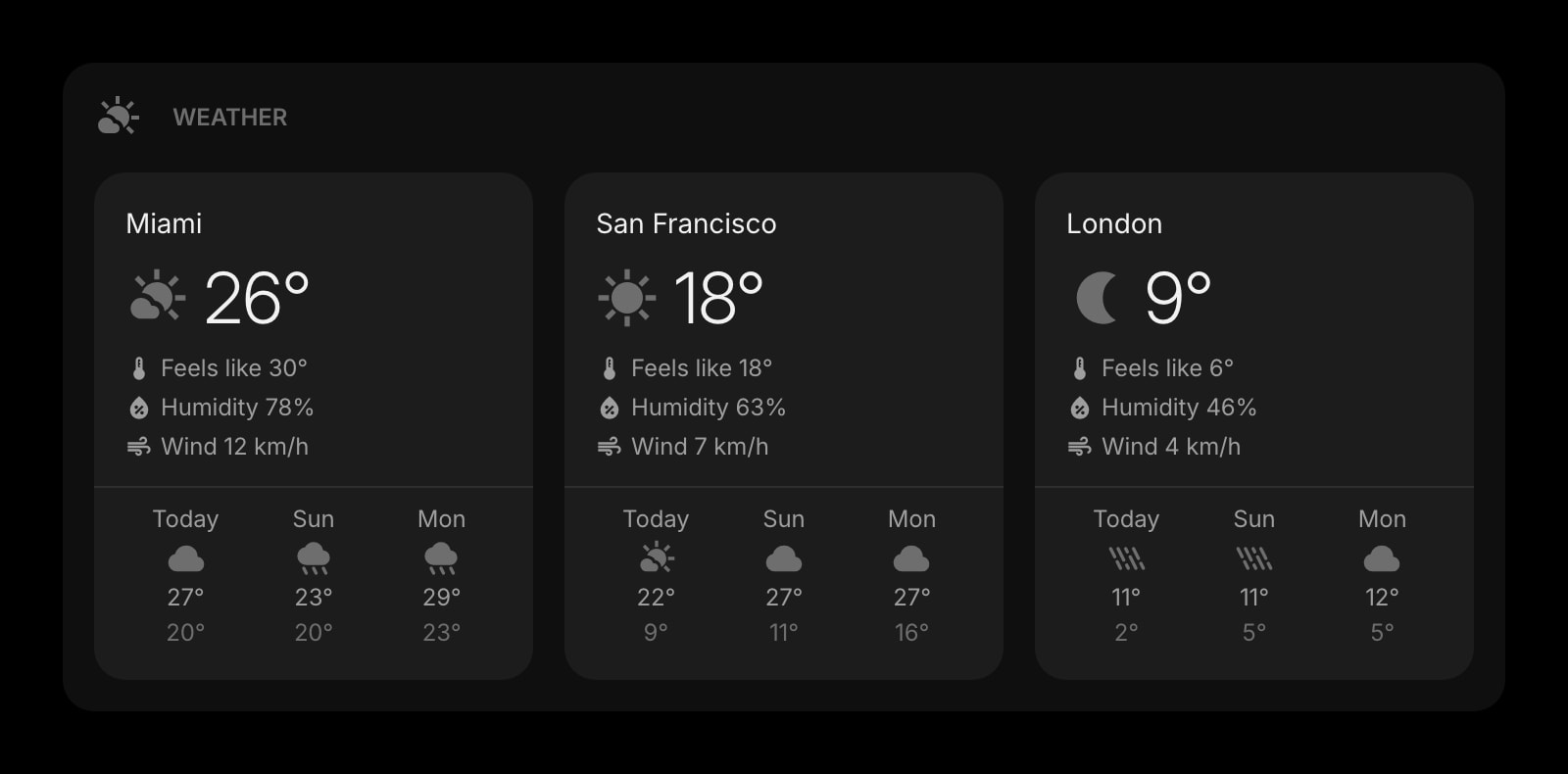
Weather
Local forecast for the city you are in this week. A small reminder that you do, in fact, have to step outside today.
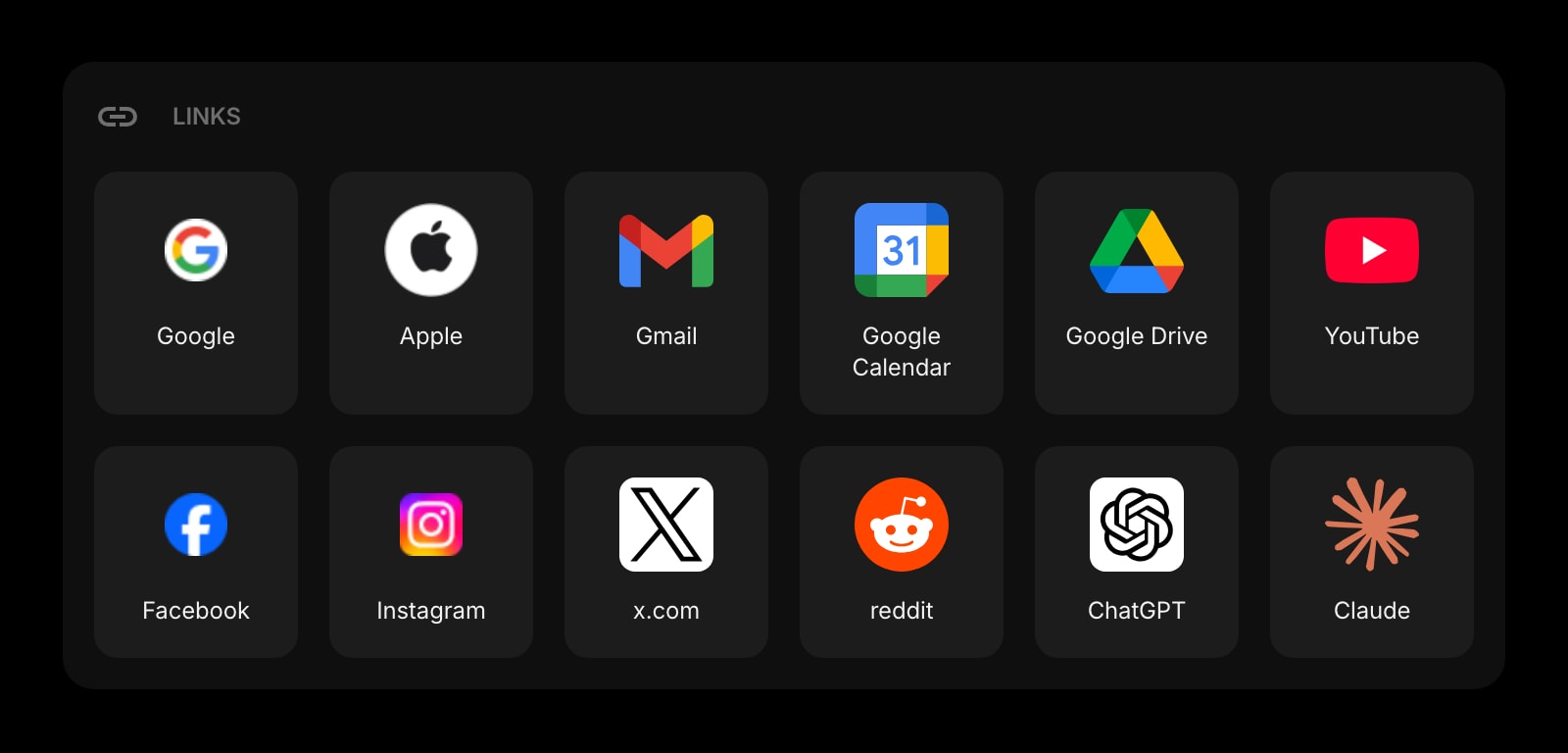
Links
Pinned shortcuts to the docs, dashboards, and tools you open every morning. The bookmarks bar without the noise from three years of saved-and-forgotten links.
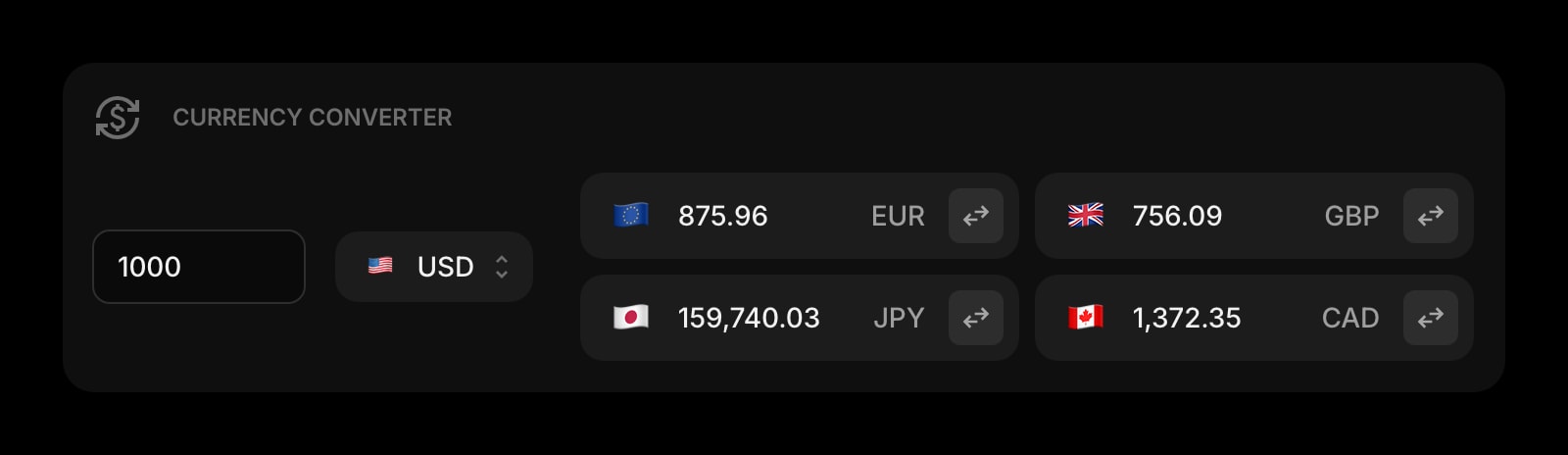
Currency Converter
Quick conversions for client invoices in EUR, USD, GBP, AUD. No more opening Google to confirm what the contractor invoice actually amounts to.
A Day in the Life
How Start Page HQ shows up across the moments that actually matter.
Start of the European Workday
Open the laptop in the kitchen. The new tab shows the World Clock - it is 9am Lisbon, 8am London, 4am Austin, do not Slack the Texans yet. The Calendar widget says standup at 9:30. The first card in the Kanban is the spec you promised to finish before the standup. The day is already loaded.
Between Two Client Calls
Twenty minutes of dead time. Hit start on the Pomodoro Timer for a 20-minute focus block, jot the action items from the last call into Quick Note, glance at the Substack widget for the newsletter you have been meaning to read. When the buzzer goes off the next call is one tab over.
End-of-Day Async Handoff
Drag the day's cards on the Kanban into Done. Drop a paragraph into Notes summarizing what shipped and what blocks the Austin team. The Calendar widget shows the morning standup is at 4pm Lisbon - the Texans will pick up where you left off four hours later. Close laptop, no anxiety about what fell through.
Working From a New City for the Week
Open a hotel-room laptop, sign in to startpagehq.com, and the same dashboard loads. Same widgets, same Kanban state, same World Clock entries, same Substack subscriptions. The only thing different is the Weather widget, which now says it is 4 degrees and you regret the packing.
Why It Sticks for Remote Workers
Specific reasons it works for this audience - not generic productivity claims.
Same Setup on Every Browser, Every Device
Sign in once and your widgets, calendar config, world clocks, Kanban state, and notes sync across every device. Work laptop, personal laptop, the Chromebook at the co-working space - identical view, identical data. Sync is included in the base plan.
Hosted Web App for Locked-Down Work Laptops
Start Page HQ runs as a hosted web app at startpagehq.com - no browser extension required. If your IT policy blocks extension installs (or revokes the ones you have), set startpagehq.com as your homepage and the full setup keeps working with zero admin involvement.
World Clocks That Actually Stay Visible
Most timezone tools are an extension popup you have to click to open. The World Clock widget is just there, on the new tab page, every time you open a tab. The 4am-mistake rate drops to zero in a week.
Multi-Page Dashboards for Multi-Context Work
A Work page for the calendar, the Kanban, and the focus timer. A Reading page for Substack, RSS, and the company changelog. A Personal page for weather, world clocks, and the bookmarks you do not want mixed into work. Switch with a single click.
One Flat Plan for You, a Shared Dashboard for the Team
No Plus tier, no per-widget paywall. A free plan covers 1 page with 8 widgets and sync across every device; $4 a month, $24 a year, or $48 one-time (lifetime) unlocks every widget, every page, and a recurring pool of AI credits. When the whole distributed team wants the same links, calendars, and feeds on every new tab, Teams adds shared workspaces at $4 per seat a month. The free public demo at startpagehq.com/demo lets you run a real workday on it before you sign up for anything.
Coming From Another Tool?
Already piecing together a remote-work setup from a stack of free apps and tabs? Each widget below replaces a job you are doing in another tab. See how they map.
Frequently Asked Questions
Yes. Start Page HQ is a hosted web app at startpagehq.com - no extension required. Set it as your browser homepage and you have your full setup, even on a managed device. Extensions exist for Chrome, Firefox, and Safari for personal machines, but they are optional.
It is not a Notion replacement for deep, structured docs. Treat it as the daily-driver dashboard - the Calendar, Kanban, Pomodoro, World Clock, Notes, and quick capture widgets you reach for hundreds of times a day - and keep Notion for the long-form team wiki. Cross-link from the Links widget so you are one click from either side.
You can connect a Google Calendar account and choose which calendars are shown. Most remote workers display the work calendar, the personal calendar, and a shared team calendar in one stack. The widget refreshes automatically and shows the next few events at a glance.
Yes. Sign in on startpagehq.com from any browser, on any device, and your widgets, Kanban cards, todos, calendar config, and notes are all there. Sync is included in the base price - no Plus tier required.
Yes, with Teams. A team workspace is a shared new-tab dashboard: the team links, the shared Google Calendar, the company changelog feed, and a World Clock for every office, in one place for everyone. Editors keep it current, viewers can read but not change it, and changes show up for teammates the next time they open a tab. Everyone switches between their own Personal dashboard and the workspace from the avatar menu, and nobody on the team sees your personal one. It costs $4 per seat a month or $40 per seat a year, minimum 2 seats, and members do not need their own paid plan.
No. The page is built on a static framework and renders the layout immediately, even before live widgets like Calendar or Substack finish loading. Offline-friendly widgets like Notes, Todo, and the Pomodoro Timer work without a network connection at all.
Yes. The widget tracks each city by its IANA timezone, so daylight savings shifts apply automatically. Add Lisbon, Austin, Melbourne, and Berlin once and you stop having to do timezone math on March 12 and November 5.
Build Your Remote Workers Dashboard
Start free — 1 page, 8 widgets, sync across devices, no credit card. Or open the live demo first, no signup needed.