- Dashboard
- Widgets
- AI Diary
- AI Humanizer
- AI Image
- Audio Editor
- Base64 / URL Encoder
- Calendar
- Canvas
- Collection
- Color Picker
- Container
- Countdown Timer
- Currency Converter
- Daily Quiz
- Daily Quote
- Daily Riddle
- Date & Time
- Embed
- GitHub Releases
- Google Calendar
- Habit Tracker
- Hacker News
- Image Compression
- IP Info
- JSON Formatter
- Links
- Markdown Editor
- News
- News Summary
- Notes
- Photo Frame
- Podcast
- Pomodoro Timer
- Product Hunt
- QR Code Generator
- Quick Answer
- Quick Note
- Regex Tester
- RSS Feed
- Search
- Spacer
- Stopwatch
- Story Snippet
- Stripe Sales
- Subreddit
- Substack
- t0ggles Focus
- t0ggles My Boards
- t0ggles My Tasks
- Tasks
- Text Diff
- Todo
- TradingView Advanced Chart
- TradingView Market Summary
- TradingView Mini Chart
- TradingView Symbol Overview
- TradingView Ticker Tape
- Translation
- Unit Converter
- Uptime Monitor
- Weather
- What If
- World Clock
- YouTube Channel
Canvas Widget
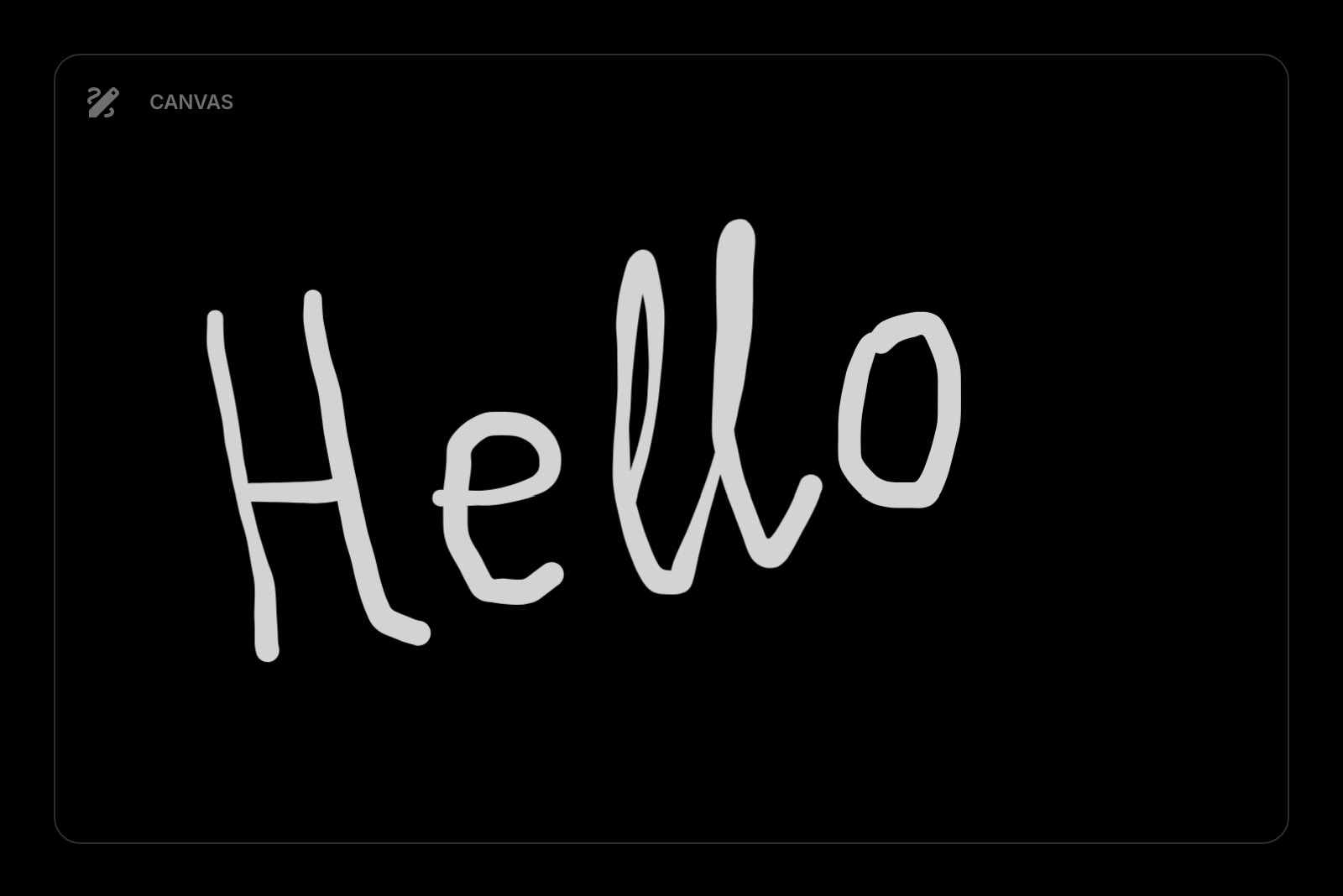
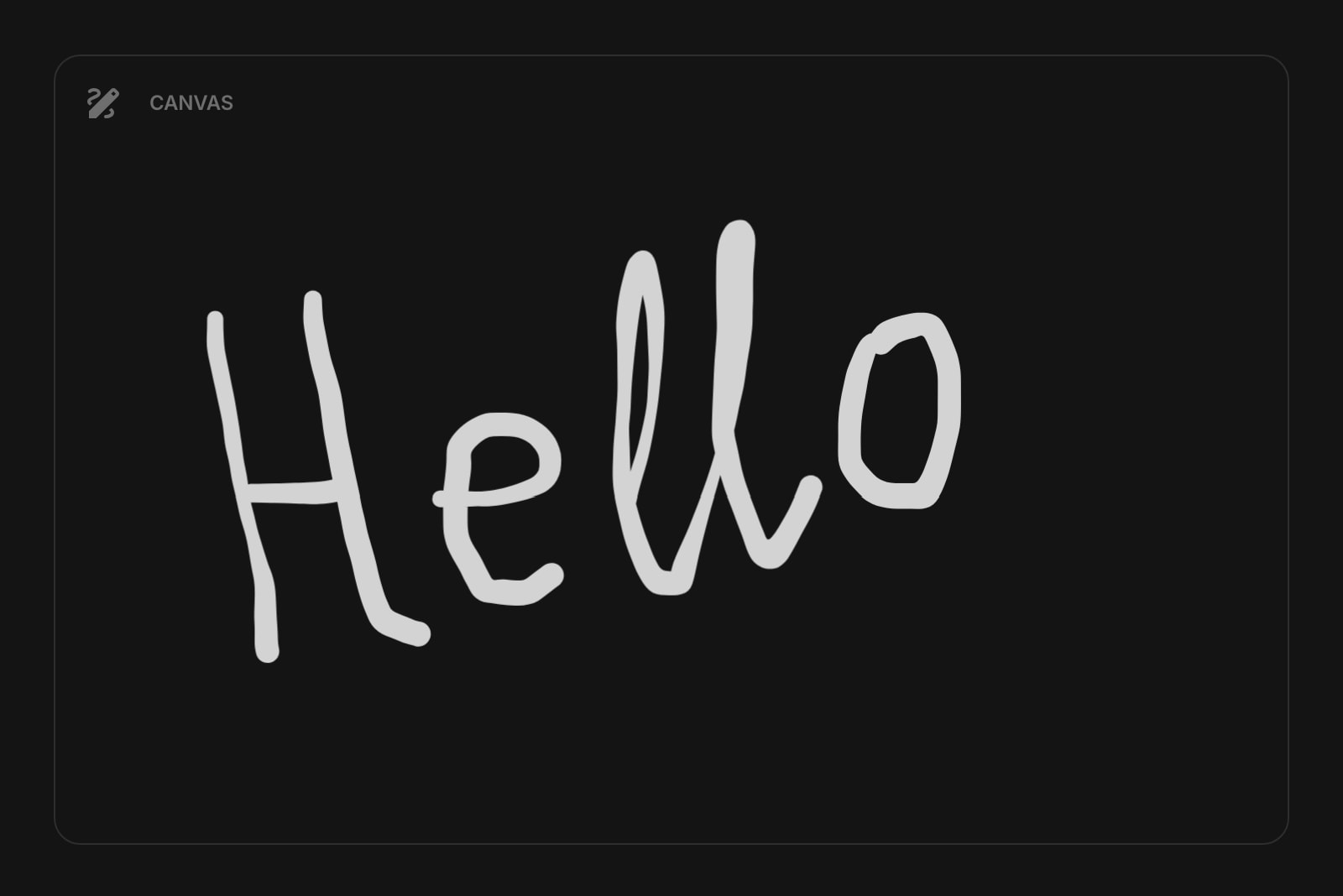
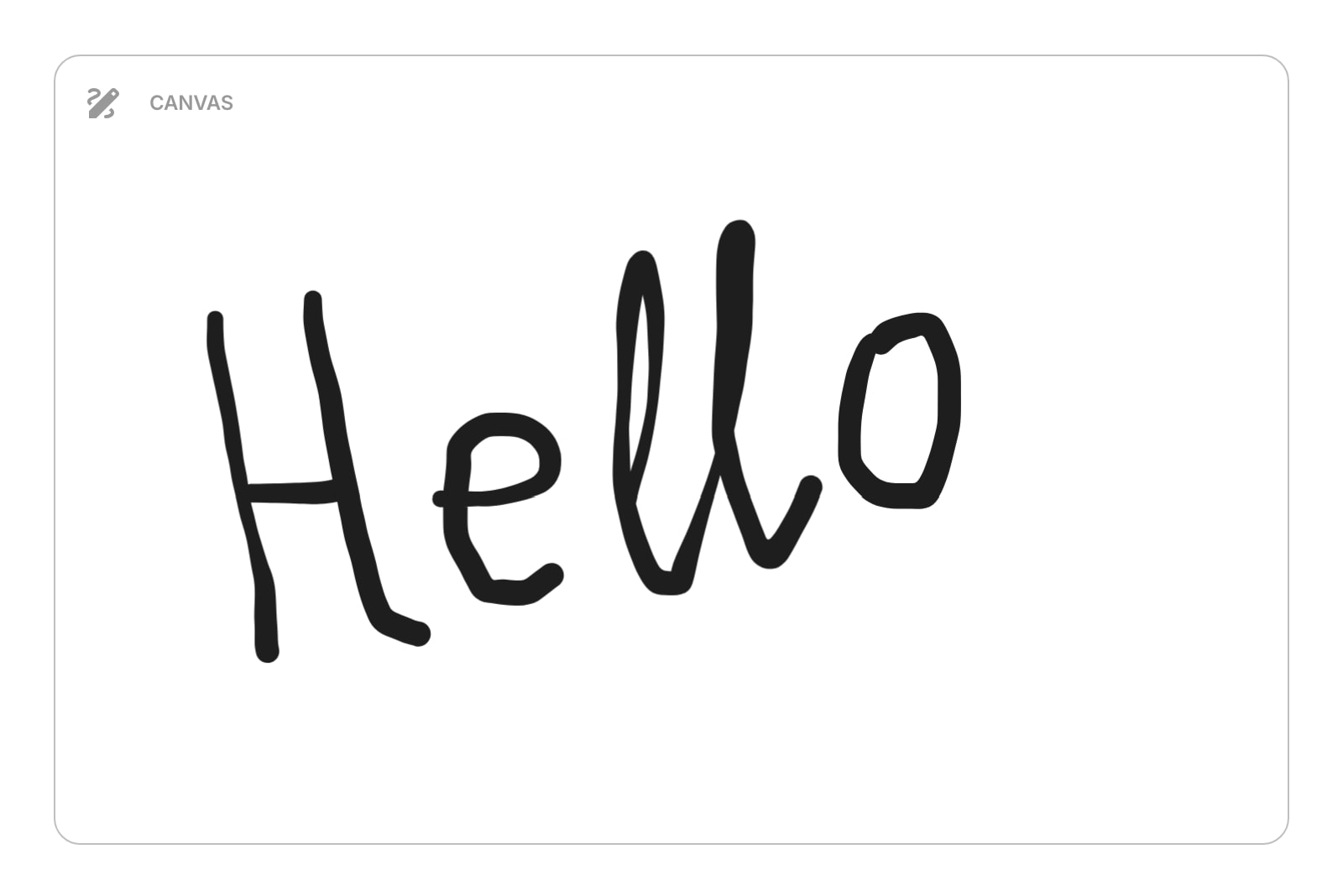
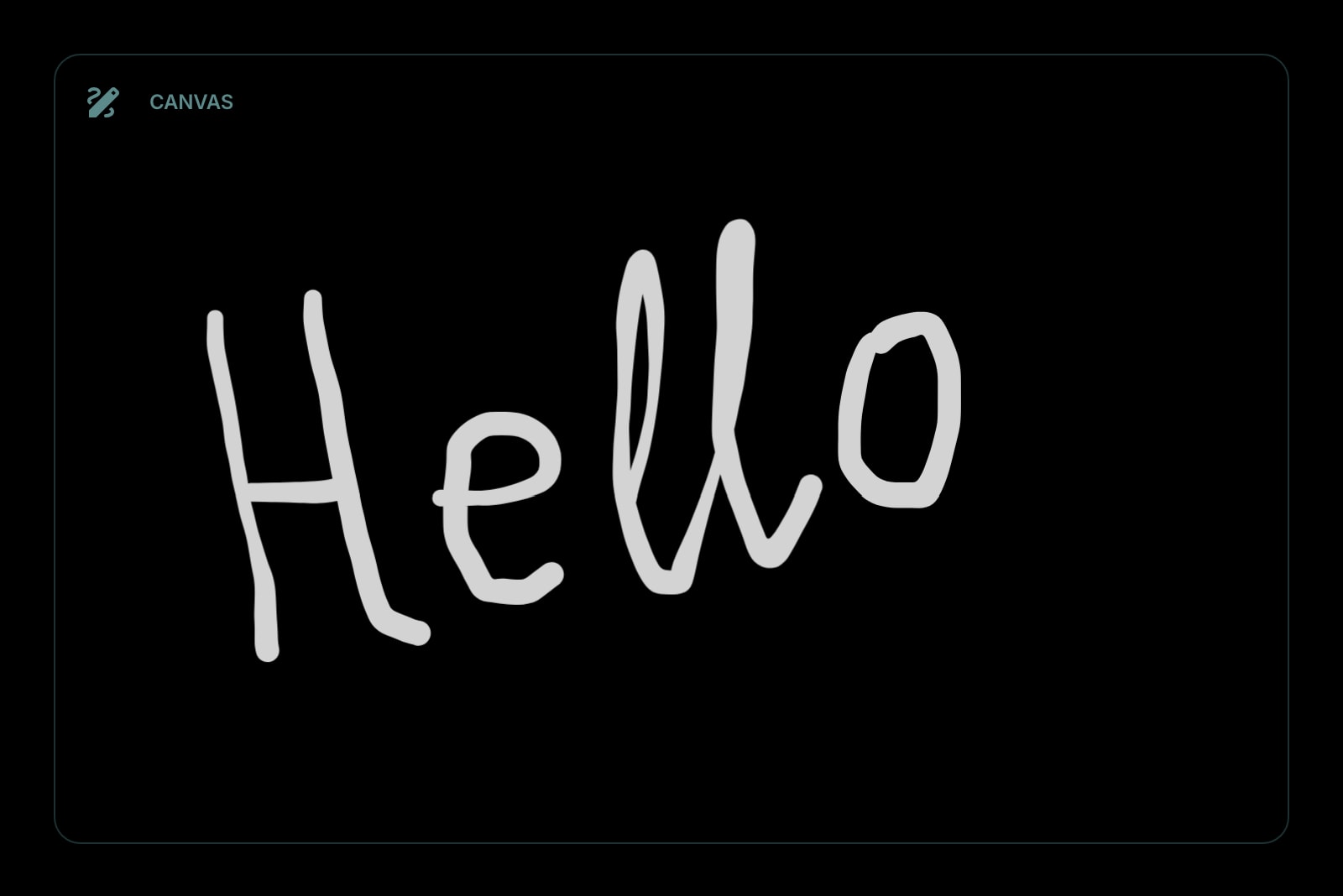


The Canvas widget gives you a drawing surface right on your dashboard. Powered by Excalidraw, it supports freehand sketching, shapes, lines, text, and more. Use it for quick diagrams, visual brainstorming, or doodling.
#How to Use
#On Desktop
Hover over the canvas to reveal the toolbar, then click to start drawing. The default tool is freehand drawing (pen). Click outside the canvas when you're done.
#On Mobile
Tap the canvas to enter fullscreen mode, where you can draw comfortably on the full screen. Press Escape or tap the close button to exit fullscreen.
#Drawing Tools
The canvas includes a full set of drawing tools from Excalidraw:
- Freehand pen
- Shapes (rectangles, circles, diamonds, arrows)
- Lines and connectors
- Text labels
Your work saves automatically as you draw.
#Toolbar Actions
The toolbar appears in the top-right corner when you hover over the canvas (or always visible in fullscreen):
- Fullscreen - expand the canvas to fill your entire screen for distraction-free drawing
- Export - save your drawing as a PNG image or SVG vector file
- Clear Canvas - erase everything on the canvas (asks for confirmation first)
#Widget Settings
- Show Grid - overlay a grid on the canvas for more precise alignment. Off by default.
- Aspect Ratio - choose the canvas shape: 16:9 (landscape, default), 1:1 (square), or 9:16 (portrait).
#Tips
- Your drawings are saved automatically - you can close the tab and come back later without losing your work.
- Use fullscreen mode for detailed work or when you need more room.
- Export as SVG if you want to edit the drawing later in another tool.