
RSS Widget for Edge
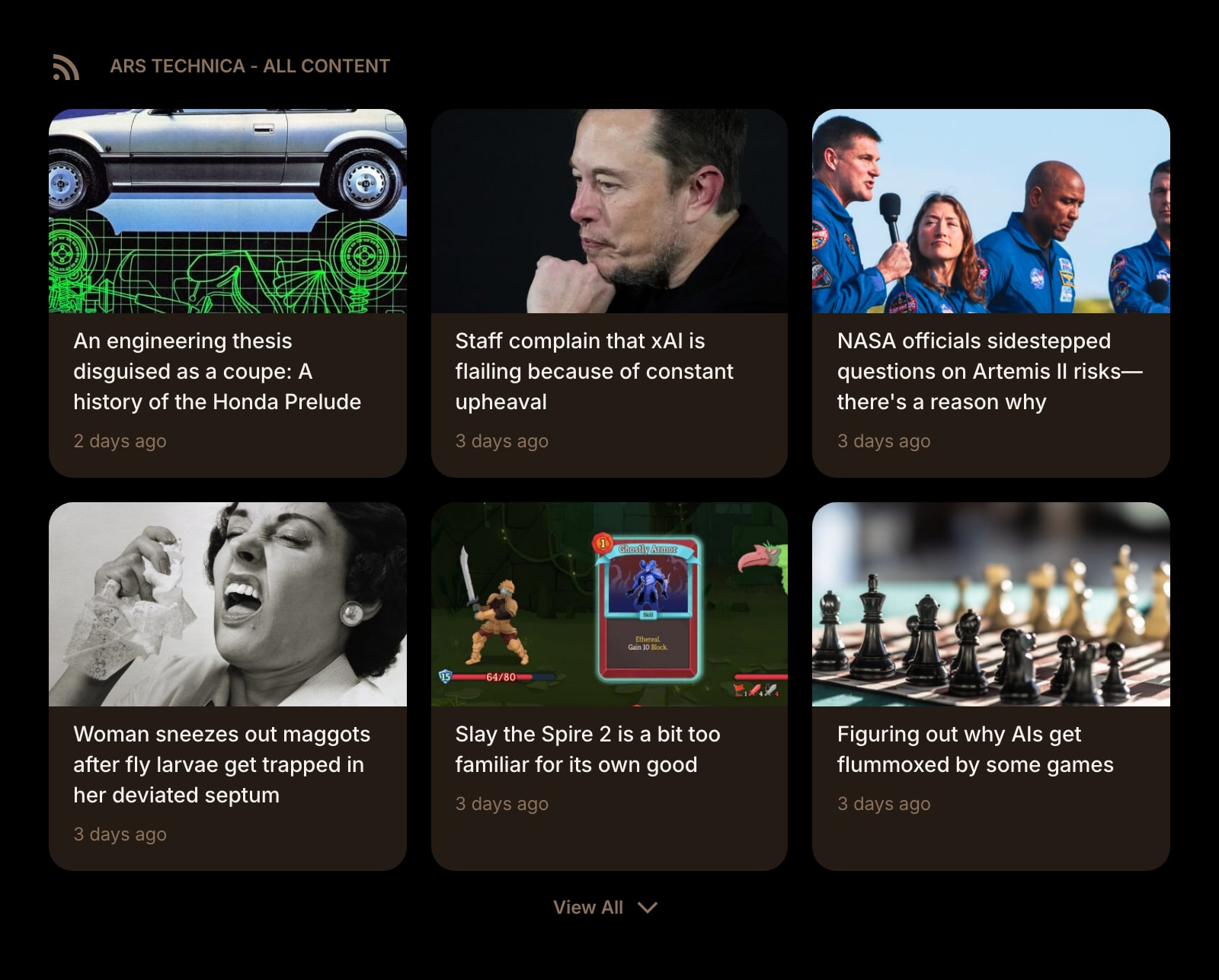
The MSN feed on Microsoft Edge's new tab is headlines Microsoft picked. This widget puts feeds you picked in the same place — your own RSS sources, on the page you open all day.
Install on Edge
The Edge-specific flow, start to finish.
- 1In Edge, open the Start Page HQ listing on the Chrome Web Store. On the banner at the top, click "Allow extensions from other stores" and confirm — Edge only asks once.
- 2Click "Get" (or "Add to Chrome") and approve the new-tab permission. Open a new tab and confirm if Edge asks whether to keep the new page.
- 3Click the gear icon in the bottom right of the dashboard and choose Add Widget → RSS Feed.
- 4Paste a feed URL, or just the site address and let the widget find /feed, /rss, or /atom.xml. Your own URLs need a paid plan; a free account chooses from preset sources.
- 5Pick grid or list, add another RSS Feed widget per source, and drag them into the layout you want. This is the MSN feed replaced, source by source.
What RSS Feed Does
A short tour of the widget. Already sold? Skip ahead.
- Any RSS or Atom feed, from news sites to internal engineering blogs.
- Feed discovery from a plain homepage URL.
- Grid or list per widget, images optional.
- Fetched and cached on the server, so the new tab opens with items ready.
- Pairs with Hacker News, Subreddit, YouTube Channel, Substack, and News Summary widgets.
Notes for Edge Users
No browser generates more "how do I turn off the feed" searches than Edge, and the answer Microsoft offers is subtraction: the "Show feed" toggle in the page settings, which leaves an emptier version of the same page. The RSS Feed widget is the other answer. Once Start Page HQ owns the new tab, the MSN feed, the sponsored quick links, and the Bing search box are gone together, and the space is filled with feeds you subscribed to on purpose — the trade-press site you actually read, the company blog, the release notes for tools you depend on.
Edge installs the Chrome Web Store build directly, so there is no separate Edge version to wait on. Feed fetching runs on Start Page HQ's server, which means Edge's tracking prevention set to Strict, a corporate proxy, or an ad blocker in Edge never see the publisher's request; the browser only loads a site when you click a headline. And because the feeds are stored on your account, the list you build on a work Edge follows you to Edge or Chrome at home — the MSN feed's replacement does not stay behind on one PC.
Other Widgets You Might Add
Pair the RSS Feed widget with these. One install gets you all of them.
Hacker News
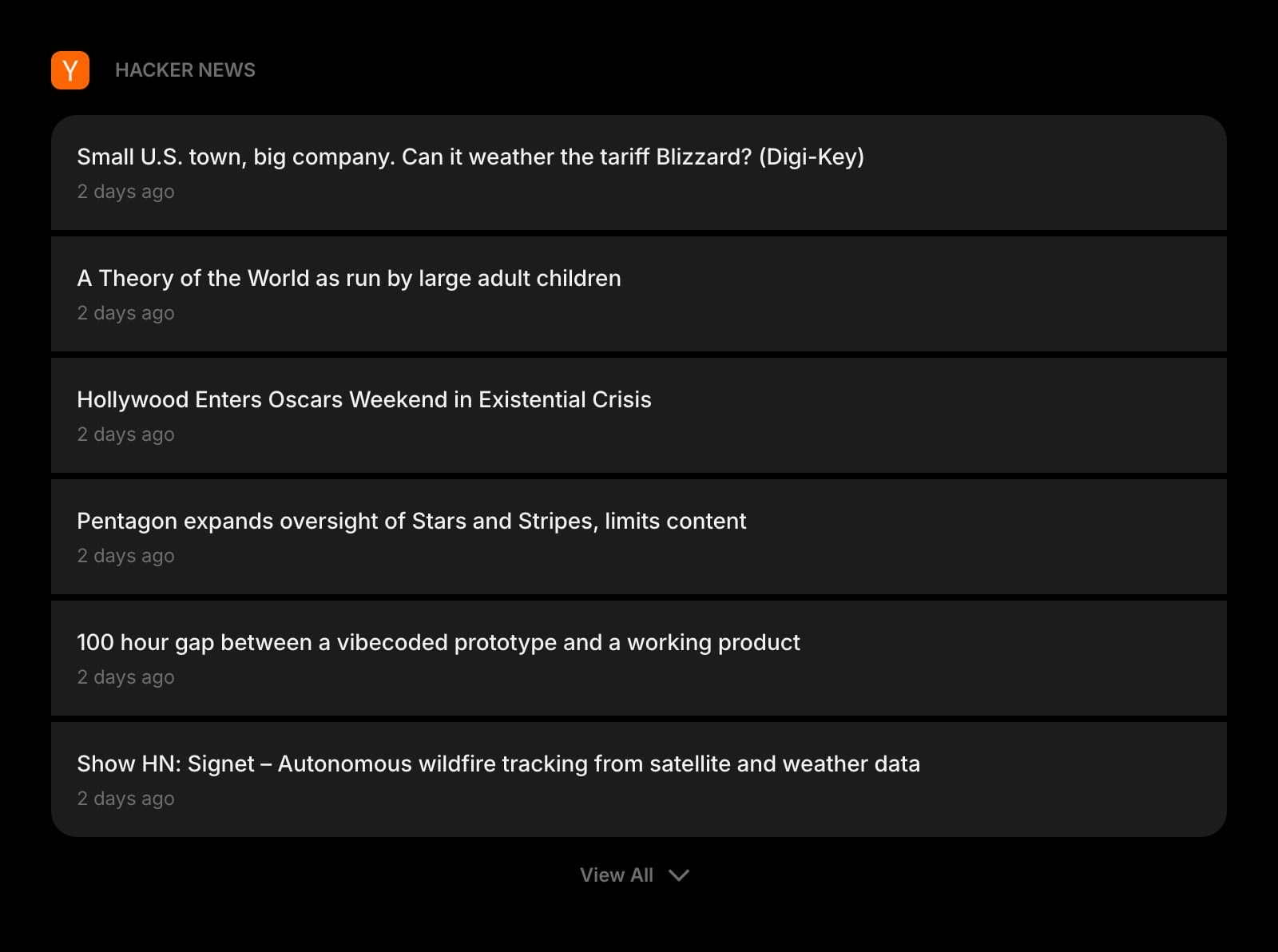
Front-page stories as cards, with the comments link.
GitHub Releases
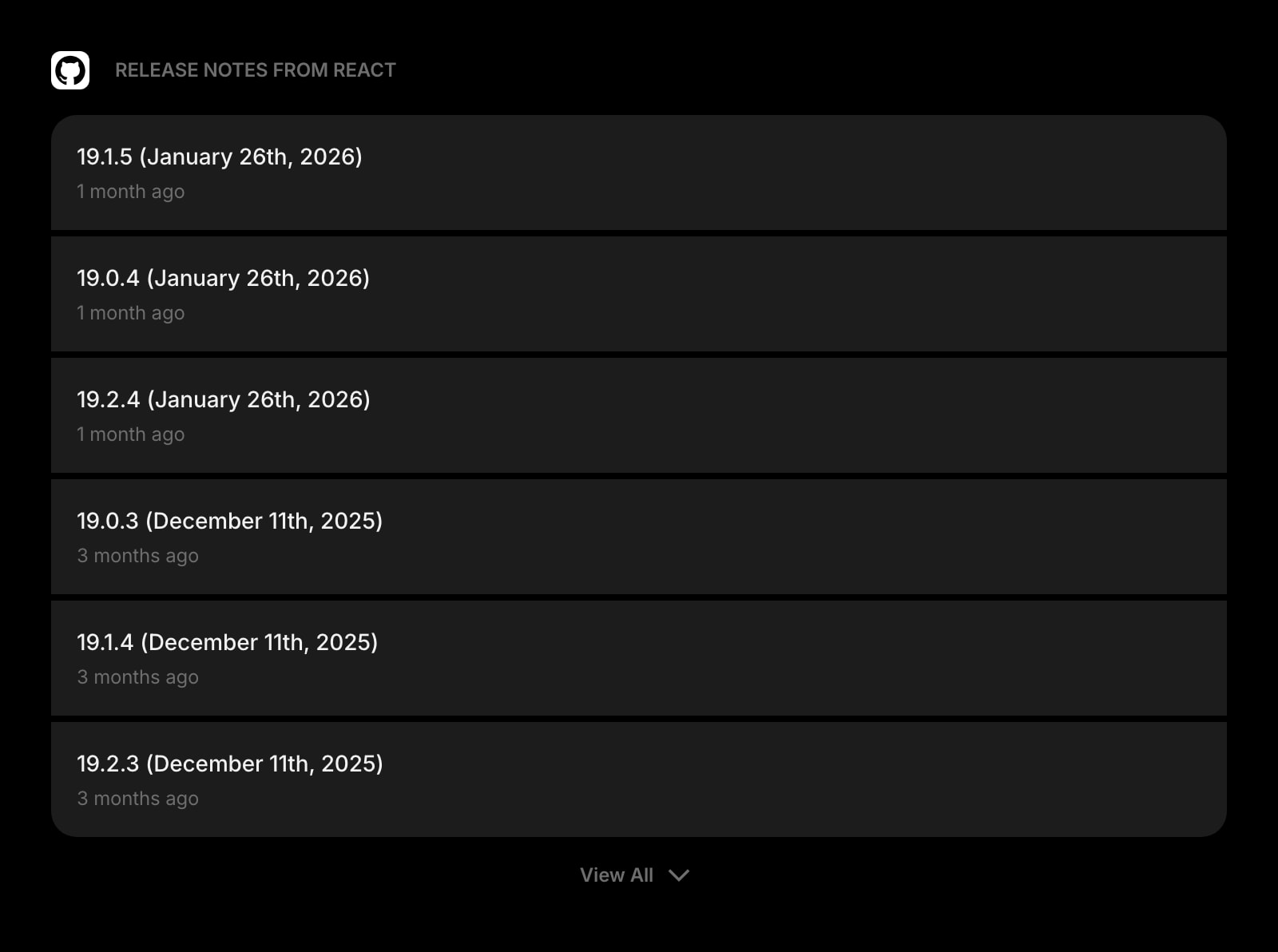
New versions of the libraries and tools your team relies on.
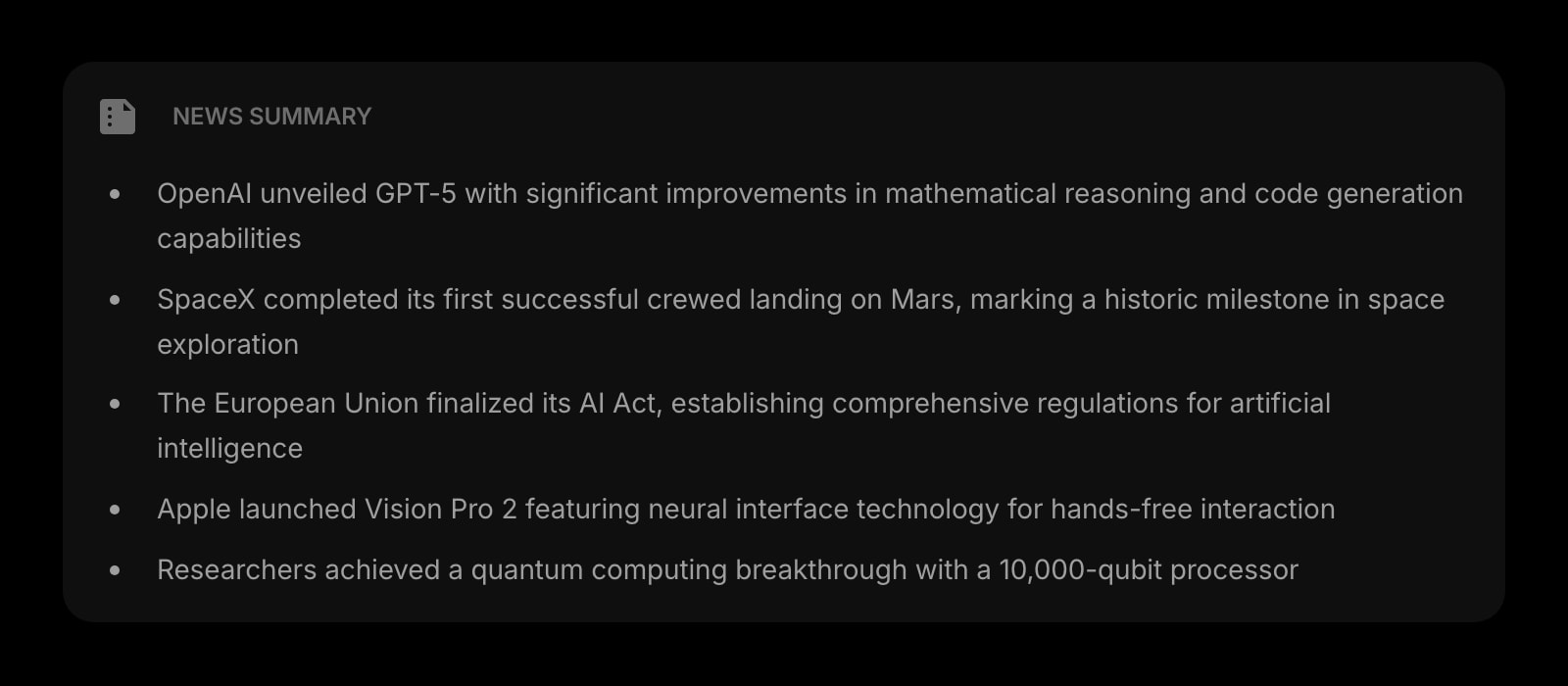
News Summary
An AI digest of a busy feed, for the mornings you have a minute.
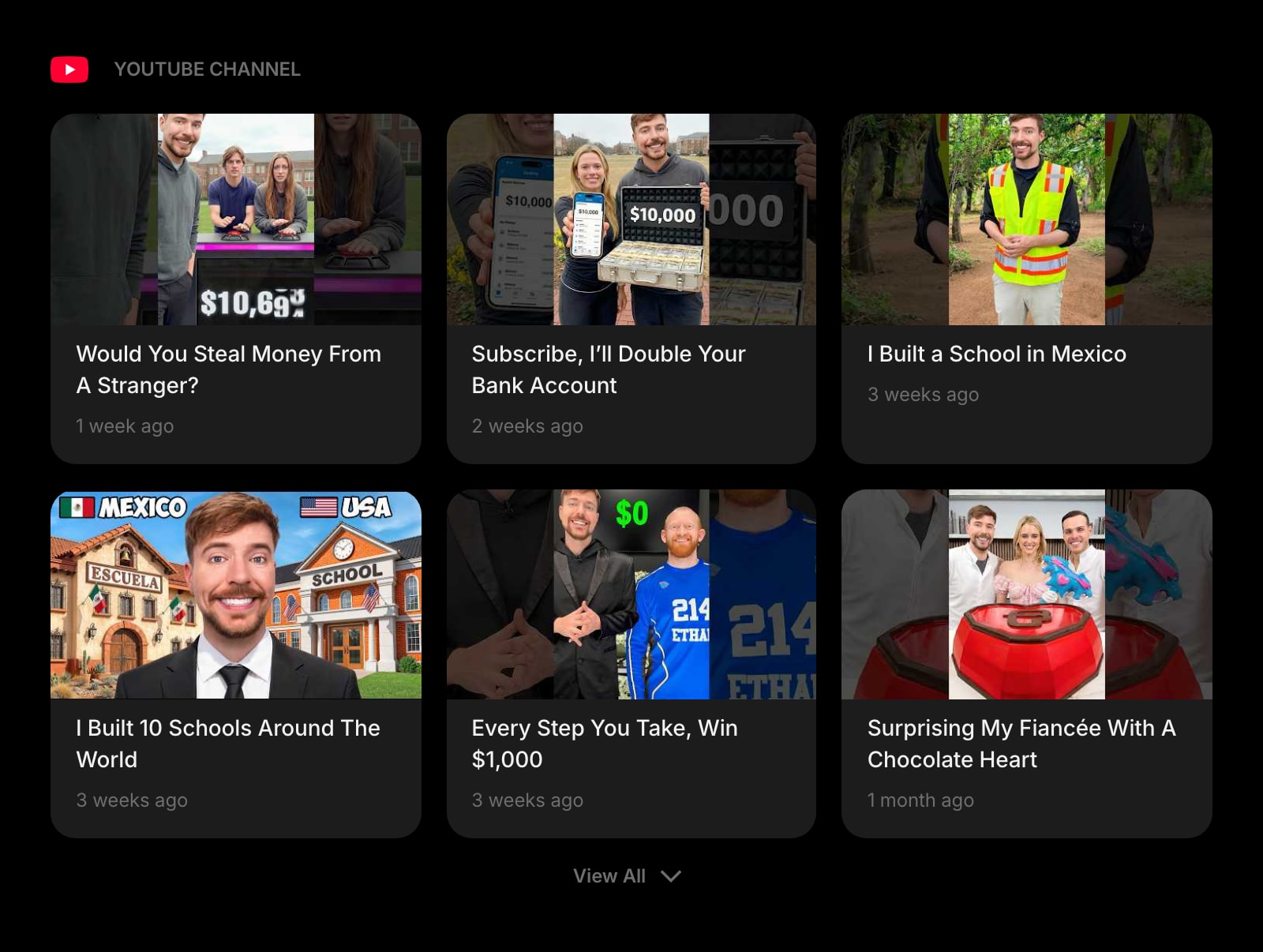
YouTube Channel
A channel's latest uploads as a feed, without the YouTube homepage.
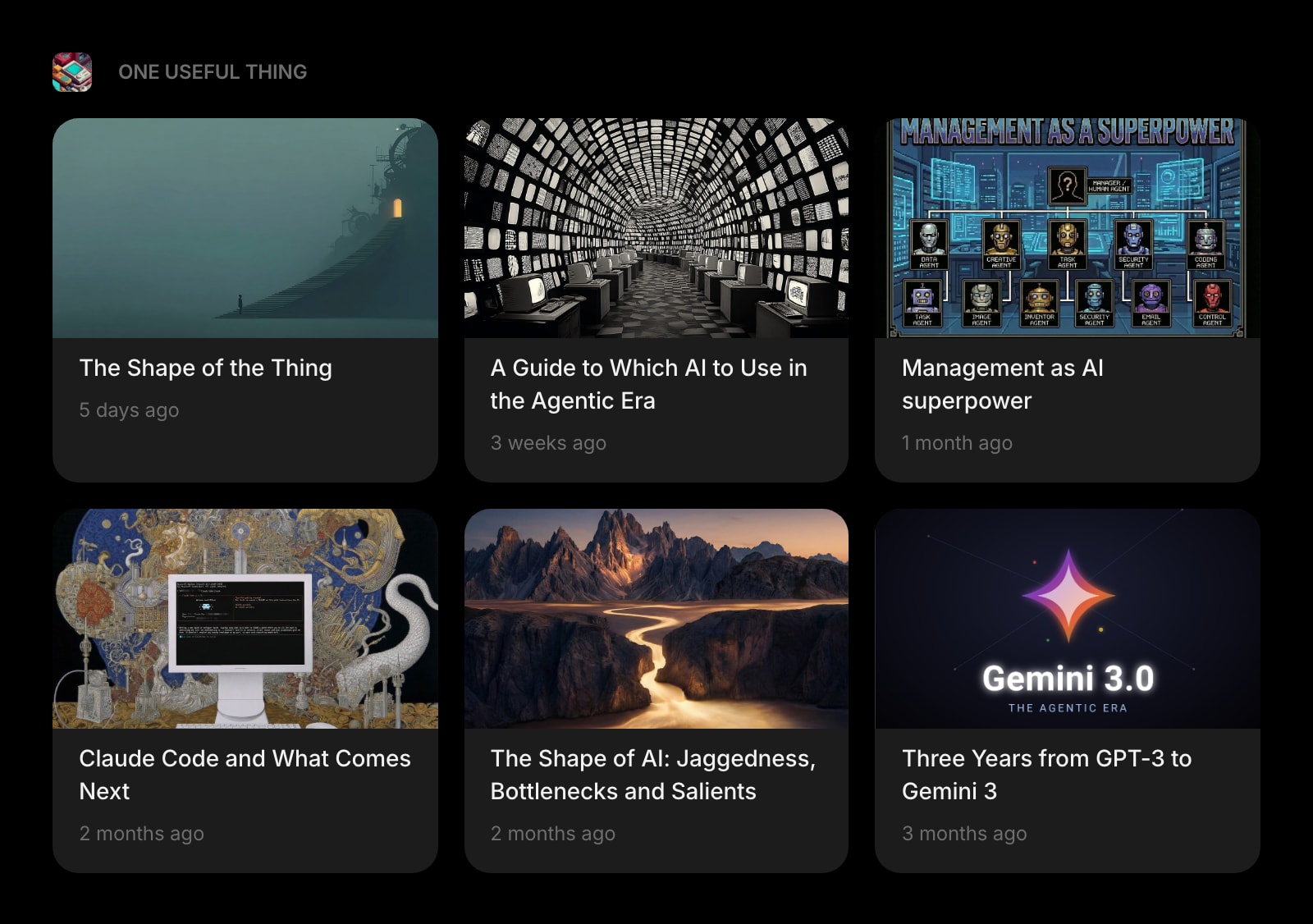
Substack
Newsletters read on the new tab, not from the Outlook inbox.
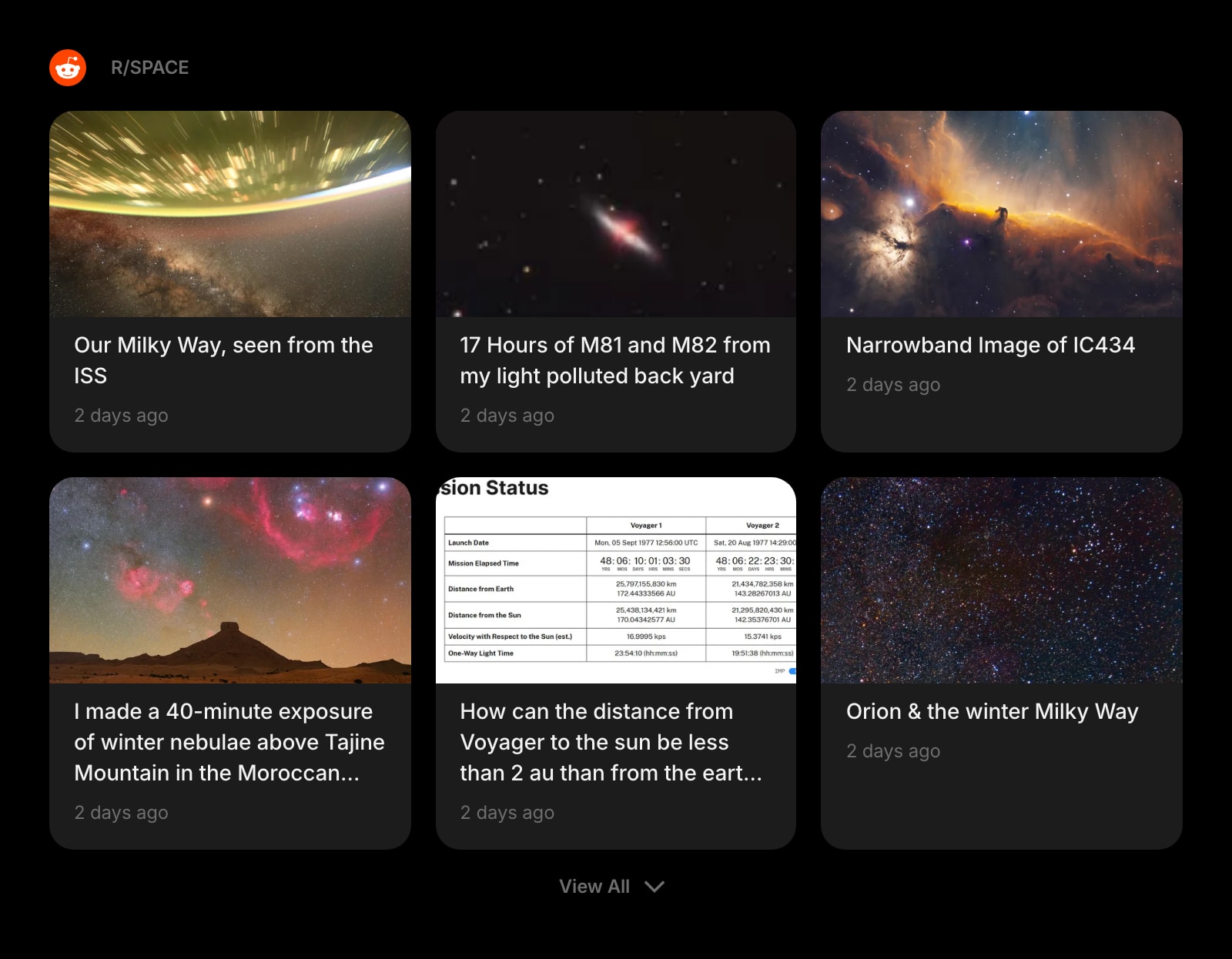
Subreddit
One subreddit as a feed, styled like the rest of your cards.
The RSS Feed widget is one of 50+ in Start Page HQ. Tasks, notes, RSS, AI tools, dev utilities — the same install gives you all of them. Start free with 8 widgets on a page, or lift every limit at $4/month, $24/year, or $48 lifetime.
Frequently Asked Questions
Yes, along with the rest of that page. A new-tab extension replaces the whole page, so the MSN feed, quick links, and search box are not shown. You do not need to toggle "Show feed" off first, and removing the extension at edge://extensions brings the MSN page back untouched.
Custom feed URLs are a paid capability — $4/month, $24/year, or $48 one-time. On the free plan the RSS Feed widget still works on your 1 page of up to 8 widgets, but it reads from the preset sources. To try your own feeds before paying, the demo at startpagehq.com/demo has them unlocked without an account.
Edge runs Chrome Web Store extensions natively — Microsoft built that in, behind the one-time "Allow extensions from other stores" switch. Start Page HQ ships the same build to Edge and Chrome, so there is no separate listing to maintain and nothing missing in the Edge install.
No. Feeds are fetched by Start Page HQ's server and delivered to the extension already parsed. Strict tracking prevention, ad blockers, and a corporate proxy have nothing to filter until you click through to an article.
Add the RSS Feed Widget to Edge
Free plan, no credit card — see plans or try the demo without installing.