
Looking for a Notion Alternative?
Notion is a powerful all-in-one workspace for docs, wikis, and databases. Start Page HQ is the new tab page that does what you wished Notion's quick-capture would — instant notes, todos, and dashboards every time you open a browser.
What People Love About Notion
Before we get into where Start Page HQ goes further, credit where it's due.
- A genuinely deep workspace — docs, wikis, databases, and project management all in one tool.
- A massive community and ecosystem of templates, integrations, and tutorials.
- A generous free plan that covers most personal use cases without ever paying.
- Cross-platform native apps for Mac, Windows, iOS, Android, plus a polished web app.
- Powerful linked databases and relational structures that no other notes app touches.
Where Start Page HQ Goes Further
Specific differences, not vague claims.
A Real New Tab Page, Not a Separate App
Notion is a destination you have to open. Start Page HQ lives on every new tab, so your notes, todos, and dashboards are always one keystroke away — no app launch, no workspace navigation.
63+ Widgets, Not Just Pages and Databases
Notion is built around pages and databases. Start Page HQ ships 63+ purpose-built widgets — weather, RSS, podcasts, AI tools, dev utilities, calendars — all as drag-and-drop blocks on your dashboard.
Quick Capture That Is Actually Quick
Drop the QuickNote and Notes widgets onto your start page and capture happens in a single click. No nested page navigation, no template picker, no sync delay.
Multi-Page Dashboards by Context
Build a Work page with tasks and calendars, a News page with RSS and Hacker News, a Personal page with weather and habits. Switch with a click. Notion expects you to live inside one workspace.
Built-In Developer and Productivity Tools
JSON formatter, regex tester, Pomodoro timer, habit tracker, currency converter, QR generator, and more — all included. None of these exist natively in Notion.
One Plan, Predictable Pricing
Start on the free plan — 1 page, 8 widgets, sync included, no credit card. No per-seat pricing for personal use and no Plus tier paywall on basic features either: $4/month, $24/year, or $48 lifetime unlocks everything, from unlimited pages to every widget and a pool of AI credits. Teams that want a shared dashboard pay $4 per seat per month.
Hosted Web App and Browser Extensions
Use startpagehq.com on any browser, or install extensions for Chrome, Firefox, Safari, and Edge. No native install required to get going.
Side-by-Side Comparison
An honest line-by-line look at how the two stack up.
| Feature | Notion | Start Page HQ |
|---|---|---|
| Pricing | Free or $10+/mo Plus | Free plan; $4/mo, $24/yr, $48 LTD |
| Free tier | Yes (generous) | 1 page, 8 widgets |
| Widget / block count | Generic blocks | 63+ purpose-built widgets |
| Lives on every new tab | No | Yes |
| Chrome | Yes | Yes |
| Firefox | Yes | Yes |
| Safari | Yes | Yes |
| Edge | Yes | Yes |
| Hosted web app | Yes | Yes |
| Cross-device sync | Included | Included |
| Multi-page dashboards | Workspace pages | New tab dashboards |
| Quick note widget | No | Yes |
| Kanban tasks widget | Database view | Yes |
| Markdown editor widget | Markdown shortcuts | Yes |
| Weather / RSS / podcasts | No | Yes |
| AI tools (image gen, translation, summary) | Notion AI add-on | Included |
| Developer tools (JSON, regex, diff) | No | Yes |
| Team workspaces | Yes | Shared dashboards (no live co-editing) |
| Relational databases | Yes | No |
| Wiki / docs | Yes | No |
Widgets That Replace Notion
Drop these onto your dashboard and you've covered Notion's core features — plus a lot more.
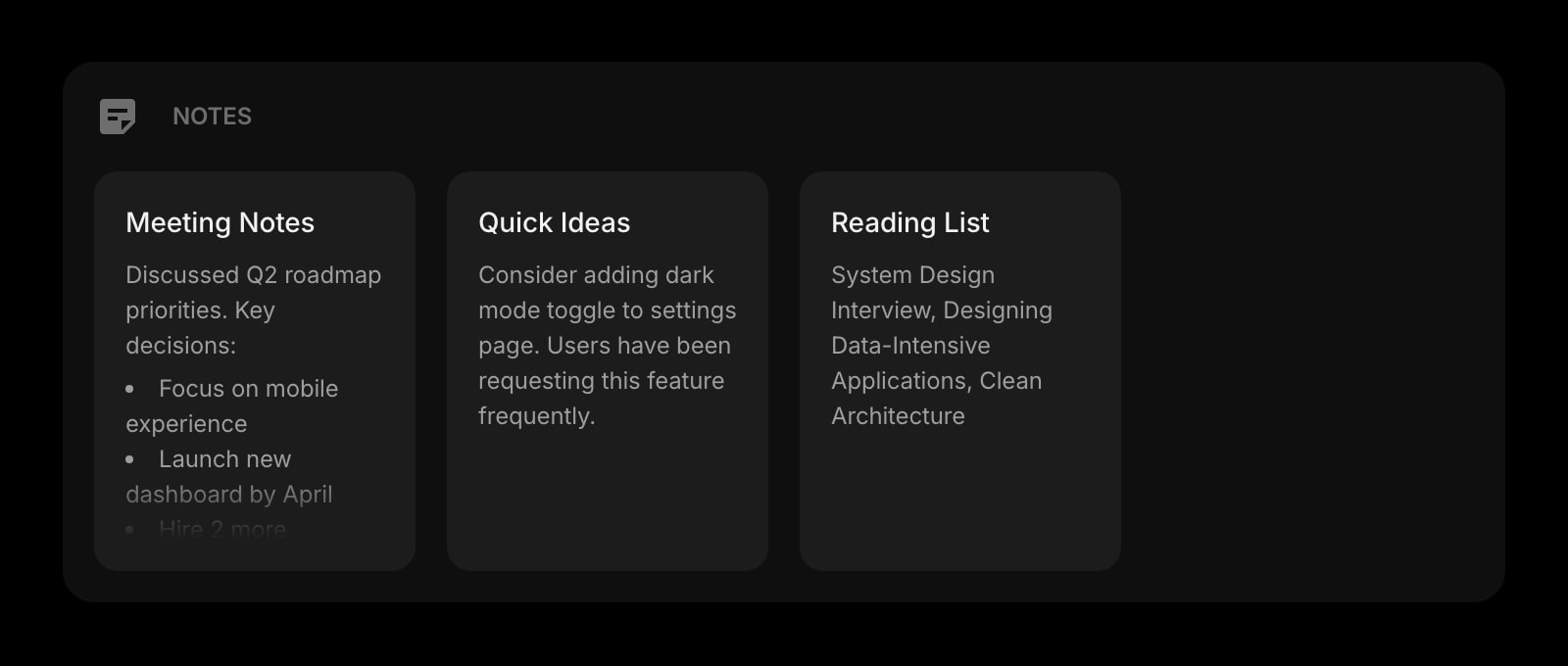
Notes
A simple board of notes for ideas, drafts, and reference — always visible on your start page.
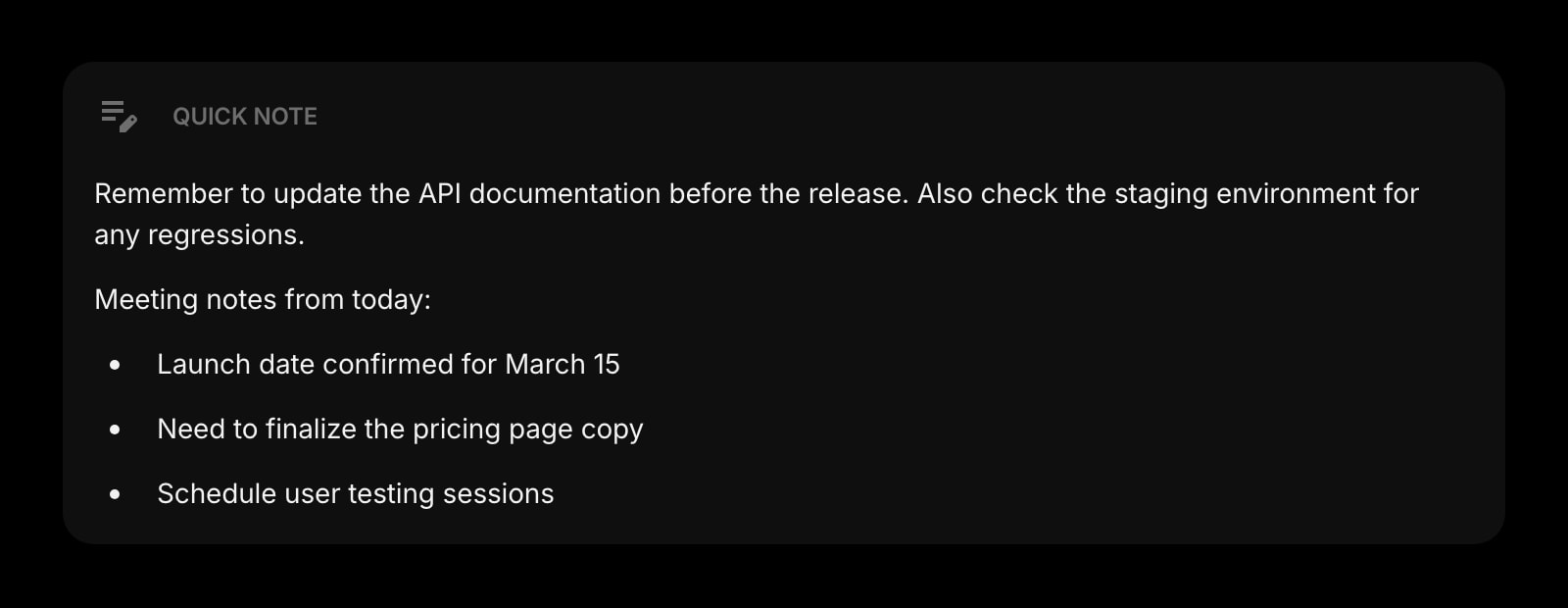
Quick Note
One-click capture for ideas, tasks, and snippets — no nested page navigation required.
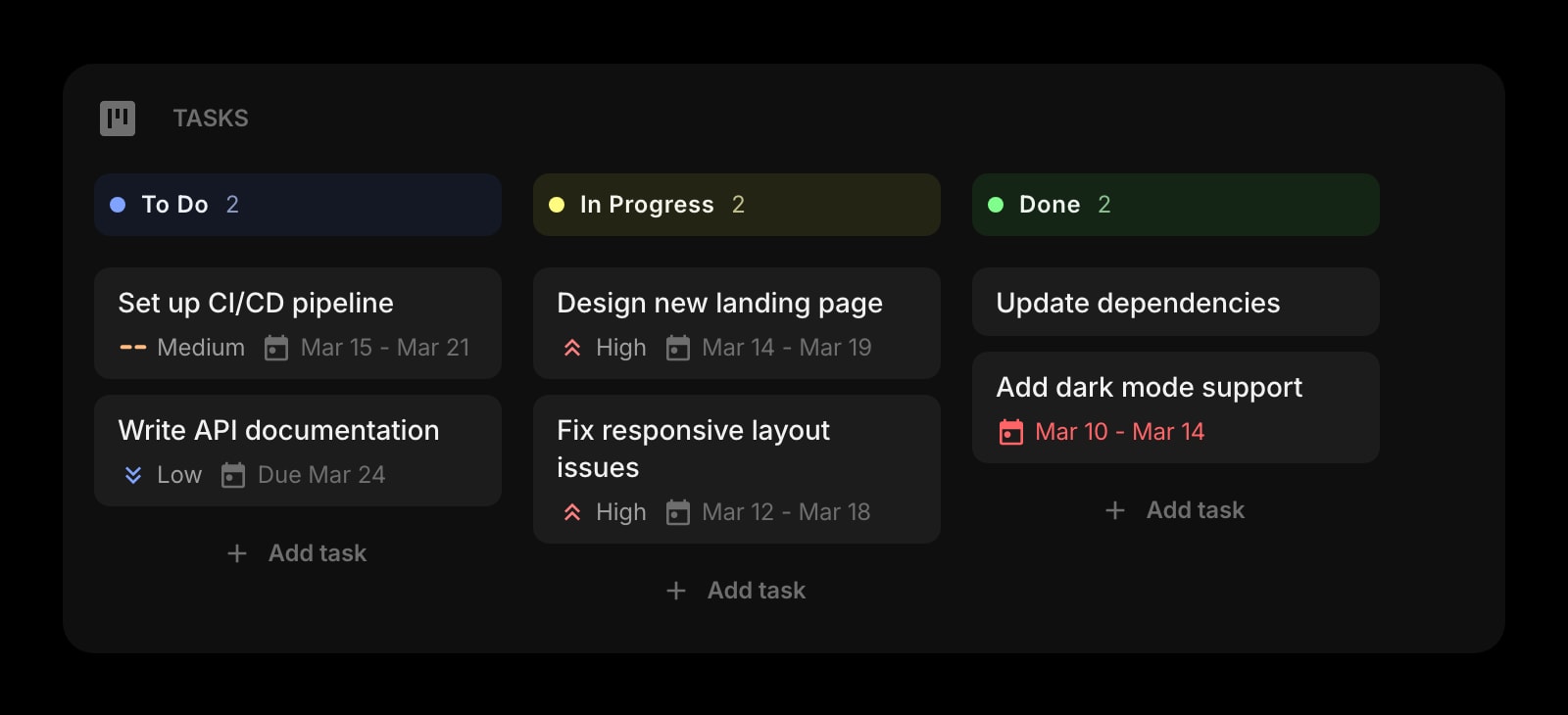
Tasks
A Kanban board for organizing projects, right next to your other widgets.
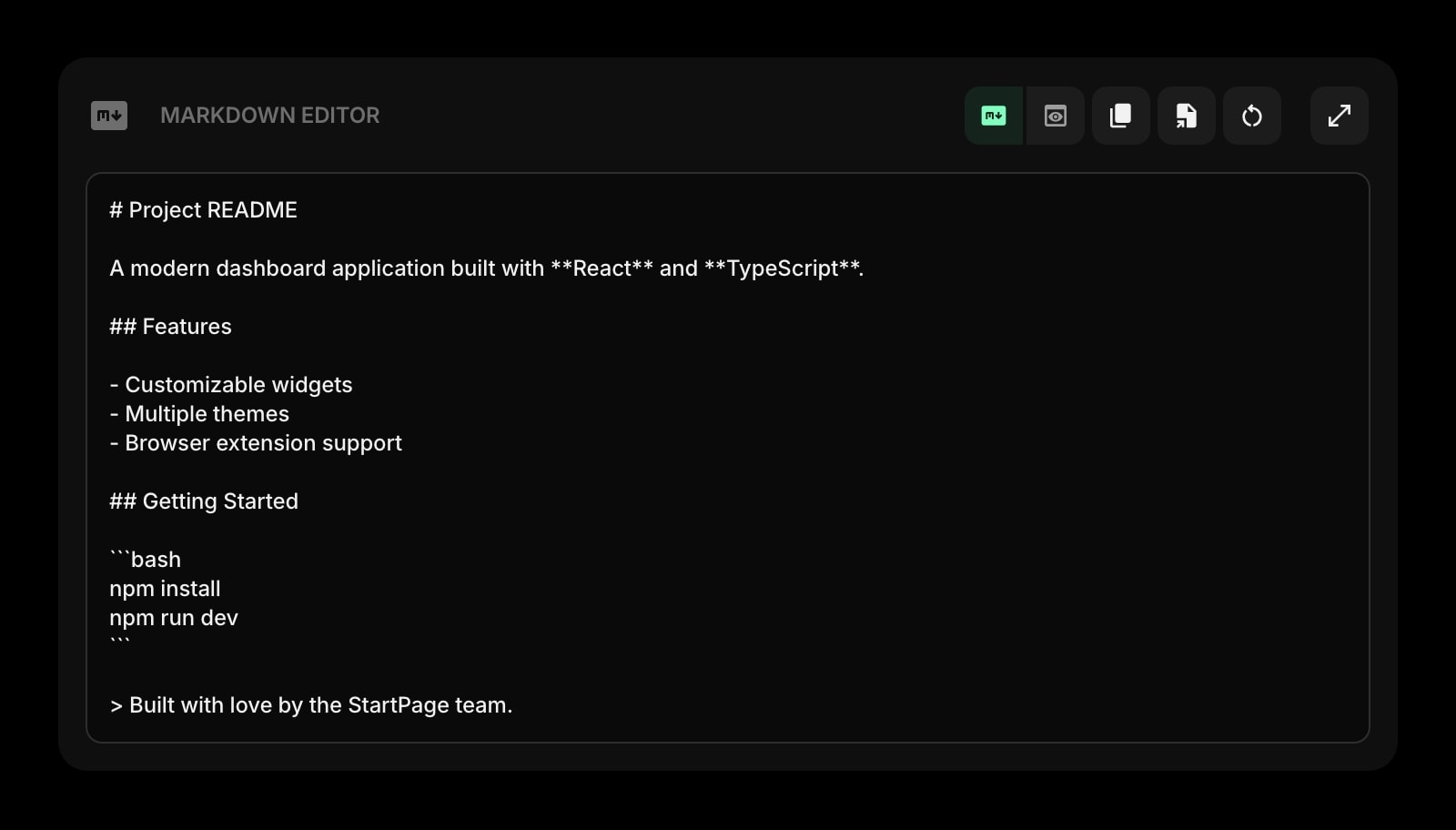
Markdown Editor
Write and preview Markdown with a live editable preview — ideal for quick drafts.
Frequently Asked Questions
Not for everything. Notion is a deep wiki and database tool. Start Page HQ is a new-tab dashboard with notes, tasks, and 63+ other widgets. If you live in Notion for documentation and team wikis, keep using it. If you want quick capture and dashboards on every new tab, Start Page HQ fits that workflow better.
Yes — there is a free plan, and it takes no credit card. You get 1 page with up to 8 widgets on it, 55 of the 63 widget types (Notes, Quick Note, and Markdown Editor among them), cross-device sync, and 50 AI credits to start. Extra pages and the 8 premium widgets — the Kanban Tasks board included — need a paid plan: $4/month, $24/year, or $48 one-time. The demo at startpagehq.com/demo unlocks every widget with no signup at all.
Yes, sync is included on every plan, the free one included. Sign in once and your pages, widgets, links, and notes sync across every browser and device automatically.
There is no automated Notion importer. Most users keep Notion for long-form docs and use Start Page HQ for quick capture and the new-tab dashboard. The two work well side by side — paste your most-used Notion URLs into the Links widget for one-click access.
Notion AI is a paid add-on. Start Page HQ ships AI image generation, translation, instant answers, and AI-powered news summaries as built-in widgets — no extra subscription, just the AI credit pool that comes with your plan, starting at 50 credits on the free one.
Yes. Use the hosted web app at startpagehq.com directly in any browser, or install the extension for Chrome, Firefox, Safari, or Edge. No admin install required for the web app.
Ready to Try Start Page HQ?
Start free — 1 page, 8 widgets, sync across devices, no credit card. Or open the live demo first, no signup needed.