- Dashboard
- Widgets
- AI Diary
- AI Humanizer
- AI Image
- Audio Editor
- Base64 / URL Encoder
- Calendar
- Canvas
- Collection
- Color Picker
- Container
- Countdown Timer
- Currency Converter
- Daily Quiz
- Daily Quote
- Daily Riddle
- Date & Time
- Embed
- GitHub Releases
- Google Calendar
- Habit Tracker
- Hacker News
- Image Compression
- IP Info
- JSON Formatter
- Links
- Markdown Editor
- News
- News Summary
- Notes
- Photo Frame
- Podcast
- Pomodoro Timer
- Product Hunt
- QR Code Generator
- Quick Answer
- Quick Note
- Regex Tester
- RSS Feed
- Search
- Spacer
- Stopwatch
- Story Snippet
- Stripe Sales
- Subreddit
- Substack
- t0ggles Focus
- t0ggles My Boards
- t0ggles My Tasks
- Tasks
- Text Diff
- Todo
- TradingView Advanced Chart
- TradingView Market Summary
- TradingView Mini Chart
- TradingView Symbol Overview
- TradingView Ticker Tape
- Translation
- Unit Converter
- Uptime Monitor
- Weather
- What If
- World Clock
- YouTube Channel
Adding a Widget
Add widgets to fill your pages with the tools and information you use every day.
#Steps
- Scroll down on your page and click the Add Widget button.
- A popup opens showing all available widgets, organized by category: Bookmarks, Creative, Discover, Feeds, Finance, Layout, Notes, Productivity, Time & Weather, and Tools.
- Use the search bar at the top to quickly find a widget by name.
- Click any widget to add it to your page.
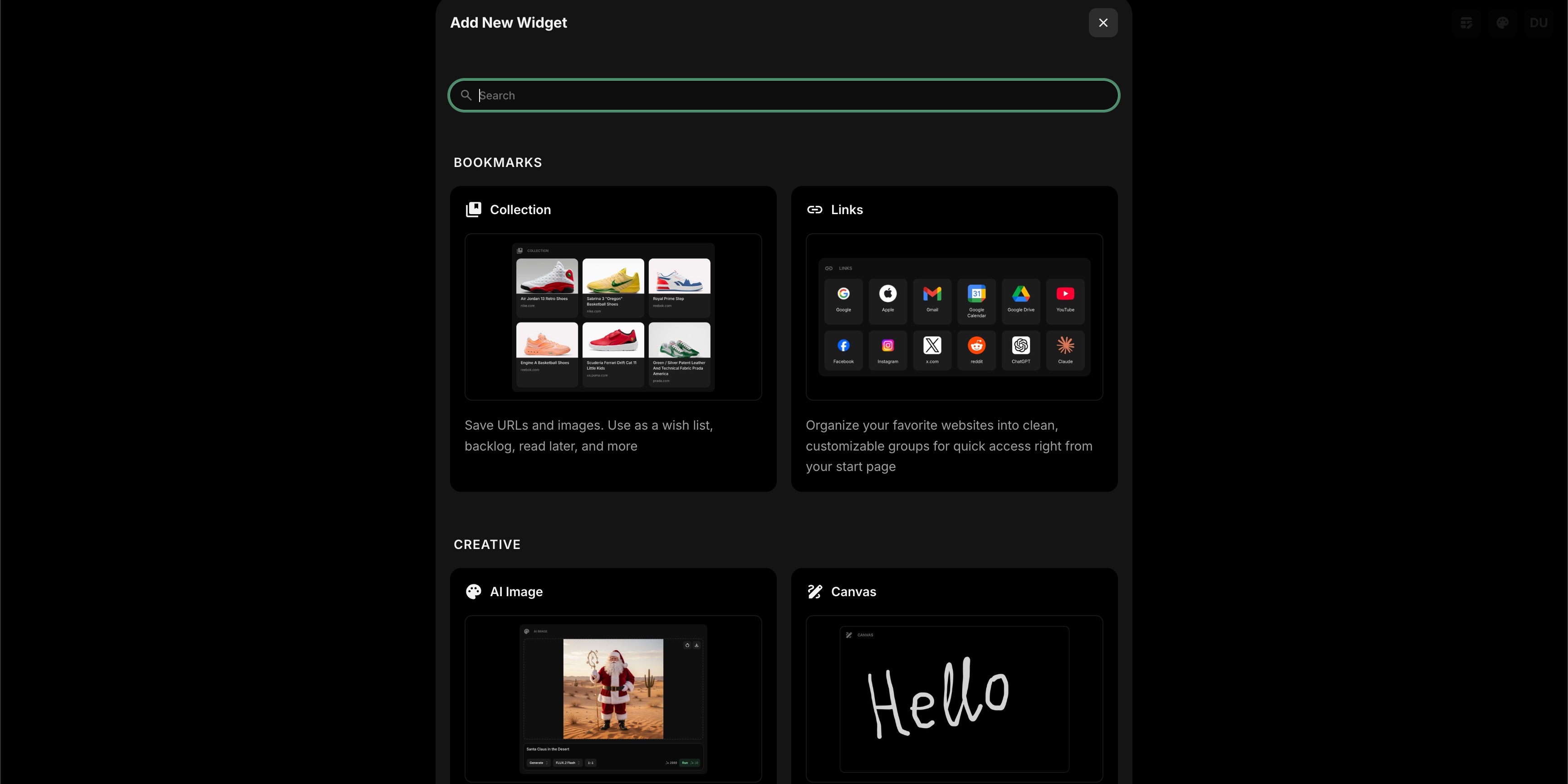
Add widget popup showing widget categories and search bar
The new widget appears on your page right away. You can then customize it through its settings or move it to the position you want.
#Plans
The free plan fits up to 8 widgets on a page. Once you reach that, adding another opens an upgrade panel - any paid plan removes the limit.
There are 8 paid-only widget types, each showing a Premium badge in the picker. A handful of others work on the free plan with curated sources rather than your own URLs, and the AI widgets run on credits. See Plans.