- Dashboard
- Widgets
- AI Diary
- AI Humanizer
- AI Image
- Audio Editor
- Base64 / URL Encoder
- Calendar
- Canvas
- Collection
- Color Picker
- Container
- Countdown Timer
- Currency Converter
- Daily Quiz
- Daily Quote
- Daily Riddle
- Date & Time
- Embed
- GitHub Releases
- Google Calendar
- Habit Tracker
- Hacker News
- Image Compression
- IP Info
- JSON Formatter
- Links
- Markdown Editor
- News
- News Summary
- Notes
- Photo Frame
- Podcast
- Pomodoro Timer
- Product Hunt
- QR Code Generator
- Quick Answer
- Quick Note
- Regex Tester
- RSS Feed
- Search
- Spacer
- Stopwatch
- Story Snippet
- Stripe Sales
- Subreddit
- Substack
- t0ggles Focus
- t0ggles My Boards
- t0ggles My Tasks
- Tasks
- Text Diff
- Todo
- TradingView Advanced Chart
- TradingView Market Summary
- TradingView Mini Chart
- TradingView Symbol Overview
- TradingView Ticker Tape
- Translation
- Unit Converter
- Uptime Monitor
- Weather
- What If
- World Clock
- YouTube Channel
Product Hunt Widget
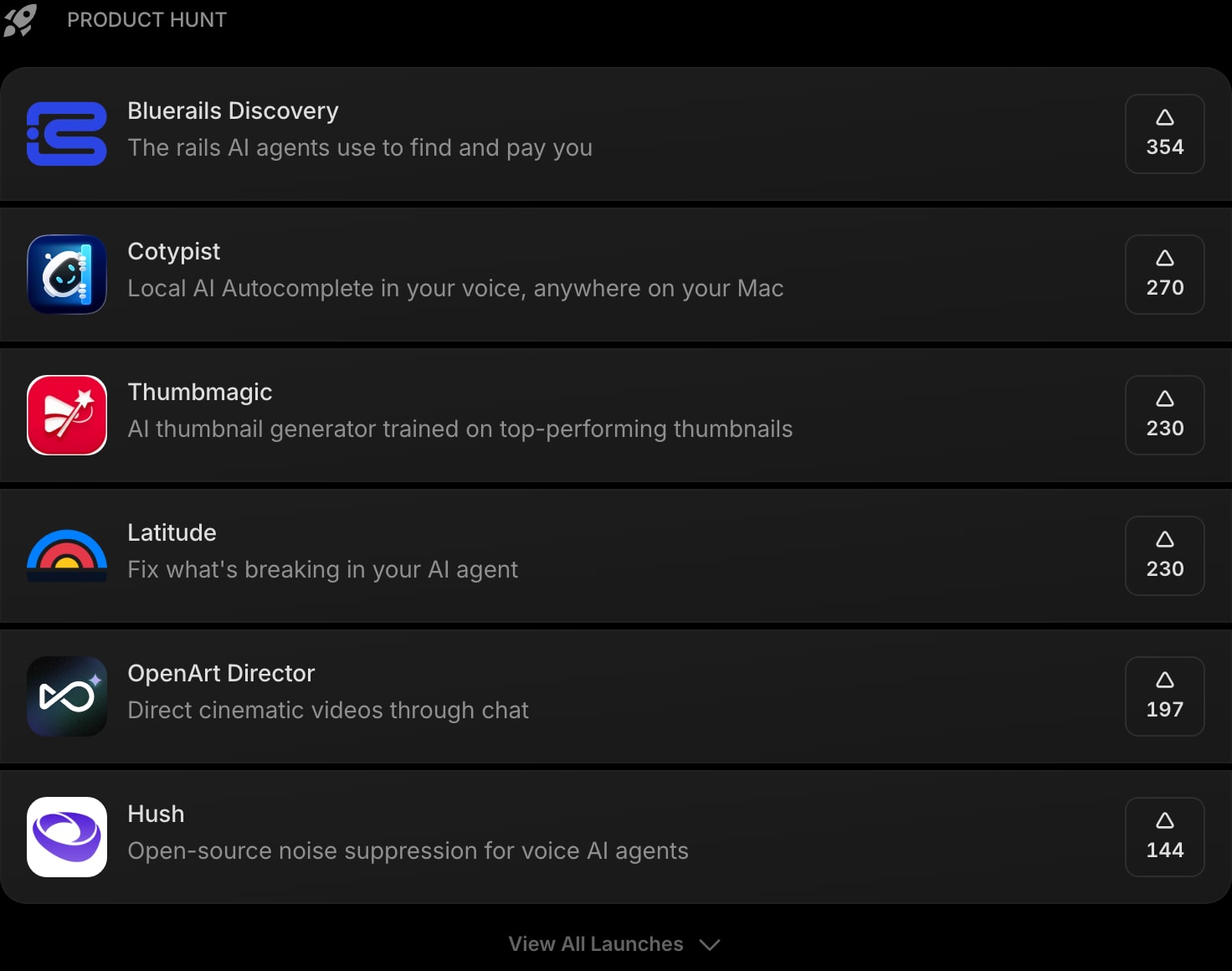
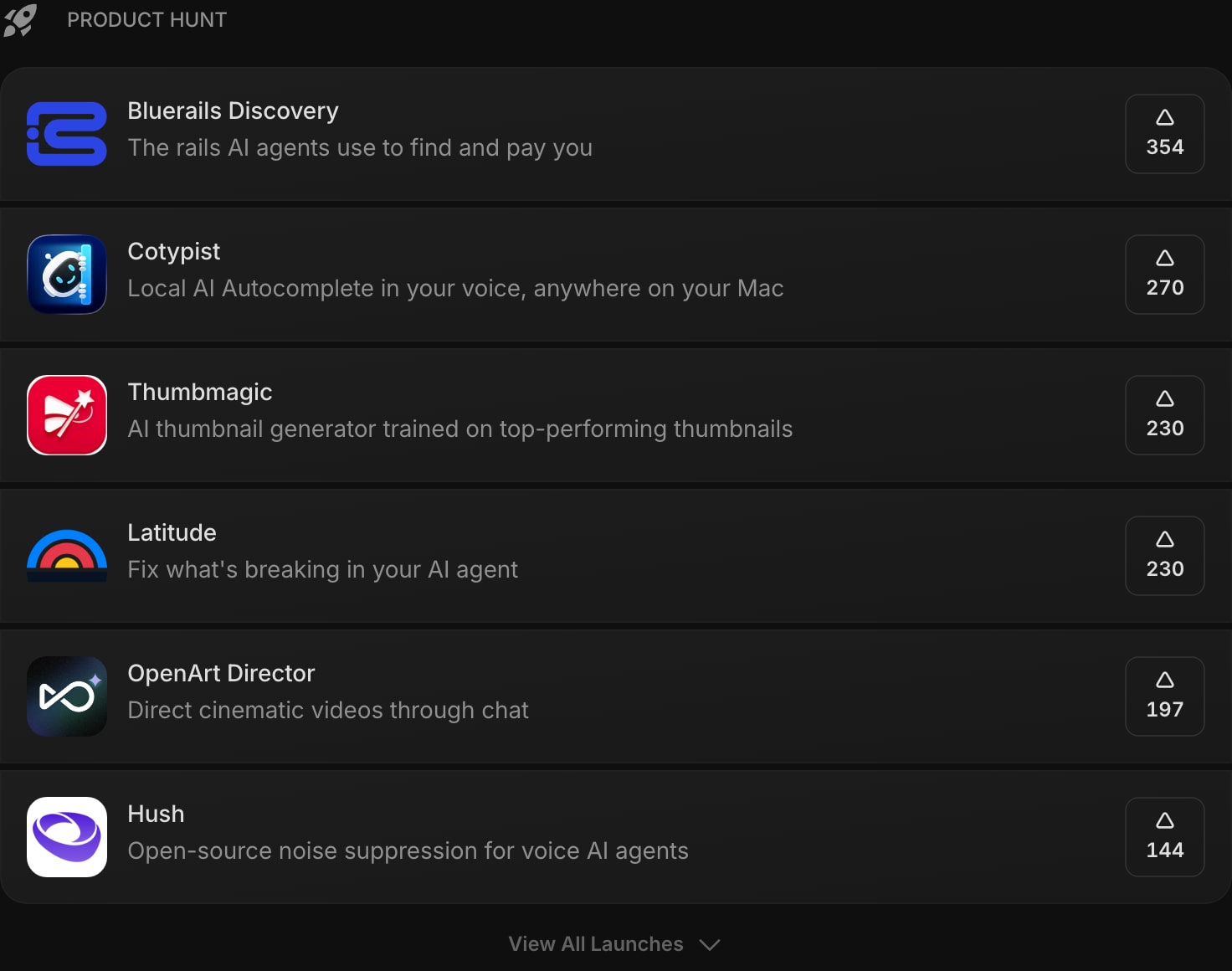
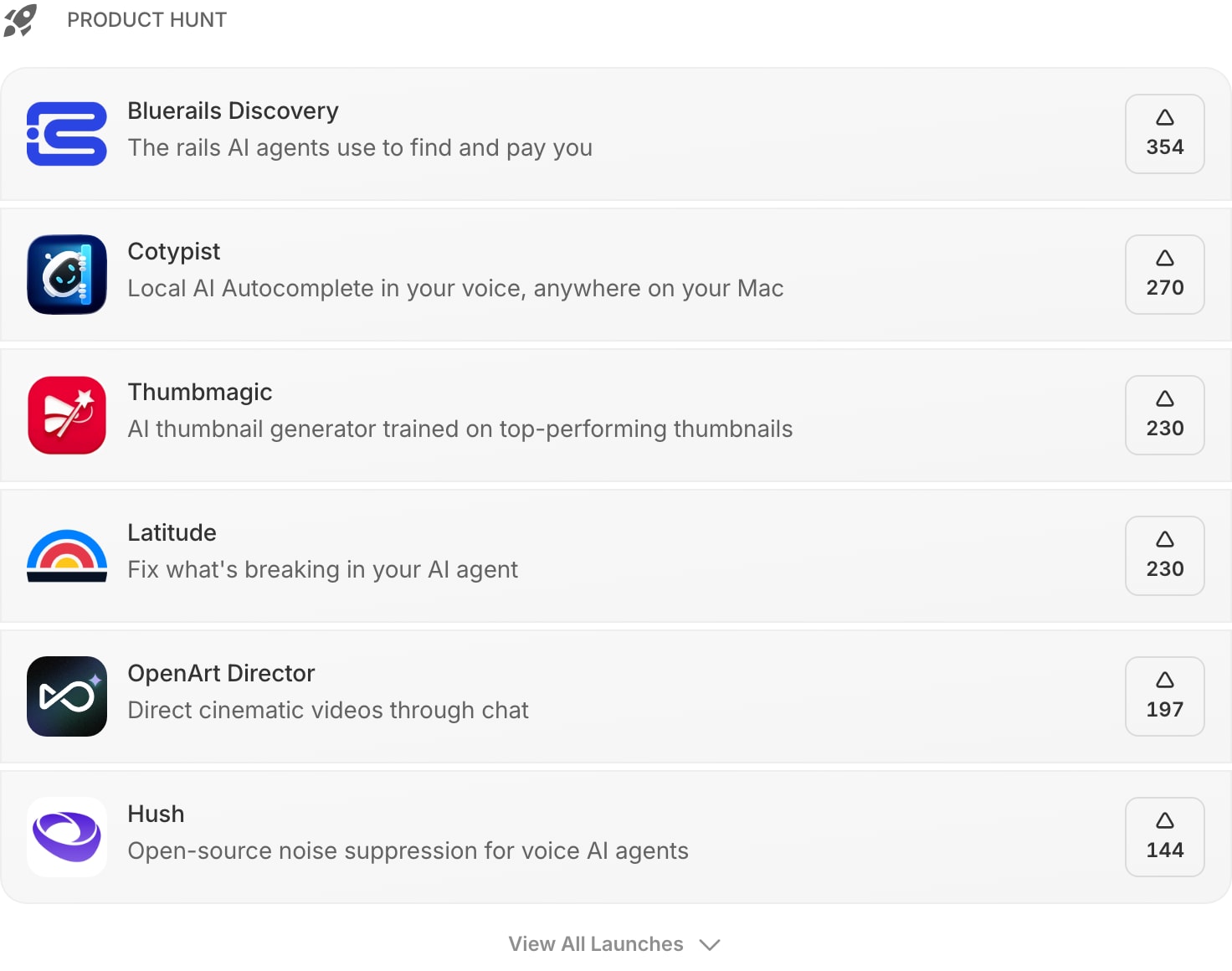
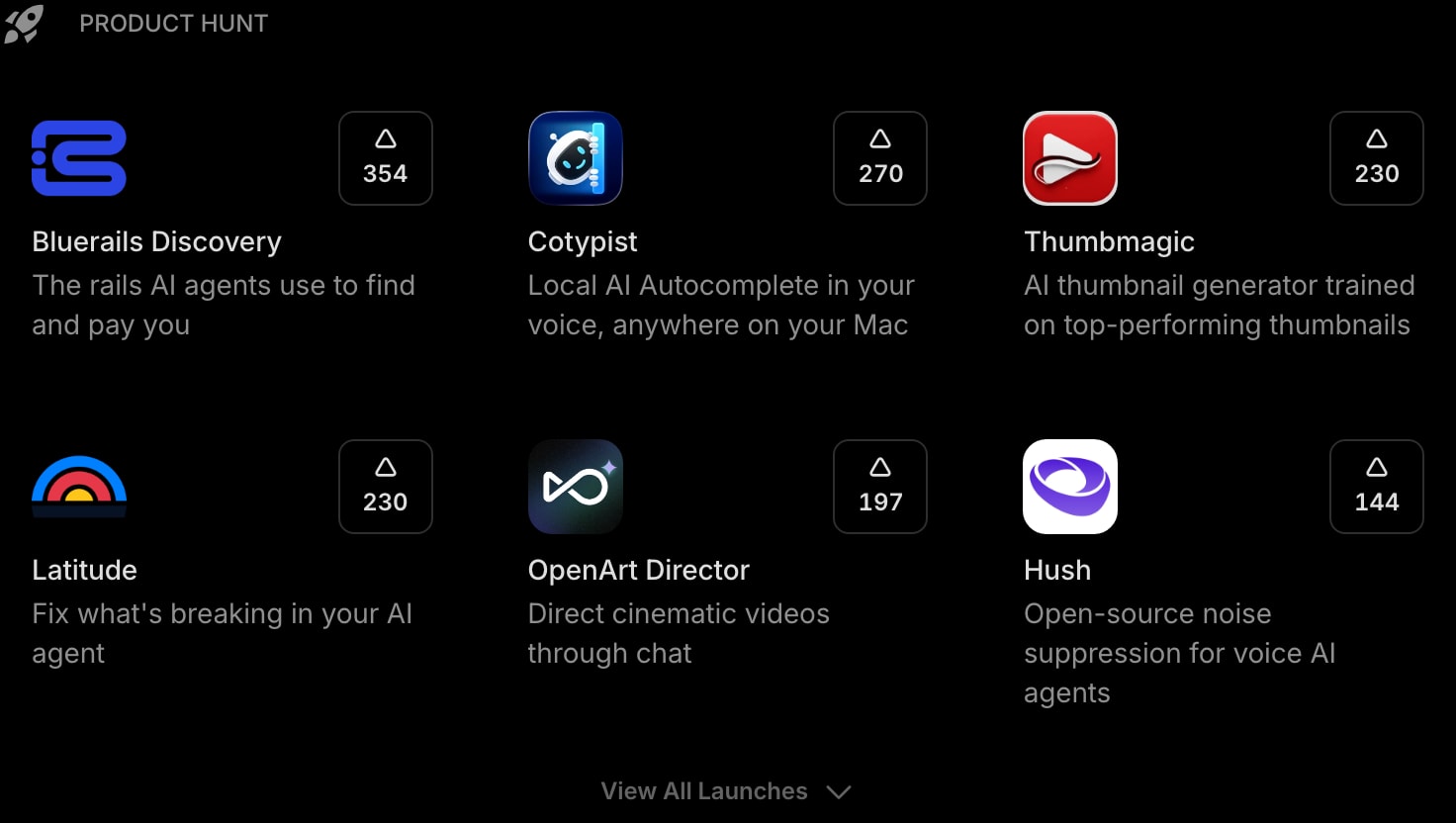
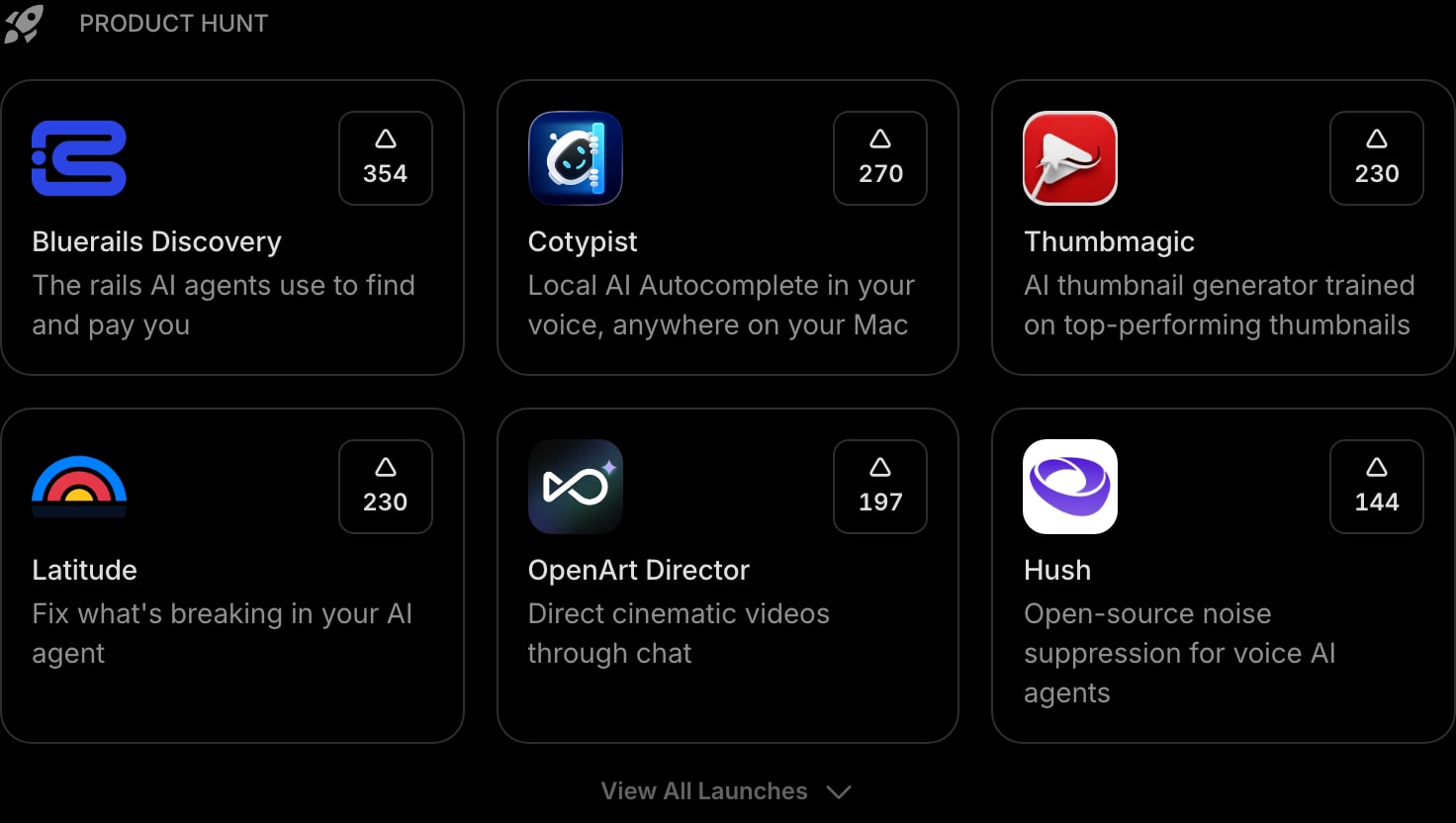
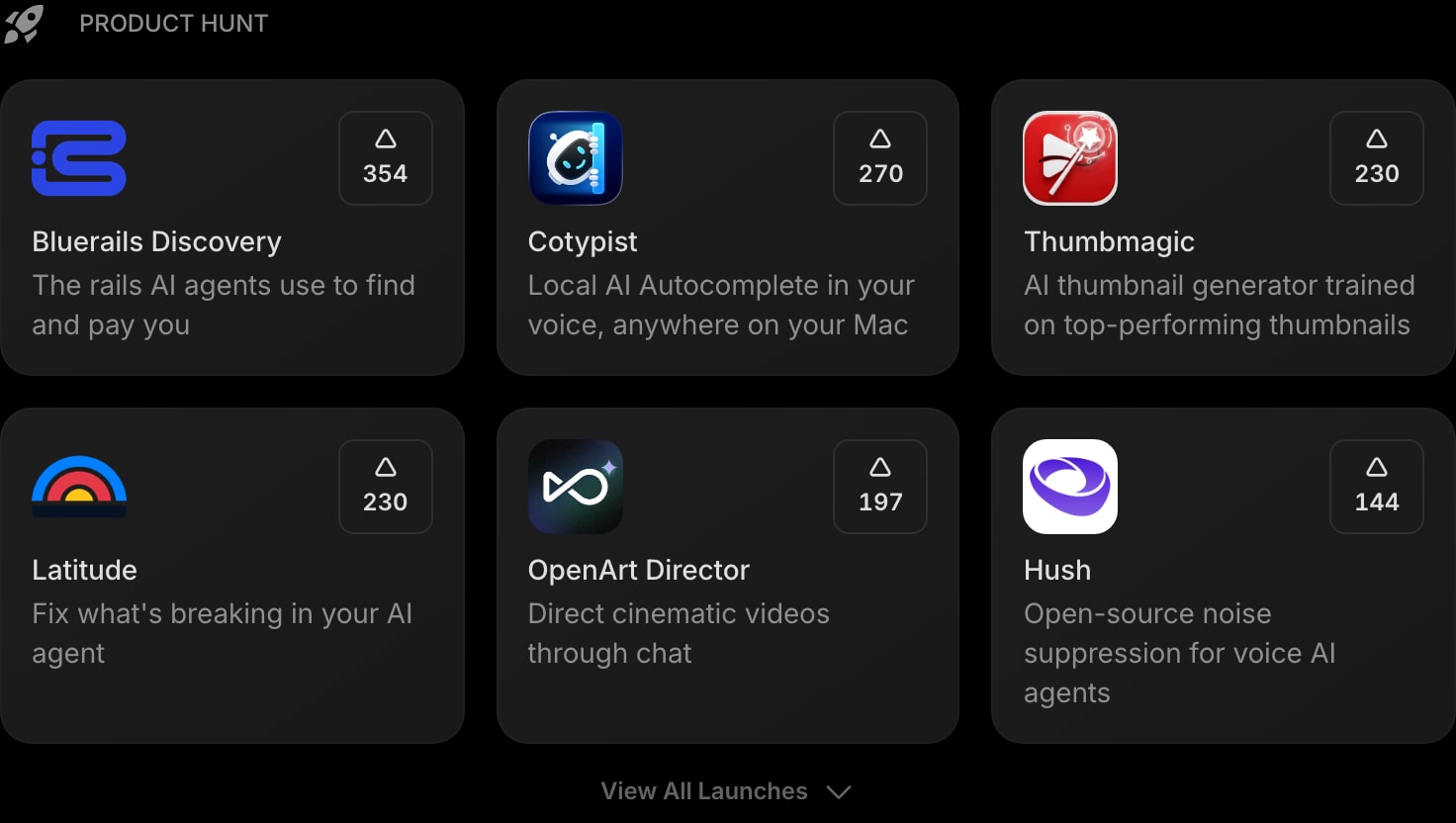
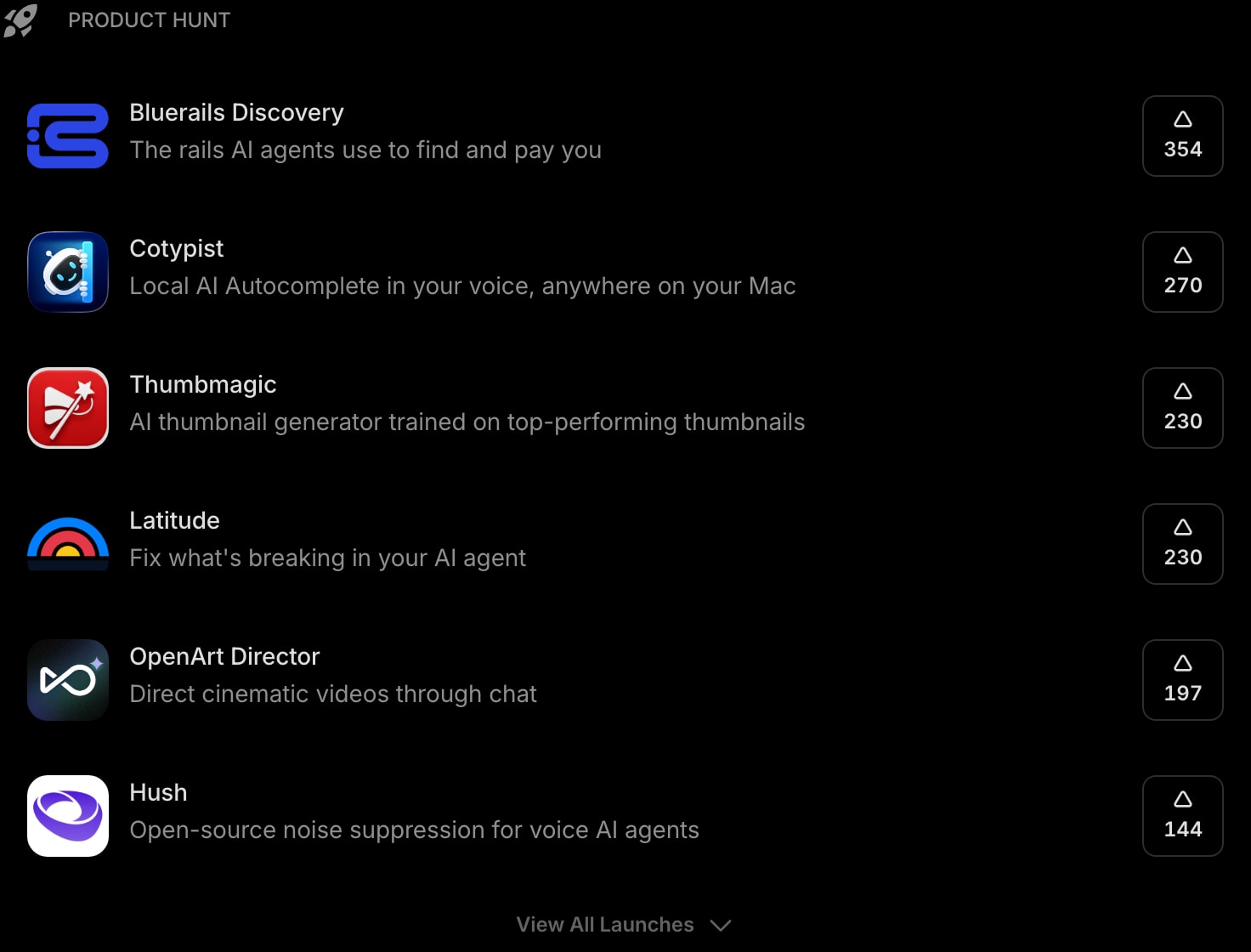
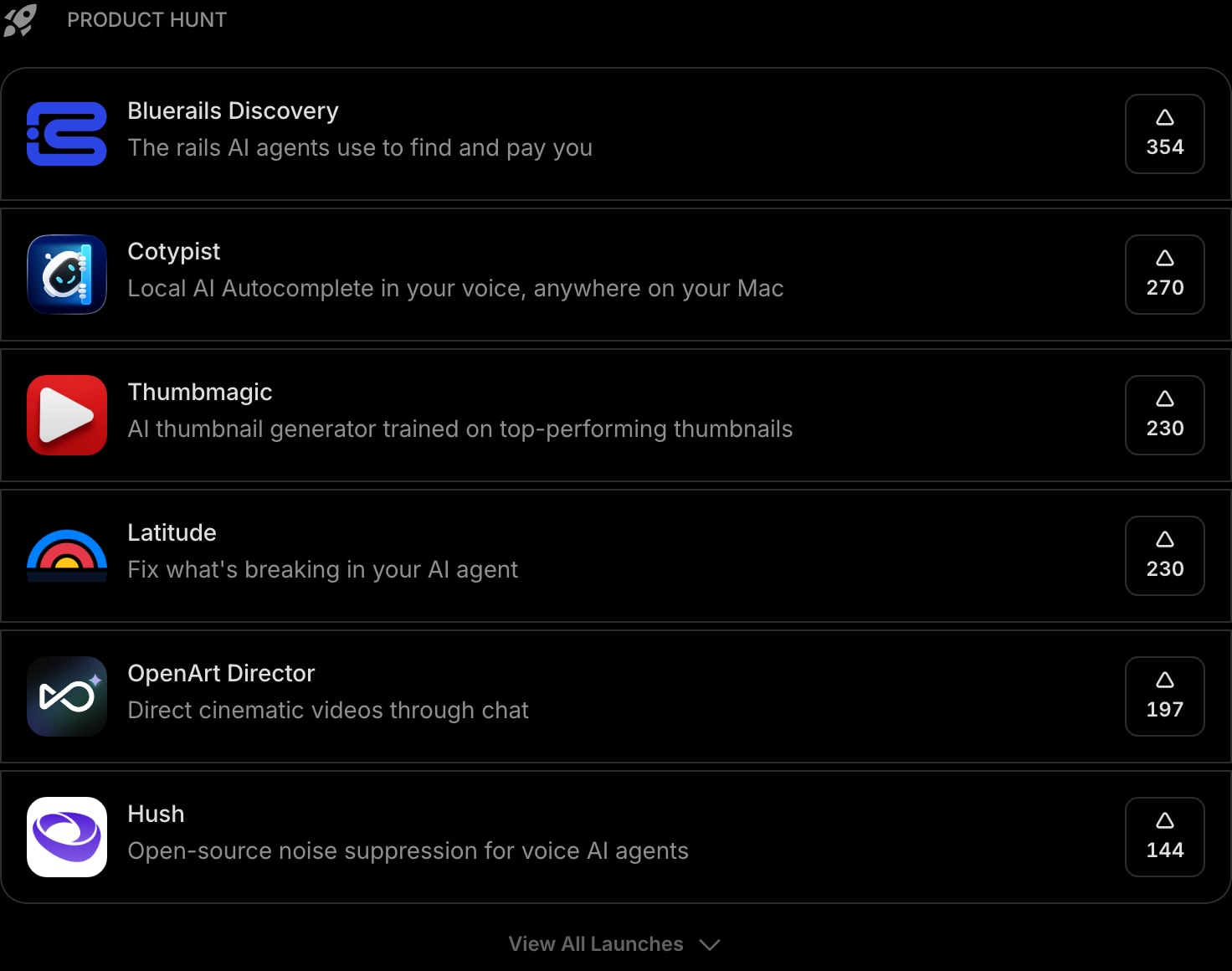
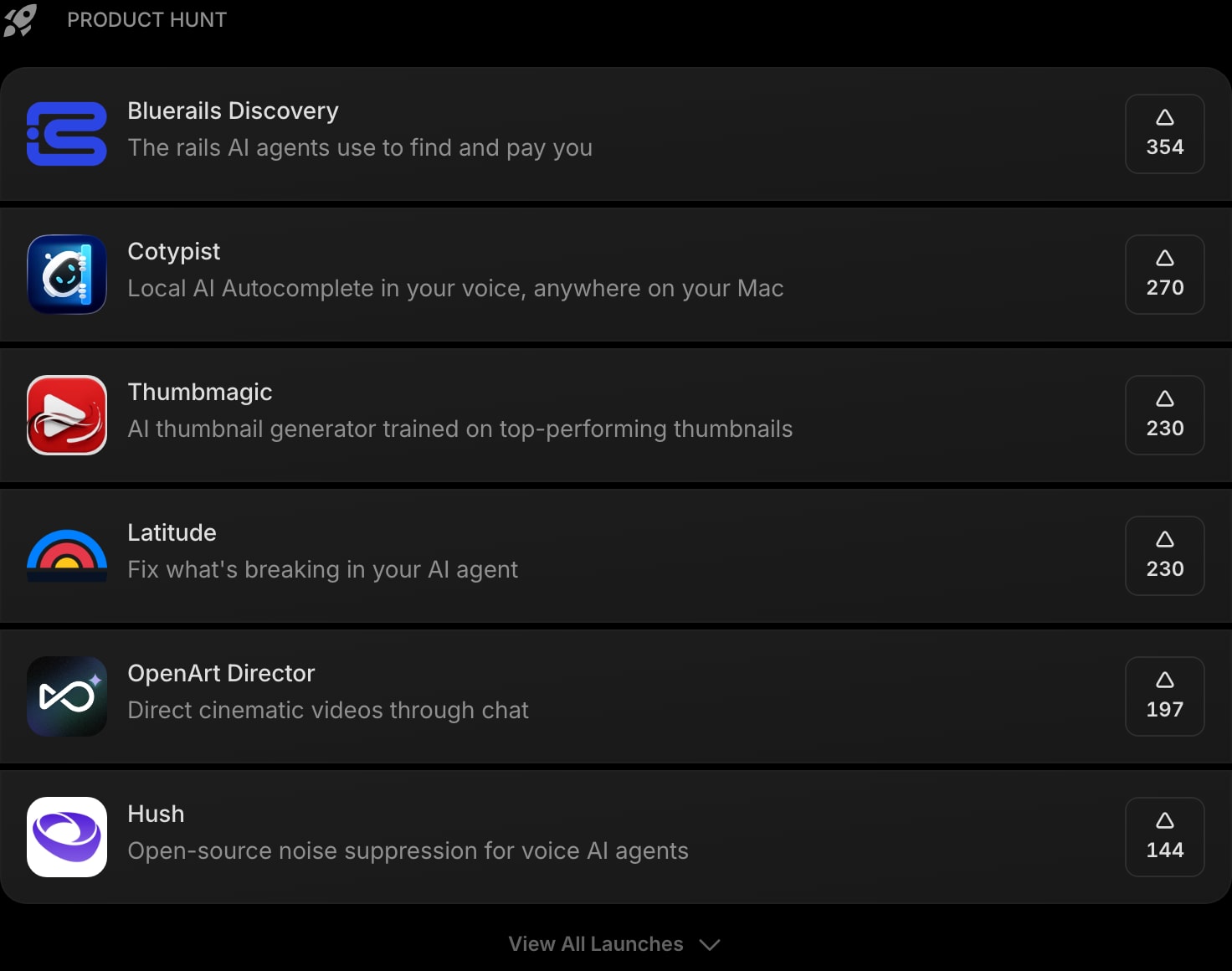
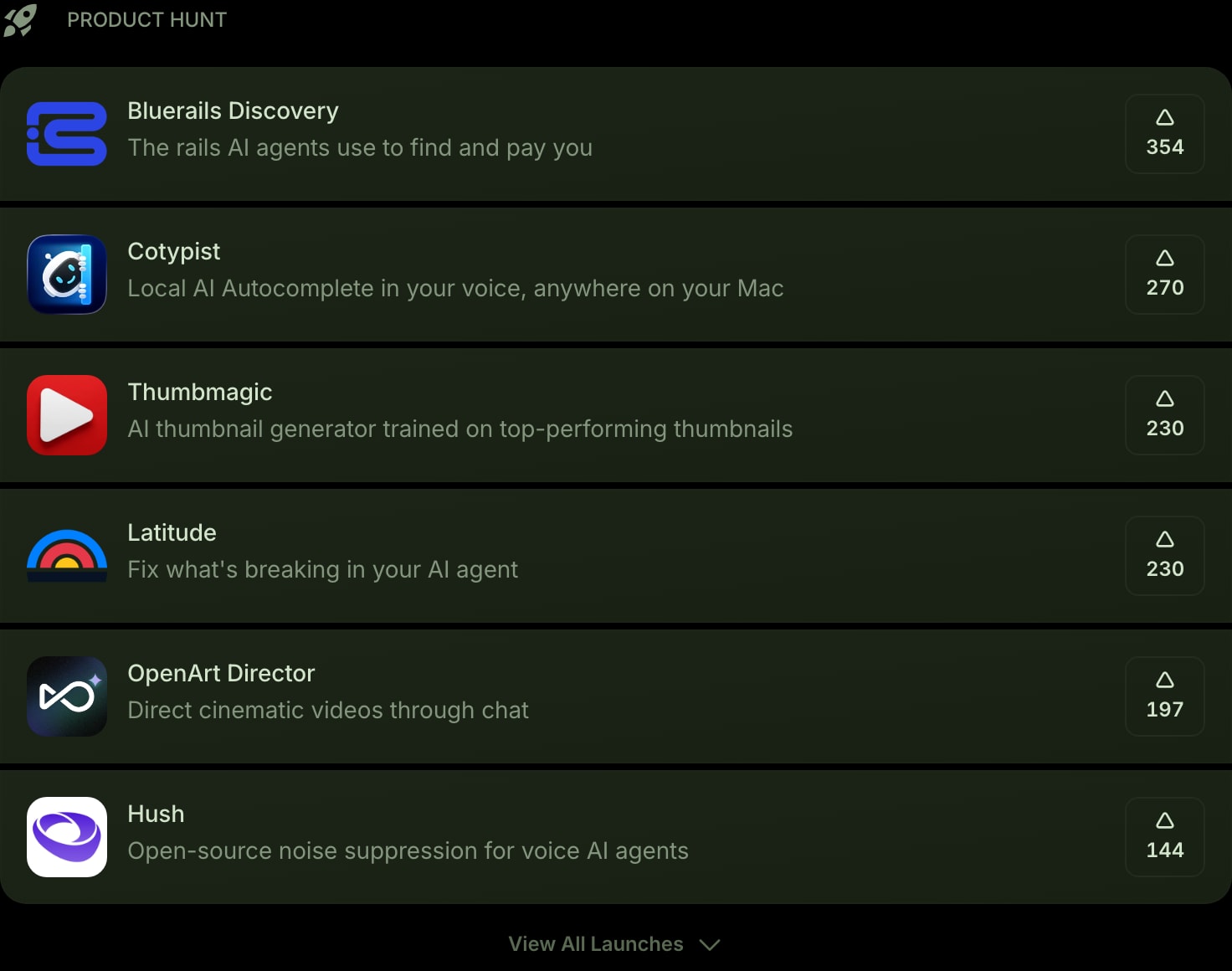
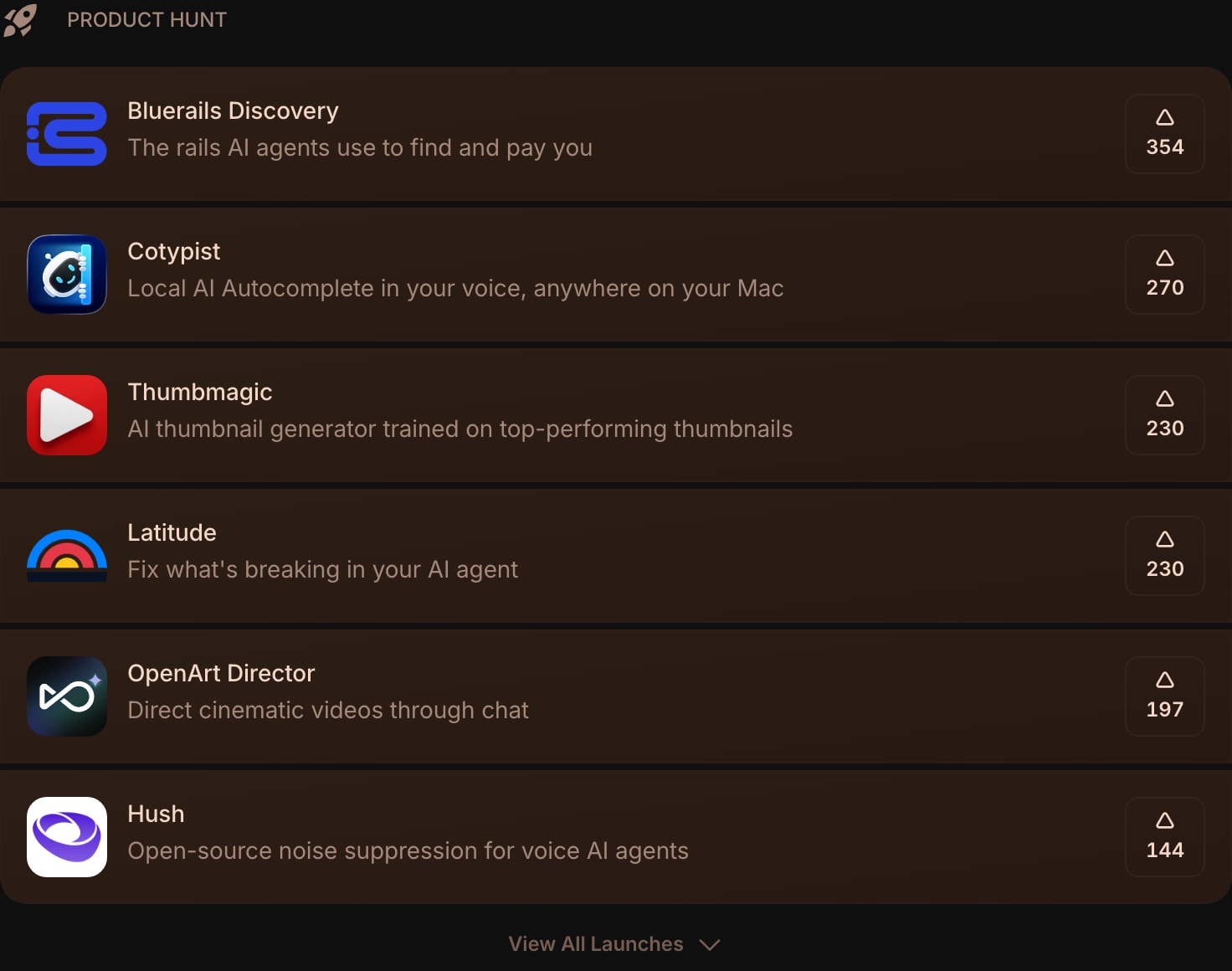
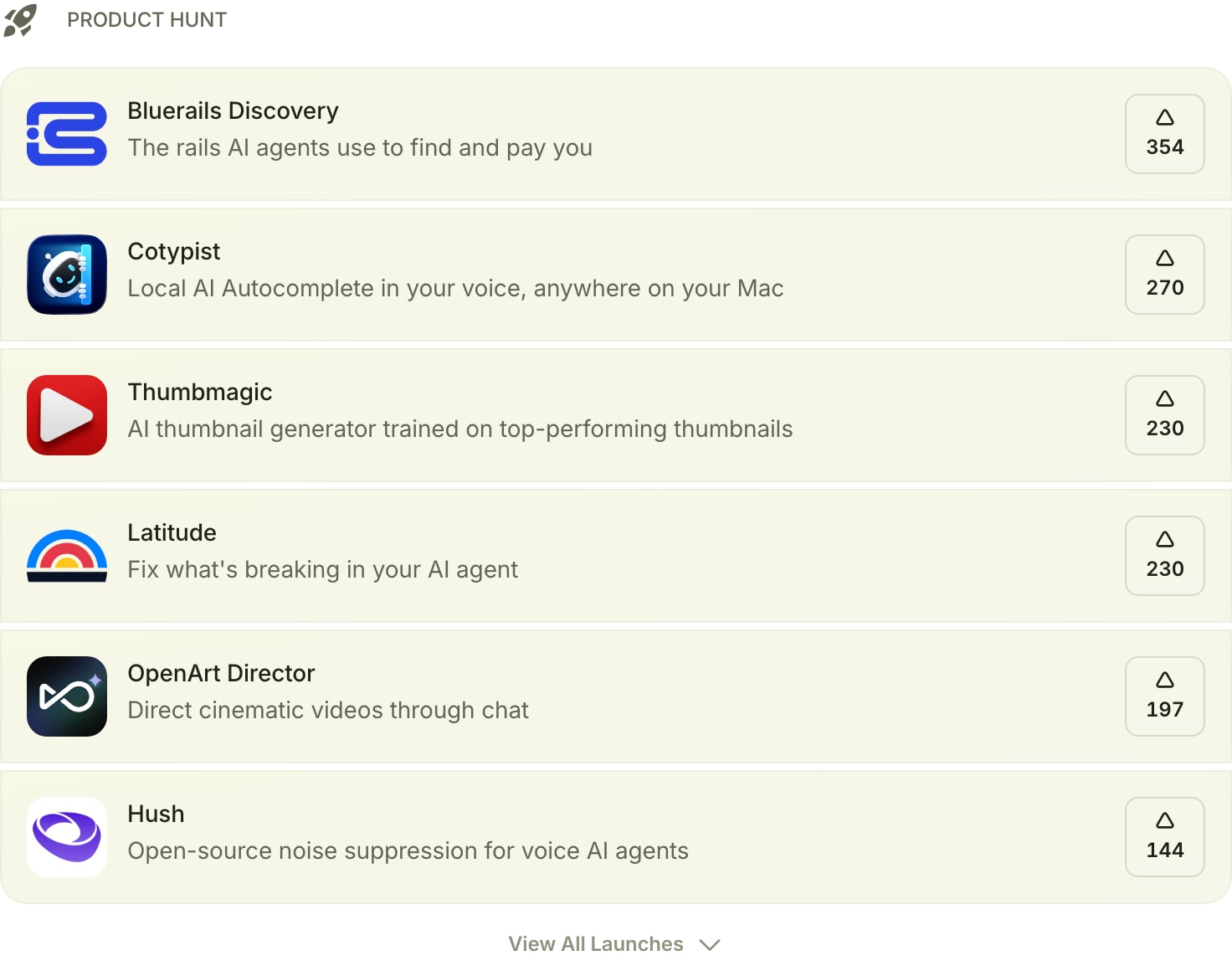
The Product Hunt widget brings today's top product launches straight to your dashboard, ranked by upvotes just like the Product Hunt leaderboard. It's a quick way for makers, founders, and the product-curious to keep an eye on what's launching without opening another tab.
#How to Use
Add the widget and it loads today's launches automatically. Each item shows the product's logo, name, tagline, and upvote count. Click any launch to open its Product Hunt page in a new tab.
The list refreshes in the background as the day's rankings change, so the order always reflects the current leaderboard.
#Showing More Launches
By default the widget shows a handful of the top launches. If there are more, a View All Launches button appears at the bottom - click it to expand the full list, and View Less to collapse it again.
#Widget Settings
- Show Logo - show or hide each product's logo. Turned on by default.
- Layout - display launches as a List (default, best for logo, tagline, and votes in a row) or a compact Grid.
- Style - set the look of each item: Clear, Outline, or Solid (default).
- Items Shown - how many launches to show before the View All button appears, from 3 to 50. Default is 6.
#Tips
- Use List layout when you want to read taglines at a glance, and Grid to fit more launches in less space.
- Pair it with Hacker News and the News widget for a full tech-and-startup news corner on one page.
- Following a specific blog or newsletter instead? Try the RSS Feed or Substack widgets.