- Dashboard
- Widgets
- AI Diary
- AI Humanizer
- AI Image
- Audio Editor
- Base64 / URL Encoder
- Calendar
- Canvas
- Collection
- Color Picker
- Container
- Countdown Timer
- Currency Converter
- Daily Quiz
- Daily Quote
- Daily Riddle
- Date & Time
- Embed
- GitHub Releases
- Google Calendar
- Habit Tracker
- Hacker News
- Image Compression
- IP Info
- JSON Formatter
- Links
- Markdown Editor
- News
- News Summary
- Notes
- Photo Frame
- Podcast
- Pomodoro Timer
- Product Hunt
- QR Code Generator
- Quick Answer
- Quick Note
- Regex Tester
- RSS Feed
- Search
- Spacer
- Stopwatch
- Story Snippet
- Stripe Sales
- Subreddit
- Substack
- t0ggles Focus
- t0ggles My Boards
- t0ggles My Tasks
- Tasks
- Text Diff
- Todo
- TradingView Advanced Chart
- TradingView Market Summary
- TradingView Mini Chart
- TradingView Symbol Overview
- TradingView Ticker Tape
- Translation
- Unit Converter
- Uptime Monitor
- Weather
- What If
- World Clock
- YouTube Channel
Date & Time Widget
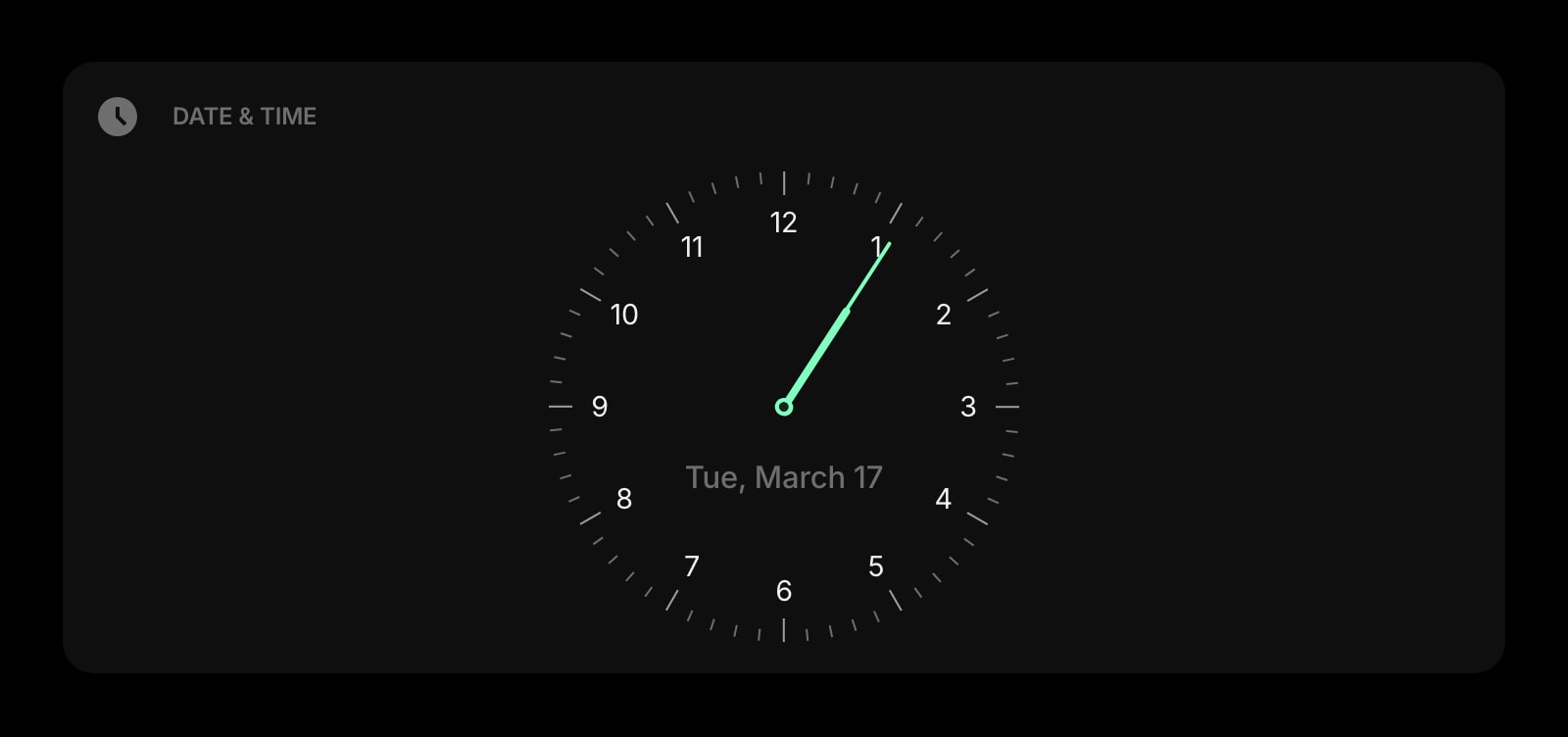
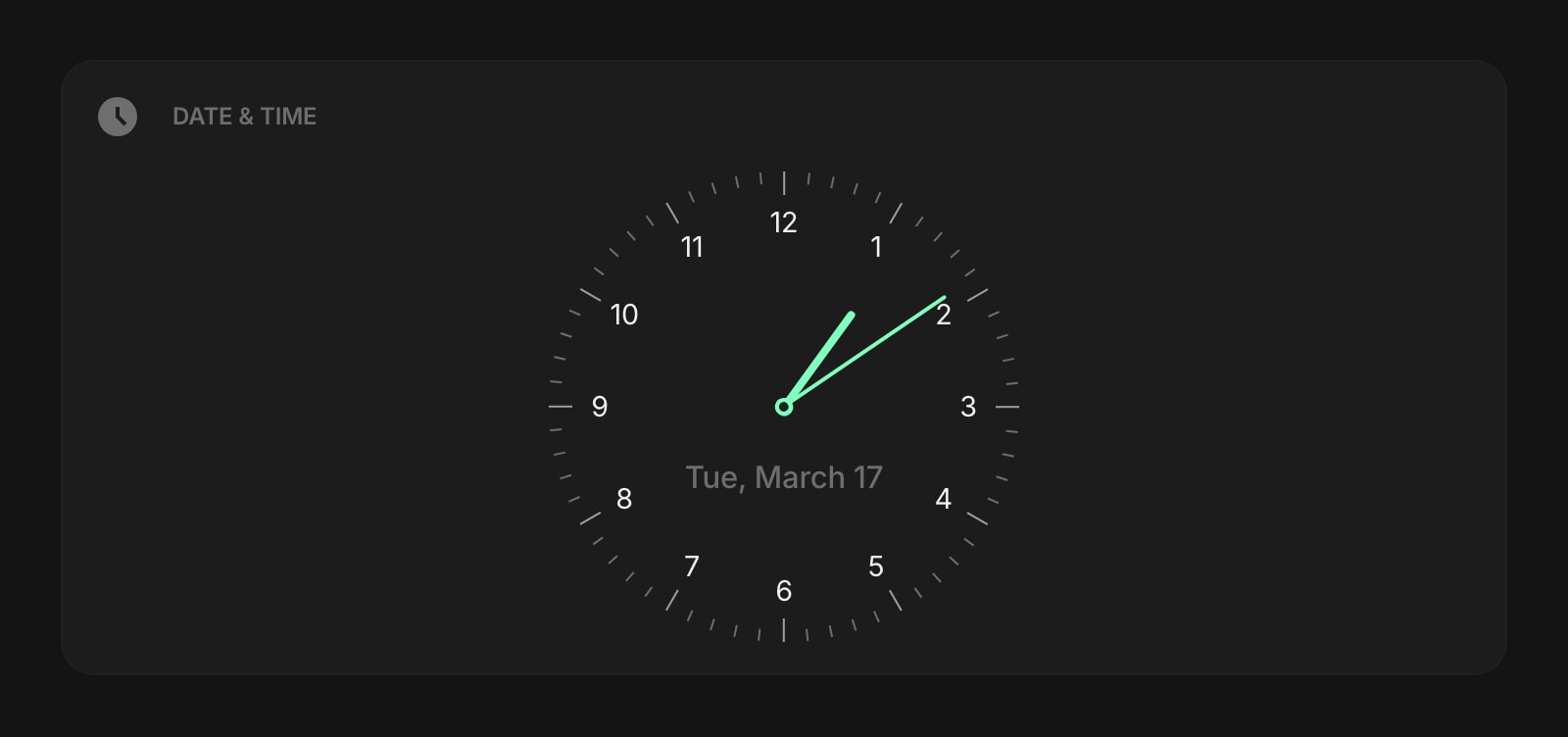
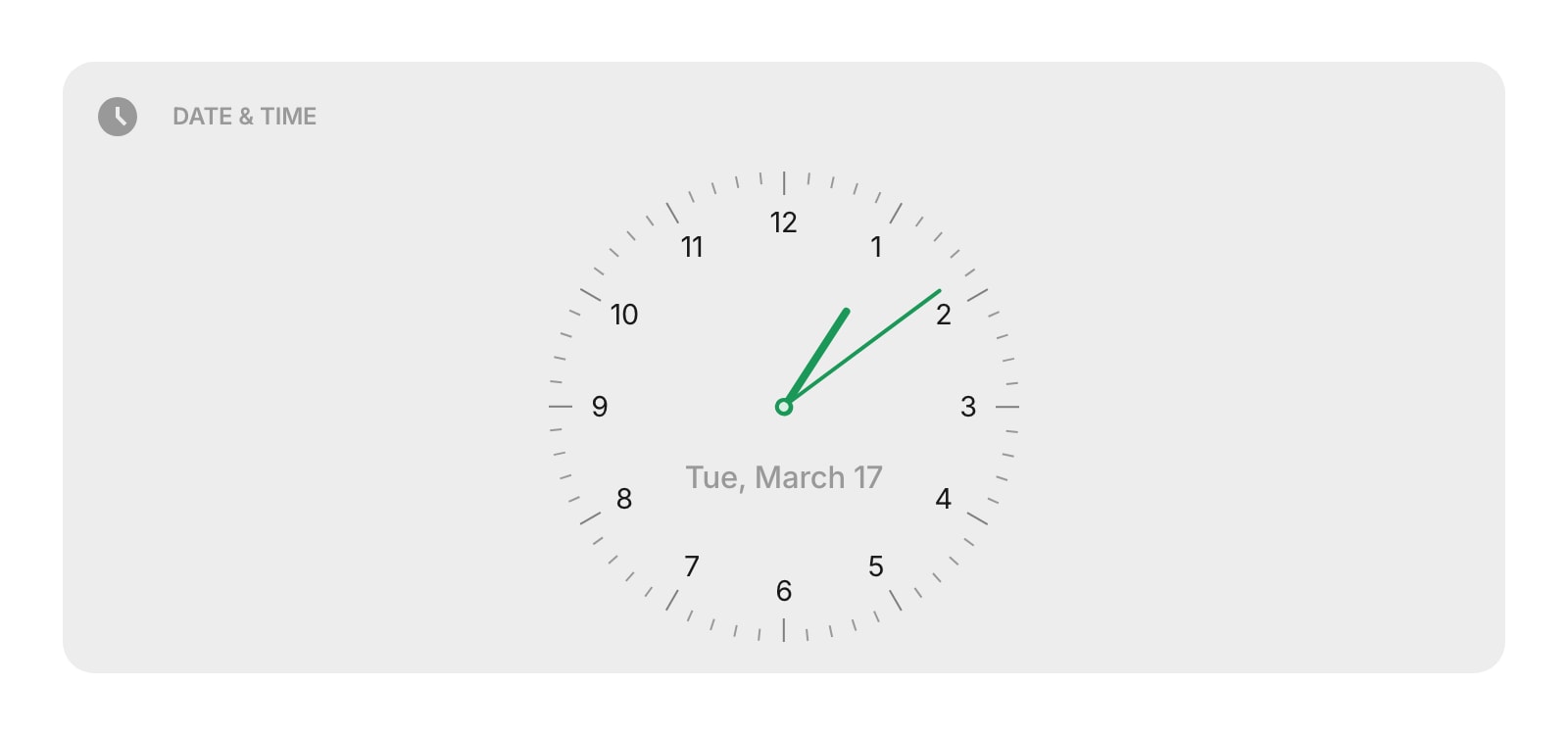


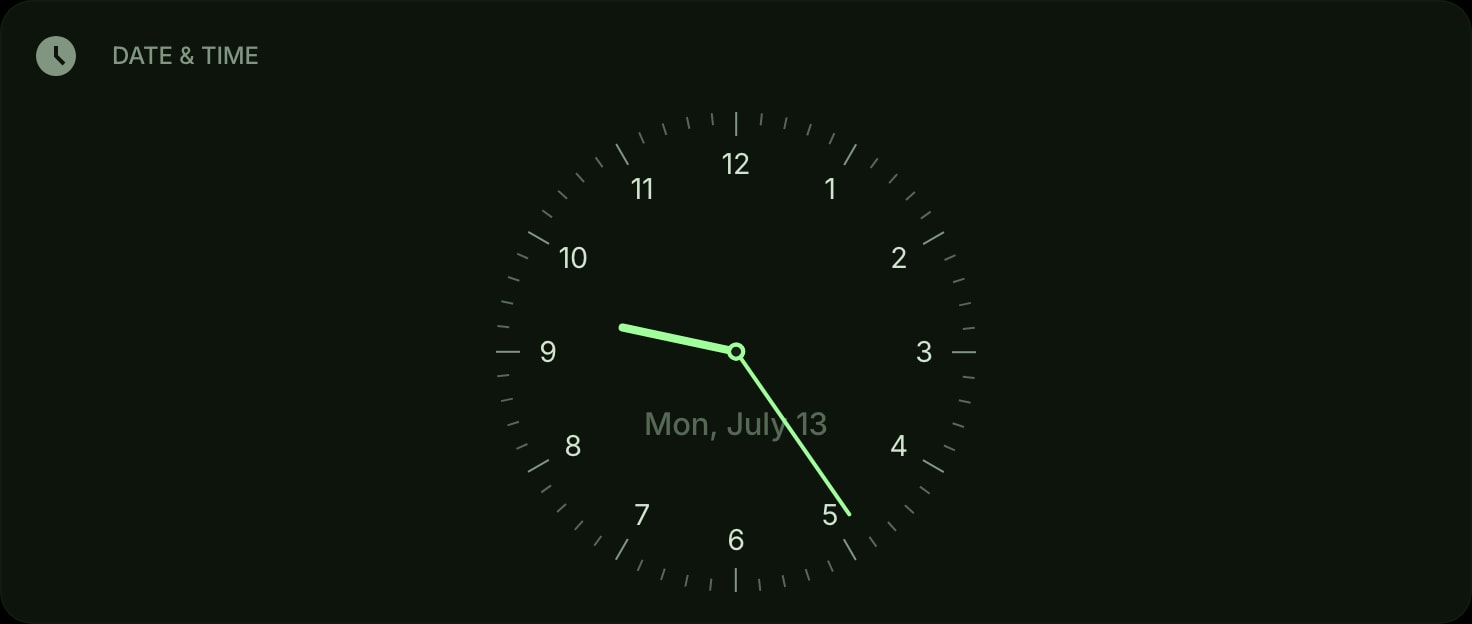
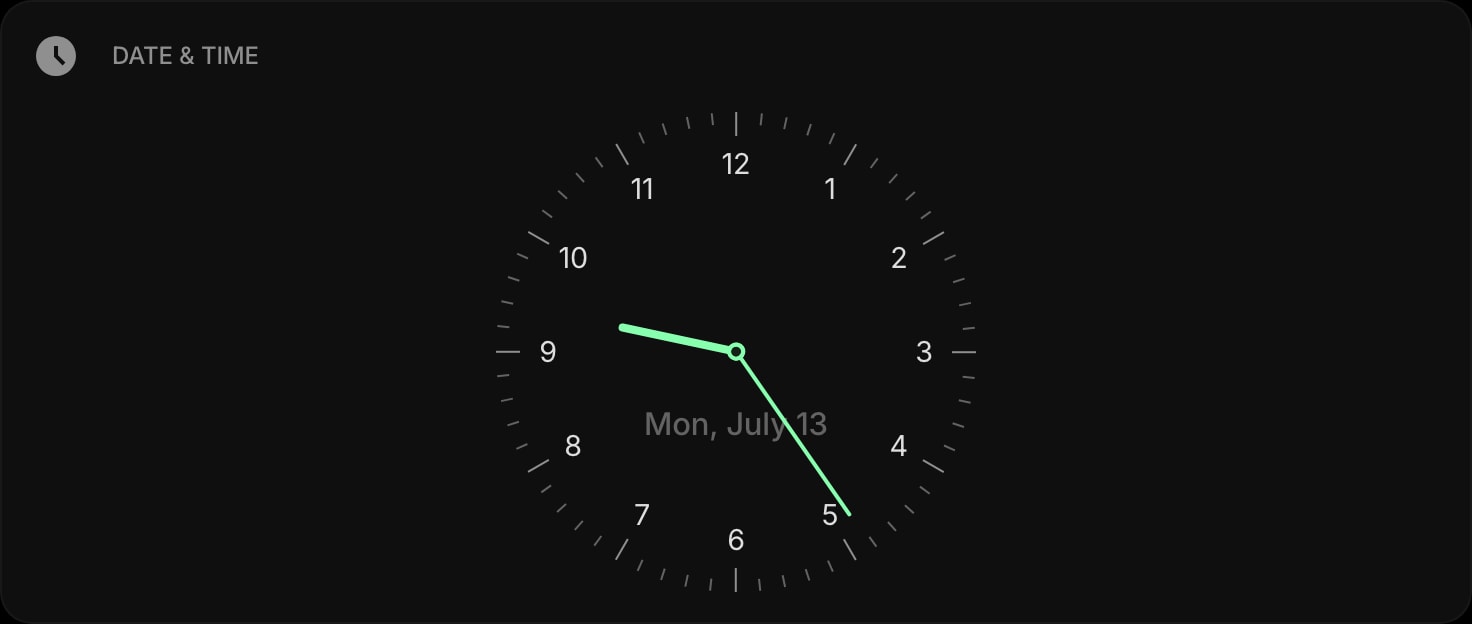
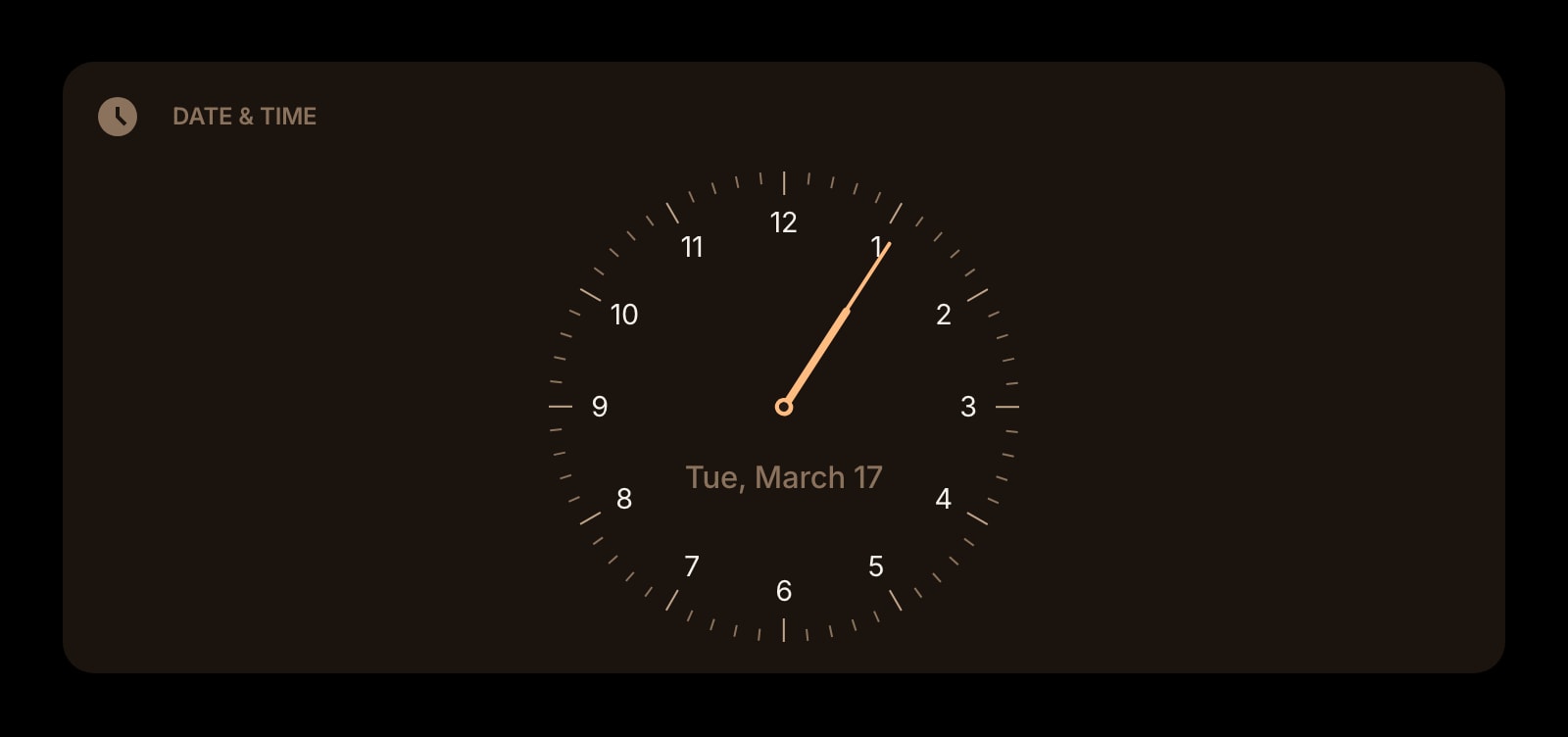
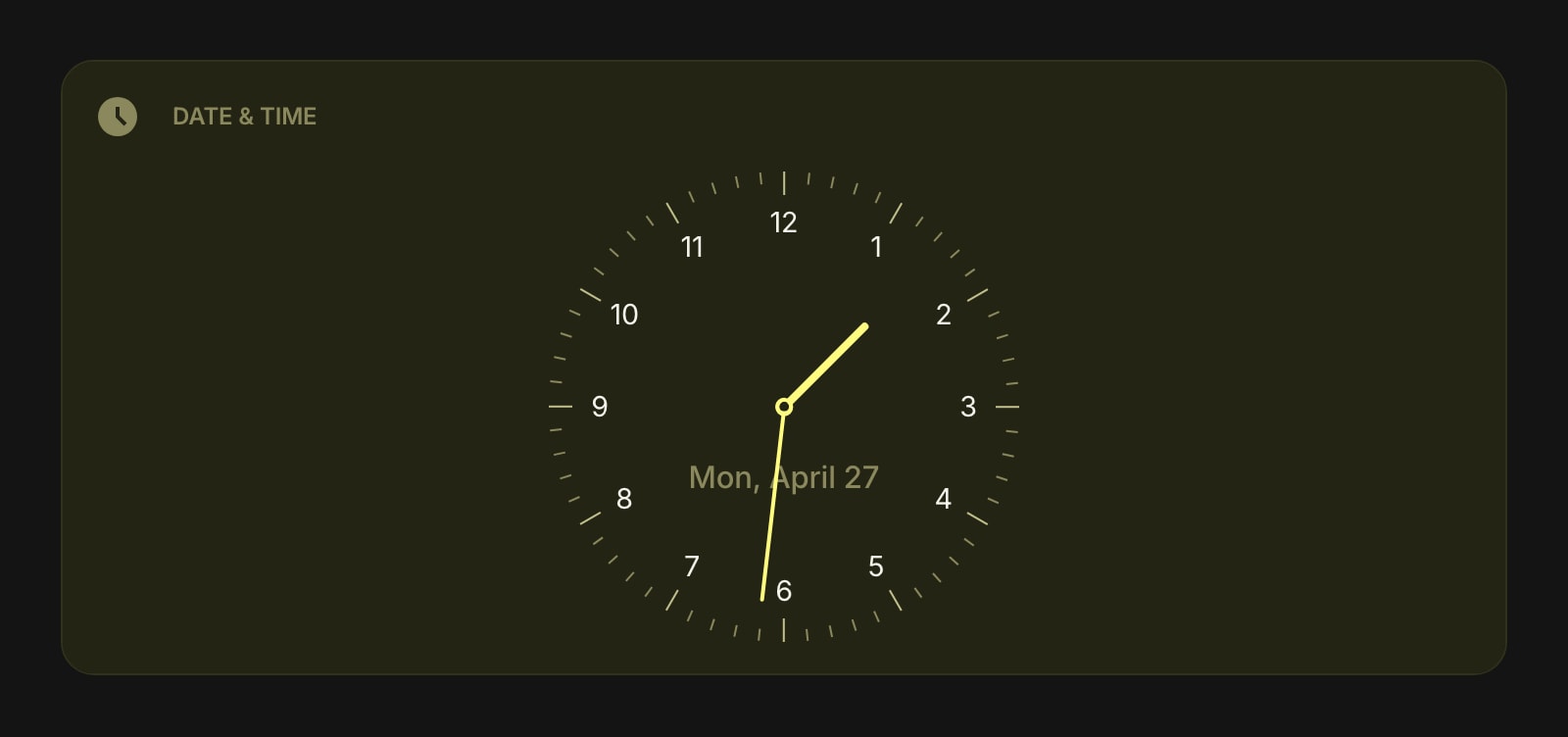
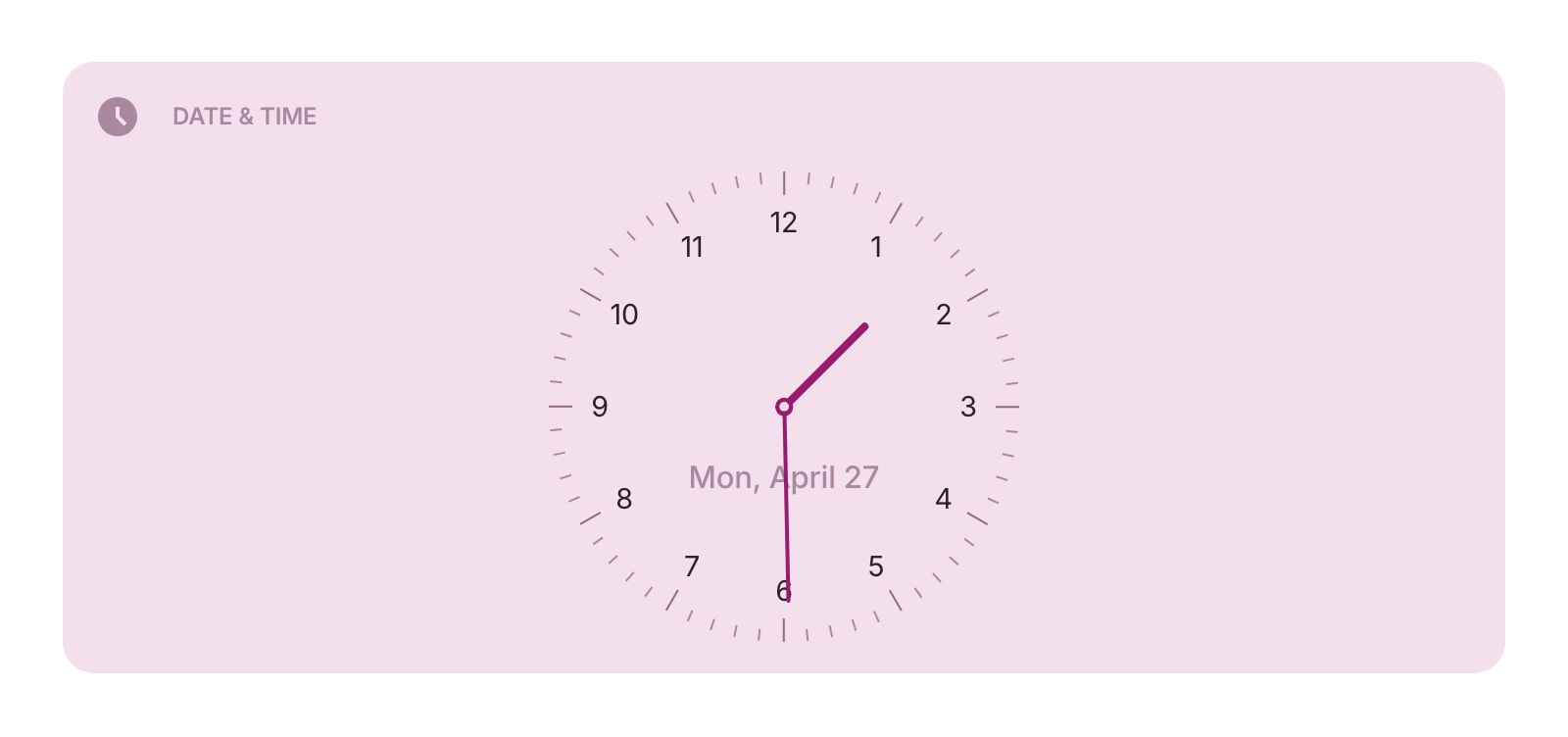
The Date & Time widget shows the current time and date right on your dashboard. Choose between a clean digital display or a classic analog watchface - both update in real time.
#How to Use
Add the widget and it starts showing the current time immediately. No setup needed - it uses your device's clock and automatically adapts to your local time zone and language.
#Digital Style
Displays the time as large text numbers with the date shown above. This is the default style.
#Watchface Style
Shows a classic round analog clock with hour and minute hands. The date can optionally appear below the clock face.
#Widget Settings
- Watch Style - choose between Digital and Watchface (analog clock, default).
- Rich Dial - give the watchface a real-watch look with a filled dial: Day is a white dial with black numbers and hands, Night is a dark dial with white hands, Auto (default) picks one to match your color theme, and Off keeps the regular flat dial. This setting appears only when the watchface is visible.
- Show - pick what to display: Both date and time (default), Date only, or Time only.
- Time Format - set the time format: Auto (follows your device settings, default), 12h (with AM/PM), or 24h.
- Day of Week - show the day name (like "Monday") alongside the date. Turned on by default.
#Tips
- Use the watchface style for a more visual, glanceable time display.
- Set "Show" to "Time" for a minimal clock widget, or "Date" if you just want today's date.
- The "Auto" time format follows whatever your device is set to, so it works correctly for any locale.