

Looking for an Inoreader Alternative?
Inoreader is a deep, power-user RSS reader with rules, filters, and feed-monitoring at its core. Start Page HQ is the new tab page where your RSS lives next to your todos, weather, and AI tools — one dashboard, no separate app to open.
What People Love About Inoreader
Before we get into where Start Page HQ goes further, credit where it's due.
- A genuinely powerful feed reader — one of the most feature-packed in the category, with rules, filters, and active feed monitoring built in.
- A free tier that supports up to 150 RSS subscriptions — generous for casual readers.
- Strong native iOS and Android apps with full offline reading.
- Browser extensions for Chrome, Firefox, Safari, Opera, and Edge — broad cross-platform reach.
- Advanced AI features (Inoreader Intelligence) that summarize articles and answer questions about content.
Where Start Page HQ Goes Further
Specific differences, not vague claims.
RSS On Every New Tab, Not in a Separate App
Inoreader is a destination — open the app, read, close it. Start Page HQ puts your RSS feed widget right on your new tab page, alongside your weather, todos, and links. No app to launch, no tab to keep open.
RSS Plus 62+ Other Widgets
Inoreader is one tool, optimized for feeds. Start Page HQ is a dashboard with 63+ widgets — RSS, Substack newsletters, weather, calendar, tasks, AI tools, dev utilities. All on one page.
Substack Newsletters As a First-Class Widget
Drop a dedicated Substack widget for newsletters next to your RSS. No need to wedge newsletter URLs through a generic feed list.
Multi-Page Dashboards by Context
Build a Reading page with RSS and Substack. A separate Work page with tasks and calendars. A Personal page with weather and habits. Switch with one click.
No Per-Feature Paywall
Inoreader's Pro tier ($7.50/month billed annually or $9.99 monthly) gates AI summaries, advanced filters, and ad removal. Start Page HQ starts free — 1 page, 8 widgets, preset feed sources — and every paid option is the same product: $4/month, $24/year, or $48 lifetime, with all 63+ widgets and AI features included.
Hosted Web App and Browser Extensions
Use startpagehq.com on any browser, or install extensions for Chrome, Firefox, Safari, and Edge. Sync is included on every plan, the free one included.
Side-by-Side Comparison
An honest line-by-line look at how the two stack up.
| Feature | Inoreader | Start Page HQ |
|---|---|---|
| Pricing | Free or $7.50-$9.99/mo Pro | Free plan; $4/mo, $24/yr, $48 LTD |
| Free tier | Yes (150 feeds) | 1 page, 8 widgets, preset feeds |
| Lives on every new tab | No | Yes |
| Chrome | Yes | Yes |
| Firefox | Yes | Yes |
| Safari | Yes | Yes |
| Edge | Yes | Yes |
| Hosted web app | Yes | Yes |
| iOS / Android apps | Yes | No |
| Cross-device sync | Included | Included |
| RSS feeds | Yes | Yes |
| Substack newsletter widget | Via RSS | Dedicated widget |
| Multi-page dashboards | No | Yes |
| AI summaries | Pro only | Included |
| Advanced filters and rules | Pro only | No |
| Other widgets (weather, tasks, calendar, etc.) | No | 63+ |
| Offline reading | Yes | No |
| Free tier ad-free | No | No ads anywhere |
Widgets That Replace Inoreader
Drop these onto your dashboard and you've covered Inoreader's core features — plus a lot more.
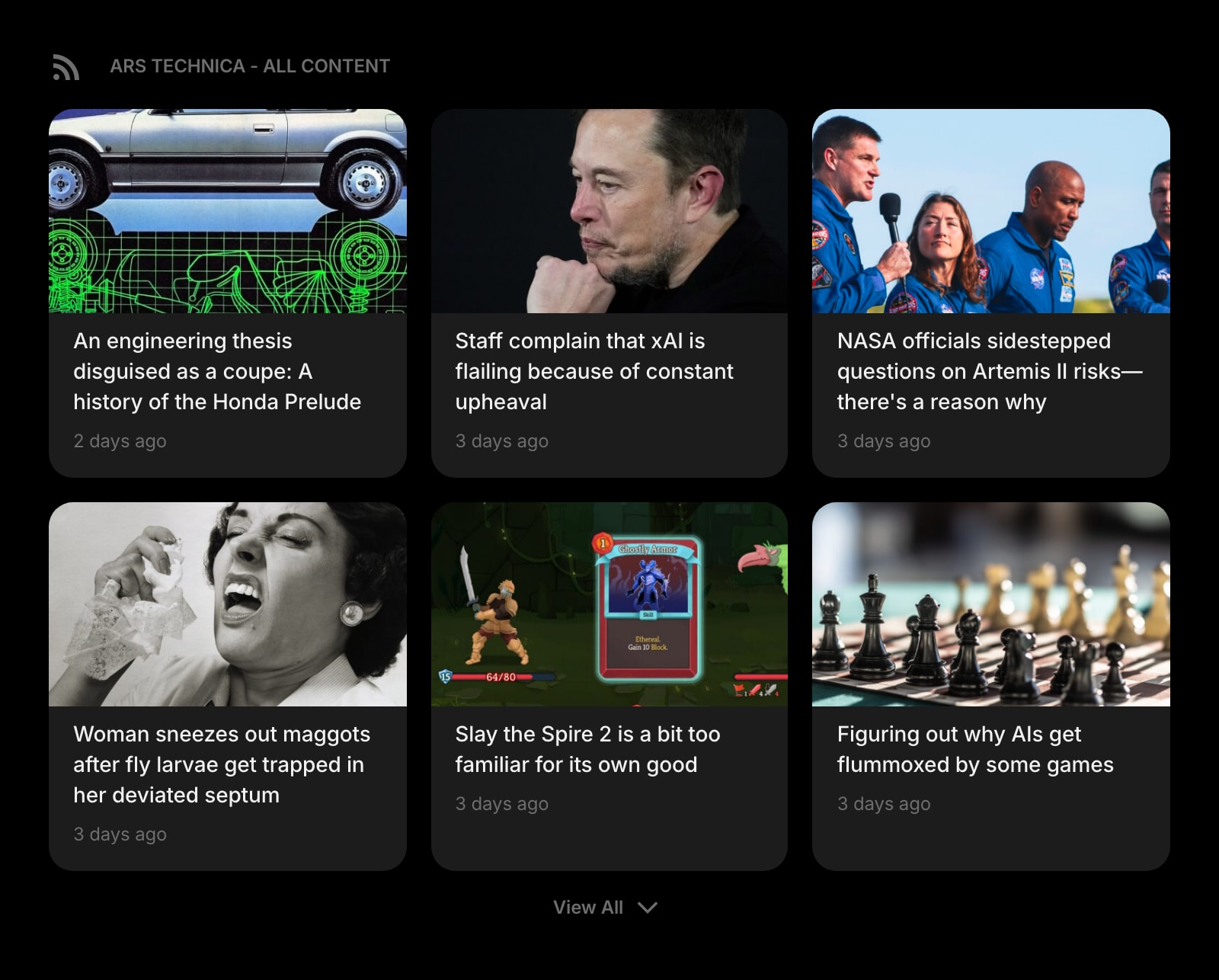
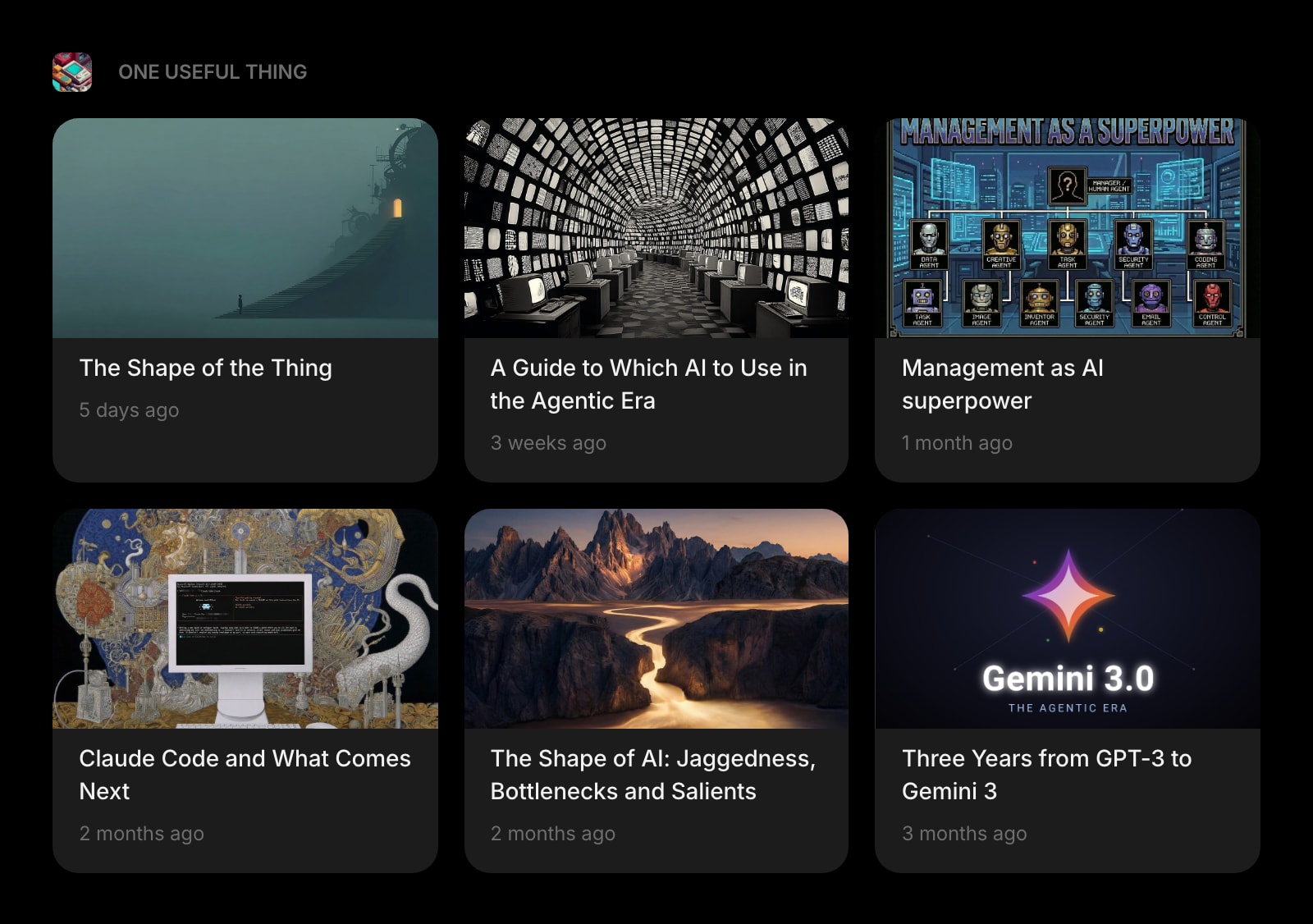
Frequently Asked Questions
For dashboard-style RSS reading, yes — drop the Feed widget on your new tab page and your subscriptions are always one keystroke away. For deep, all-day research with custom rules, filters, and feed-change monitoring, Inoreader Pro is still the more specialized tool. Many users keep both: Inoreader for power workflows, Start Page HQ for ambient daily checking.
OPML import is on the roadmap. In the meantime, paste your top feed URLs into the Feed widget directly — most users keep an active reading list of 20-40 feeds and recreating it takes a few minutes. Custom feed URLs are a paid-plan feature; the free plan reads from preset sources.
Inoreader Pro runs $7.50/month billed annually ($90/year) or $9.99/month, and its free tier carries 150 subscriptions. Start Page HQ has a free plan too, though a narrower one: 1 page, up to 8 widgets, and preset feed sources rather than your own URLs. Paid is $4/month, $24/year, or $48 once for lifetime, and every paid option includes all 63+ widgets, custom feeds, cross-device sync, and AI credits — no Pro tier upsell.
Yes. Sign in once and your pages, feeds, links, and notes sync across every browser and device automatically.
Yes, with Start Page HQ for Teams. A workspace is a shared new-tab dashboard: put Feed and Substack widgets with your industry sources on it, and everyone with access sees the same feeds every time they open a tab. Custom feed URLs work in every workspace. Teams are $4 per seat per month, minimum 2 seats.
Start Page HQ does not currently offer Inoreader-style filter rules or active monitoring. If your RSS workflow depends on automated tagging and content rules, Inoreader Pro is still the right tool. Start Page HQ fits the much larger group of readers who just want their feeds on a clean dashboard.
Start Page HQ does not cache articles for offline reading the way Inoreader mobile does. If you read on a commute or plane, Inoreader is still the better fit for that specific workflow.
Ready to Try Start Page HQ?
Start free — 1 page, 8 widgets, sync across devices, no credit card. Or open the live demo first, no signup needed.