

Looking for a Tabliss Alternative?
Tabliss is a free, open-source new-tab page focused on minimal, no-account customization. Start Page HQ is the workspace upgrade — 63+ widgets, hosted web app, and cross-device sync.
What People Love About Tabliss
Before we get into where Start Page HQ goes further, credit where it's due.
- Genuinely free forever — no paid tier, no upsells, no premium features locked away.
- Open source under GPL-3.0 with a transparent codebase and an active maintainer.
- Privacy-first by design — no account, no tracking, all settings stored locally in your browser.
- Beautiful, minimal aesthetic with Unsplash backgrounds, GIPHY, and clean typography options.
- Around 100,000 daily users and a loyal following that values calm, distraction-free new tabs.
Where Start Page HQ Goes Further
Specific differences, not vague claims.
Cross-Device Sync, Not Local-Only
Tabliss stores everything in your browser, so reinstalling, switching browsers, or moving to a new laptop wipes your setup. Start Page HQ syncs your pages, widgets, links, todos, and notes across every device the moment you sign in — and with Teams, a whole team can open the same shared dashboard.
Native Safari Extension
Tabliss ships for Chrome, Firefox, and Edge — but there's no Safari version. Start Page HQ has a real Safari extension on macOS, iPadOS, and iOS, plus the hosted web app at startpagehq.com.
63+ Widgets, Not a Handful
Tabliss covers the basics — clock, weather, todo, quick links, search. Start Page HQ adds Kanban tasks, Pomodoro, habit tracker, RSS, podcasts, AI image, translation, calendar, dev tools, and a lot more — all in one plan.
Multi-Page Dashboards
Tabliss gives you one new tab. Start Page HQ lets you build separate pages for Work, News, Tools, Personal, or any other context, and switch between them with a click.
Hosted Web App
Tabliss only runs as a browser extension. Start Page HQ also runs at startpagehq.com, so you can use it on locked-down work computers, set it as a homepage URL, or open it from any device with a browser.
Real Productivity Widgets
Kanban boards, Pomodoro timer, habit tracker, AI quick answer, RSS reader, podcast player, currency converter, uptime monitor — the widgets that actual workflows need, not just decoration.
Built-In Developer Tools
JSON formatter, regex tester, text diff, base64 encoder, QR code generator, image compression, unit converter, GitHub releases — tools that used to live in 8 separate browser tabs.
Side-by-Side Comparison
An honest line-by-line look at how the two stack up.
| Feature | Tabliss | Start Page HQ |
|---|---|---|
| Pricing | Free forever | Free plan; $4/mo, $24/yr, $48 LTD |
| Free tier | Yes (full product) | 1 page, 8 widgets |
| Open source | Yes | No |
| Widget / integration count | ~20 | 63+ |
| Chrome | Yes | Yes |
| Firefox | Yes | Yes |
| Safari | No | Yes |
| Edge | Yes | Yes |
| Hosted web app | No | Yes |
| Cross-device sync | No | Included |
| Account required | No | Yes |
| Shared team dashboards | No | Teams, $4/seat/mo |
| Multi-page dashboards | No | Yes |
| Kanban tasks | No | Yes |
| Pomodoro timer | No | Yes |
| Habit tracker | No | Yes |
| RSS / Hacker News / Reddit / podcasts | No | Yes |
| AI tools (image gen, translation, summary) | No | Yes |
| Developer tools (JSON, regex, diff, etc.) | No | Yes |
| Beautiful background images | Unsplash / GIPHY | 29 built-in; upload on paid |
| Custom search providers | Yes | Yes |
Widgets That Replace Tabliss
Drop these onto your dashboard and you've covered Tabliss's core features — plus a lot more.
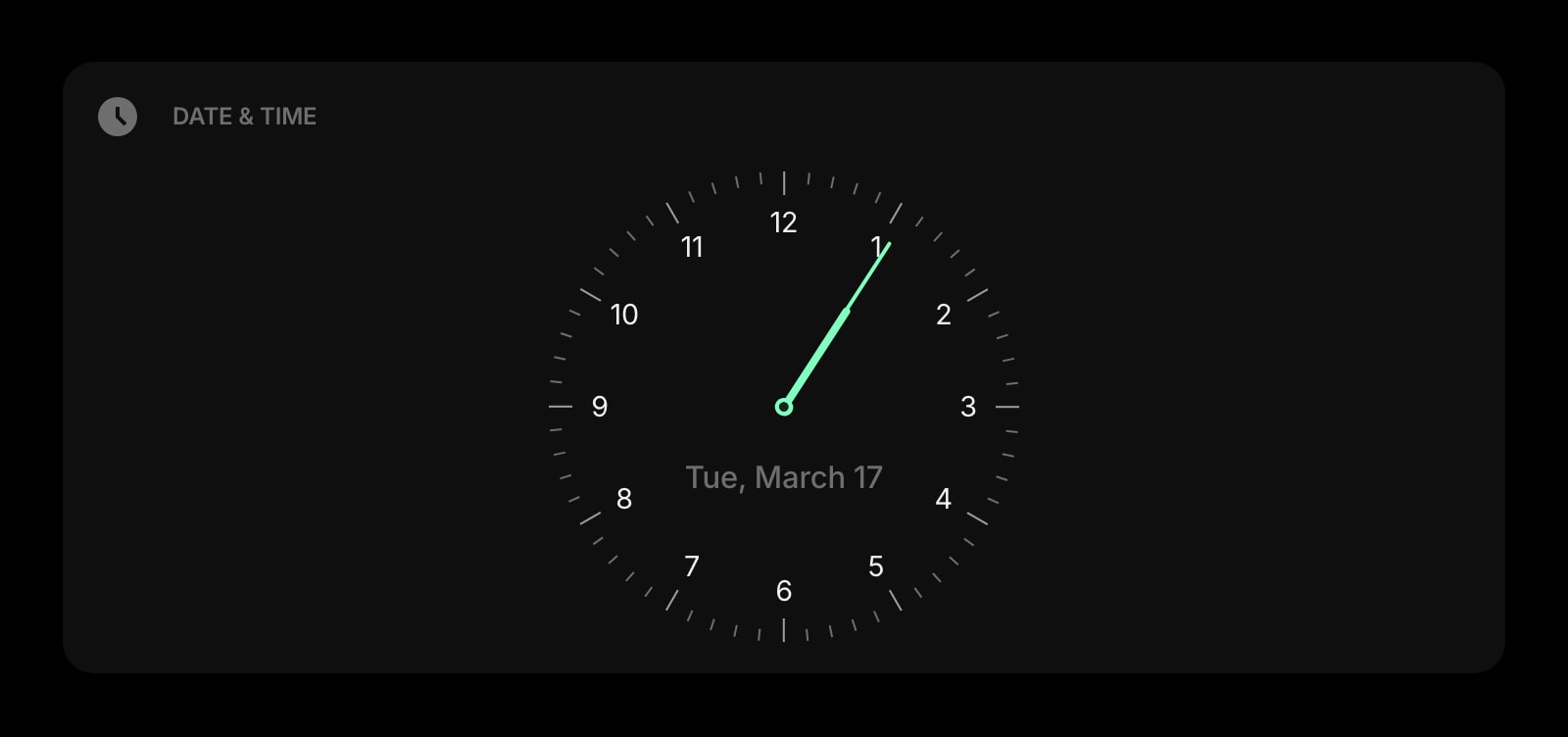
Date & Time
A clean, customizable clock and date display — the same minimal feel Tabliss is known for.
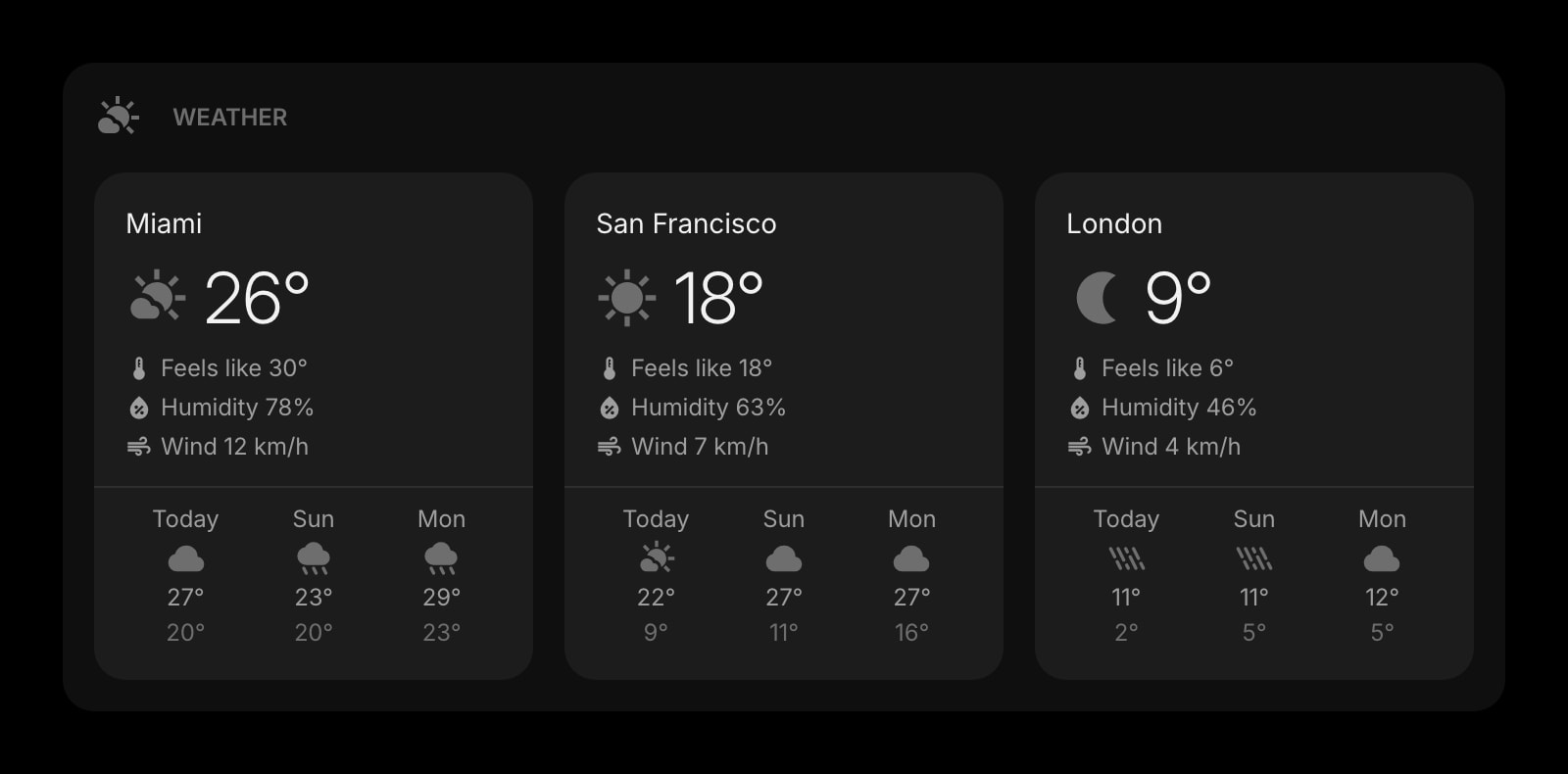
Weather
Current conditions and forecasts for the locations you care about, refreshed automatically.
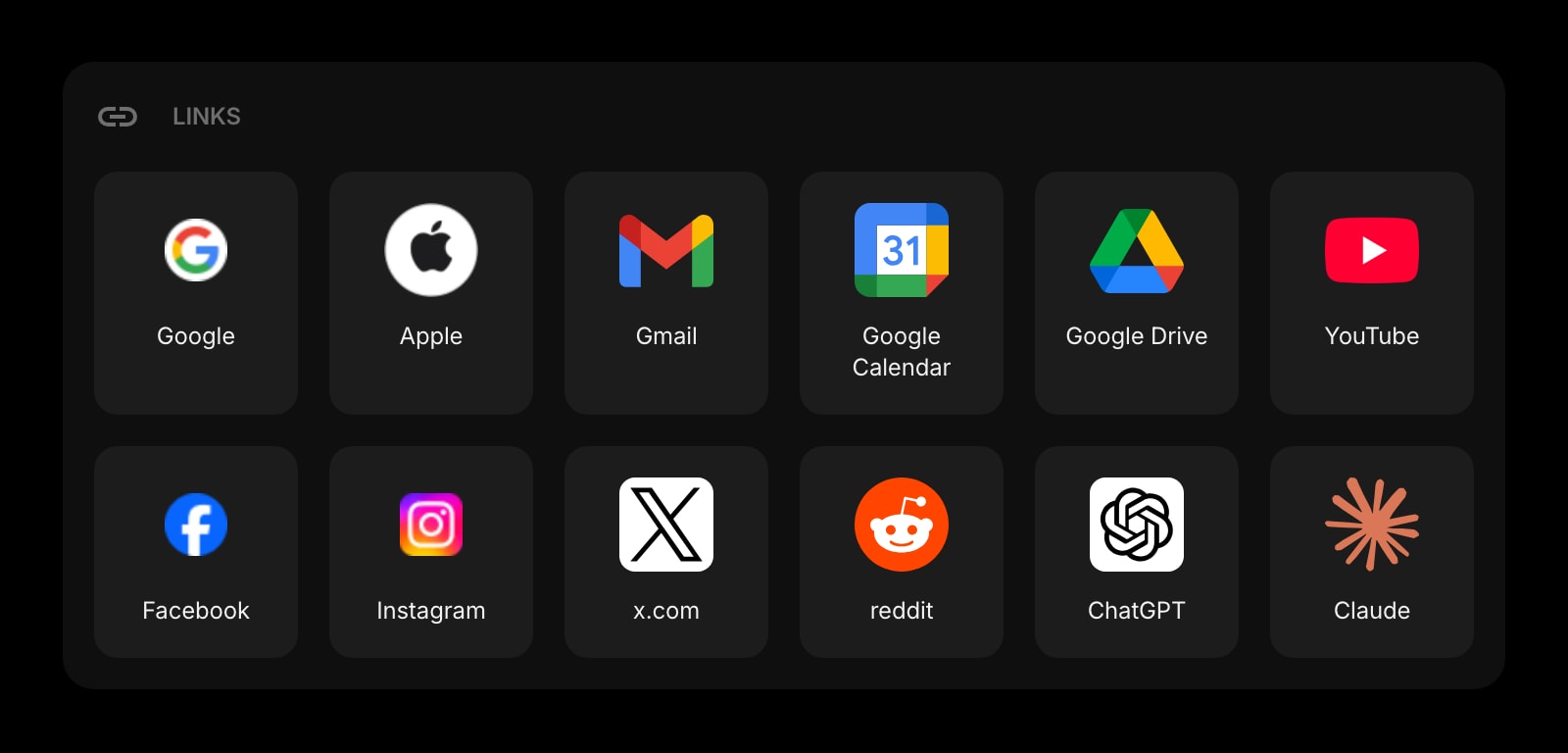
Links
Organize your most-used sites into clean, customizable groups — far more flexible than Tabliss's quick links.
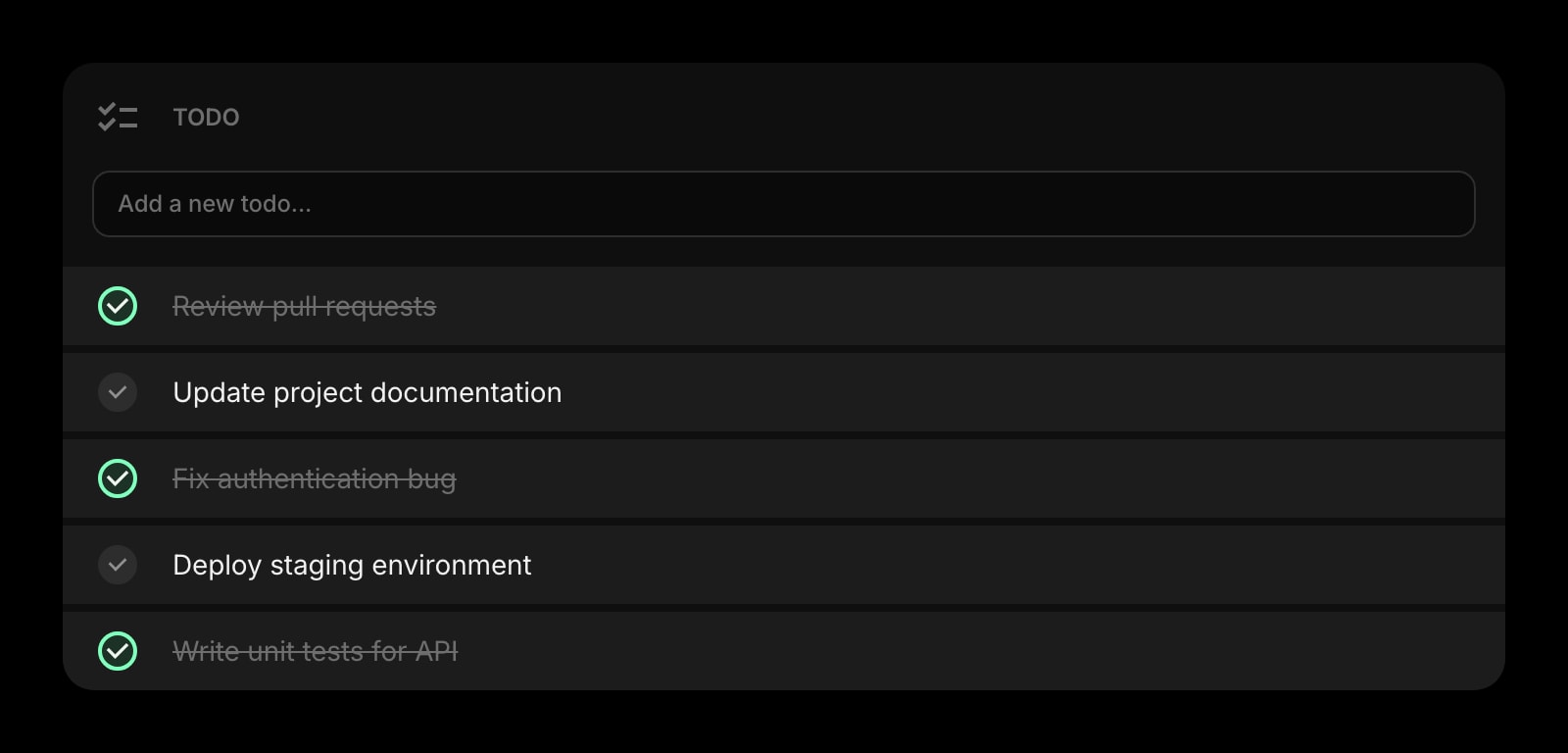
Todo
A simple daily task list that lives next to your weather, clock, and links.
Frequently Asked Questions
Both have a free plan, but not the same kind. Tabliss is genuinely free forever with the whole product included, and that's a real advantage if free is your hard requirement. Start Page HQ's free plan is signup with no credit card and gives you 1 page with 8 widgets on it, 55 of the 63 widget types, cross-device sync, every browser extension, and 50 AI credits once — extra pages, the 8 premium widgets, and wallpaper uploads need a plan: $4/month, $24/year, or $48 one-time. The demo at startpagehq.com/demo unlocks every widget with no signup.
Tabliss is excellent if you want a calm, minimal new-tab page and nothing more, and it stays free and open source. Start Page HQ's free plan already covers cross-device sync, a hosted web app, native Safari support, and most productivity widgets on 1 page with 8 widget slots. You'd pay when you want more pages, the 8 premium widgets (Kanban tasks, Google Calendar, Photo Frame and the rest), wallpaper uploads, or custom feed URLs.
No. Tabliss stores everything locally in your browser's storage — there's no account system or cloud sync. Switching to a new browser or laptop means rebuilding your setup. Start Page HQ syncs across every device automatically once you sign in.
Tabliss does not have a Safari extension. Start Page HQ has a native Safari extension for macOS, iPadOS, and iOS, plus the hosted web app at startpagehq.com that works in any browser including Safari.
Yes. Turn on a wallpaper and build a single page with just Date & Time, Weather, and a Daily Quote widget — the calm, focus-mode look Tabliss users love. The other 63+ widgets are there when you need them, hidden when you don't.
Yes. Start Page HQ ships 29 built-in wallpapers — scenic photography and soft abstract gradients — free on every plan, and you can upload your own image instead on a paid plan. Widgets turn to frosted glass over the background so the page stays readable in dark and light themes. Tabliss pulls a fresh Unsplash photo on every tab, which Start Page HQ does not do; Start Page HQ keeps the background you picked and syncs it across your devices.
There is no automated importer. Open the live demo, drop on Date & Time, Weather, Links, and Todo widgets, paste your most-used links, pick a wallpaper, and you have your Tabliss setup in a couple of minutes — plus everything else available when you want it.
Ready to Try Start Page HQ?
Start free — 1 page, 8 widgets, sync across devices, no credit card. Or open the live demo first, no signup needed.