- Dashboard
- Widgets
- AI Diary
- AI Humanizer
- AI Image
- Audio Editor
- Base64 / URL Encoder
- Calendar
- Canvas
- Collection
- Color Picker
- Container
- Countdown Timer
- Currency Converter
- Daily Quiz
- Daily Quote
- Daily Riddle
- Date & Time
- Embed
- GitHub Releases
- Google Calendar
- Habit Tracker
- Hacker News
- Image Compression
- IP Info
- JSON Formatter
- Links
- Markdown Editor
- News
- News Summary
- Notes
- Photo Frame
- Podcast
- Pomodoro Timer
- Product Hunt
- QR Code Generator
- Quick Answer
- Quick Note
- Regex Tester
- RSS Feed
- Search
- Spacer
- Stopwatch
- Story Snippet
- Stripe Sales
- Subreddit
- Substack
- t0ggles Focus
- t0ggles My Boards
- t0ggles My Tasks
- Tasks
- Text Diff
- Todo
- TradingView Advanced Chart
- TradingView Market Summary
- TradingView Mini Chart
- TradingView Symbol Overview
- TradingView Ticker Tape
- Translation
- Unit Converter
- Uptime Monitor
- Weather
- What If
- World Clock
- YouTube Channel
Daily Riddle Widget
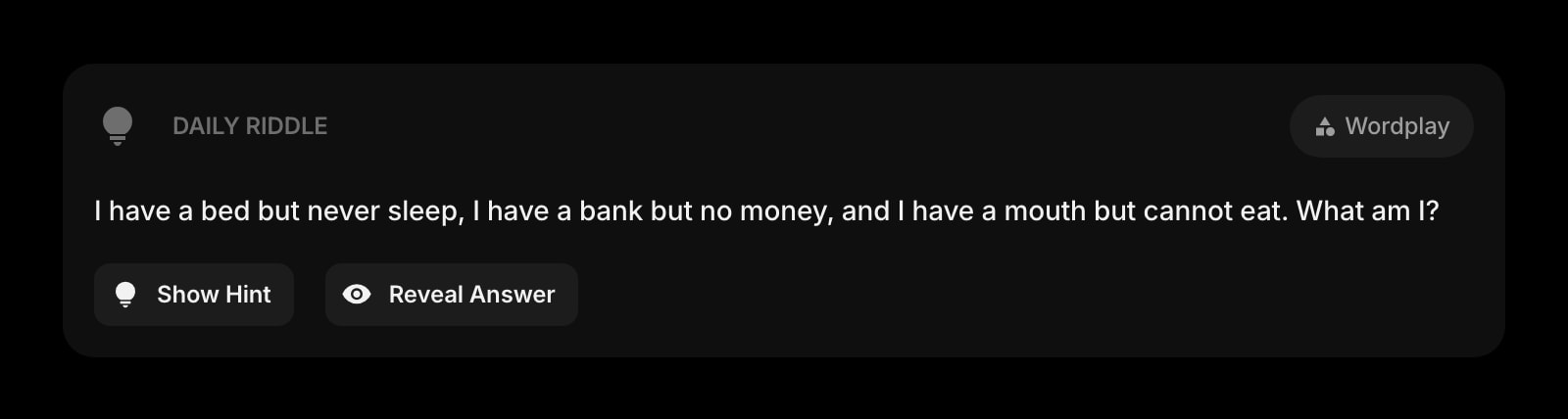
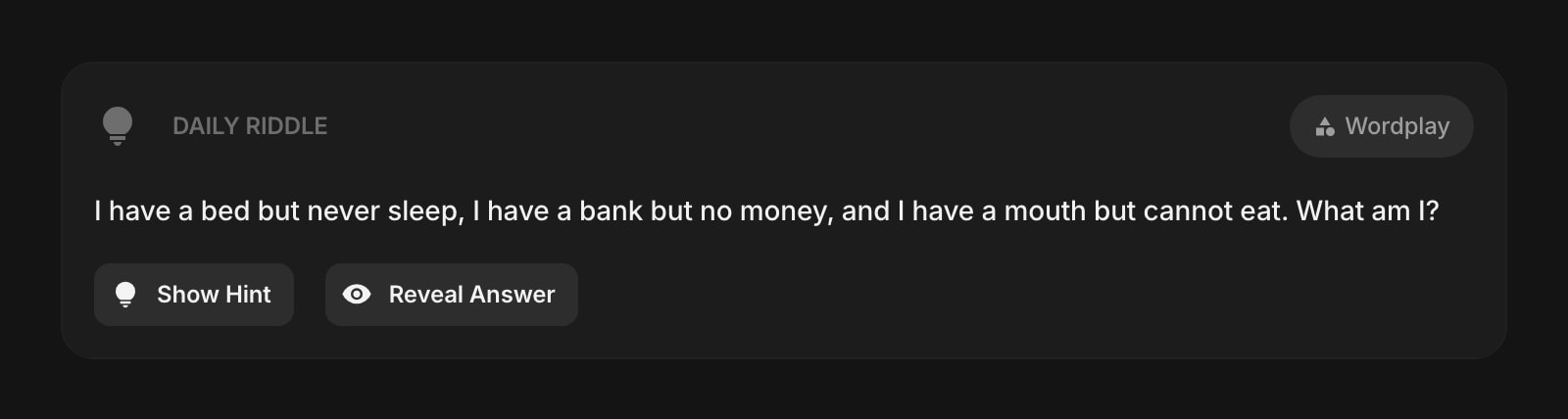
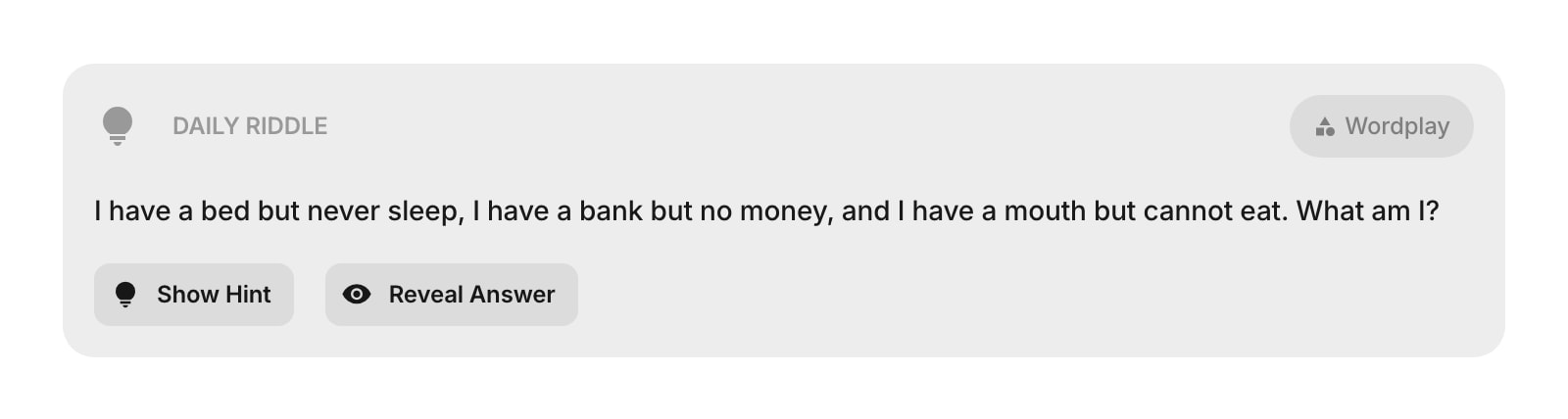
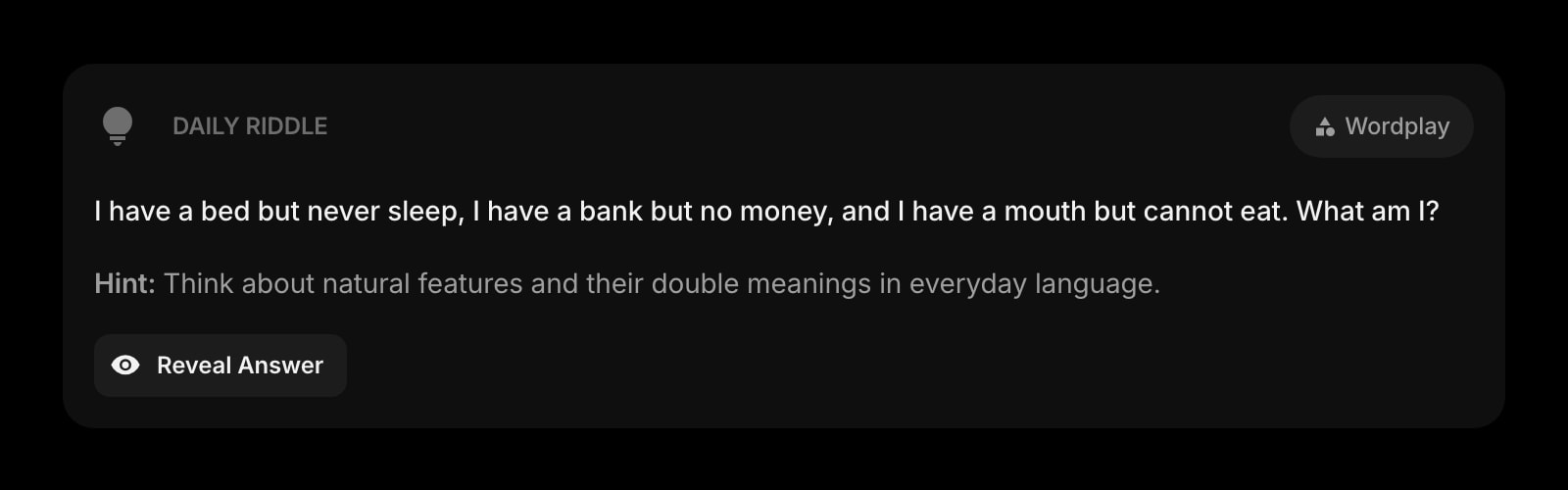
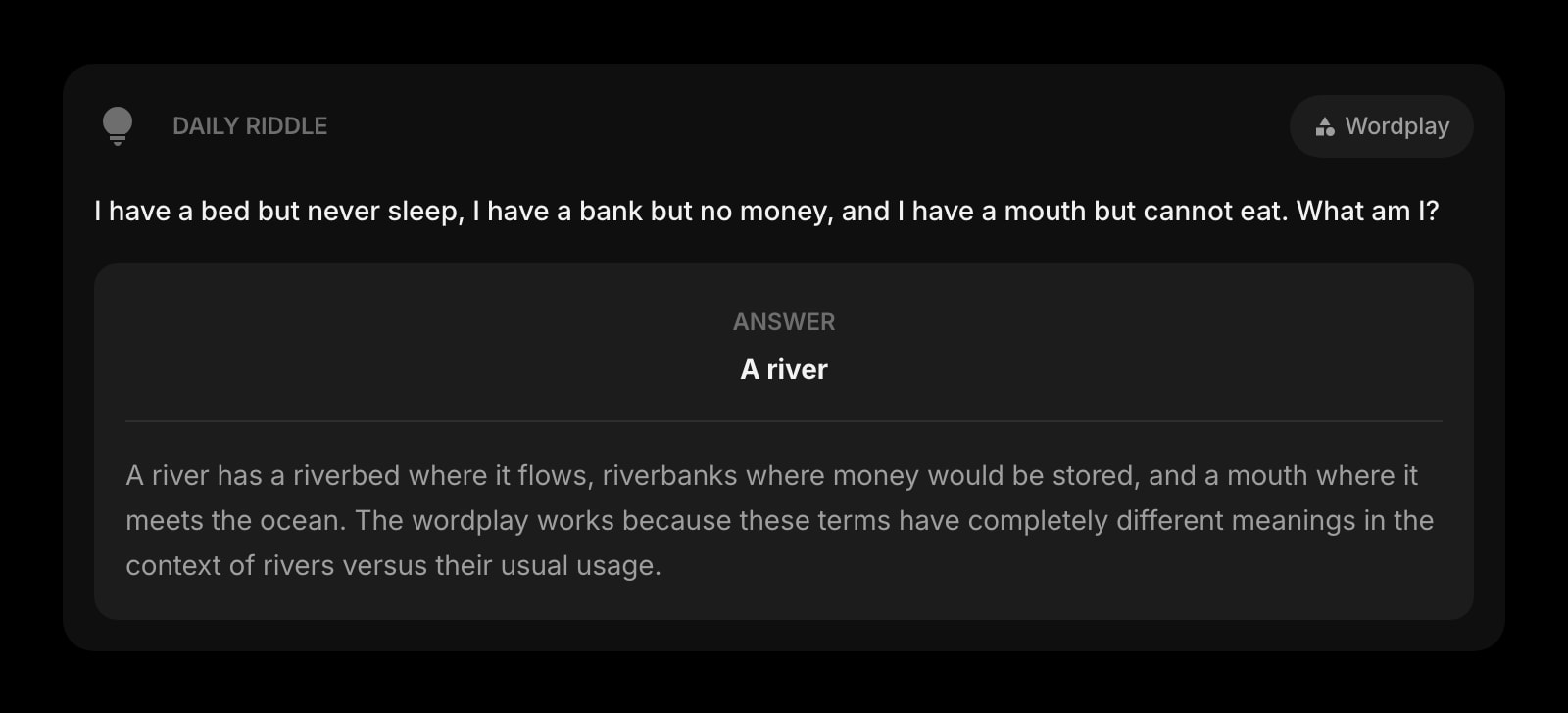
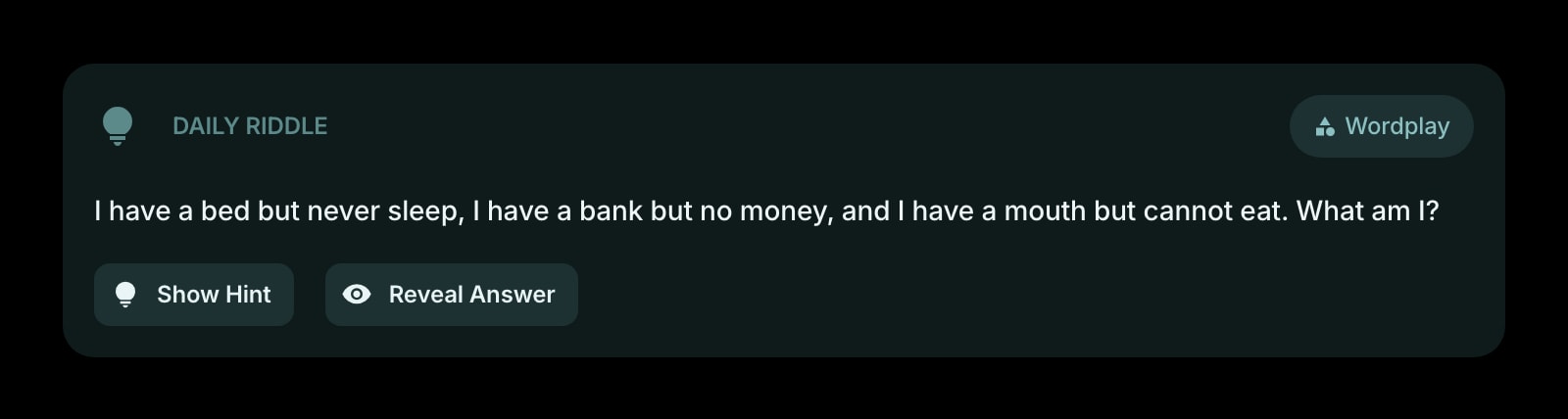


The Daily Riddle widget presents a fun, AI-generated brain teaser every day. Each riddle comes with an optional hint, a reveal-able answer, and a short explanation. Categories rotate daily across topics like wordplay, logic, lateral thinking, nature, and more.
#How to Use
- Read the riddle displayed in the widget.
- Think about the answer - take your time!
- If you need a nudge, click Show Hint for a subtle clue (without spoiling the answer).
- When you're ready, click Reveal Answer to see the solution along with an explanation of why it works.
Your answer state is saved, so you can close the tab and come back later without losing your progress. A brand-new riddle appears the next day.
#Widget Settings
- Show Category - display the riddle's category (like "Wordplay" or "Logic") at the top. Turned on by default.
- Show Hint - show the "Show Hint" button so you can get a clue before revealing the answer. Turned on by default. Turn it off if you prefer the extra challenge.
#Tips
- The widget cycles through 9 categories: Logic, Wordplay, Classic, Lateral Thinking, Nature, Objects, What Am I, Food, and Animals.
- Riddles focus on clever wordplay and everyday observations - no math puzzles.
- Check back every day for a new challenge!