- Dashboard
- Widgets
- AI Diary
- AI Humanizer
- AI Image
- Audio Editor
- Base64 / URL Encoder
- Calendar
- Canvas
- Collection
- Color Picker
- Container
- Countdown Timer
- Currency Converter
- Daily Quiz
- Daily Quote
- Daily Riddle
- Date & Time
- Embed
- GitHub Releases
- Google Calendar
- Habit Tracker
- Hacker News
- Image Compression
- IP Info
- JSON Formatter
- Links
- Markdown Editor
- News
- News Summary
- Notes
- Photo Frame
- Podcast
- Pomodoro Timer
- Product Hunt
- QR Code Generator
- Quick Answer
- Quick Note
- Regex Tester
- RSS Feed
- Search
- Spacer
- Stopwatch
- Story Snippet
- Stripe Sales
- Subreddit
- Substack
- t0ggles Focus
- t0ggles My Boards
- t0ggles My Tasks
- Tasks
- Text Diff
- Todo
- TradingView Advanced Chart
- TradingView Market Summary
- TradingView Mini Chart
- TradingView Symbol Overview
- TradingView Ticker Tape
- Translation
- Unit Converter
- Uptime Monitor
- Weather
- What If
- World Clock
- YouTube Channel
What If Widget
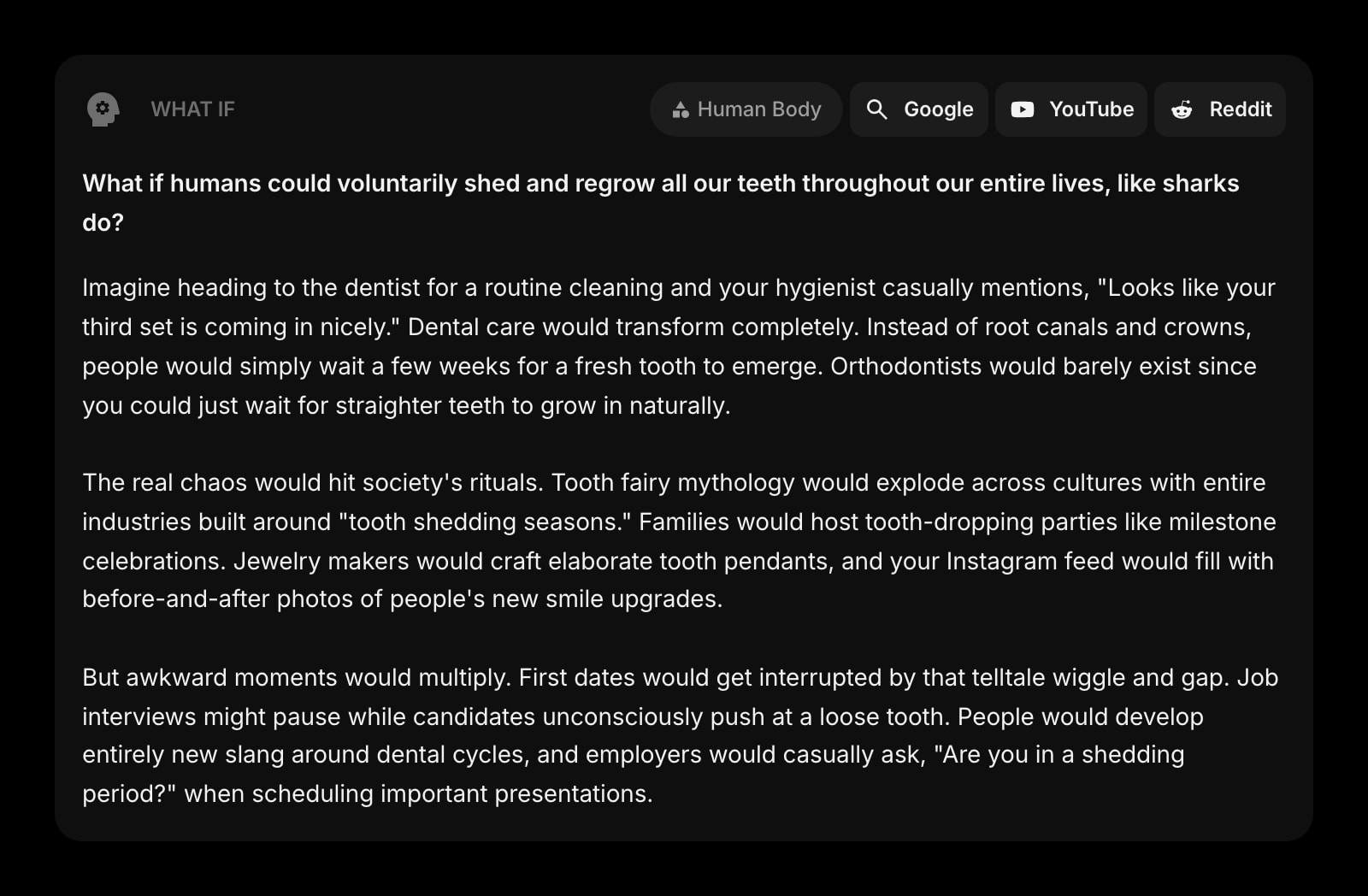
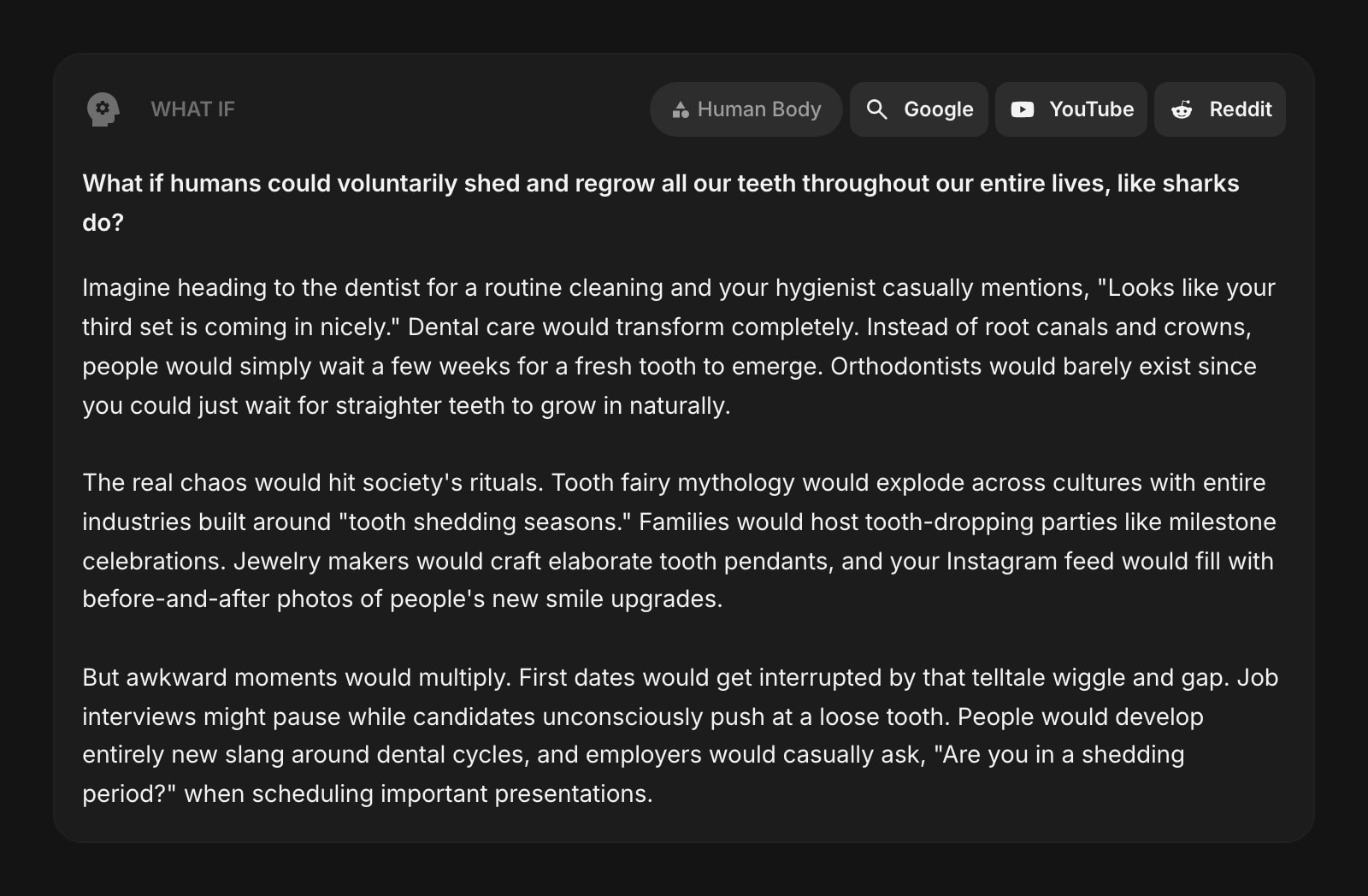
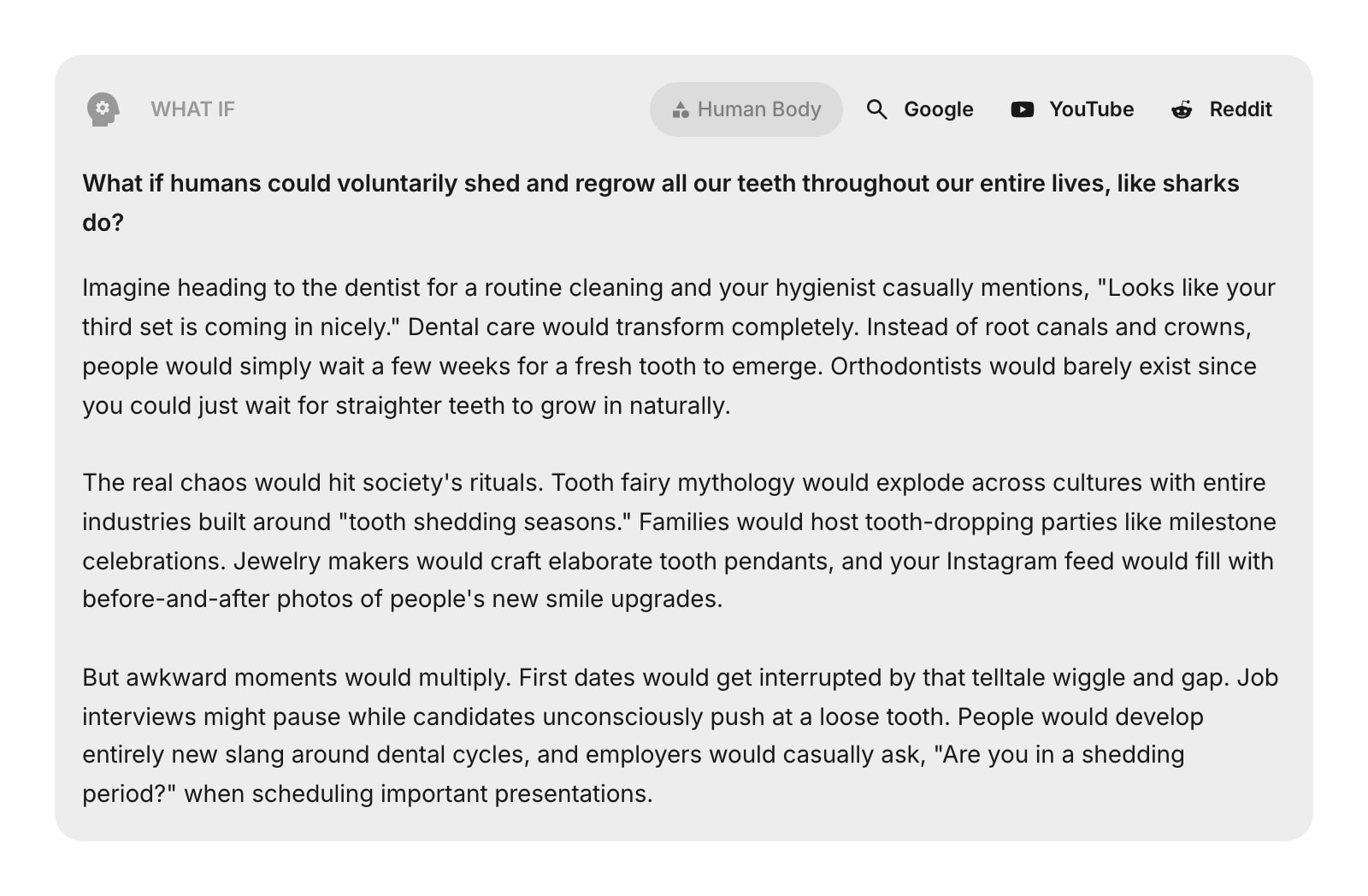
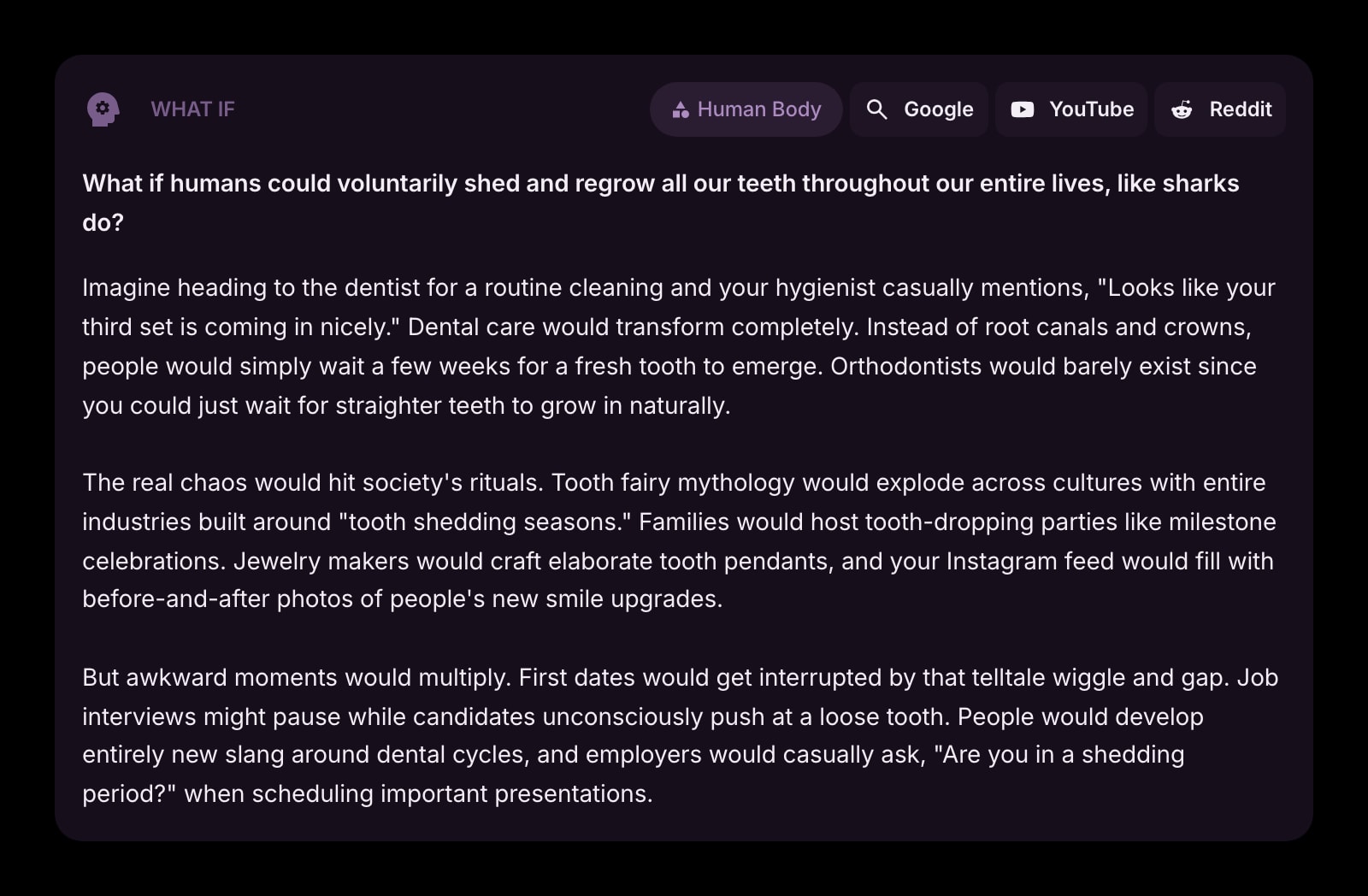


The What If widget sparks your curiosity with a new thought-provoking question every day. Each question comes with a vivid scenario imagining what life would be like, plus quick search links so you can dive deeper into the topic.
#How to Use
A new "What if...?" question appears automatically each day. Read the question, then check out the scenario below it for a fun, imaginative take on what might happen. If the topic grabs you, use the search buttons to explore further:
- Google - search the web for more information
- YouTube - find videos about the topic
- Reddit - see what others are saying about it
The search buttons open with a pre-filled query related to the day's question.
#What You'll See
Each day's entry includes:
- The question - a creative "What if...?" prompt
- The scenario - a vivid mini-story (a few paragraphs) imagining how daily life, society, or the world would change if the scenario were true
- Category badge - the topic area, like Science, Technology, or Nature
- Search links - quick buttons to explore the idea on Google, YouTube, and Reddit
Questions rotate through 10 categories to keep things varied: Space, Technology, History, Human Body, Society, Science, Future, Psychology, Animals, and Nature.
#Widget Settings
- Show Category - show or hide the category badge in the toolbar. Turned on by default.
- Show Scenario - show or hide the scenario text below the question. Turned on by default. Turn it off to see just the question.
- Show Google Search - show or hide the Google search button. Turned on by default.
- Show YouTube Search - show or hide the YouTube search button. Turned on by default.
- Show Reddit Search - show or hide the Reddit search button. Turned on by default.
#Tips
- Check in each day for a fresh question - there's a new one waiting every morning.
- Turn off the scenario if you just want a quick daily question without the full story.
- The search buttons are a great way to go down a rabbit hole on an interesting topic - try Reddit for the most creative discussions.
- Hide individual search buttons if you only use one or two of the services.