Free Online Regex Tester
Write regular expressions and test them against sample text with live match highlighting and capture-group breakdowns - all in your browser.
What It Does
The capabilities you'd expect from a dedicated regex tester tool — nothing less.
- Type or paste a pattern and watch every match light up in your test text instantly, with alternating colors that make adjacent matches easy to tell apart.
- Toggle the standard JavaScript flags - g, i, m, s, u - with one-click buttons, or paste a /pattern/flags string and have them filled in for you.
- See every match with its position, plus all capture groups (numbered and named), listed in a scrollable result panel.
- Switch between six built-in examples (email, ISO date with named groups, URL, HTML tag, phone number, multiline) when you need a starting point.
- Get instant validation feedback - if the regex is malformed, the exact JavaScript error appears under the pattern field.
Common Use Cases
Specific scenarios where this tool earns its place.
Validating an Email Pattern Before Deploying
You have a regex that is supposed to match emails. Paste it in, drop in a list of edge-case strings, and confirm at a glance which ones it accepts and which it rejects. No printf, no test runner, just immediate visual feedback.
Building a Parser for a Log Format
You need to extract a timestamp, a level, and a message out of a Rails or nginx log line. Iterate on the pattern with named capture groups (?<level>WARN|ERROR|INFO) and watch the groups panel fill in correctly before you wire anything up in code.
Testing Capture Groups for a Backreference
Backreferences are easy to get wrong. Write \1, \2, or (?P<name>) syntax in the pattern, paste a representative input, and the result panel shows you exactly what each numbered or named group is capturing.
Reverse-Engineering Someone Else's Regex
A teammate dropped a 400-character regex into a PR. Paste it into the tester, paste the kind of input it sees, and the highlighted matches make the intent obvious - faster than asking, and faster than trying to read the regex left to right.
Debugging Why a Regex Misses a Specific Input
You swore your pattern would match `2026-04-29` but it does not. The tester immediately shows zero matches; you toggle the multiline flag, fix a missing anchor, and watch the date light up. A 30-second feedback loop instead of a 5-minute test cycle.
The Bigger Story
Regex101 is excellent at being a single-purpose regex tester - it has explainers, step-by-step matching, and a community library. The tool above is not trying to outdo it on those axes. It is trying to be regex-in-the-same-tab-you-already-open, alongside a JSON formatter, a base64 encoder, a text diff, and 63+ other widgets. If you are the kind of developer who has Regex101, JSONLint, Diffchecker, and a unit converter all bookmarked, Start Page HQ collapses that into a single new-tab page that stays in sync across Chrome, Firefox, and Safari.
Start free — 1 page, 8 widgets, sync across devices, no credit card. Paid lifts the caps: $4/month, $24/year, or $48 lifetime.
Other Tools You Might Use
Tools developers and writers reach for next, all part of the same dashboard.
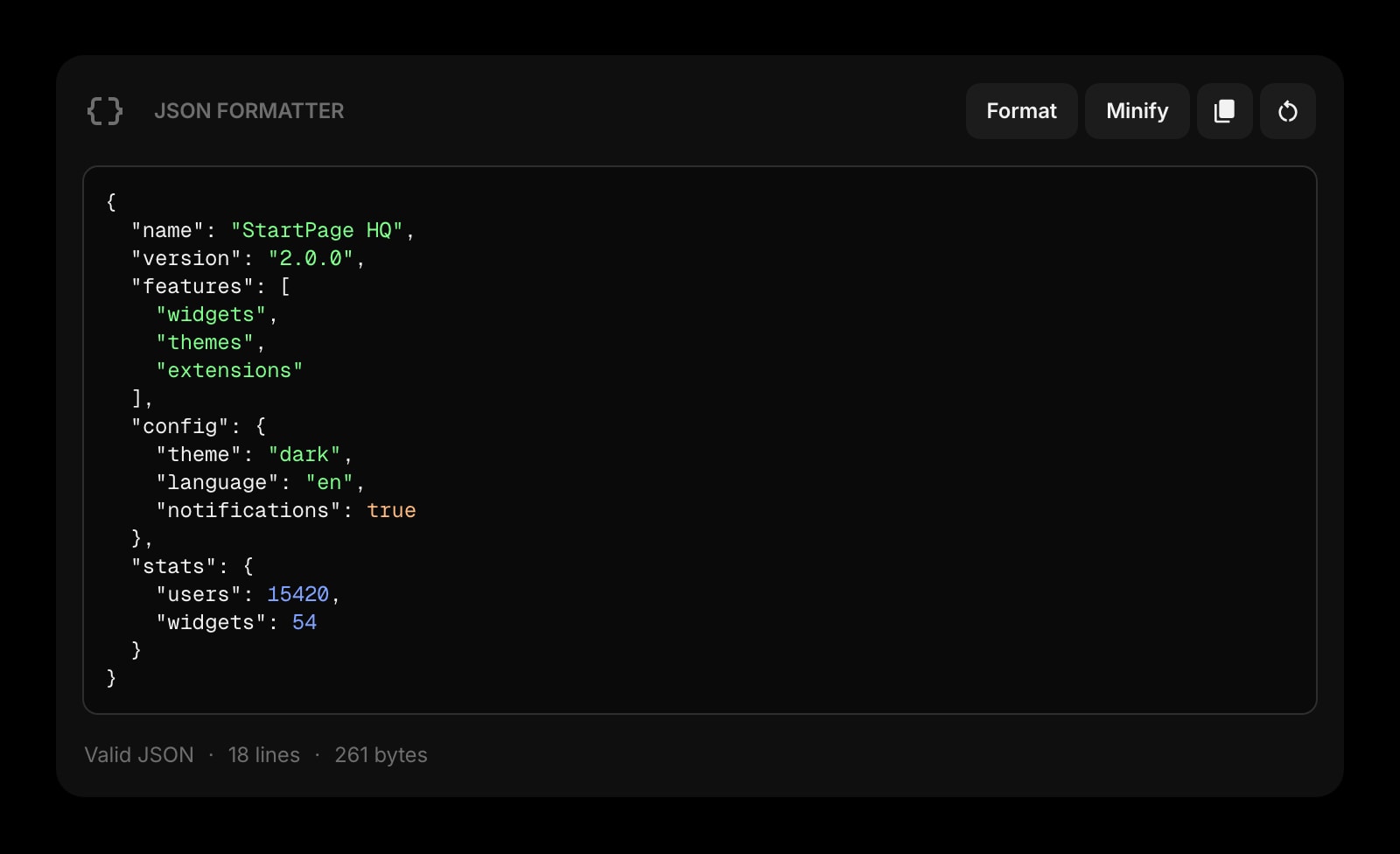
JSON Formatter
Format, validate, and minify JSON with line-number errors. The other tool you reach for when shaping API payloads.
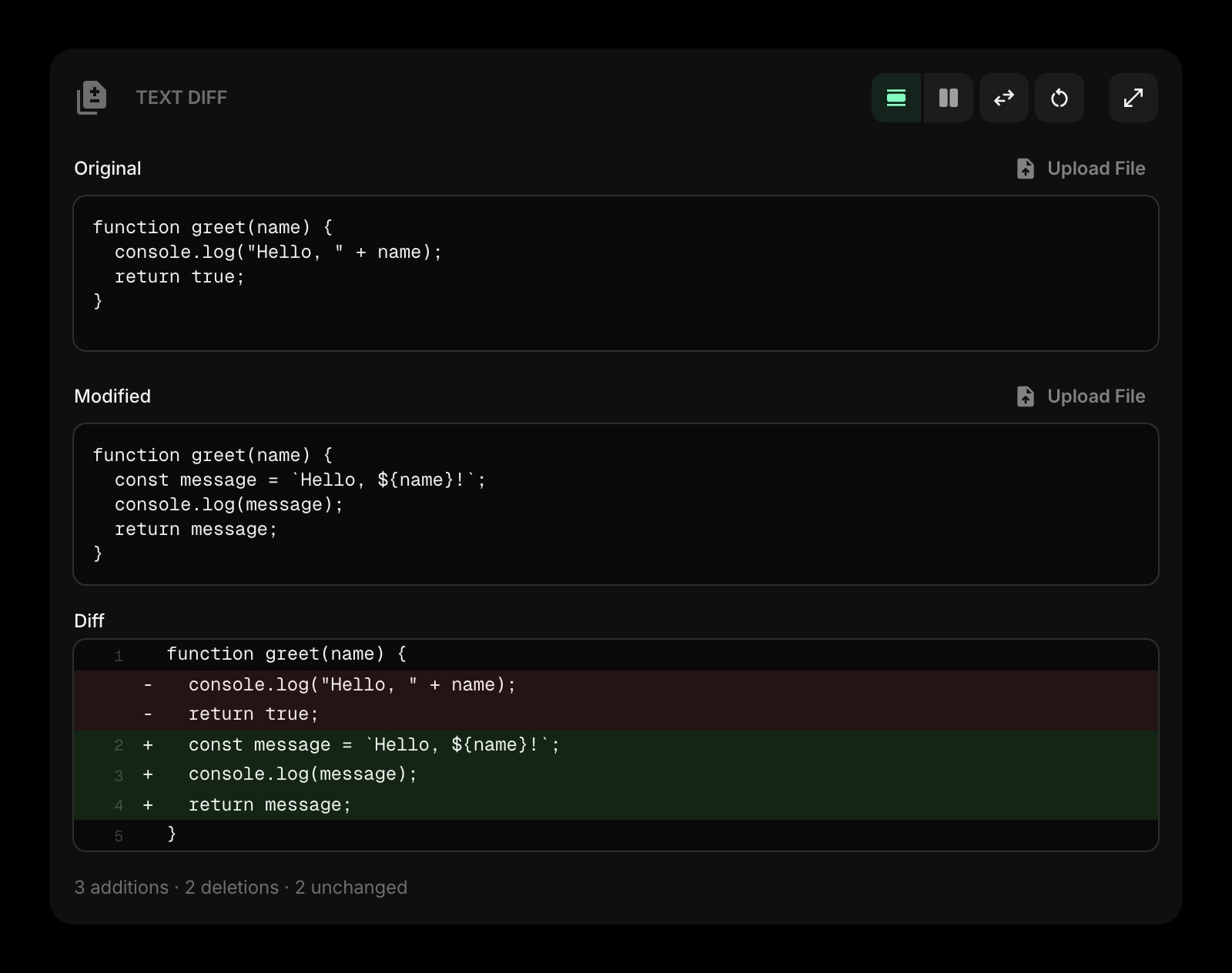
Text Diff
Compare two blobs of text side by side. Useful when iterating on a regex - diff the matched outputs to see what changed.
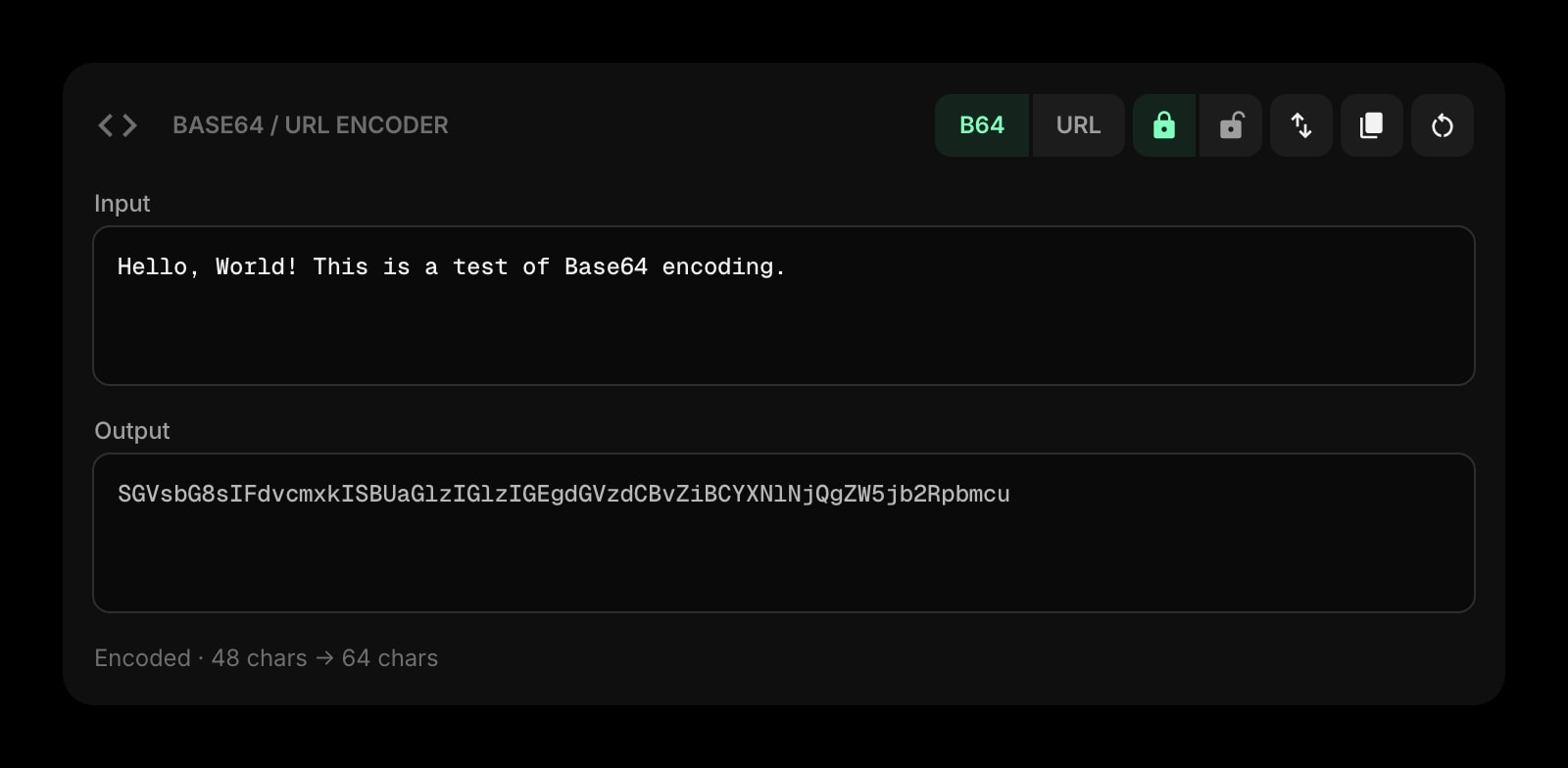
Base64 & URL Encoder
Encode and decode base64 and URL-safe strings. The tool you reach for next when parsing tokens or query strings.
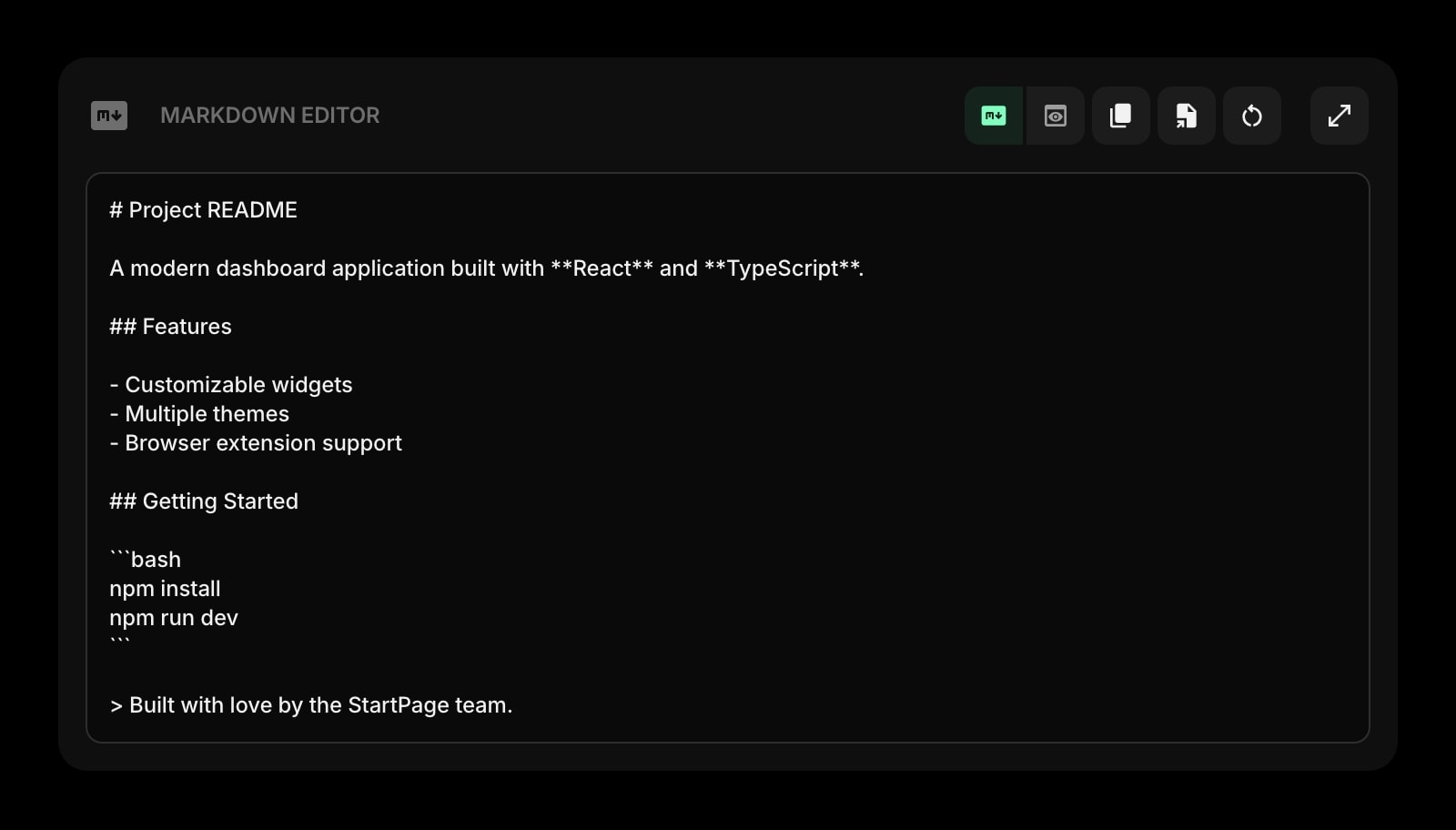
Markdown Editor
Draft PR descriptions or release notes with live preview. Document the regex you just shipped without leaving the dashboard.
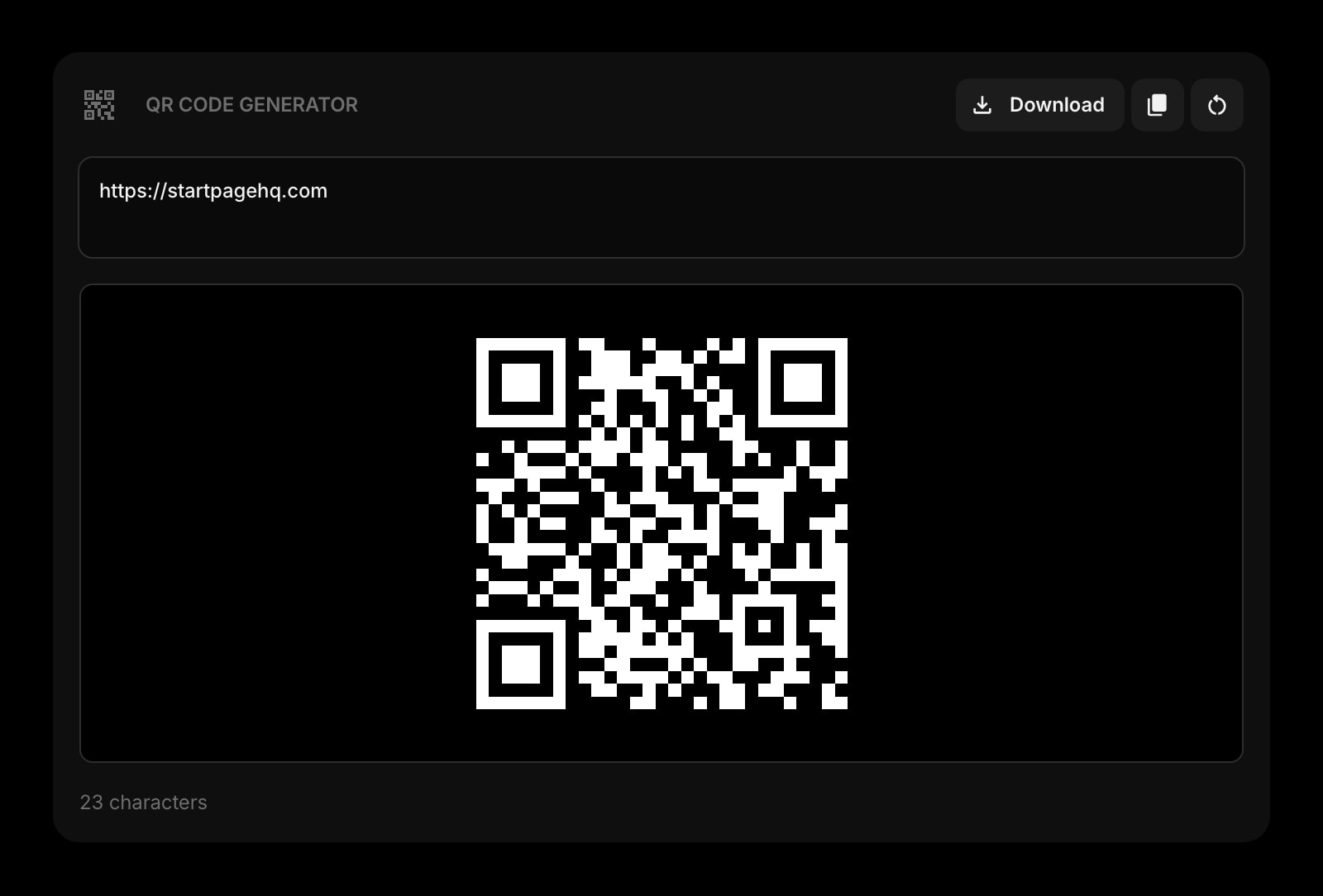
QR Code
Generate a QR code for a URL, staging endpoint, or deeplink. Skip the third-party generator the next time you need one.
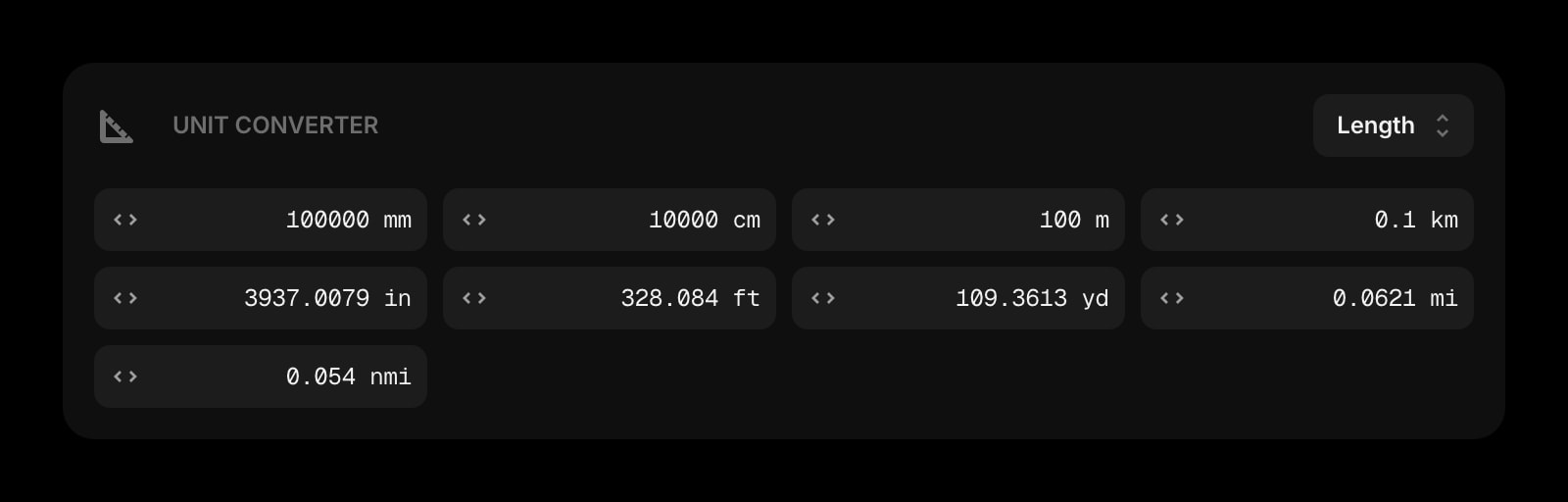
Unit Converter
Bytes, milliseconds, hex/decimal, length, weight. The conversions that come up while you debug.
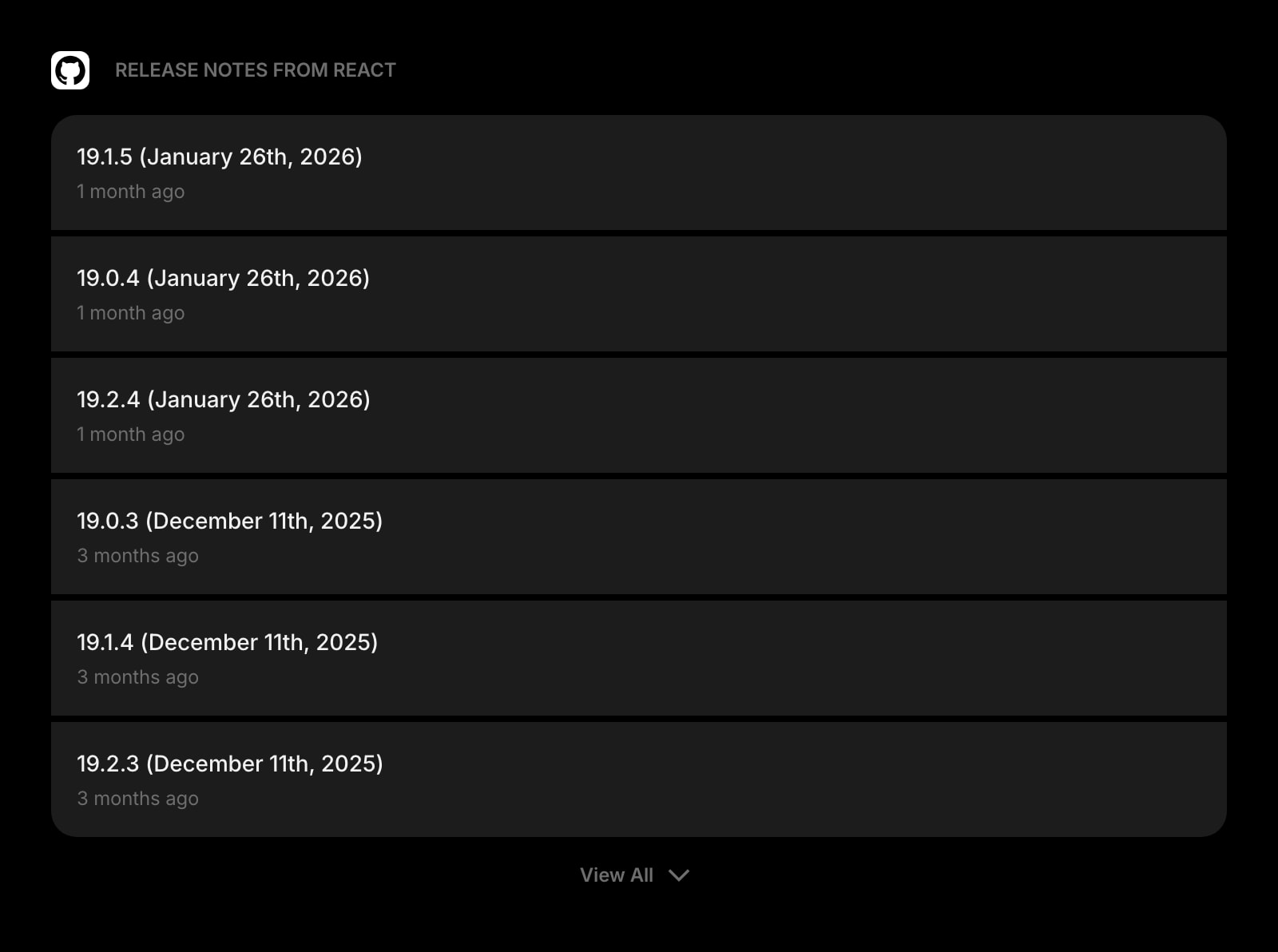
GitHub Releases
Track releases for libraries you depend on. Catch the regex-engine bugfix in the next minor version of your runtime.
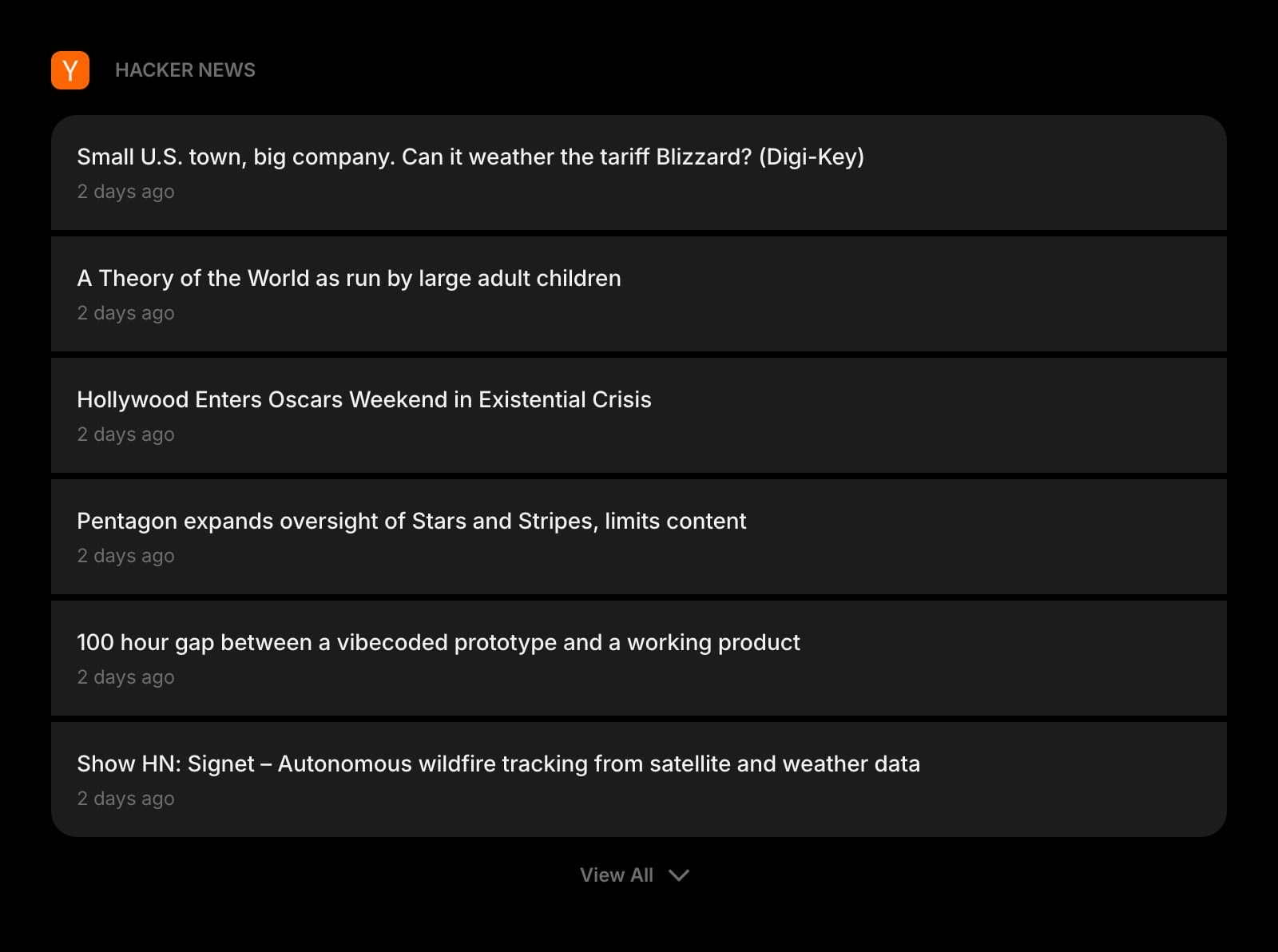
Hacker News
Top stories on the same new tab page. The morning skim that is already part of your routine, in a widget instead of a tab.
Frequently Asked Questions
Yes. The Regex Tester above runs entirely in your browser with no usage cap and no signup. The full Start Page HQ dashboard also has a free plan - 1 page, 8 widgets, sync across devices, every browser extension, and 50 AI credits to start, with no credit card. Paid lifts the caps to unlimited pages and all 63+ widgets at $4/month, $24/year, or $48 lifetime. There is also a public demo at startpagehq.com/demo with every widget unlocked.
No. Pattern compilation and matching run entirely client-side via the browser's built-in RegExp engine. Nothing you type or paste leaves your device, and we never log, store, or process patterns or test strings on a server. Safe for proprietary log formats, internal patterns, or anything else you would not paste into a third-party site.
JavaScript / ECMAScript. The tester compiles your pattern with the native RegExp constructor, so syntax follows the JS regex spec - including named groups (?<name>...), unicode property escapes, and the standard g/i/m/s/u flags. PCRE-only features (lookbehind variants, recursion, conditionals) may behave differently or throw.
The error message under the pattern field comes straight from the JavaScript RegExp constructor - it is the same error you would see in a browser console. The most common causes are an unescaped special character, a malformed group, or a flag combination JavaScript does not allow (for example, repeating the same flag twice).
For learning regex deeply - explainers, token-by-token breakdowns, a community library of saved patterns - Regex101 still goes further. The tester above is a tighter, faster experience for people who already write regex day to day, in the same tab as a JSON formatter, a text diff, a base64 encoder, and 63+ other widgets. Stop maintaining a bookmarks folder of single-purpose tool sites.
Open the Full Dashboard
The regex tester tool, plus 63+ widgets, on every new tab. Free plan, no credit card — or try the demo without an account.