

RSS Widget for Firefox
Firefox retired Live Bookmarks in version 64 and the Pocket-powered Stories feed went in 2025. This widget puts feeds you choose back on the Firefox new tab, next to the rest of your dashboard.
Install on Firefox
The Firefox-specific flow, start to finish.
- 1Open the Start Page HQ listing on Firefox Add-ons and click "Add to Firefox", then "Add" in the confirmation prompt. The only permission requested is "Access browser tabs".
- 2Open a new tab and click "Keep Changes" on the bar Firefox shows about the new tab page changing. The dashboard now loads instead of Firefox Home.
- 3Click the gear icon in the bottom right and choose Add Widget → RSS Feed.
- 4Paste a feed URL, or just the site address — the widget looks for /feed, /rss, and /atom.xml itself. Your own URLs need a paid plan; a free account chooses from the preset sources.
- 5Set the layout to grid or list and pick a style. Add another RSS Feed widget for each additional source; each one keeps its own layout.
What RSS Feed Does
A short tour of the widget. Already sold? Skip ahead.
- Reads any RSS or Atom feed, including Substack, Ghost, WordPress, and Medium publications.
- Finds the feed from a homepage URL so you rarely need to hunt for the link.
- Grid or list layout per widget, with or without images.
- Items are fetched and cached on the server, so the tab opens with headlines already there.
- Sits alongside Hacker News, Subreddit, YouTube Channel, and Substack widgets on the same page.
Notes for Firefox Users
Firefox was the last major browser to ship a real RSS feature — Live Bookmarks — and it removed it in Firefox 64 back in 2018. What replaced it on the new tab was a recommendations feed, first branded Pocket and now labelled Stories and "Popular Today" after Mozilla shut Pocket down in July 2025. The catch is that Stories is Mozilla's selection, not yours. The RSS Feed widget here is the direct replacement: the same slot on the new tab, but showing sources you subscribed to on purpose.
Firefox users tend to run strict privacy settings, and none of them get in the way. Feeds are fetched by Start Page HQ's server and handed to the extension already parsed, so Enhanced Tracking Protection in Strict mode, a blocklist in uBlock Origin, and DNS over HTTPS all see nothing to block. The widget also behaves identically inside every Multi-Account Container, because it never loads the publisher's site in your browser — only the headlines and the link.
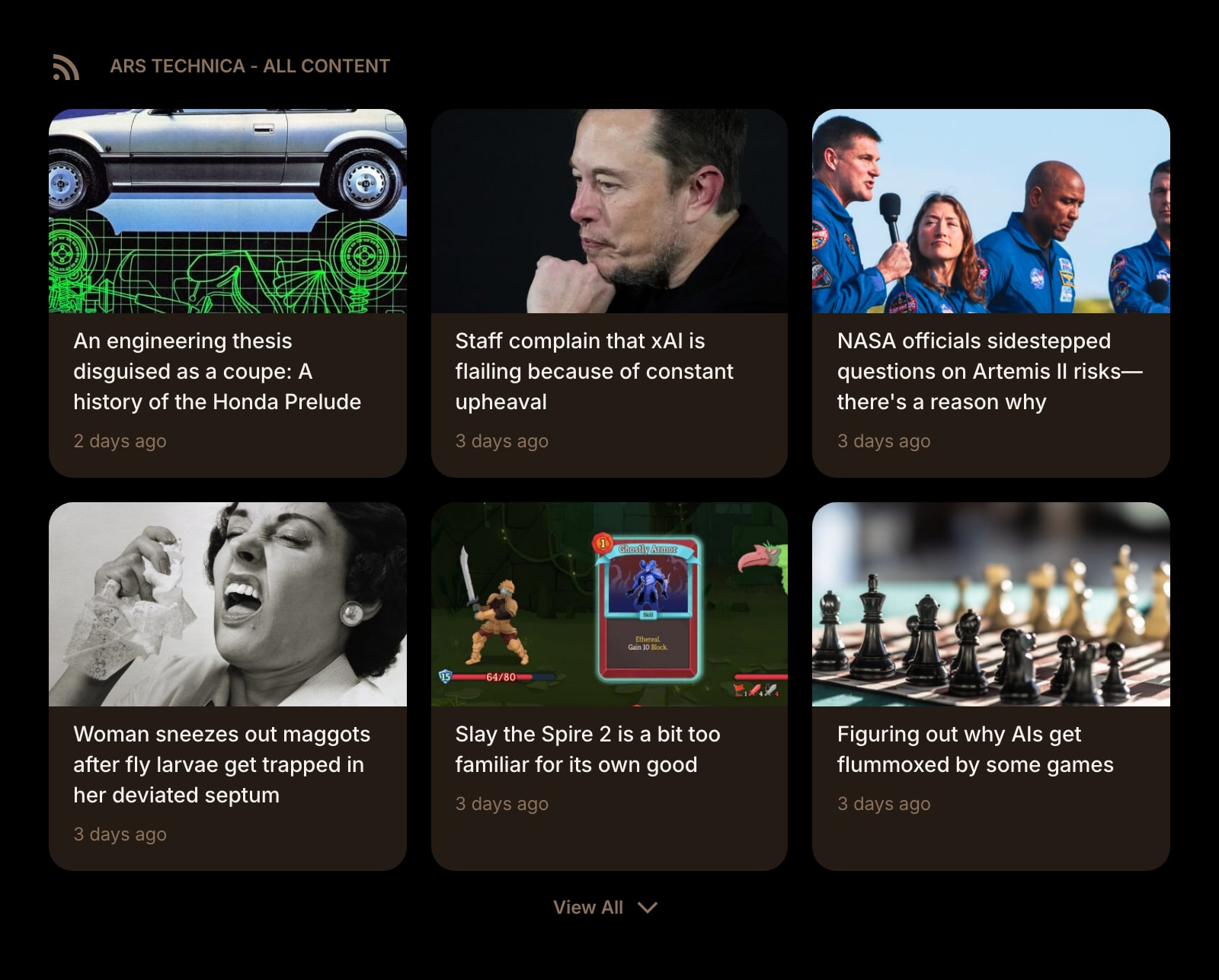
Other Widgets You Might Add
Pair the RSS Feed widget with these. One install gets you all of them.
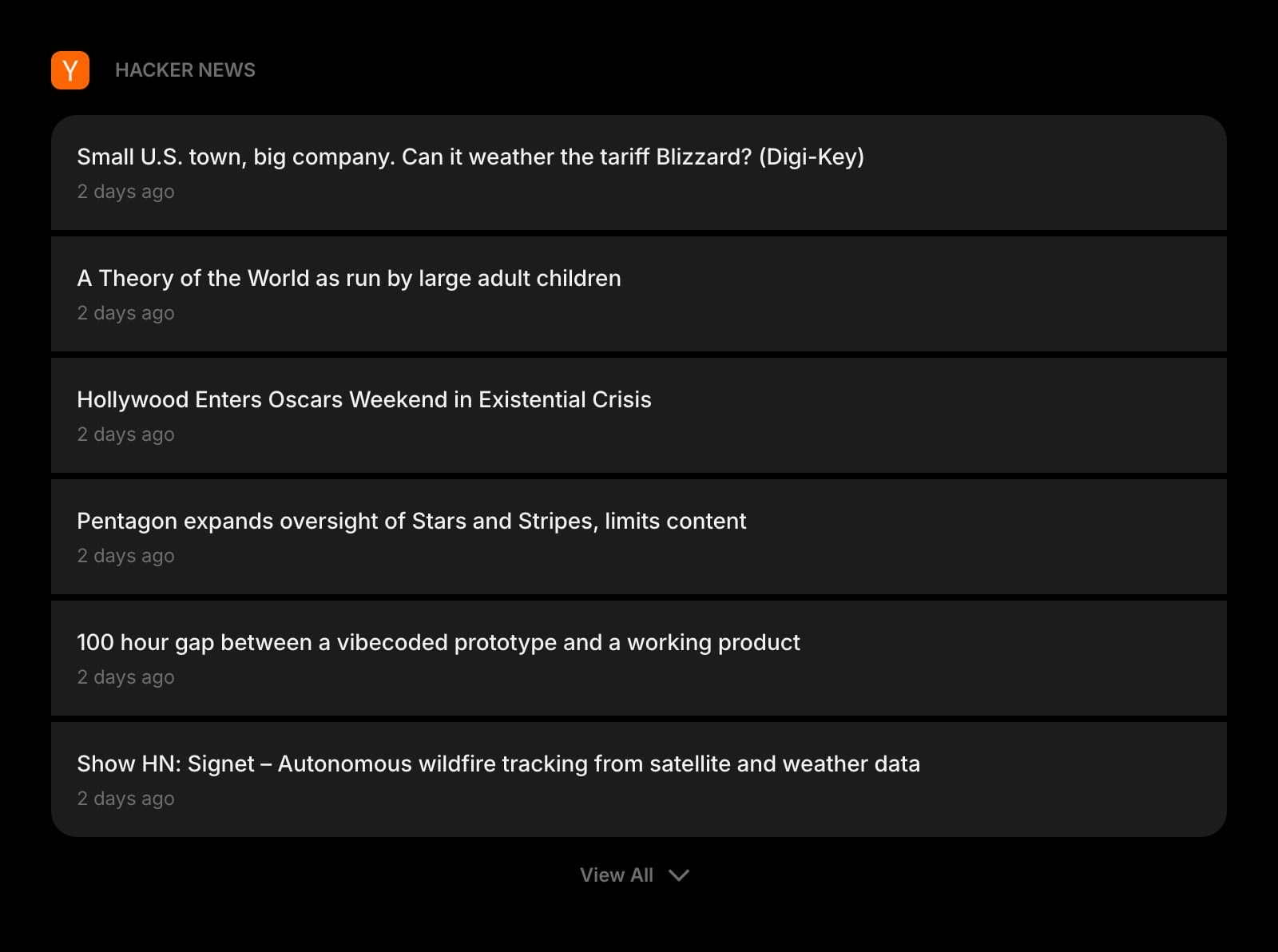
Hacker News
Front-page stories with a comments link, in the same card style as your RSS feeds.
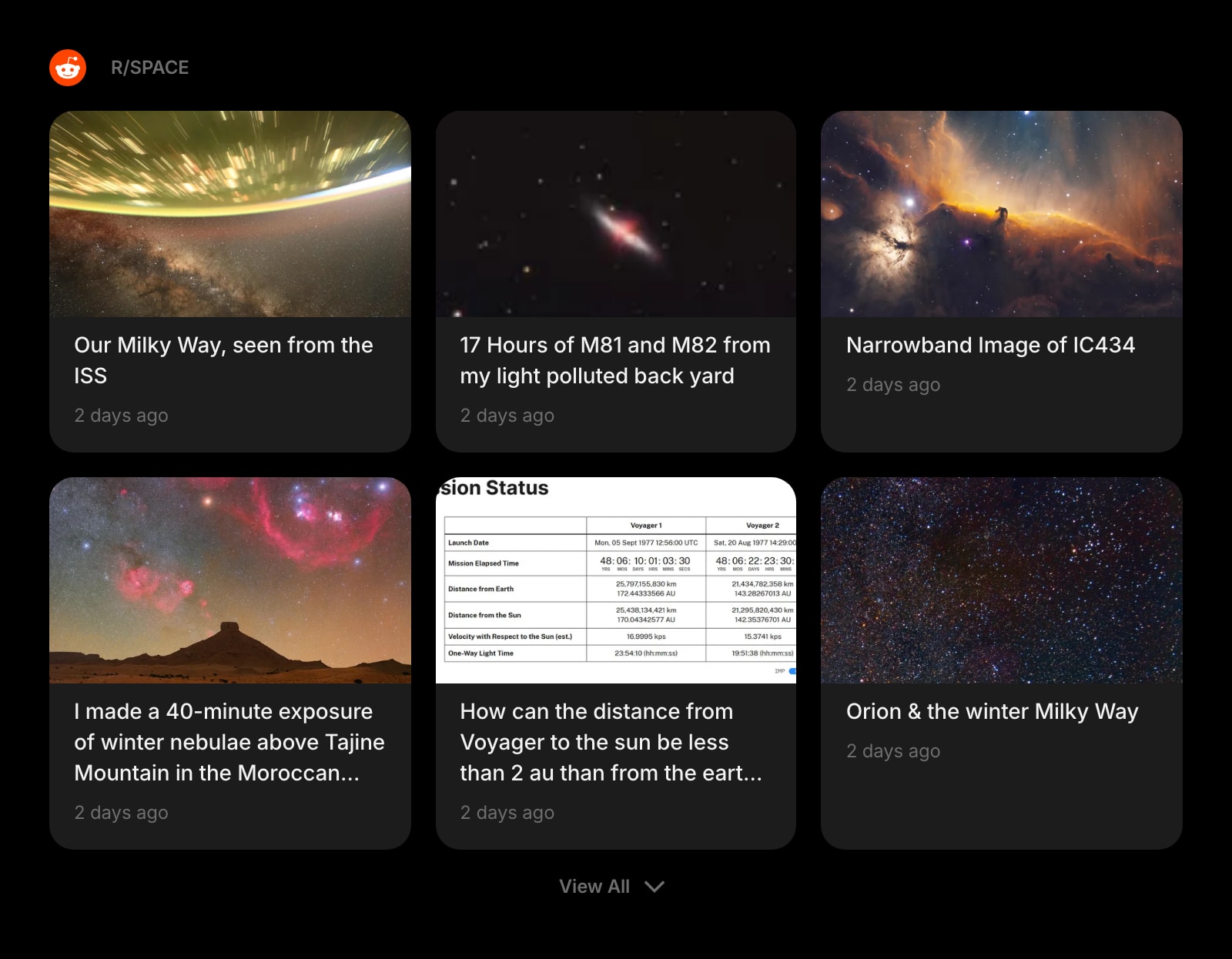
Subreddit
r/firefox, r/privacy, or any other subreddit as a feed on the dashboard.
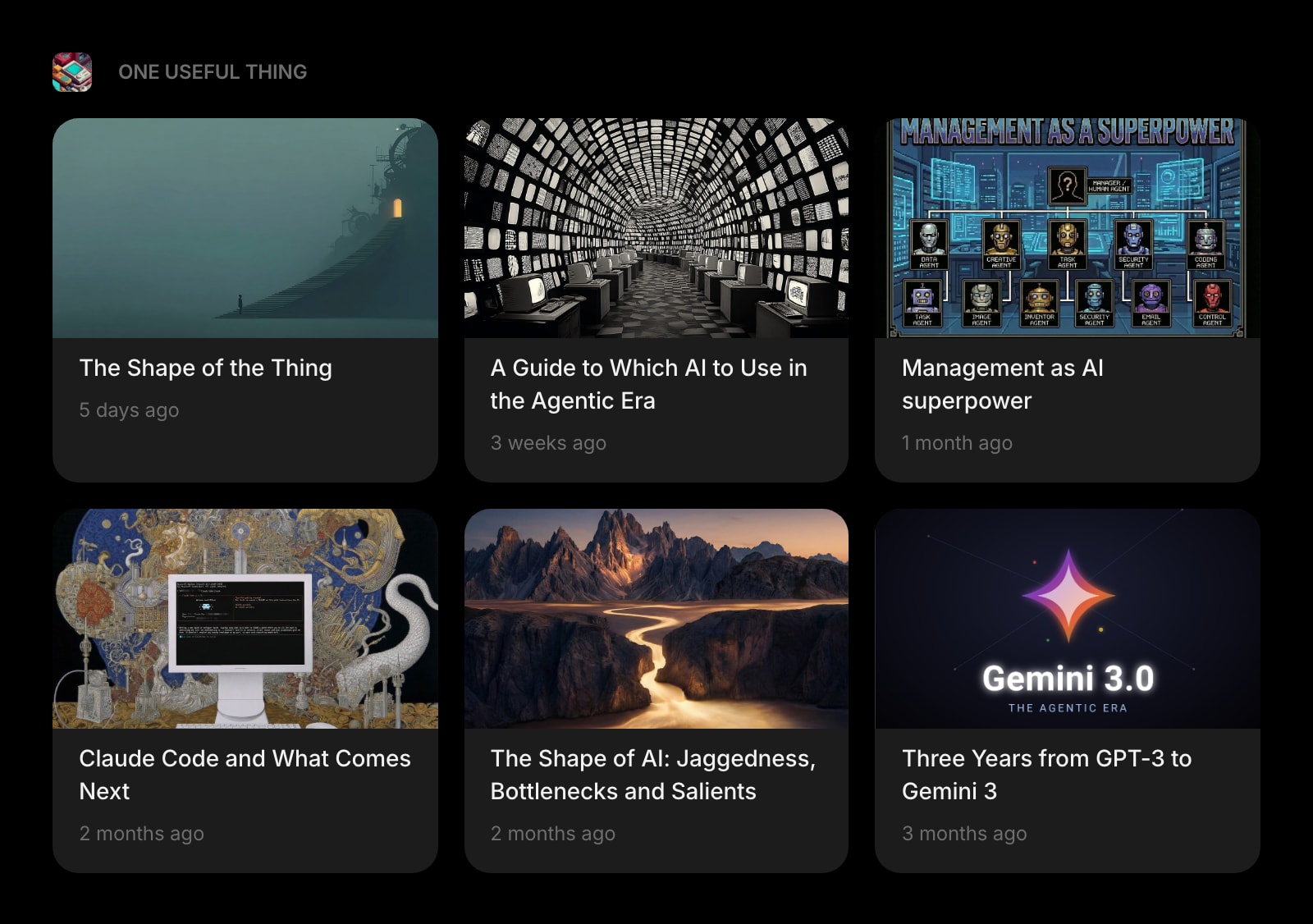
Substack
Newsletters read on the new tab instead of piling up in your inbox.
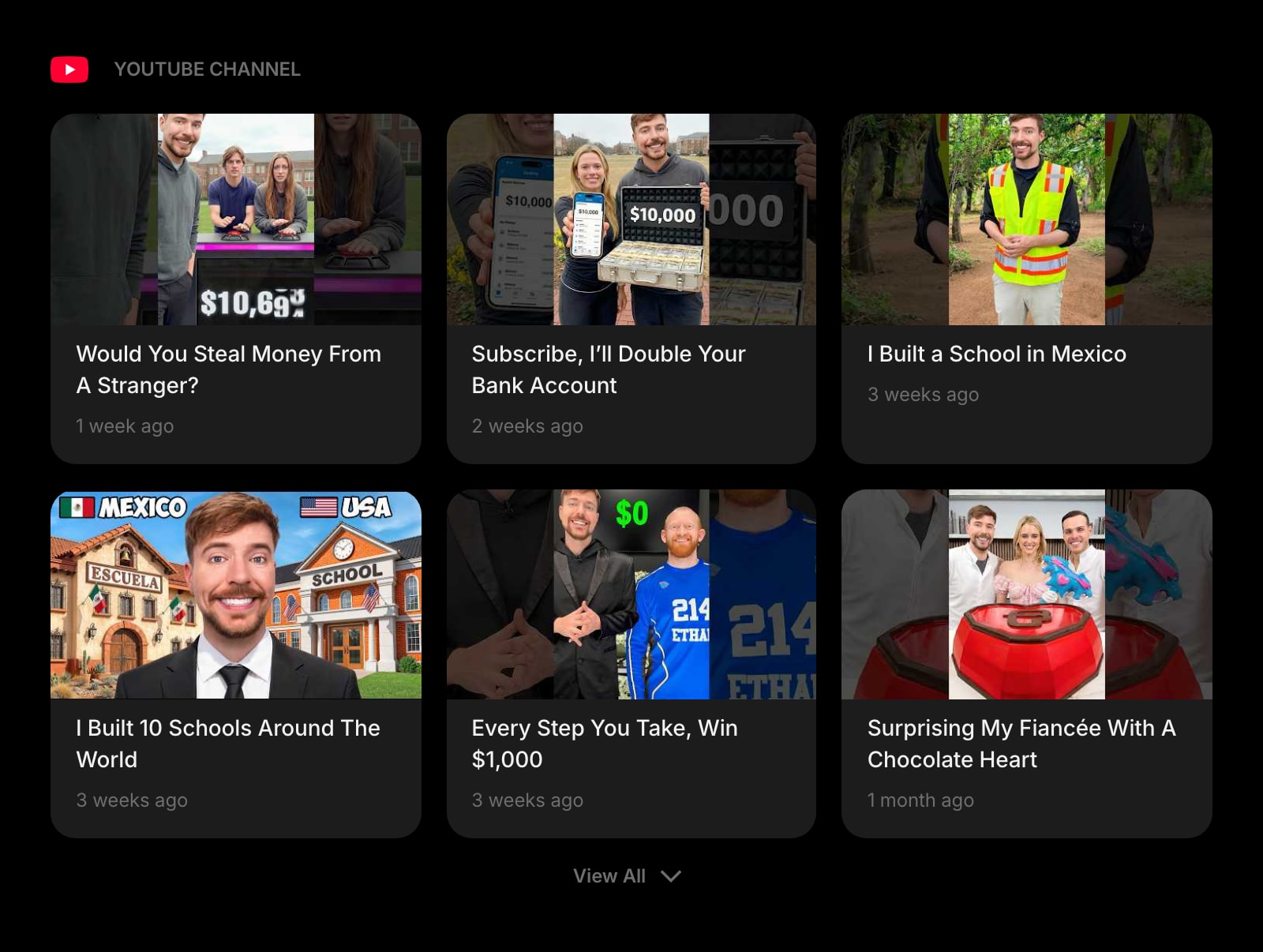
YouTube Channel
New uploads from a channel, shown as cards — no YouTube homepage, no recommendations.
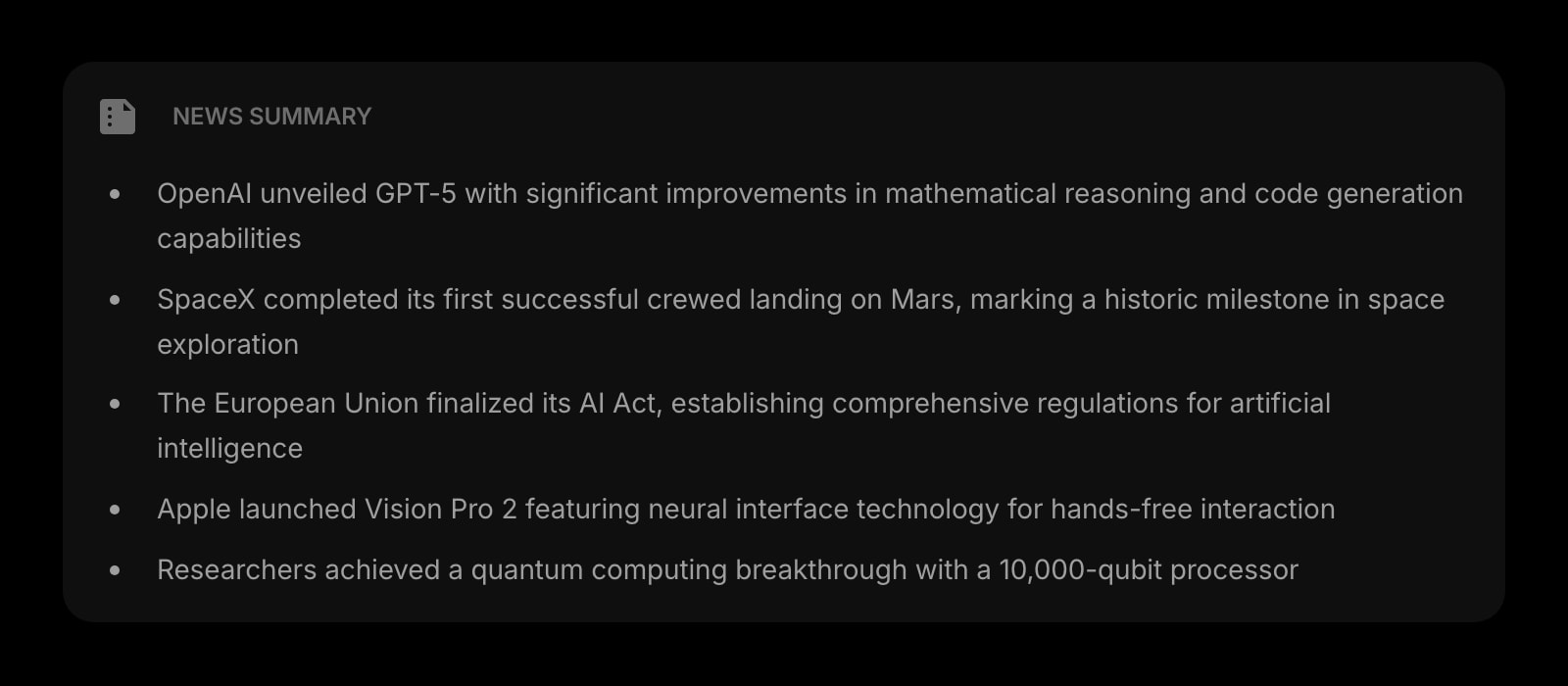
News Summary
An AI digest for a feed that fires too often to read item by item.
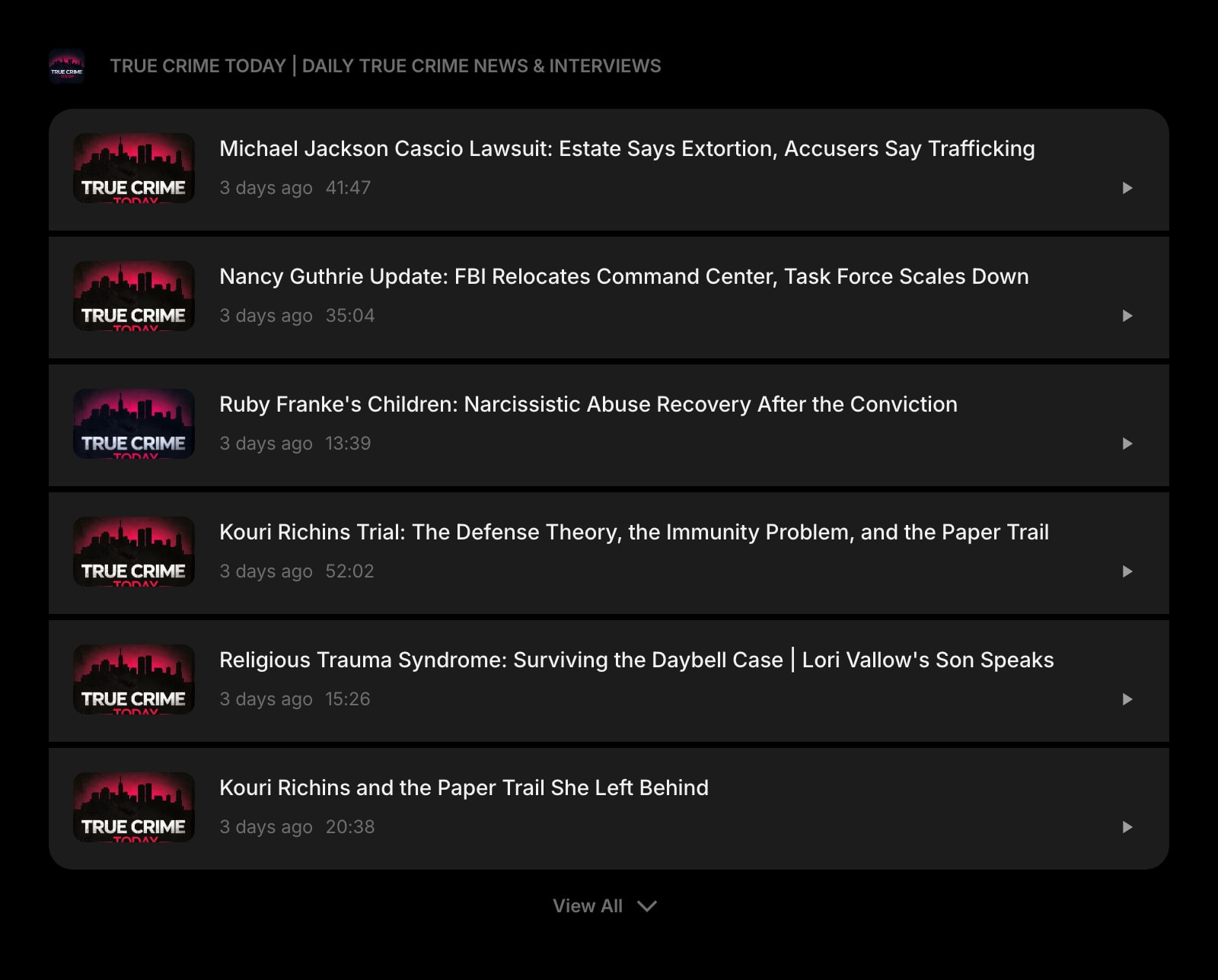
Podcast
The latest episodes of a show, from its RSS feed, with playback on the page.
The RSS Feed widget is one of 50+ in Start Page HQ. Tasks, notes, RSS, AI tools, dev utilities — the same install gives you all of them. Start free with 8 widgets on a page, or lift every limit at $4/month, $24/year, or $48 lifetime.
Frequently Asked Questions
Live Bookmarks are gone from Firefox itself since version 64, and the Stories feed on Firefox Home only shows what Mozilla picks. The RSS Feed widget is a full reader in the new tab slot, and disabling the add-on at about:addons restores Firefox Home if you ever want the old page back.
Not on the free plan — pasting your own RSS or Atom URL needs a paid plan at $4/month, $24/year, or $48 one-time. A free account still gets the RSS Feed widget on its 1 page of up to 8 widgets, reading from the preset sources. The demo at startpagehq.com/demo has custom feeds unlocked with no signup.
No. Feeds are fetched server-side, so nothing in the browser makes a request to the publisher until you click a headline. Strict tracking protection, content blockers, and DNS over HTTPS have no effect on what the widget shows.
Yes. Feed URLs and layouts are stored on your Start Page HQ account, not in the Firefox profile. Sign in on another Firefox — or in Chrome, Safari, or Edge — and the same feeds are there, with no OPML export in between.
Add the RSS Feed Widget to Firefox
Free plan, no credit card — see plans or try the demo without installing.