Start Page HQ for Students
Pomodoro timer, habit tracker, daily quiz, syllabus countdown, study links - the dashboard that opens every time you start a study session, on every device you use.
The Problem
What the current setup costs students every day.
- Starting a study session takes ten minutes of setup. You open a new tab for a Pomodoro timer, another for your reading list, another for your notes, another for the lecture recording, another for whatever the professor uploaded to the LMS. By the time everything is loaded you have already lost focus.
- Your study tools are scattered across five different apps and four free trials. Notion for notes, Forest for focus, Quizlet for flashcards, Habitica for streaks, Pomofocus.io as a lone tab. None of them know about each other.
- You study on a laptop at the library, a Chromebook at the dorm, and your phone on the bus. Whatever todo list or study schedule you set up on one device never makes it to the other two.
- Most "study dashboards" you find online are Notion templates that take an hour to set up, look beautiful for a week, and stay closed for the rest of the semester. The maintenance cost outruns the benefit.
- The browser homepage you open thirty times a day is a Google search box. The single most-opened tab in your routine does nothing to help you actually start studying.
Widgets That Fit Students
A curated set, not a dump. Each one earns its place on the page.
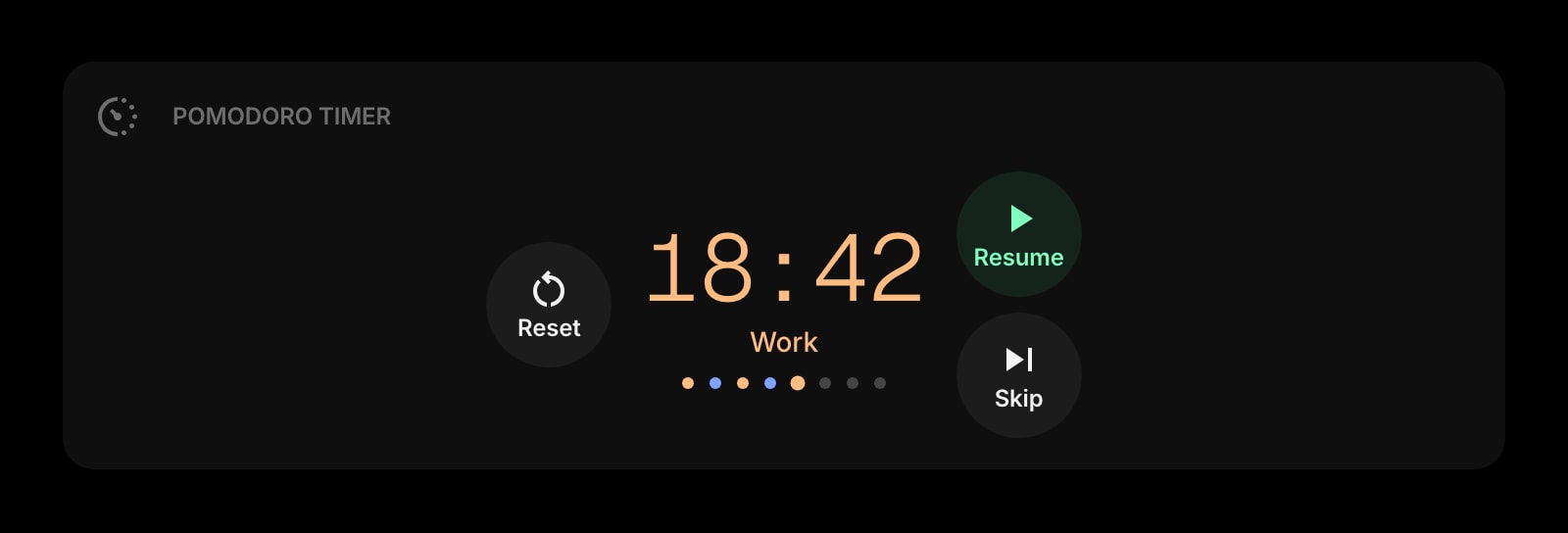
Pomodoro Timer
A focus timer right on the new tab page. Click start, study for 25 minutes, take a five-minute break. No app to install, no Spotify-style account to sign up for.
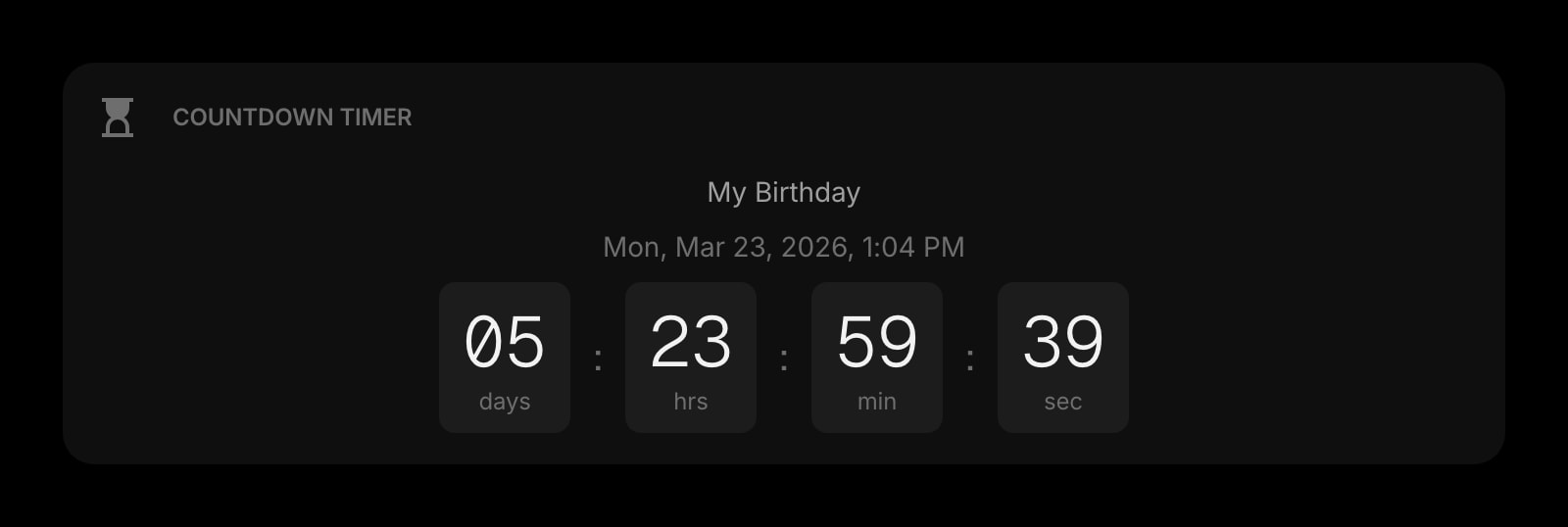
Countdown Timer
Days until the midterm, hours until the essay is due, weeks until graduation. A persistent visual deadline that lives where you already look.
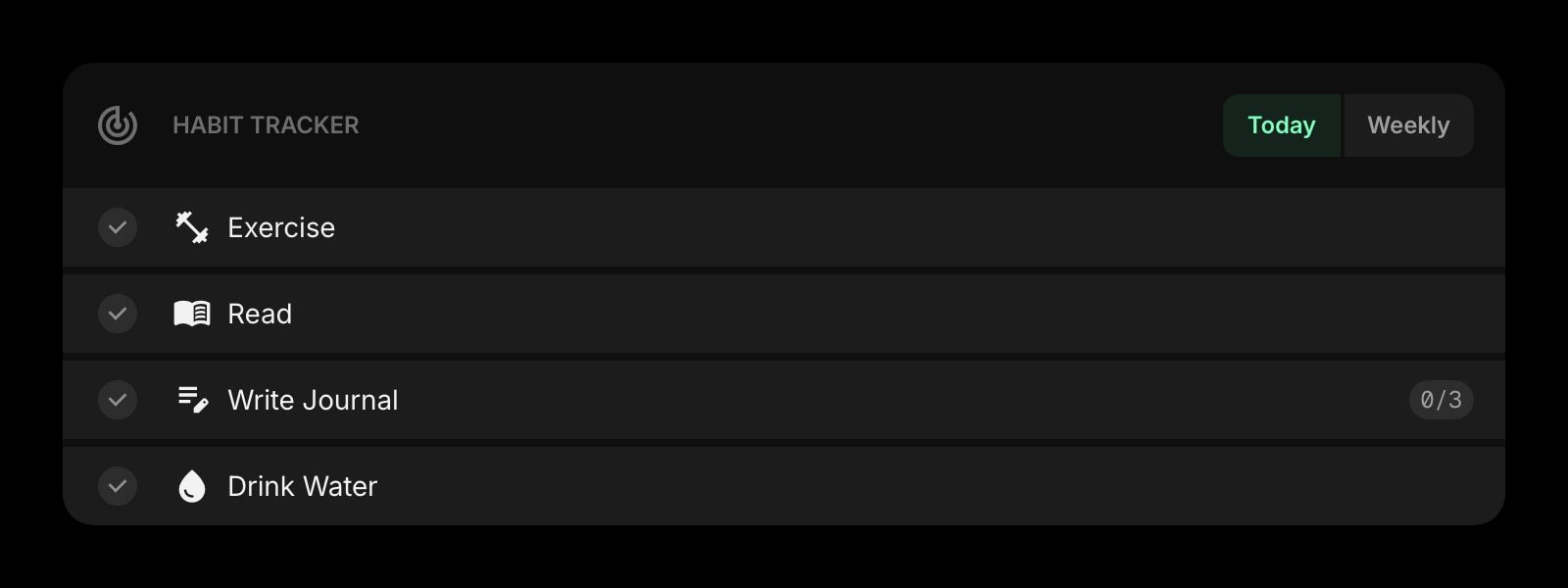
Habit Tracker
Mark a square every day you study, every day you read, every day you practice. The streak compounds and the chart on your new tab keeps you honest.
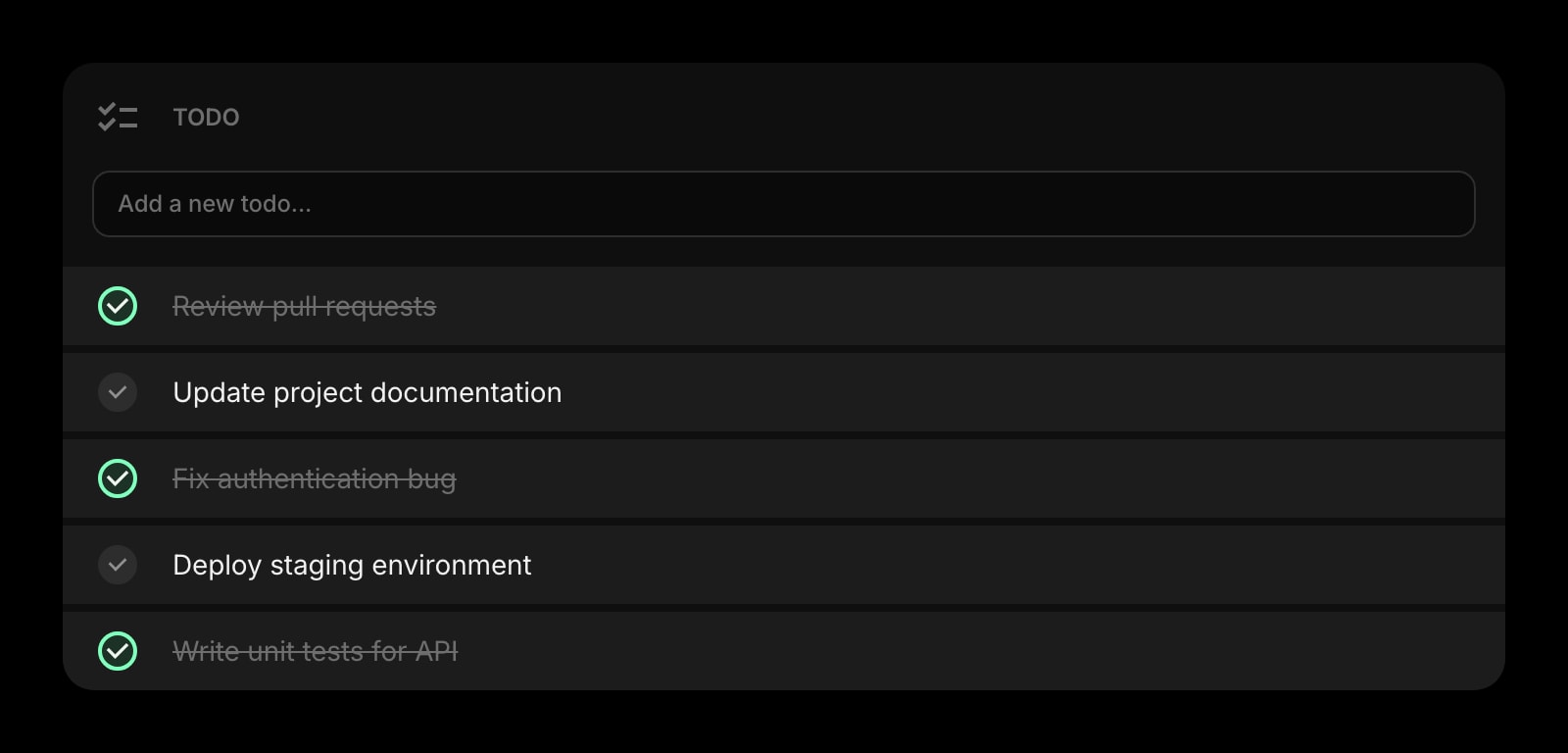
Todo
A simple checklist for tonight's assignments. Tick items off as you go - the satisfaction of a clean list at the end of the night actually pulls you through the week.
Tasks (Kanban)
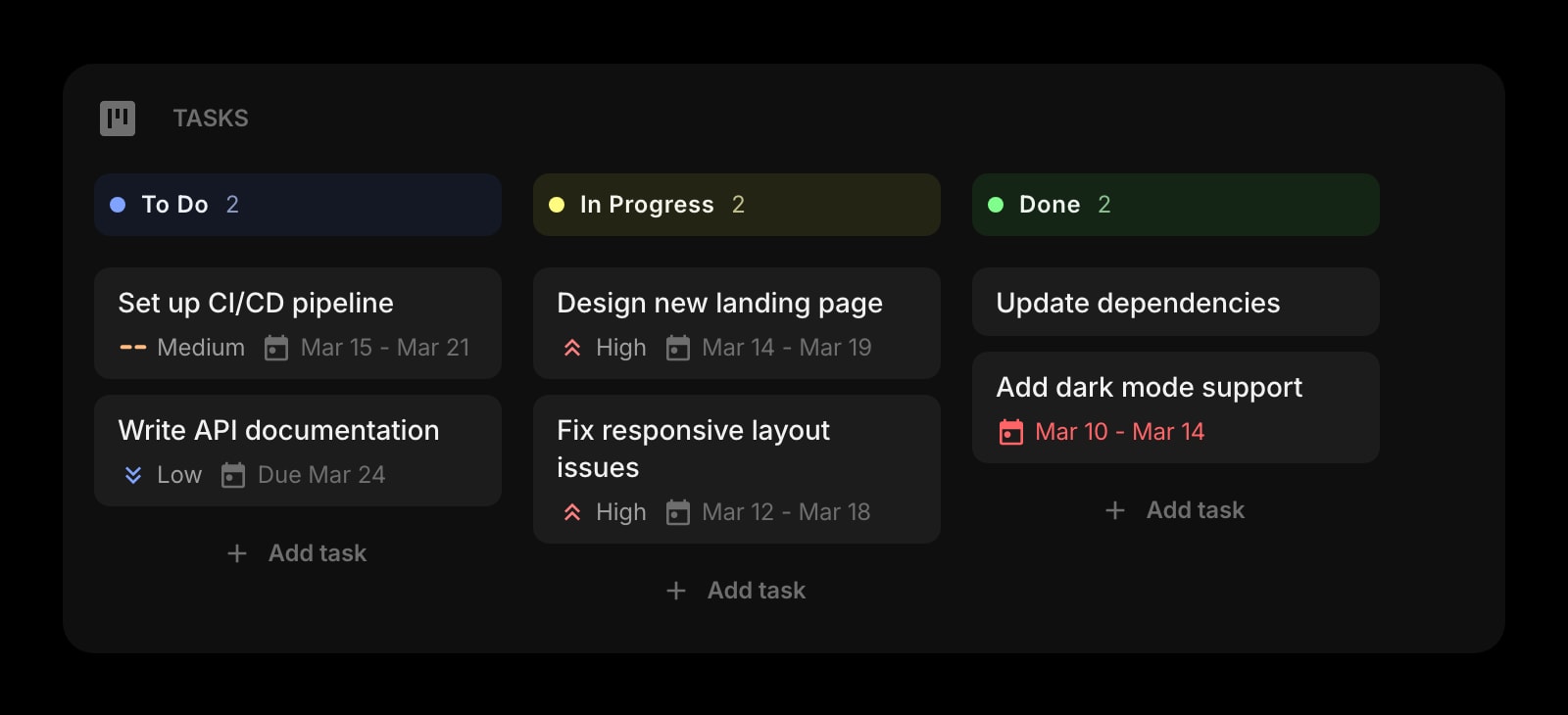
Bigger projects - the term paper, the group project, the final - get a Kanban board with To Do, In Progress, and Done columns. Drag cards as you make progress.
Notes
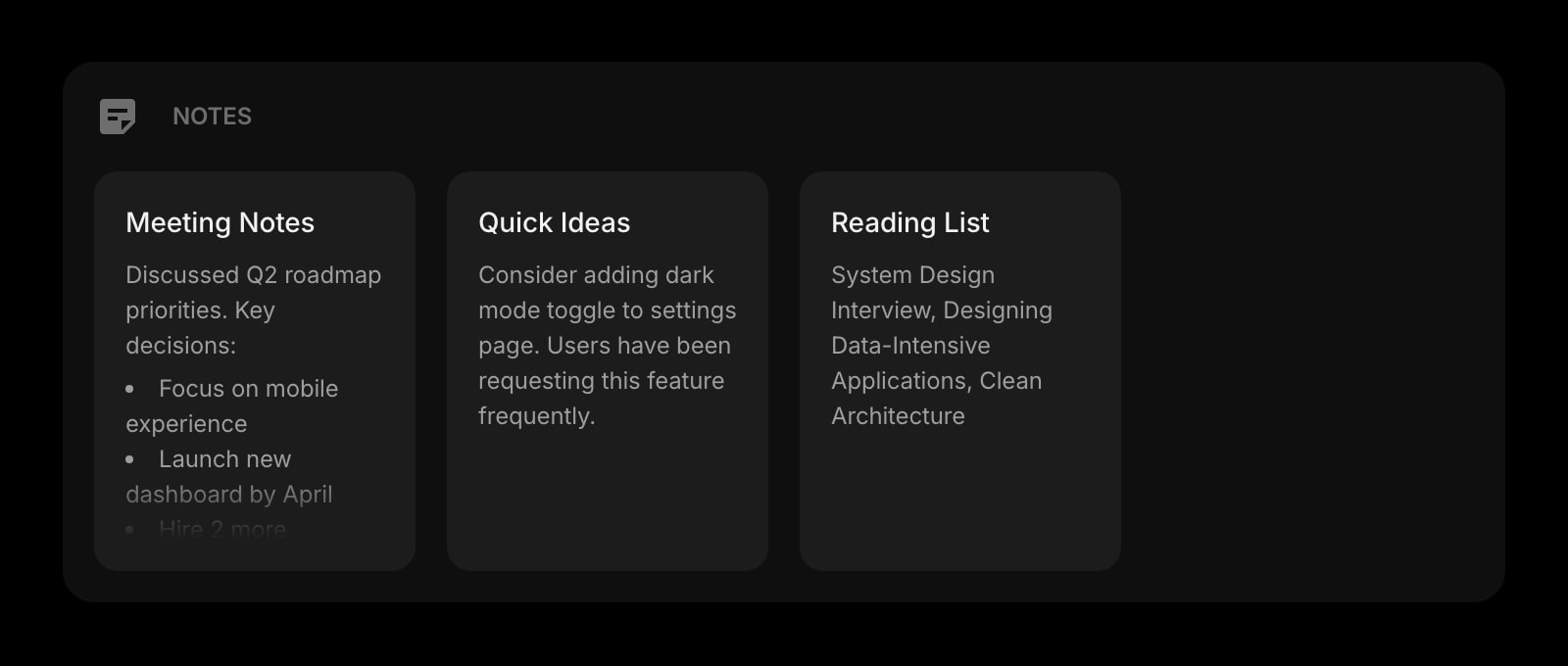
Rich text notes for lecture summaries, formula cheat sheets, and quick recall prompts. Format with bold, headings, lists - the same shortcuts you already know.
Quick Note
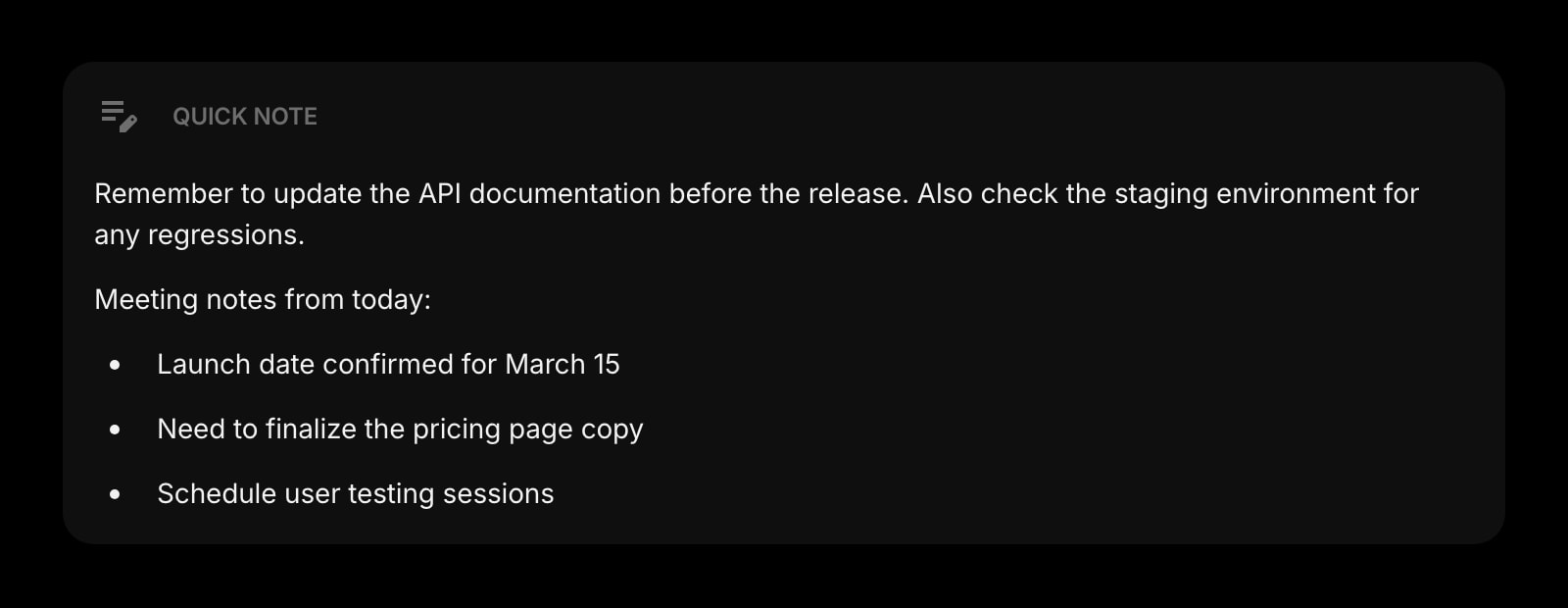
A scratchpad for the thought you do not want to lose during a lecture. Always there, no save button, no folder structure to navigate.
Google Calendar
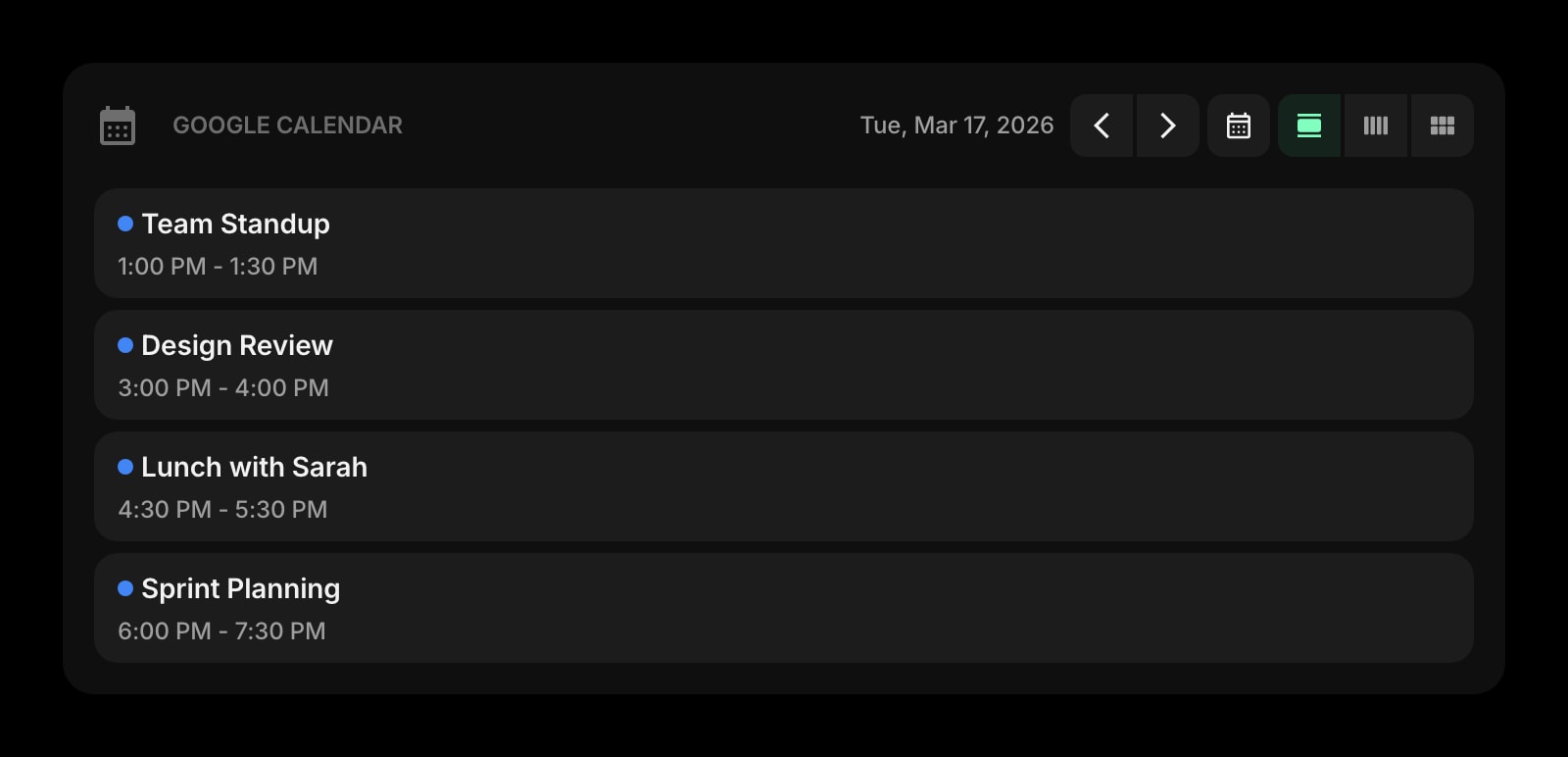
Today's lectures, lab slots, and study group meetings on the new tab page. No need to open the calendar app to find out where you are supposed to be at 2pm.
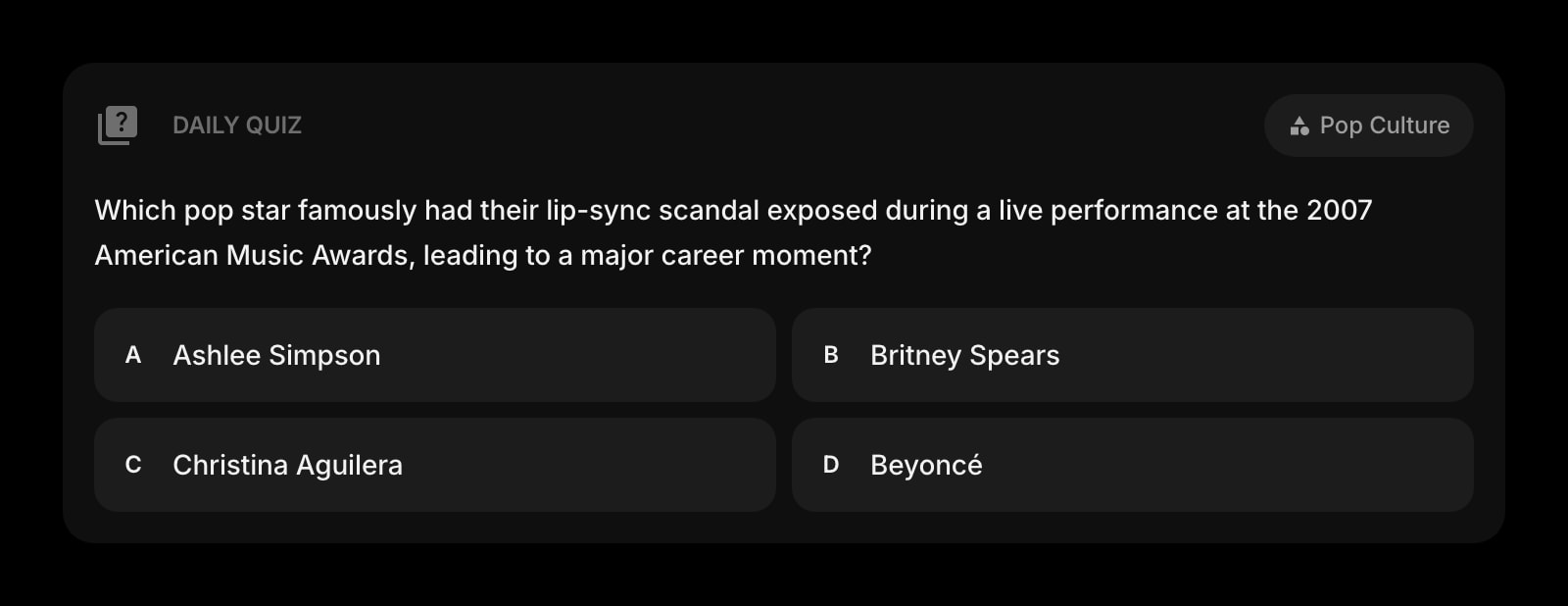
Daily Quiz
A trivia question per day on the topic of your choice. A two-minute warm-up that wakes the brain up before the heavy reading.
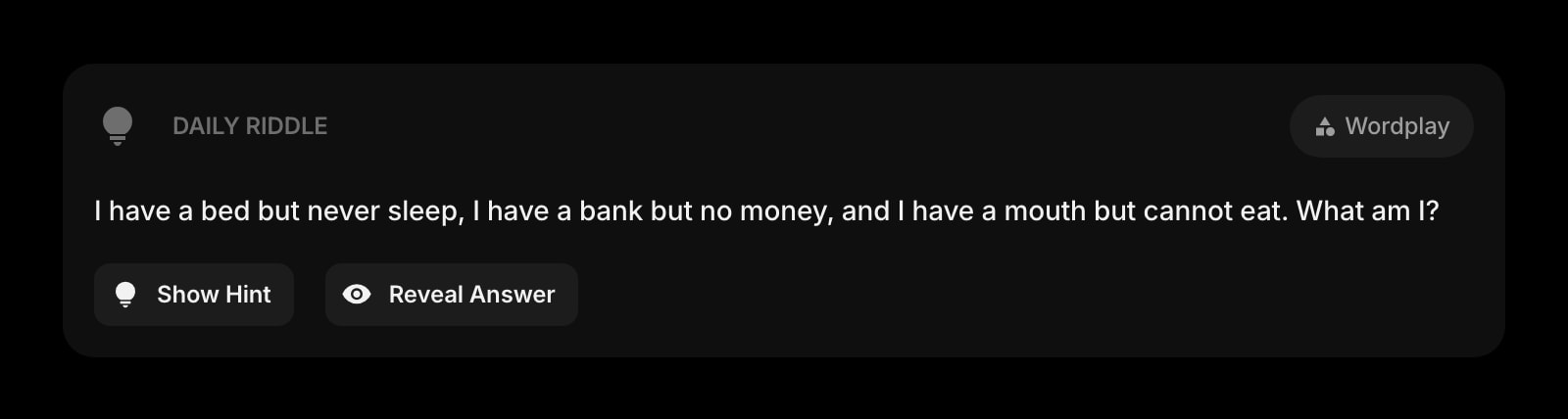
Daily Riddle
A daily logic puzzle for the break between Pomodoro sessions. Better than scrolling Instagram during the five minutes you swore would be a real break.
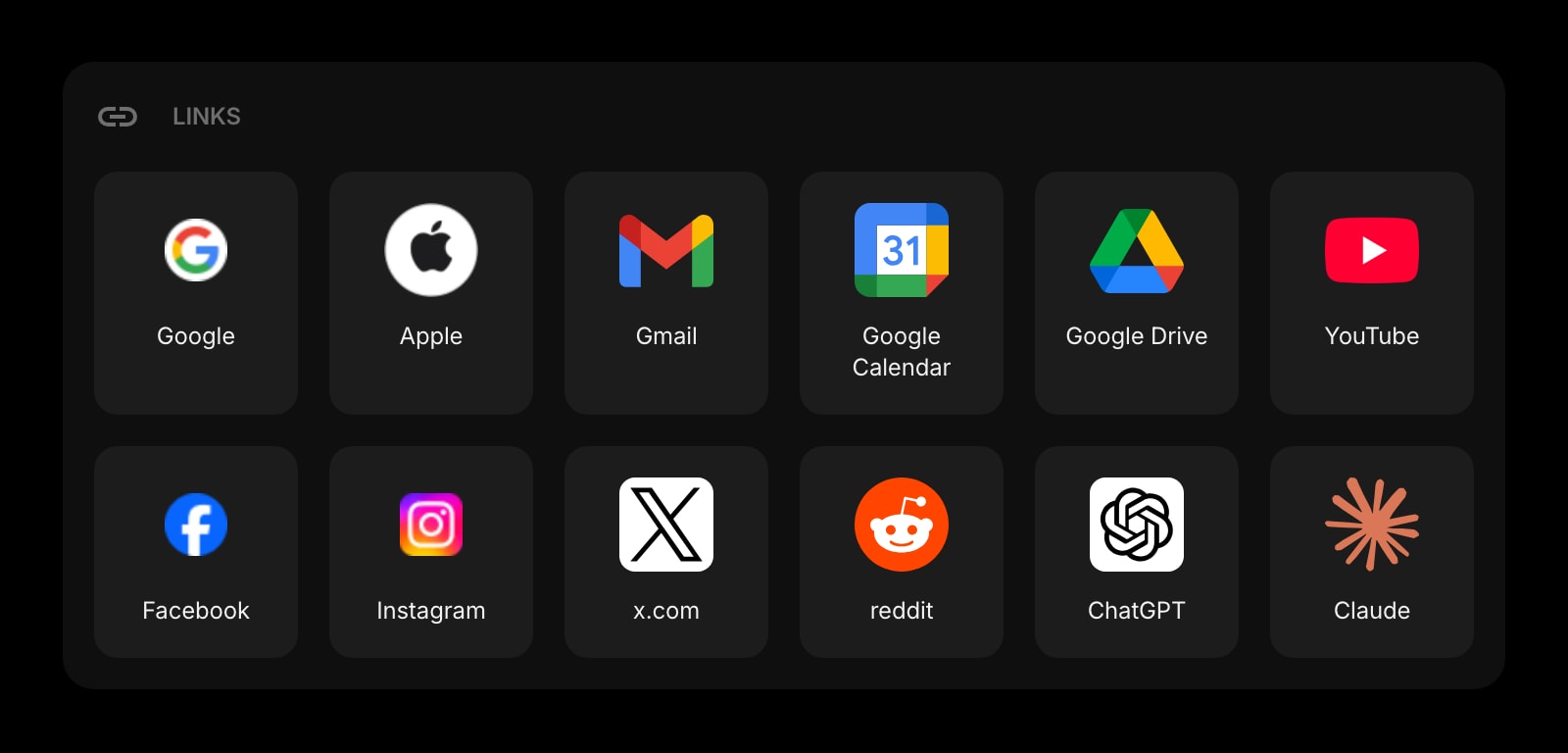
Links
Pinned shortcuts to your LMS, your reading list, your shared drive, your favorite reference site. The bookmarks bar without the noise.
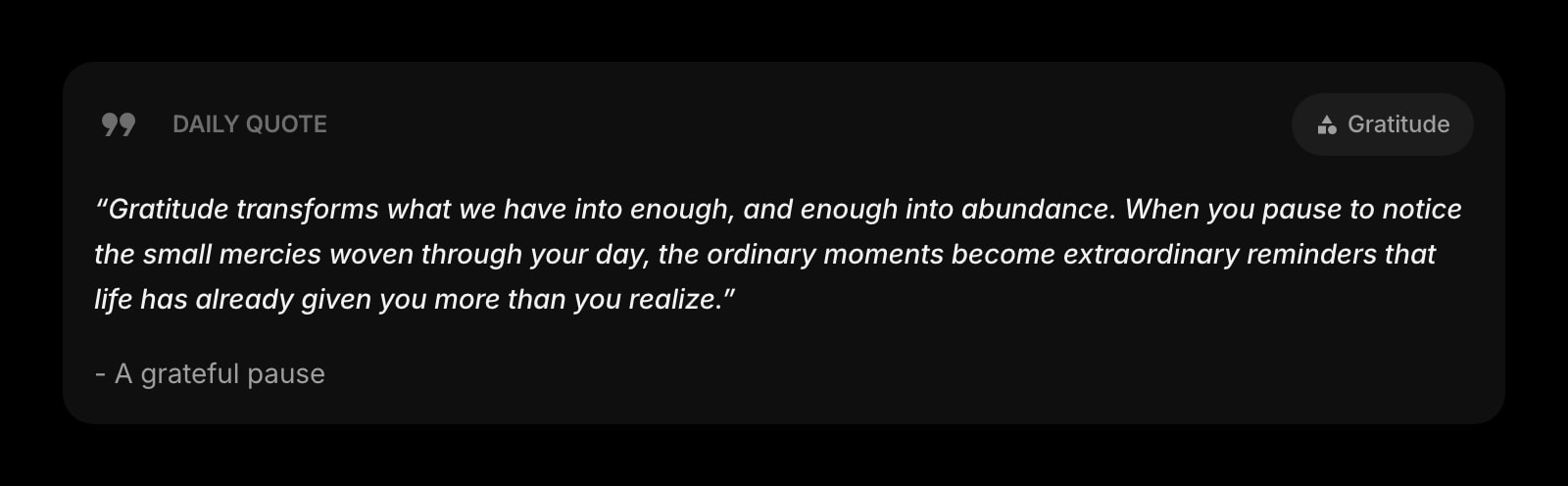
Daily Quote
A different quote every morning. Small, but the right one at the right time has dragged more than one student through finals week.
A Day in the Life
How Start Page HQ shows up across the moments that actually matter.
Starting a Study Session
You sit down at the library, open a new tab, and your study setup is already there. Hit start on the Pomodoro Timer, glance at the Countdown Timer to remember the essay is due in three days, and the top of the Todo list tells you exactly which chapter to read first.
During the Five-Minute Break
The Pomodoro buzzer goes off. Instead of opening Instagram and losing the next hour, you tap the Daily Riddle, do the puzzle, mark today's study square on the Habit Tracker, and the next 25-minute block starts feeling like a win you already half-earned.
Group Project Coordination
The group project Kanban board lives next to your individual Todo. You can see who said they would handle which section, drag your part to In Progress, and leave a quick reminder in the Quick Note widget for the meeting tomorrow without opening Discord.
Sunday Night Planning
Open the new tab, check Google Calendar for the week's lectures, set up the Todo list for each evening, and watch the Countdown Timer drop another day on the midterm. By the time you close the laptop the next seven days feel handled instead of looming.
Why It Sticks for Students
Specific reasons it works for this audience - not generic productivity claims.
No Forty-Five-Minute Setup
Unlike a Notion study template, you do not have to spend a Sunday afternoon designing your own dashboard. Add the widgets you actually use, drag them where you want, and the layout sticks. The most setup any widget needs is the time it takes to type a course name.
Free Demo Means You Can Try Before You Pay
Hit startpagehq.com/demo and the full dashboard loads with every widget unlocked, no signup. Run a real study session on it. If it works, the paid plan is $4 a month, $24 a year, or $48 lifetime - cheaper than one month of three of the productivity apps it replaces.
Same Setup at the Library, the Dorm, and Home
Sign in once and your widgets, todos, habit streak, and Kanban board sync across every browser and every device. Library Chromebook in the morning, dorm laptop at night, phone in between - the same view, the same progress.
Works on Locked-Down School Computers
Many campus machines block extension installs. Start Page HQ runs as a hosted web app at startpagehq.com - just set it as your homepage and you have your full setup, no IT permissions required.
A Page Per Subject, Not One Stuffed Tab
A page for the chemistry course with its formula notes and reading list. A separate page for the philosophy seminar with its quotes and discussion prompts. Switch with one click instead of fighting a single overloaded layout.
Coming From Another Tool?
Already pieced together your study setup from a stack of free apps? Each widget below covers the same job in the same tab. See how they map.
Frequently Asked Questions
Yes. There is a free plan - 1 page, 8 widgets, sync across devices, every browser extension, and 50 AI credits to start - so you can run a real study session without paying anything. Paid lifts the limits at $4 a month, $24 a year, or $48 one-time (lifetime), unlocking unlimited pages, every widget including the premium ones, and a recurring pool of AI credits. The public demo at startpagehq.com/demo also unlocks every widget with no signup at all.
Yes. Start Page HQ is a hosted web app at startpagehq.com - no extension install required. Set it as your browser homepage and you keep your full setup even on machines where extensions are blocked.
Yes. Sign in once and your widgets, todos, habit streak, Kanban board, and notes sync across every browser and device. Sync is included in the base plan, not a paid add-on.
Yes. The timer keeps counting in the background and notifies you when the work block ends, even if you have moved to a reading tab or a research site.
Start Page HQ is not a site blocker - it is the dashboard you open every time you start a session. Pair it with a browser-level blocker if you need hard limits. Most students find that a focused new tab page on its own removes 80% of the casual drift to social media.
You can use both. Most students keep deep, structured notes in Notion or OneNote and use Start Page HQ as the "session launcher" - the Pomodoro timer, the deadline countdowns, the today-only todo, and quick capture during a lecture. Cross-link a Notion page from the Links widget and you have one click to either side.
Build Your Students Dashboard
Start free — 1 page, 8 widgets, sync across devices, no credit card. Or open the live demo first, no signup needed.