- Dashboard
- Widgets
- AI Diary
- AI Humanizer
- AI Image
- Audio Editor
- Base64 / URL Encoder
- Calendar
- Canvas
- Collection
- Color Picker
- Container
- Countdown Timer
- Currency Converter
- Daily Quiz
- Daily Quote
- Daily Riddle
- Date & Time
- Embed
- GitHub Releases
- Google Calendar
- Habit Tracker
- Hacker News
- Image Compression
- IP Info
- JSON Formatter
- Links
- Markdown Editor
- News
- News Summary
- Notes
- Photo Frame
- Podcast
- Pomodoro Timer
- Product Hunt
- QR Code Generator
- Quick Answer
- Quick Note
- Regex Tester
- RSS Feed
- Search
- Spacer
- Stopwatch
- Story Snippet
- Stripe Sales
- Subreddit
- Substack
- t0ggles Focus
- t0ggles My Boards
- t0ggles My Tasks
- Tasks
- Text Diff
- Todo
- TradingView Advanced Chart
- TradingView Market Summary
- TradingView Mini Chart
- TradingView Symbol Overview
- TradingView Ticker Tape
- Translation
- Unit Converter
- Uptime Monitor
- Weather
- What If
- World Clock
- YouTube Channel
Getting Started with Widgets
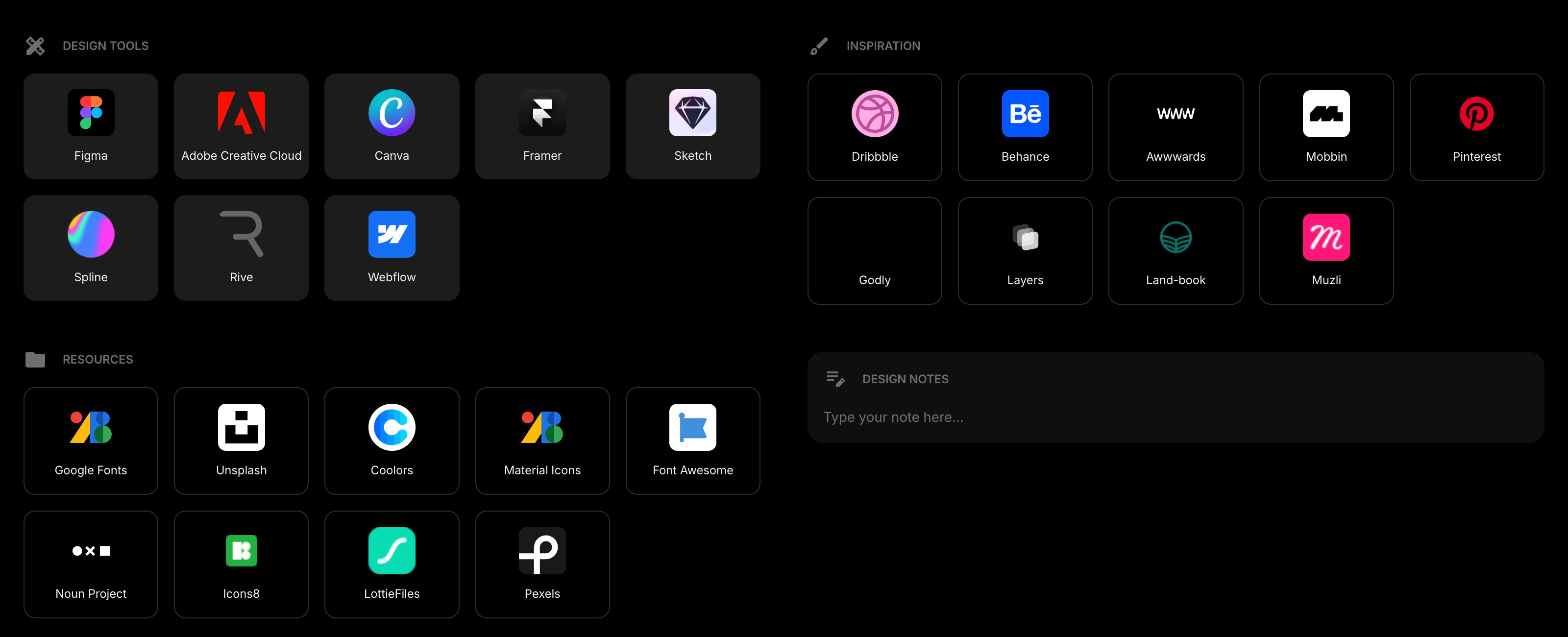
Widgets are individual cards on your dashboard, each serving a specific purpose. Start Page HQ offers 63 different widget types - from bookmarks and to-do lists to weather forecasts and code tools.
#How Widgets Work
Each widget lives on a page. You can have as many widgets as you want on each page. Widgets stack vertically in list layout or sit side by side in grid layout (see Appearance to change the layout).
#Widget Context Menu
Right-click any widget (or long-press on mobile) to open its context menu. The menu gives you quick access to:
- Move Up / Move Down - shift the widget's position
- Duplicate Widget - create an exact copy
- Delete Widget - remove the widget
Some widgets also show extra actions specific to that widget type.
#Edit Mode
For a more visual way to manage your widgets, turn on Edit Mode. A toolbar appears on each widget with buttons for moving, settings, and adding items.
#Widget Types
Browse all 63 available widgets in the Widgets section to see what each one does and how to use it.