- Dashboard
- Widgets
- AI Diary
- AI Humanizer
- AI Image
- Audio Editor
- Base64 / URL Encoder
- Calendar
- Canvas
- Collection
- Color Picker
- Container
- Countdown Timer
- Currency Converter
- Daily Quiz
- Daily Quote
- Daily Riddle
- Date & Time
- Embed
- GitHub Releases
- Google Calendar
- Habit Tracker
- Hacker News
- Image Compression
- IP Info
- JSON Formatter
- Links
- Markdown Editor
- News
- News Summary
- Notes
- Photo Frame
- Podcast
- Pomodoro Timer
- Product Hunt
- QR Code Generator
- Quick Answer
- Quick Note
- Regex Tester
- RSS Feed
- Search
- Spacer
- Stopwatch
- Story Snippet
- Stripe Sales
- Subreddit
- Substack
- t0ggles Focus
- t0ggles My Boards
- t0ggles My Tasks
- Tasks
- Text Diff
- Todo
- TradingView Advanced Chart
- TradingView Market Summary
- TradingView Mini Chart
- TradingView Symbol Overview
- TradingView Ticker Tape
- Translation
- Unit Converter
- Uptime Monitor
- Weather
- What If
- World Clock
- YouTube Channel
Quick Note Widget
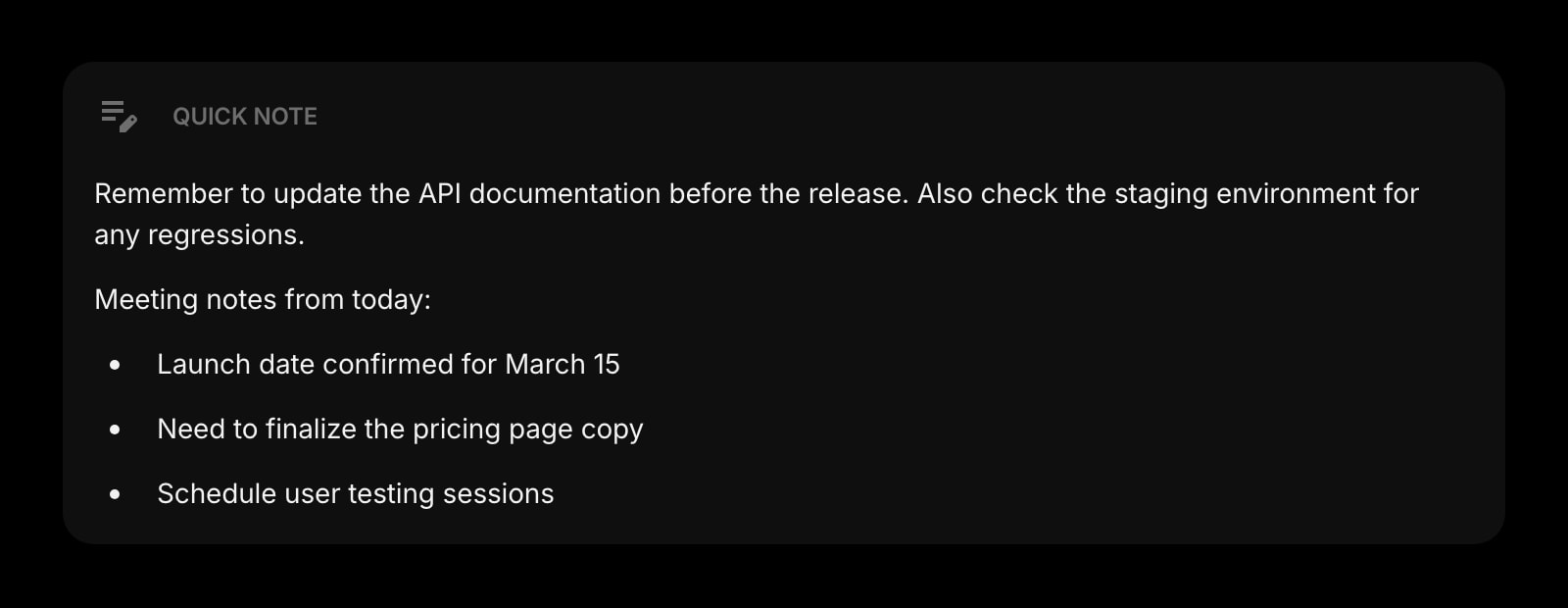
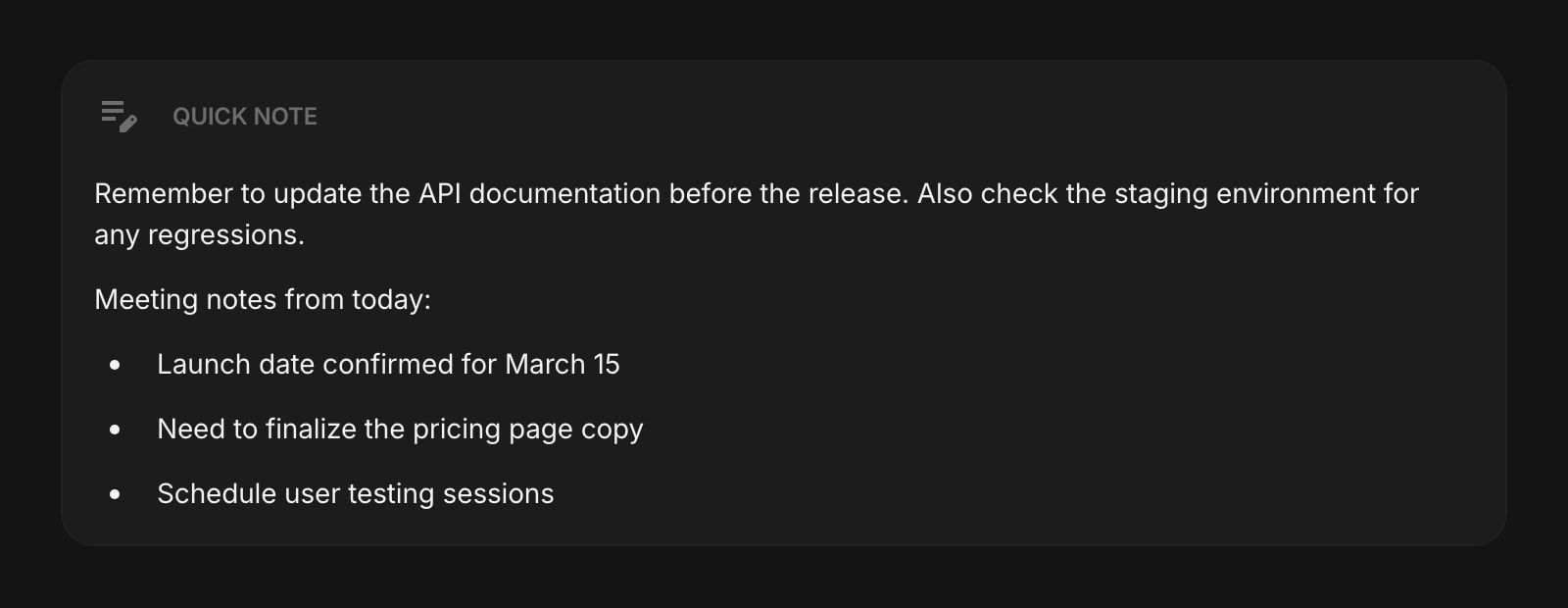
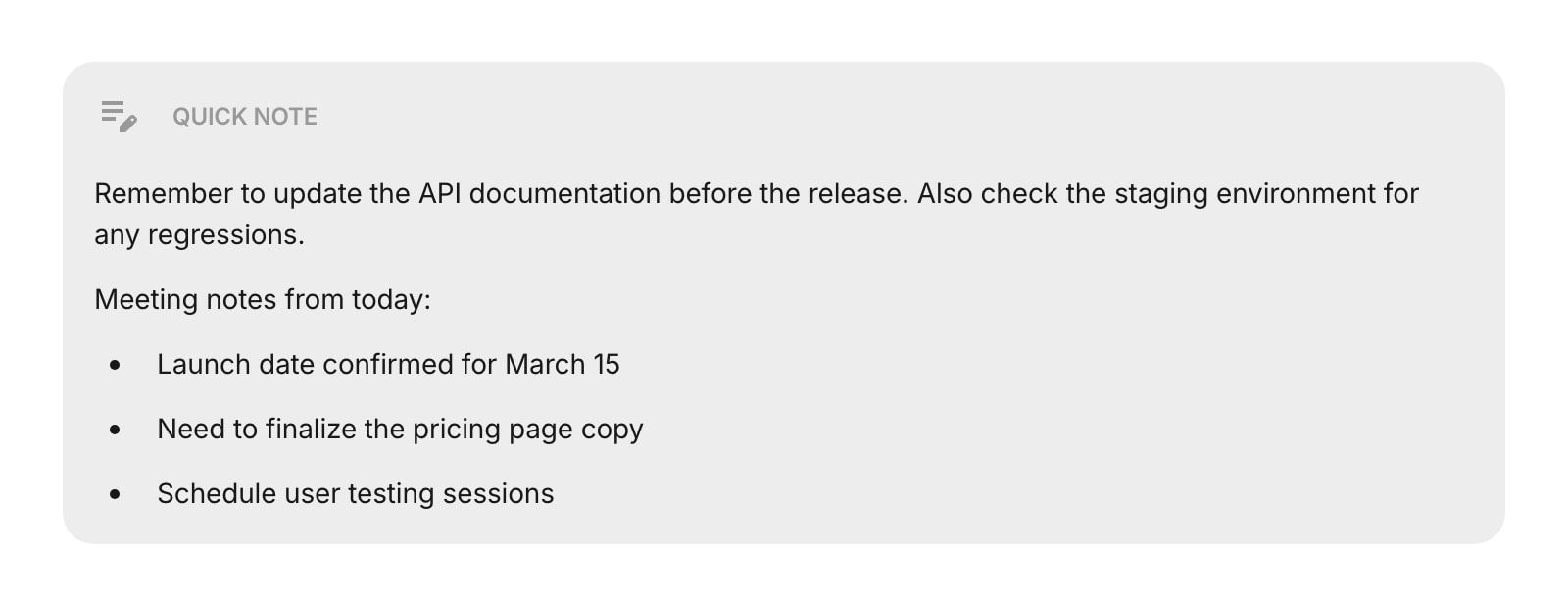
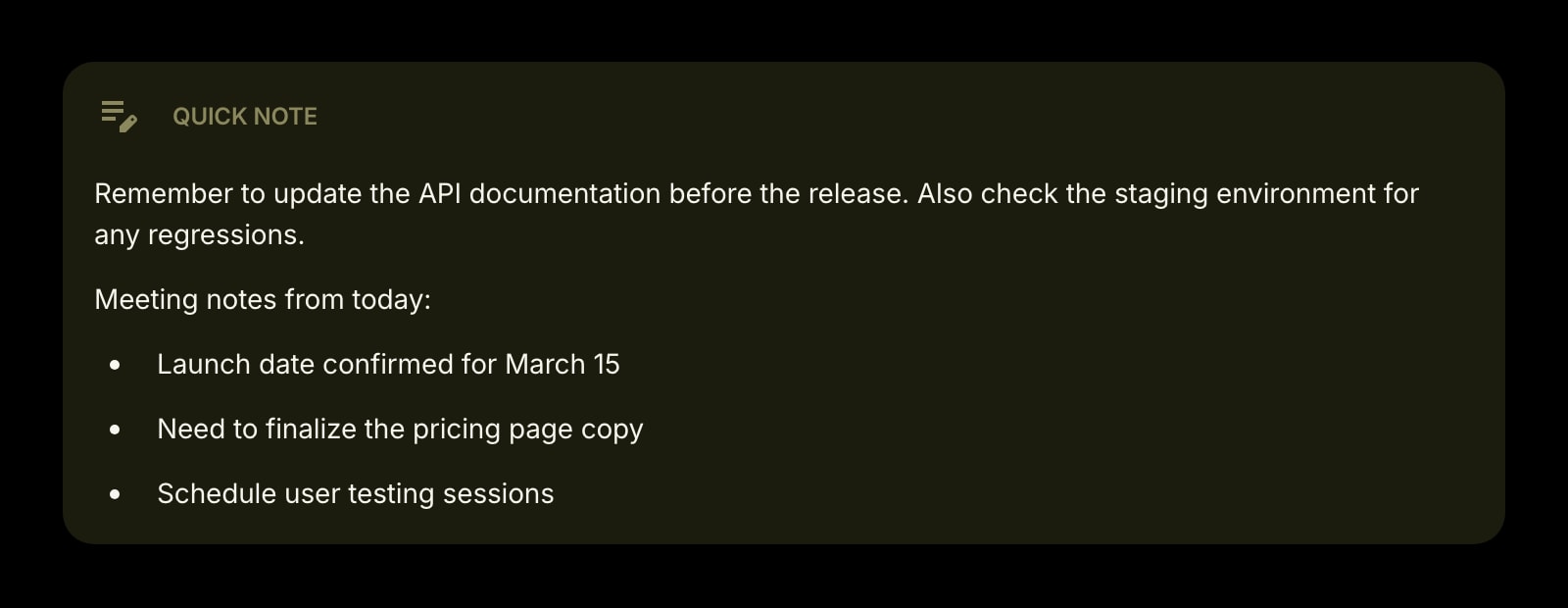
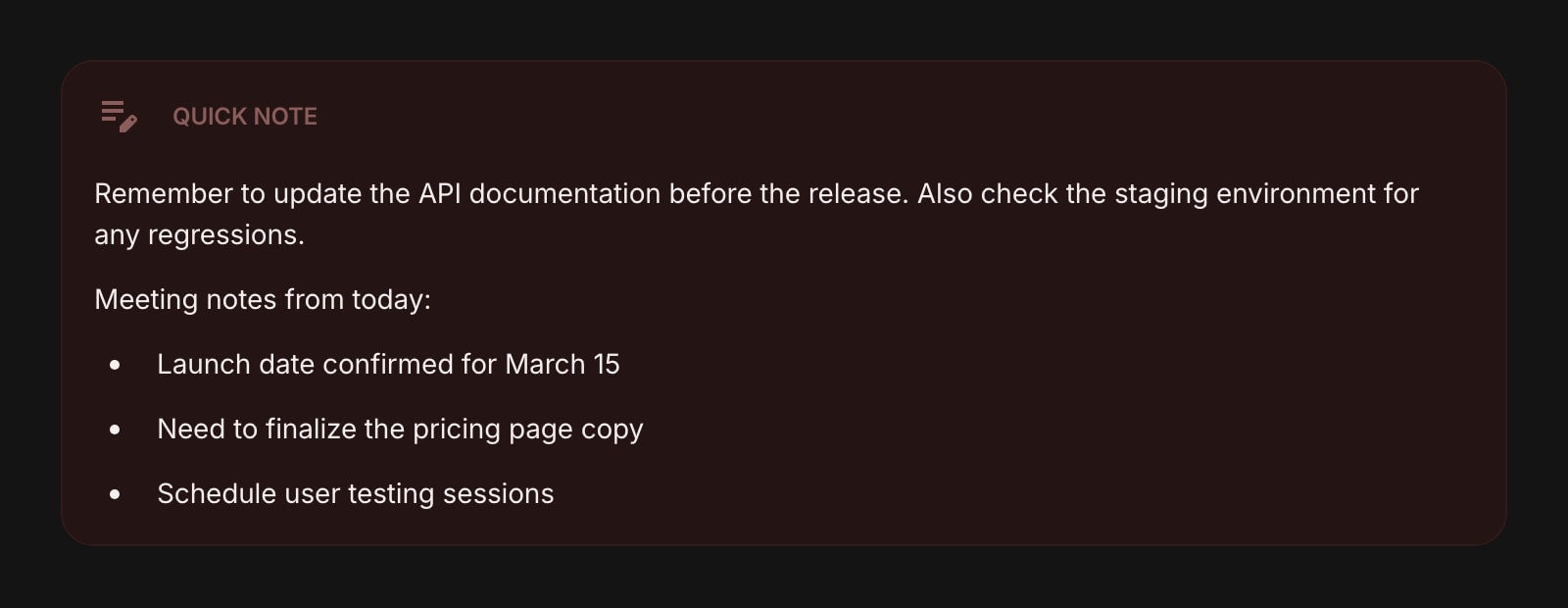
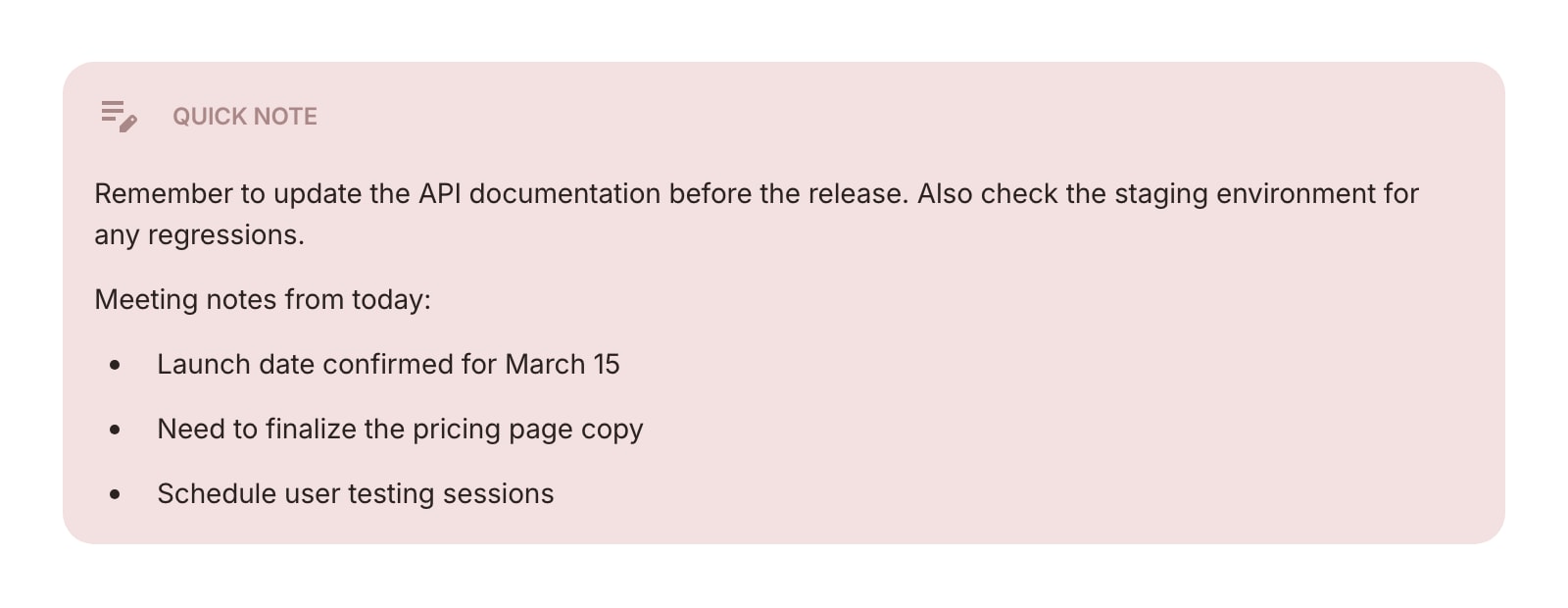
The Quick Note widget gives you a rich text editor right on your dashboard for capturing ideas, reminders, code snippets, or anything else you want to keep handy. Everything you type is saved automatically.
#How to Use
Click anywhere in the note area to start typing. The editor supports rich text formatting - use the toolbar that appears when you focus the editor to format your content.
#Formatting Options
- Headings - structure your note with different heading levels
- Bold, italic, strikethrough - emphasize text
- Bullet lists and numbered lists - organize items
- Task lists - create checkboxes you can tick off
- Code blocks - add code with syntax highlighting
- Tables - insert and resize tables
- Blockquotes - highlight important text
- Links - add clickable links
#Exporting
Click the export button in the editor toolbar to save your note as a file. Four formats are available:
- PDF - a styled document ready to share or print
- HTML - full HTML markup
- Markdown - plain markdown syntax
- Text - simple plain text
The export button is disabled when the note is empty.
#Tips
- Your note saves automatically as you type - no need to press save.
- Quick Note is great for jotting down a quick thought, a meeting action item, or a snippet you'll need later.
- For managing multiple notes, check out the Notes widget instead.