
Notion vs Obsidian: Which Should You Pick?
Both are great at long-form notes — but they take opposite approaches. Here is how they actually differ on data ownership, collaboration, pricing, and which one fits your workflow.
Pick Notion if you want a polished cloud workspace where pages, databases, and team docs live together, sync everywhere by default, and collaborators can edit alongside you. Pick Obsidian if you want plain Markdown files on your own disk, deep linking and a graph view, and a plugin ecosystem you can extend forever — and you are fine setting up sync yourself or paying for the add-on. They overlap on long-form writing and structure, but they differ on philosophy: Notion is a hosted database; Obsidian is a folder of Markdown you fully own.
At a Glance
A line-by-line look at how Notion and Obsidian stack up.
| Feature | Notion | Obsidian |
|---|---|---|
| Pricing (personal) | Free + Plus $10/mo | Free |
| Free tier | Yes (generous) | Yes (full app) |
| Storage model | Cloud database | Local Markdown files |
| Open file format | No | Yes |
| Works offline | Limited | Yes |
| Cross-device sync | Included | Sync add-on $4-8/mo |
| Real-time collaboration | Yes | No |
| Web app (no install) | Yes | No |
| Native Mac / Windows / Linux apps | Mac, Windows | Mac, Windows, Linux |
| Native iOS / Android apps | Yes | Yes |
| Relational databases | Yes | No |
| Wiki / docs structure | Yes | Folders + links |
| Bidirectional links | Limited | Yes |
| Graph view | No | Yes |
| Plugin / extension ecosystem | Templates + integrations | 2,000+ community plugins |
| AI built in | Notion AI add-on | Plugins + your own API key |
| Local-first / data ownership | No | Yes |
| API and integrations | Yes | Via plugins |
| Quick capture from new tab | No | No |
Feature by Feature
How each product handles the things that actually matter day to day.
Storage and Data Ownership
This is the core difference. Notion stores your pages in a hosted database on its own servers — you read and write through the app, not the file system. Obsidian stores every note as a plain Markdown file in a folder on your disk; the app is a reader and editor over that folder. If your Notion subscription lapses or the company changes direction, you go through an export step. With Obsidian, your notes are already files you can open in any Markdown editor on any operating system, forever. People who care about long-term ownership tend to land on Obsidian for this reason; people who care about zero-setup cloud convenience tend to land on Notion.
Structure and Linking
Notion is built around pages and databases. You nest pages inside pages, and you build databases with relational properties — tables, kanban boards, calendars, galleries — that view the same underlying records in different ways. Obsidian is built around files and links. You write notes in Markdown, link them with [[wiki-style]] syntax, and visualize the network as a graph. For project management, planning, and team wikis, Notion databases are far more powerful. For connected thinking, research notes, and knowledge graphs, Obsidian wins.
Collaboration
Notion is collaborative by default — share a page, invite teammates, leave comments, and edit in real time. Team workspaces, permissions, and guests are all first-class. Obsidian is built for one person and one vault. There is no shared real-time editing in the core app; collaboration usually means putting the vault in a synced folder or a Git repository, which works for two power users but does not feel like a team product. If you need to write with other people regularly, Notion is a clear win. If your notes are just for you, Obsidian is fine.
Plugins and Customization
Obsidian has one of the most active plugin ecosystems in productivity software — over 2,000 community plugins for everything from kanban boards and calendars to dataview queries, AI integrations, and custom themes. You can rebuild large parts of Notion inside Obsidian if you are willing to wire up plugins. Notion has templates, integrations, and a public API instead of plugins; you customize by building databases and connecting external tools rather than by extending the app itself. Power users tend to prefer Obsidian here. People who would rather not configure anything tend to prefer Notion.
Sync and Mobile
Notion syncs across web, desktop, iOS, and Android by default — there is no separate add-on. Obsidian is local-first, so sync requires either Obsidian Sync (paid add-on, around $4-8/month) or a third-party folder sync like iCloud, Dropbox, or Syncthing. Both have native mobile apps, but Notion mobile feels like the same product as the web app while Obsidian mobile is more of a viewer/editor over the synced vault.
AI and Integrations
Notion AI is a paid add-on layered on top of your subscription that does writing assistance, summaries, Q&A across your workspace, and translation. Obsidian itself ships no AI — you get it through community plugins, usually with your own OpenAI or Anthropic API key. Notion is the smoother out-of-the-box experience; Obsidian is more flexible if you want to choose your model and pay per token. Same story for integrations: Notion has a public API and direct connectors to common SaaS tools; Obsidian connects through plugins and shell scripts.
Pricing
Both have real free tiers — but the shape is very different. Notion is free for personal use with unlimited pages and blocks for one person and a small number of guests. Plus is around $10/month per user (cheaper annually) and adds unlimited file uploads, version history, and bigger guest limits. Business and Enterprise tiers add SSO, audit logs, and admin controls. Notion AI is a separate paid add-on, typically around $8-10/month per member. Obsidian is free for personal use with no caps on note count, vault size, or features. Commercial use is a one-time $50/year per user (Obsidian Commercial). Add-ons are paid separately: Obsidian Sync runs about $4/month (Standard) or $8/month (Plus) for end-to-end-encrypted cross-device sync, and Obsidian Publish runs about $8/month per site if you want to host a vault as a public website. Net: for a single person who only needs notes on one device, Obsidian is genuinely free. For a single person who wants sync across devices, Obsidian and Notion end up at similar monthly costs once you add Obsidian Sync. For teams or anyone who needs real-time collaboration, Notion is the cheaper and far simpler choice.
Which One Should You Pick?
Specific use cases, not vague verdicts.
Choose Notion If
All-in-one cloud workspace for docs, wikis, and databases.
- You work with other people and want real-time collaboration, comments, and shared workspaces.
- You want databases — kanban boards, calendars, tables, galleries — driving your projects, not just notes.
- You want zero-setup cloud sync across web, desktop, and mobile, with no extra subscription.
- You prefer a polished, opinionated UI over configuring plugins to get features.
- You are building a team wiki, product spec hub, or company handbook.
Choose Obsidian If
Local-first markdown vault with a deep plugin ecosystem.
- You want your notes as plain Markdown files on your own disk, in a folder you control.
- You like building a personal knowledge graph with [[bidirectional links]] and a graph view.
- You want to extend the app heavily with community plugins (Dataview, Kanban, Tasks, AI integrations).
- You are fine with local-first sync via iCloud / Dropbox / Git, or paying for Obsidian Sync.
- Long-term file ownership and zero vendor lock-in matter to you more than collaboration.
Start Page HQ
Notion and Obsidian are both built for long-form thinking — but neither is great at the quick-thought, two-second capture that happens dozens of times a day when you open a new browser tab.
Start Page HQ is a customizable start page with 63+ widgets that lives on every new tab. QuickNote and Notes sit one tab away — no workspace to navigate, no vault to open, no app to launch. You can keep using Notion for team docs and databases, or Obsidian for your long-term knowledge vault, and let Start Page HQ handle the everyday capture, todos, links, weather, and dashboards that neither tool was really designed for. There is a free plan to start on — 1 page, 8 widgets, sync included — and a free public demo at startpagehq.com/demo if you would rather look first. A team can share one dashboard too: Teams gives it shared workspaces with links, a Kanban board, and notes everyone opens, at $4 per seat per month (or $40 per seat per year, minimum 2 seats) - shared rather than co-edited live the way Notion pages are.
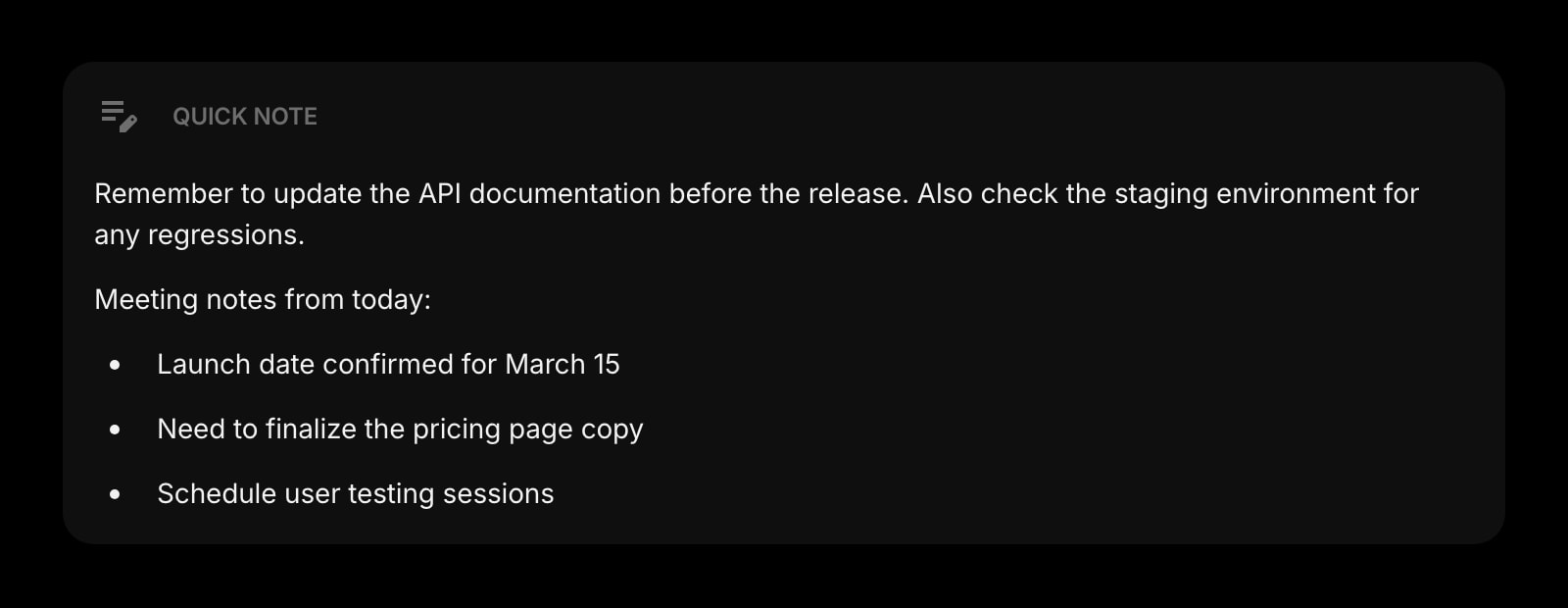
Quick Note
One-click capture for ideas, tasks, and snippets — no nested page navigation, no vault to open.
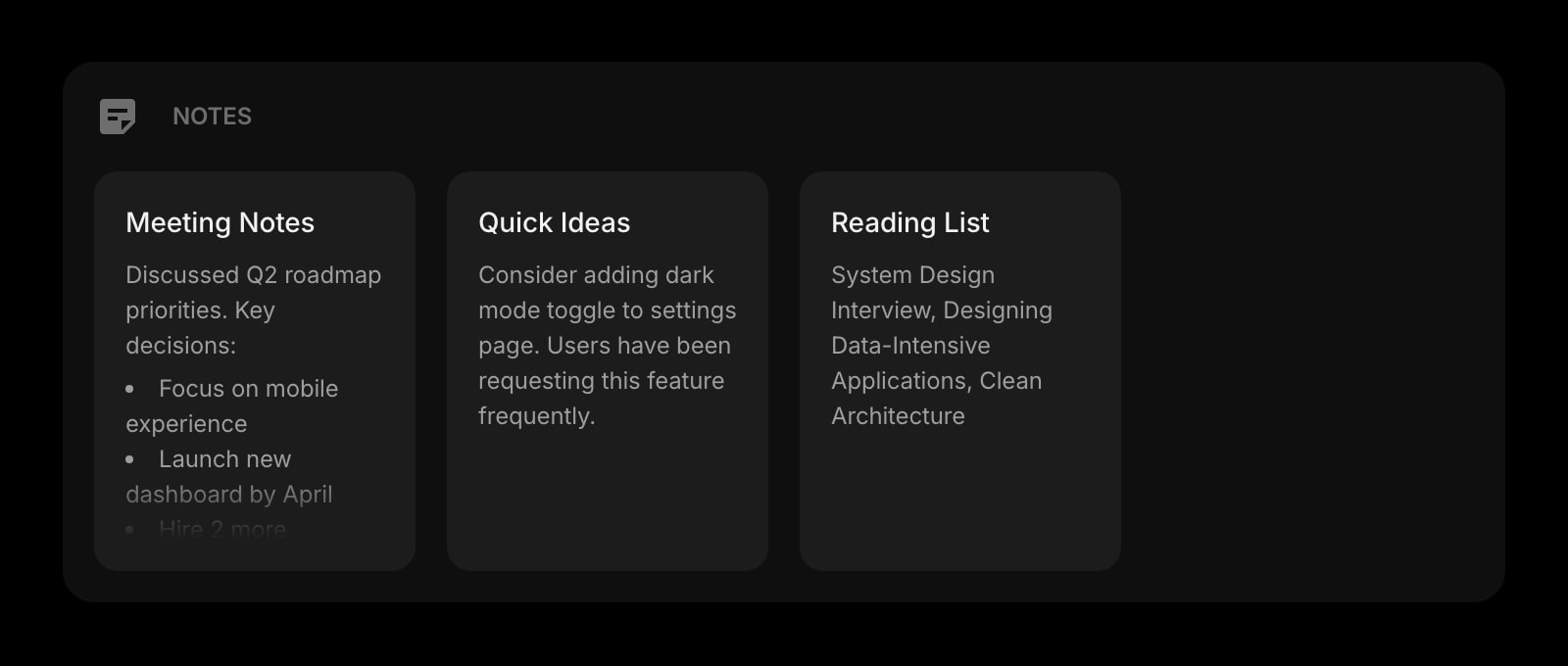
Notes
A simple board of notes for drafts and reference, always visible on your start page.
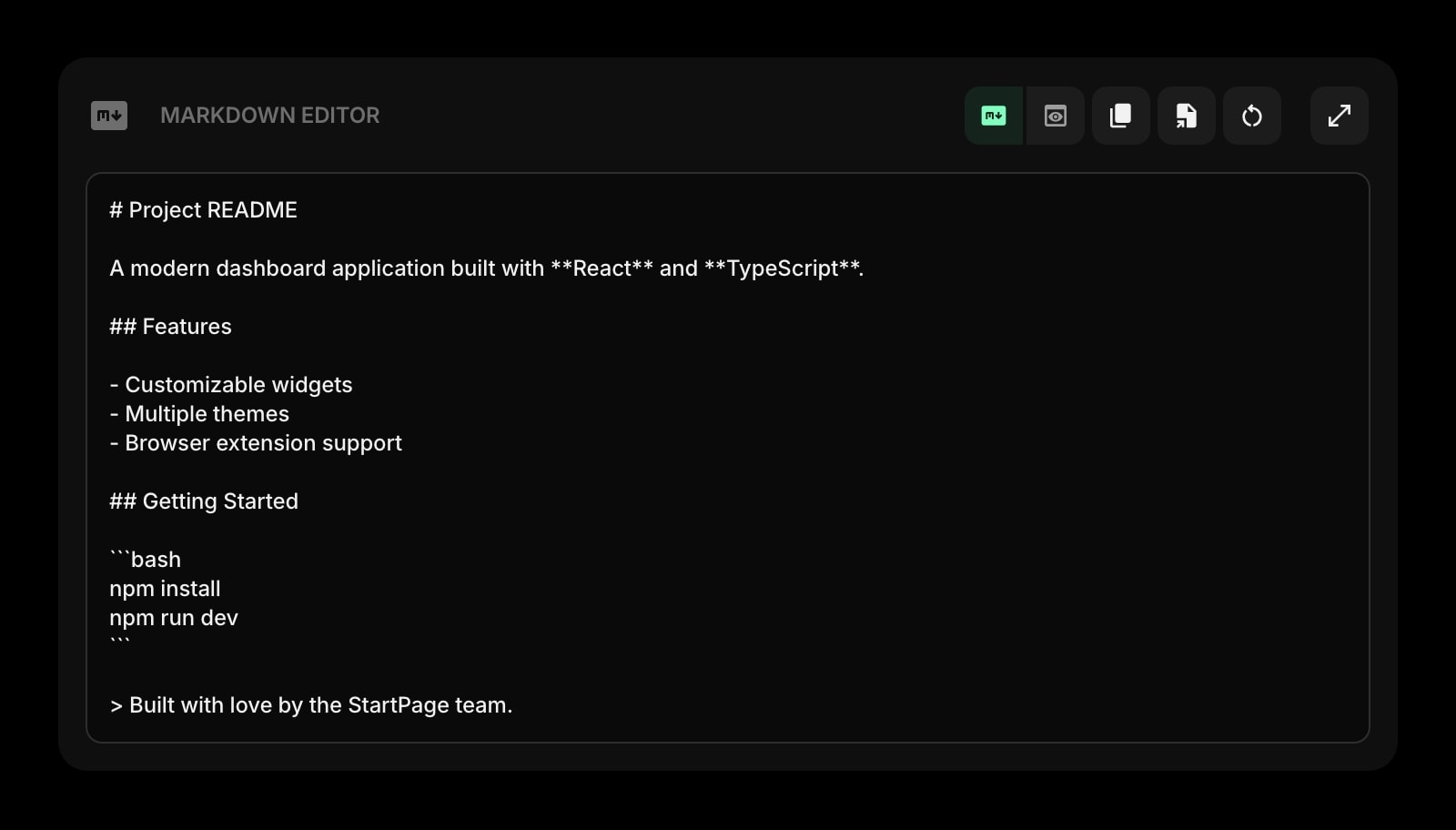
Markdown Editor
Write and preview Markdown with a live editable preview — drop ideas in without opening Obsidian or Notion.
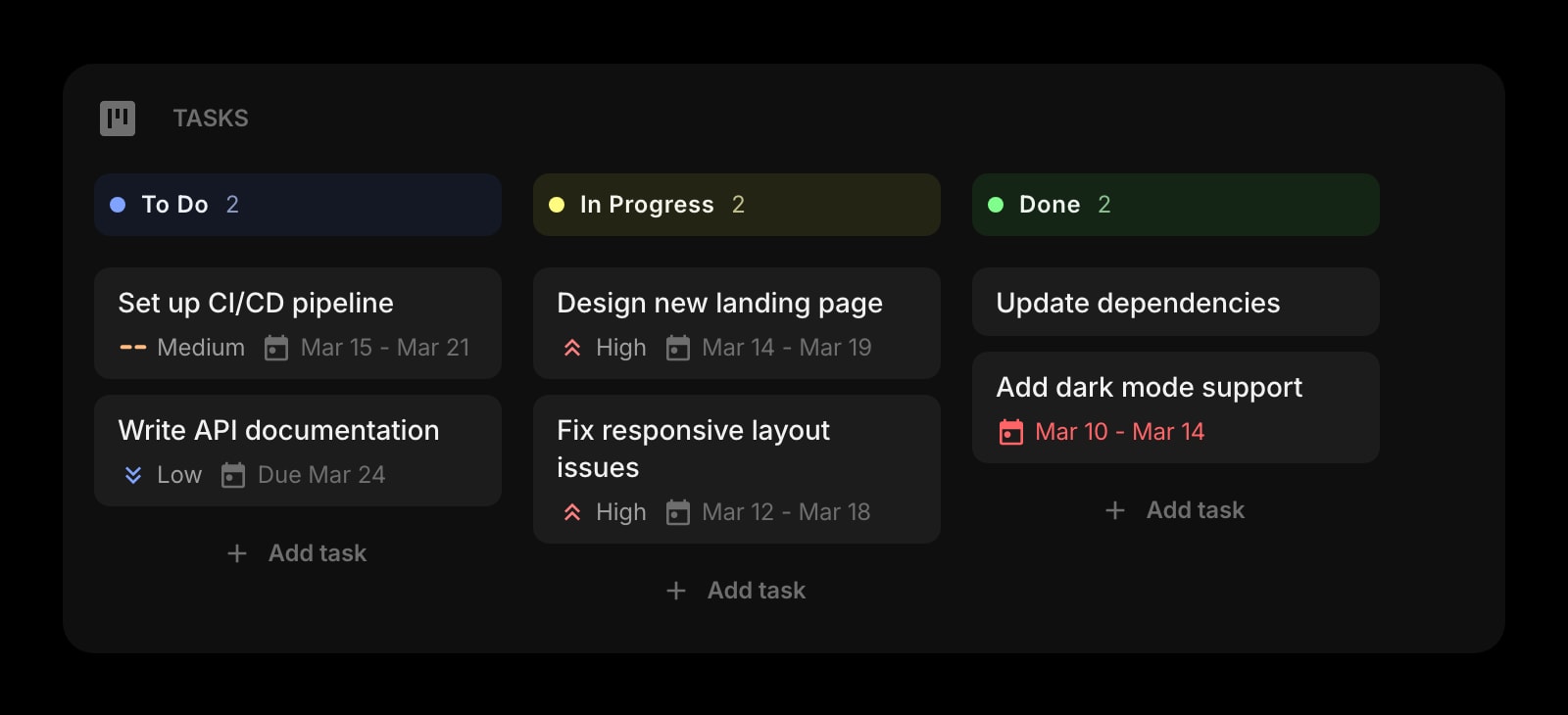
Tasks
A Kanban board for organizing projects, right next to your other widgets — no Notion database setup required.
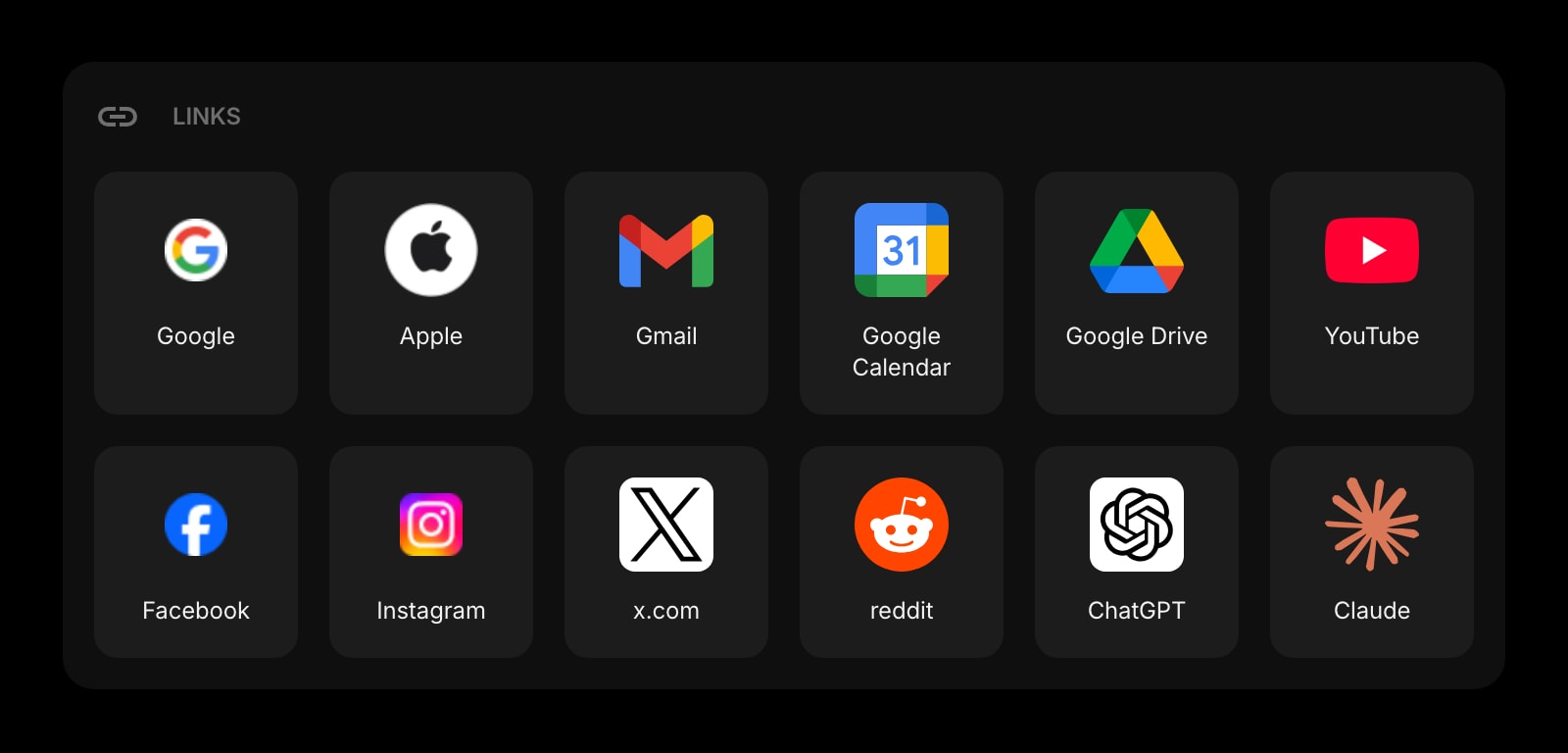
Links
Pin your most-used Notion pages, Obsidian Publish sites, and other tools into clean, customizable groups.
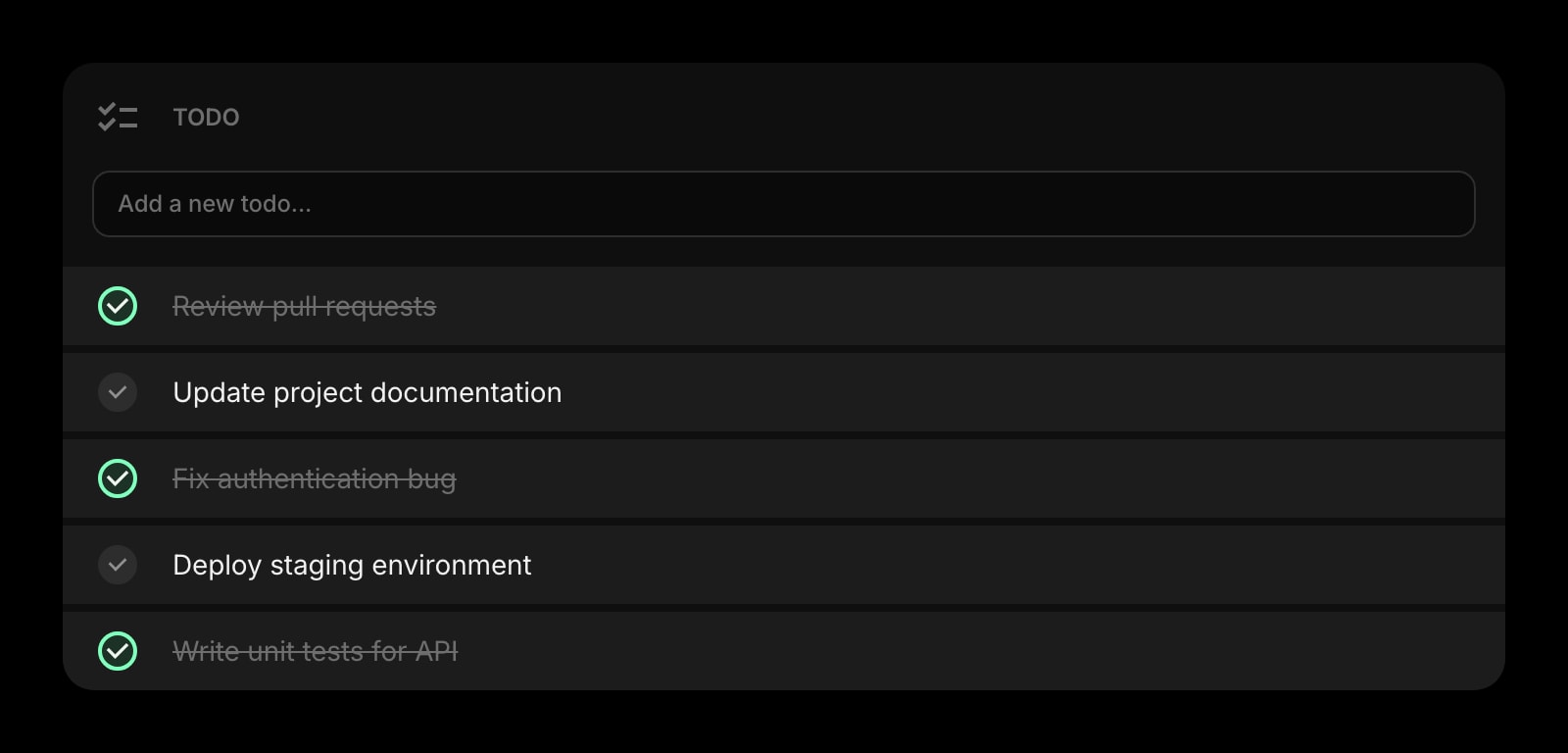
Todo
A simple daily task list that lives next to your notes and links — synced across every device.
Frequently Asked Questions
Both work well, but in different ways. Obsidian feels lighter and faster for personal note-taking because it is a local Markdown editor first — fewer moving parts, no cloud account required, and your notes stay as files you fully own. Notion feels more powerful for personal note-taking that involves structure: reading lists, habit trackers, project plans, and life databases all benefit from Notion databases. If you mostly write prose, Obsidian. If you mostly build small databases, Notion.
Notion, by a wide margin. It has shared workspaces, real-time collaborative editing, comments, mentions, and permissions out of the box. Obsidian is single-player by design — sharing a vault between two or more people usually means a synced folder or a Git repository, which is workable for power users but not a real team product. If you need to write docs with other humans regularly, Notion.
Yes for personal use, with no caps on note count, vault size, or features. Commercial use (using Obsidian as part of your job for a for-profit organization with seven or more employees) is around $50/year per user. Add-ons are separate: Obsidian Sync (~$4-8/month) for cross-device sync, and Obsidian Publish (~$8/month) for hosting a public vault.
No. Notion is a hosted, cloud-first product — your pages live on Notion servers and you read and write them through the app or API. There is offline mode in the desktop and mobile apps for recently viewed content, but the source of truth is the cloud. If local-first ownership matters to you, Obsidian is the obvious pick.
Both directions work but are imperfect. Notion exports as Markdown + CSV, which Obsidian can open as a vault — most prose translates cleanly, but Notion databases become CSV files instead of native databases. Going the other way, you can paste Markdown notes into Notion pages, but plugin-driven Obsidian features (Dataview queries, custom views) do not translate. Plan to lose some structure either way.
No, and many people use both. A common setup is Notion for collaborative docs and team wikis, and Obsidian for personal knowledge work and long-term notes. They solve different problems and are happy to coexist.
The Verdict
Both are excellent products for serious note-taking — they just take opposite philosophies. Pick Notion if you collaborate with other people, want databases to drive your work, and value zero-setup cloud sync over file ownership. Pick Obsidian if you want plain Markdown files you fully own, a powerful plugin ecosystem, and a personal knowledge graph — and you are fine handling sync yourself. If you came here mostly because you want quick-capture and dashboards on every new tab — and Notion or Obsidian both feel too heavy for that — Start Page HQ is worth a look as a complement to either.