Black Friday & Cyber Monday: 50% OFF on Swiper Studio, UI Initiative, PaneFlow, t0ggles and Start Page HQ until November 30, 2026
- Dashboard
- Widgets
- AI Diary
- AI Humanizer
- AI Image
- Audio Editor
- Base64 / URL Encoder
- Calendar
- Canvas
- Collection
- Color Picker
- Container
- Countdown Timer
- Currency Converter
- Daily Quiz
- Daily Quote
- Daily Riddle
- Date & Time
- Embed
- GitHub Releases
- Google Calendar
- Habit Tracker
- Hacker News
- Image Compression
- IP Info
- JSON Formatter
- Links
- Markdown Editor
- News
- News Summary
- Notes
- Photo Frame
- Podcast
- Pomodoro Timer
- Product Hunt
- QR Code Generator
- Quick Answer
- Quick Note
- Regex Tester
- RSS Feed
- Search
- Spacer
- Stopwatch
- Story Snippet
- Stripe Sales
- Substack
- t0ggles Focus
- t0ggles My Boards
- t0ggles My Tasks
- Tasks
- Text Diff
- Todo
- TradingView Advanced Chart
- TradingView Market Summary
- TradingView Mini Chart
- TradingView Symbol Overview
- TradingView Ticker Tape
- Translation
- Unit Converter
- Uptime Monitor
- Weather
- What If
- World Clock
- YouTube Channel
- Teams
News Summary Widget
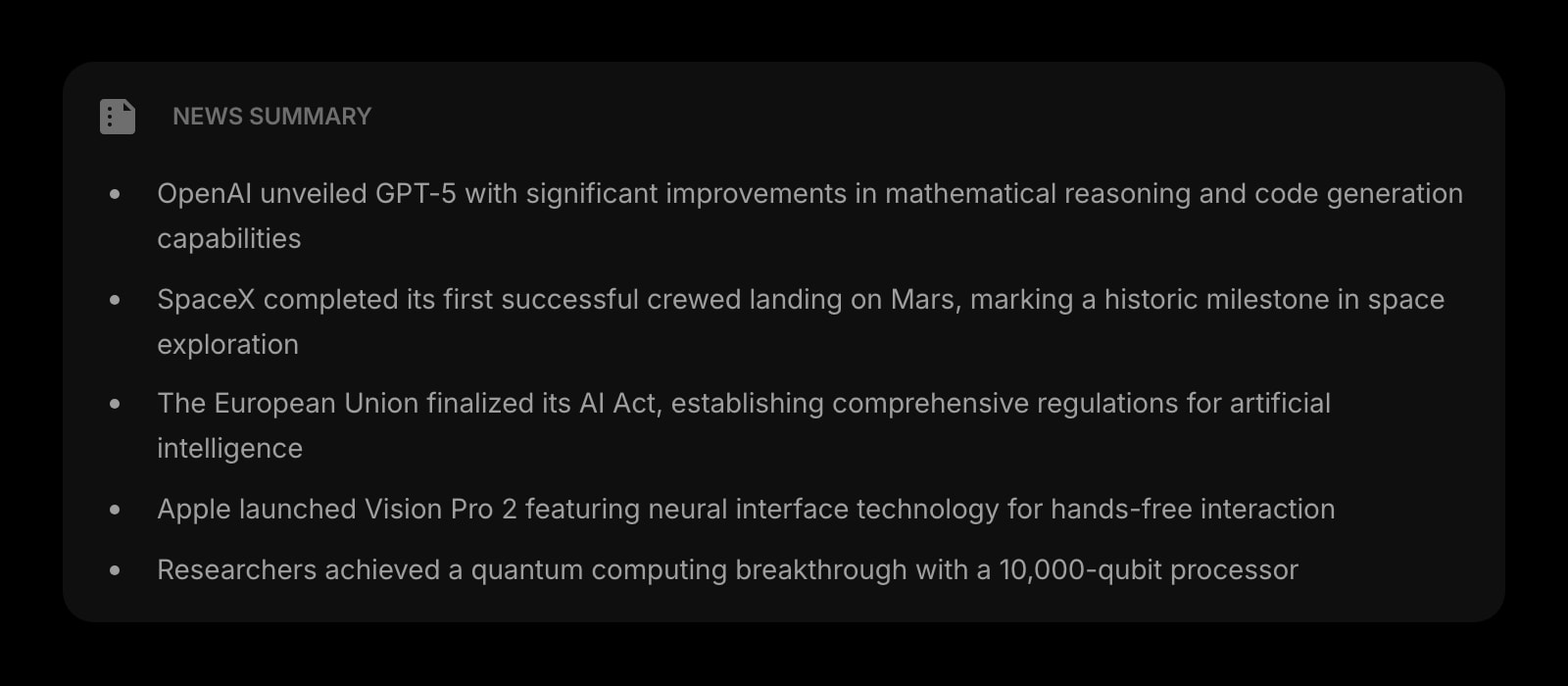
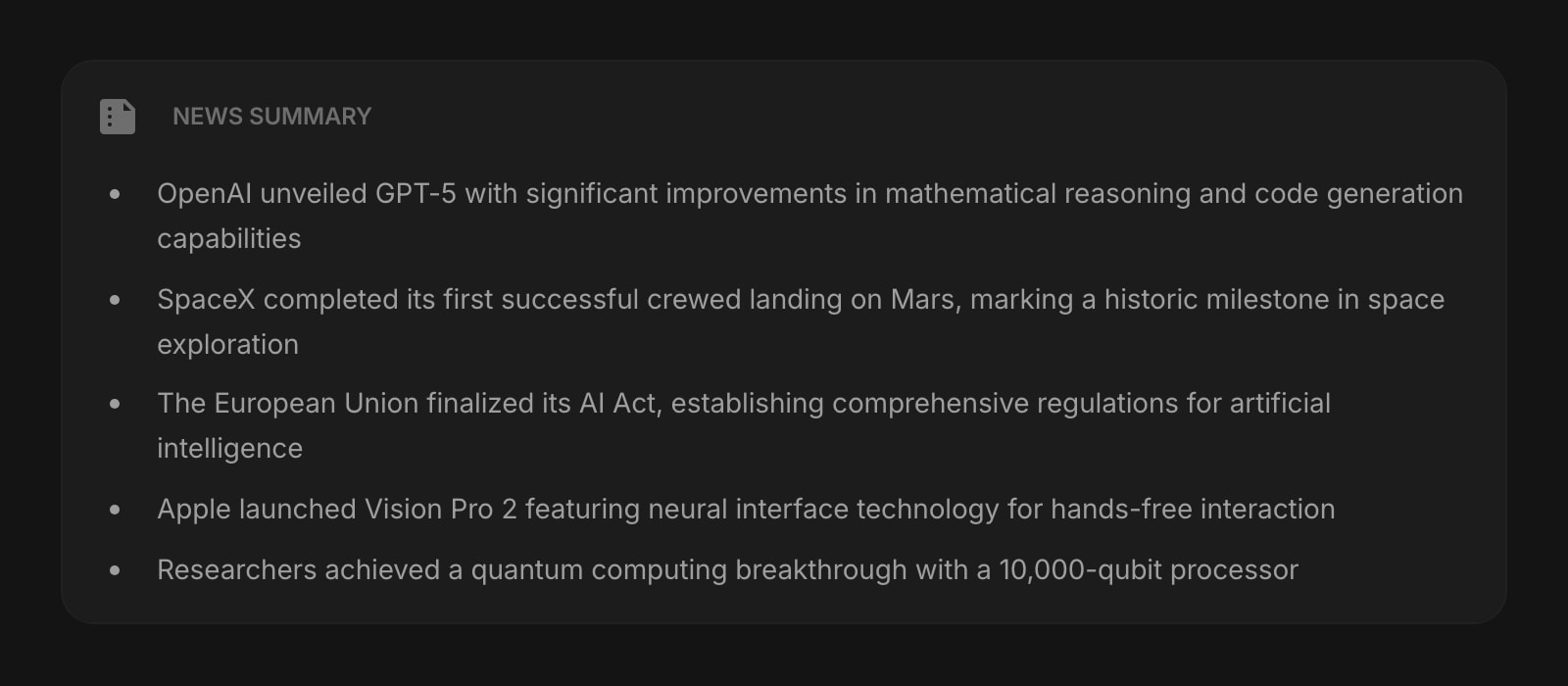
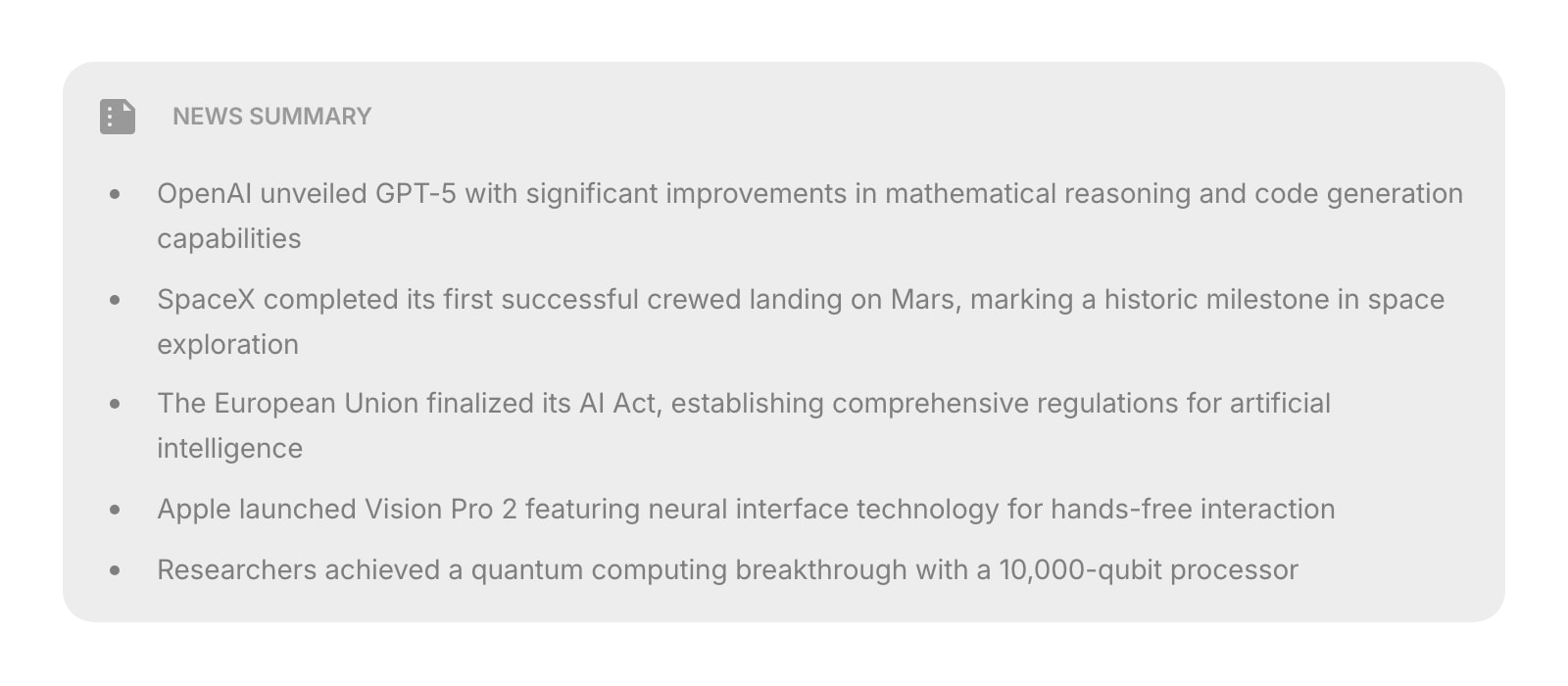
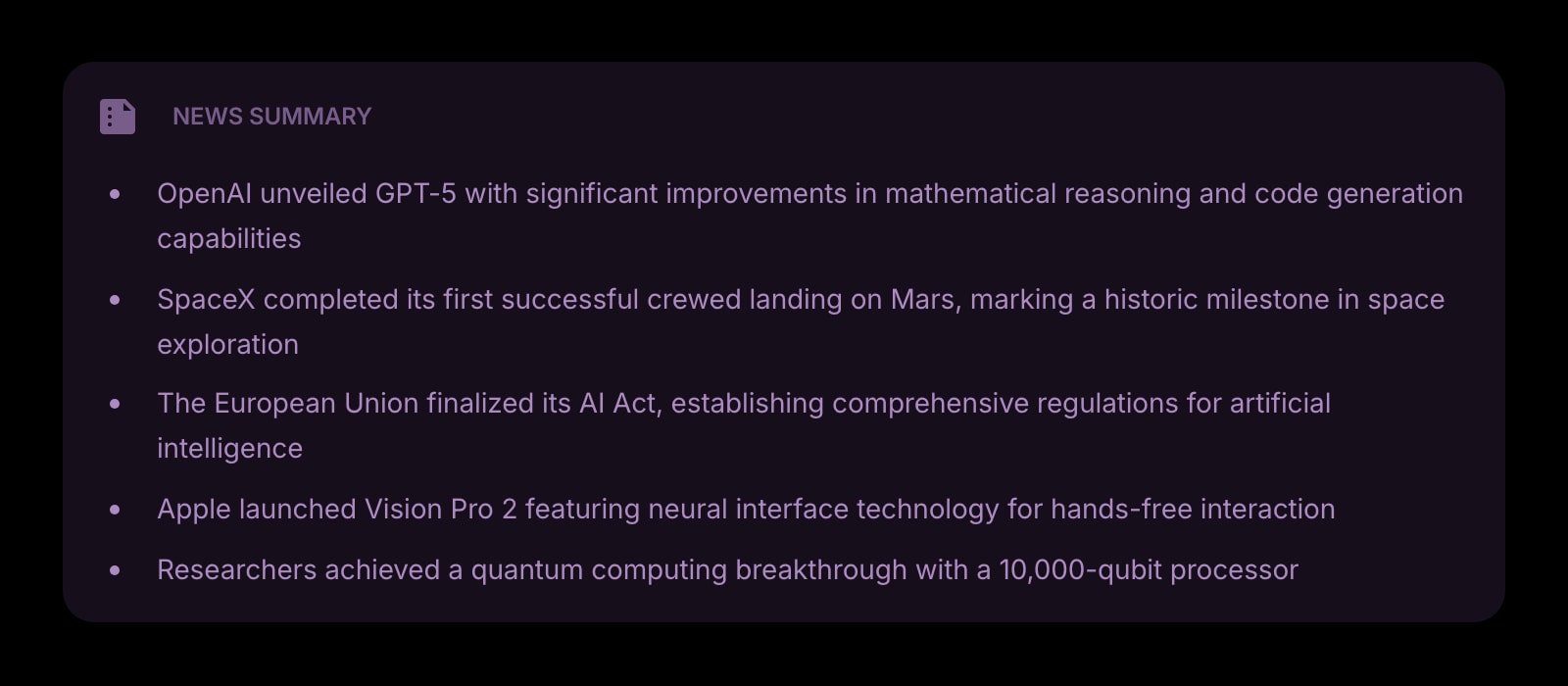
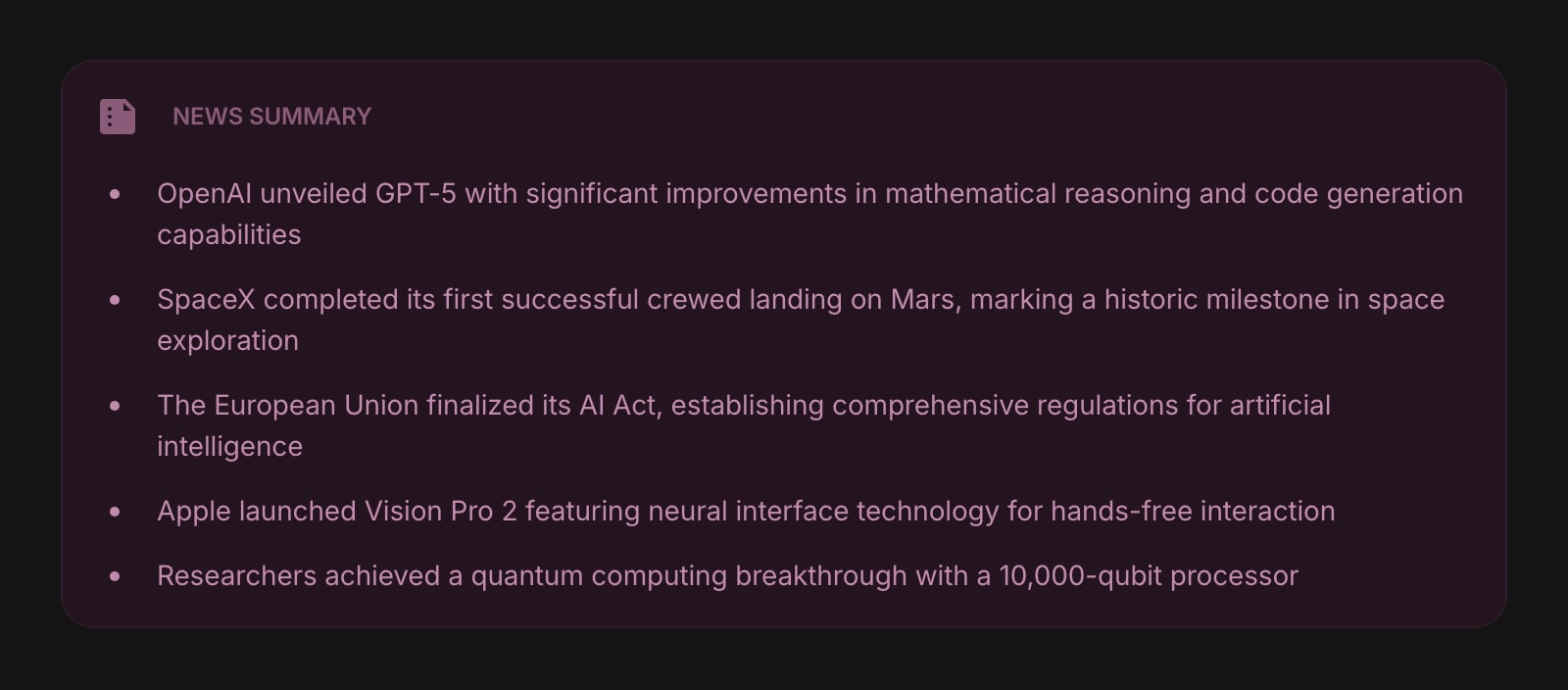
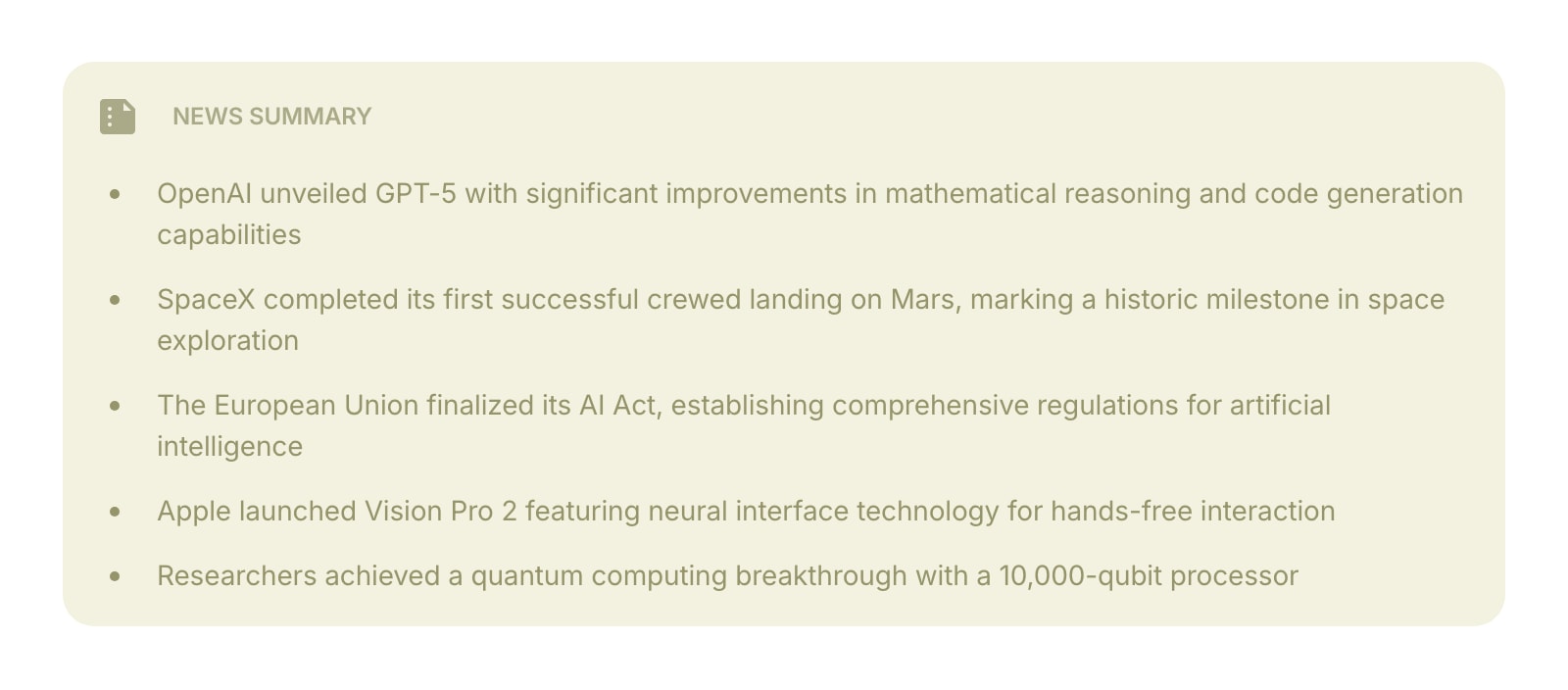
The News Summary widget gives you a quick daily briefing of the most important news. It uses AI to read through the latest articles and distill them into a short, easy-to-scan list of key highlights - complete with links to the original stories.
#How to Use
Once you add the widget, it automatically displays today's news summary. The briefing refreshes daily, so you get a fresh overview each time you visit your dashboard.
Each summary includes a list of bullet points covering the day's top stories. Click any link within a bullet point to read the full article in a new tab.
If the summary hasn't been generated yet, you'll see a "Today's news summary is coming..." message. Check back shortly - it updates automatically.
#Tips
- Pair the News Summary widget with individual News widgets to get both a high-level overview and detailed coverage of topics you care about.
- The summary pulls from a wide range of news topics, so you get a balanced snapshot of the day's biggest stories in one place.