Start Page HQ for Writers
Markdown editor, distraction-free notes, quick capture, daily quote, RSS for source-following - the dashboard that holds the draft, the research, and the streak in the same tab.
The Problem
What the current setup costs writers every day.
- Your drafting flow is split across four apps. The novel is in Scrivener, the blog post is in iA Writer, the morning pages are in a Notion daily note, and the half-finished essay you are paid for is in Google Docs. Each one needs a different shortcut to find again.
- You catch the line you have been waiting for in the shower, on a walk, or on a train, and by the time you wrestle the right app open the line is gone. The friction between "I have a thought" and "the thought is captured" is killing the work.
- Research lives in twenty browser tabs. The interview transcript, the source article, the half-read longread, the Wikipedia rabbit hole. None of it is anywhere near the doc you are actually writing in.
- Your daily writing streak is a calendar in a notebook, a checkbox in Streaks app, and an X you draw on a real wall calendar in the kitchen. None of them talk to each other and one of them is at home when you are not.
- The new tab you open hundreds of times between paragraphs is a Google search box. The most-opened surface in your day shows nothing about what you are writing, what is due, or how the streak is going.
Widgets That Fit Writers
A curated set, not a dump. Each one earns its place on the page.
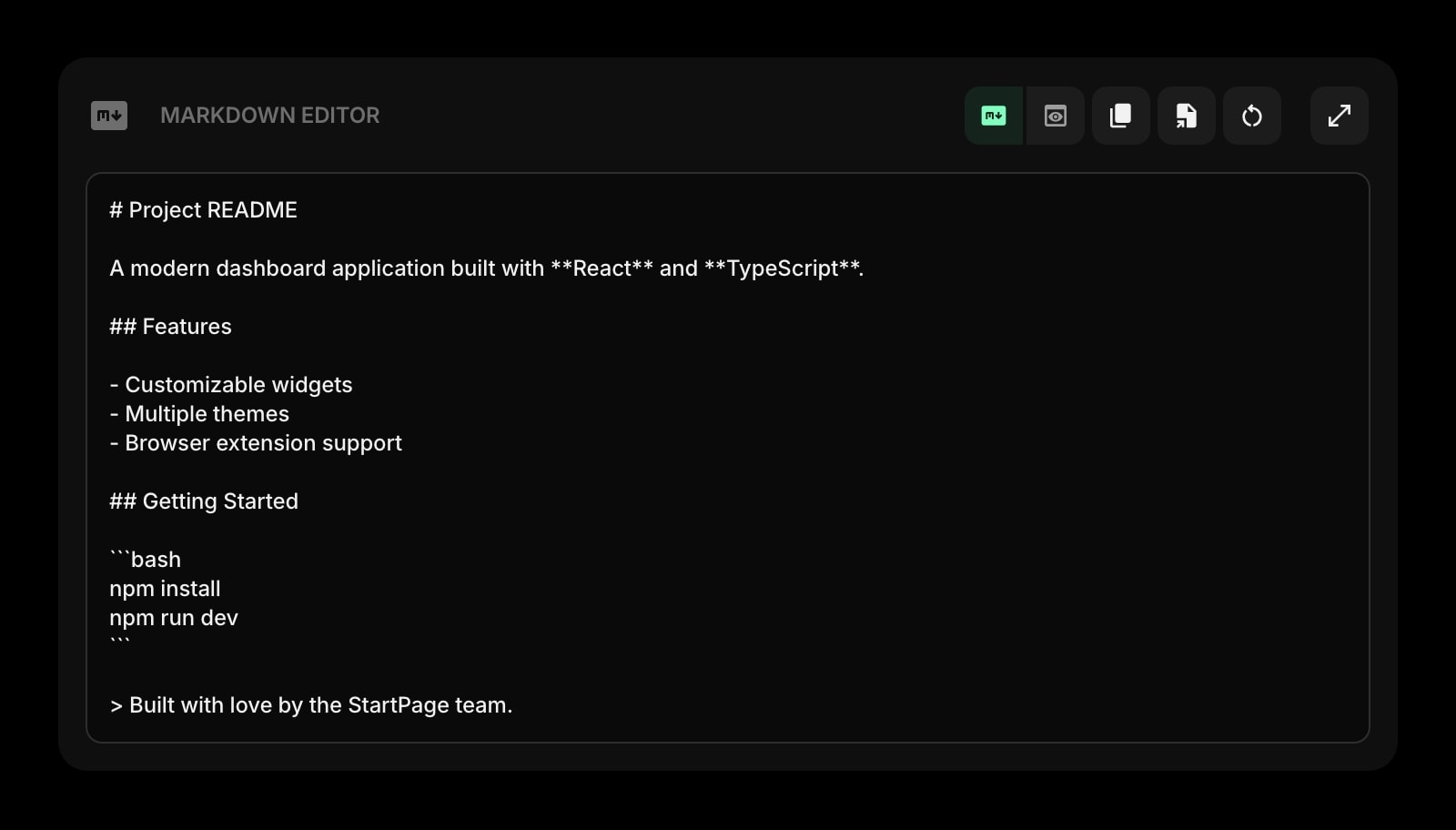
Markdown Editor
A focused markdown writing surface with live preview. Draft a blog post, an essay, a newsletter section - then paste the result into wherever it ships.
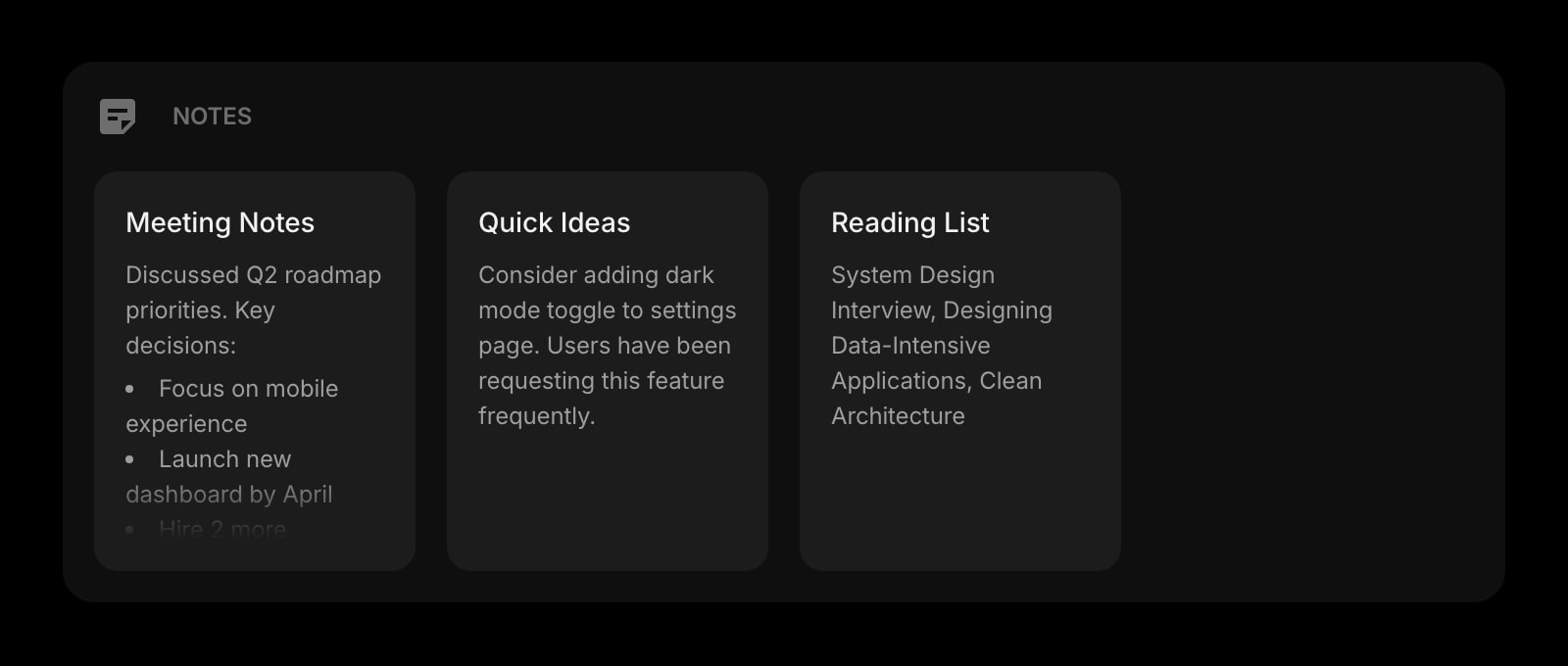
Notes
Rich text notes for outlines, research summaries, character bios, and source quotes. Format with bold, headings, lists - the same shortcuts you already know.
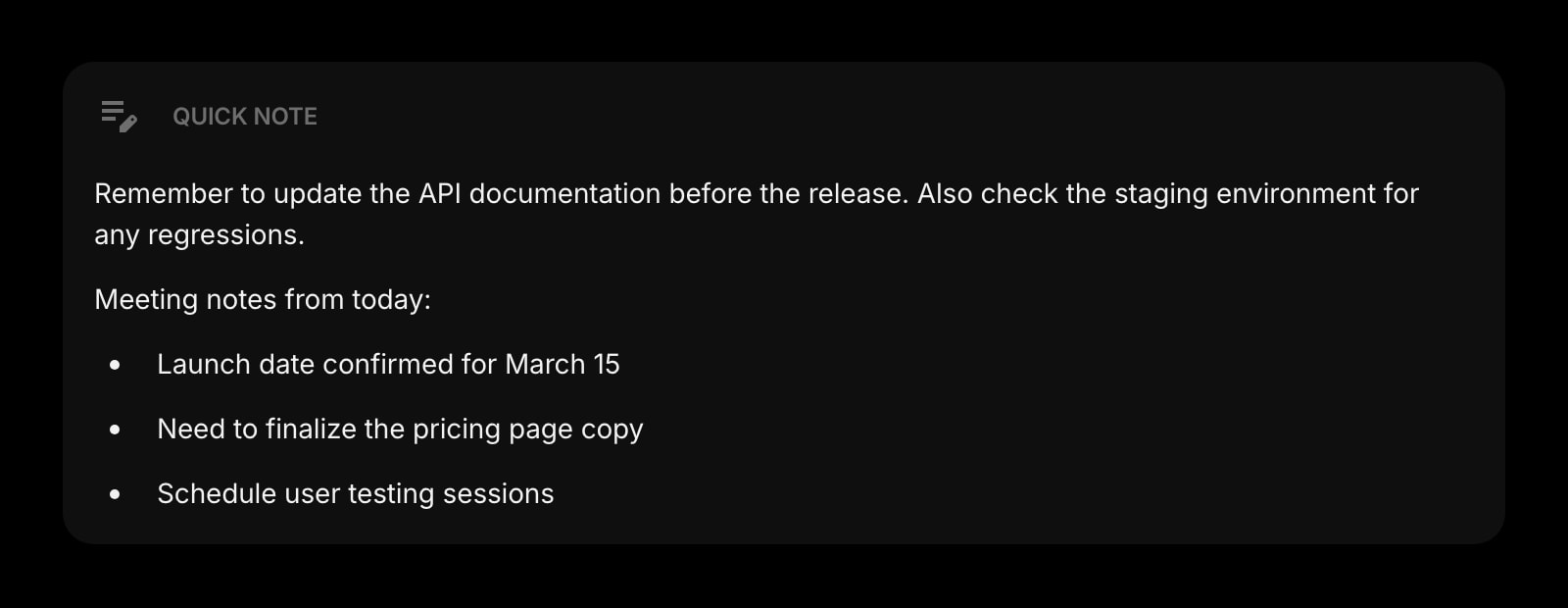
Quick Note
A scratchpad for the line that just came to you. Always there, always saved, no folder structure to navigate before you can write a sentence.
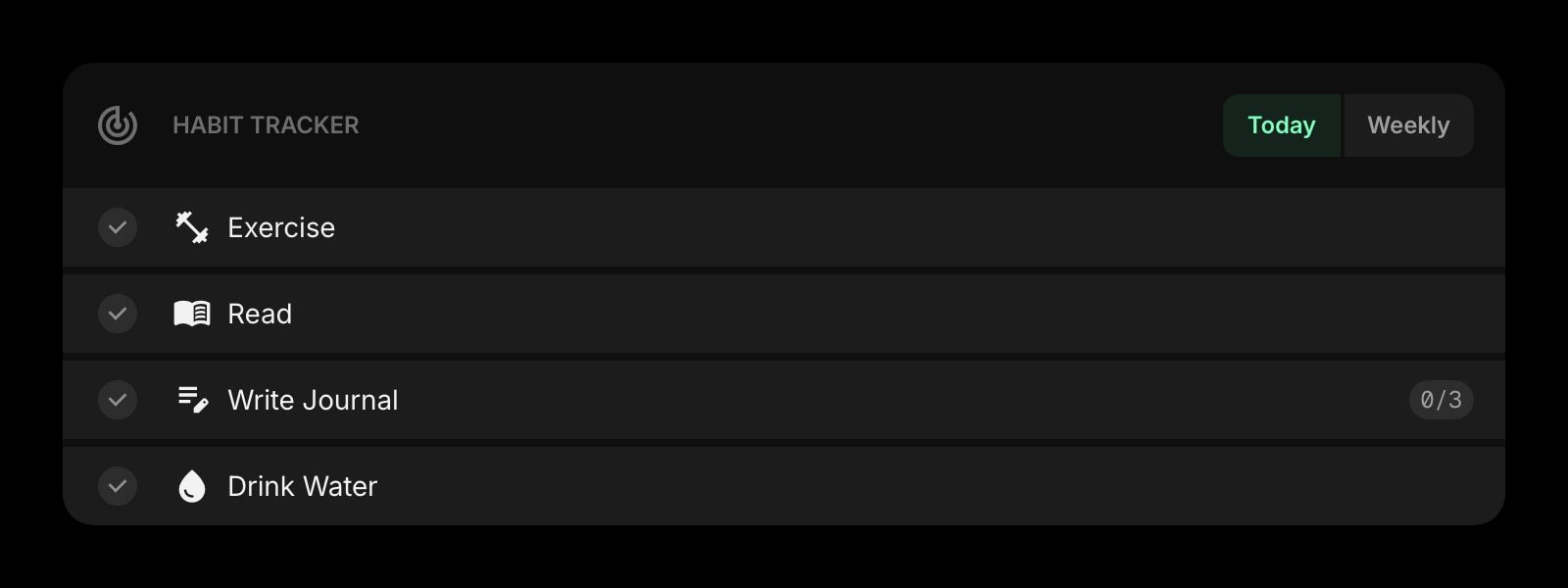
Habit Tracker
A square for every day you wrote. The streak compounds and the chart on your new tab keeps you honest about the morning pages or the daily word count.
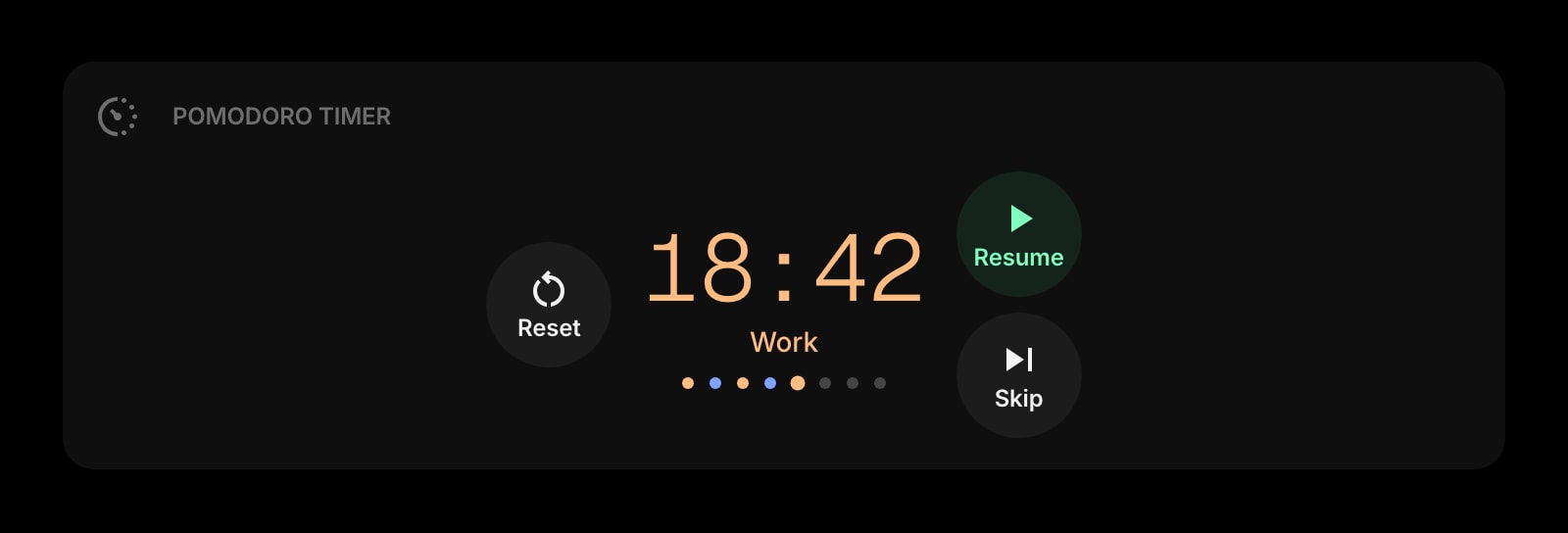
Pomodoro Timer
Twenty-five focused minutes of writing, five minutes of pacing, repeat. The lightest version of the focus-block ritual every working writer eventually arrives at.
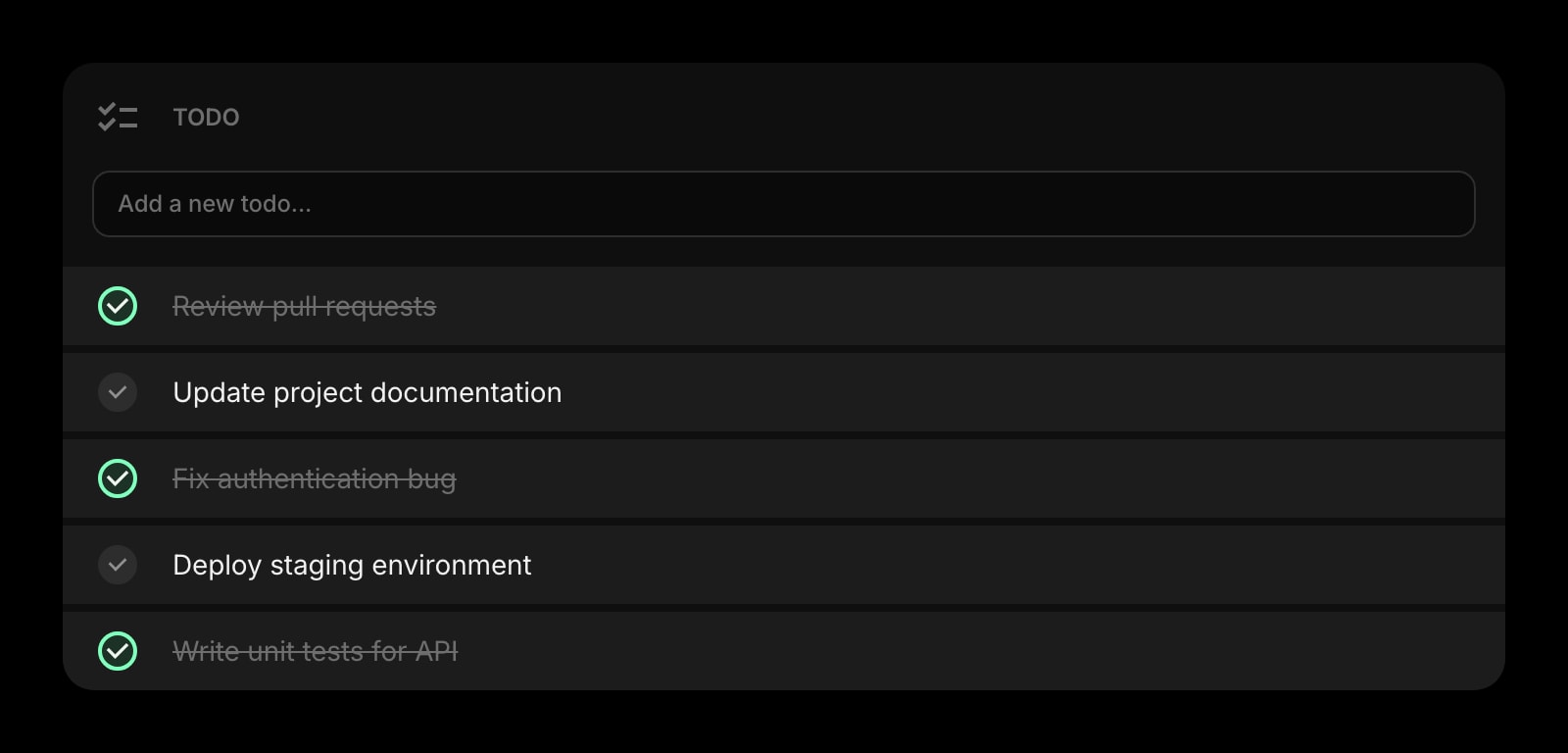
Todo
Today's assignments - finish the lede, send the pitch, follow up on the interview request. A clean checklist instead of a panicked inbox scan.
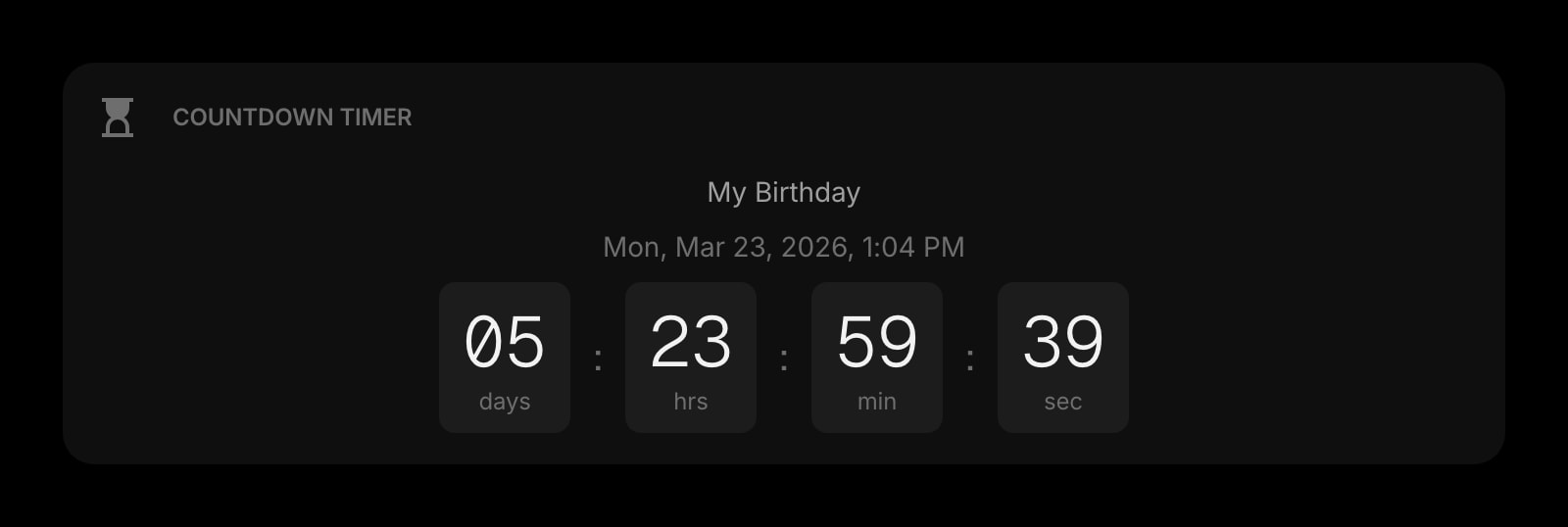
Countdown Timer
Days until the manuscript is due, hours until the editor wants the draft. A visible deadline that lives where you already look every five minutes.
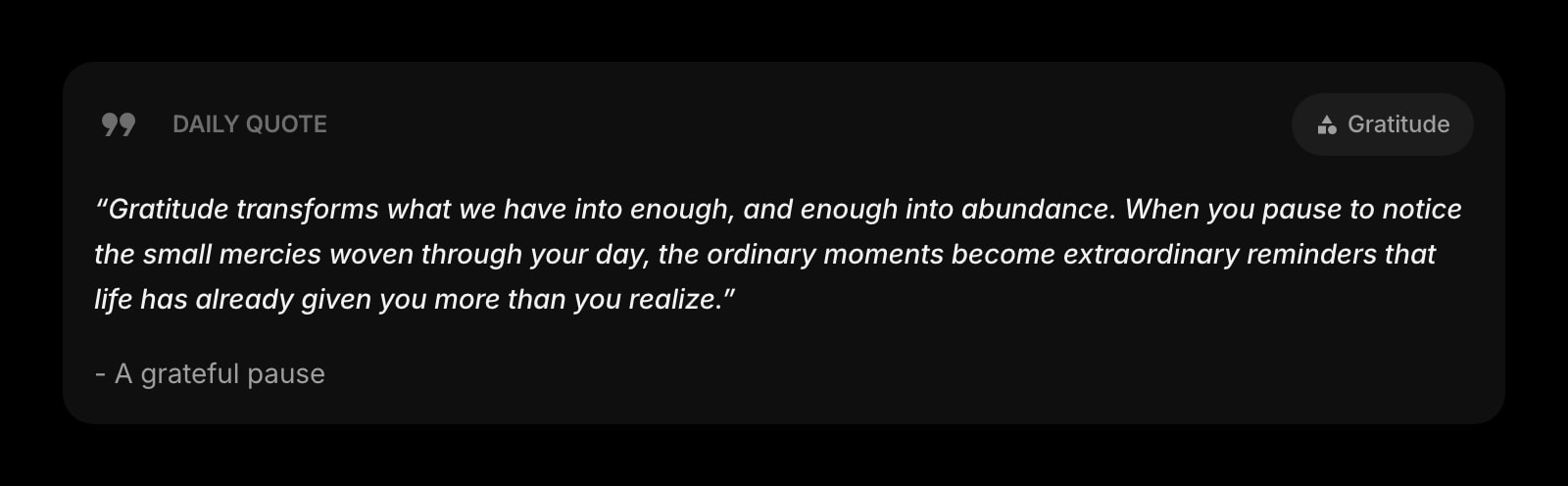
Daily Quote
A new line from a writer worth reading every morning. A small reset before the cursor blinks at you for the first time.
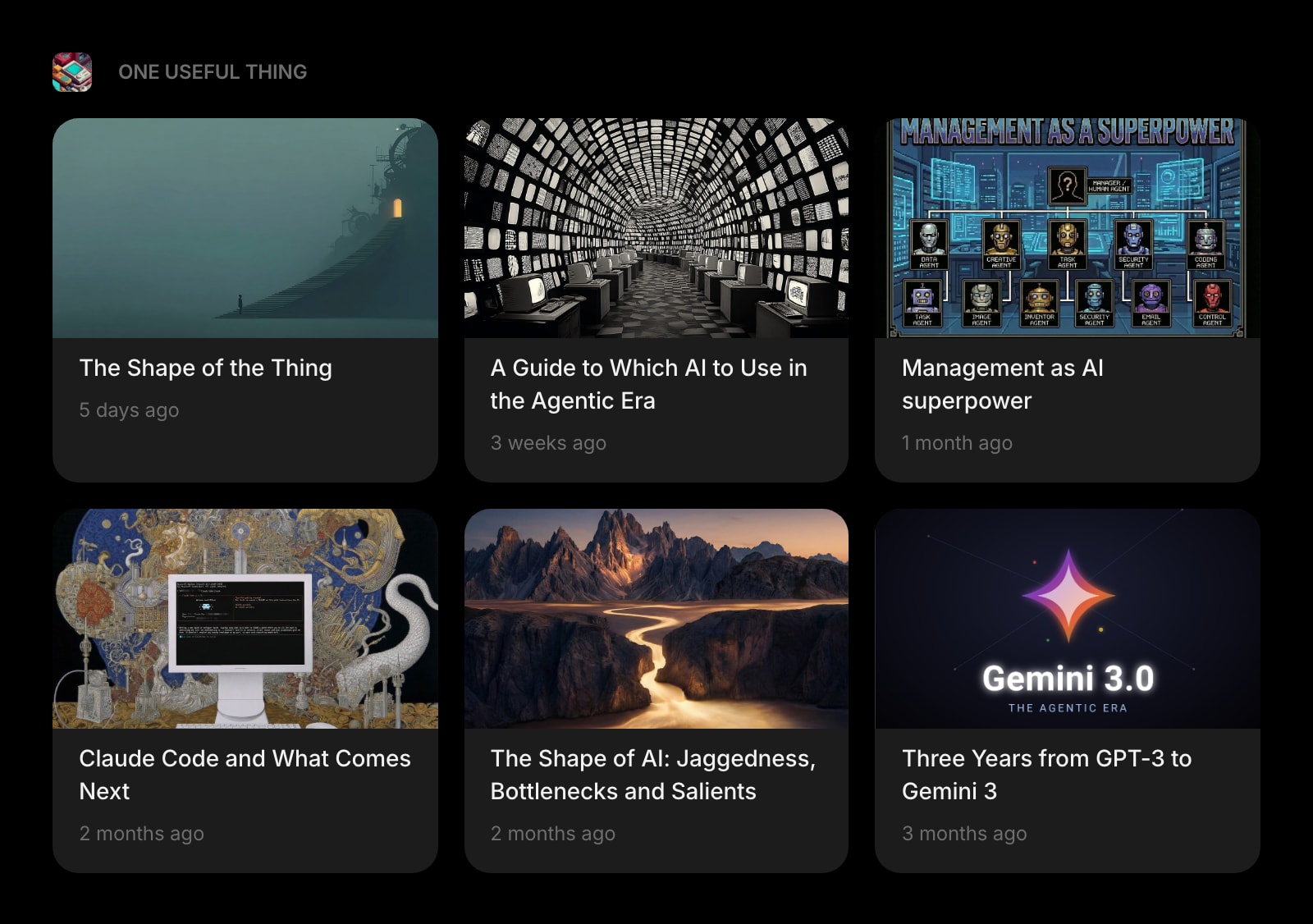
Substack
The newsletters you actually want to read - working writers, craft essays, industry dispatches - inline on the dashboard instead of buried in an inbox folder.
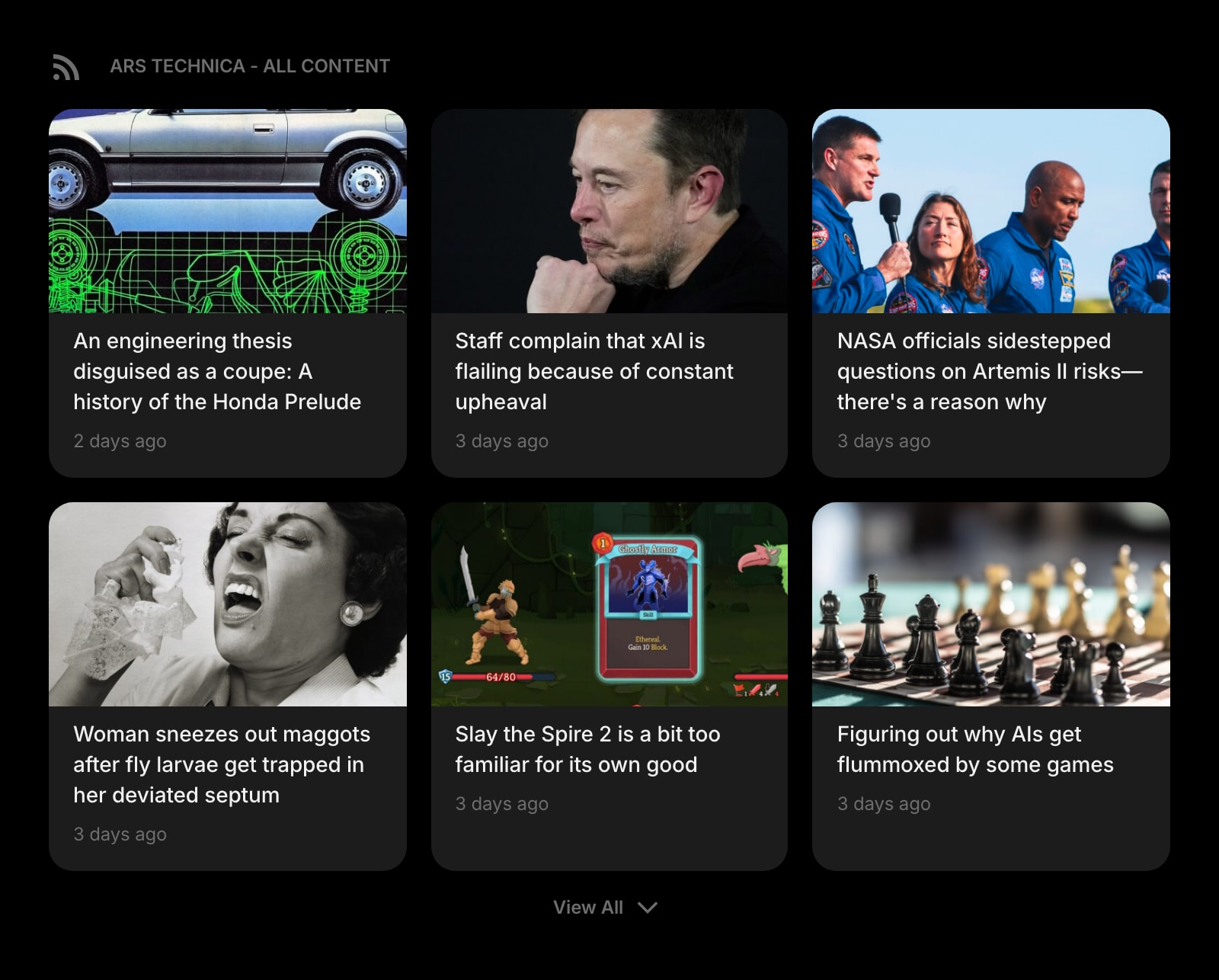
RSS Feed
Source blogs, beat reporting, the slow long-form sites - the reading you keep meaning to catch up on, on the page you already open every twenty minutes.
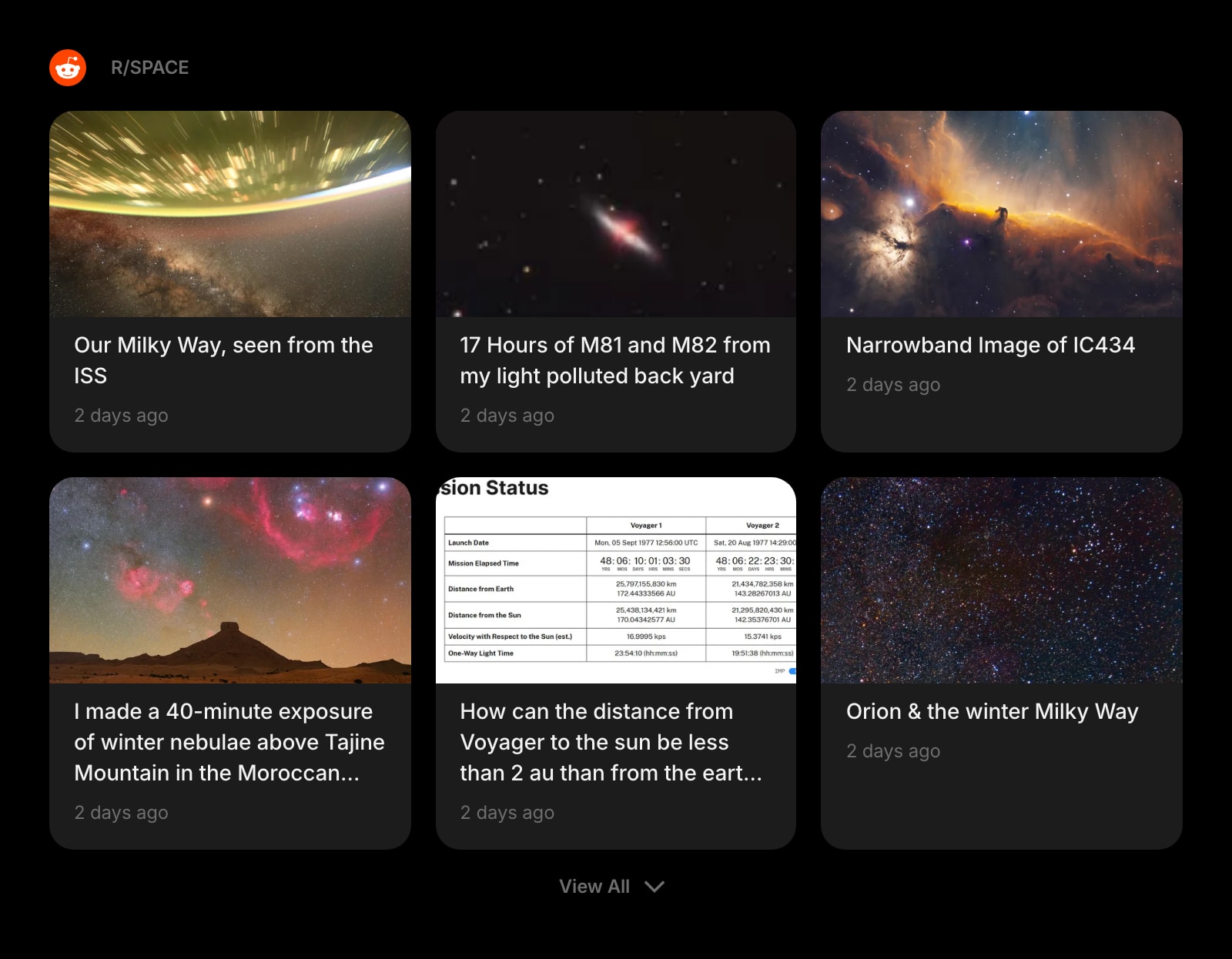
Subreddit
Pull r/writing, r/freelancewriters, or any source community straight into your dashboard. Skim without ever signing into Reddit and getting trapped there for forty minutes.
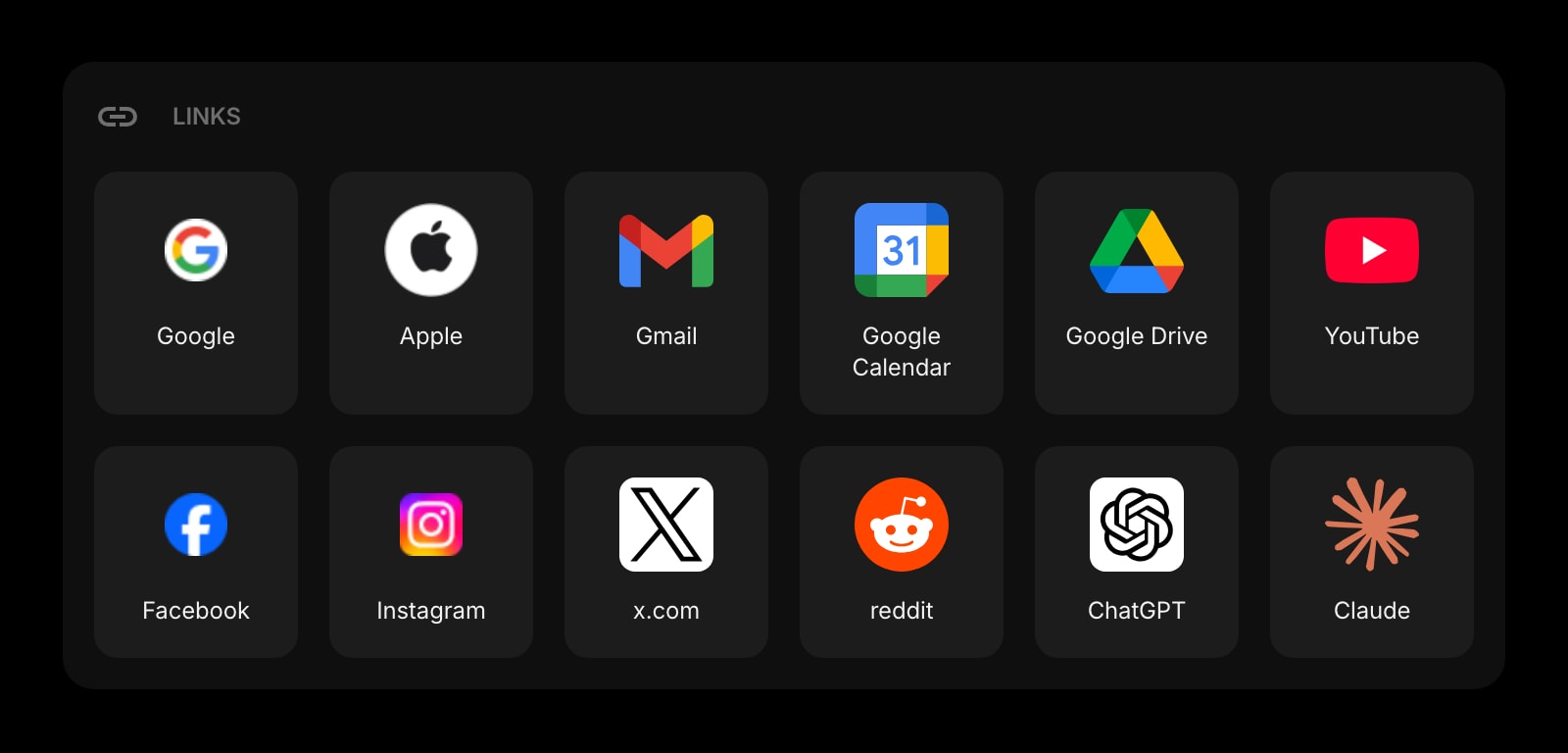
Links
Pinned shortcuts to the doc, the style guide, the editor's shared drive, the research folder. The bookmarks bar curated for one assignment at a time.
A Day in the Life
How Start Page HQ shows up across the moments that actually matter.
Morning Drafting Block
Open the laptop, hit a new tab, and the Daily Quote sets the tone. The Markdown Editor already has yesterday's half-finished essay loaded. Hit start on the Pomodoro Timer and the next twenty-five minutes are the only thing on the screen. When the buzzer goes off, mark today's square on the Habit Tracker - streak intact.
Research Dive Without Losing the Draft
Pull r/writing into the Subreddit widget for the working-writers thread you remember from last week. Drop the Substack newsletter from the source you cite into the dashboard. Take quotes into the Notes widget as you read - the draft, the research, and the source list are all on the same page instead of fighting twenty tabs.
Catching a Line in the Wild
You are at a coffee shop, a phrase lands. Open the Start Page HQ tab on the phone, drop the line into Quick Note - one tap, no folder, no save button. When you sit back at the desk, the line is already in the same Quick Note widget on the laptop. The friction between idea and capture is gone.
Deadline Wrap
The Countdown Timer says the manuscript is due in 18 hours. Today's Todo list has three items left. The Pomodoro Timer is on its sixth round and the Habit Tracker square will close out a 23-day streak. Close the laptop knowing exactly where the morning resumes - same tab, same draft, same plan.
Why It Sticks for Writers
Specific reasons it works for this audience - not generic productivity claims.
Capture Friction Goes to Zero
Quick Note is one click away on every device, every browser. The line you caught on the train is in the same widget when you sit at the desk. No app to launch, no folder to pick, no save button to find. The fastest path from "I have a thought" to "the thought is saved" any tool can give you.
The Streak Is Always Visible
The Habit Tracker grid lives on the new tab page you open hundreds of times a day. You cannot quietly stop showing up - the chart is right there, with today's empty square daring you to fill it. More effective than any standalone streak app you keep meaning to open.
Markdown You Can Paste Anywhere
The Markdown Editor produces clean, portable markdown. Paste into Ghost, Substack, Hashnode, a static blog, or the editor's CMS without fighting Word formatting. The shortcuts are standard CommonMark - no proprietary syntax, no lock-in.
Sync Between the Cafe and the Desk
Sign in once and the Markdown Editor draft, the Notes, the Habit Tracker streak, the Quick Note buffer, and the Substack subscriptions sync across every browser and device. Cafe MacBook, home desktop, train phone - same draft, same streak.
One Plan, No Word-Count Paywall
No Plus tier. No premium template. No "writers pack" upsell. A free plan covers 1 page with 8 widgets and sync across every device; $4 a month, $24 a year, or $48 one-time (lifetime) unlocks every widget, every page, and a recurring pool of AI credits. Free public demo at startpagehq.com/demo with every widget unlocked, no signup.
Coming From Another Tool?
Already split between a notes app, a markdown editor, a streak tracker, and a stack of source tabs? Each widget below replaces a job you are doing somewhere else. See how they map.
Frequently Asked Questions
Yes. The editor is built for long-form writing, with live preview, headings, lists, and code blocks. Drafts autosave and sync across devices. For book-length manuscripts you may still want Scrivener's outlining tools, but for posts, essays, and newsletter sections it is purpose-built.
The Markdown Editor, Notes, Quick Note, Todo, and Habit Tracker work without a network connection once the page is loaded. Drafts you make offline sync as soon as you reconnect. Live widgets like Substack, RSS Feed, and Daily Quote need a connection to refresh.
Yes. The Markdown Editor produces standard CommonMark - copy and paste it into any blog platform, CMS, or another markdown app. Export to file is supported as well. No proprietary lock-in.
Yes. Sign in on startpagehq.com from any browser, on any device, and your Markdown Editor drafts, Notes, Quick Note, Habit Tracker streak, and todos are all there. Sync is included in the base plan.
You can run the Markdown Editor full-screen on its own page in Start Page HQ - just the editor, the cursor, and the live preview. Combine that with the Pomodoro Timer for a 25-minute block and you have the closest thing to a focus app without leaving the new tab.
Probably not entirely. Keep Obsidian for the long-term knowledge graph, the linked notes, and the deep research vault. Use Start Page HQ as the daily-driver writing dashboard - the draft of today's post, the streak, the source-feed reading, the deadline countdown. Cross-link your Obsidian vault from the Links widget.
Build Your Writers Dashboard
Start free — 1 page, 8 widgets, sync across devices, no credit card. Or open the live demo first, no signup needed.