- Dashboard
- Widgets
- AI Diary
- AI Humanizer
- AI Image
- Audio Editor
- Base64 / URL Encoder
- Calendar
- Canvas
- Collection
- Color Picker
- Container
- Countdown Timer
- Currency Converter
- Daily Quiz
- Daily Quote
- Daily Riddle
- Date & Time
- Embed
- GitHub Releases
- Google Calendar
- Habit Tracker
- Hacker News
- Image Compression
- IP Info
- JSON Formatter
- Links
- Markdown Editor
- News
- News Summary
- Notes
- Photo Frame
- Podcast
- Pomodoro Timer
- Product Hunt
- QR Code Generator
- Quick Answer
- Quick Note
- Regex Tester
- RSS Feed
- Search
- Spacer
- Stopwatch
- Story Snippet
- Stripe Sales
- Subreddit
- Substack
- t0ggles Focus
- t0ggles My Boards
- t0ggles My Tasks
- Tasks
- Text Diff
- Todo
- TradingView Advanced Chart
- TradingView Market Summary
- TradingView Mini Chart
- TradingView Symbol Overview
- TradingView Ticker Tape
- Translation
- Unit Converter
- Uptime Monitor
- Weather
- What If
- World Clock
- YouTube Channel
Quick Answer Widget
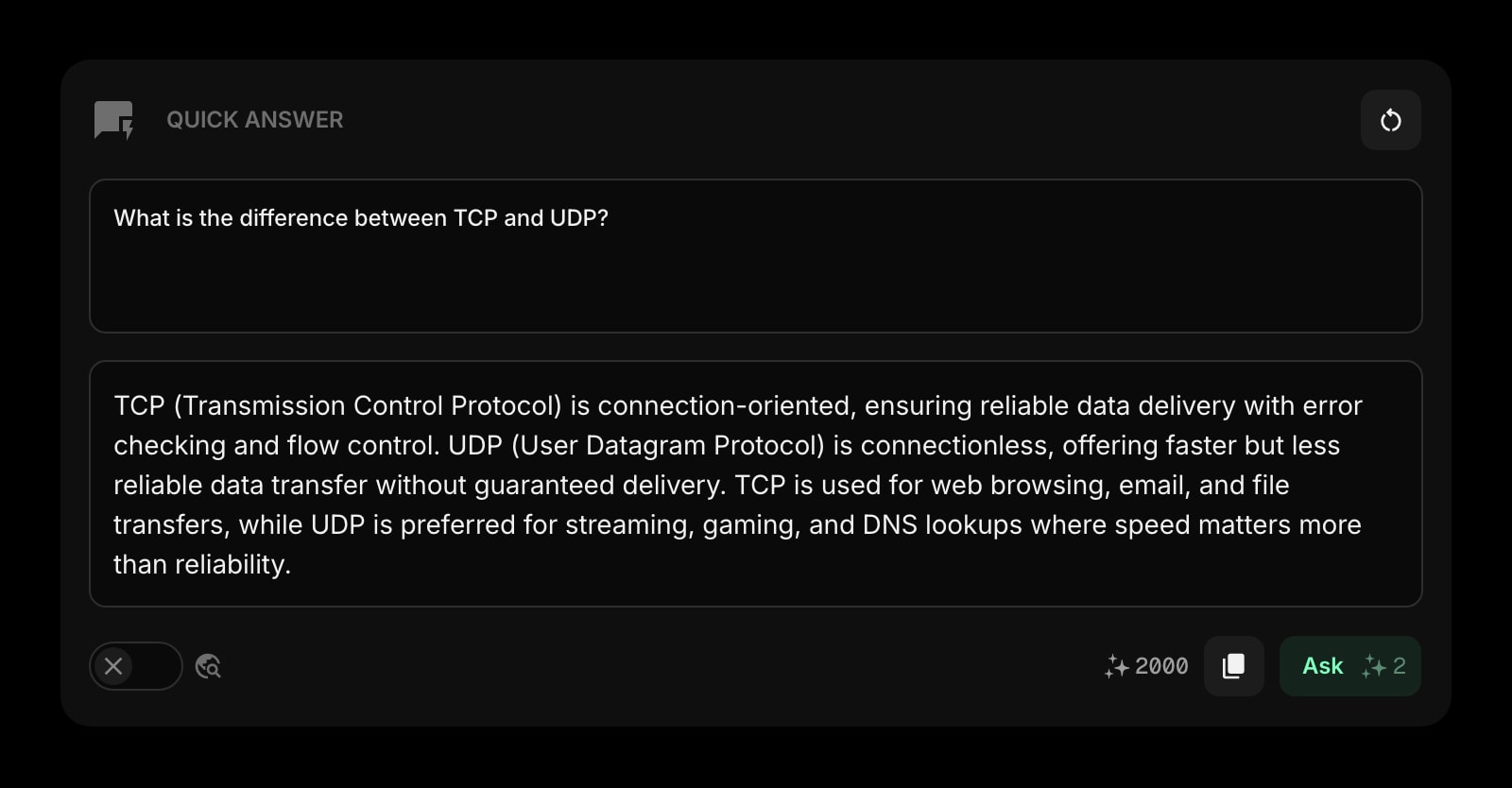
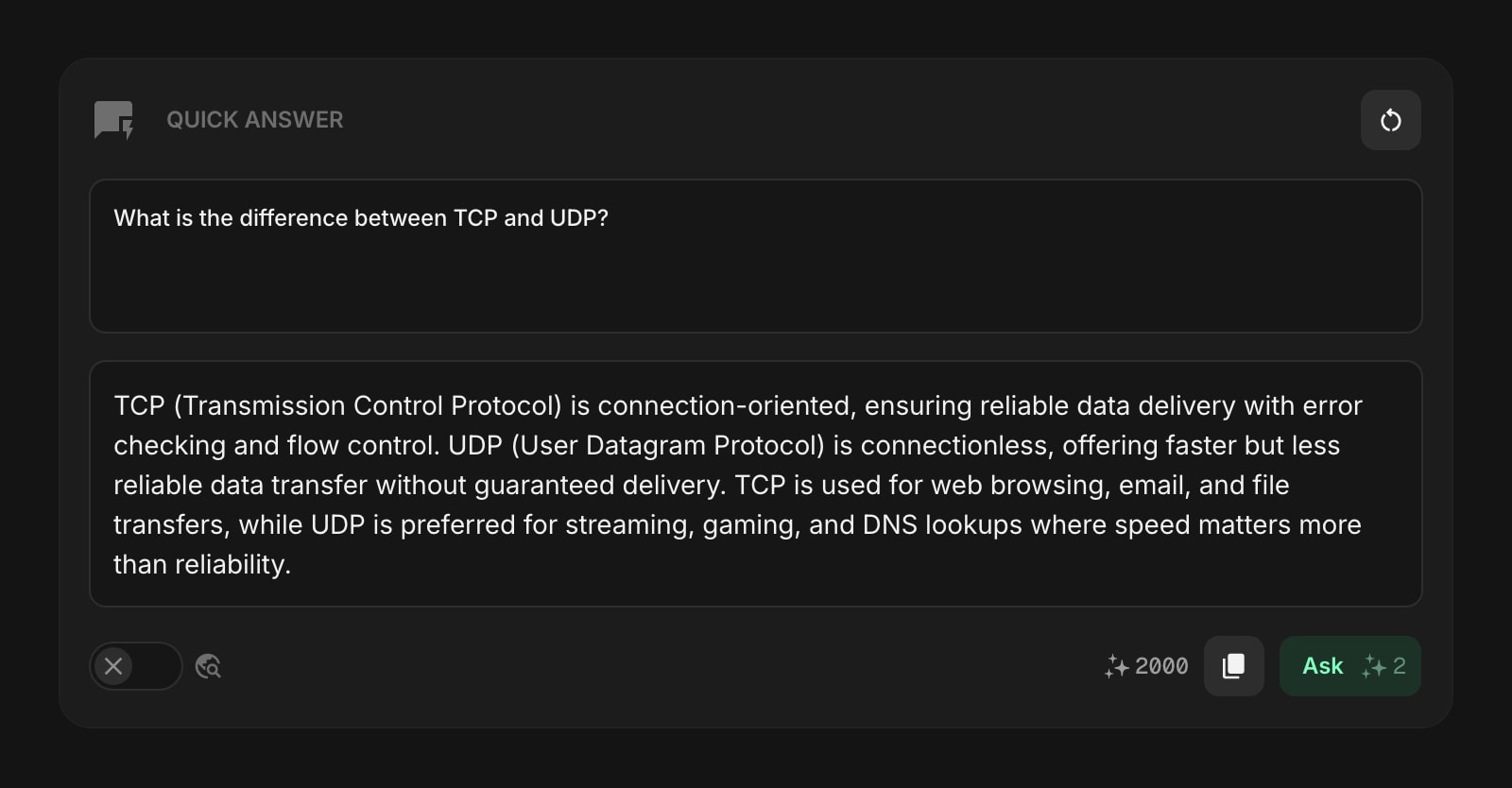
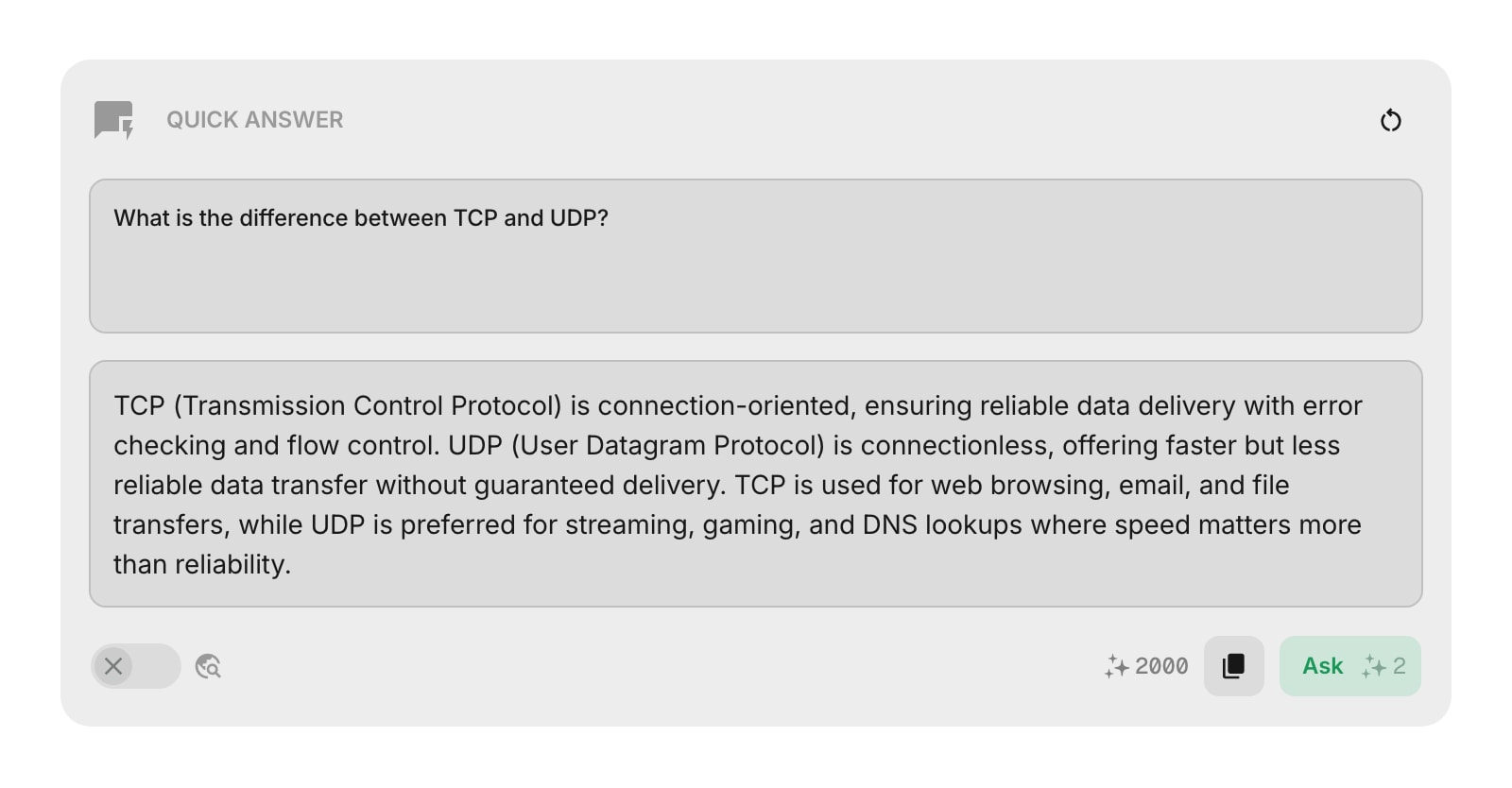
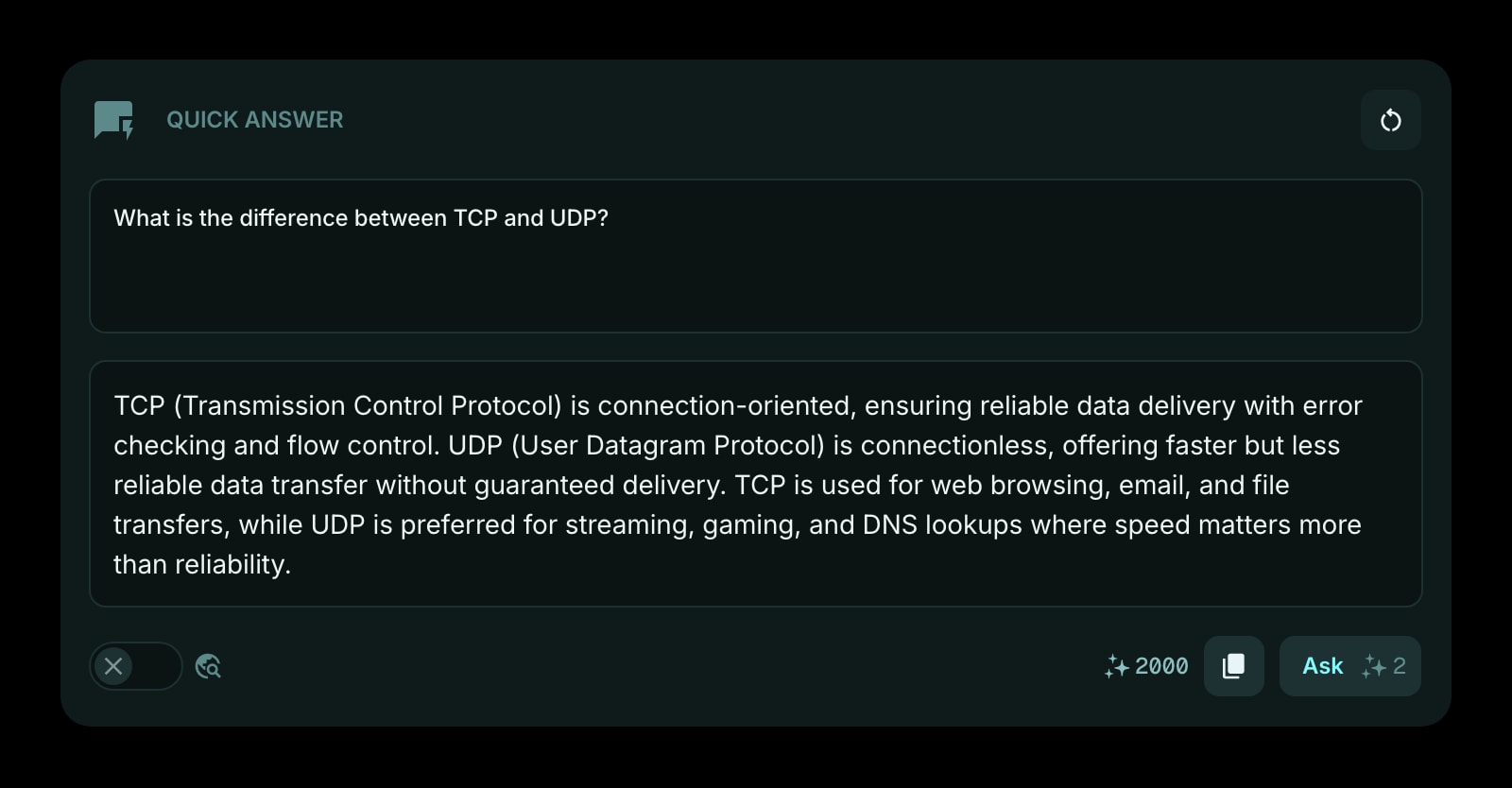
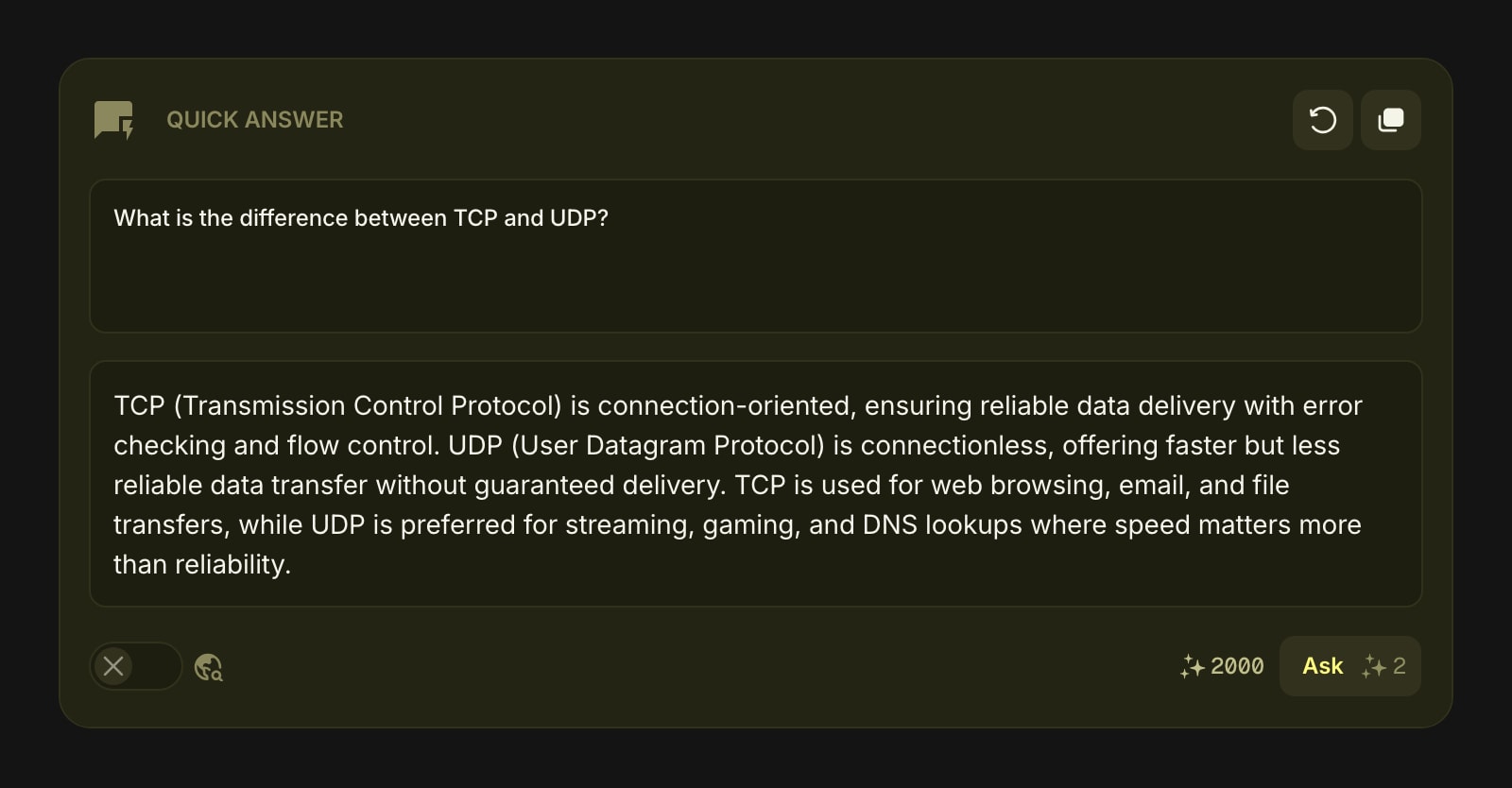
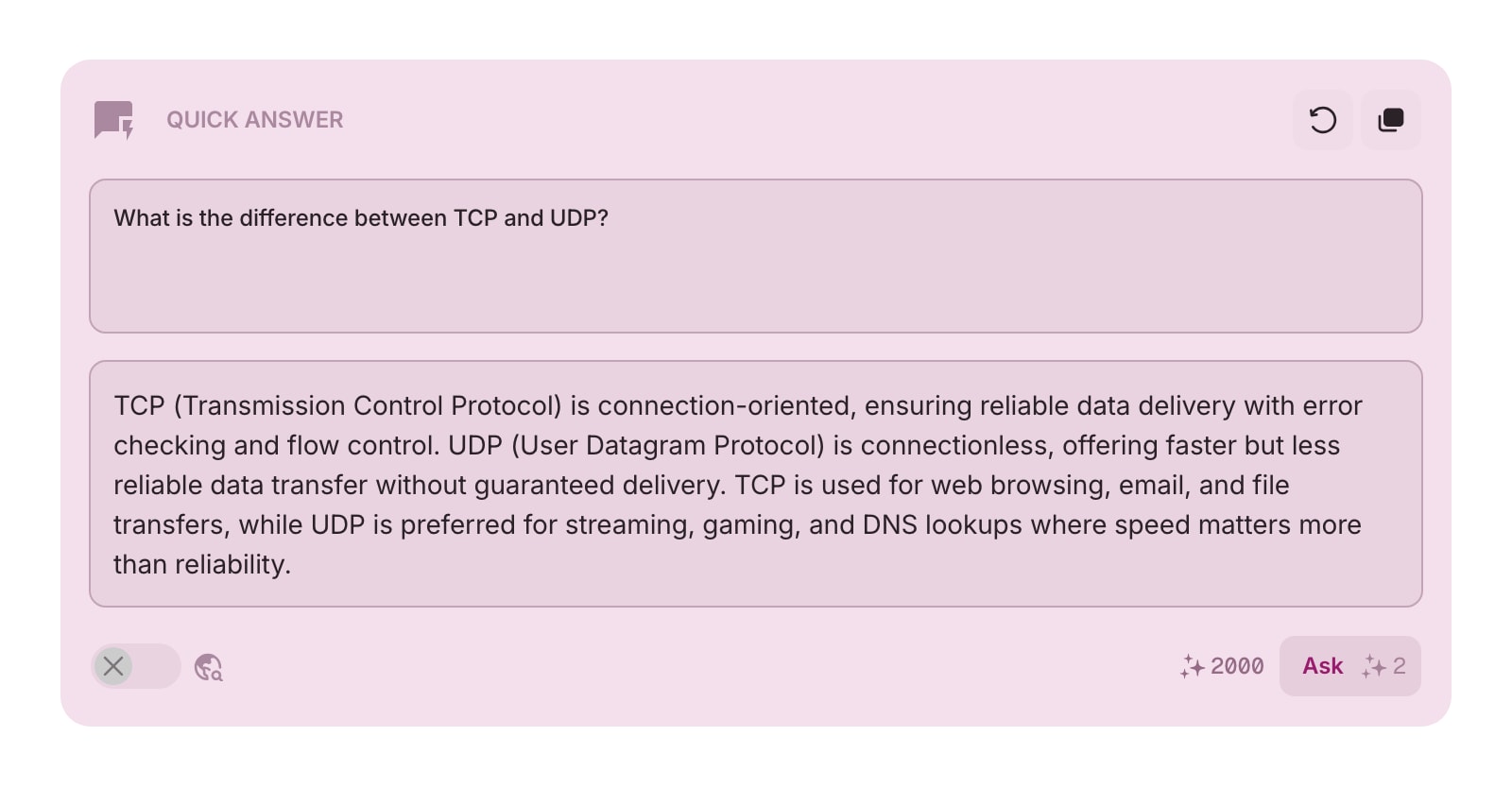
The Quick Answer widget gives you instant AI-powered answers to any question, right from your dashboard. Type a question, hit ask, and get a clear, formatted response without leaving your start page.
#How to Use
Type your question in the text area (up to 2,000 characters) and press Cmd/Ctrl + Enter or click the Ask button to submit. The answer appears below in a scrollable area, formatted with headings, lists, code blocks, and tables as needed.
#Web Search
Toggle Web Search on to let the AI search the web before answering. This is useful for questions about current events, recent releases, or anything that needs up-to-date information. Web search uses more credits per request.
#Credits
Each request uses AI credits from your account. The Ask button shows the credit cost before you submit. Your remaining credit balance is displayed at the top of the widget.
#Toolbar Actions
- Clear - erase both the question and the answer to start fresh
- Copy - copy the answer text to your clipboard
Both actions are disabled when the widget is empty.
#Tips
- Your last question and answer are saved automatically, so they're still there when you come back.
- The web search toggle state is also saved between sessions.
- Use Quick Answer for quick lookups, definitions, explanations, or code snippets - anything you'd normally open a new tab for.