- Dashboard
- Widgets
- AI Diary
- AI Humanizer
- AI Image
- Audio Editor
- Base64 / URL Encoder
- Calendar
- Canvas
- Collection
- Color Picker
- Container
- Countdown Timer
- Currency Converter
- Daily Quiz
- Daily Quote
- Daily Riddle
- Date & Time
- Embed
- GitHub Releases
- Google Calendar
- Habit Tracker
- Hacker News
- Image Compression
- IP Info
- JSON Formatter
- Links
- Markdown Editor
- News
- News Summary
- Notes
- Photo Frame
- Podcast
- Pomodoro Timer
- Product Hunt
- QR Code Generator
- Quick Answer
- Quick Note
- Regex Tester
- RSS Feed
- Search
- Spacer
- Stopwatch
- Story Snippet
- Stripe Sales
- Subreddit
- Substack
- t0ggles Focus
- t0ggles My Boards
- t0ggles My Tasks
- Tasks
- Text Diff
- Todo
- TradingView Advanced Chart
- TradingView Market Summary
- TradingView Mini Chart
- TradingView Symbol Overview
- TradingView Ticker Tape
- Translation
- Unit Converter
- Uptime Monitor
- Weather
- What If
- World Clock
- YouTube Channel
Calendar Widget
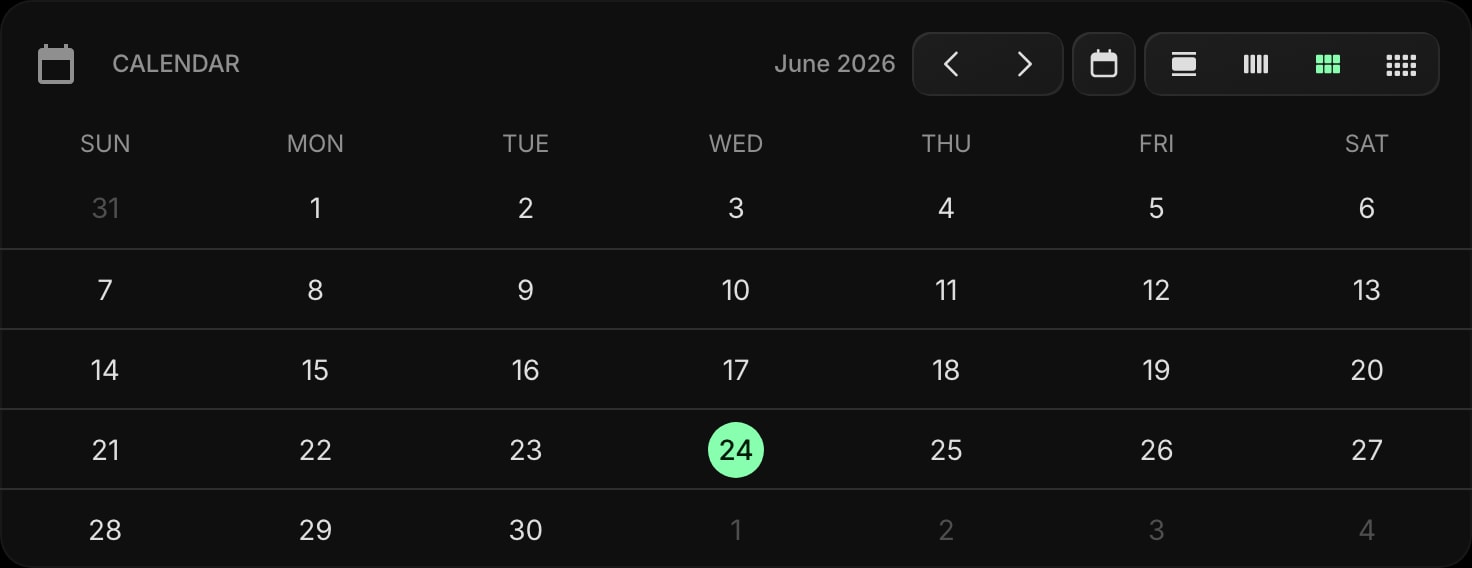
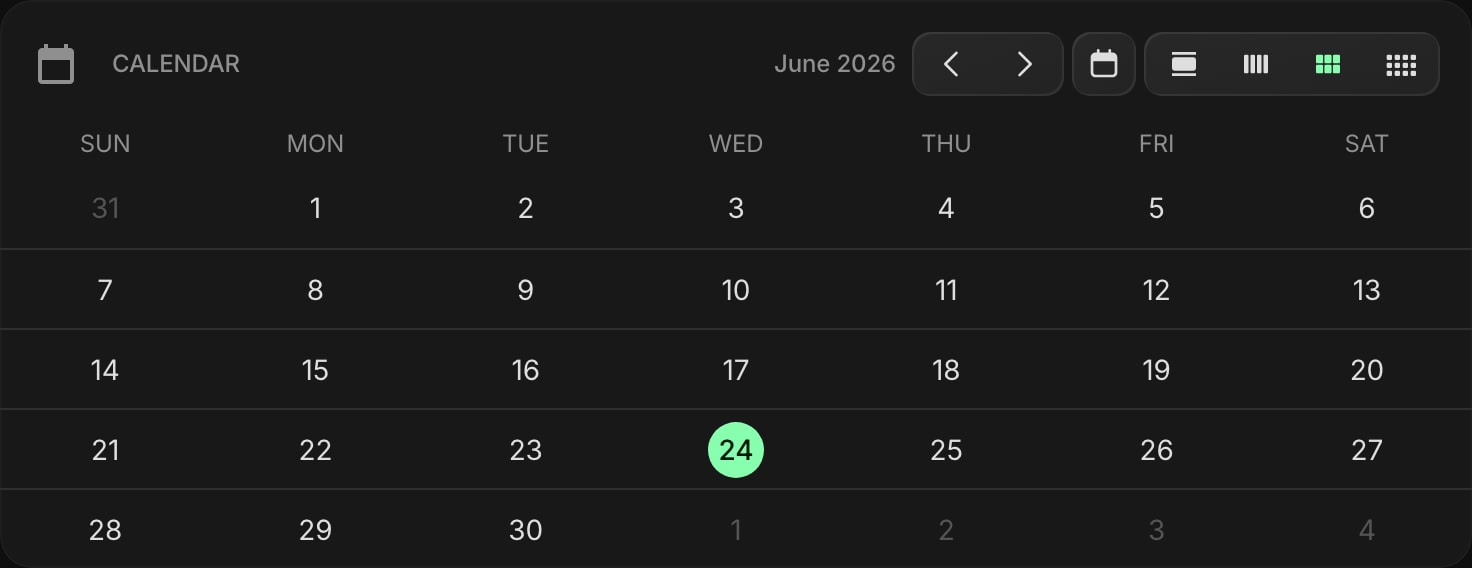
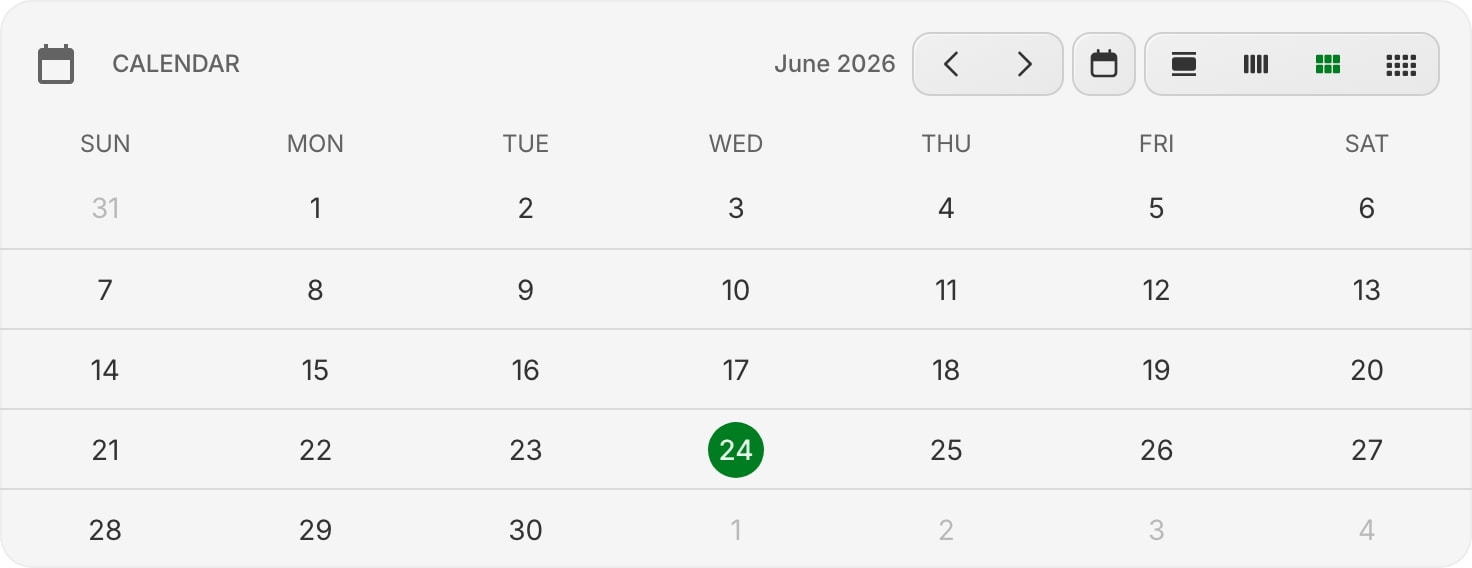
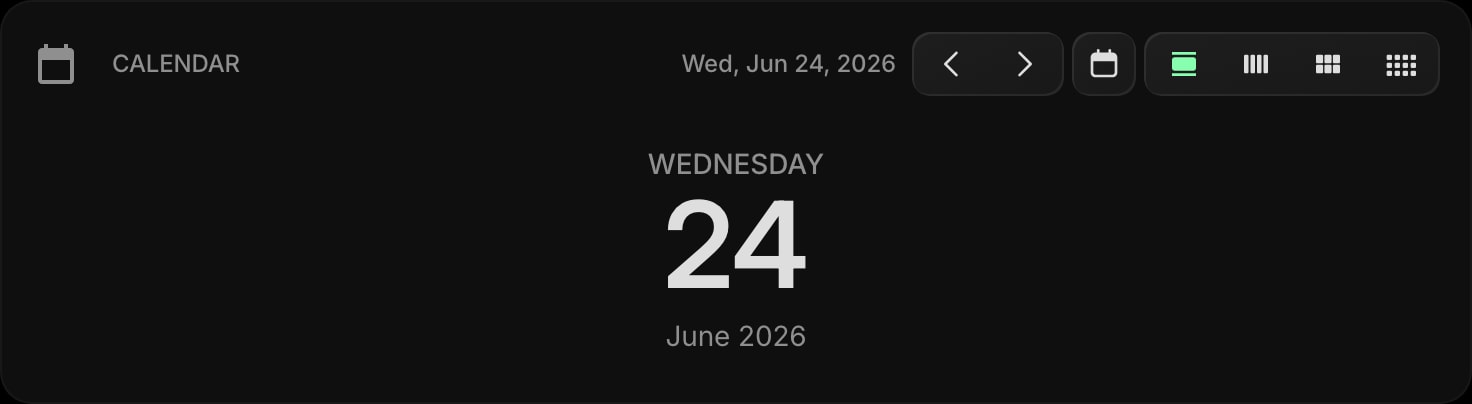
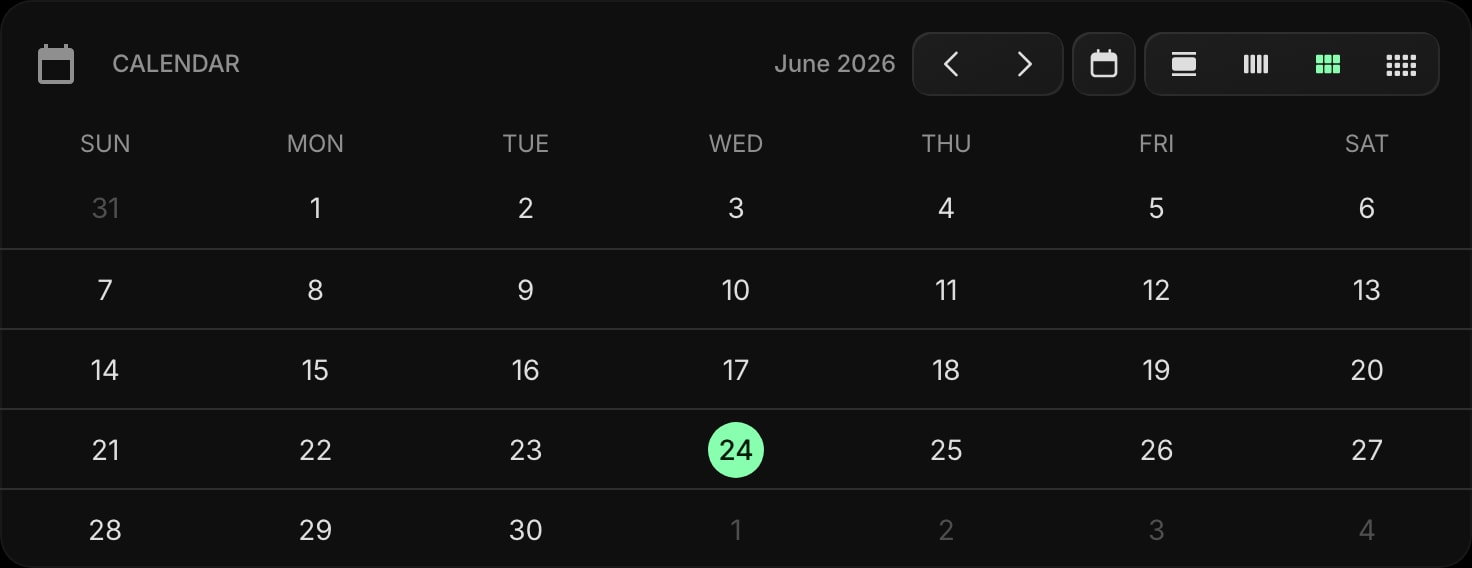

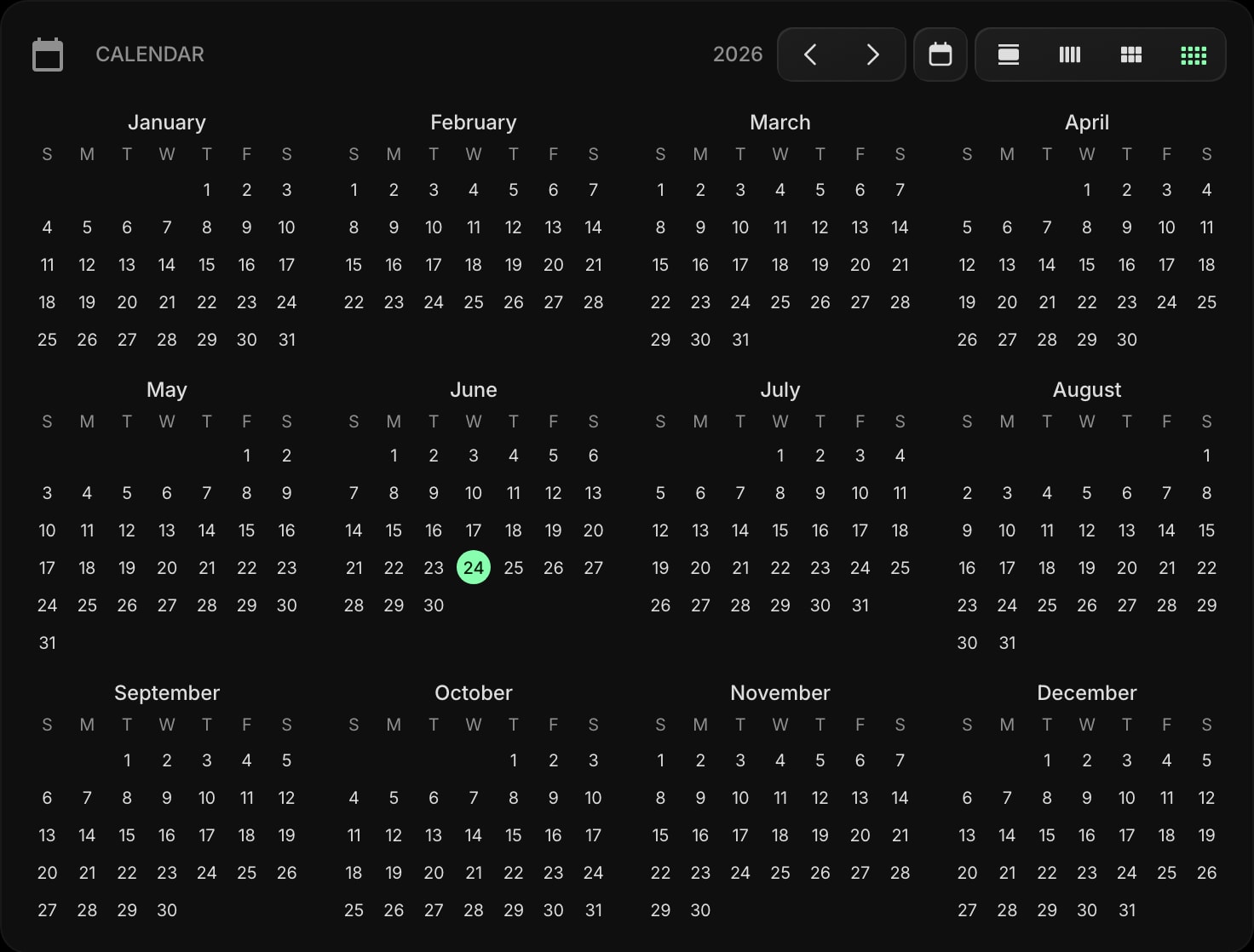
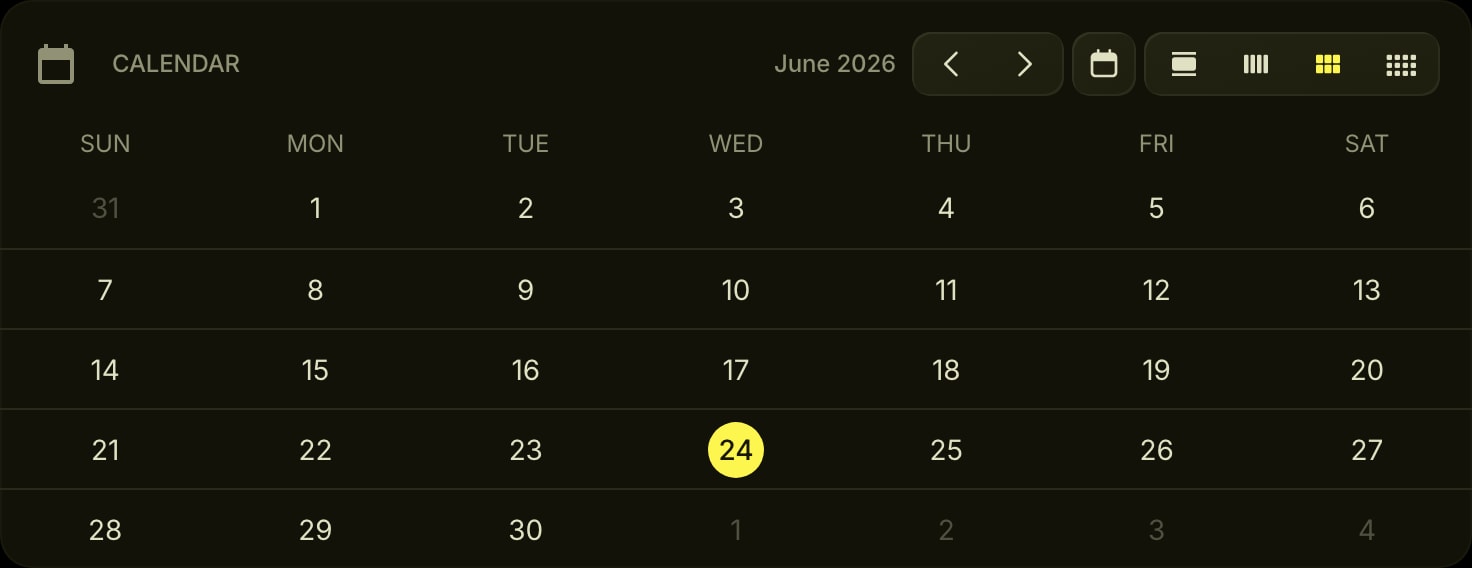
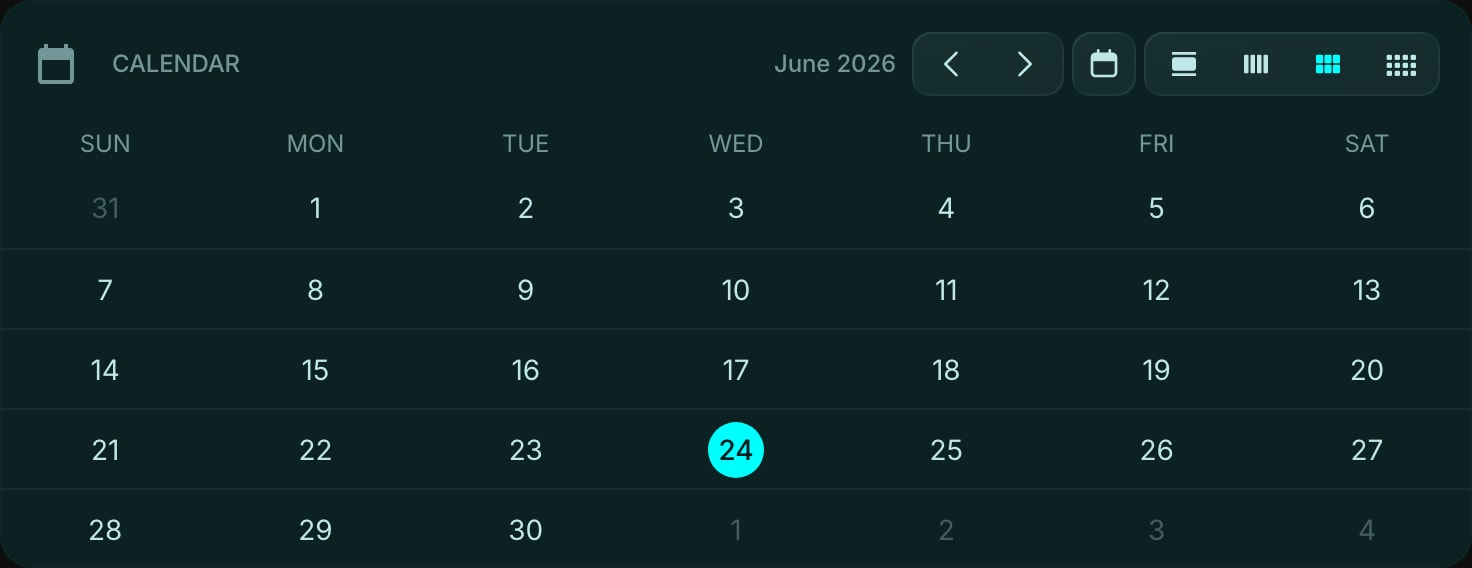
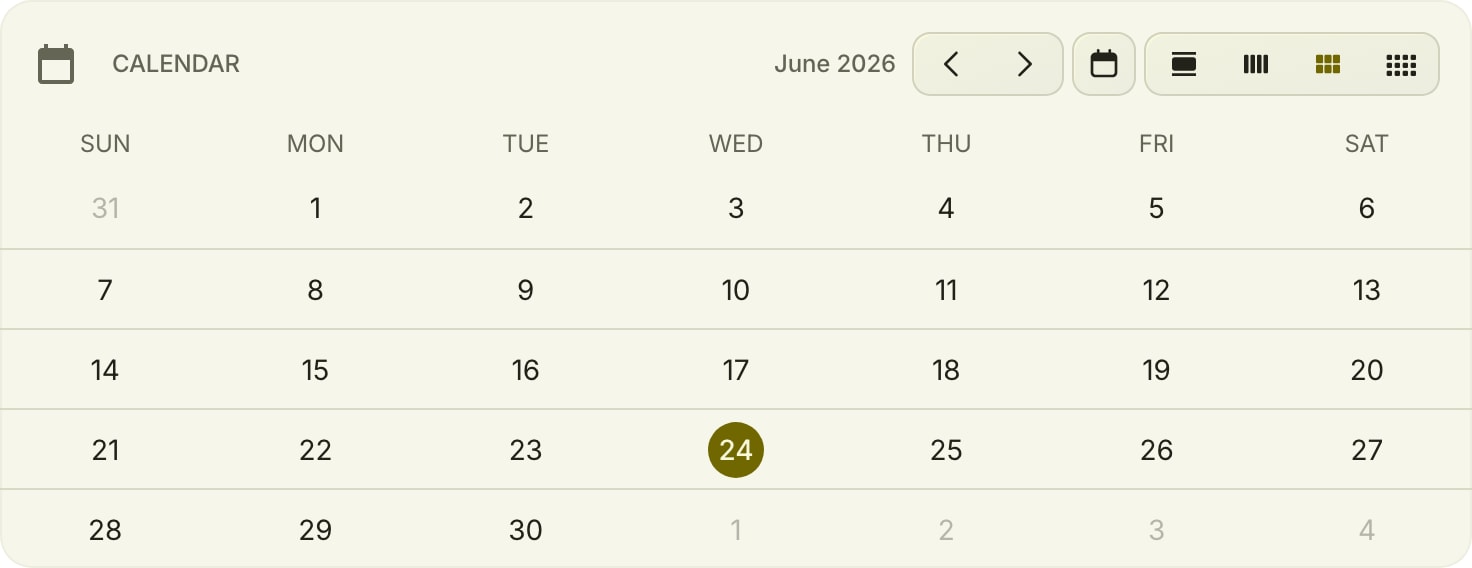
The Calendar widget shows a clean, glanceable calendar on your dashboard. Unlike the Google Calendar widget, it needs no account and shows no events - it is just the dates, so you can see today in the context of the week, month, or day at a glance.
#How to Use
Add the widget and it immediately shows the current month with today highlighted. Use the toolbar to switch between Day, Week, Month, and Year views, step forward and back, or jump straight back to today.
#Day View
A large, focused display of the current day - weekday name, date number, and month with year. Great for a minimal "today" widget.
#Week View
The seven days of the current week in a row, with today highlighted. Useful for a quick weekly overview.
#Month View
A full month grid with today highlighted and day-name headers. The classic at-a-glance calendar.
#Year View
All twelve months of the year shown as compact mini-grids, with today highlighted. Perfect for planning ahead and seeing the whole year at once.
#Toolbar
- Previous / Next - step backward or forward by day, week, month, or year depending on the active view.
- Today - jump back to the current date from anywhere.
- View switch - toggle between Day, Week, Month, and Year views.
#Widget Settings
- Week Starts On - choose whether the week begins on Sunday (default) or Monday. This affects the Week, Month, and Year views.
#Tips
- Use Day view for a clean, distraction-free "today" display.
- Set the week start to match your region - Monday for most of Europe, Sunday for the US.
- Pair it with the Date & Time widget for a complete time-and-date corner, or the Google Calendar widget when you also need your events.