- Dashboard
- Widgets
- AI Diary
- AI Humanizer
- AI Image
- Audio Editor
- Base64 / URL Encoder
- Calendar
- Canvas
- Collection
- Color Picker
- Container
- Countdown Timer
- Currency Converter
- Daily Quiz
- Daily Quote
- Daily Riddle
- Date & Time
- Embed
- GitHub Releases
- Google Calendar
- Habit Tracker
- Hacker News
- Image Compression
- IP Info
- JSON Formatter
- Links
- Markdown Editor
- News
- News Summary
- Notes
- Photo Frame
- Podcast
- Pomodoro Timer
- Product Hunt
- QR Code Generator
- Quick Answer
- Quick Note
- Regex Tester
- RSS Feed
- Search
- Spacer
- Stopwatch
- Story Snippet
- Stripe Sales
- Subreddit
- Substack
- t0ggles Focus
- t0ggles My Boards
- t0ggles My Tasks
- Tasks
- Text Diff
- Todo
- TradingView Advanced Chart
- TradingView Market Summary
- TradingView Mini Chart
- TradingView Symbol Overview
- TradingView Ticker Tape
- Translation
- Unit Converter
- Uptime Monitor
- Weather
- What If
- World Clock
- YouTube Channel
Translation Widget
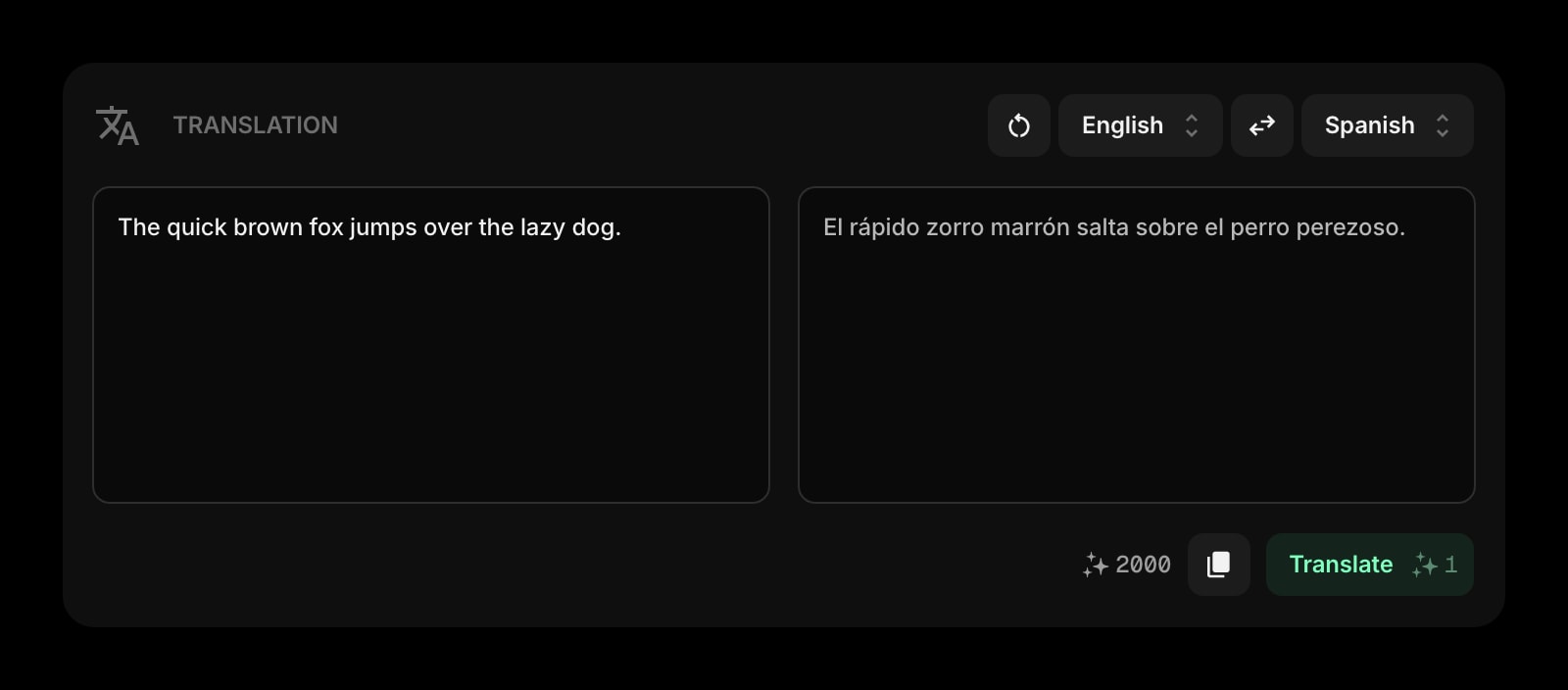
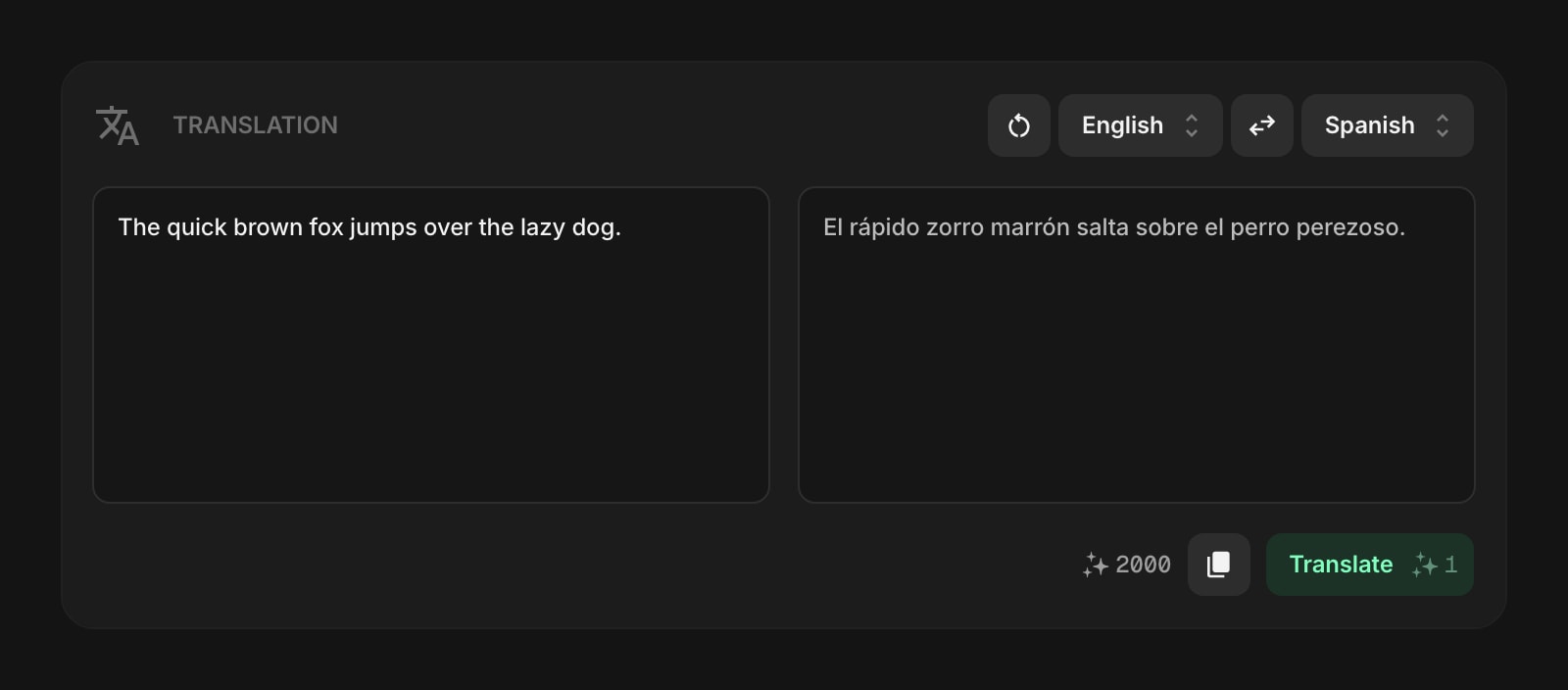
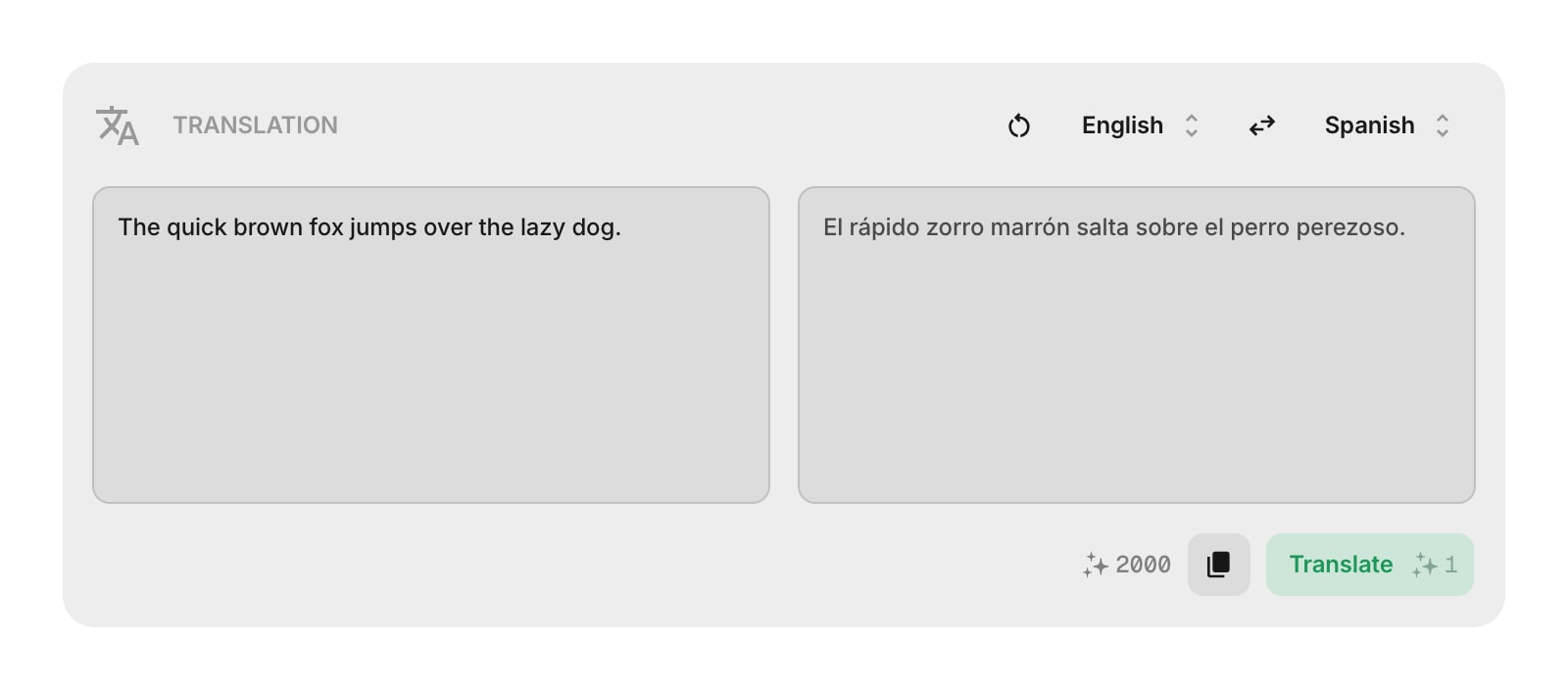
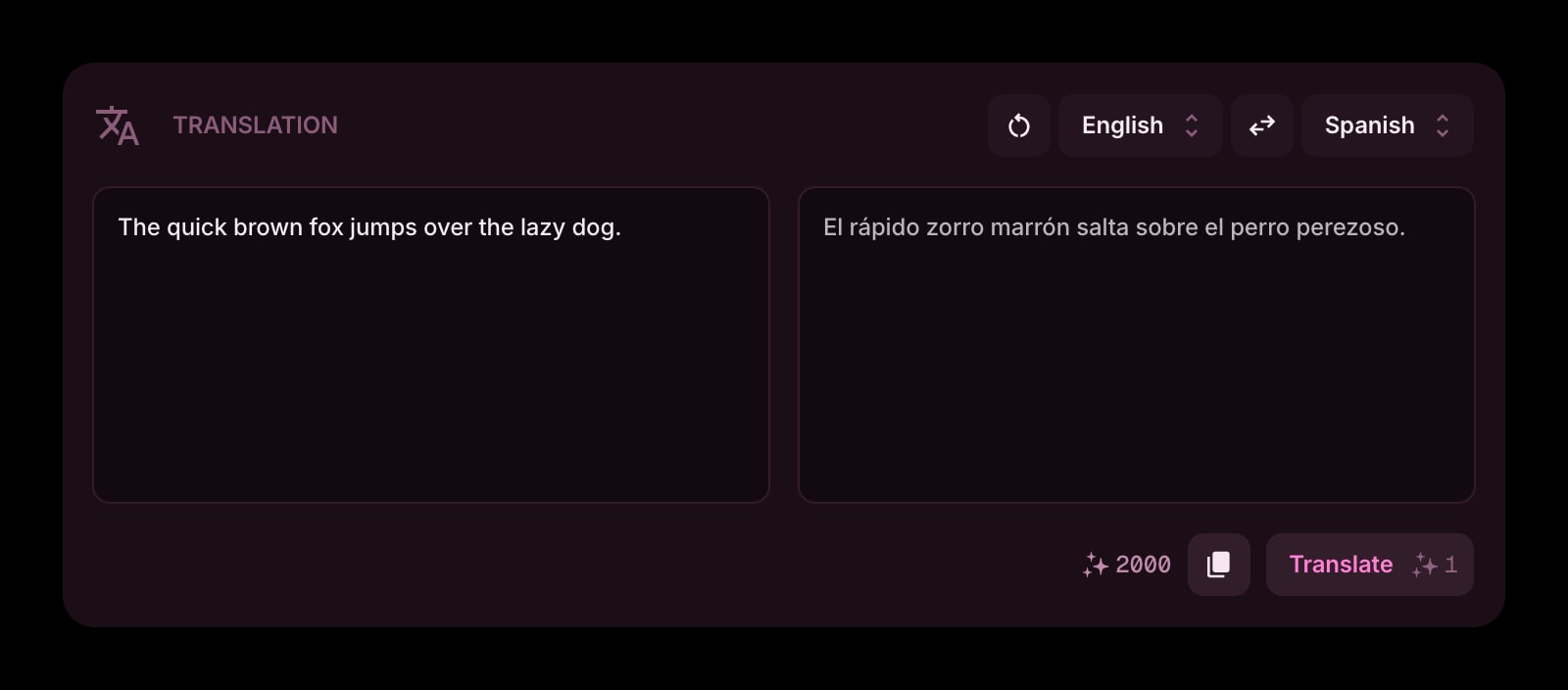
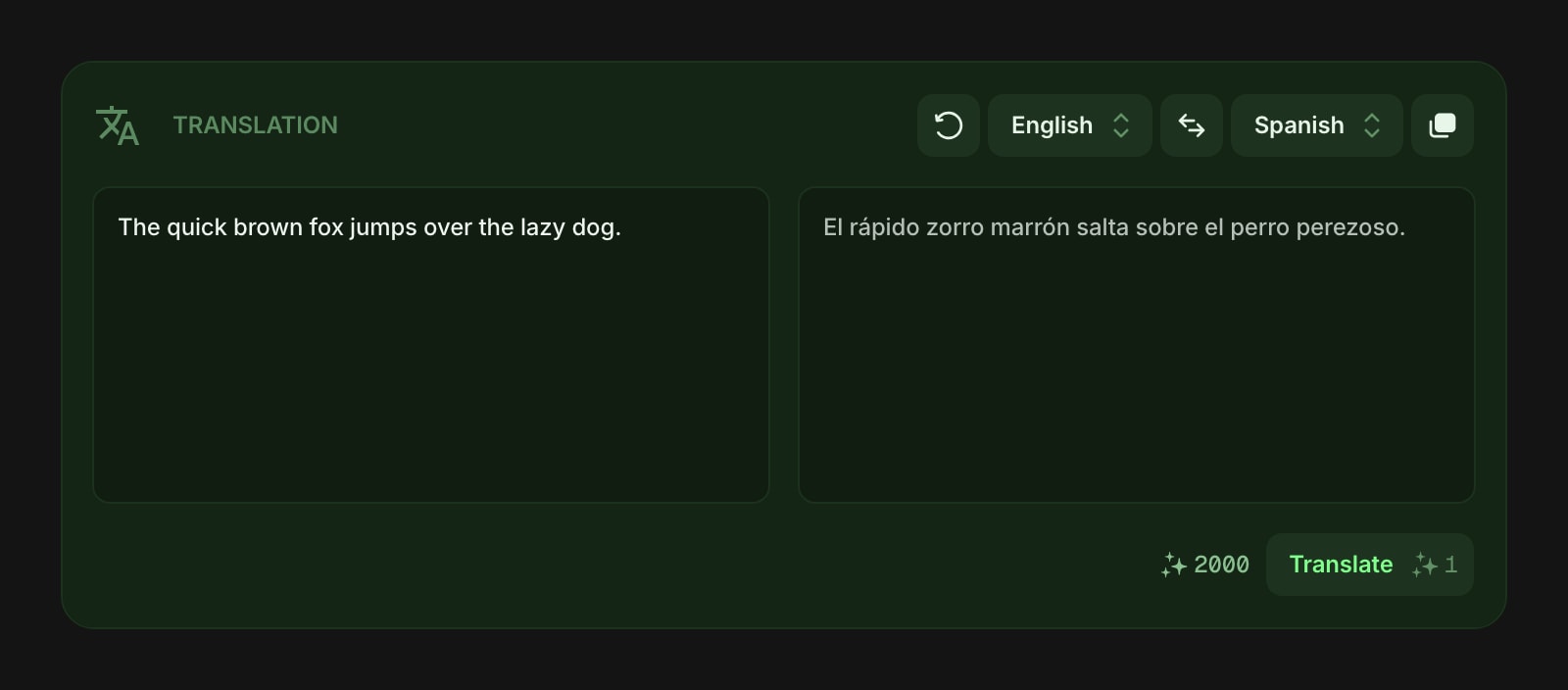
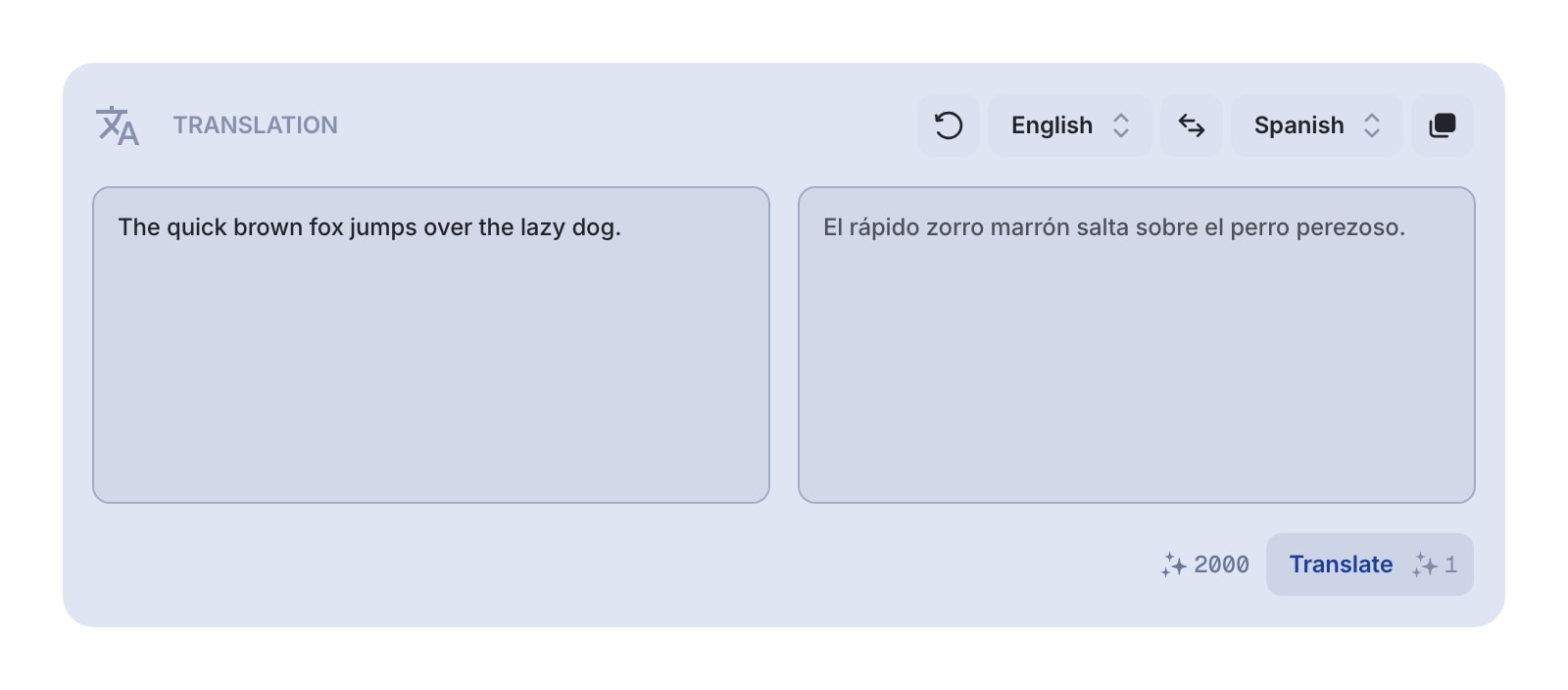
The Translation widget lets you translate text between 30 languages using AI. Type or paste your text, pick the source and target languages, and get a translation in seconds. It's a quick way to understand or convert text without leaving your dashboard.
#How to Use
- Choose a source language from the left dropdown (or leave it on Auto-detect to let the AI figure it out).
- Choose a target language from the right dropdown.
- Type or paste your text in the left field (up to 5,000 characters).
- Click Translate or press Cmd/Ctrl + Enter.
The translation appears in the right field. Click the Copy button to copy it to your clipboard.
#Auto Translate
Turn on Auto Translate in the widget settings to translate as you go - the widget translates automatically a moment after you stop typing or change a language, so there's no need to press Translate. In this mode the Translate button is hidden, and a brief "Translating..." indicator appears while a translation is in progress. Each automatic translation still uses 1 AI credit, so it's best for short, interactive translating rather than pasting in large blocks of text.
#Supported Languages
The widget supports 30 languages: Arabic, Bulgarian, Chinese, Czech, Danish, Dutch, English, Finnish, French, German, Greek, Hebrew, Hindi, Hungarian, Indonesian, Italian, Japanese, Korean, Malay, Norwegian, Polish, Portuguese, Romanian, Russian, Spanish, Swedish, Thai, Turkish, Ukrainian, and Vietnamese.
Each language shows both its English name and its native name in the dropdown (for example, "French - Français"), and you can search by either name.
Auto-detect is available as a source language only. It detects the language of your input text automatically.
#Toolbar Actions
- Source language - dropdown to select the input language, with search
- Swap - exchange the source and target languages and swap the text between fields. Disabled when source is set to Auto-detect.
- Target language - dropdown to select the output language, with search
- Copy - copy the translated text to your clipboard
- Clear - empty both text fields
- Translate - run the translation (costs 1 AI credit). Hidden when Auto Translate is turned on.
#Widget Settings
- Auto Translate - translate automatically as you type or change languages, without pressing Translate. Turned off by default.
#Credits
Each translation uses 1 AI credit. Your current credit balance is shown in the toolbar. The widget is available on every plan, including the free one - it runs on credits rather than on your subscription, so free accounts can use it with the credits they start with or with a credit pack.
#Tips
- Use Auto-detect when you're not sure what language the text is in.
- Turn on Auto Translate for quick back-and-forth phrases; leave it off when pasting longer text so you control when each credit is spent.
- The swap button is handy for quick back-and-forth translations - translate a phrase to Spanish, then swap to translate it back and check accuracy.
- Your last translation is saved, so you can close the dashboard and come back to find it still there.
- Search the language dropdowns by typing the language name in English or in its native script.