

Toby vs Workona: Which Should You Pick?
Both tame browser tab chaos — but one is a visual collection of saved links and the other is a project-first workspace with tab suspension and cloud-backed sessions. Here is how Toby and Workona actually compare on organization, sync, browsers, and pricing.
Pick Toby if you want a visual, drag-and-drop tab organizer built around named collections you can share with a team — plus iOS and Android apps so saved links travel with you. Pick Workona if you organize work by project and want a real workspace metaphor: each Space holds its own tabs, the others stay hidden, browser memory drops thanks to tab suspension, and 90-day session backups make it hard to lose anything. Toby is the lightweight collection-and-share tool; Workona is the heavier project-and-workspace tool.
At a Glance
A line-by-line look at how Toby and Workona stack up.
| Feature | Toby | Workona |
|---|---|---|
| Pricing | Free + Productivity ($4.50/mo) / Team ($8/mo) | Free + Pro / Team / Enterprise |
| Free tier | Yes (60 saved tabs cap) | Yes (limited spaces) |
| Public per-seat pricing | Yes | No |
| Account required | For sync / paid | Yes |
| Chrome | Yes | Yes |
| Firefox | Yes | Yes |
| Edge | Yes | Yes |
| Safari | No | No |
| iOS app | Yes | No |
| Android app | Yes | No |
| Hosted web app | web.gettoby.com | Yes |
| Cross-device sync | Yes | Yes |
| Organization model | Visual collections | Project Spaces |
| Drag-and-drop tab board | Yes | Per-Space lists |
| Tab suspension (memory saver) | No | Yes |
| Auto-save sessions | Yes | Yes |
| Cloud session backups | On account | 90-day history |
| Search across saved tabs | Yes | Yes |
| AI organization | Yes | No |
| Built-in tasks / to-do | Lightweight | Yes |
| Notes inside spaces / collections | No | Yes |
| Cloud-app integrations (Drive, Slack, etc.) | Lightweight | Deep |
| Team collaboration | Shared collections | Shared Spaces |
| SSO / admin controls | Team plan | Enterprise |
| New-tab page replacement | No | No |
Feature by Feature
How each product handles the things that actually matter day to day.
Organization Model
This is the cleanest split between the two products. Toby organizes tabs as visual, Trello-style collections — drag a card onto a board, give the collection a name, and share it. Each collection is a flat, drag-and-drop grid of saved links. Workona organizes work as Spaces: each Space is a project (Q3 marketing, Acme rebrand, side project), each Space has its own tabs, sections, notes, and tasks, and switching Spaces hides everything from the others so the only tabs visible at a time are the ones for the project you are working on. If "I want a tidy board of saved links to share with my team" is the goal, Toby fits. If "I want my browser to behave like a project tracker — open one project, see only that project" is the goal, Workona fits.
Tab Suspension And Browser Performance
Workona ships built-in tab suspension: tabs you are not actively using get unloaded from memory, then restored when you click them again. On a workday with 80+ open tabs across multiple Spaces, this is the headline performance feature, and it lands in the free tier. Toby does not suspend tabs in the same active way — its model is to close tabs out of the browser entirely and save them to a collection, then reopen them later from the collection grid. Both reduce the active-tab count, but they do it differently: Workona keeps tabs technically open and quietly idle inside the browser, Toby gets tabs out of the browser and into a saved board.
Sessions, Backups, And Recovery
Both auto-save sessions, but the recovery story differs. Workona explicitly markets 90-day session backups on Pro: you can roll back to any point in the last three months and restore the exact set of tabs and Spaces from that moment. Toby auto-saves and syncs your collections to your account, and you can reopen full sessions from the saved collection, but it does not advertise time-travel restoration windows in the same way. If "the day my browser crashed and I lost a week of research" is a real scenario for you, Workona has the more explicit safety net. If you mainly want a clean, organized board of links you can come back to anytime, Toby covers that.
Notes, Tasks, And Cloud-App Integrations
Workona is more of a workspace and less of a pure tab tool. Each Space can hold its own notes, a built-in to-do list, and embedded sections for Google Drive, Slack, GitHub, Asana, and other cloud apps so the project dashboard stays inside the browser. Toby keeps things lighter: collections are mostly for tabs, with a Next-style to-do for tabs you plan to revisit and an Invite & Share flow for handing a collection to a teammate. Pick Workona if you want a project hub with Drive, tasks, and notes in one Space; pick Toby if you mainly want to clean up tab clutter and share link sets.
Browser And Platform Support
Both products ship browser extensions for Chrome, Firefox, and Edge. Neither has a real Safari extension, so macOS users in Safari fall back to the hosted web app on either side. The clearest mobile difference: Toby ships native iOS and Android apps for browsing your saved collections from a phone. Workona is browser-only and does not advertise a mobile app, so saved Spaces are reachable from a phone only through workona.com in a mobile browser. If the answer to "I want to skim my saved tabs on the train" matters, Toby has the only real native mobile story of the two.
Pricing And Free Tier
Toby is fully transparent about per-seat pricing on its public page: a Starter free plan capped at 60 saved tabs, Productivity at $6/month or $4.50/month annual for unlimited saved tabs and advanced search, Team at $10/month or $8/month annual for SSO, priority support, and centralized billing, and an Enterprise tier on request. Workona keeps Pro, Team, and Enterprise tiers but does not display per-seat dollar figures on its current public pricing page — you progress through signup or contact sales to see numbers, with a 90-day backup window and unlimited Spaces called out as Pro features. If "I want to know exactly what it costs before I sign up" is part of your decision, Toby is the more transparent of the two.
Team Collaboration And SSO
Both products support team collaboration, just at different shapes. Toby Team adds SSO, priority support, and centralized billing so a manager can stand up shared collections across an org. Workona Team requires a minimum of three users and centers on shared Spaces, team templates, and centralized admin, with SSO and auto-provisioning kept on the Enterprise tier. If your team is two people who want to share a board of links, Toby Team scales down better. If your team is ten-plus people running multiple cross-app projects, Workona Team and Enterprise are built more around that shape.
Pricing
Toby publishes per-seat pricing on its public page: Starter free with a 60 saved-tabs cap and basic features, Productivity at $6/month or $4.50/month annual (unlimited saved tabs, advanced search, remove duplicates), Team at $10/month or $8/month annual (SSO, priority support, centralized billing), and an Enterprise tier on request. Student and educator discounts are also offered on verification. Workona keeps a Free tier plus Pro, Team (minimum three users), and Enterprise tiers, but its current public pricing page does not show per-seat dollar amounts — you reach numbers through signup or by contacting sales. Pro is positioned for individuals (unlimited Spaces and sections, integrations and templates, 90-day session backups), Team for shared Spaces and centralized billing, and Enterprise for SSO, auto-provisioning, and domain restrictions. Net: Toby is the more transparent and lighter-weight option on price, with a clearly stated cap on the free tier and clearly stated paid numbers. Workona requires a step further into the funnel before you see costs, but its 90-day backup window and unlimited Spaces are concrete features that justify a heavier model for project-driven users.
Which One Should You Pick?
Specific use cases, not vague verdicts.
Choose Toby If
Visual tab manager that organizes saved tabs into shareable, drag-and-drop collections.
- You want a visual, Trello-style board of saved tabs you can share with a teammate in one click.
- You want native iOS and Android apps so your saved links travel off your laptop.
- You want transparent, public per-seat pricing and a small Team tier with SSO at $8/month annual.
- You like AI-assisted organization for grouping related links automatically.
- You mostly need to clean up tab clutter, not run multi-tool projects inside the browser.
Choose Workona If
Project-first tab manager that groups tabs into Spaces with auto-save, suspension, and 90-day backups.
- You organize work by project and want each project to be its own Space with isolated tabs, notes, and tasks.
- You want built-in tab suspension so 80+ open tabs stop slowing the browser down.
- You want 90-day session backups in case a crash or a closed window erases hours of research.
- You want Google Drive, Slack, GitHub, Asana, and similar tools embedded directly into each Space.
- You run a team of three-plus people on multi-app projects and want shared Spaces with admin controls.
Start Page HQ
If you came here because you want the new tab itself to be useful — a real dashboard with calendar, todo, weather, notes, RSS, and AI on it — both Toby and Workona will leave you wanting, because they are tab managers, not new-tab pages.
Toby and Workona both organize the tabs you have already opened. The new tab page in your browser, the one you see dozens of times a day, stays empty by default on both. Start Page HQ replaces that page with a customizable dashboard: 63+ widgets including a clock, weather, Google Calendar, Kanban tasks, notes, links, RSS, AI, and developer tools — across multi-page dashboards with cross-device sync included in every plan, plus a native Safari extension Toby and Workona do not ship. You can keep using Toby or Workona for tab session management and use Start Page HQ as your default new-tab page; they do not conflict, and there is a free plan — 1 page, 8 widgets, sync included — plus a free public demo at /demo. If your team wants one shared new tab instead of passing collections around, Teams gives it shared workspaces with editor or viewer access per person, at $4 per seat per month (or $40 per seat per year, minimum 2 seats).
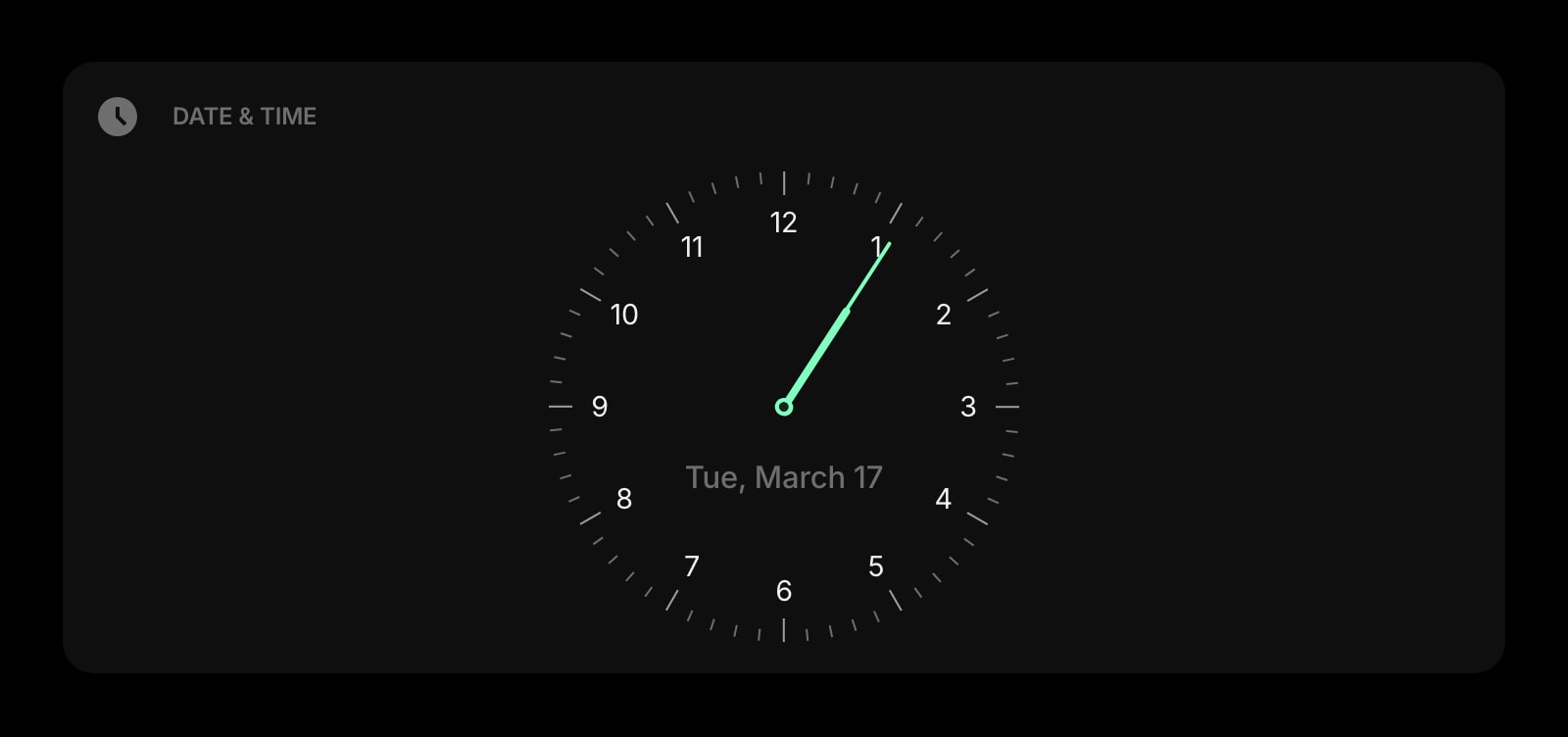
Date & Time
Big, clean clock and date for the top of your start page — the empty space the default new tab leaves blank.
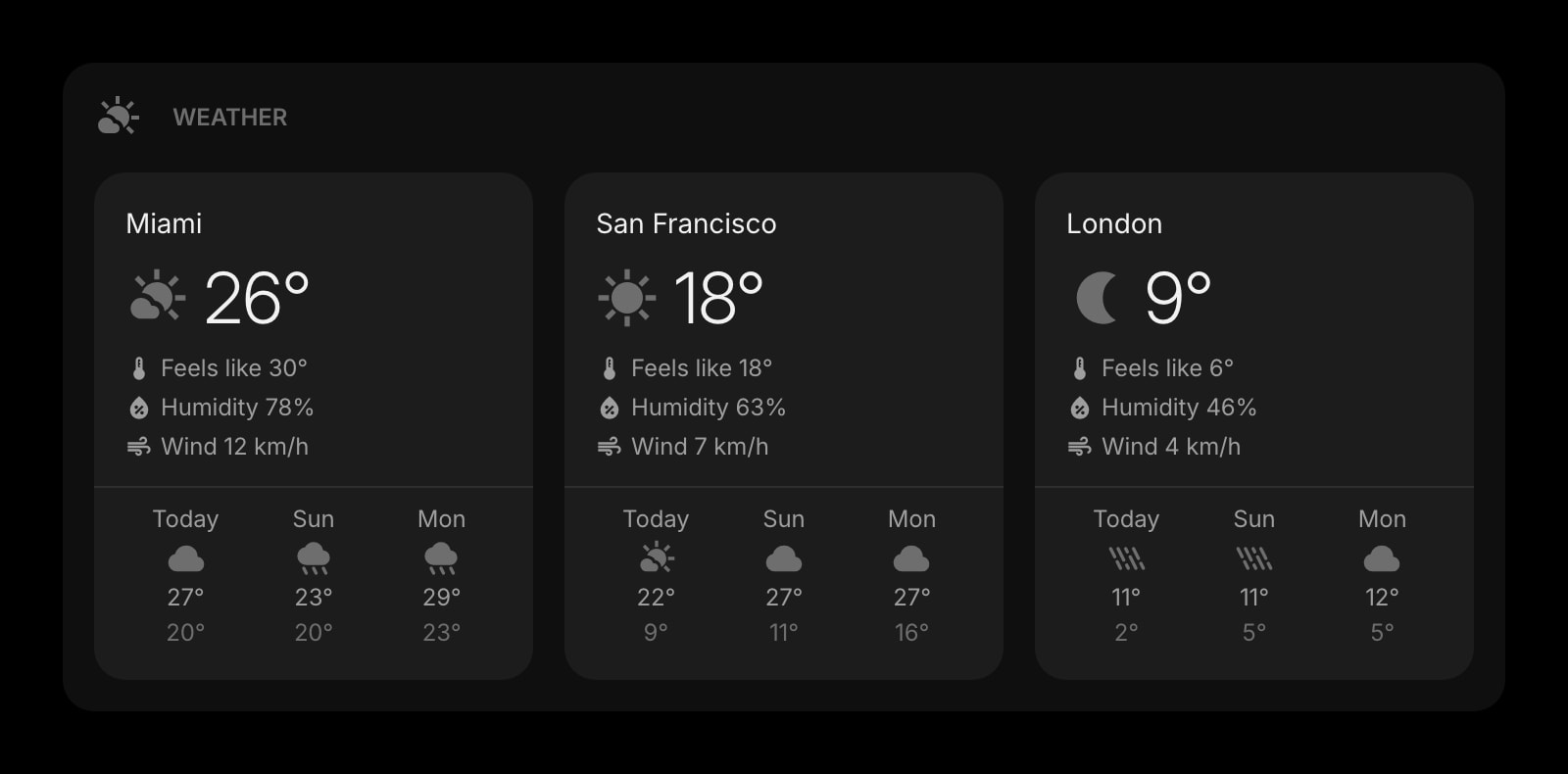
Weather
Current conditions and forecasts for the locations you care about, refreshed automatically across all your devices.
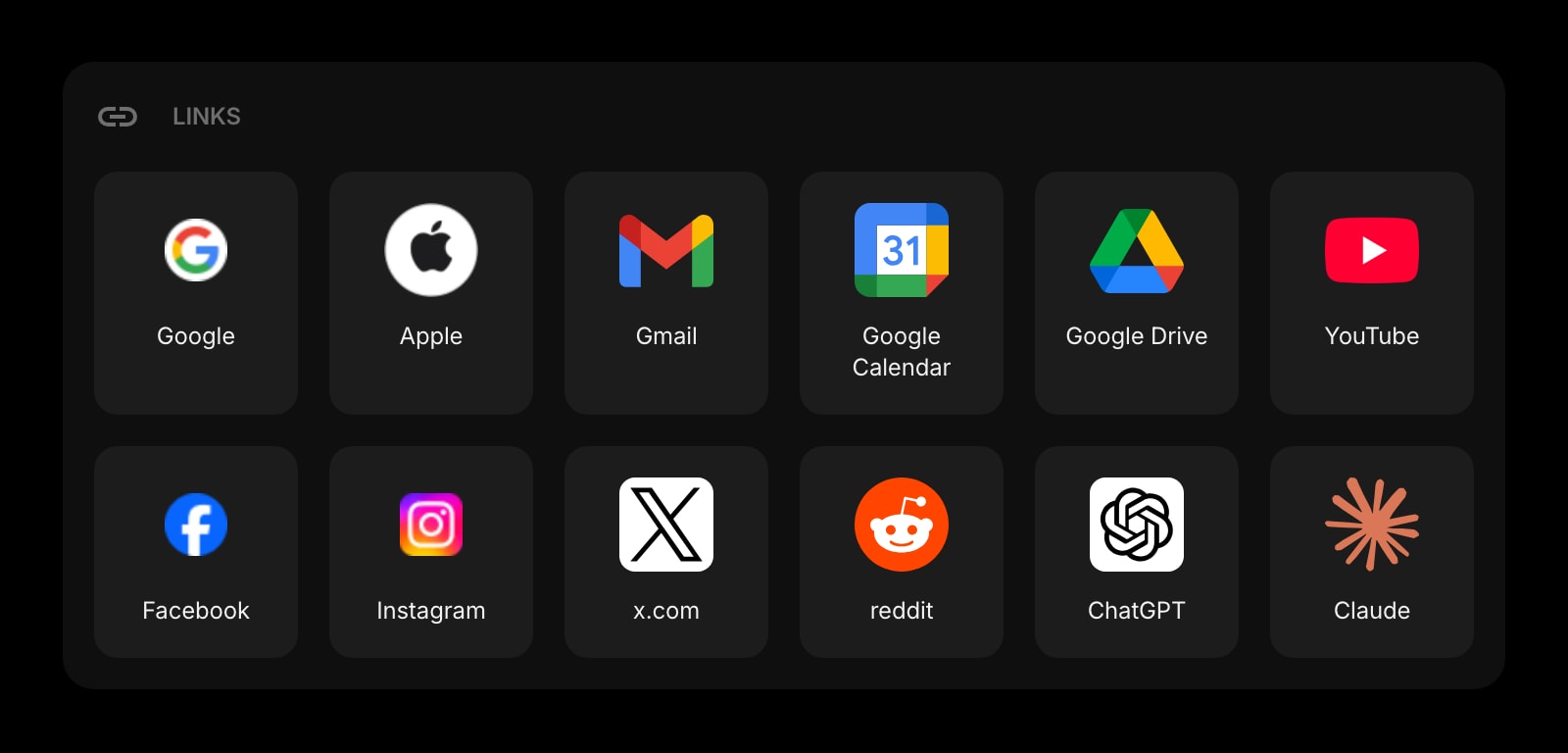
Links
Organize your most-used sites into clean, customizable groups — the same idea as a Toby collection or a Workona Space, on the new tab itself.
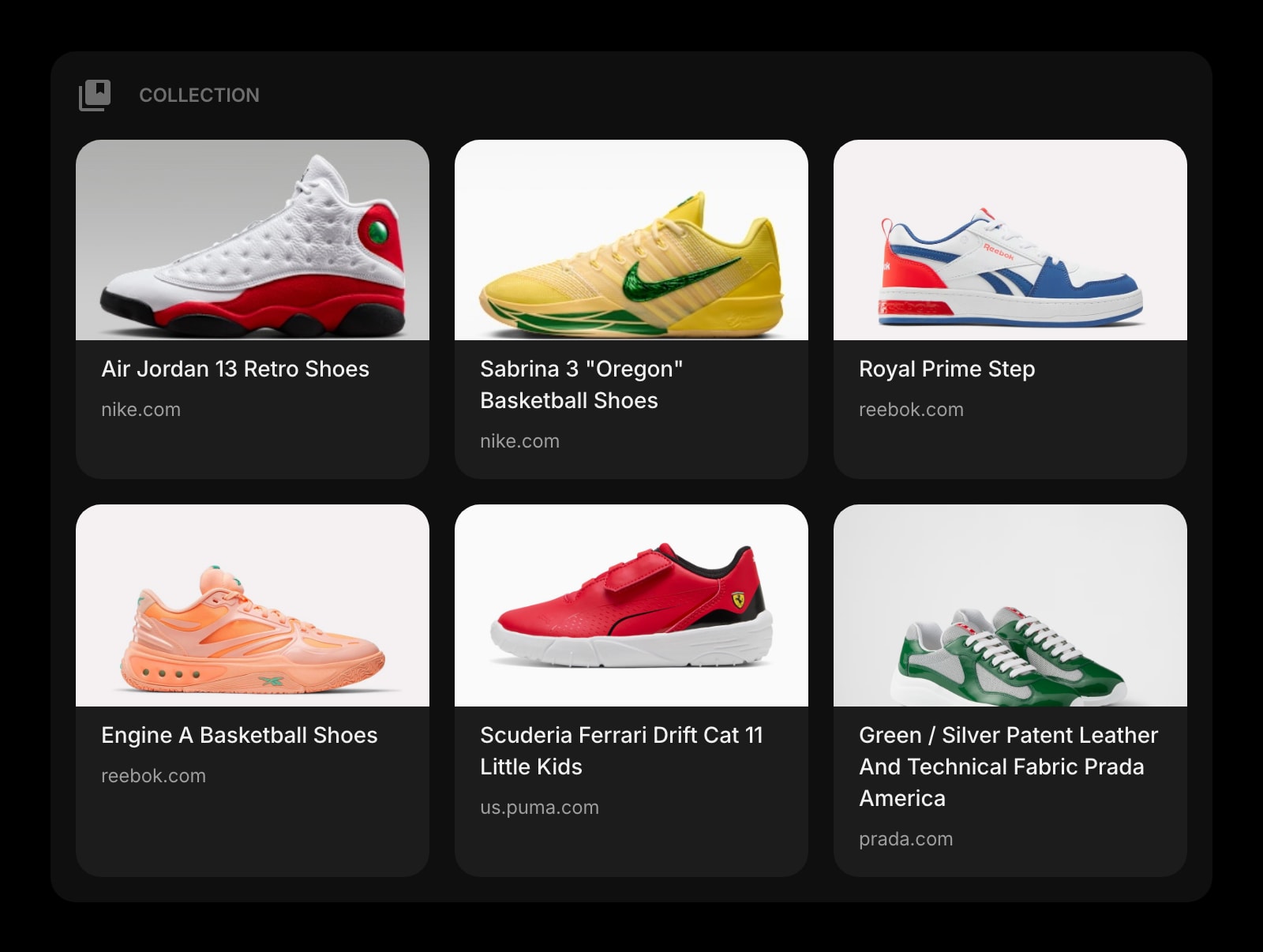
Collection
Save URLs and images for read-later, wish lists, or research backlogs — Toby-style visual collections as a widget you can pin to any page.
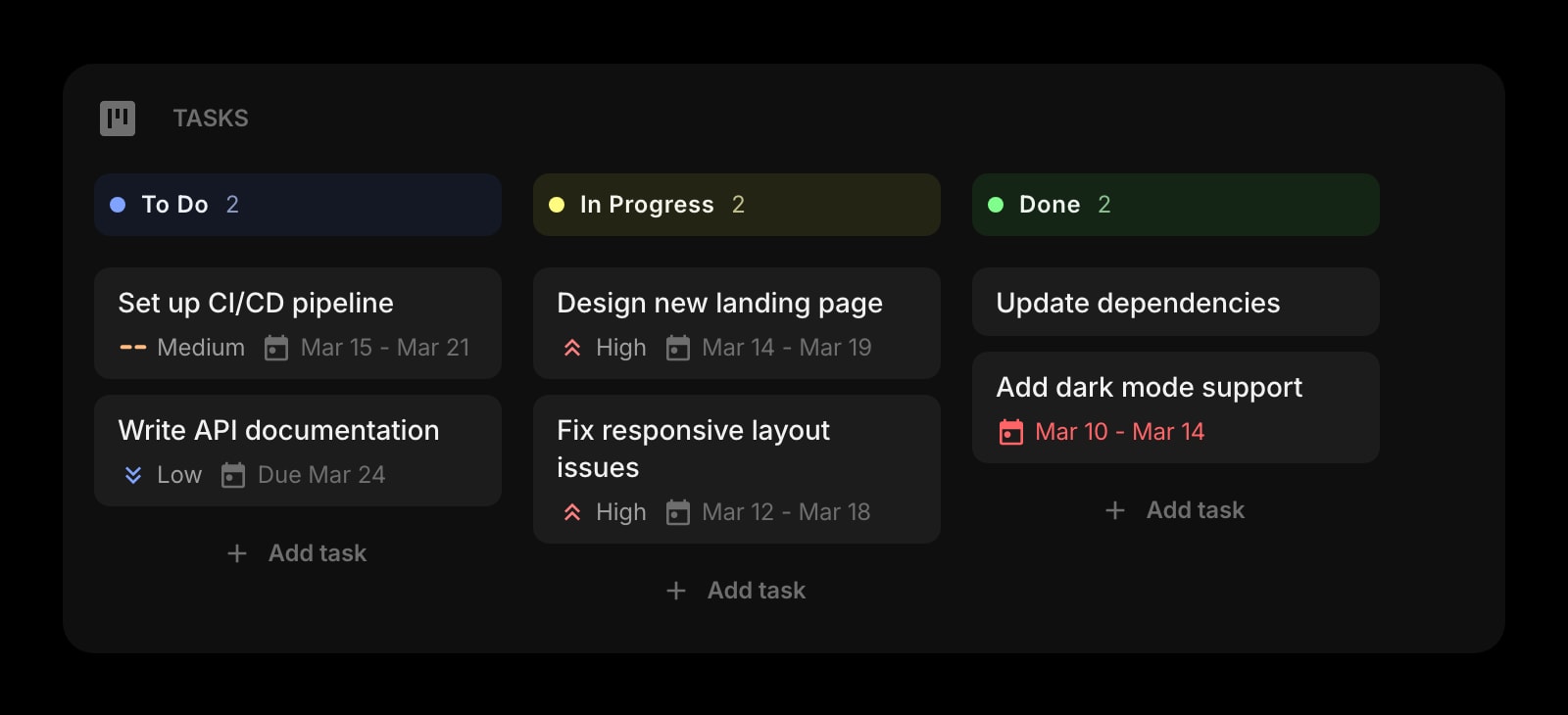
Kanban Tasks
A drag-and-drop Kanban board on the new tab — the project-and-task layer Workona puts inside Spaces, available on every page.
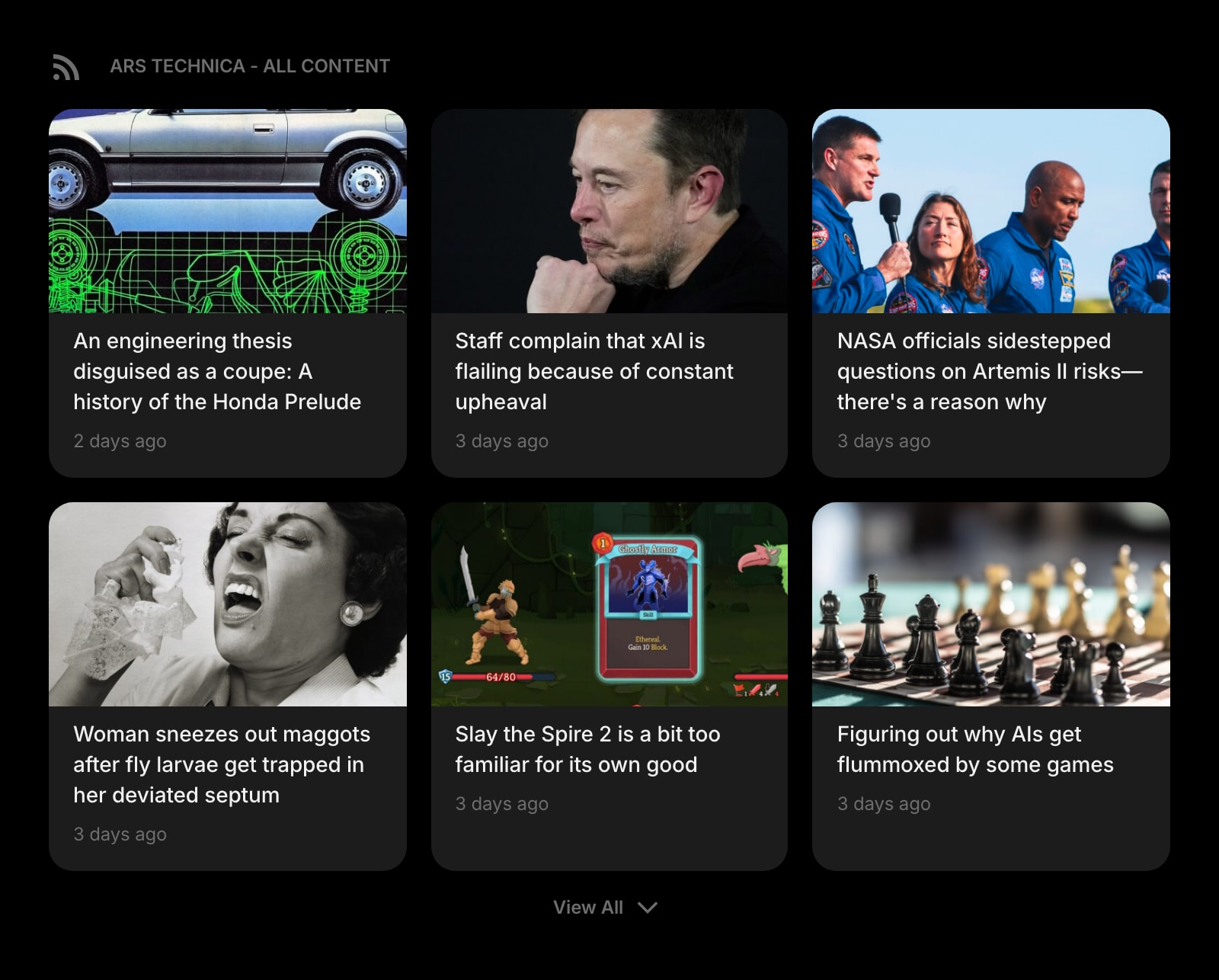
RSS Feed
Read RSS, Substack, Hacker News, Reddit, and YouTube alongside your tasks and calendar — so reading does not need its own tab cluster.
Frequently Asked Questions
No. They share the broad category of "tab manager," but they solve different problems. Toby is a visual board of saved tab collections you organize and share. Workona is a project-first workspace where each Space holds its own tabs, notes, and tasks and the others stay hidden. Toby is the lighter, share-a-board tool; Workona is the heavier, run-a-project tool with tab suspension and 90-day session backups.
Workona, more directly. It ships built-in tab suspension that unloads idle tabs from memory and restores them when you click back, which is the headline feature for users running 80+ tabs across multiple projects. Toby reduces the active-tab count by closing tabs out of the browser entirely and saving them into a collection you can reopen later, which is a different mechanic — you end up with fewer real tabs open, but the saved tabs are not technically suspended-and-restored.
Neither product ships a real Safari extension. Both are Chrome, Firefox, and Edge on the extension side. macOS Safari users on either product fall back to the hosted web app — web.gettoby.com for Toby, workona.com for Workona — which works as a website you bookmark, but does not actually replace the new tab in Safari.
Toby has native iOS and Android apps for browsing your saved collections from a phone. Workona is browser-only and does not advertise a mobile app, so reaching your Spaces from a phone goes through workona.com in a mobile browser. If "I want my saved tabs on my phone" matters to you, Toby is the only one of these two with a real native mobile story.
Toby Starter is free forever and capped at 60 saved tabs total — once you cross that line you upgrade to Productivity at $4.50/month annual for unlimited saved tabs. Workona Free covers unlimited browser tabs (it is not capped on tab count the same way), but Pro features like 90-day session backups and the full set of integrations are gated behind the paid tier. Toby is the more transparent free-vs-paid line; Workona free is more open-ended on tab count but holds back recovery features.
Yes — they do not conflict. Toby and Workona are tab managers; they run inside the browser to organize the tabs you have already opened. A new-tab dashboard replaces the empty page that opens when you press Cmd+T or Ctrl+T. You can keep using Toby for shared link collections or Workona for project Spaces, and still pin a real dashboard to your new-tab page.
The Verdict
Both are good at what they set out to do, and they set out to do different things. Pick Toby if you want a visual, drag-and-drop board of saved tab collections you can share with a teammate, native iOS and Android apps for skimming saved links on a phone, and transparent per-seat pricing with a small, accessible Team tier. Pick Workona if you organize work by project, want each Space to hide everything else from the others, and value tab suspension plus 90-day session backups as a real safety net. If neither feels quite right — for example, you also want the new-tab page itself to be useful with a calendar, todo, weather, notes, and AI on it — Start Page HQ is worth a look as a complement to either tool.