Free Online QR Code Generator
Turn any URL, text, Wi-Fi string, or contact card into a scannable QR code as you type. Download it as a PNG - nothing is uploaded, everything runs in your browser.
What It Does
The capabilities you'd expect from a dedicated qr code generator tool — nothing less.
- Paste a URL or type any text and the QR code redraws on every keystroke - no Generate button, no page reload.
- Download the code as a crisp 512 x 512 PNG that scans cleanly from a phone screen, a slide, or a printed flyer.
- High error-correction level (H) by default, so the code still scans with up to 30% of it covered by a logo, a sticker, or a smudge.
- Works with anything that fits in a QR payload: links, plain text, mailto: and tel: links, Wi-Fi join strings, vCards, or app deeplinks.
- A live character counter shows how much you have packed in - shorter payloads make simpler codes that scan faster.
Common Use Cases
Specific scenarios where this tool earns its place.
Sharing a Link From Your Laptop to Your Phone
You are reading an article, a docs page, or a staging build on the desktop and want it on your phone without emailing yourself. Paste the URL, point the camera at the screen, done. Faster than AirDrop when the two devices are not on the same account.
Putting a Menu, Form, or Signup Page on Print
Restaurant menus, event posters, conference badges, product packaging. Generate the code, download the PNG, drop it into Figma or Canva. High error correction means it keeps scanning after the print shop compresses it.
Sharing Wi-Fi With Guests
Type WIFI:T:WPA;S:YourNetwork;P:YourPassword;; and any modern phone joins the network straight from the camera app. Print it, stick it on the fridge, and stop spelling out the password to every visitor.
Testing a Deeplink or a Mobile Landing Page
Mobile developers and marketers need to open a specific app screen or a UTM-tagged URL on a real device dozens of times a day. A QR code on the second monitor beats typing the link into the phone every time.
Handing Out Your Contact Details
Paste a vCard string (BEGIN:VCARD ... END:VCARD) and the code drops your name, phone, and email straight into the contacts app of whoever scans it. Useful on business cards, slides, and email signatures.
The Bigger Story
Search "qr code generator" and the first page is a wall of sites that watermark the download, expire the code after 14 days unless you subscribe, or track every scan through their own redirect. The generator above does none of that - the code encodes your text directly, forever, and never leaves your browser. It is one of 63+ widgets on Start Page HQ, a new tab dashboard that also has the base64 encoder, the JSON formatter, and the markdown editor you will be searching for next week. Generate your code here today; if it turns out you make these often, the same widget lives on every new tab you open.
Start free — 1 page, 8 widgets, sync across devices, no credit card. Paid lifts the caps: $4/month, $24/year, or $48 lifetime.
Other Tools You Might Use
Tools developers and writers reach for next, all part of the same dashboard.
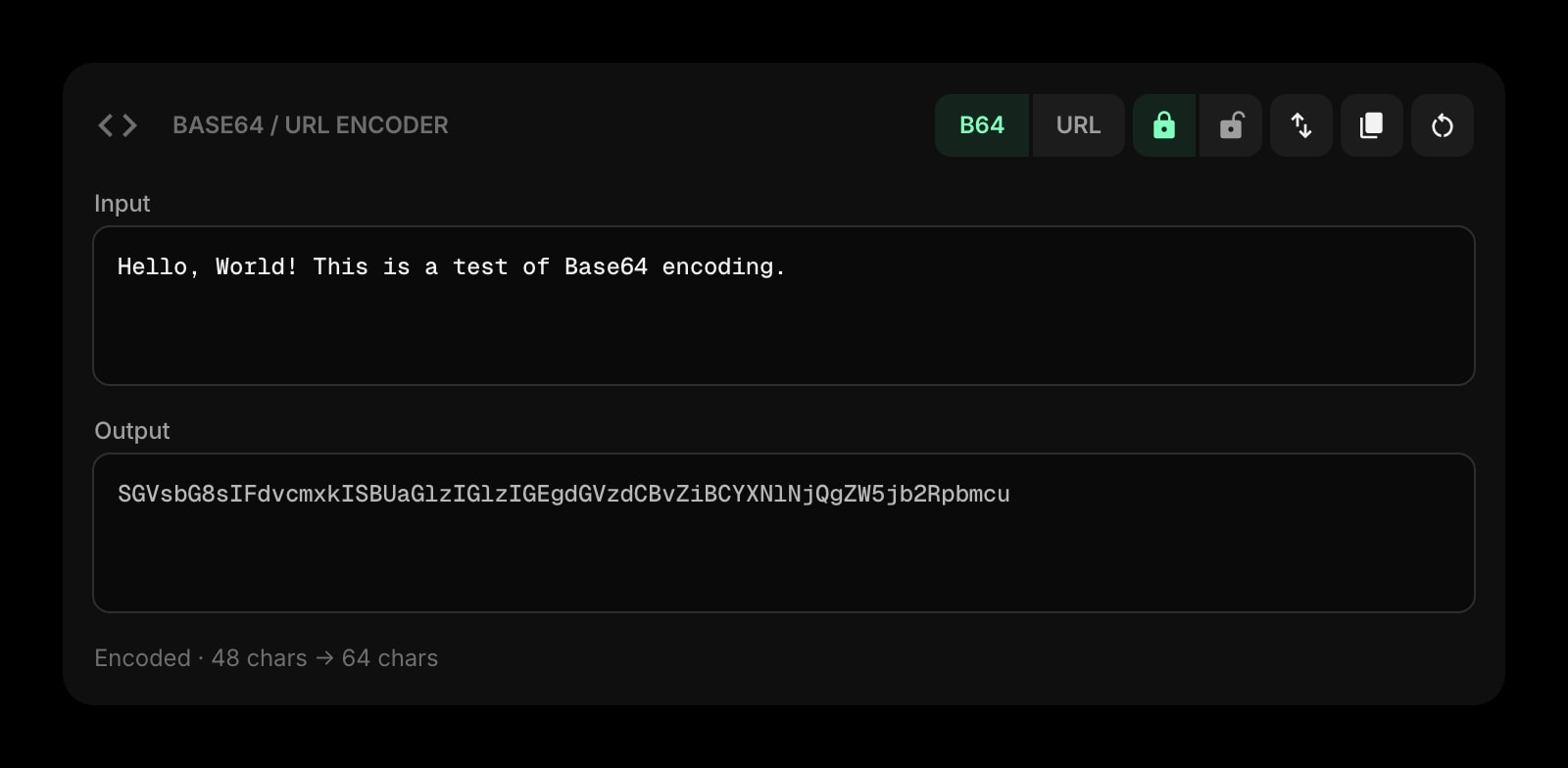
Base64 & URL Encoder
Encode or decode base64 and URL-safe strings. Percent-encode a link before it goes into a QR code so every scanner reads it.
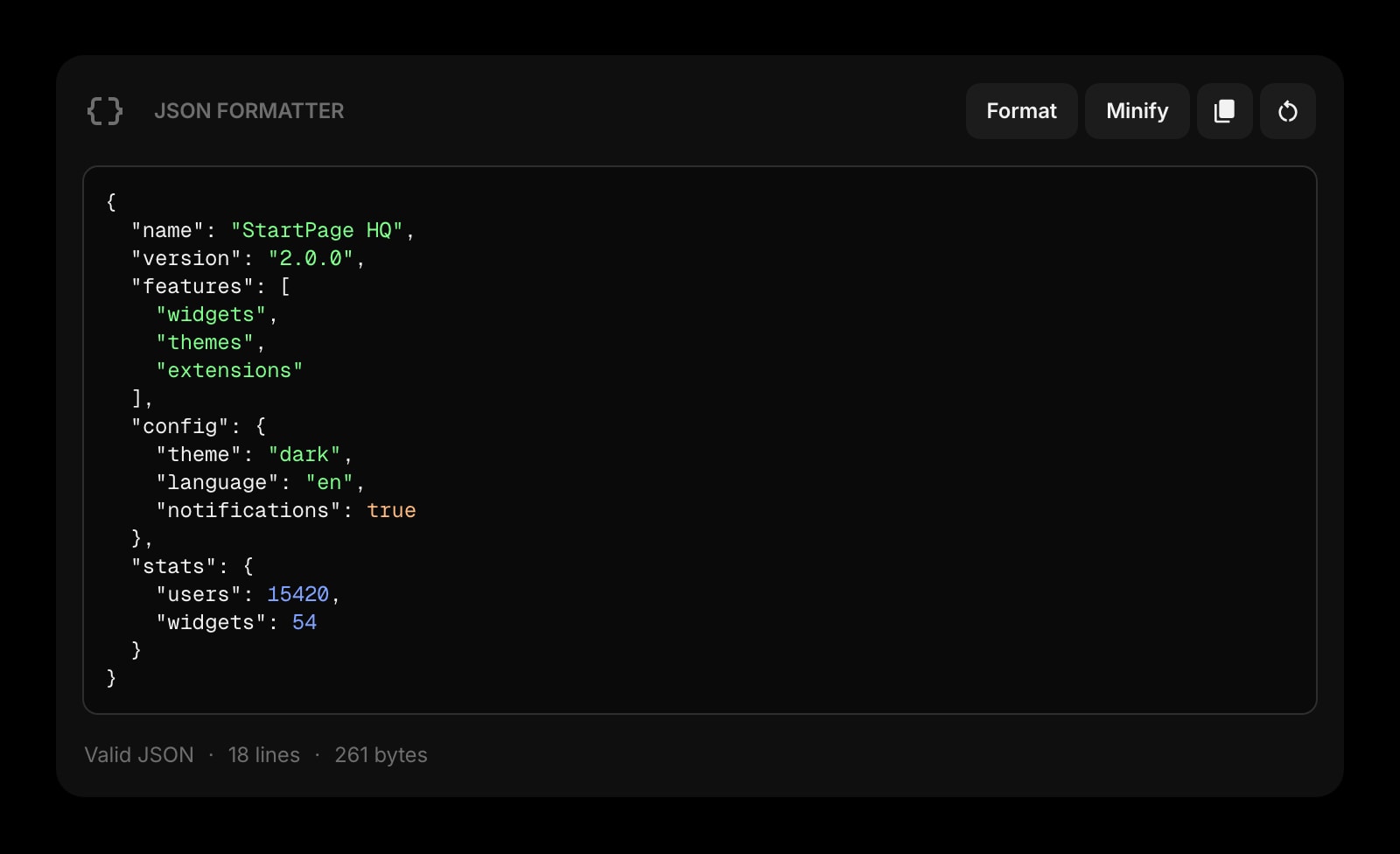
JSON Formatter
Format, validate, and minify JSON. Tidy the payload before you encode a config or a deeplink into a code.
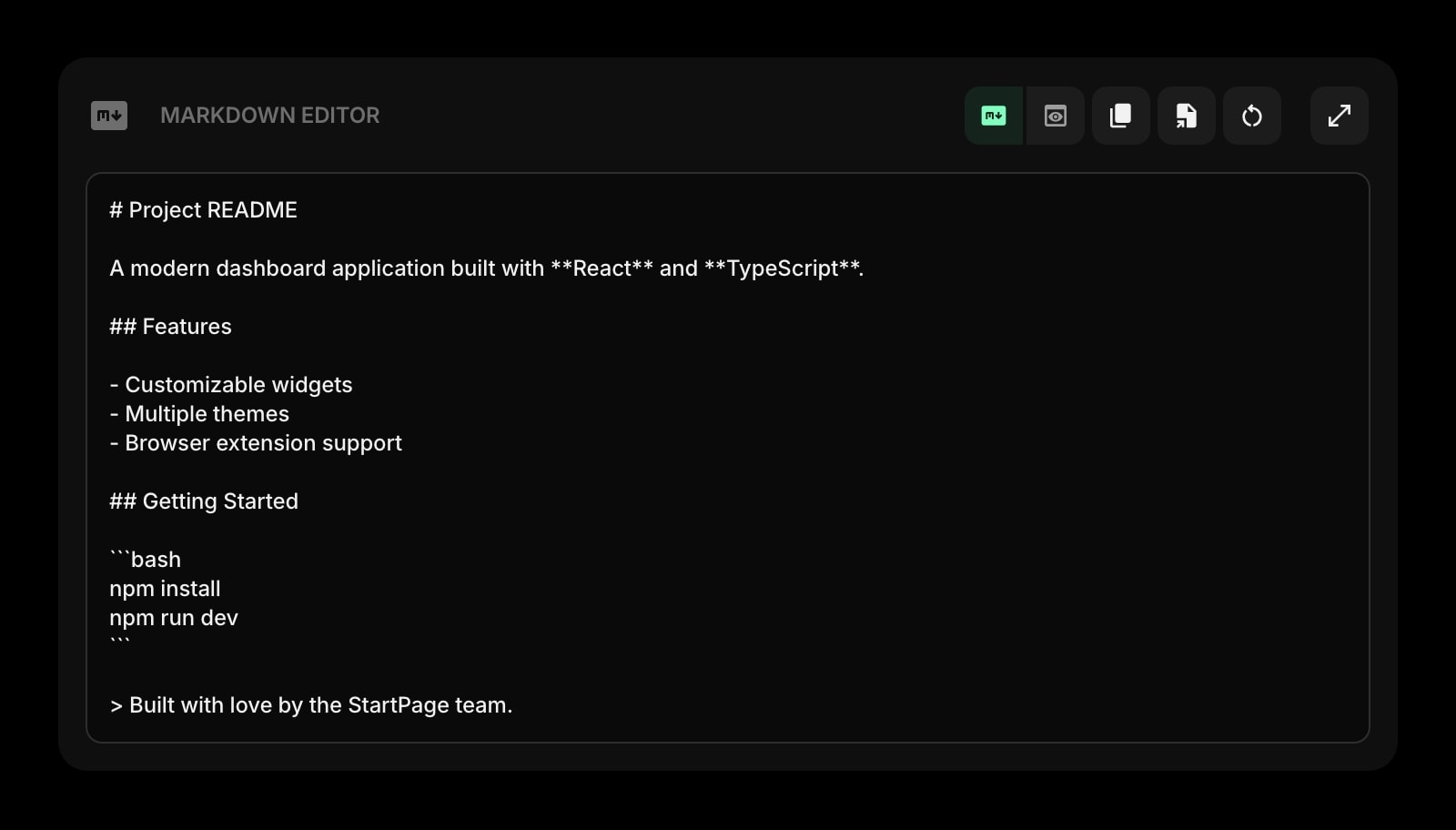
Markdown Editor
Write the event page, README, or flyer copy with live preview, then link to it from the code you just made.
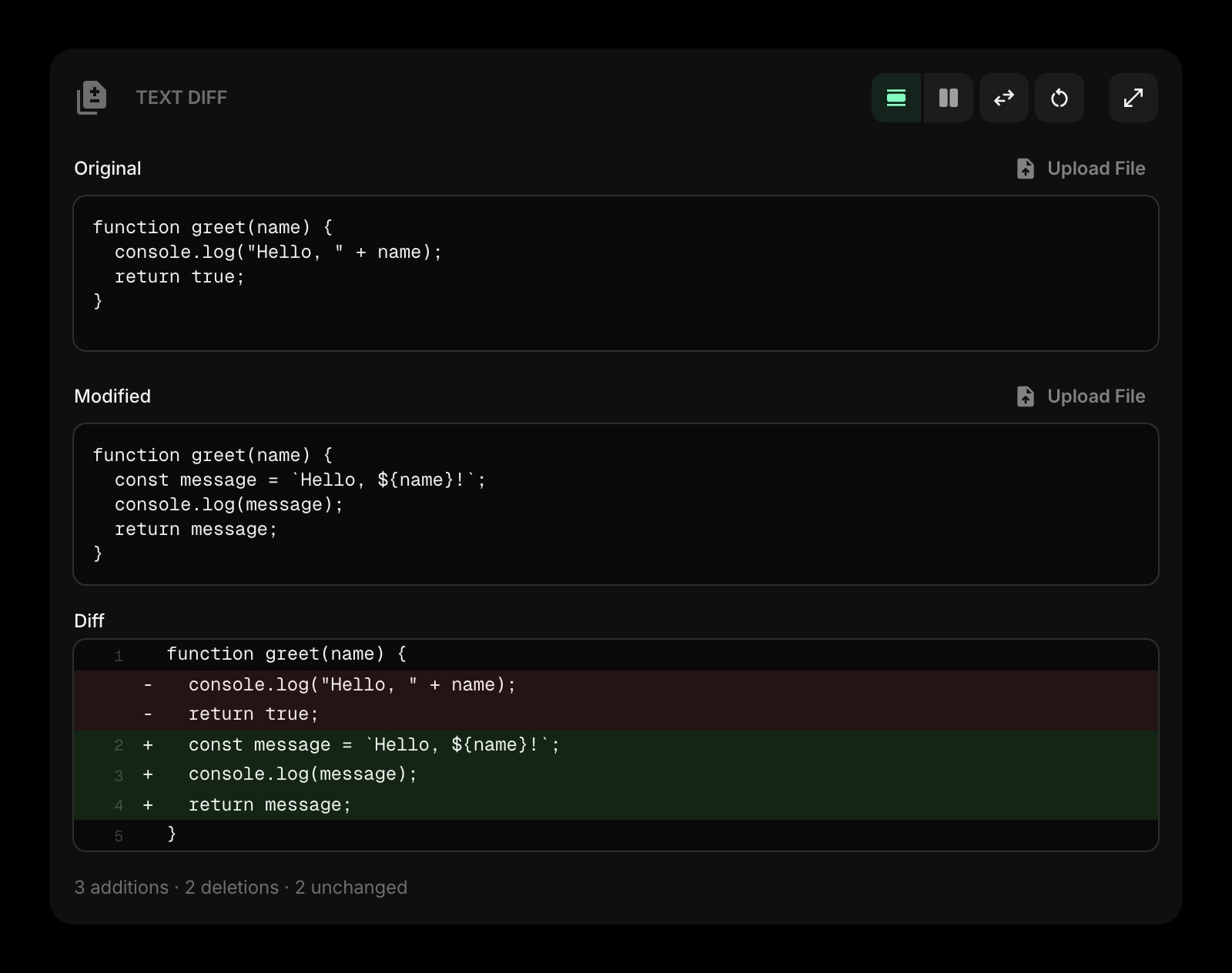
Text Diff
Compare two versions of a vCard, a Wi-Fi string, or a URL to find the one character that stopped the code scanning.
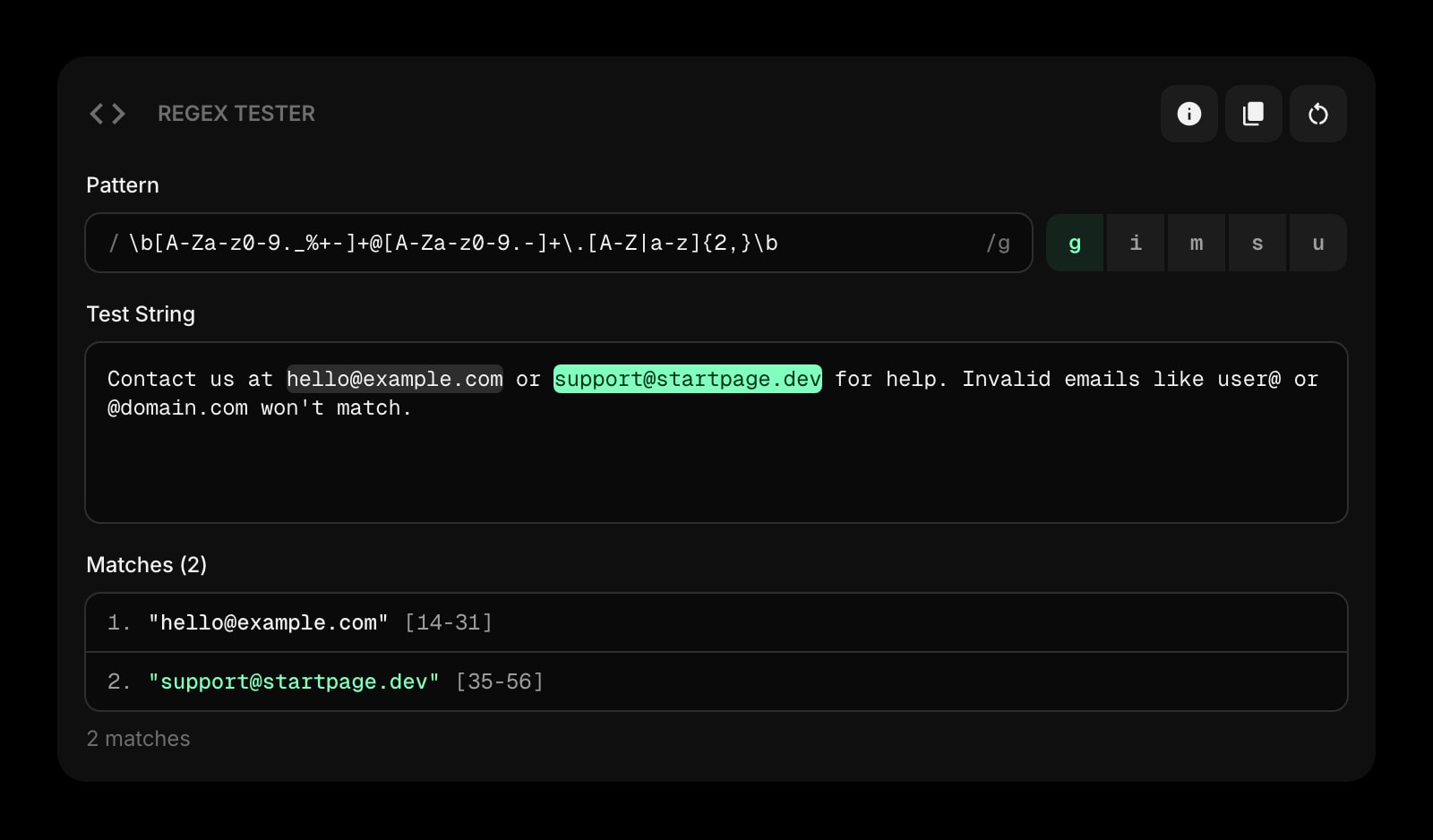
Regex Tester
Validate the URLs and phone numbers you are about to encode against a pattern before they reach print.
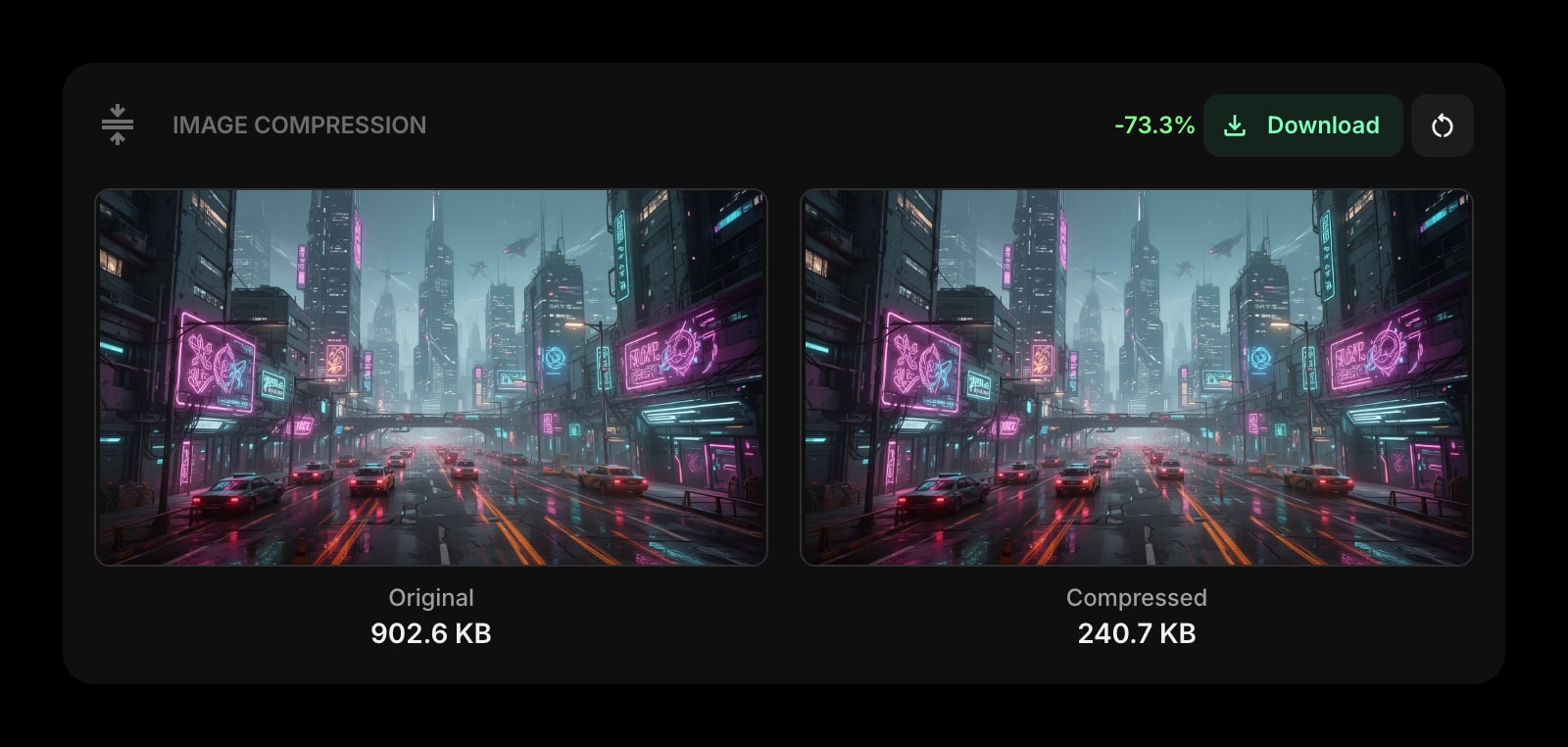
Image Compression
Shrink the photos and logos that go on the same poster as the code, without leaving the browser.
Links
Keep the pages you share most often one click away, ready to turn into a code whenever someone asks.
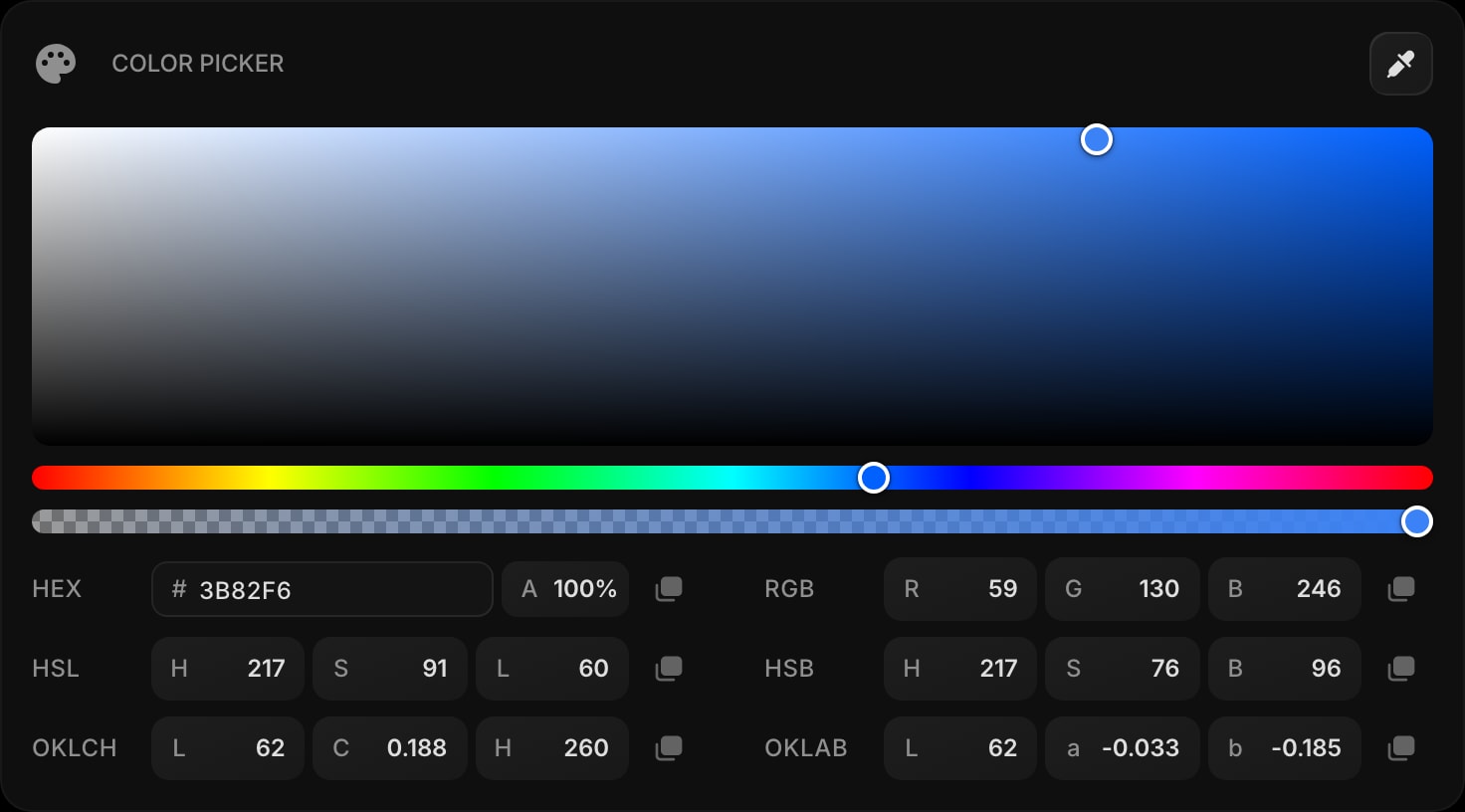
Color Picker
Grab the exact brand color for the flyer or slide the code is going on. HEX, RGB, HSL, and OKLCH.
Frequently Asked Questions
Yes. The QR Code Generator above runs entirely in your browser with no usage cap and no signup. The full Start Page HQ dashboard also has a free plan - 1 page, 8 widgets, sync across devices, every browser extension, and 50 AI credits to start, with no credit card. Paid lifts the caps to unlimited pages and all 63+ widgets at $4/month, $24/year, or $48 lifetime. There is also a public demo at startpagehq.com/demo with every widget unlocked.
No. The QR code is drawn on a canvas element in your browser using an open-source encoder. The text never goes to a server, we never see it, and there is no analytics redirect inserted into your link - the code contains exactly what you typed. Safe for internal URLs, Wi-Fi passwords, and unreleased landing pages.
No. Unlike "dynamic" QR services, this is a static code: the data is encoded directly into the pattern, so it works for as long as the destination exists. The flip side is that you cannot change the destination after printing - if you need that, put a short URL you control behind the code.
A 512 x 512 pixel PNG with a two-module quiet zone around the code. That is plenty for screens, business cards, and A4 posters. For billboard-scale print, keep the payload short so each module is larger, or trace the PNG in a vector tool.
QR capacity tops out around 2,900 alphanumeric characters at the lowest error correction, and this tool uses the highest level (H), which brings that down to roughly 1,270. Dense codes also need bigger prints and steadier cameras. Shorten the payload - a short URL instead of a long tracked one - and the code gets simpler and scans faster.
Open the Full Dashboard
The qr code generator tool, plus 63+ widgets, on every new tab. Free plan, no credit card — or try the demo without an account.