- Dashboard
- Widgets
- AI Diary
- AI Humanizer
- AI Image
- Audio Editor
- Base64 / URL Encoder
- Calendar
- Canvas
- Collection
- Color Picker
- Container
- Countdown Timer
- Currency Converter
- Daily Quiz
- Daily Quote
- Daily Riddle
- Date & Time
- Embed
- GitHub Releases
- Google Calendar
- Habit Tracker
- Hacker News
- Image Compression
- IP Info
- JSON Formatter
- Links
- Markdown Editor
- News
- News Summary
- Notes
- Photo Frame
- Podcast
- Pomodoro Timer
- Product Hunt
- QR Code Generator
- Quick Answer
- Quick Note
- Regex Tester
- RSS Feed
- Search
- Spacer
- Stopwatch
- Story Snippet
- Stripe Sales
- Subreddit
- Substack
- t0ggles Focus
- t0ggles My Boards
- t0ggles My Tasks
- Tasks
- Text Diff
- Todo
- TradingView Advanced Chart
- TradingView Market Summary
- TradingView Mini Chart
- TradingView Symbol Overview
- TradingView Ticker Tape
- Translation
- Unit Converter
- Uptime Monitor
- Weather
- What If
- World Clock
- YouTube Channel
Image Compression Widget
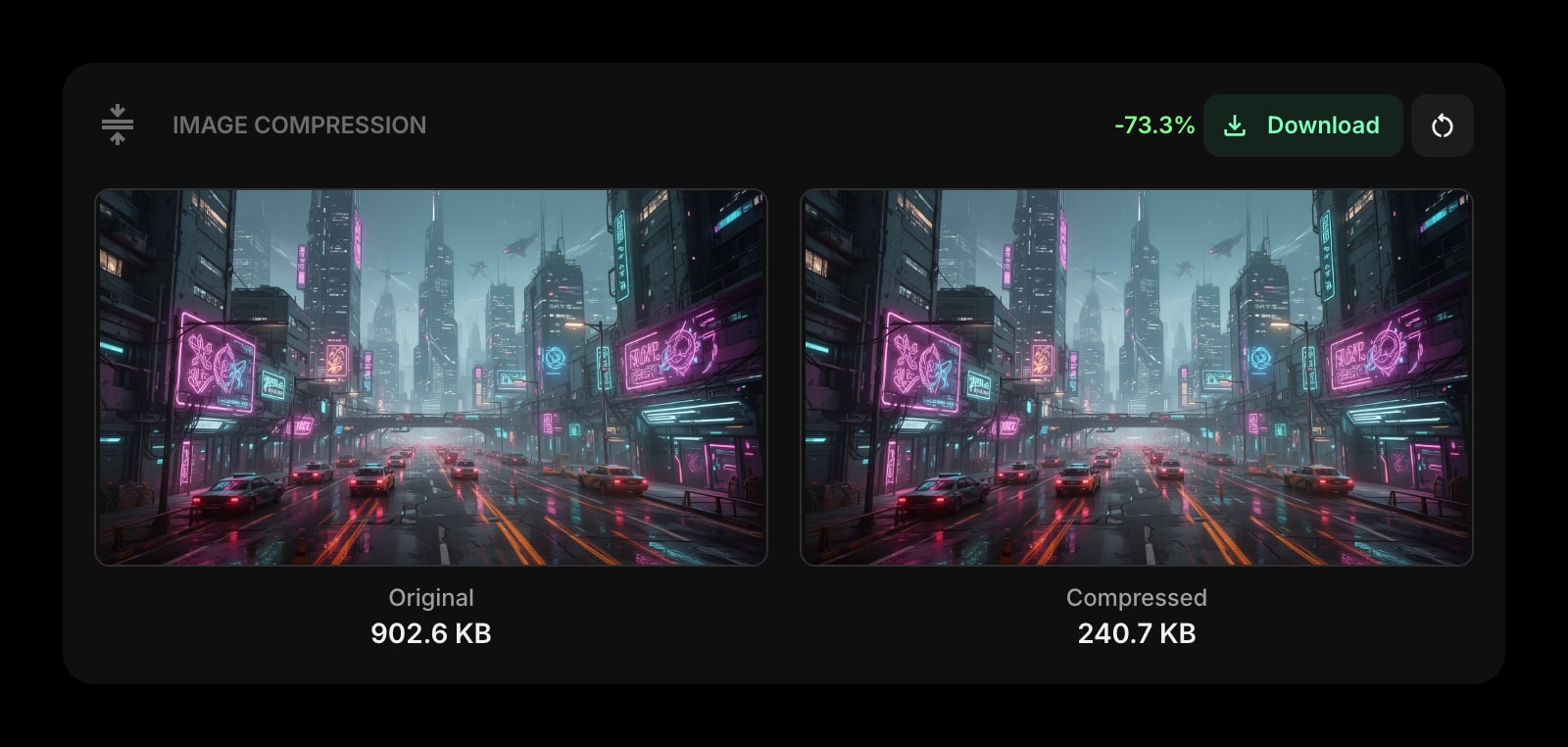
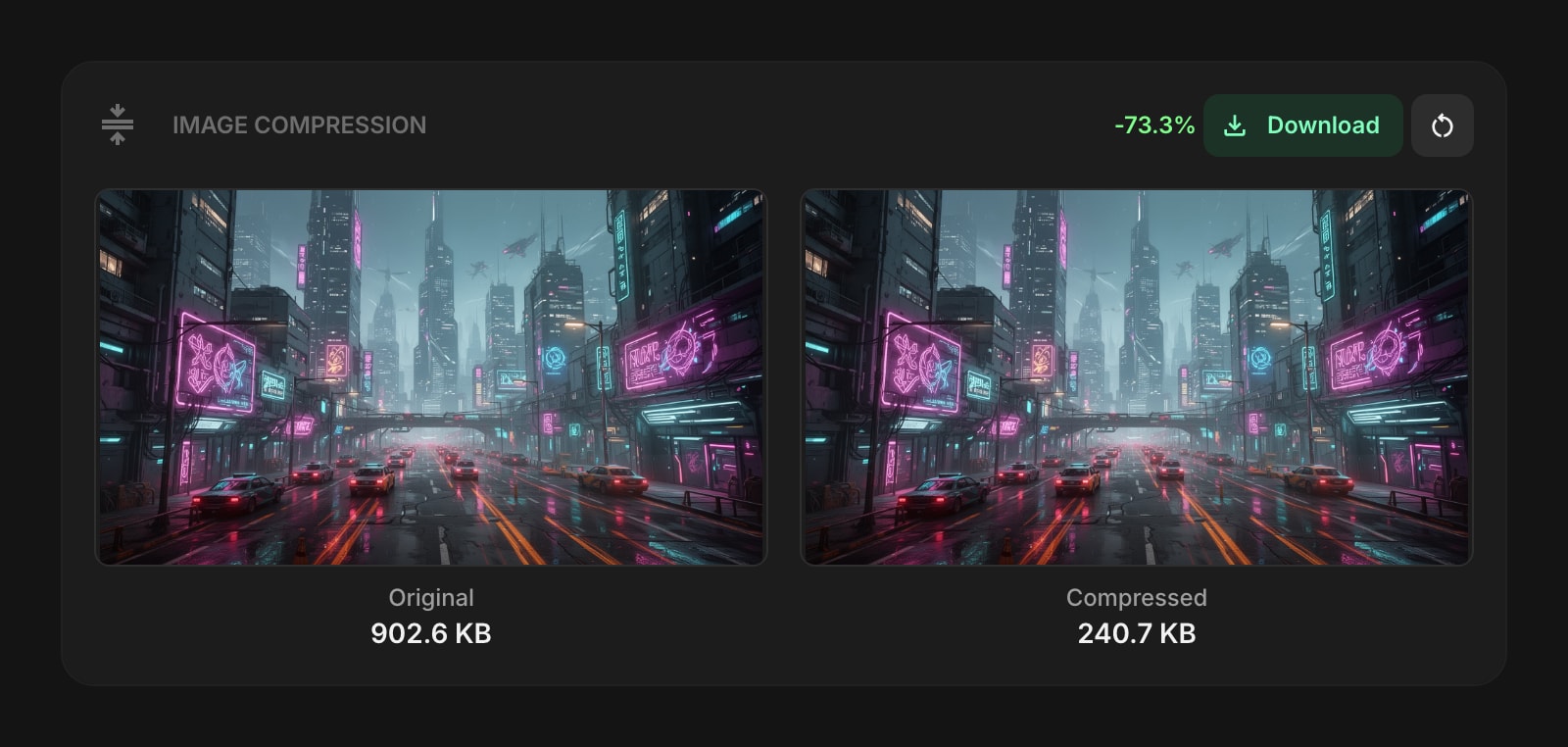
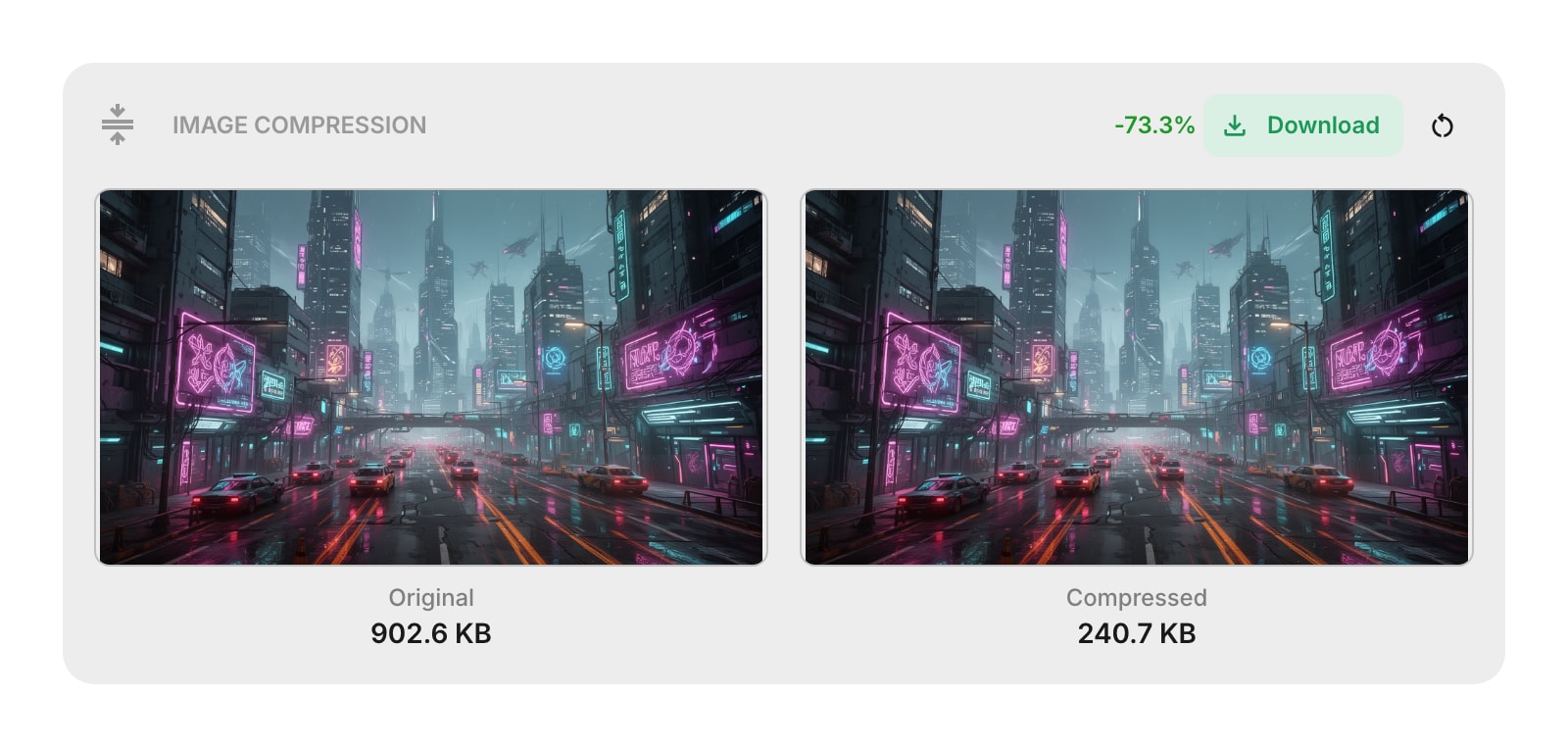
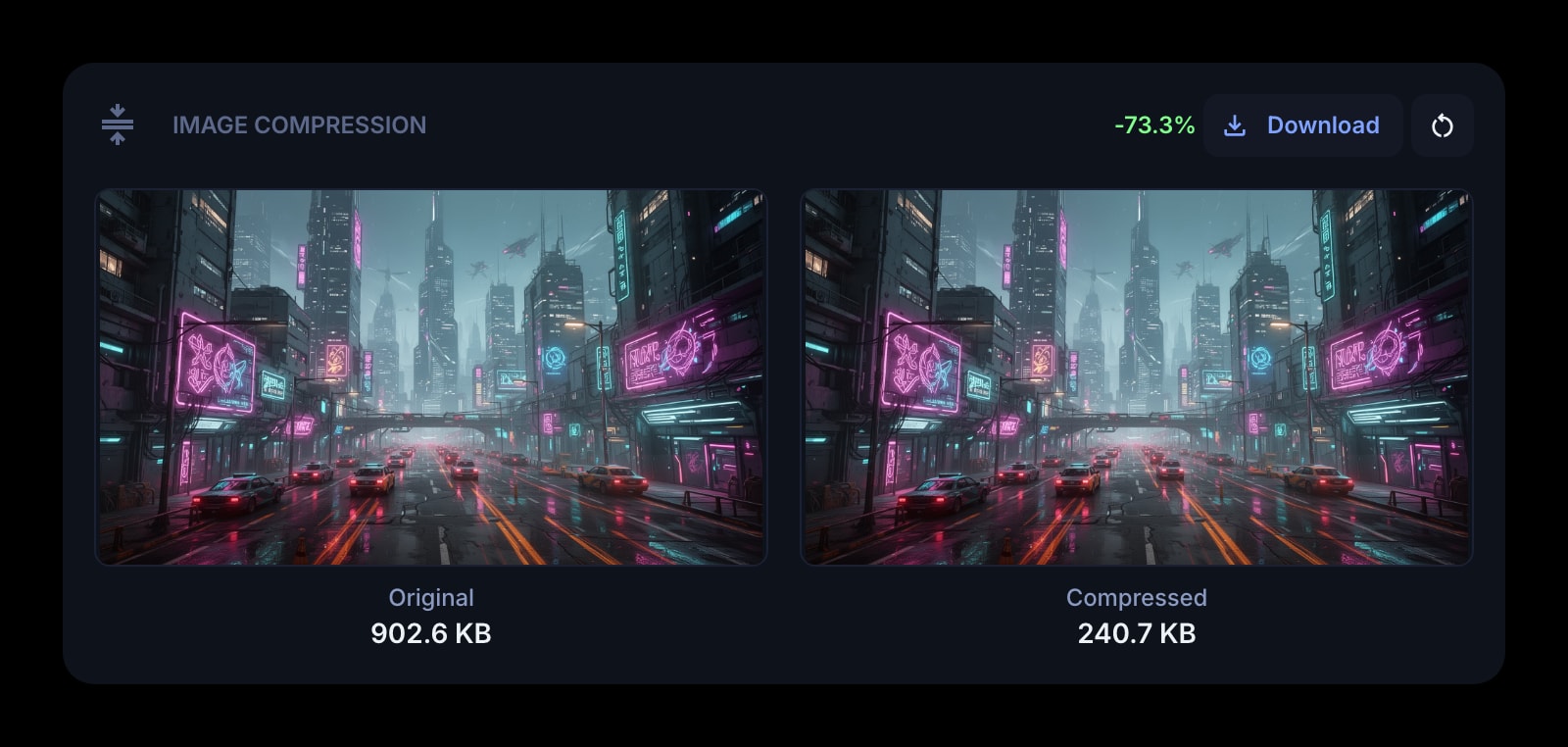


The Image Compression widget lets you compress, optimize, and convert images right on your dashboard. Drop one or many files at once and get smaller versions in seconds. Everything happens in your browser, so your images are never uploaded to a server.
#How to Use
#Compressing Images
- Drag and drop one or more images onto the widget, or click the drop zone to browse for files.
- The widget compresses each image in turn, showing per-file progress and a thumbnail grid as items finish.
- Each thumbnail shows the original and compressed sizes plus the savings percentage.
- Click Download to save the results. A single image downloads directly. Multiple images download as a ZIP archive named
compressed-images.zip. - Click any individual thumbnail to download just that one image.
You can also drop more images onto the widget while a batch is processing or after it finishes - they will be added to the queue.
#Removing Items From a Batch
Hover any thumbnail (or tap on touch devices) and click the X in the corner to remove that image from the batch. Removed items are skipped if they have not been compressed yet, and dropped from the download set if they had already finished.
#Converting To a Different Format (Download As)
After a batch finishes, the toolbar shows a Download as menu. Pick a target format - JPEG, PNG, WebP, or AVIF - and the widget re-encodes every raster image in the batch to that format using the current quality preset.
- A single converted image downloads directly.
- Multiple converted images download as a ZIP archive named after the target format (for example,
compressed-images-avif.zip). - SVG files pass through unchanged. They are included in the ZIP as-is, since vector graphics do not need raster conversion.
- The format that matches the current output is disabled in the menu when only one image is loaded (no point converting to the same format).
You can cancel a long conversion at any time from the toolbar.
#Compressing Another Batch
Click the reset button (counter-clockwise arrow icon) to clear the current batch and return to the drop zone.
#Supported Formats
The widget reads, compresses, and converts these formats:
- PNG - lossless compression with oxipng optimization
- JPG / JPEG - lossy compression with adjustable quality
- WebP - modern format with smaller files than JPEG at similar quality
- AVIF - newest format with the best compression, ideal for delivering images on the web
- SVG - code-level optimization (removes unnecessary metadata, cleans up paths)
The maximum file size is 10 MB per image, and you can process up to 20 images per batch.
#Quality Presets
Choose a quality level that fits your needs. The same preset applies across all formats:
- Max Compression - smallest file size, lower quality (JPEG 60, WebP 60, AVIF 40, PNG max optimization)
- Balanced - a good middle ground between size and quality (JPEG 75, WebP 75, AVIF 55, PNG mid optimization). This is the default.
- High Quality - best visual quality, larger file size (JPEG 85, WebP 85, AVIF 70, PNG light optimization)
#Widget Settings
- Quality - choose between Max Compression, Balanced (default), and High Quality.
- Strip EXIF/Metadata - remove extra data like camera info, GPS coordinates, and editing history. For SVG files, this also strips XML comments and editor data. Turned on by default.
#Tips
- All compression happens in your browser - your images stay private and are never sent to any server.
- AVIF gives the smallest files but takes longer to encode, especially on phones. WebP is a great middle ground when you want broad browser support and small files.
- Use Max Compression when file size matters most (email attachments, web delivery), and High Quality when visual quality is the priority (print, archival).
- Use Download as to convert legacy JPEG or PNG batches to WebP or AVIF in one go.
- You can drop new images onto the widget even while a batch is processing or after it finishes.
#Browser Notes
In the iOS Safari extension, downloads open the system share sheet instead of saving directly. After a Download as conversion finishes, the toolbar shows a Save button - tap it to open the share sheet. This extra tap is required by iOS to keep the share action tied to a fresh user gesture.