Free Online World Clock
See the current time in New York, London, Tokyo, and any other city side by side with your own. Analog or digital, 12- or 24-hour, live to the second.
What It Does
The capabilities you'd expect from a dedicated world clock tool — nothing less.
- Live clocks for as many cities as you need, each showing the local time, date, and day of the week for that time zone.
- Switch between an analog watchface with day and night dials and a compact digital readout - the dial is light from 6 am to 6 pm local time and dark overnight.
- Search over 400 time zones by city or region name, from Auckland to Anchorage, and add a clock in one click.
- Choose 12-hour or 24-hour display, or leave it on Auto to follow your system setting.
- Daylight saving is handled by your browser's own time zone database, so the offsets are right the week the clocks change.
Common Use Cases
Specific scenarios where this tool earns its place.
Scheduling a Meeting Across Three Offices
Your team is in San Francisco, Berlin, and Bangalore. Put all three up, glance at the row, and pick the slot where nobody is asleep. Faster than an "8am PT / 5pm CET / 8:30pm IST" thread.
Checking Whether a Colleague Is Awake
Before you fire off a Slack message or start a call, look at their city on the dial. A dark watchface means it is night where they are, and the message can wait until their morning.
Following a Live Event in Another Time Zone
A product launch streams at 10 am Pacific, a match kicks off at 20:00 in London, a rocket launches from Kourou. Keep the origin city on screen and stop doing offset arithmetic in your head.
Coordinating With Family Abroad
Parents in Lisbon, a sibling in Sydney, you in Toronto. Three clocks with the names you chose, always visible, so the weekend call lands at a civilised hour on every end.
Working Nights or Traveling
When your body clock and the local clock disagree, keep home time next to local time. Useful for shift workers, pilots, remote contractors billing in another zone, and anyone fighting jet lag.
The Bigger Story
Every "world clock online" site shows the same thing: a grid of times and a lot of ads. This page shows the World Clock widget from Start Page HQ, minus the account. The point is not that ours ticks better - it is where it lives. Inside the dashboard the clocks sit on your new tab page next to a countdown timer, your calendar, the weather in each of those cities, and 63+ other widgets, synced across every browser you use. Check the time here now; on the dashboard you would never have had to open a tab for it.
Start free — 1 page, 8 widgets, sync across devices, no credit card. Paid lifts the caps: $4/month, $24/year, or $48 lifetime.
Other Tools You Might Use
Tools developers and writers reach for next, all part of the same dashboard.
Date & Time
Your own local time and date, large and legible, in the same digital or watchface styles as the world clock.
Countdown Timer
Count down to the launch, the flight, or the call you just scheduled across those time zones.
Calendar
A month at a glance next to the clocks, so the date part of "next Tuesday at 9 their time" is settled too.
Google Calendar
Your upcoming events pulled onto the dashboard, each already converted to your local time.
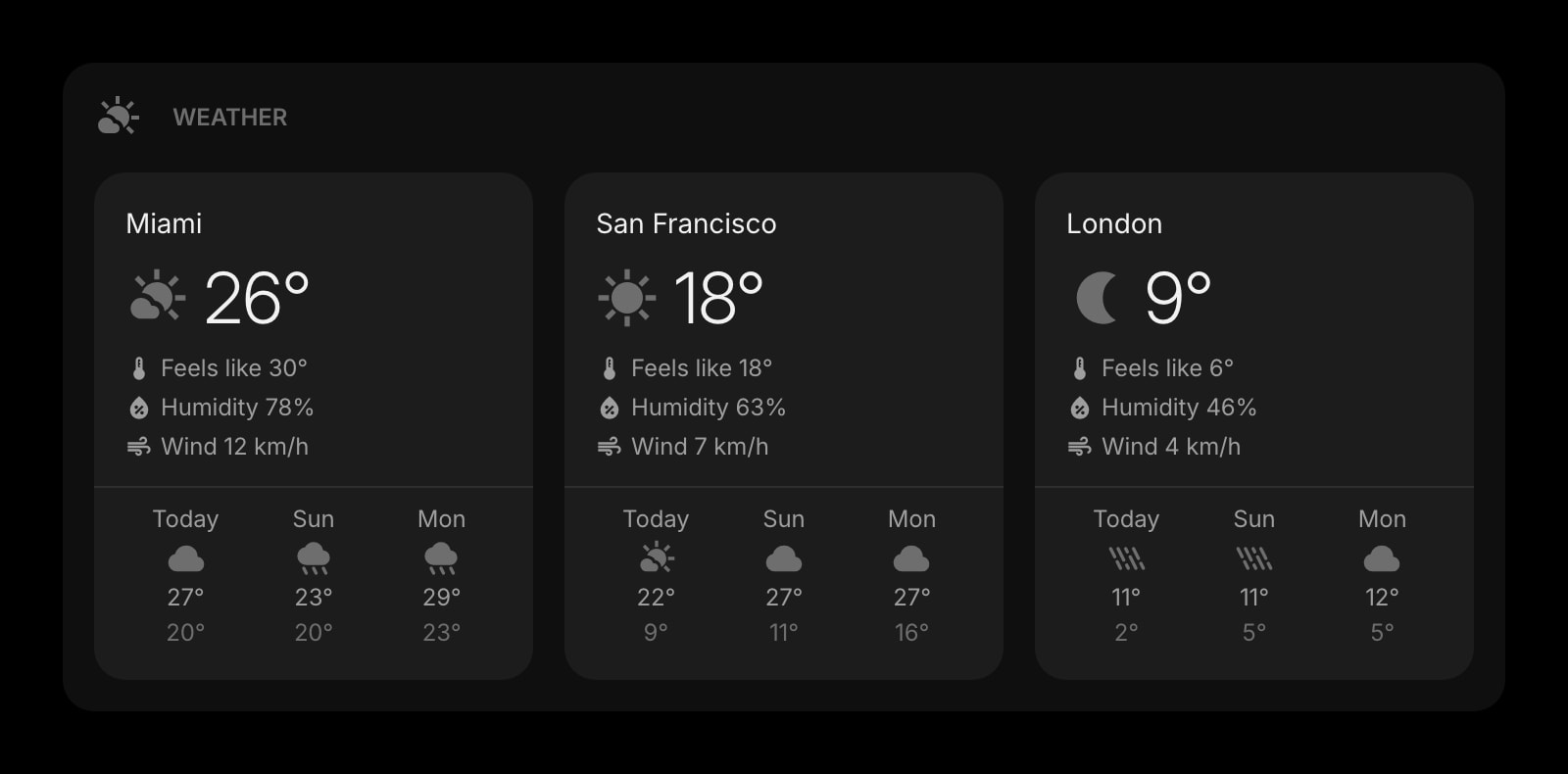
Weather
The forecast for every city you keep a clock for. Know it is raining in London before you ask.
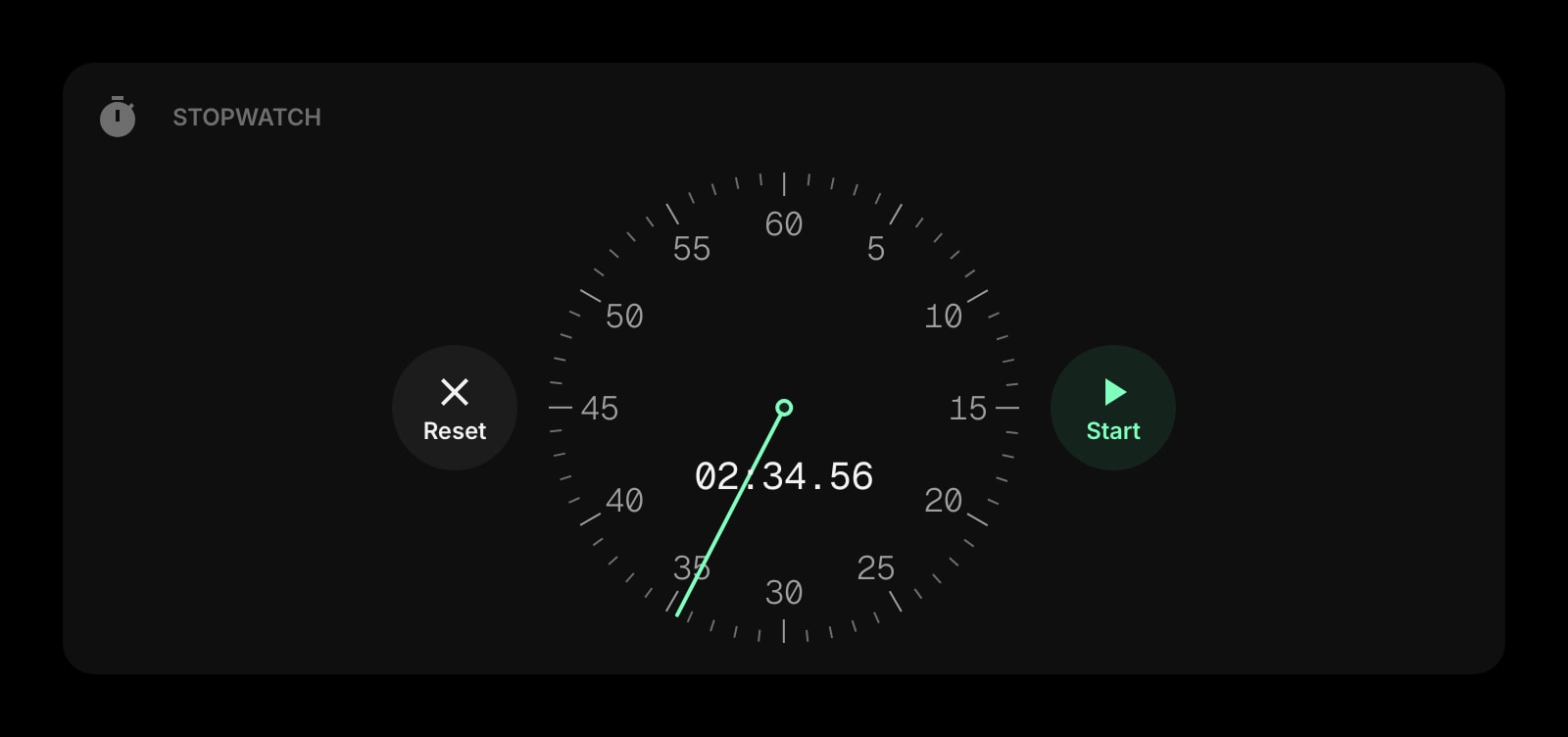
Stopwatch
Time a call, a task, or a lap. Lives in the same time-and-timers corner of the dashboard.
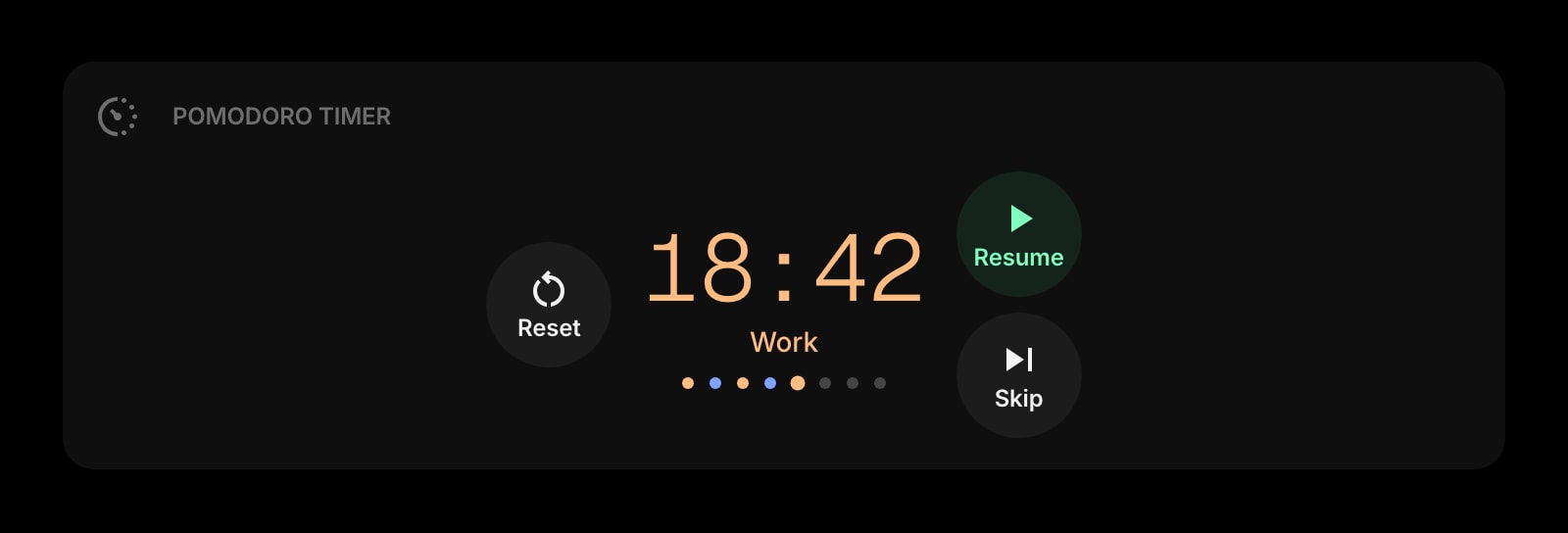
Pomodoro Timer
Focus sessions and breaks on a timer, for the hours when the rest of your team is offline anyway.
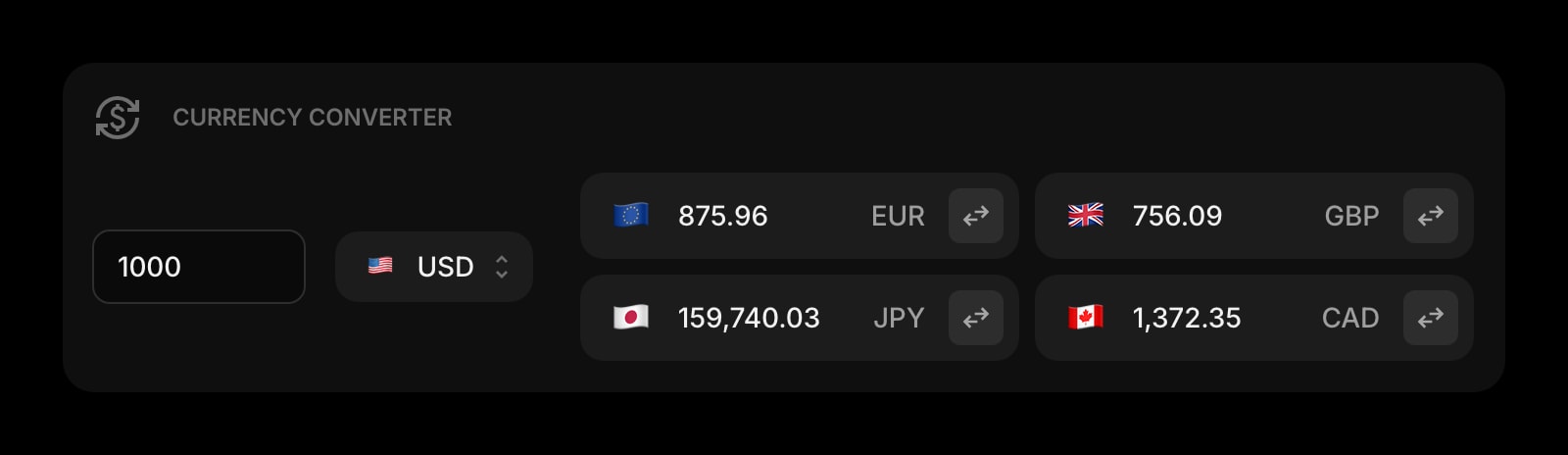
Currency Converter
Live exchange rates for the same countries you track the time in. Invoices and travel budgets, sorted.
Frequently Asked Questions
Yes. The World Clock above runs entirely in your browser with no limit on clocks and no signup. The full Start Page HQ dashboard also has a free plan - 1 page, 8 widgets, sync across devices, every browser extension, and 50 AI credits to start, with no credit card. Paid lifts the caps to unlimited pages and all 63+ widgets at $4/month, $24/year, or $48 lifetime. There is also a public demo at startpagehq.com/demo with every widget unlocked.
No. Your own time zone is read from the browser's settings, never from your IP address or GPS, and the cities you add live only in the page until you close it. Nothing is sent to a server. To keep a set of clocks permanently and see them on every new tab, add the widget inside the Start Page HQ dashboard.
Yes. Time zones are resolved through the browser's built-in Intl time zone database, which knows the DST rules for every region, including the ones that changed recently. On the day the clocks move, the offset updates by itself.
The watchface shows a white dial from 6 am to 6 pm local time and a dark one overnight, so you can tell day from night at a glance without reading the numbers. It is the same convention Apple's world clock uses. The digital style gets the same light and dark card treatment.
On this page the clocks tick live but hide the seconds hand to stay calm, and always show the date. Inside the dashboard the World Clock widget adds settings for item style, date-only or time-only display, a day-of-week toggle, and custom names per clock, and it grows or shrinks with the widget you put it in.
Open the Full Dashboard
The world clock tool, plus 63+ widgets, on every new tab. Free plan, no credit card — or try the demo without an account.