- Dashboard
- Widgets
- AI Diary
- AI Humanizer
- AI Image
- Audio Editor
- Base64 / URL Encoder
- Calendar
- Canvas
- Collection
- Color Picker
- Container
- Countdown Timer
- Currency Converter
- Daily Quiz
- Daily Quote
- Daily Riddle
- Date & Time
- Embed
- GitHub Releases
- Google Calendar
- Habit Tracker
- Hacker News
- Image Compression
- IP Info
- JSON Formatter
- Links
- Markdown Editor
- News
- News Summary
- Notes
- Photo Frame
- Podcast
- Pomodoro Timer
- Product Hunt
- QR Code Generator
- Quick Answer
- Quick Note
- Regex Tester
- RSS Feed
- Search
- Spacer
- Stopwatch
- Story Snippet
- Stripe Sales
- Subreddit
- Substack
- t0ggles Focus
- t0ggles My Boards
- t0ggles My Tasks
- Tasks
- Text Diff
- Todo
- TradingView Advanced Chart
- TradingView Market Summary
- TradingView Mini Chart
- TradingView Symbol Overview
- TradingView Ticker Tape
- Translation
- Unit Converter
- Uptime Monitor
- Weather
- What If
- World Clock
- YouTube Channel
Podcast Widget
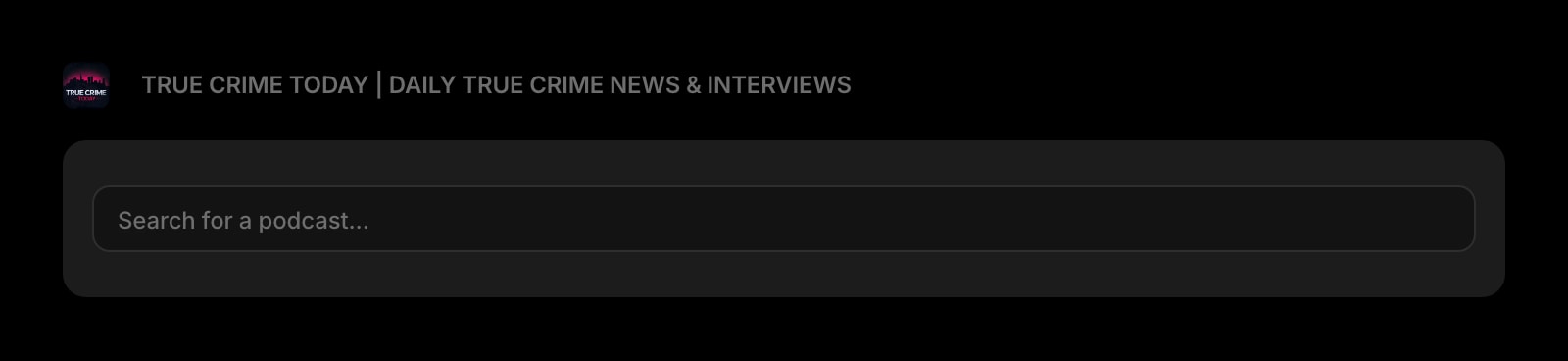
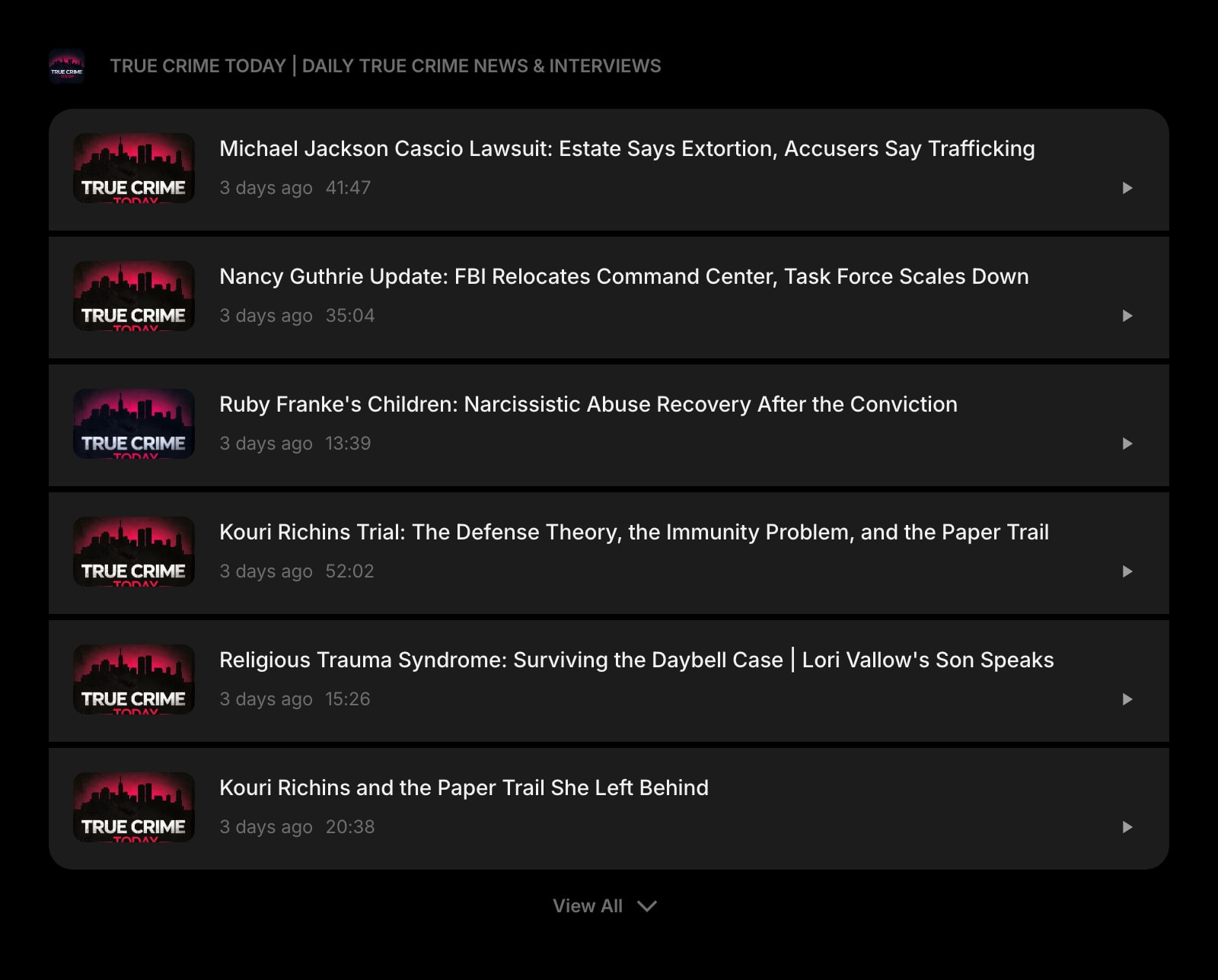
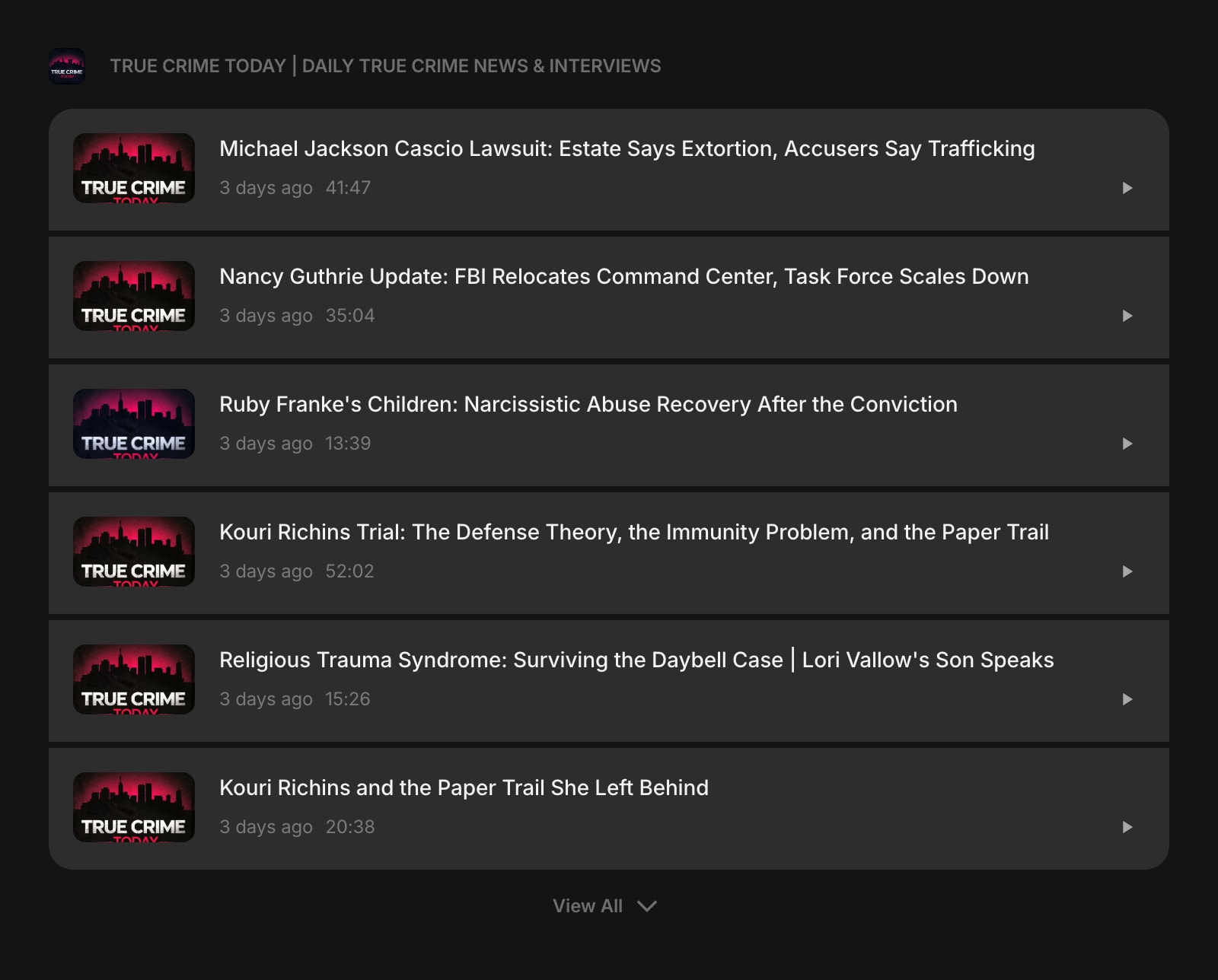
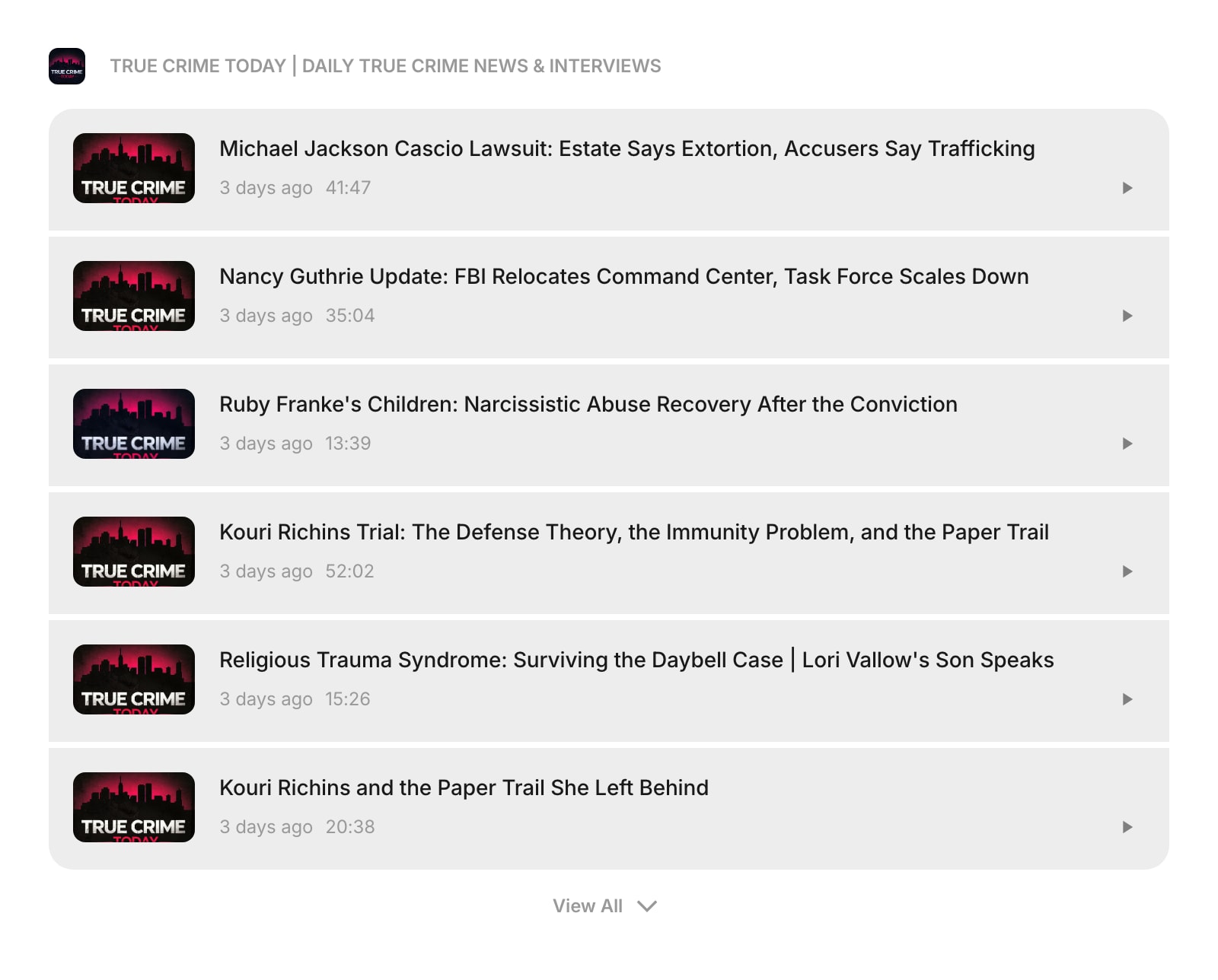
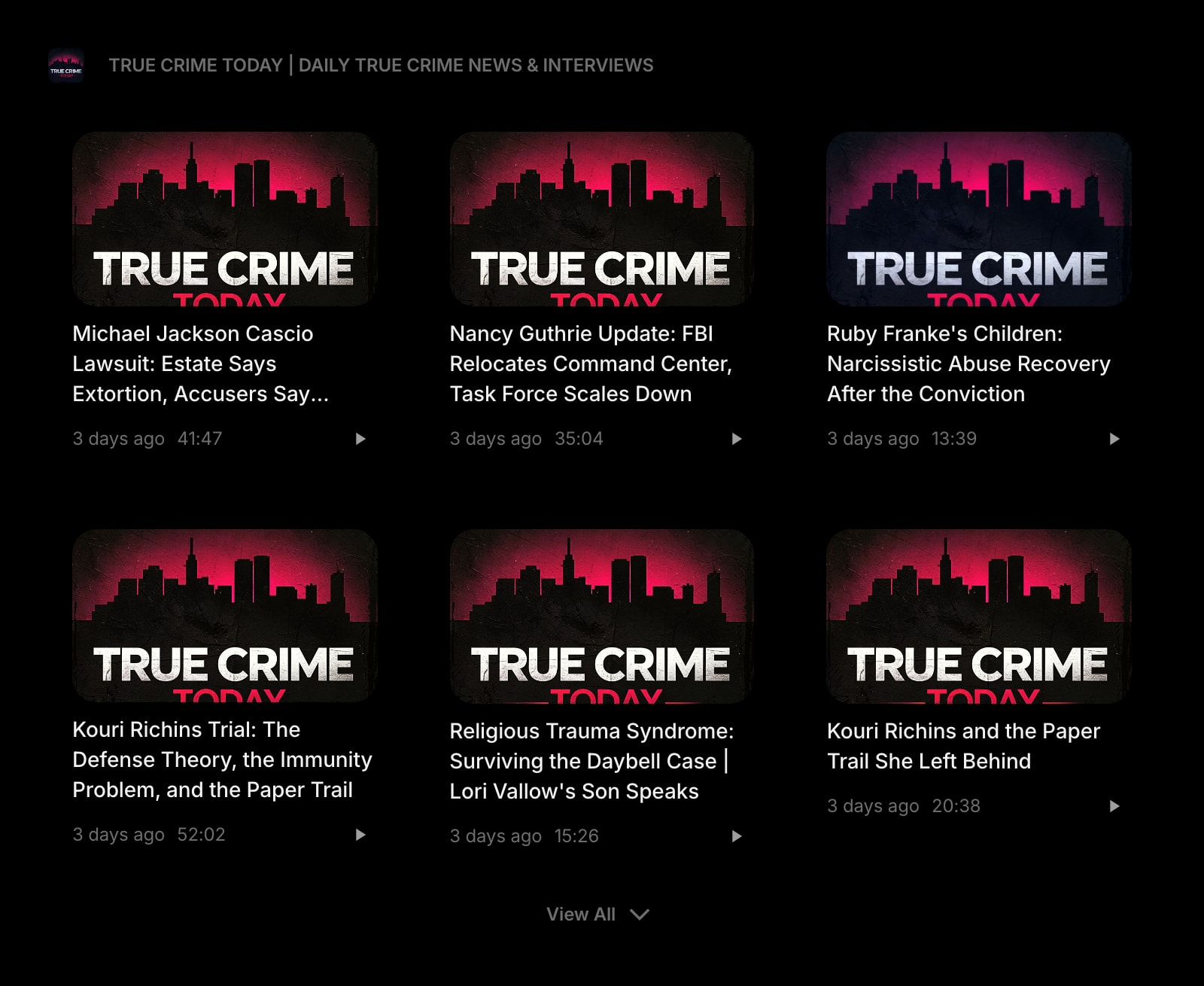
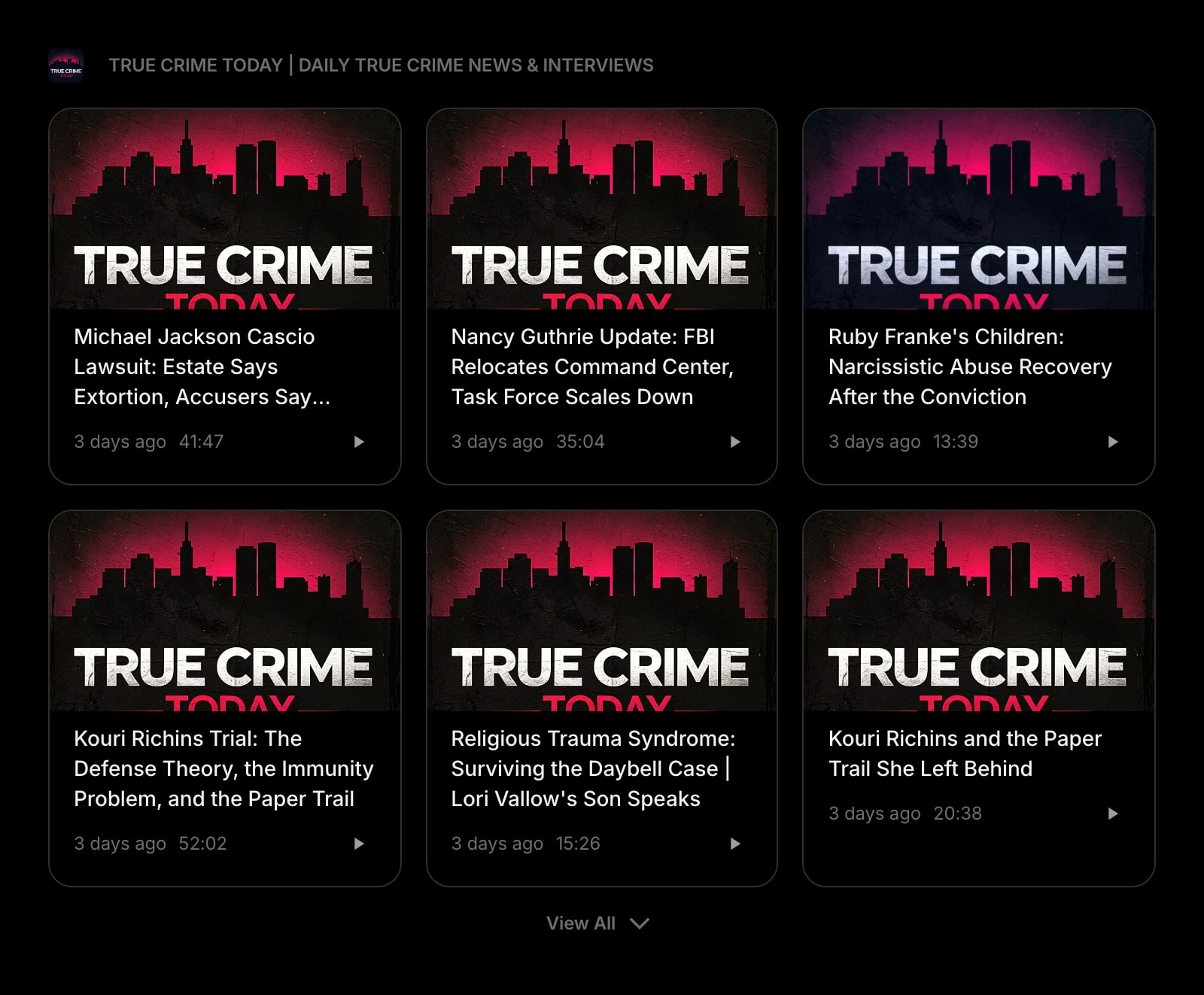
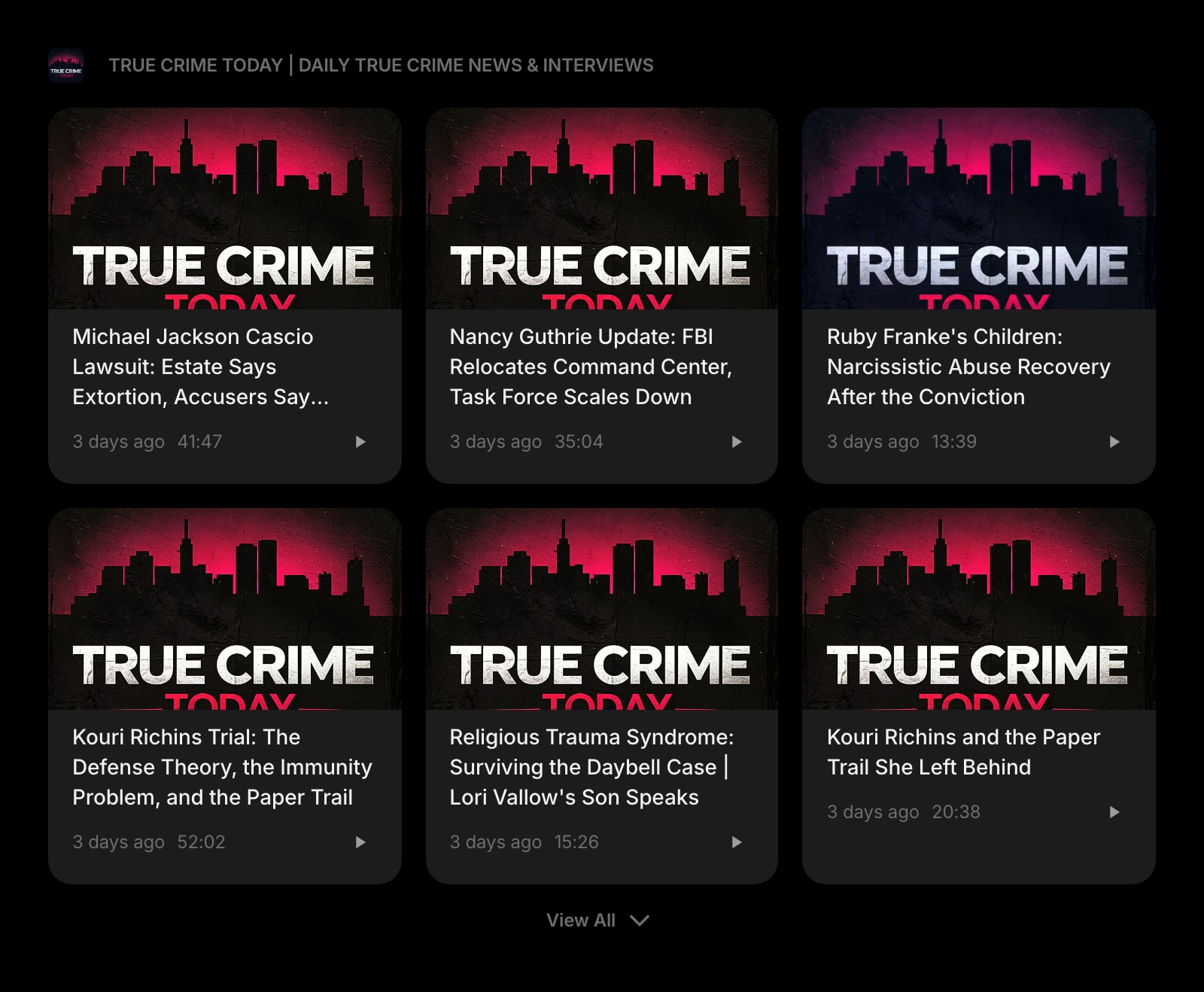
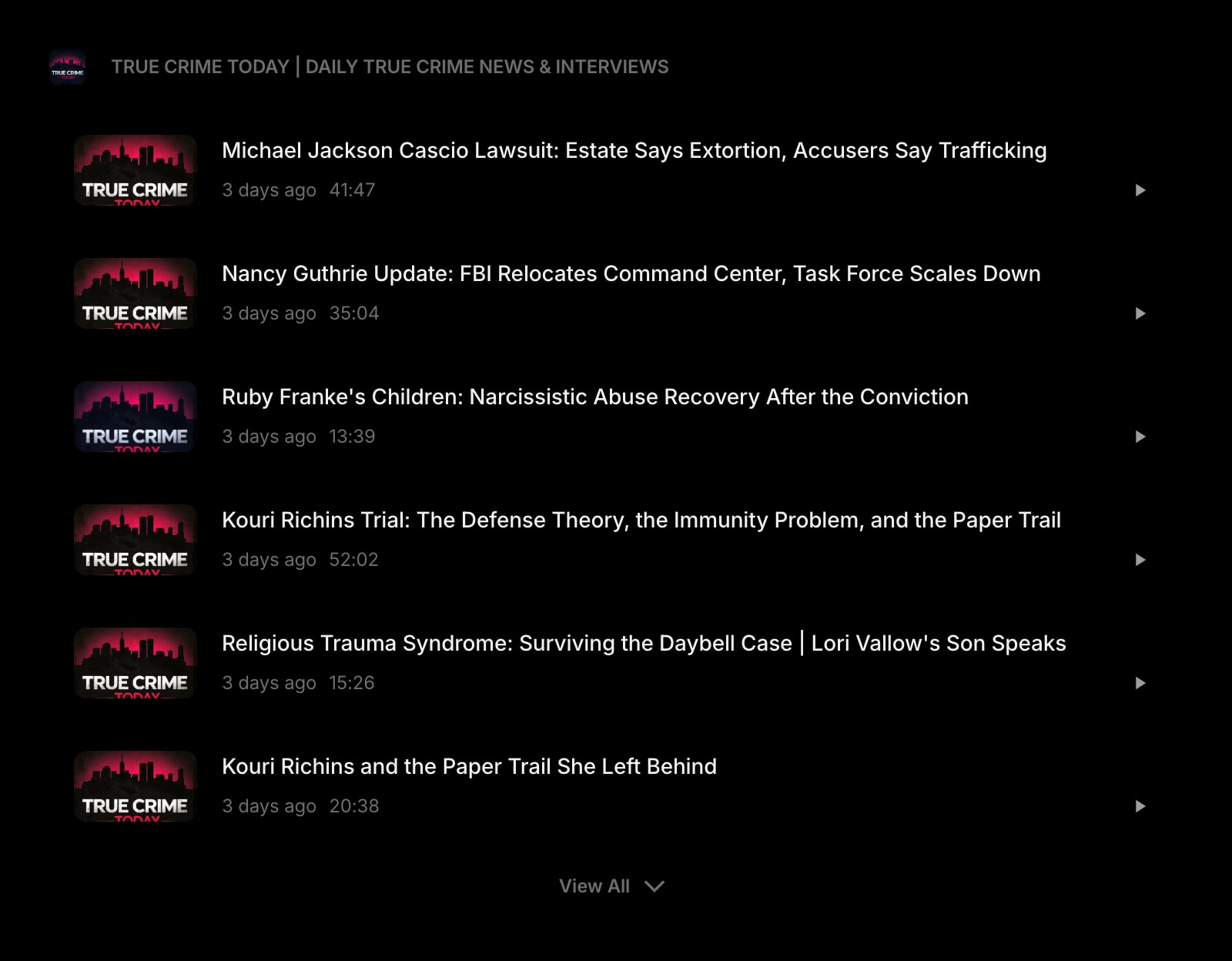
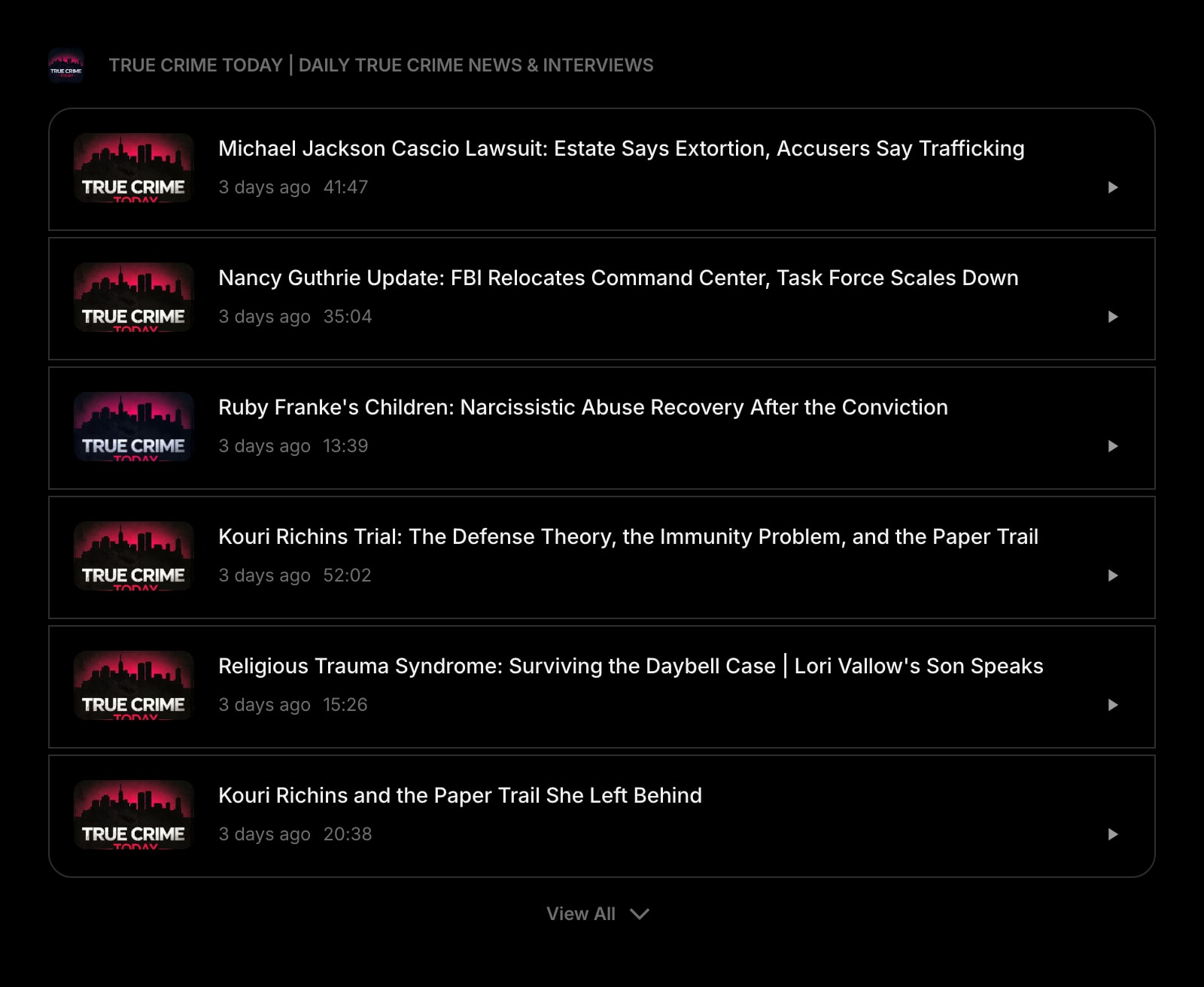
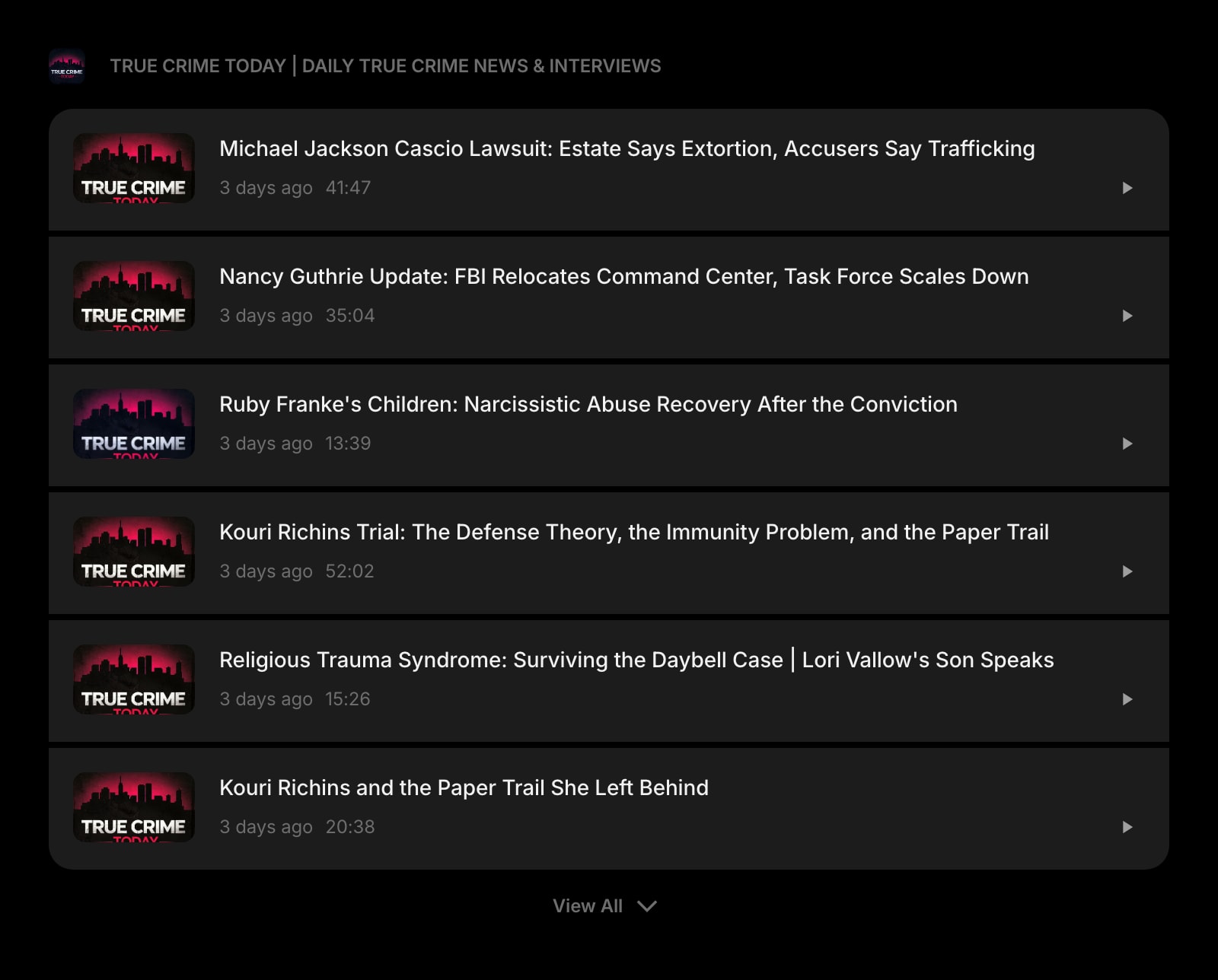
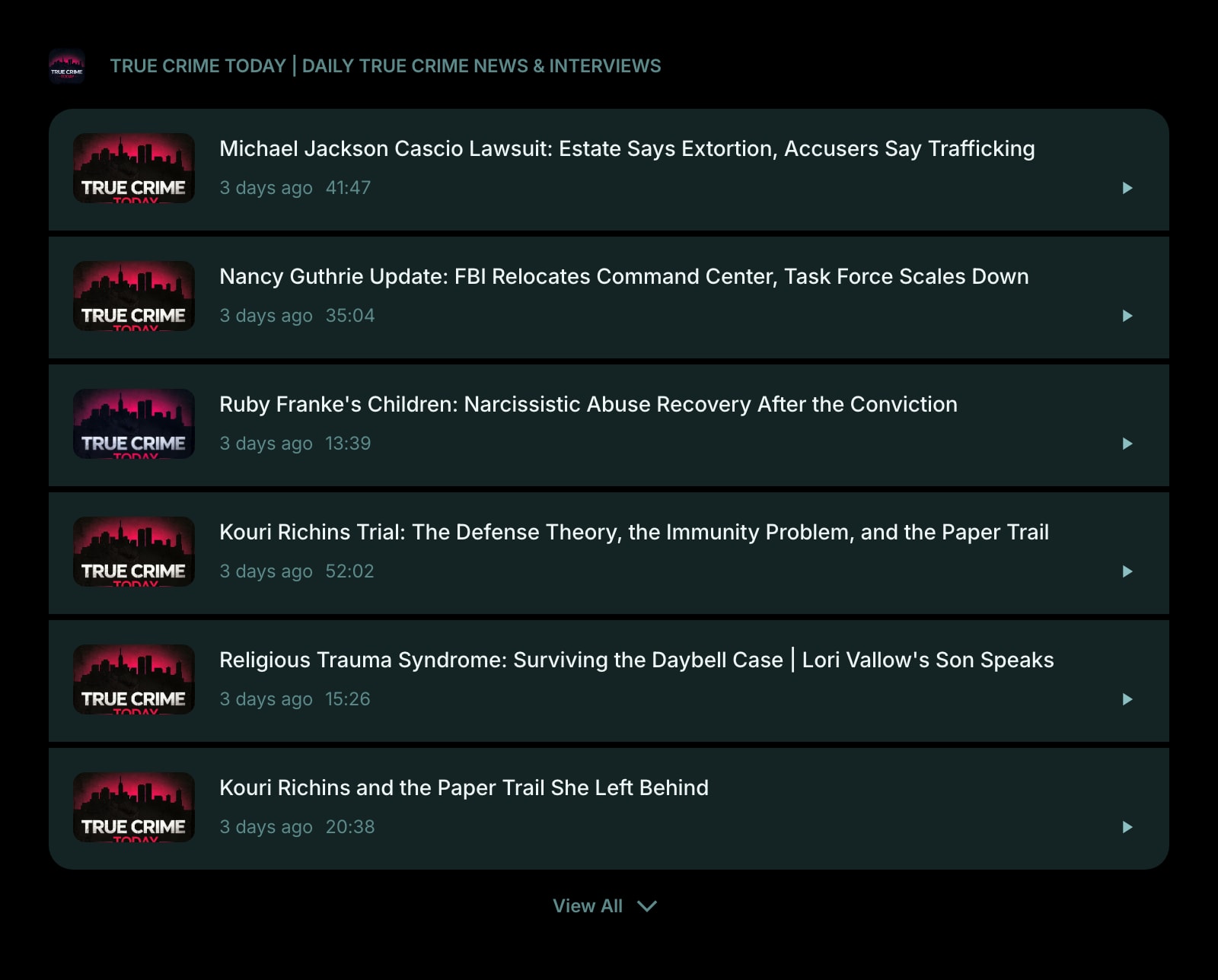


The Podcast widget lets you discover and listen to podcasts without leaving your dashboard. Search for any podcast, subscribe to it, and play episodes right from the widget with a built-in audio player.
#How to Use
#Finding a Podcast
When you first add the widget, you'll see a search bar. Type the name of a podcast (at least 2 characters) and results will appear as you type. Click a result to subscribe - the widget loads that podcast's episodes and displays the show artwork as the widget icon.
You can also paste a podcast RSS feed URL directly in the widget settings if you already have one.
#Browsing Episodes
Once subscribed, the widget shows the latest episodes in a list or grid layout. Each episode displays:
- Title - the episode name
- Image - the podcast or episode artwork (if enabled)
- Duration - the episode length (for example, "41:47" or "1:23:45")
The widget shows up to 6 episodes by default. Click View All to expand and see all available episodes.
#Playing an Episode
Click any episode to start playback. A player appears with standard controls - play, pause, and a progress bar. Your listening position is saved automatically, so you can pick up where you left off.
Episodes that you've partially listened to show a progress indicator so you can easily see where you stopped.
#Widget Settings
- Show Image - show or hide episode artwork. Turned on by default.
- News Layout - choose between Grid and List (default) view.
- News Style - set the look of episode cards: Clear, Outline, or Solid (default).
- Podcast Feed URL - the RSS feed URL of your subscribed podcast. This is set automatically when you select a podcast from search, but you can also paste a feed URL directly.
#Tips
- Add multiple Podcast widgets to follow different shows side by side.
- Use List layout for a compact view that's easy to scan through.
- Your listening progress is saved locally, so you can resume episodes even after closing your browser.