

Looking for a Feedly Alternative?
Feedly is a polished RSS reader for power users. Start Page HQ is the new tab page where your RSS lives next to your todos, weather, and AI tools — one dashboard, no separate app to open.
What People Love About Feedly
Before we get into where Start Page HQ goes further, credit where it's due.
- A clean, fast reader purpose-built for RSS — easily one of the best dedicated feed apps on the market.
- Mature AI features (Leo) that filter noise, follow topics, and prioritize must-read articles.
- Strong native mobile apps for iOS and Android with offline reading and gesture-based browsing.
- A free tier that covers light RSS use without forcing an upgrade.
- A serious Pro tier for researchers, analysts, and threat-intel teams who live in feeds all day.
Where Start Page HQ Goes Further
Specific differences, not vague claims.
RSS On Every New Tab, Not in a Separate App
Feedly is a destination — open the app, read, close it. Start Page HQ puts your RSS feed widget right on your new tab page, alongside your weather, todos, and links. No app to launch, no tab to keep open.
RSS Plus 62+ Other Widgets
Feedly is one tool. Start Page HQ is a dashboard with 63+ widgets — RSS, Hacker News, Substack newsletters, weather, calendar, tasks, AI tools, dev utilities. All on one page.
Substack and Hacker News Built In
Drop a dedicated Substack widget for newsletters and a dedicated Hacker News widget for tech discussion alongside your RSS. No need to wedge everything through a single feed reader.
Multi-Page Dashboards by Context
Build a Reading page with RSS, Substack, and Hacker News. A separate Work page with tasks and calendars. A Personal page with weather and habits. Switch with one click.
No Per-Feature Paywall
No Pro vs Pro+ tiering, no Leo AI add-on. There is a free plan to start on, and one paid step above it — $4/month, $24/year, or $48 lifetime — that unlocks every widget and every feature, including AI image generation, translation, and instant answers.
Hosted Web App and Browser Extensions
Use startpagehq.com on any browser, or install extensions for Chrome, Firefox, Safari, and Edge. Sync is included on every plan, free included.
Side-by-Side Comparison
An honest line-by-line look at how the two stack up.
| Feature | Feedly | Start Page HQ |
|---|---|---|
| Pricing | Free or paid Pro tier | Free plan; $4/mo, $24/yr, $48 LTD |
| Free tier | Yes (limited feeds) | 1 page, 8 widgets |
| Lives on every new tab | No | Yes |
| Chrome | Yes | Yes |
| Firefox | Yes | Yes |
| Safari | No | Yes |
| Edge | Yes | Yes |
| Hosted web app | Yes | Yes |
| iOS / Android apps | Yes | No |
| Cross-device sync | Included | Included |
| RSS feeds | Yes | Yes |
| Substack newsletter widget | Via RSS | Dedicated widget |
| Hacker News widget | No | Yes |
| Multi-page dashboards | No | Yes |
| AI summaries | Leo (paid) | Included |
| Other widgets (weather, tasks, calendar, etc.) | No | 63+ |
| Offline reading | Yes | No |
| Boards / saved articles | Yes | Collection widget |
Widgets That Replace Feedly
Drop these onto your dashboard and you've covered Feedly's core features — plus a lot more.
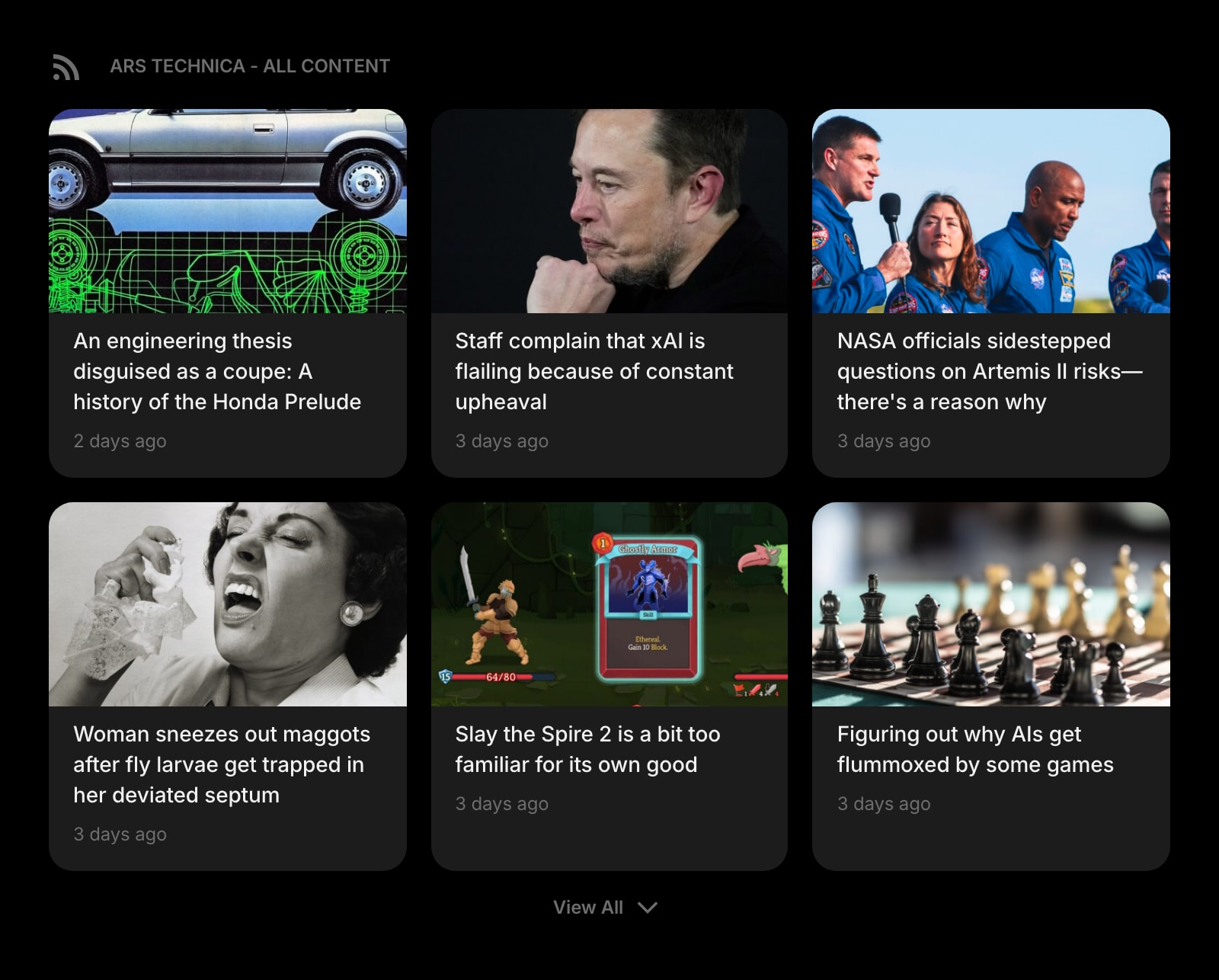
Feed
Follow RSS feeds, blogs, and publications right on your start page — the core of what brought you to Feedly.
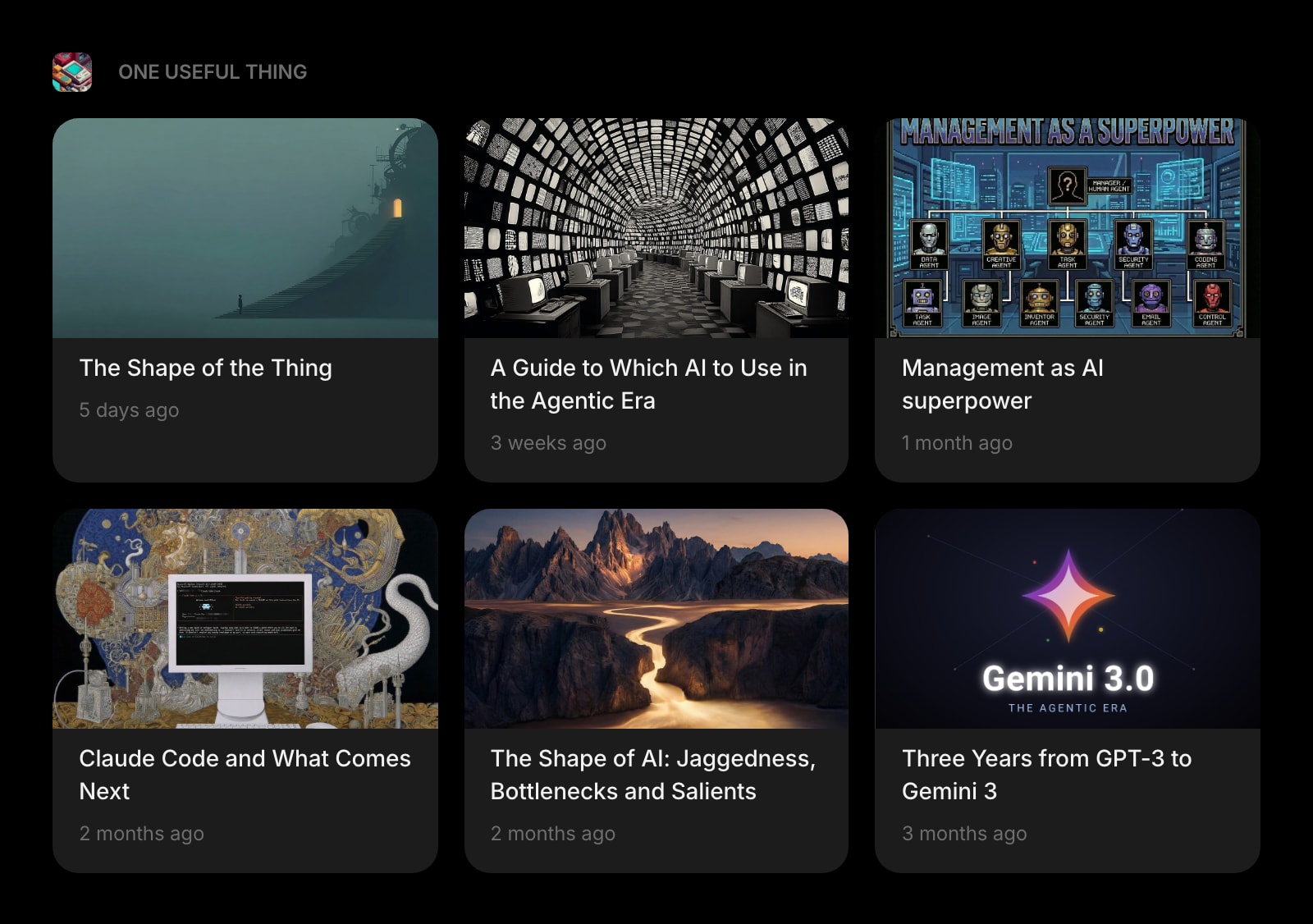
Substack
A dedicated widget for Substack newsletters. Track your favorite writers without wedging them into a generic RSS list.
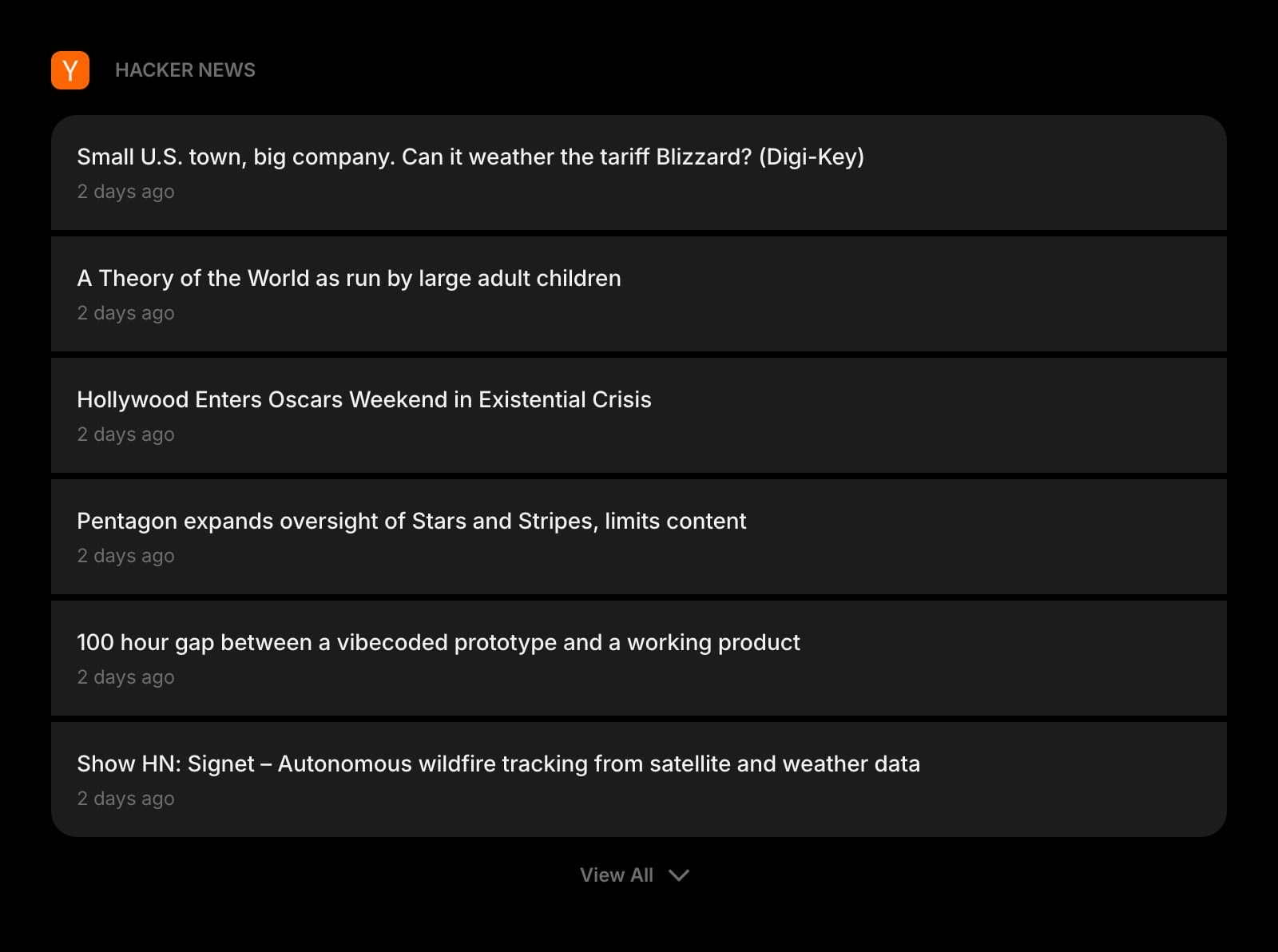
Hacker News
Tech news and discussions from Y Combinator's Hacker News, right next to your RSS feeds.
Frequently Asked Questions
For dashboard-style RSS reading, yes — drop the Feed widget on your new tab page and your subscriptions are always one keystroke away. For deep, all-day research with offline reading and Leo-style AI noise filtering, Feedly is still the more specialized tool. Many users keep both: Feedly for deep dives, Start Page HQ for ambient daily checking.
OPML import is on the roadmap. In the meantime, paste your top feed URLs into the Feed widget directly — most users keep an active reading list of 20-40 feeds and recreating it takes a few minutes.
Feedly's paid Pro tier is billed monthly or annually, with a separate Pro+ tier for advanced features. Start Page HQ has a free plan — 1 page, up to 8 widgets, preset feed sources — and one paid step above it: $4/month, $24/year, or $48 lifetime, which adds your own feed URLs, extra pages, and all 63+ widgets. No Pro vs Pro+ tiering either way.
Yes. Sign in once and your pages, feeds, links, and notes sync across every browser and device automatically. Sync is included on every plan, including the free one.
Yes — there's a native Safari extension, plus the hosted web app at startpagehq.com works in any browser including Safari. Feedly's official browser extensions are Chrome and Firefox only at present.
Yes. Start Page HQ Teams gives your team shared workspaces with their own pages and widgets, custom feed URLs included, so everyone opens the same RSS, Substack, and Hacker News sources on every new tab. It costs $4 per seat per month or $40 per seat per year (minimum 2 seats), with editor and viewer roles and one shared AI credit pool.
Start Page HQ does not offer offline article caching the way Feedly mobile does. If you read on a commute or plane, Feedly is still the better fit for that specific workflow.
Ready to Try Start Page HQ?
Start free — 1 page, 8 widgets, sync across devices, no credit card. Or open the live demo first, no signup needed.