- Dashboard
- Widgets
- AI Diary
- AI Humanizer
- AI Image
- Audio Editor
- Base64 / URL Encoder
- Calendar
- Canvas
- Collection
- Color Picker
- Container
- Countdown Timer
- Currency Converter
- Daily Quiz
- Daily Quote
- Daily Riddle
- Date & Time
- Embed
- GitHub Releases
- Google Calendar
- Habit Tracker
- Hacker News
- Image Compression
- IP Info
- JSON Formatter
- Links
- Markdown Editor
- News
- News Summary
- Notes
- Photo Frame
- Podcast
- Pomodoro Timer
- Product Hunt
- QR Code Generator
- Quick Answer
- Quick Note
- Regex Tester
- RSS Feed
- Search
- Spacer
- Stopwatch
- Story Snippet
- Stripe Sales
- Subreddit
- Substack
- t0ggles Focus
- t0ggles My Boards
- t0ggles My Tasks
- Tasks
- Text Diff
- Todo
- TradingView Advanced Chart
- TradingView Market Summary
- TradingView Mini Chart
- TradingView Symbol Overview
- TradingView Ticker Tape
- Translation
- Unit Converter
- Uptime Monitor
- Weather
- What If
- World Clock
- YouTube Channel
Audio Editor Widget
Looking to use this tool right now? See the Audio Editor online tool. The page below covers settings and advanced usage for the widget inside Start Page HQ.
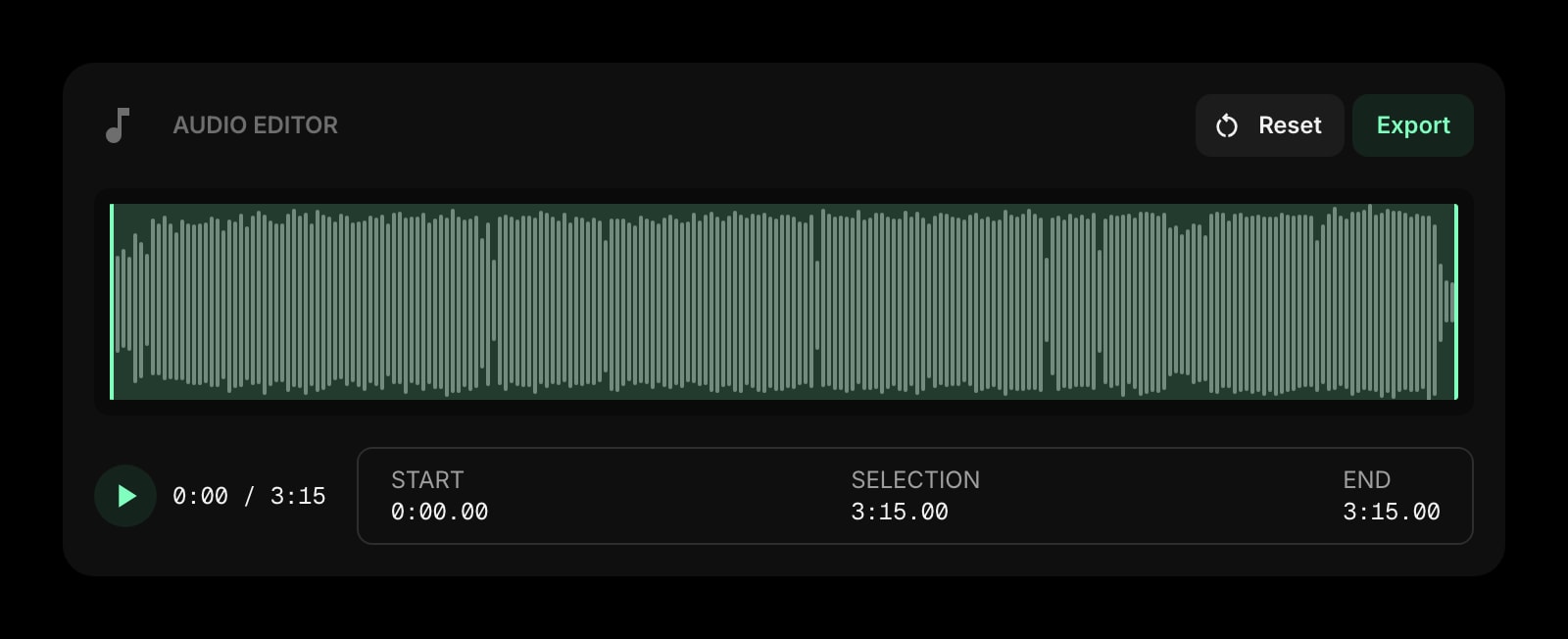
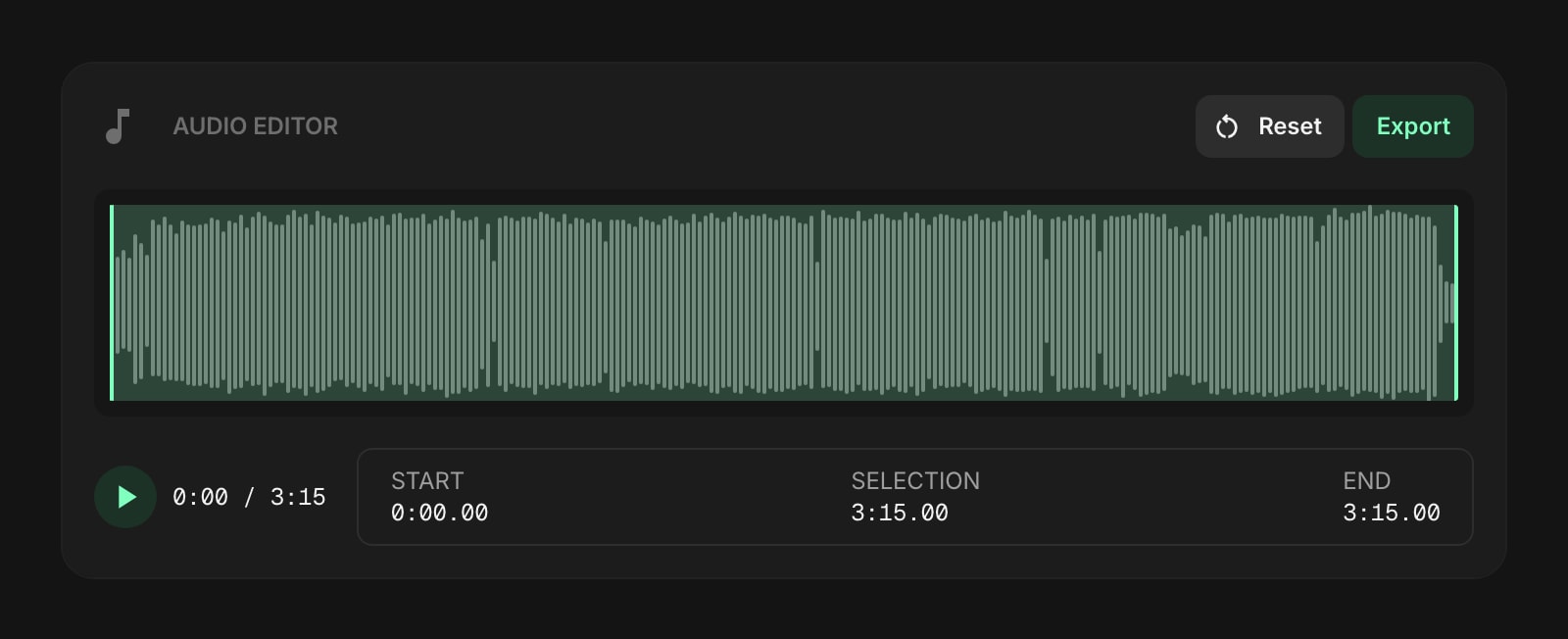
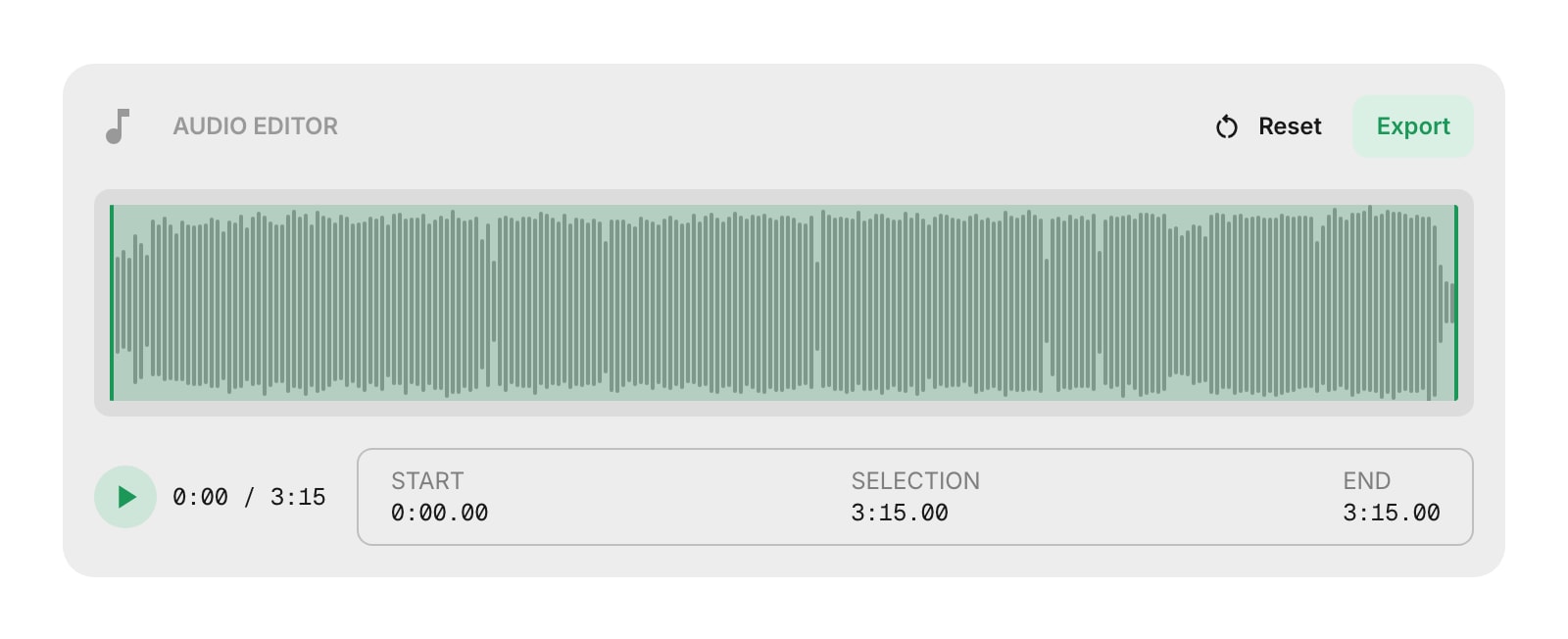
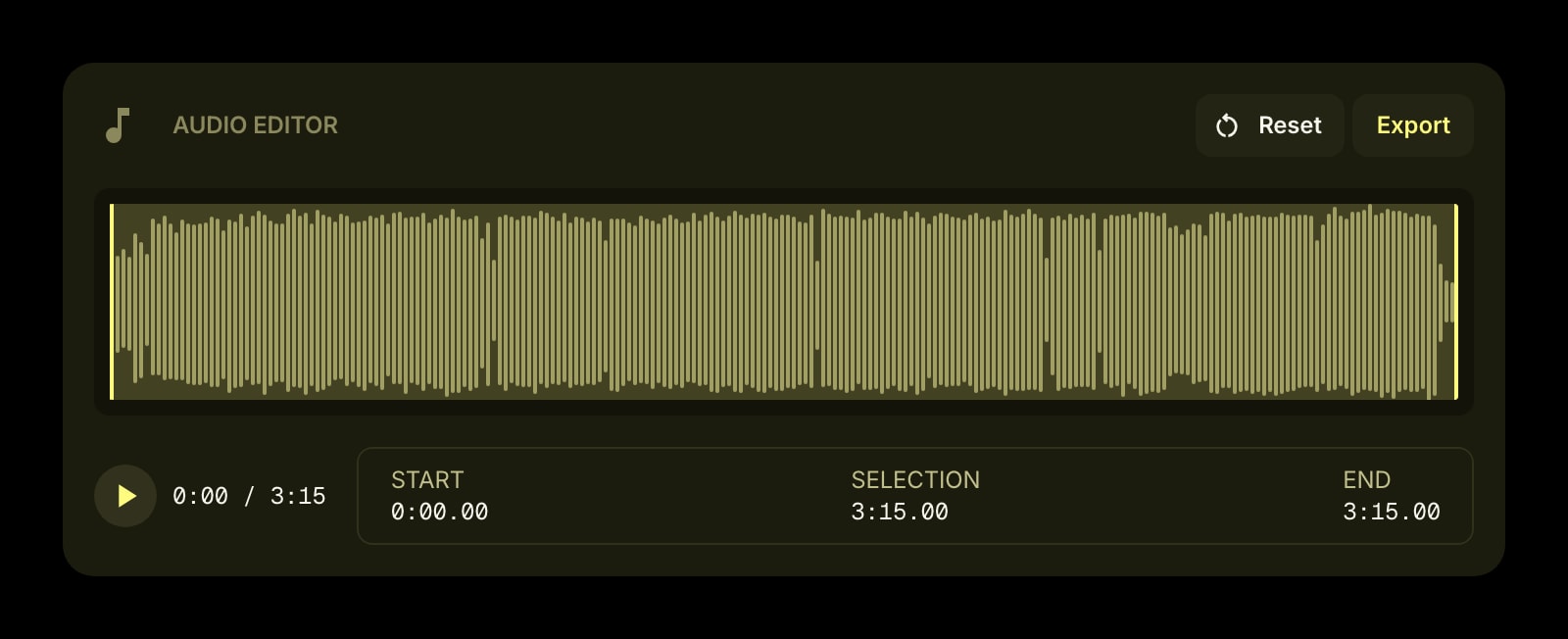
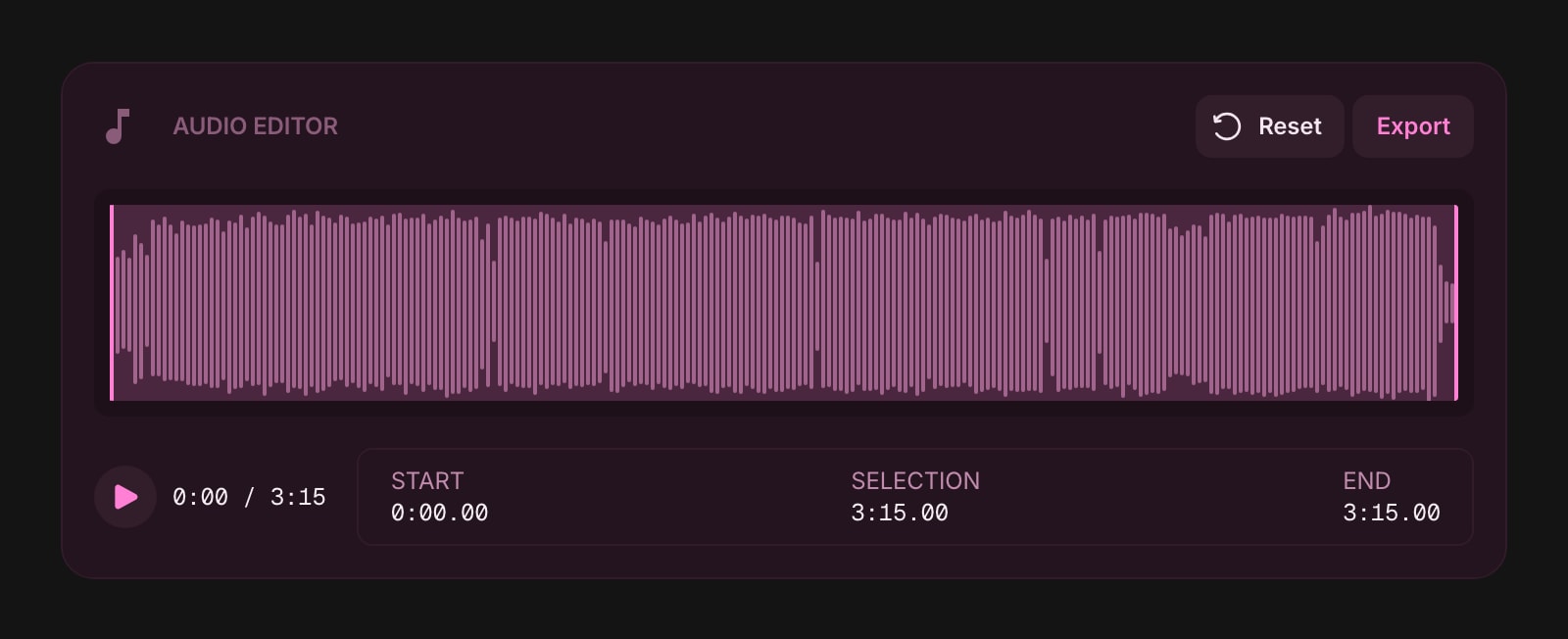
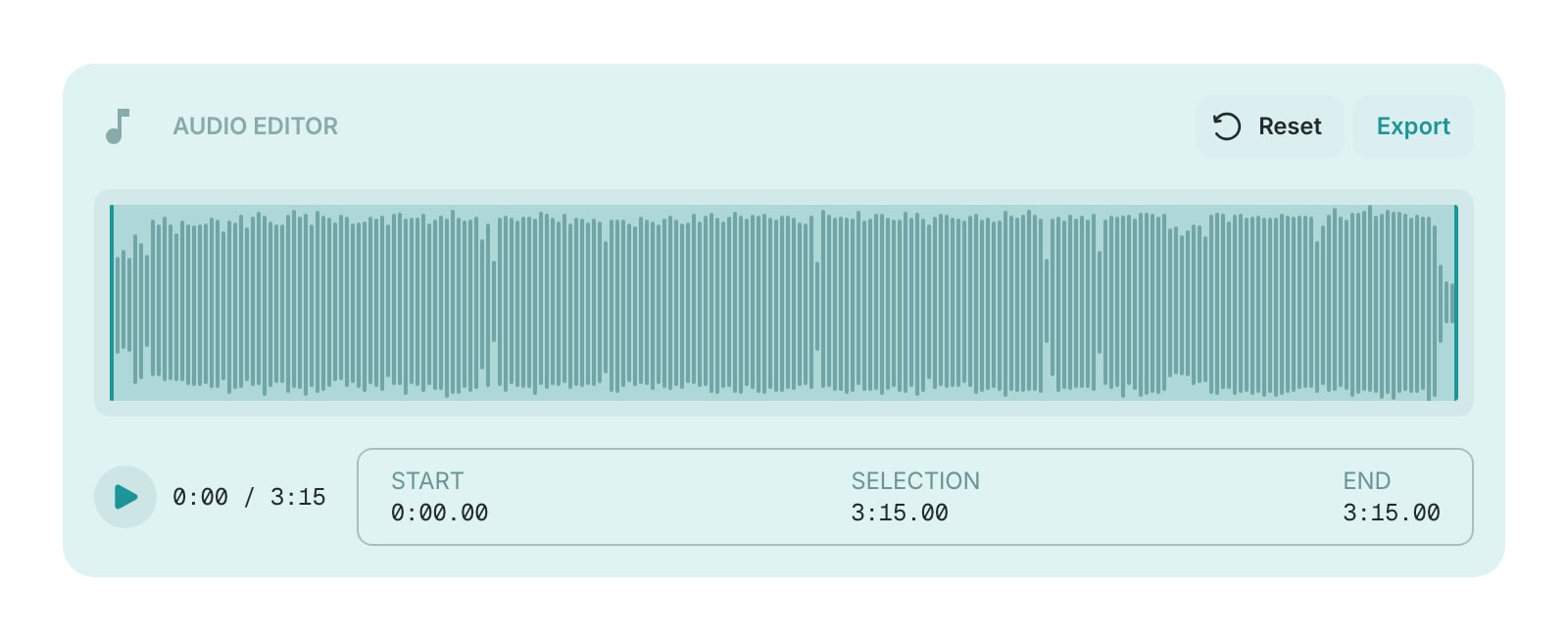
The Audio Editor widget lets you trim audio files right in your browser. Load a file, see its waveform, select the part you want to keep, and export it - no extra software needed.
#How to Use
#Loading an Audio File
Drag and drop an audio file onto the widget, or click the drop zone to browse your files. Supported formats include MP3, WAV, OGG, M4A, WebM, and FLAC (up to 50 MB).
Once loaded, the widget displays an interactive waveform of your audio.
#Trimming
Click and drag on the waveform to select the portion you want to keep. You can adjust the selection by dragging the start and end handles. The highlighted region shows exactly what will be included in your export.
#Playback
Press the Play button to listen to your selected region. Playback only covers the trimmed portion, so you can preview exactly what you'll export. The current time and selection duration are shown below the waveform.
#Exporting
Click Export to save your trimmed audio. You can choose between two formats:
- WAV - lossless quality, larger file size
- MP3 - smaller file size with selectable bitrate (128, 192, 256, or 320 kbps)
The exported file is named after your original file with "-trimmed" added - for example, my-song-trimmed.mp3.
#Starting Over
Click Reset to clear the current audio and load a new file.