- Dashboard
- Widgets
- AI Diary
- AI Humanizer
- AI Image
- Audio Editor
- Base64 / URL Encoder
- Calendar
- Canvas
- Collection
- Color Picker
- Container
- Countdown Timer
- Currency Converter
- Daily Quiz
- Daily Quote
- Daily Riddle
- Date & Time
- Embed
- GitHub Releases
- Google Calendar
- Habit Tracker
- Hacker News
- Image Compression
- IP Info
- JSON Formatter
- Links
- Markdown Editor
- News
- News Summary
- Notes
- Photo Frame
- Podcast
- Pomodoro Timer
- Product Hunt
- QR Code Generator
- Quick Answer
- Quick Note
- Regex Tester
- RSS Feed
- Search
- Spacer
- Stopwatch
- Story Snippet
- Stripe Sales
- Subreddit
- Substack
- t0ggles Focus
- t0ggles My Boards
- t0ggles My Tasks
- Tasks
- Text Diff
- Todo
- TradingView Advanced Chart
- TradingView Market Summary
- TradingView Mini Chart
- TradingView Symbol Overview
- TradingView Ticker Tape
- Translation
- Unit Converter
- Uptime Monitor
- Weather
- What If
- World Clock
- YouTube Channel
Markdown Editor Widget
Looking to use this tool right now? See the Markdown Editor online tool. The page below covers settings and advanced usage for the widget inside Start Page HQ.
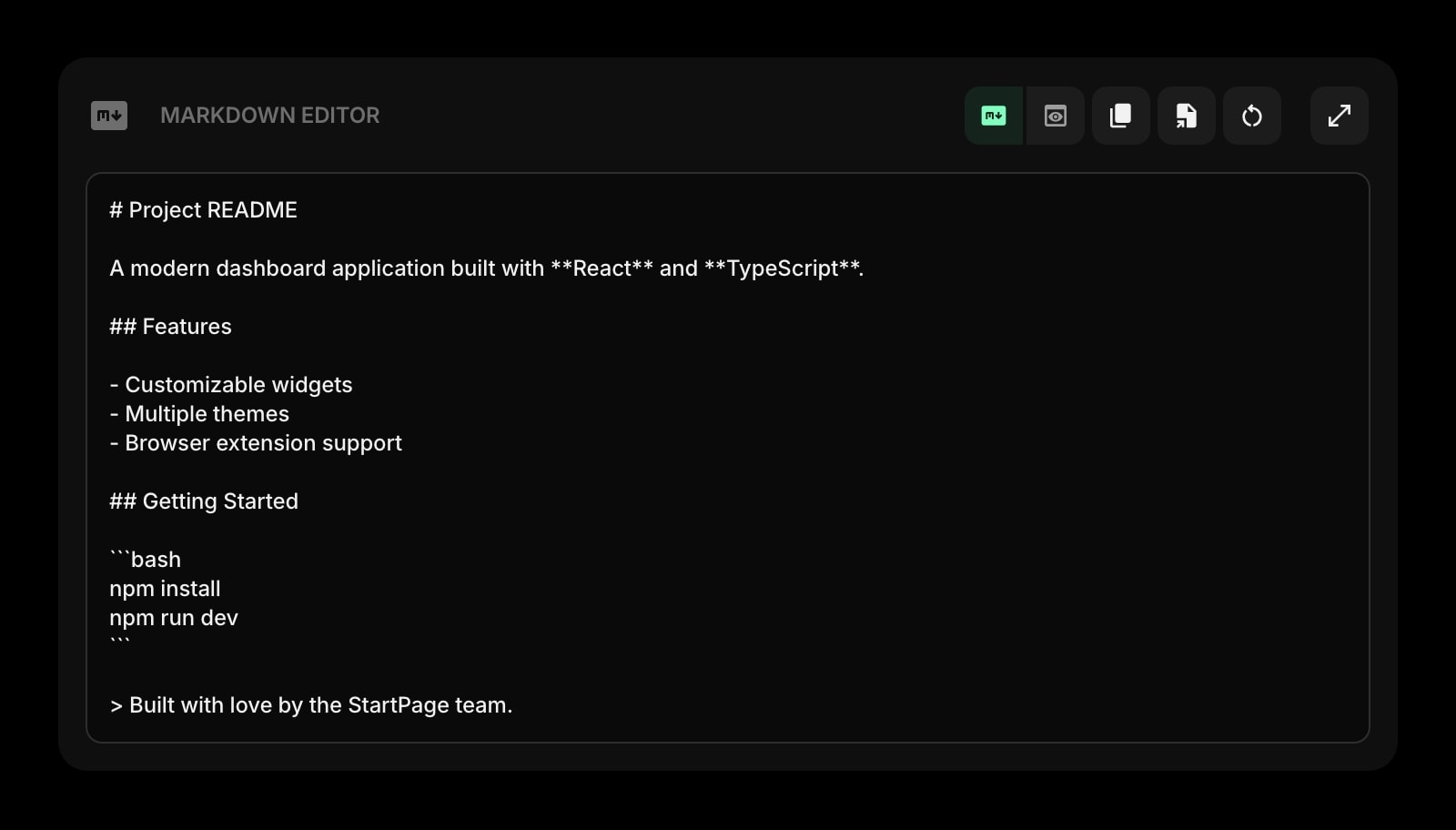
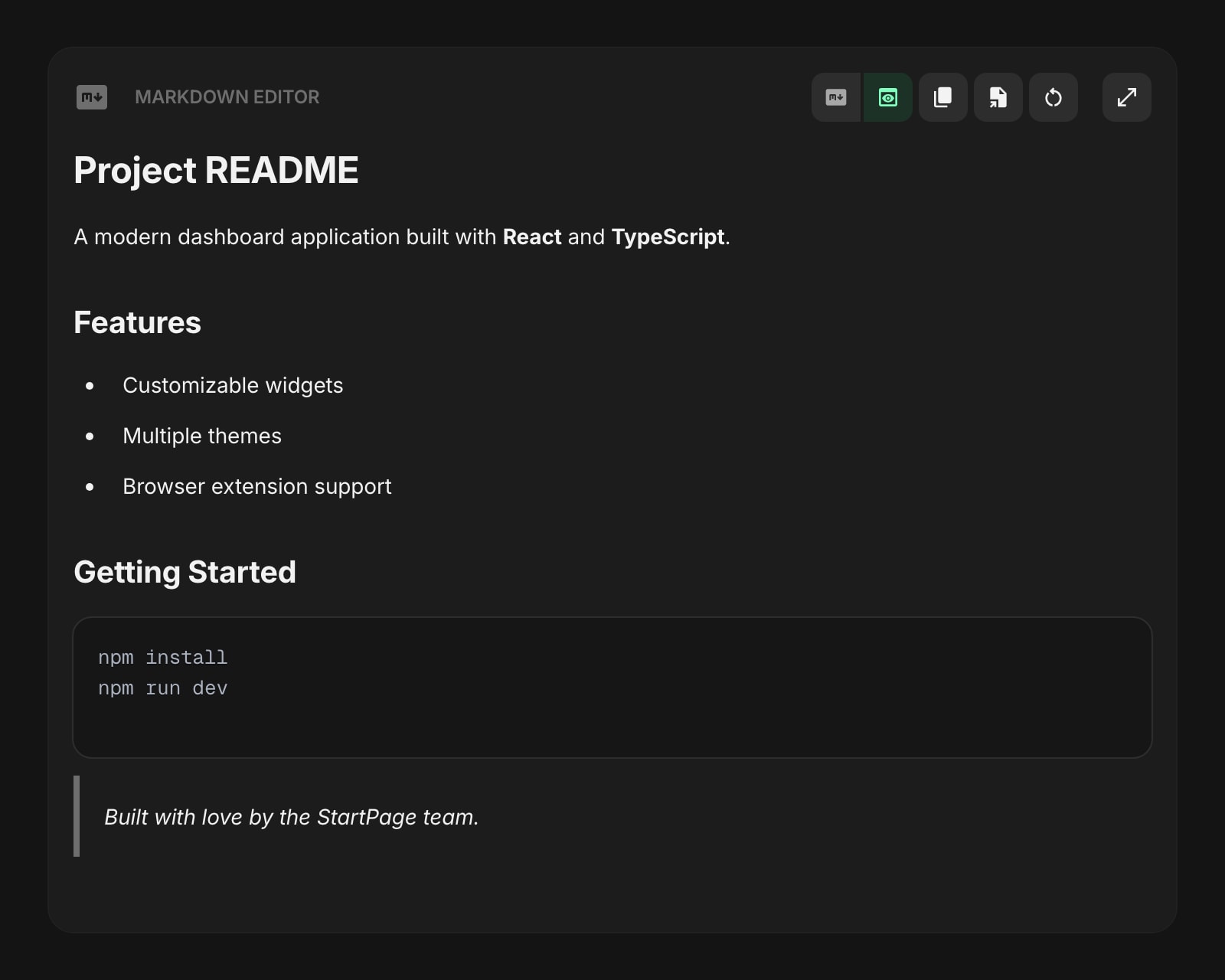
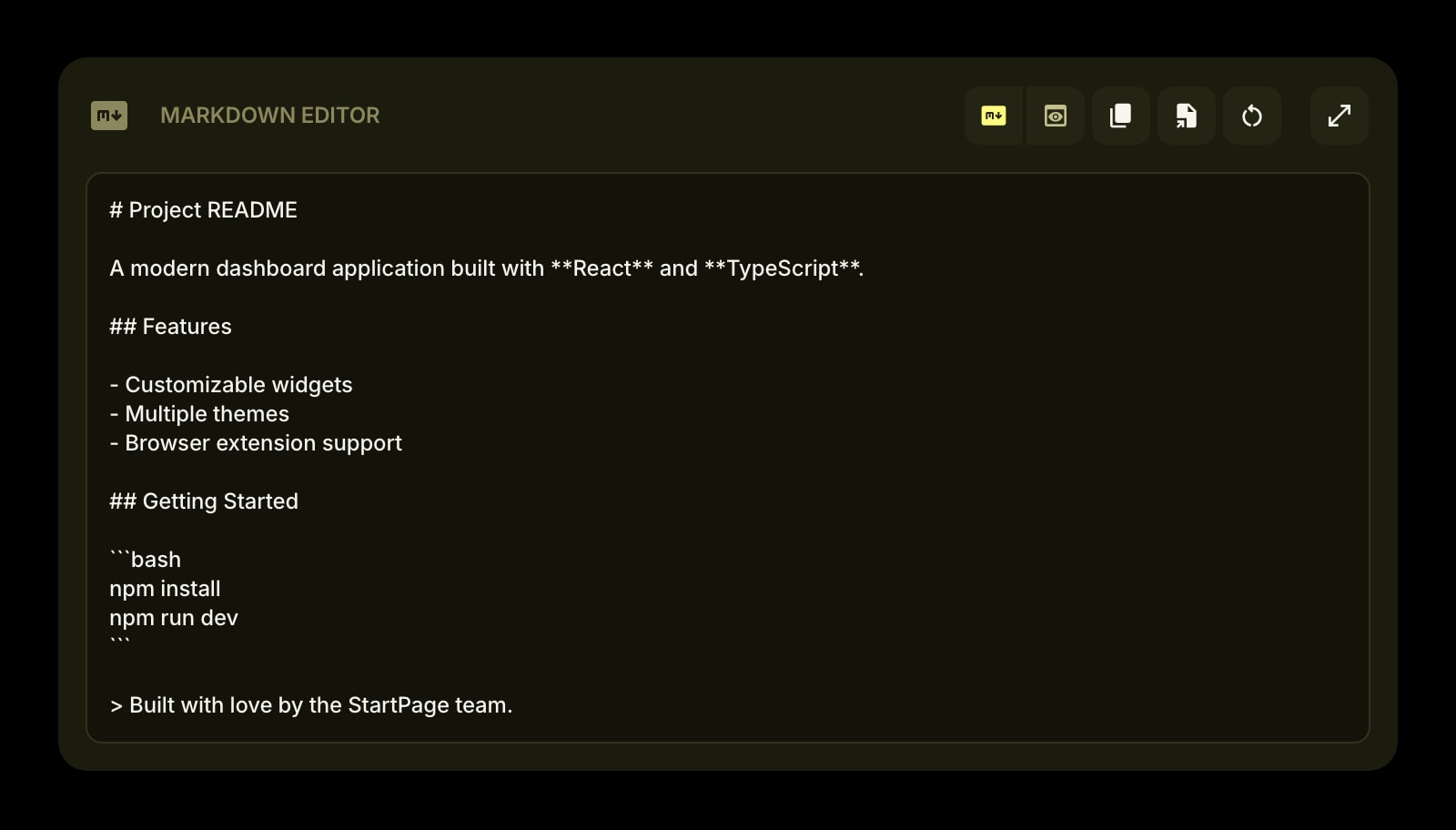
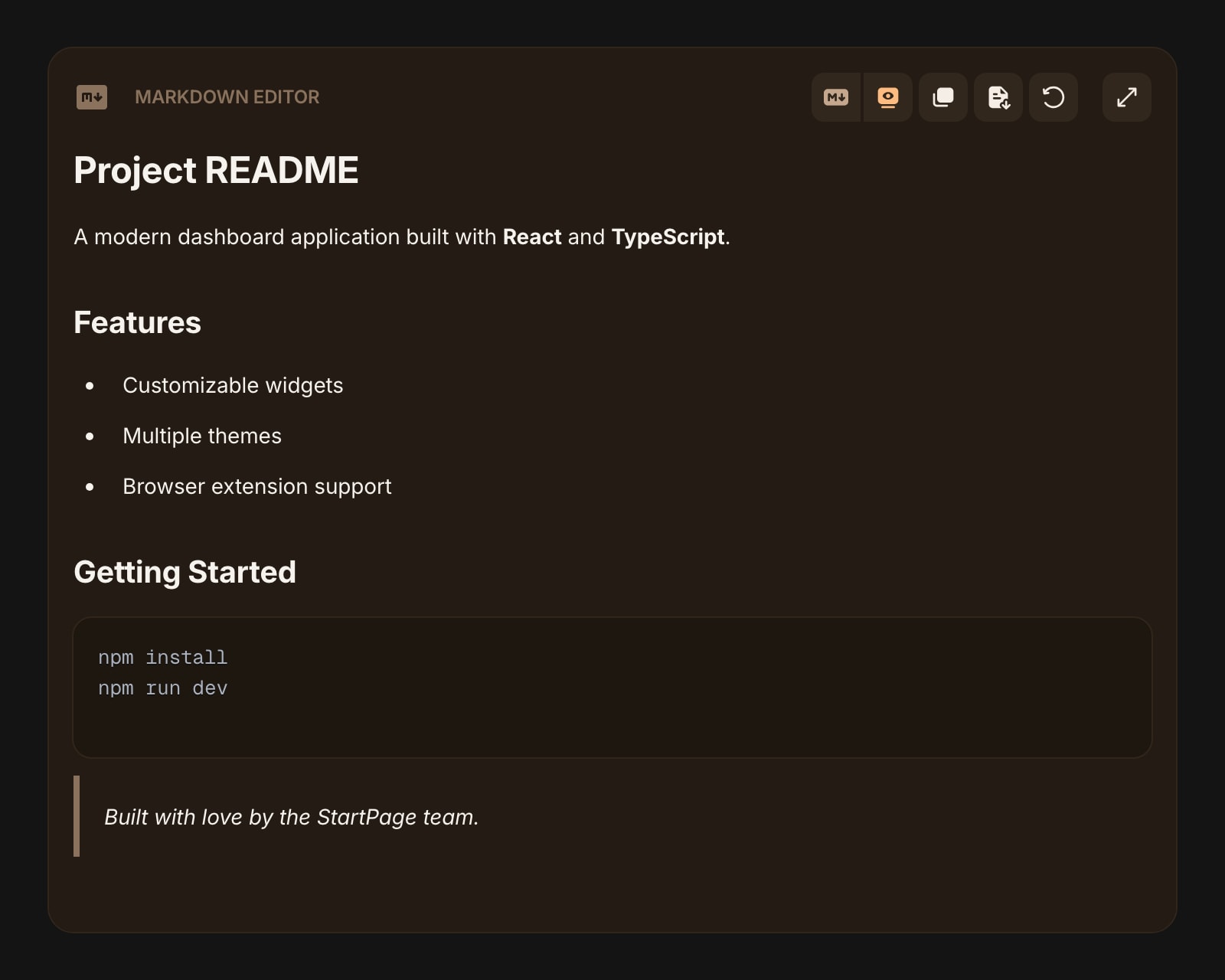
The Markdown Editor widget gives you a full-featured Markdown writing environment right on your dashboard. Write in Markdown syntax and switch to a live preview that you can also edit directly.
#How to Use
Type or paste Markdown into the text area. Use the toolbar to switch between Markdown and Preview modes.
#Markdown Mode
Write using standard Markdown syntax - headings, bold, italic, lists, code blocks, tables, task lists, and more. The text area uses a monospace font for easy editing.
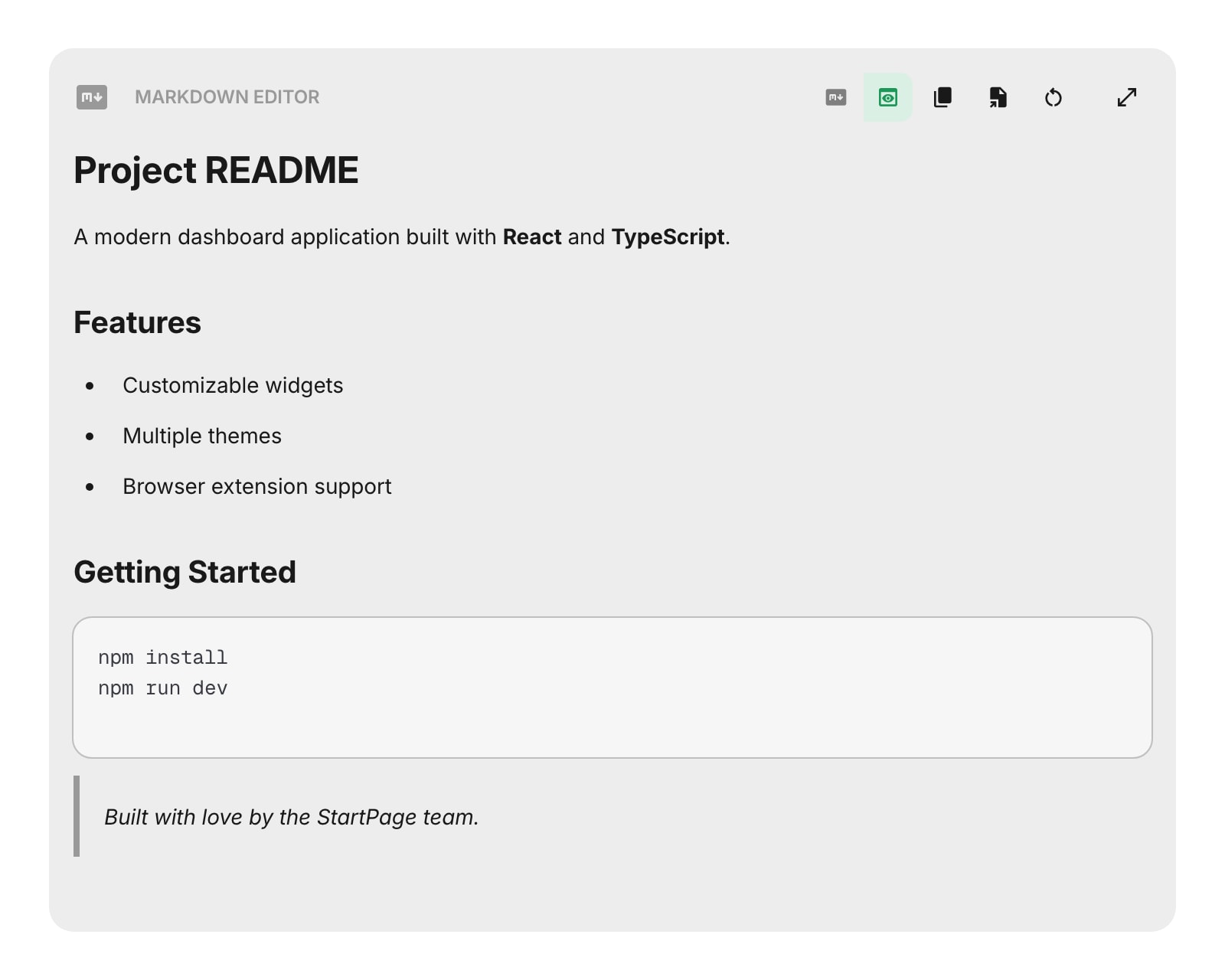
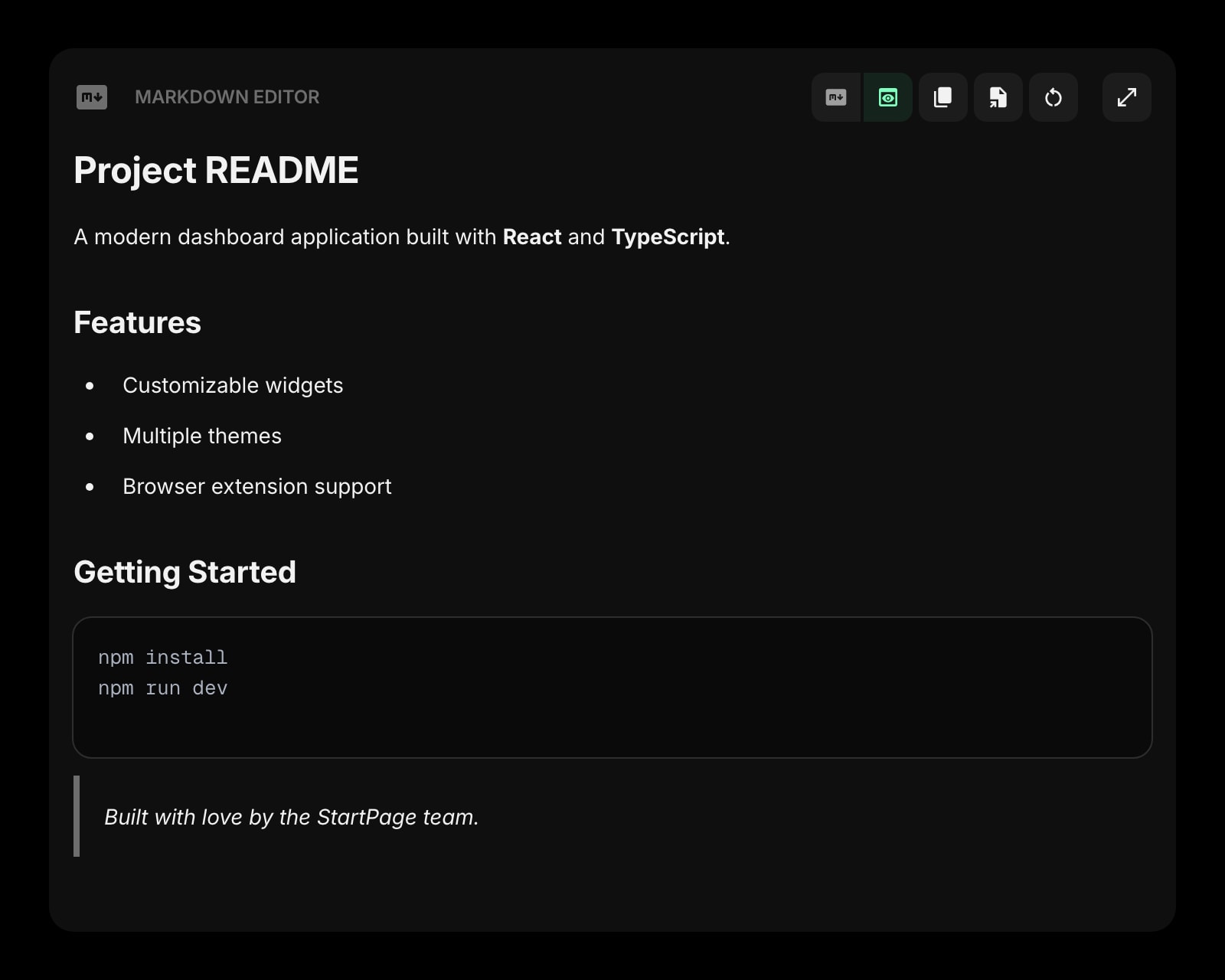
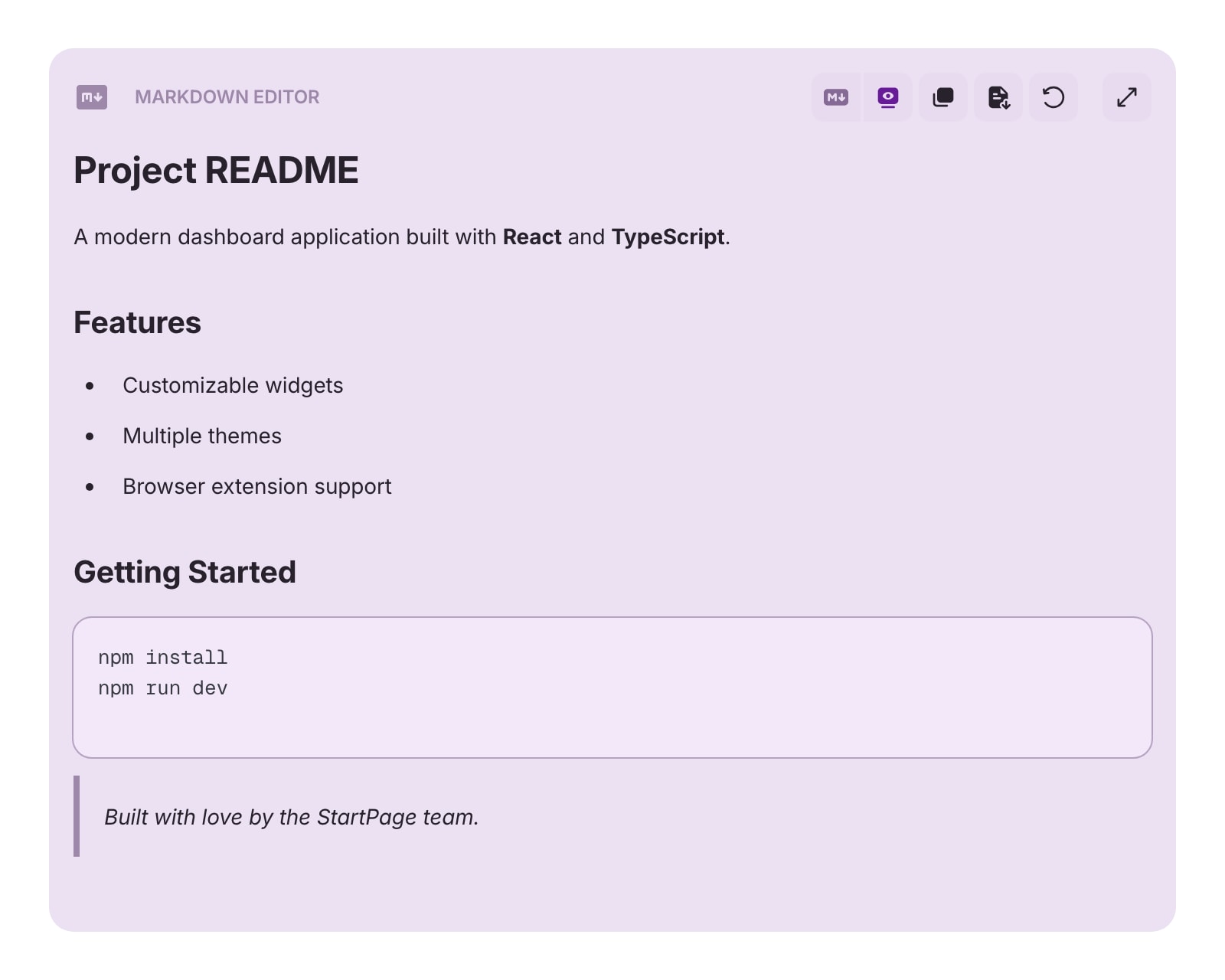
#Preview Mode
Switch to Preview to see your Markdown rendered as formatted text. The preview is fully editable - you can click into it and make changes directly using a rich text editor. Your edits are converted back to Markdown automatically.
#Expanded View
Click the expand button to open a full-screen editor with a side-by-side layout. The left panel shows the Markdown source and the right panel shows the live preview. Changes in either panel update the other in real time. Press Escape to close.
#Toolbar Actions
- Markdown / Preview - toggle between raw Markdown editing and the rendered preview.
- Copy - copies the content to your clipboard. In Markdown mode, copies the raw Markdown. In Preview mode, copies rich text (formatted text you can paste into emails or documents).
- Export - save your content as a file. Choose from four formats:
- PDF - export as a PDF document
- HTML - export as a standalone HTML file
- Markdown (.md) - export as a Markdown file
- Text (.txt) - export as plain text
- Clear - remove all content from the editor.
- Expand - open the full-screen side-by-side editor (desktop only).
#Tips
- Use Preview mode's rich text copy to paste formatted content directly into emails or documents.
- The expanded view is great for longer writing - you get a full-screen editor with live preview side by side.
- Your content is auto-saved as you type, so you won't lose your work.
- The file name for exports is taken from the first heading in your document.