- Dashboard
- Widgets
- AI Diary
- AI Humanizer
- AI Image
- Audio Editor
- Base64 / URL Encoder
- Calendar
- Canvas
- Collection
- Color Picker
- Container
- Countdown Timer
- Currency Converter
- Daily Quiz
- Daily Quote
- Daily Riddle
- Date & Time
- Embed
- GitHub Releases
- Google Calendar
- Habit Tracker
- Hacker News
- Image Compression
- IP Info
- JSON Formatter
- Links
- Markdown Editor
- News
- News Summary
- Notes
- Photo Frame
- Podcast
- Pomodoro Timer
- Product Hunt
- QR Code Generator
- Quick Answer
- Quick Note
- Regex Tester
- RSS Feed
- Search
- Spacer
- Stopwatch
- Story Snippet
- Stripe Sales
- Subreddit
- Substack
- t0ggles Focus
- t0ggles My Boards
- t0ggles My Tasks
- Tasks
- Text Diff
- Todo
- TradingView Advanced Chart
- TradingView Market Summary
- TradingView Mini Chart
- TradingView Symbol Overview
- TradingView Ticker Tape
- Translation
- Unit Converter
- Uptime Monitor
- Weather
- What If
- World Clock
- YouTube Channel
IP Info Widget
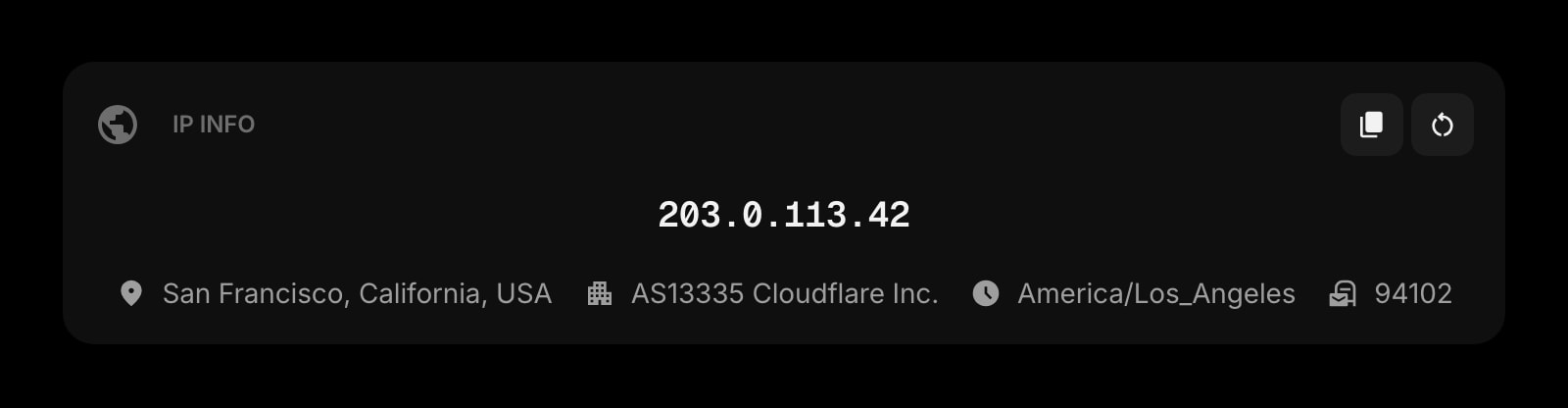
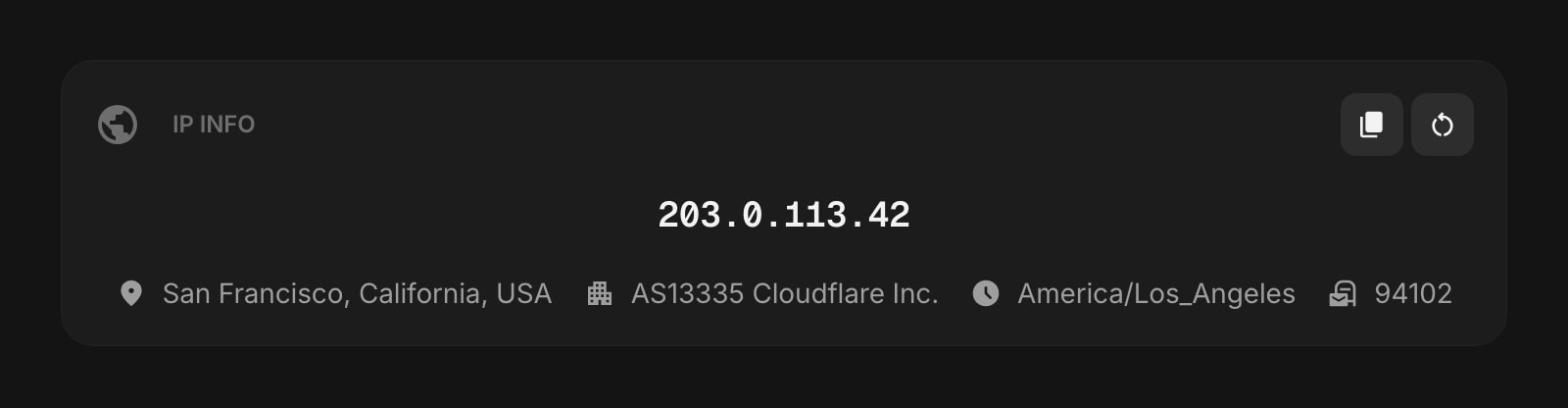
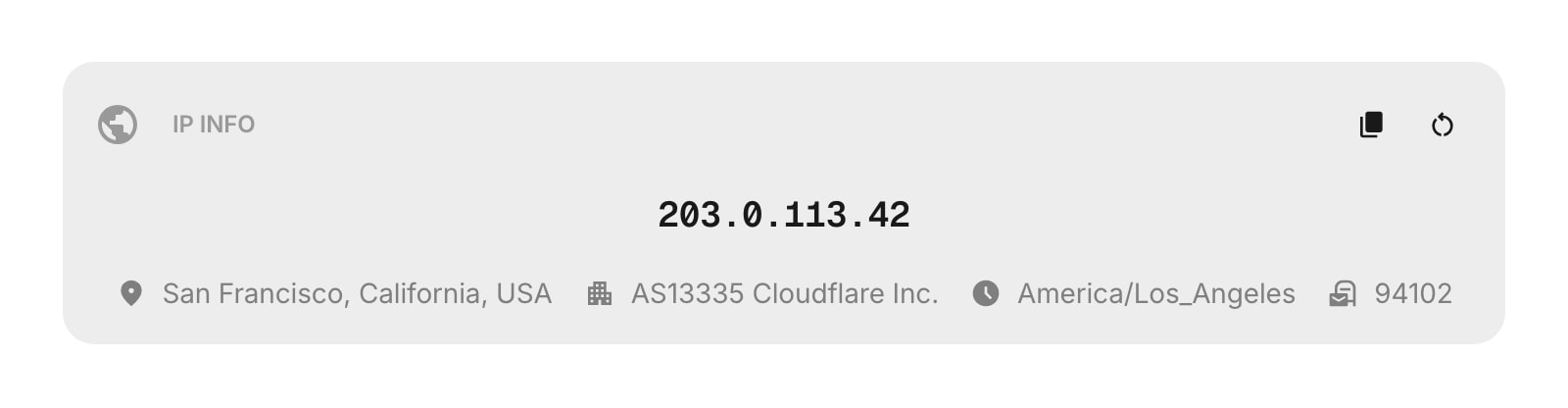
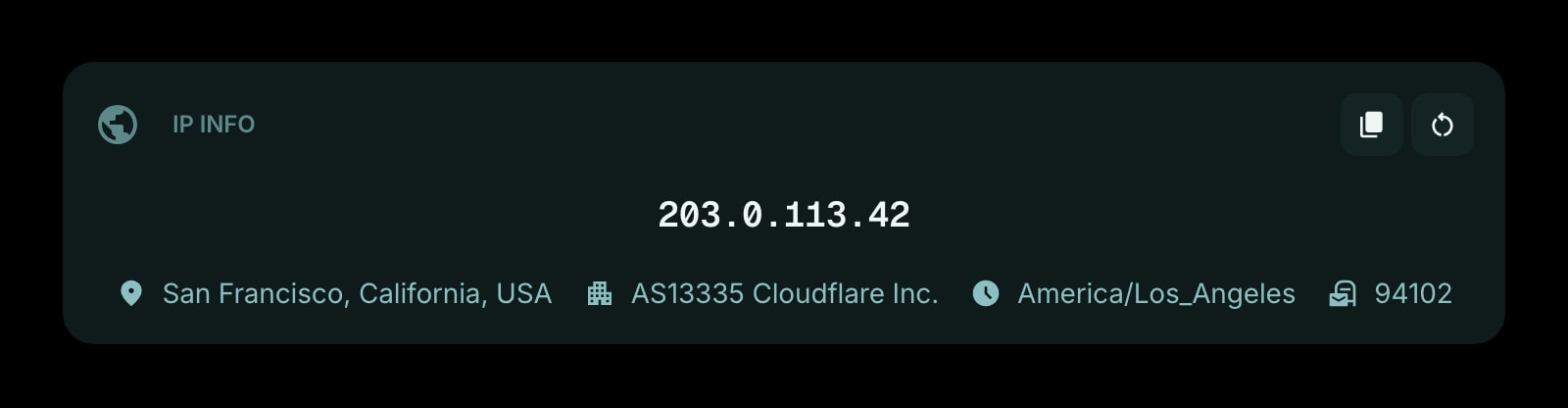
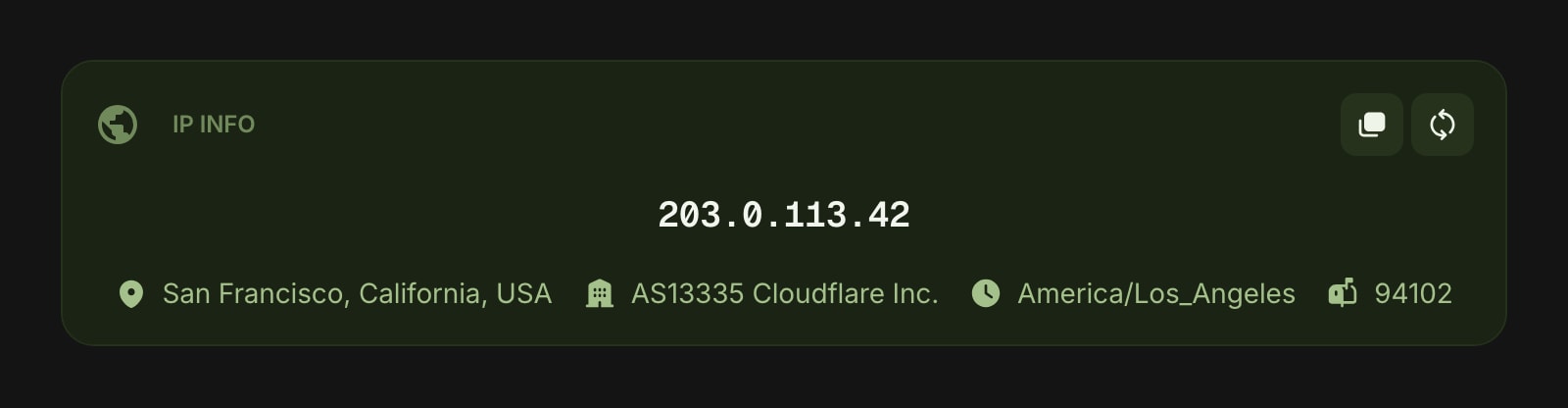
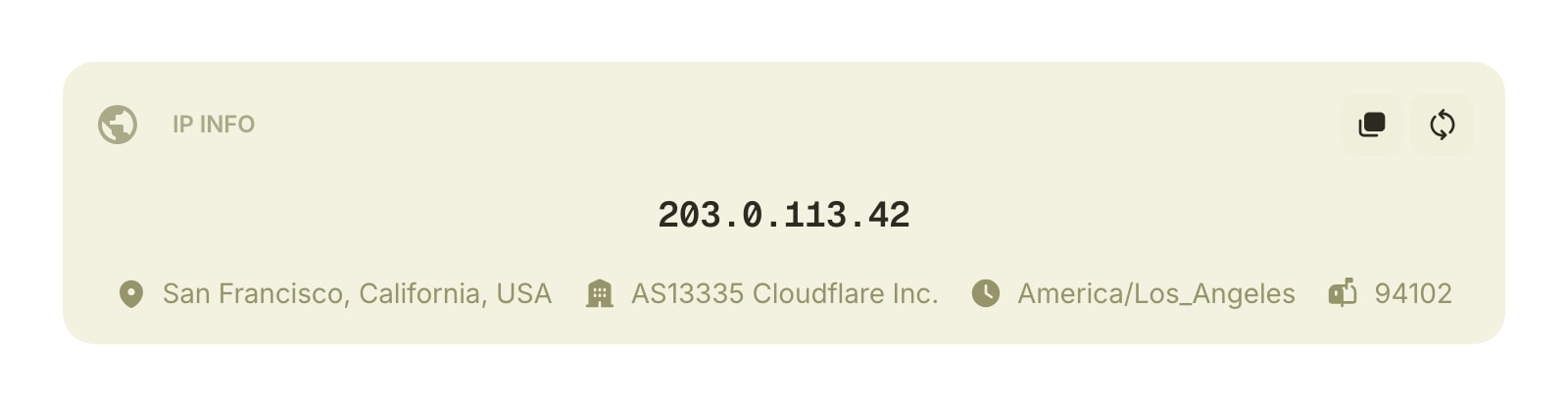
The IP Info widget displays your public IP address along with network details like your location, organization, timezone, and postal code. It automatically fetches the latest information when you open your dashboard.
#How to Use
The widget loads your IP information automatically. Your public IP address is displayed prominently, with additional details listed below it.
#Copying Your IP
Click the copy button in the widget toolbar to copy your IP address to the clipboard.
#Refreshing
Click the refresh button in the widget toolbar to fetch the latest IP information. A spinning animation shows while the data is loading.
#Display Information
The widget can show the following details:
- IP Address - your public IP address, always visible
- Location - city, region, and country (for example, "San Francisco, California, United States")
- Organization - your ISP or network provider
- Timezone - your timezone (for example, "America/Los_Angeles")
- Postal Code - your postal or zip code
- Last Checked - when the data was last updated (shown as relative time, like "5 minutes ago")
#Widget Settings
- Show Location - show or hide city, region, and country. Turned on by default.
- Show Organization - show or hide your ISP or network provider. Turned on by default.
- Show Timezone - show or hide your timezone. Turned on by default.
- Show Postal Code - show or hide your postal or zip code. Turned on by default.
- Show Last Checked - show or hide when the data was last fetched. Turned off by default.
#Tips
- Use the copy button to quickly grab your IP address for pasting elsewhere.
- Turn on "Show Last Checked" if you want to see exactly when the information was last updated.
- If the widget shows an error, click "Try Again" to retry the request.