- Dashboard
- Widgets
- AI Diary
- AI Humanizer
- AI Image
- Audio Editor
- Base64 / URL Encoder
- Calendar
- Canvas
- Collection
- Color Picker
- Container
- Countdown Timer
- Currency Converter
- Daily Quiz
- Daily Quote
- Daily Riddle
- Date & Time
- Embed
- GitHub Releases
- Google Calendar
- Habit Tracker
- Hacker News
- Image Compression
- IP Info
- JSON Formatter
- Links
- Markdown Editor
- News
- News Summary
- Notes
- Photo Frame
- Podcast
- Pomodoro Timer
- Product Hunt
- QR Code Generator
- Quick Answer
- Quick Note
- Regex Tester
- RSS Feed
- Search
- Spacer
- Stopwatch
- Story Snippet
- Stripe Sales
- Subreddit
- Substack
- t0ggles Focus
- t0ggles My Boards
- t0ggles My Tasks
- Tasks
- Text Diff
- Todo
- TradingView Advanced Chart
- TradingView Market Summary
- TradingView Mini Chart
- TradingView Symbol Overview
- TradingView Ticker Tape
- Translation
- Unit Converter
- Uptime Monitor
- Weather
- What If
- World Clock
- YouTube Channel
Regex Tester Widget


Looking to use this tool right now? See the Regex Tester online tool. The page below covers settings and advanced usage for the widget inside Start Page HQ.
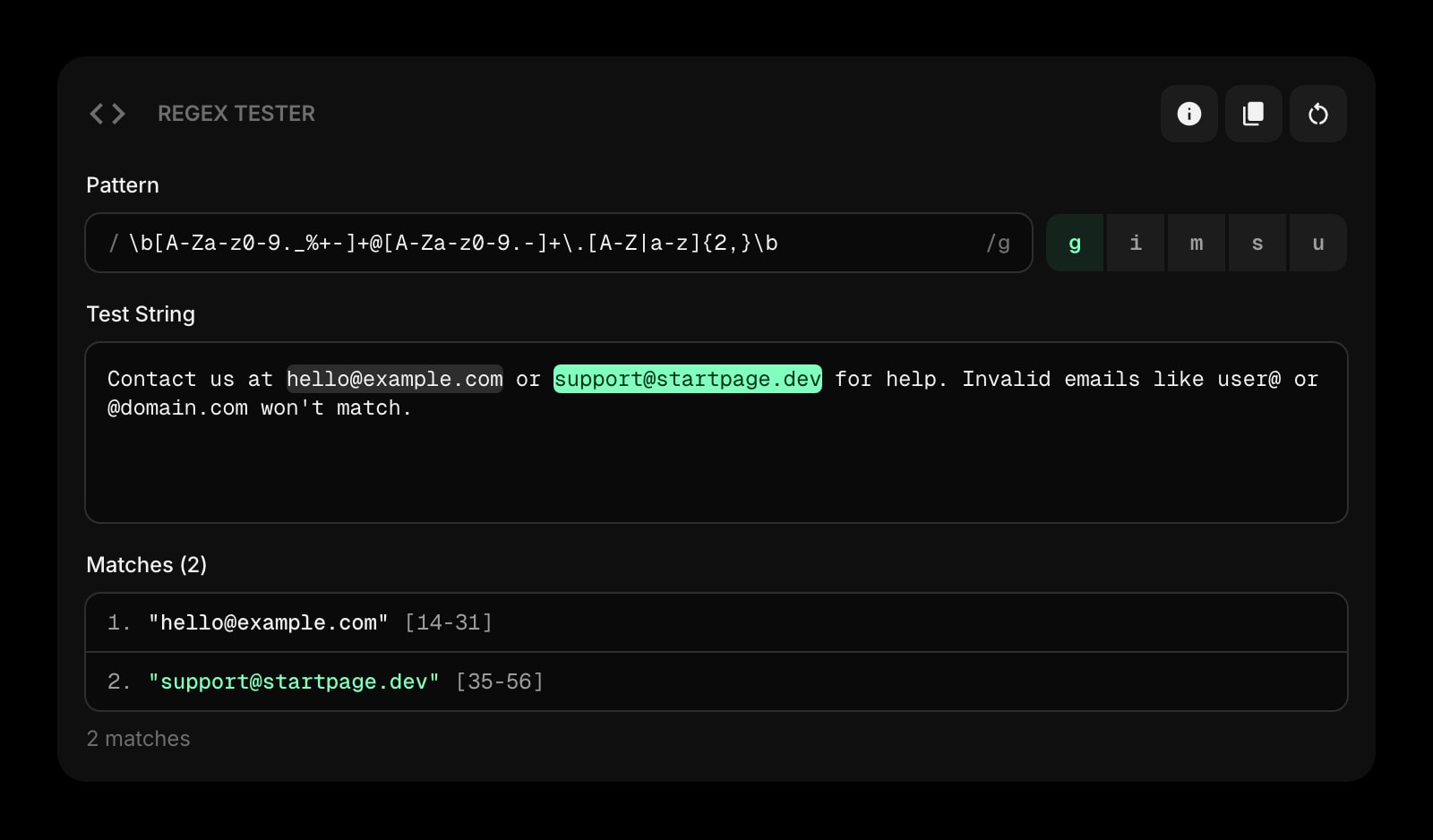
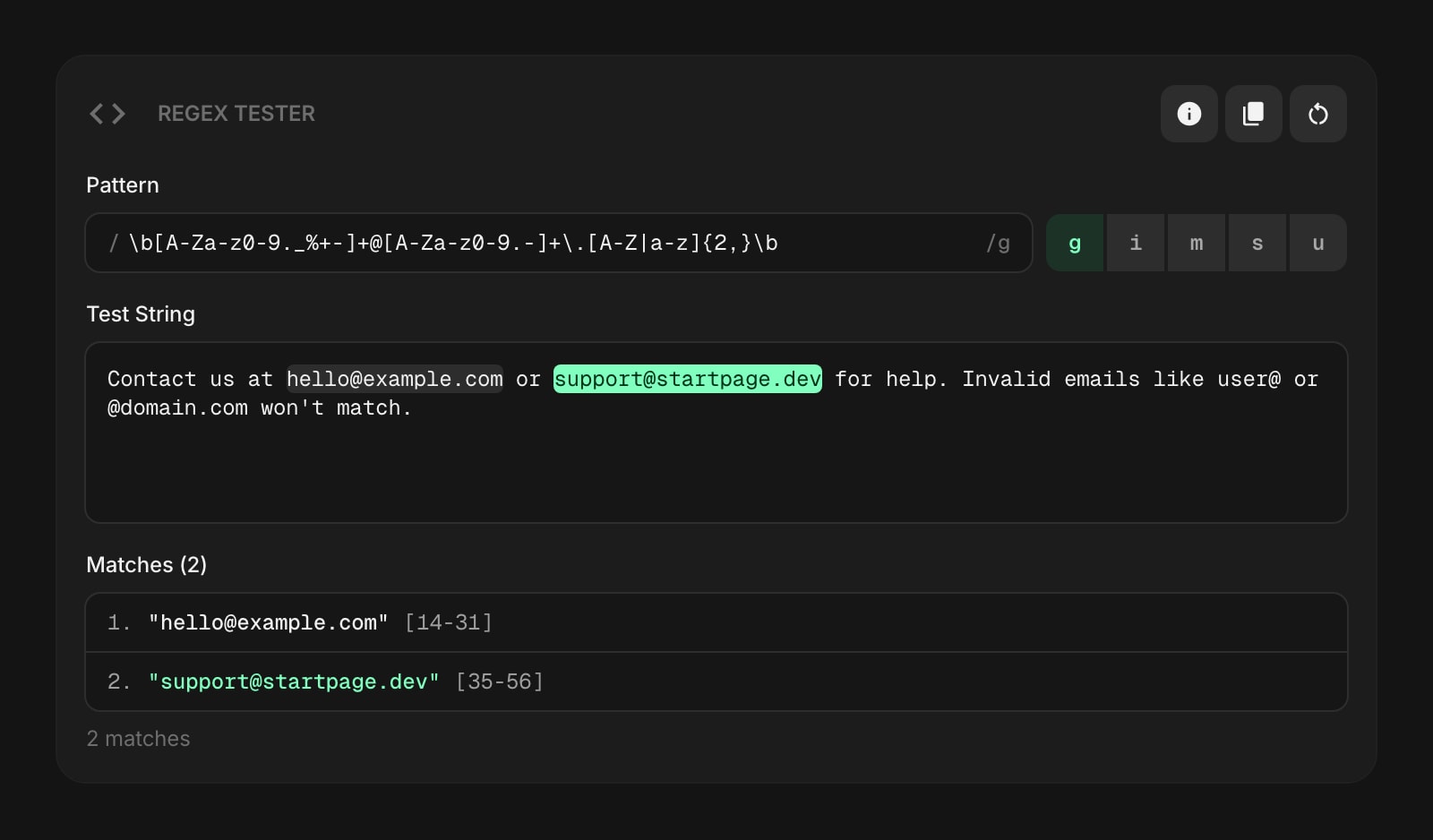
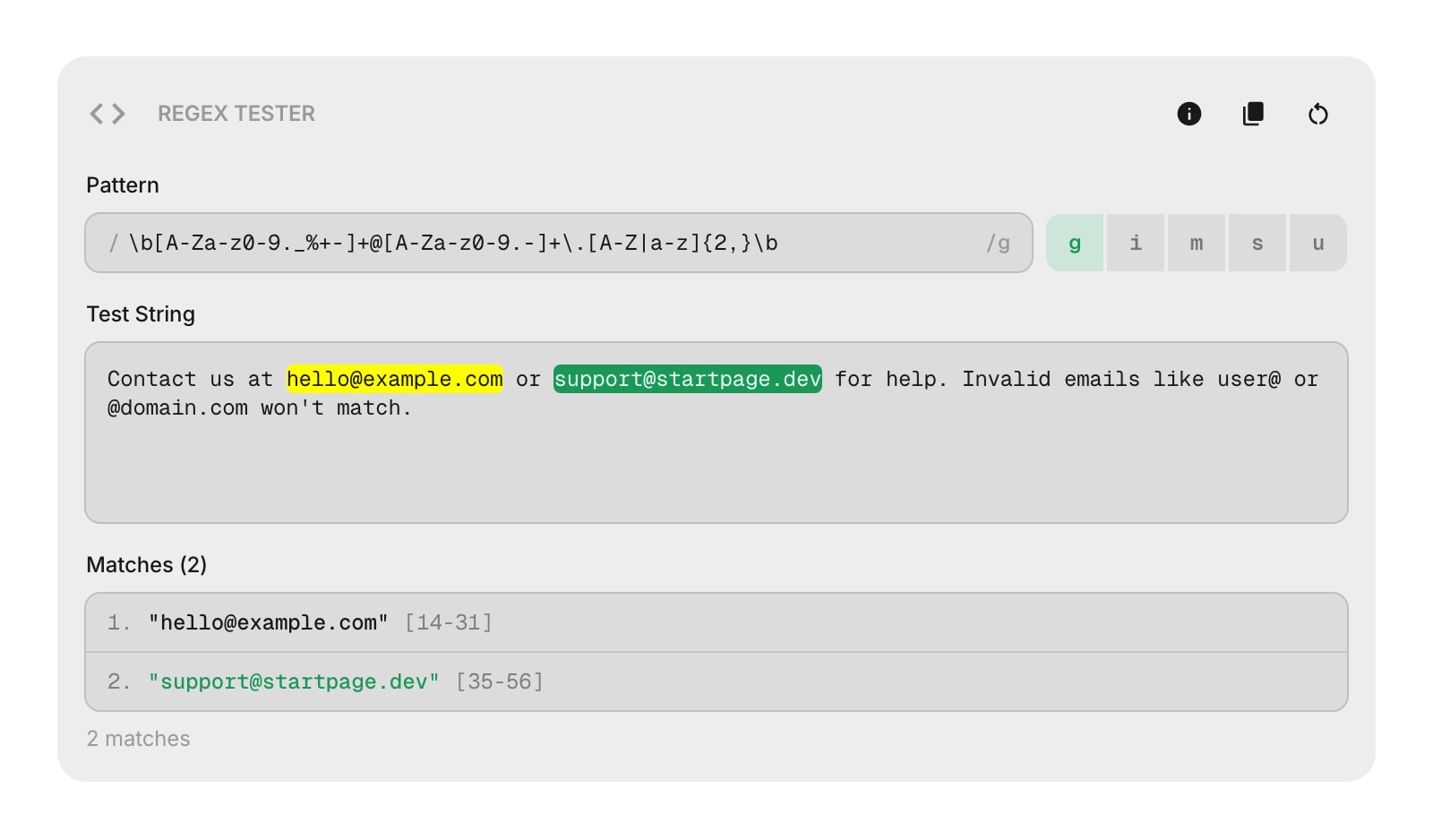
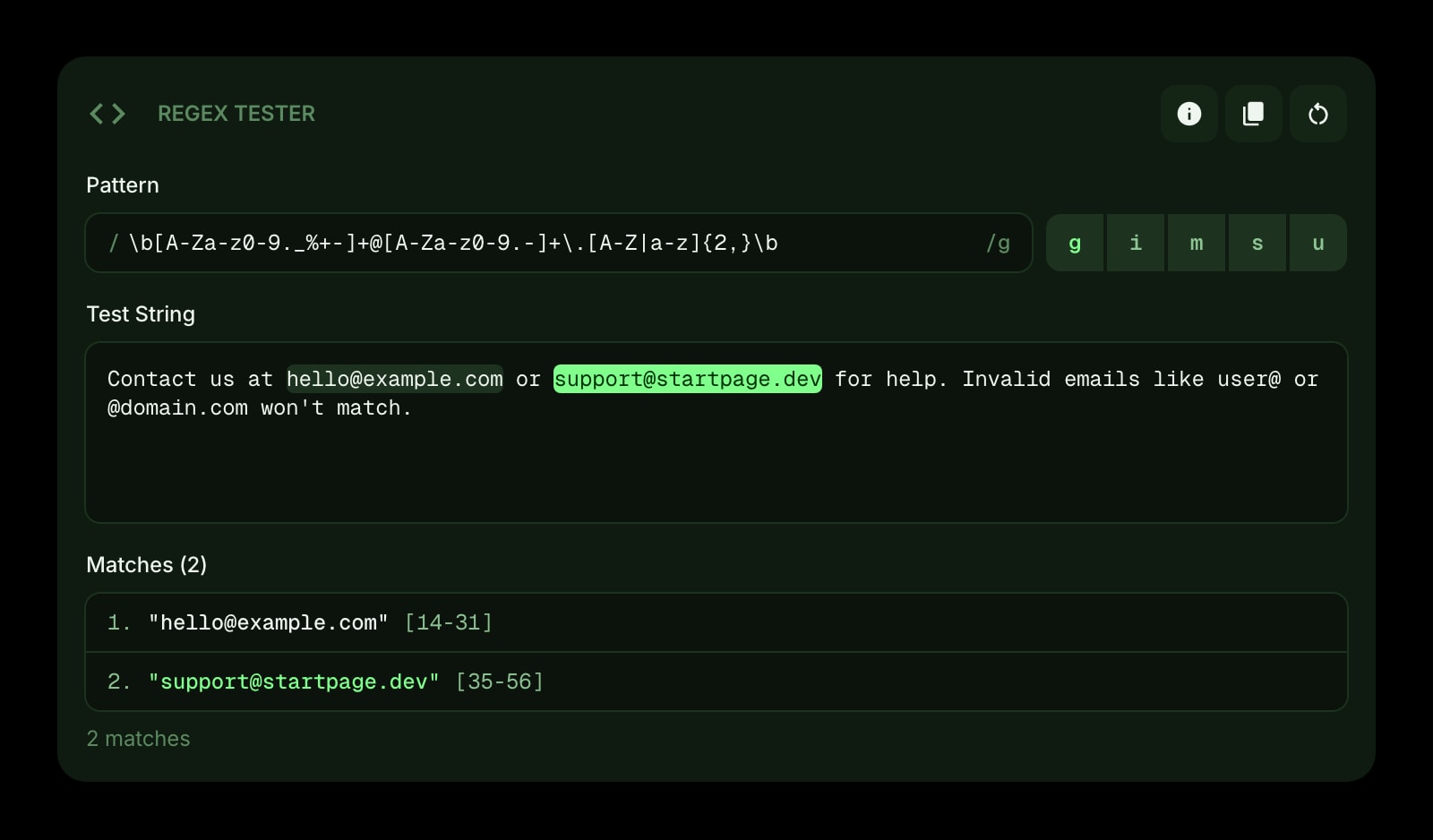
The Regex Tester widget lets you write regular expression patterns and test them against sample text right on your dashboard. Matches are highlighted in real time, and capture groups are listed below.
#How to Use
#Pattern Input
Type your regex pattern in the top field. The widget validates it instantly - if there's an error, a message appears below the input.
You can also paste a pattern in /pattern/flags format and the widget will automatically split it into the pattern and flags for you.
#Flag Toggles
Below the pattern input, toggle buttons let you enable or disable regex flags:
- g (Global) - match all occurrences, not just the first
- i (Case insensitive) - ignore upper/lower case differences
- m (Multiline) - make
^and$match the start and end of each line - s (DotAll) - make
.match newline characters too - u (Unicode) - enable full Unicode support
#Test String
Paste or type your test text in the second area. Matches are highlighted in real time with alternating colors so you can tell them apart at a glance.
#Match Results
Below the test string, the widget lists every match with its position in the text. If your pattern has capture groups (including named groups), they're shown under each match.
A summary at the bottom shows the total number of matches and capture groups.
#Toolbar Actions
- Examples - open a list of preset patterns to try (email matching, date parsing, URL extraction, HTML tags, phone numbers, and multiline patterns)
- Copy Pattern - copy the pattern in
/pattern/flagsformat to your clipboard - Clear - reset the pattern, flags, and test string
#Tips
- Try the built-in examples to learn how different patterns and flags work together.
- The alternating highlight colors make it easy to see where one match ends and the next begins, especially with overlapping-looking patterns.
- Your pattern, flags, and test string are saved automatically, so you can come back to them later.