
Momentum vs Tabliss: Which Should You Pick?
Both are popular new-tab dashboards. Here is how they actually differ — features, pricing, browser support, and which one fits your workflow.
Pick Momentum if you want a polished, opinionated daily tab with a "main focus" prompt, daily quote, and a smooth Plus tier that adds Pomodoro, world clocks, and integrations. Pick Tabliss if you want a free, open-source, no-account, no-tracking new tab you can customize from a much wider set of small widgets. They overlap on backgrounds, clock, weather, todo, and links — they differ on philosophy: Momentum is curated and partly paid, Tabliss is open and entirely free.
At a Glance
A line-by-line look at how Momentum and Tabliss stack up.
| Feature | Momentum | Tabliss |
|---|---|---|
| Pricing | Free + Plus (~$3/mo) | Free forever |
| Free tier | Yes (limited) | Yes (full product) |
| Open source | No | Yes |
| Account required | For Plus / sync | No |
| Chrome | Yes | Yes |
| Firefox | Yes | Yes |
| Edge | Yes | Yes |
| Safari | Yes | No |
| Hosted web app | No | No |
| Cross-device sync | Plus tier only | No |
| Widget / integration count | ~6 core | ~20 small widgets |
| Daily quote / mantra | Yes | Yes |
| Daily focus prompt | Yes | No |
| Pomodoro / focus timer | Plus tier | No |
| Todo list | Yes | Yes |
| Task integrations (Asana, Todoist) | Plus tier | No |
| Custom backgrounds | Yes | Yes |
| Unsplash + GIPHY backgrounds | Curated only | Yes |
| Custom CSS / advanced theming | No | Limited |
| Multi-page dashboards | No | No |
Feature by Feature
How each product handles the things that actually matter day to day.
New Tab Aesthetics
Momentum is built around one full-bleed photo, a big clock, your name, and a "main focus" prompt for the day. Everything else is tucked into a sidebar so the page stays calm. Tabliss takes the same calm-first idea and gives you more knobs: pick a clock style, an Unsplash photo, a solid color, a gradient, or a GIPHY animation, and arrange a small widget per zone (top, center, bottom). Momentum feels more curated. Tabliss feels more like a kit.
Customization Depth
Tabliss has more raw customization: it ships around twenty small widgets and lets you mix and match clocks, weather, links, todo, search, quotes, NBA scores, and more in any layout. Momentum keeps a tighter, opinionated set — focus, todo, weather, links, quotes — and adds Pomodoro, soundscapes, world clocks, and integrations only on the paid Plus tier. If you like a calm, opinionated default, Momentum wins. If you like building your own page, Tabliss wins.
Productivity Features
Momentum leans more "productivity tab" than Tabliss does, especially on Plus: focus mode, Pomodoro, autofocus, site blocker, integrations with Asana/Todoist/ClickUp, and metrics for how you spend your day. Tabliss stays minimal — a simple todo and a clock-with-greeting is about as far as it goes. If you want the new tab to actively push you to focus, Momentum is the stronger choice. If you want a beautiful tab that gets out of the way, Tabliss is.
Privacy and Open Source
Tabliss is open source under GPL-3.0, has no account system, and stores all settings locally in your browser. The maintainers explicitly state "no ads, no subscriptions, no data mining." Momentum is a closed-source commercial product with a free and paid tier. It supports an account for Plus features and cross-device sync, which means more capability in exchange for a centralized backend. Privacy-leaning users tend to land on Tabliss for this reason.
Browser Support
Momentum is available on Chrome, Firefox, Safari, and Edge. Tabliss covers Chrome, Firefox, and Edge — there is no Safari extension at the time of writing. If you live in Safari on macOS or iOS, Momentum is the only option of the two. If you mostly use Chrome or Firefox, both work fine.
Sync and Backups
Momentum syncs your setup across devices on the Plus tier via your account. Tabliss is local-first by design: settings live in your browser, and switching browsers, profiles, or laptops means rebuilding your page. Tabliss does support a manual export/import JSON file for backups. If you want true cross-device sync, Momentum Plus is the only option here.
Pricing
Tabliss is free forever with no paid tier — every feature is unlocked, and there are no upsells. The project is funded by donations and volunteer work. Momentum has a generous free tier covering the core experience: photo, clock, focus prompt, quote, weather, todo, and links. Momentum Plus runs about $3.33/month or $40/year (sometimes promoted at $0.10/day) and adds Pomodoro, focus mode, soundscapes, world clocks, countdowns, custom mantras and photos, task-app integrations, metrics, and cross-device sync. Net: if cost is the deciding factor, Tabliss wins outright. If you already get value from the free Momentum and the Plus features sound useful, the upgrade is reasonable.
Which One Should You Pick?
Specific use cases, not vague verdicts.
Choose Momentum If
Beautiful daily inspiration tab with a generous free tier.
- You want a polished, opinionated default — open a tab and instantly feel calm and focused.
- You like the daily "main focus" prompt and want it front and center every morning.
- You use Safari (Tabliss is not available on Safari).
- You will pay for Plus for Pomodoro, integrations, soundscapes, and cross-device sync.
- You prefer a curated, low-effort experience over building a layout from parts.
Choose Tabliss If
Free, open-source new-tab page focused on minimal customization.
- You want a free, no-account, no-tracking new tab — and you want it to stay free.
- Open source matters to you and you want to be able to read the code.
- You like assembling your own layout from a wider catalog of small widgets.
- You only use Chrome, Firefox, or Edge (no Safari needed).
- Local-only is fine — you do not need cross-device sync.
Start Page HQ
If you came here because you want a new tab that does more than either of these — a real workspace, not just a beautiful tab — both Momentum and Tabliss will leave you wanting.
Start Page HQ is a customizable start page with 63+ widgets, multi-page dashboards, a hosted web app at startpagehq.com, native Safari support, and cross-device sync included in every plan. You can keep the calm Momentum-style aesthetic with a single-page layout — clock, weather, daily quote, links, todo, and a wallpaper behind it all, either one of 29 built in on any plan or, on a paid plan, an image you upload — and then build separate pages for work, news, dev tools, and personal stuff once you need them. It has a free plan — 1 page, 8 widgets, sync included — and a free public demo that needs no signup at all. If your team wants the same new tab, Teams adds shared workspaces with editor or viewer access per person, at $4 per seat per month (or $40 per seat per year, minimum 2 seats).
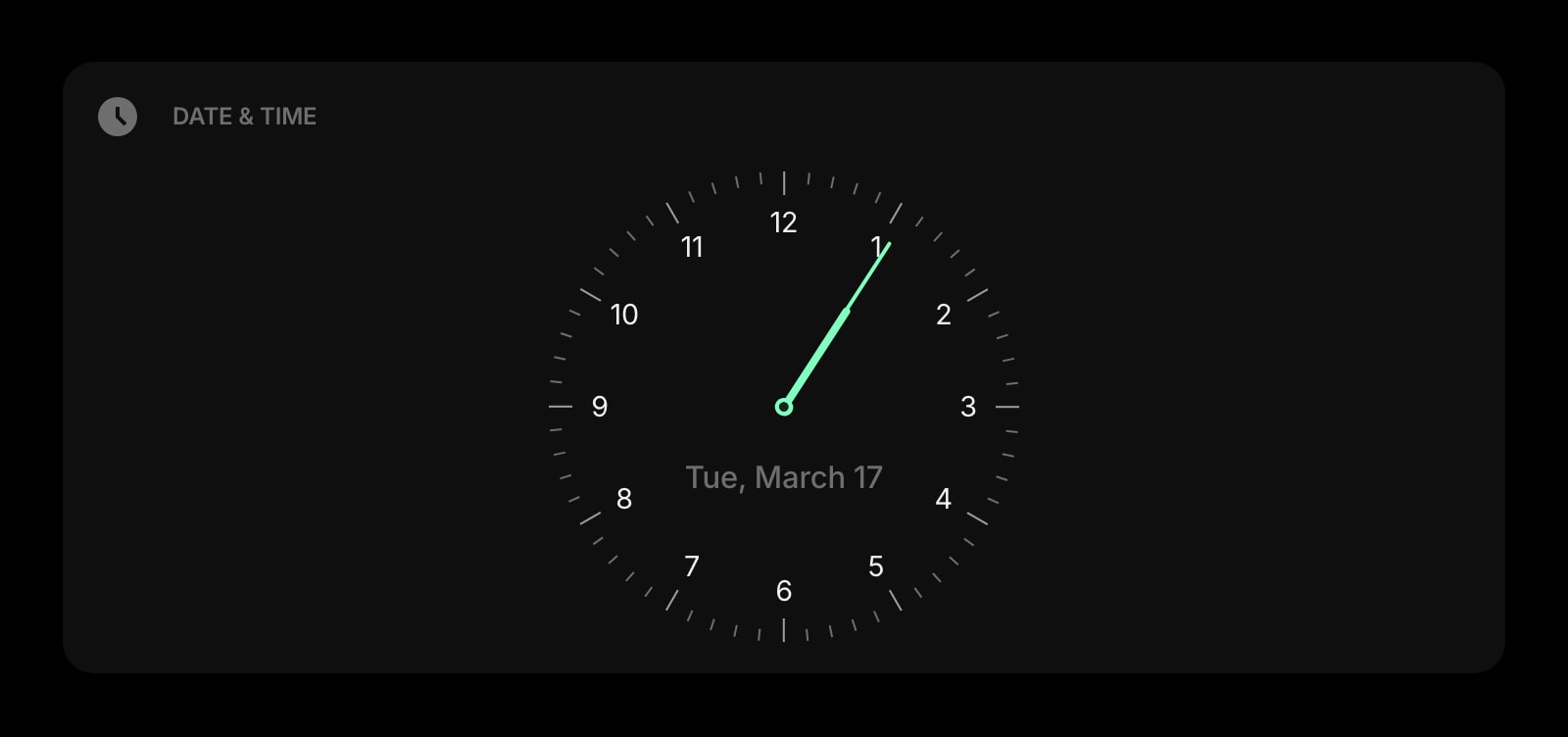
Date & Time
A big, clean clock and date for the top of your start page — the same calm, focused feel both Momentum and Tabliss center on.
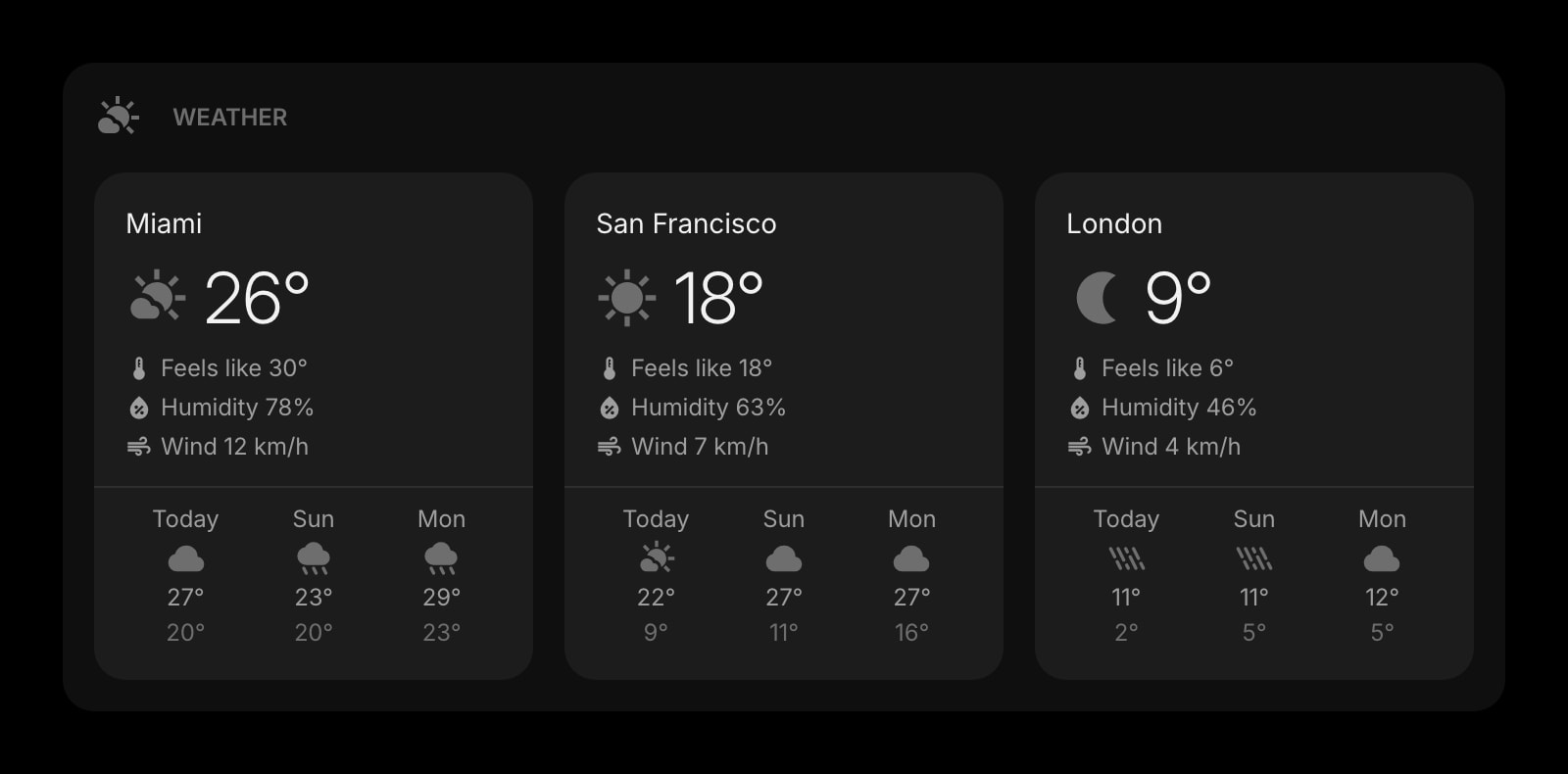
Weather
Current conditions and forecasts for the locations you care about, refreshed automatically across all your devices.
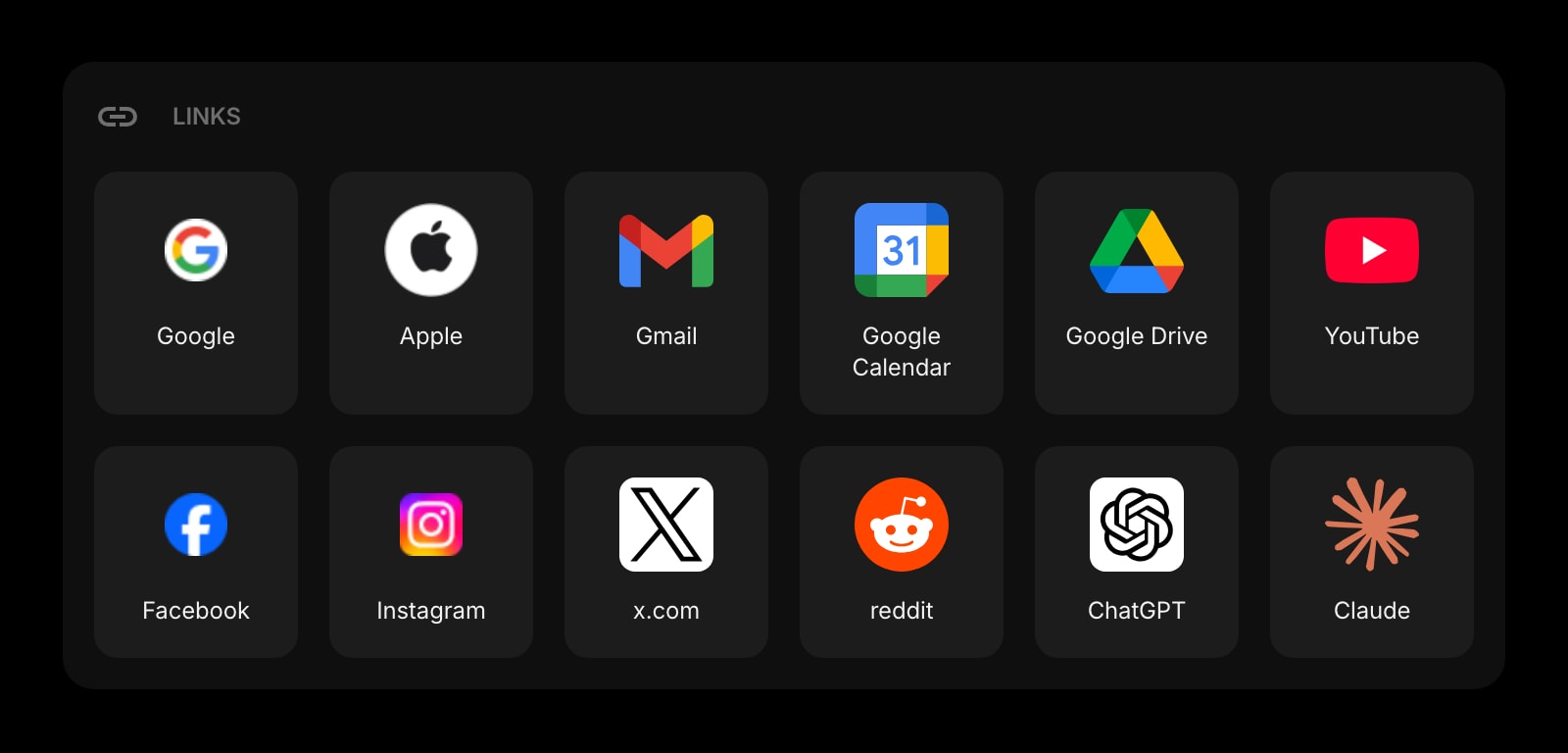
Links
Organize your most-used sites into clean, customizable groups — far more flexible than either Momentum link rows or Tabliss quick links.
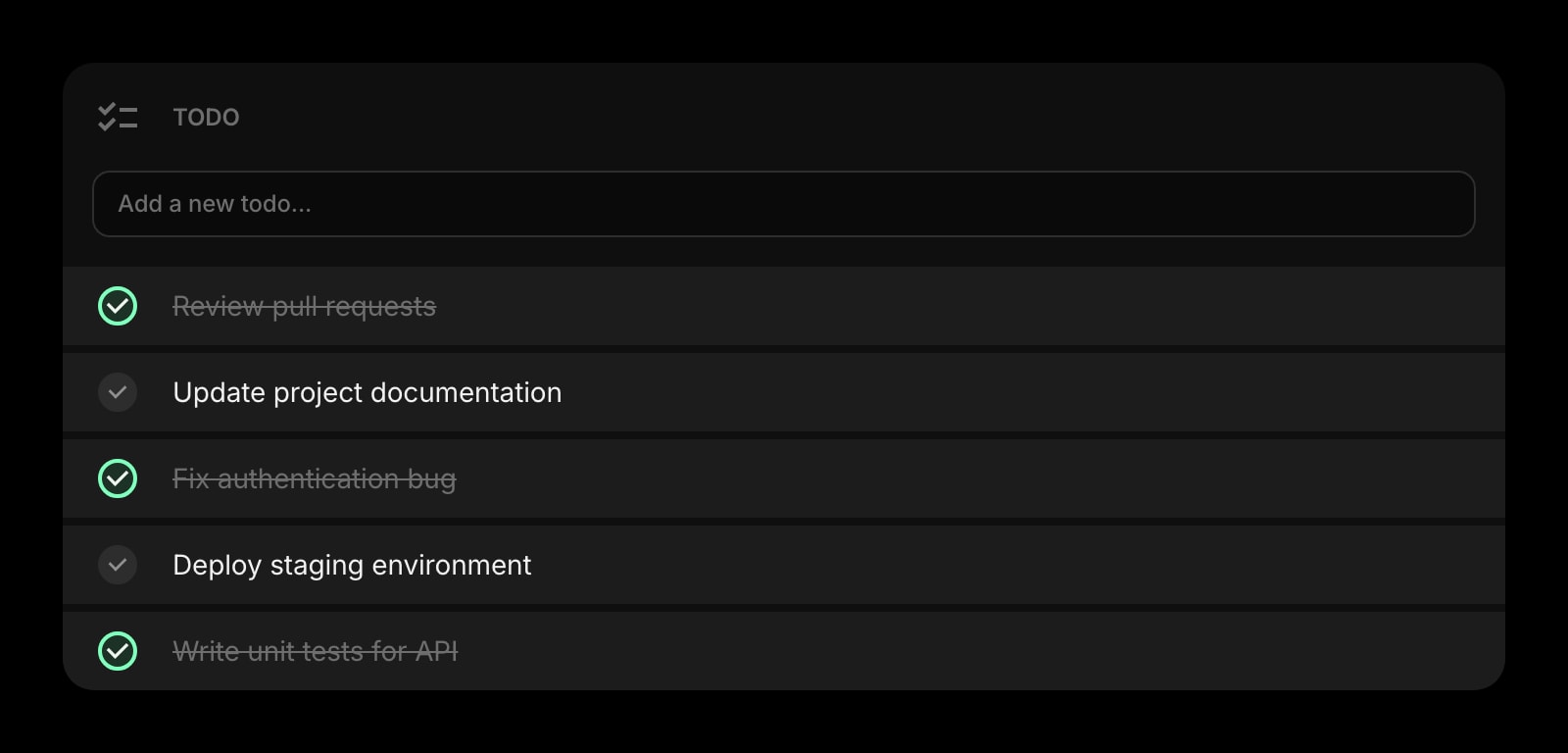
Todo
A simple daily task list that lives next to your weather, clock, and links — and stays in sync across every device.
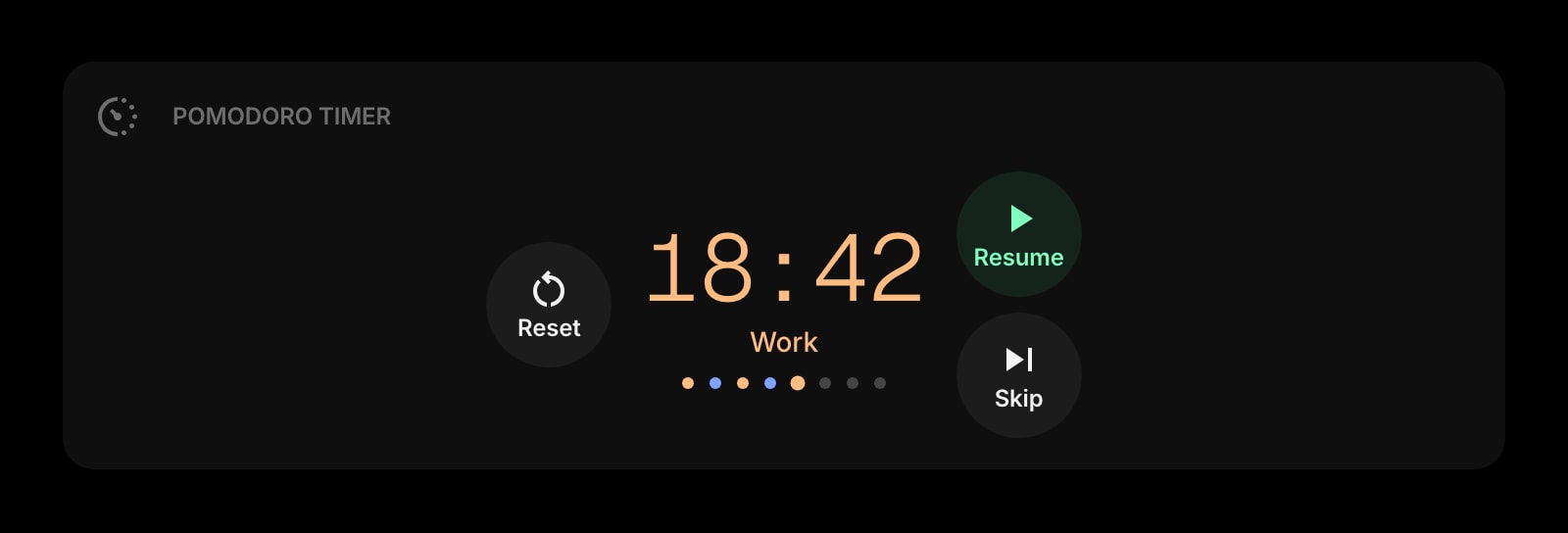
Pomodoro Timer
Focus sessions and breaks built into the start page itself — no Plus tier, no separate app.
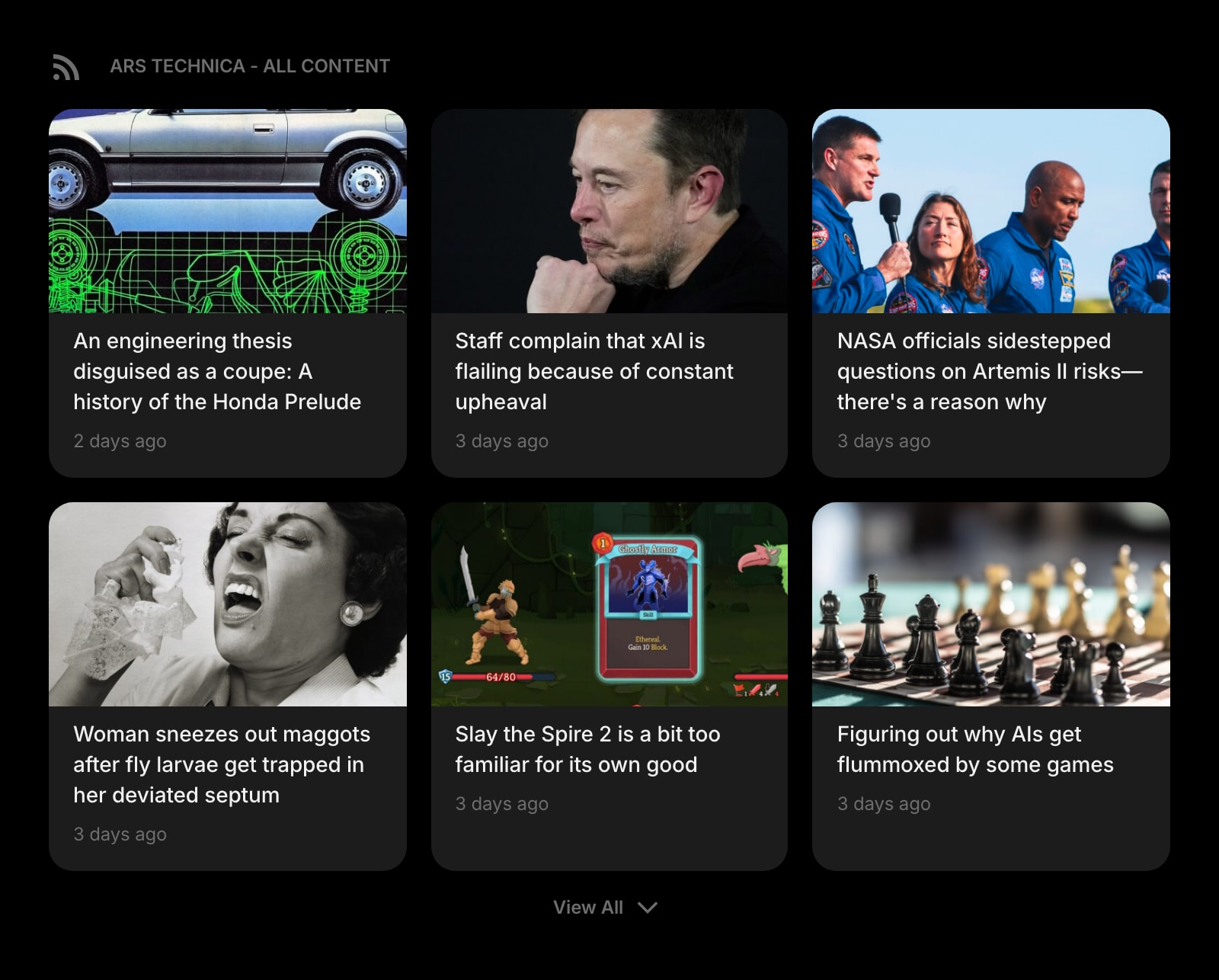
Feed
Follow RSS feeds, blogs, and publications right next to your tasks and clock — without a separate reader.
Frequently Asked Questions
Both work, but they take different paths. Momentum is opinionated and curated — open a tab and you get a beautiful photo, a clock, and a single focus prompt with everything else tucked away. Tabliss starts minimal and lets you keep it that way by only adding the widgets you want. For a low-effort calm tab, Momentum is faster to set up. For a calm tab you control entirely, Tabliss is the better fit.
Partially. Tabliss covers the visual, todo, links, weather, and clock side of Momentum well, and it is free. It does not replicate Momentum Plus features like Pomodoro, focus mode, task-app integrations (Asana, Todoist, ClickUp), soundscapes, metrics, and cross-device sync. If you specifically want those, Plus is the only path of the two.
Momentum has a Safari extension. Tabliss does not currently support Safari — only Chrome, Firefox, and Edge. If Safari is your daily browser, Momentum is the only option of these two.
Momentum syncs settings across devices through your account on the Plus tier. Tabliss stores everything locally in your browser, so switching browsers, profiles, or computers means re-doing your setup. Tabliss does support manual JSON export/import for backups.
Tabliss is free forever, with no paid tier and every feature unlocked. Momentum has a free tier that covers most of the core experience, plus an optional Plus subscription (~$3.33/month) that unlocks the productivity-heavy features and cross-device sync.
Most browsers only let one extension control the new tab page, so you would have to switch one off to let the other take over. You can install both, but only one will render the new tab at any given time.
The Verdict
Both are good at what they set out to do. Pick Momentum if you want an opinionated, polished daily tab and you are open to paying for Plus for the productivity features and cross-device sync — and especially if you live in Safari. Pick Tabliss if free-forever and open-source matter to you, you only use Chrome, Firefox, or Edge, and you enjoy assembling your own layout from a wider set of small widgets. If neither feels quite right — for example, you want a real multi-page workspace with sync, dev tools, AI, and RSS sitting next to your clock and todo — Start Page HQ is worth a look.