- Dashboard
- Widgets
- AI Diary
- AI Humanizer
- AI Image
- Audio Editor
- Base64 / URL Encoder
- Calendar
- Canvas
- Collection
- Color Picker
- Container
- Countdown Timer
- Currency Converter
- Daily Quiz
- Daily Quote
- Daily Riddle
- Date & Time
- Embed
- GitHub Releases
- Google Calendar
- Habit Tracker
- Hacker News
- Image Compression
- IP Info
- JSON Formatter
- Links
- Markdown Editor
- News
- News Summary
- Notes
- Photo Frame
- Podcast
- Pomodoro Timer
- Product Hunt
- QR Code Generator
- Quick Answer
- Quick Note
- Regex Tester
- RSS Feed
- Search
- Spacer
- Stopwatch
- Story Snippet
- Stripe Sales
- Subreddit
- Substack
- t0ggles Focus
- t0ggles My Boards
- t0ggles My Tasks
- Tasks
- Text Diff
- Todo
- TradingView Advanced Chart
- TradingView Market Summary
- TradingView Mini Chart
- TradingView Symbol Overview
- TradingView Ticker Tape
- Translation
- Unit Converter
- Uptime Monitor
- Weather
- What If
- World Clock
- YouTube Channel
Countdown Timer Widget


Looking to use this tool right now? See the Countdown Timer online tool. The page below covers settings and advanced usage for the widget inside Start Page HQ.
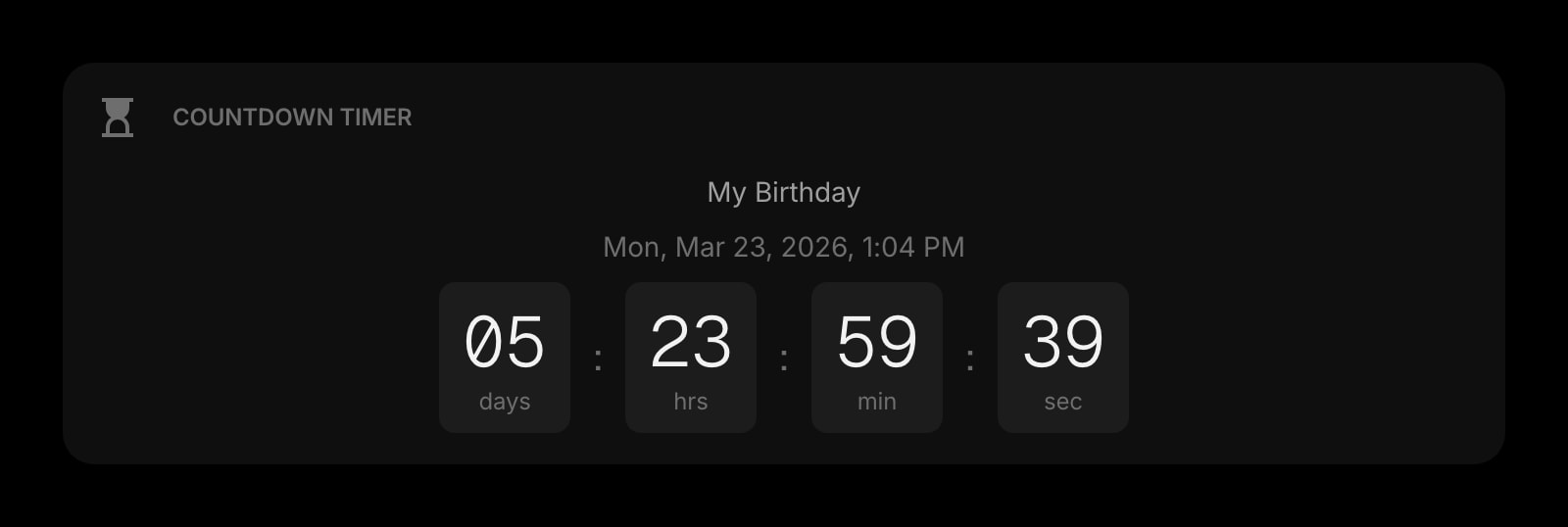
The Countdown Timer widget shows a live countdown to any date and time you choose. Use it to track upcoming events, deadlines, birthdays, holidays, or anything you're looking forward to.
#How to Use
When you first add the widget, you'll see a setup form. Type in an event name (optional) and pick a target date and time, then click Start. The countdown begins immediately and updates every second.
Once the target date arrives, the widget displays a "Countdown complete!" message.
#Display Styles
The widget offers three ways to show the countdown:
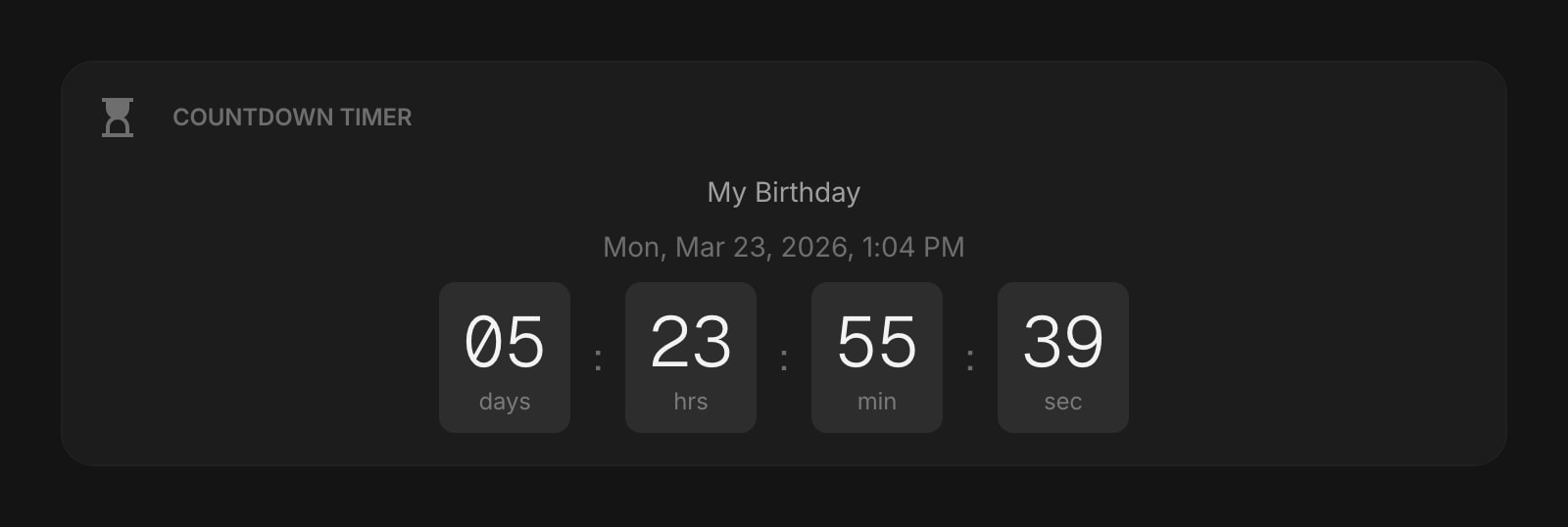
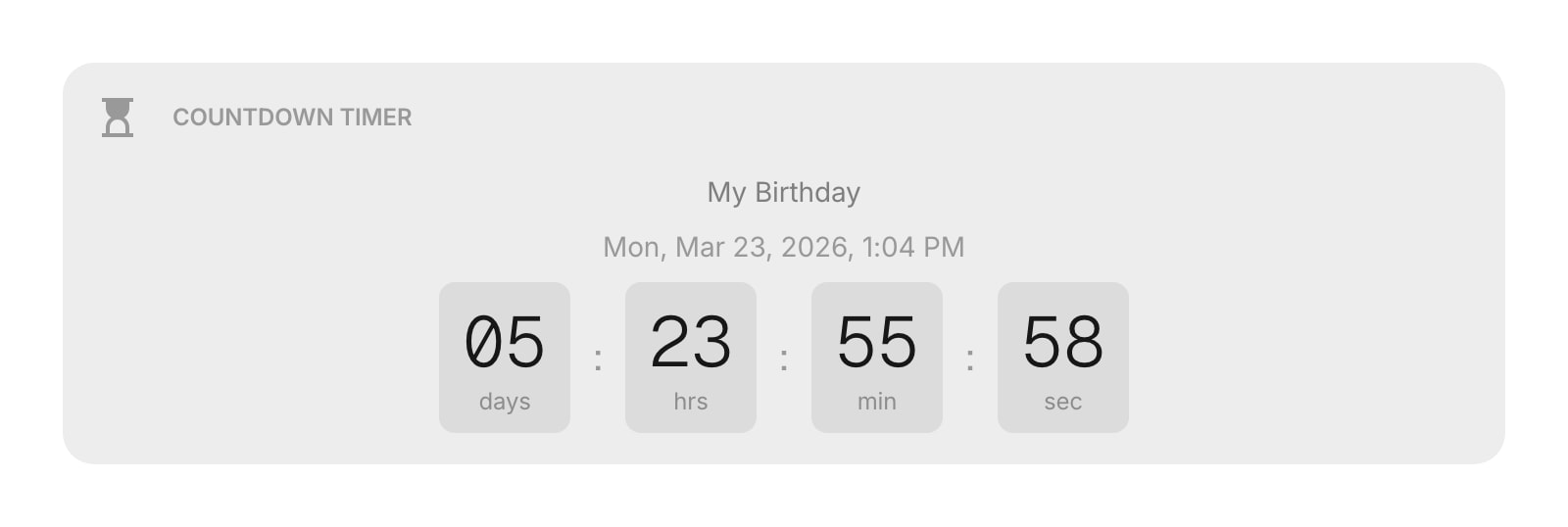
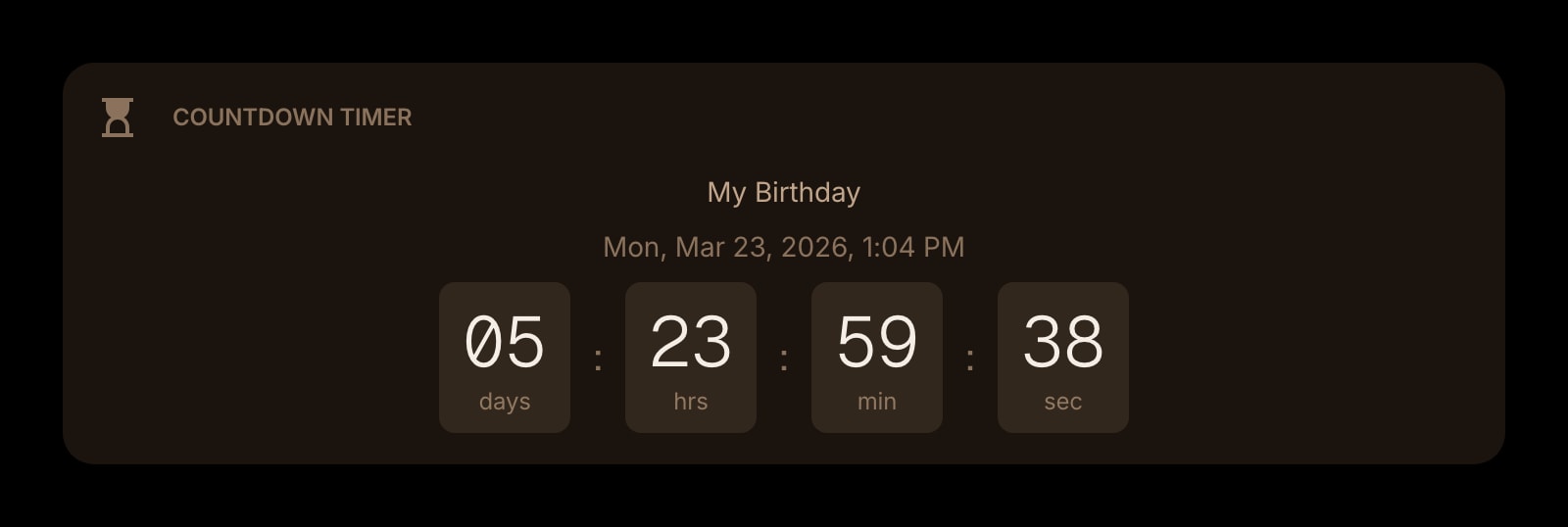
- Cards - each time unit (days, hours, minutes, seconds) appears on its own card. You can choose the card look: Clear, Outline, or Solid.
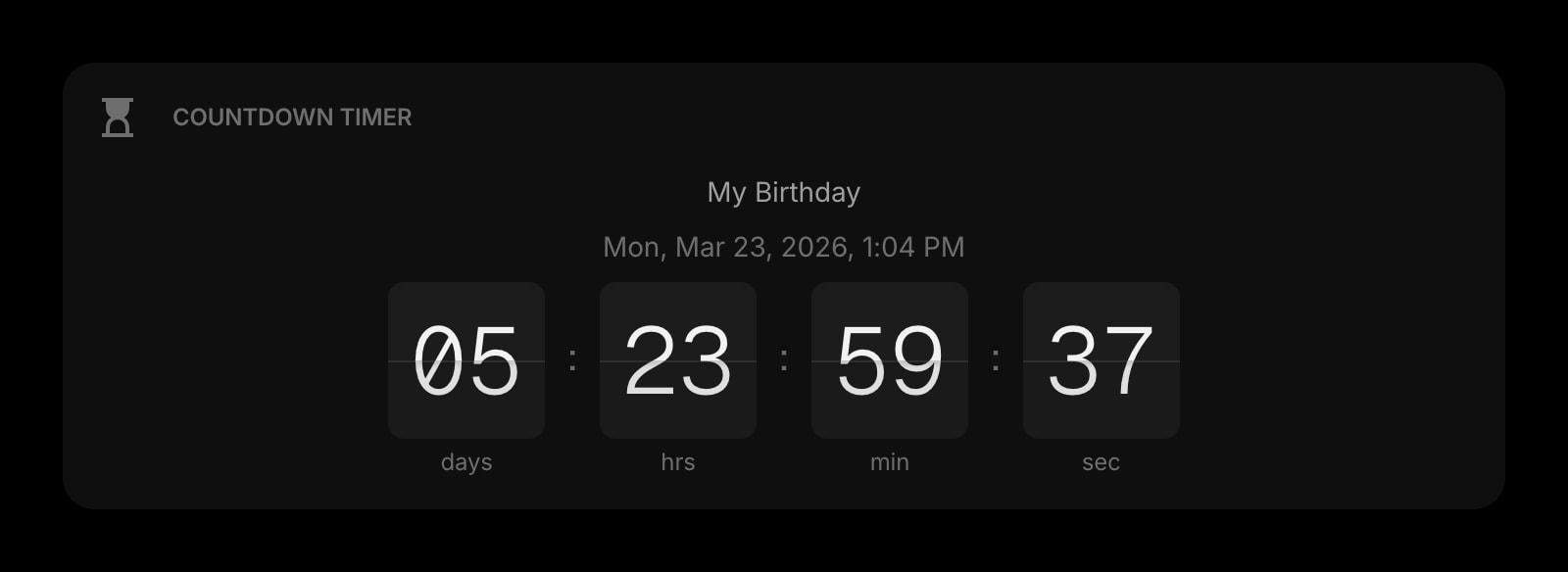
- Flip - animated flip cards that flip each time a number changes, like a classic departure board.
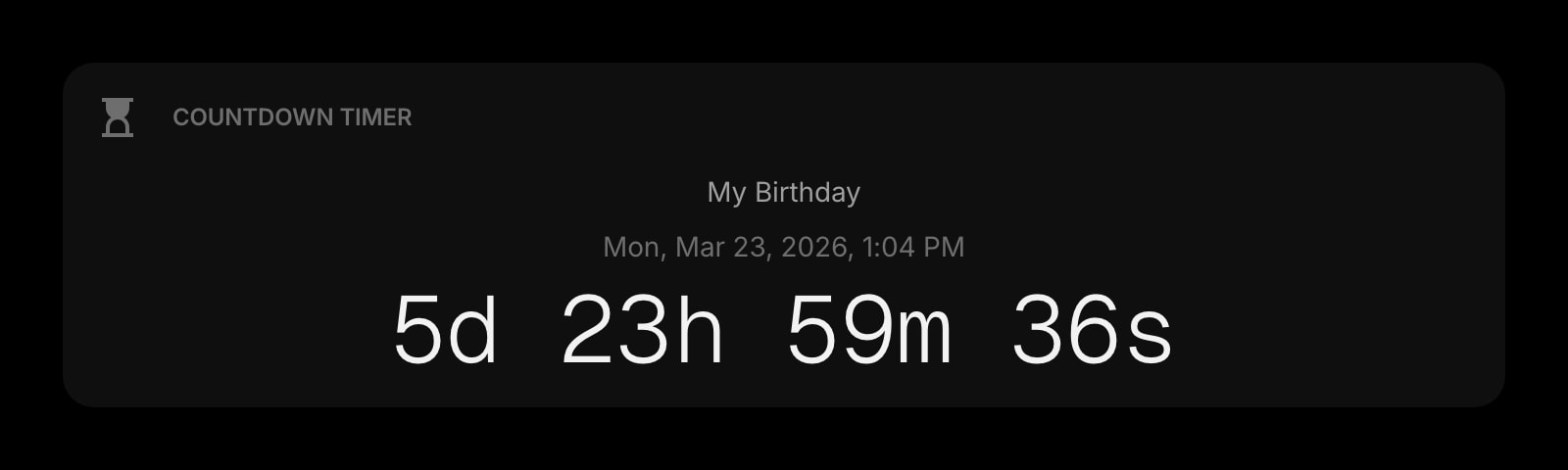
- Plain - a compact single-line format (for example, "5d 12h 30m 45s").
#Widget Settings
- Display Style - choose Cards (default), Flip, or Plain.
- Card Style - when using Cards, choose Clear, Outline, or Solid for the card appearance.
- Show Event Name - display the event name above the countdown. Turned on by default.
- Show Target Date - display the full target date and time below the event name. Turned on by default.
- Show Seconds - include seconds in the countdown. Turned on by default. Turn it off for a calmer display.
#Tips
- Use the Flip style for a fun, retro look on your dashboard.
- Turn off seconds if you find the constant updating distracting.
- Add multiple Countdown Timer widgets to track several upcoming events at once.