- Dashboard
- Widgets
- AI Diary
- AI Humanizer
- AI Image
- Audio Editor
- Base64 / URL Encoder
- Calendar
- Canvas
- Collection
- Color Picker
- Container
- Countdown Timer
- Currency Converter
- Daily Quiz
- Daily Quote
- Daily Riddle
- Date & Time
- Embed
- GitHub Releases
- Google Calendar
- Habit Tracker
- Hacker News
- Image Compression
- IP Info
- JSON Formatter
- Links
- Markdown Editor
- News
- News Summary
- Notes
- Photo Frame
- Podcast
- Pomodoro Timer
- Product Hunt
- QR Code Generator
- Quick Answer
- Quick Note
- Regex Tester
- RSS Feed
- Search
- Spacer
- Stopwatch
- Story Snippet
- Stripe Sales
- Subreddit
- Substack
- t0ggles Focus
- t0ggles My Boards
- t0ggles My Tasks
- Tasks
- Text Diff
- Todo
- TradingView Advanced Chart
- TradingView Market Summary
- TradingView Mini Chart
- TradingView Symbol Overview
- TradingView Ticker Tape
- Translation
- Unit Converter
- Uptime Monitor
- Weather
- What If
- World Clock
- YouTube Channel
Unit Converter Widget
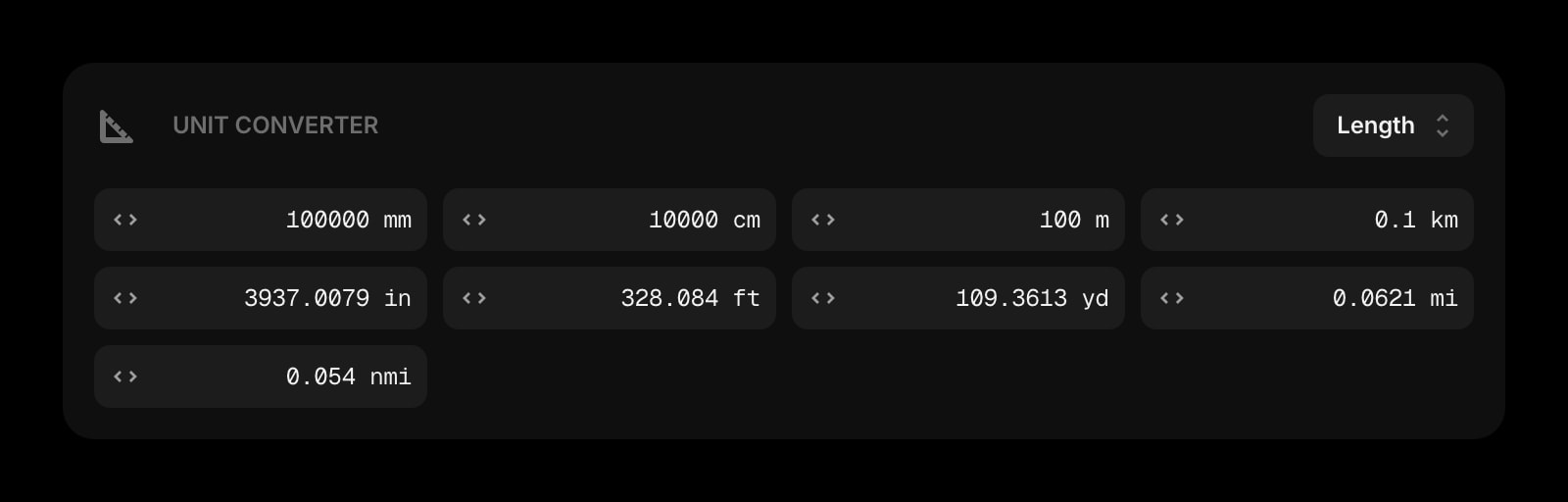
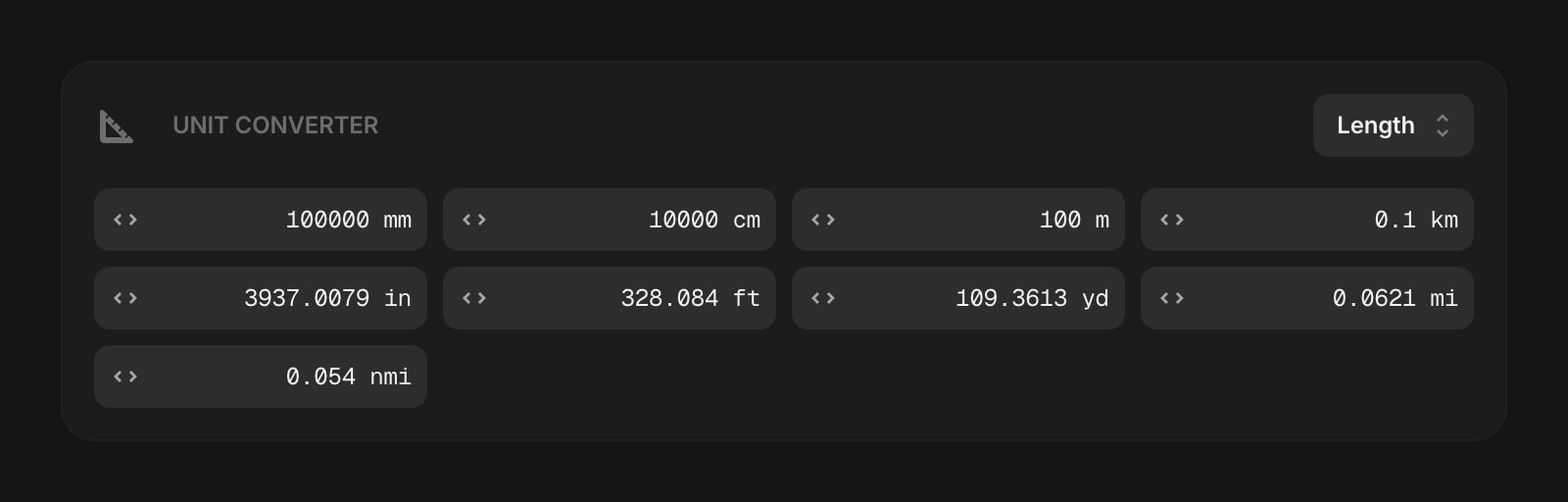
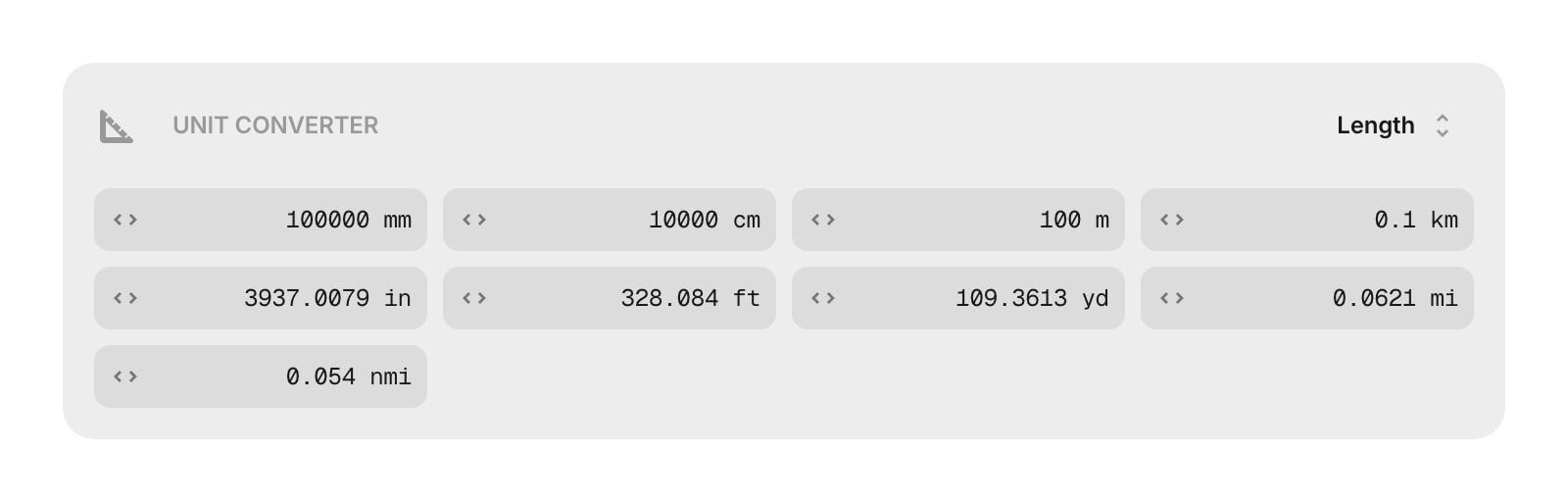
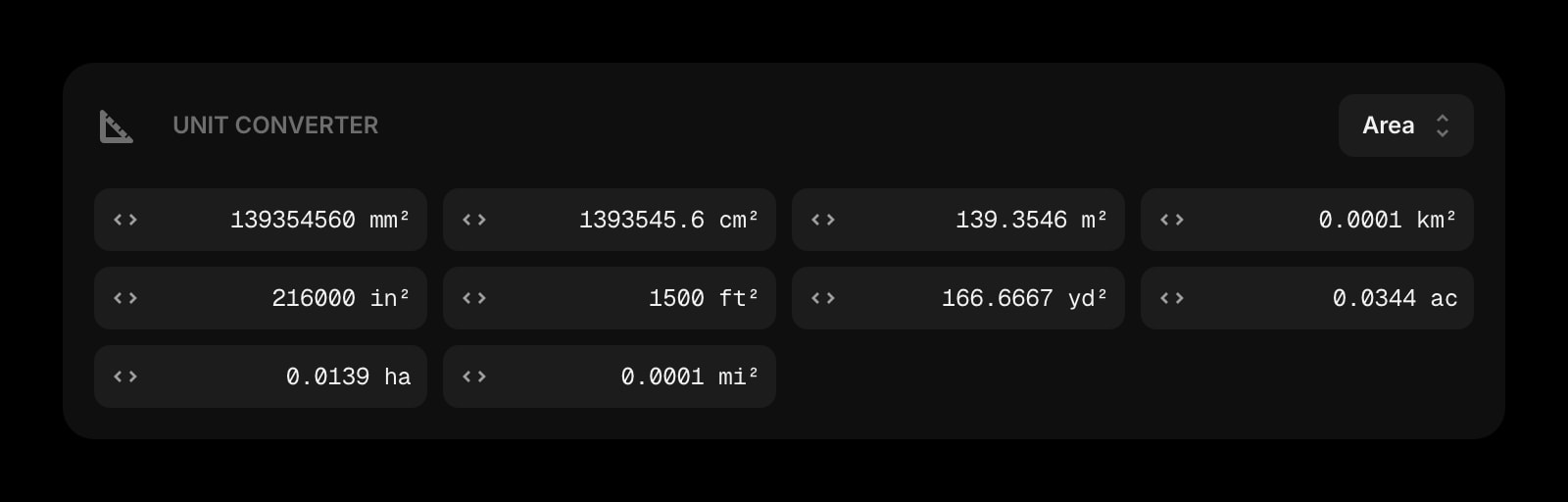
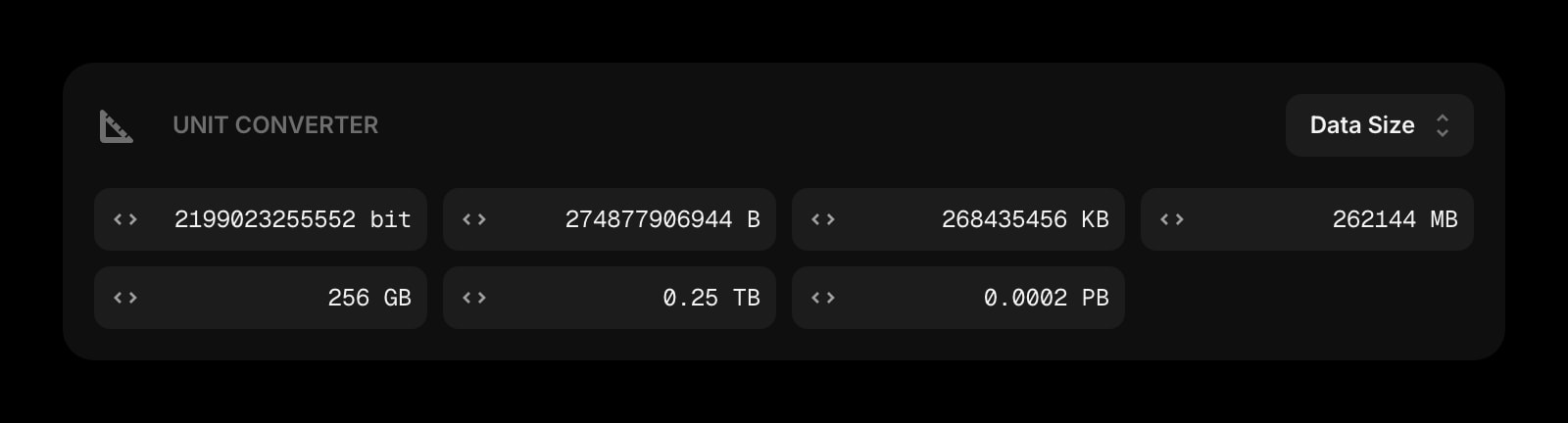
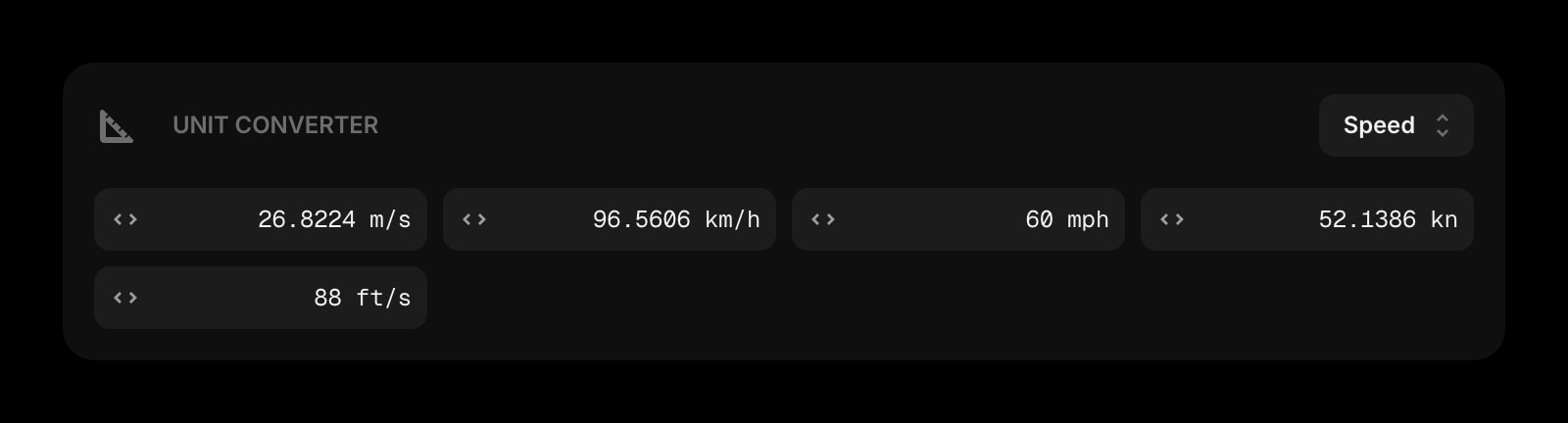
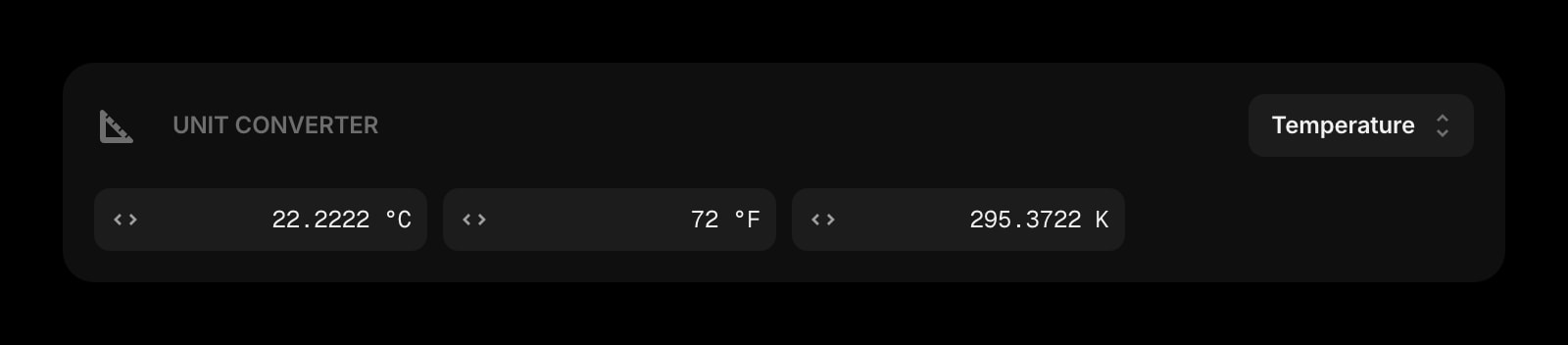
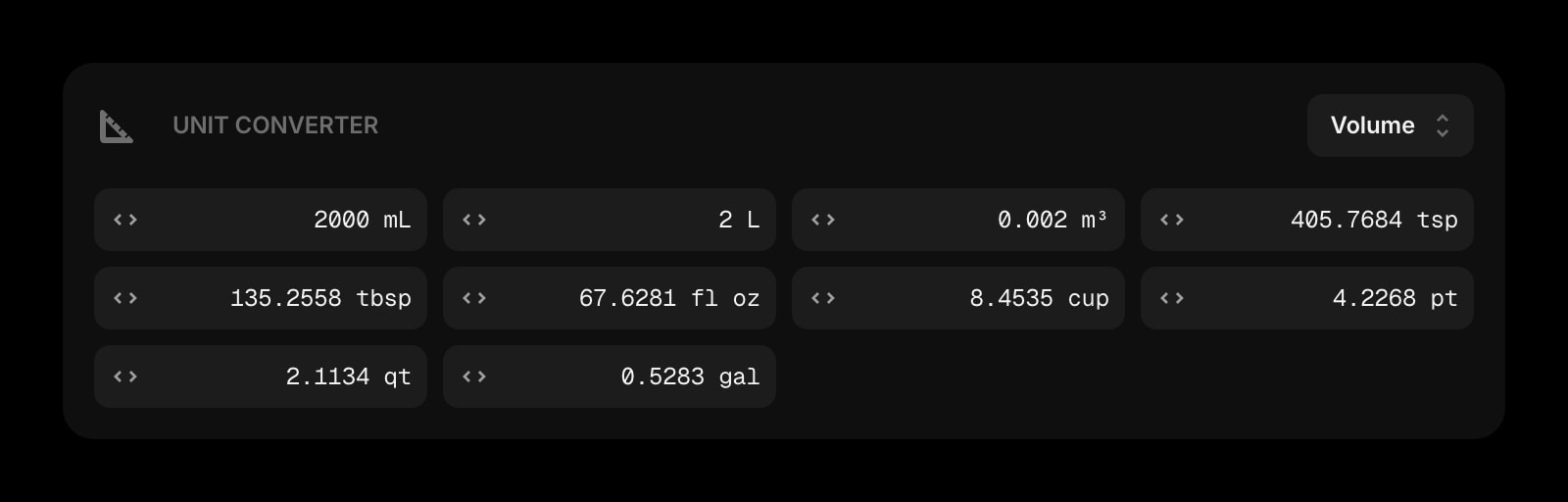
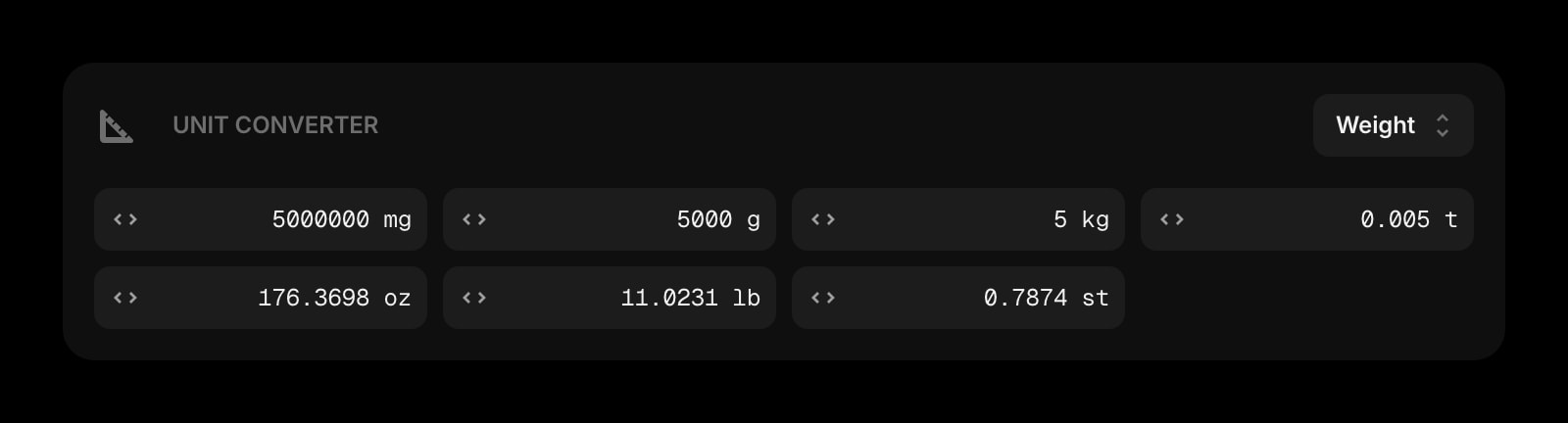
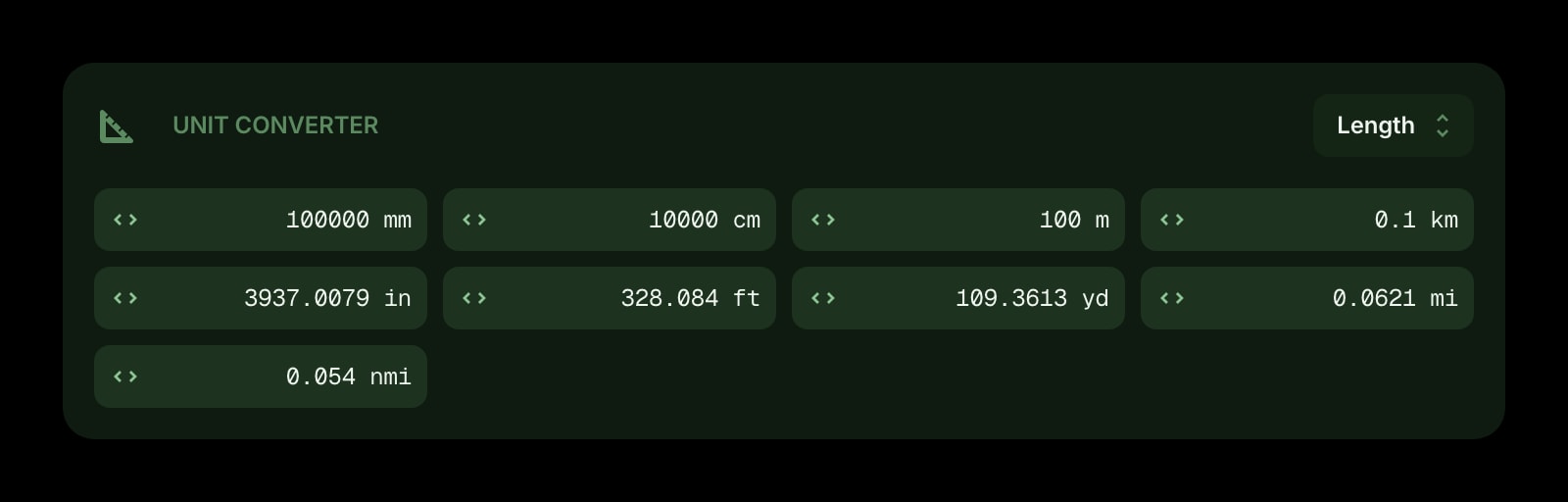


The Unit Converter widget lets you convert between units across seven categories - length, weight, temperature, data size, speed, area, and volume. All conversions are shown at once in a grid, so you can type a value into any unit and instantly see the result in every other unit in that category.
#How to Use
Pick a category from the dropdown in the toolbar (for example, "Length"). A grid of unit cells appears, each showing a value and its abbreviation. Type a number into any cell and all the other cells update in real time with the converted values.
The default category is Length, starting with 1 meter.
#Categories and Units
#Length
Millimeter (mm), Centimeter (cm), Meter (m), Kilometer (km), Inch (in), Foot (ft), Yard (yd), Mile (mi), Nautical Mile (nmi)
#Weight
Milligram (mg), Gram (g), Kilogram (kg), Metric Ton (t), Ounce (oz), Pound (lb), Stone (st)
#Temperature
Celsius (°C), Fahrenheit (°F), Kelvin (K)
#Data Size
Bit (bit), Byte (B), Kilobyte (KB), Megabyte (MB), Gigabyte (GB), Terabyte (TB), Petabyte (PB)
#Speed
Meter per Second (m/s), Kilometer per Hour (km/h), Mile per Hour (mph), Knot (kn), Foot per Second (ft/s)
#Area
Square Millimeter (mm²), Square Centimeter (cm²), Square Meter (m²), Square Kilometer (km²), Square Inch (in²), Square Foot (ft²), Square Yard (yd²), Acre (ac), Hectare (ha), Square Mile (mi²)
#Volume
Milliliter (mL), Liter (L), Cubic Meter (m³), Teaspoon (tsp), Tablespoon (tbsp), Fluid Ounce (fl oz), Cup (cup), Pint (pt), Quart (qt), Gallon (gal)
#Widget Settings
- Decimals - choose how many decimal places to show in converted values: 2, 4 (default), or 6.
#Tips
- Hover over any unit cell to see its full name - the grid shows abbreviations to save space.
- The grid adjusts to your widget size, showing 2 to 4 columns depending on the available width.
- Switching categories resets the input to 1 in the first unit, so you can start fresh.
- Very large or very small values are shown in scientific notation to keep things readable.