- Dashboard
- Widgets
- AI Diary
- AI Humanizer
- AI Image
- Audio Editor
- Base64 / URL Encoder
- Calendar
- Canvas
- Collection
- Color Picker
- Container
- Countdown Timer
- Currency Converter
- Daily Quiz
- Daily Quote
- Daily Riddle
- Date & Time
- Embed
- GitHub Releases
- Google Calendar
- Habit Tracker
- Hacker News
- Image Compression
- IP Info
- JSON Formatter
- Links
- Markdown Editor
- News
- News Summary
- Notes
- Photo Frame
- Podcast
- Pomodoro Timer
- Product Hunt
- QR Code Generator
- Quick Answer
- Quick Note
- Regex Tester
- RSS Feed
- Search
- Spacer
- Stopwatch
- Story Snippet
- Stripe Sales
- Subreddit
- Substack
- t0ggles Focus
- t0ggles My Boards
- t0ggles My Tasks
- Tasks
- Text Diff
- Todo
- TradingView Advanced Chart
- TradingView Market Summary
- TradingView Mini Chart
- TradingView Symbol Overview
- TradingView Ticker Tape
- Translation
- Unit Converter
- Uptime Monitor
- Weather
- What If
- World Clock
- YouTube Channel
t0ggles Focus Widget
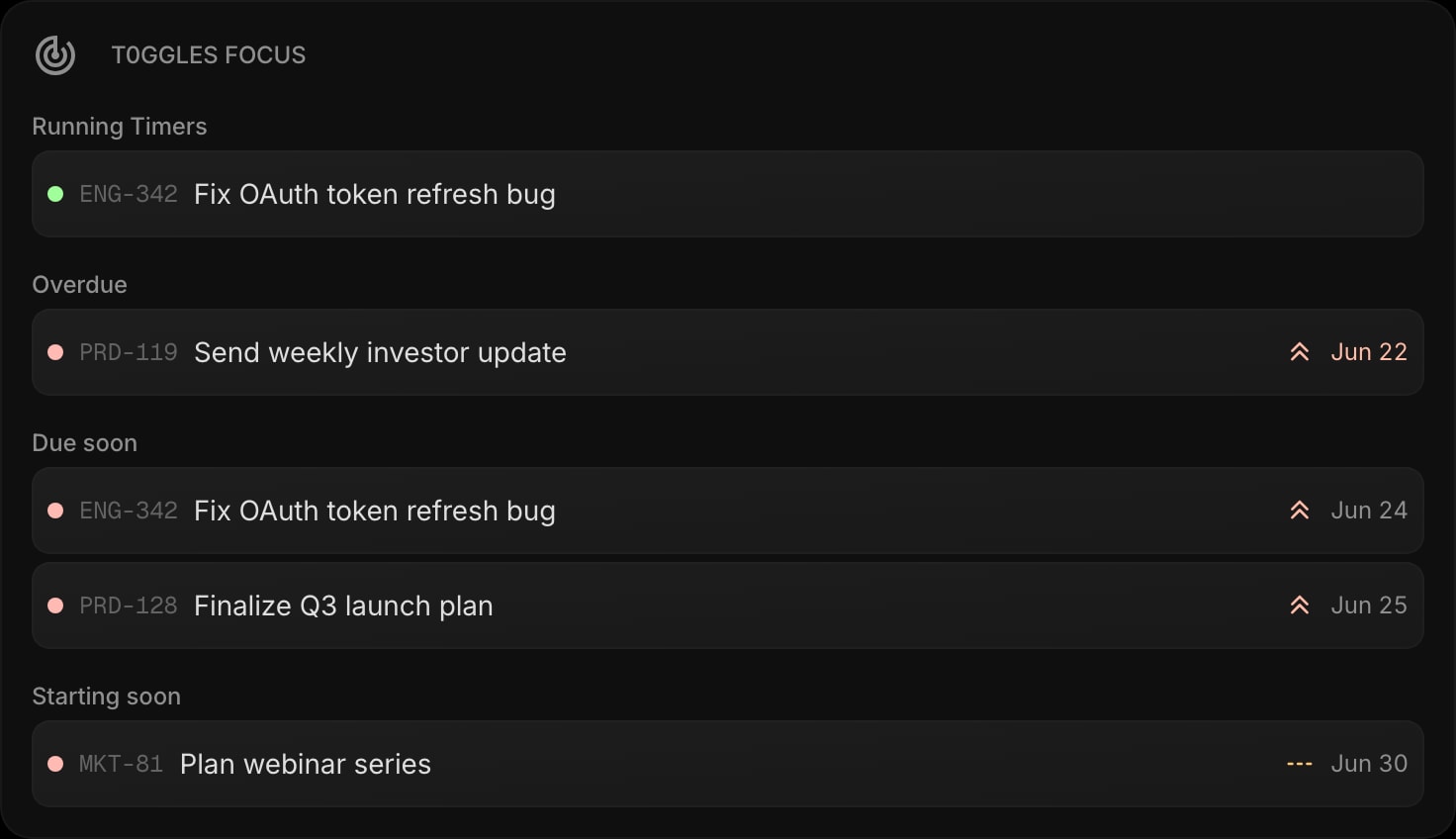
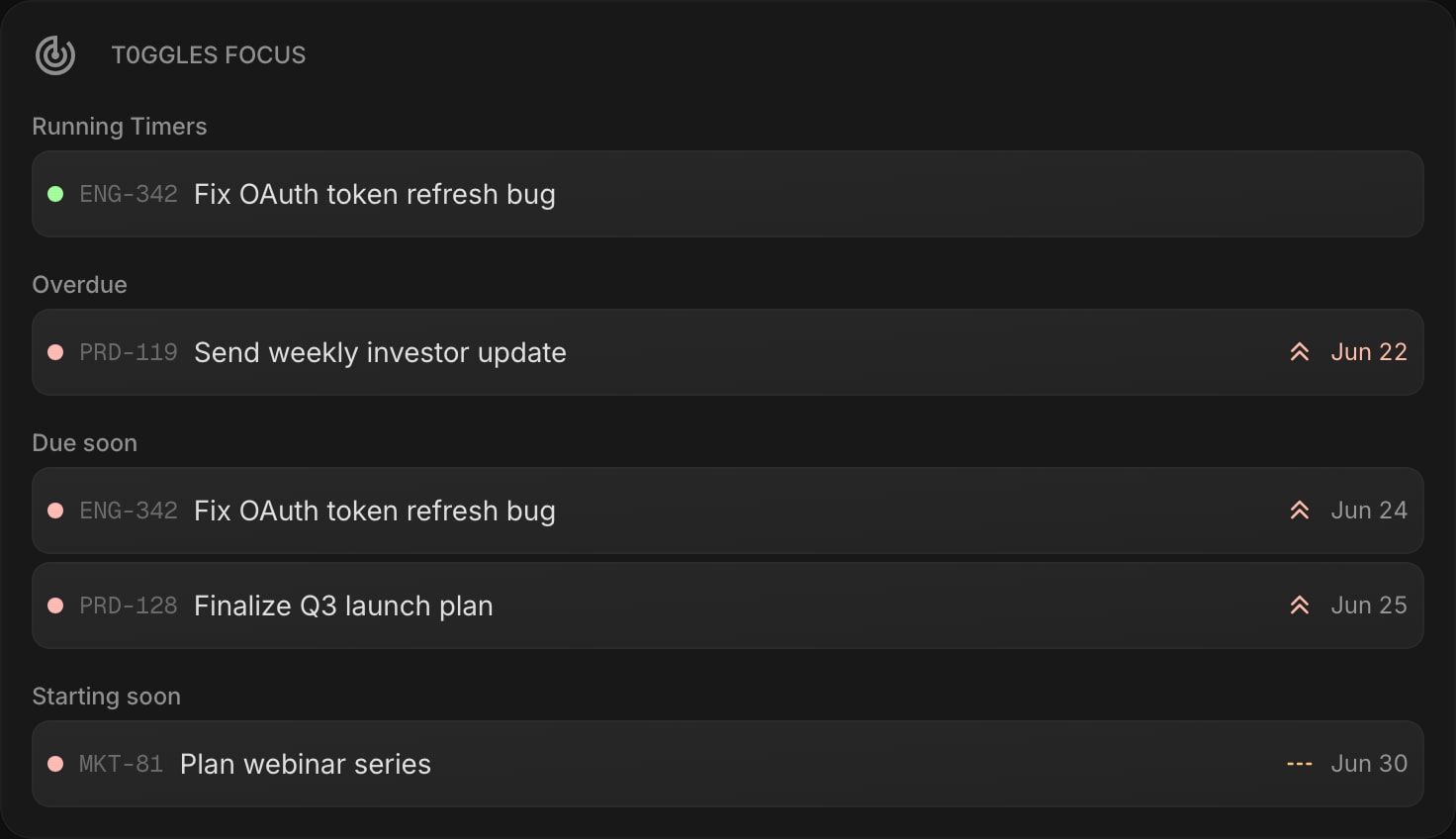
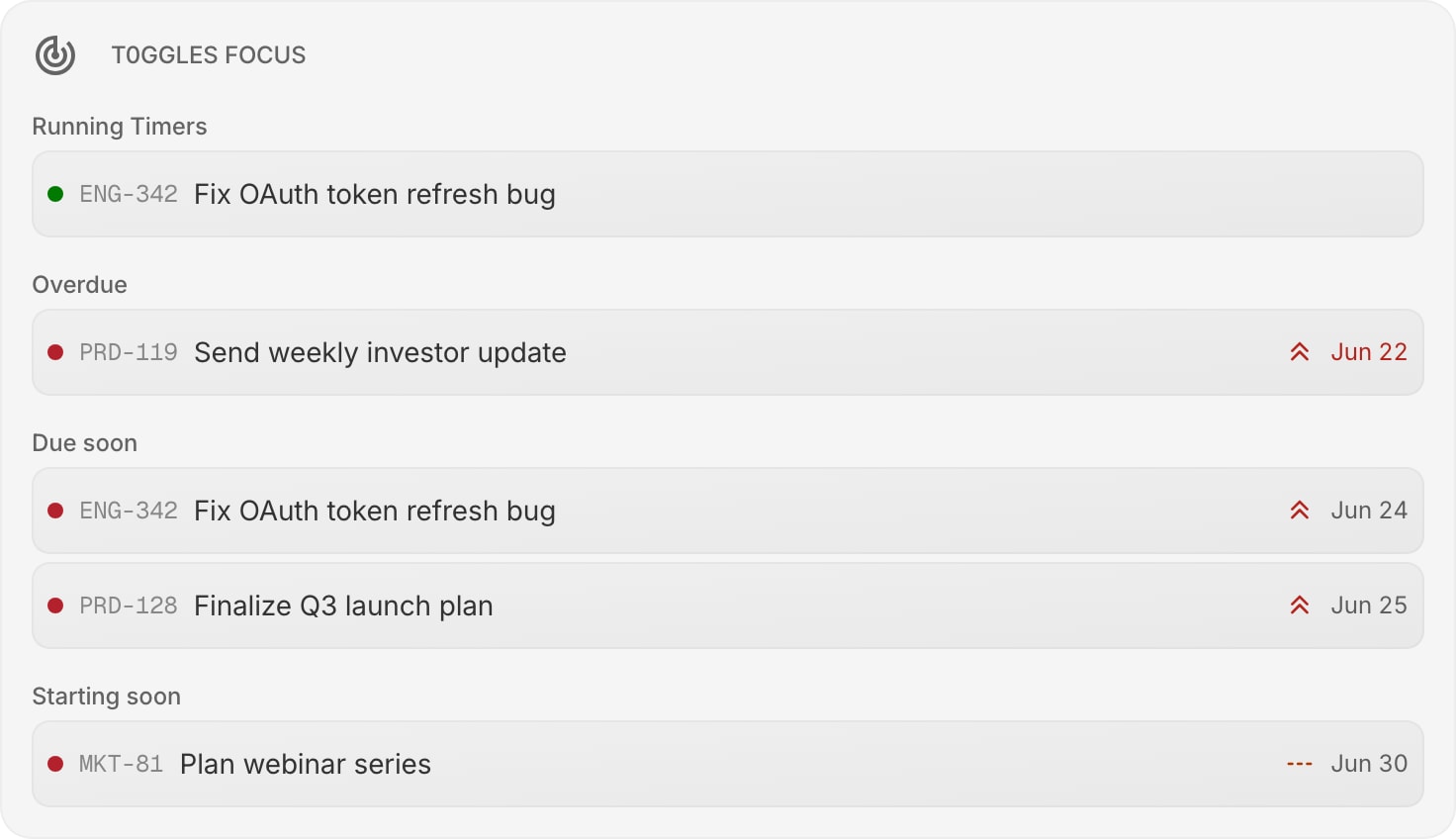
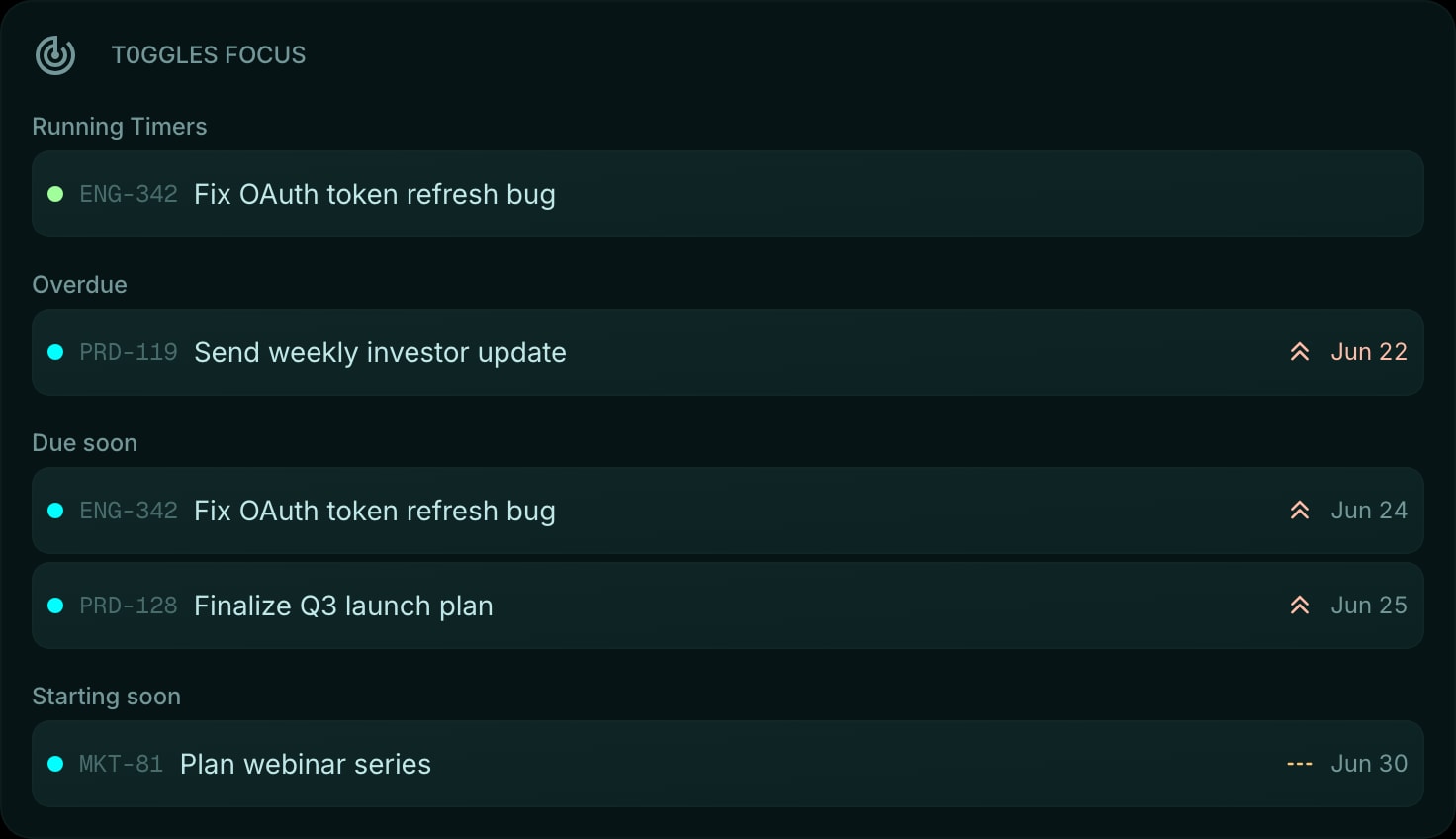
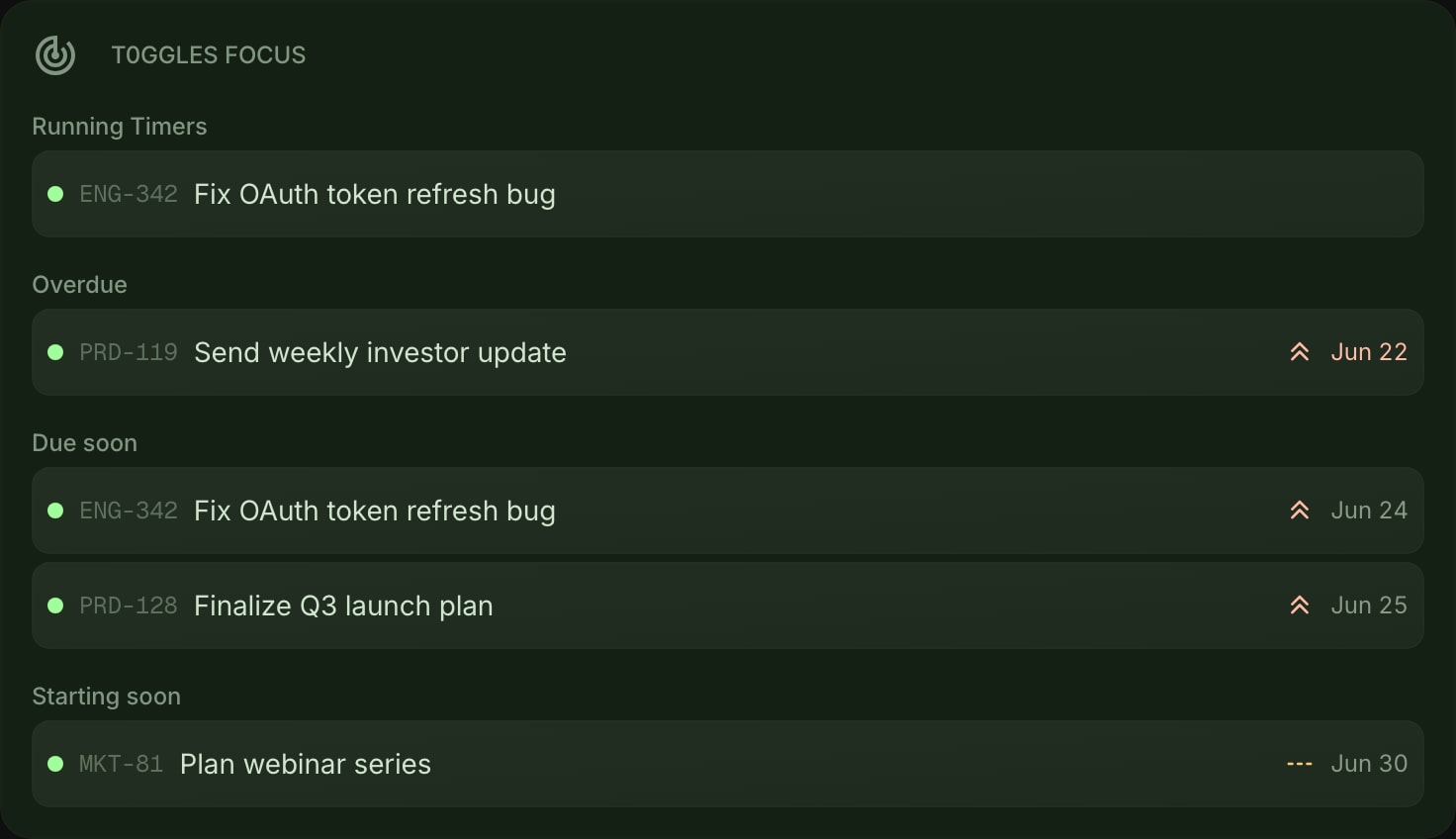
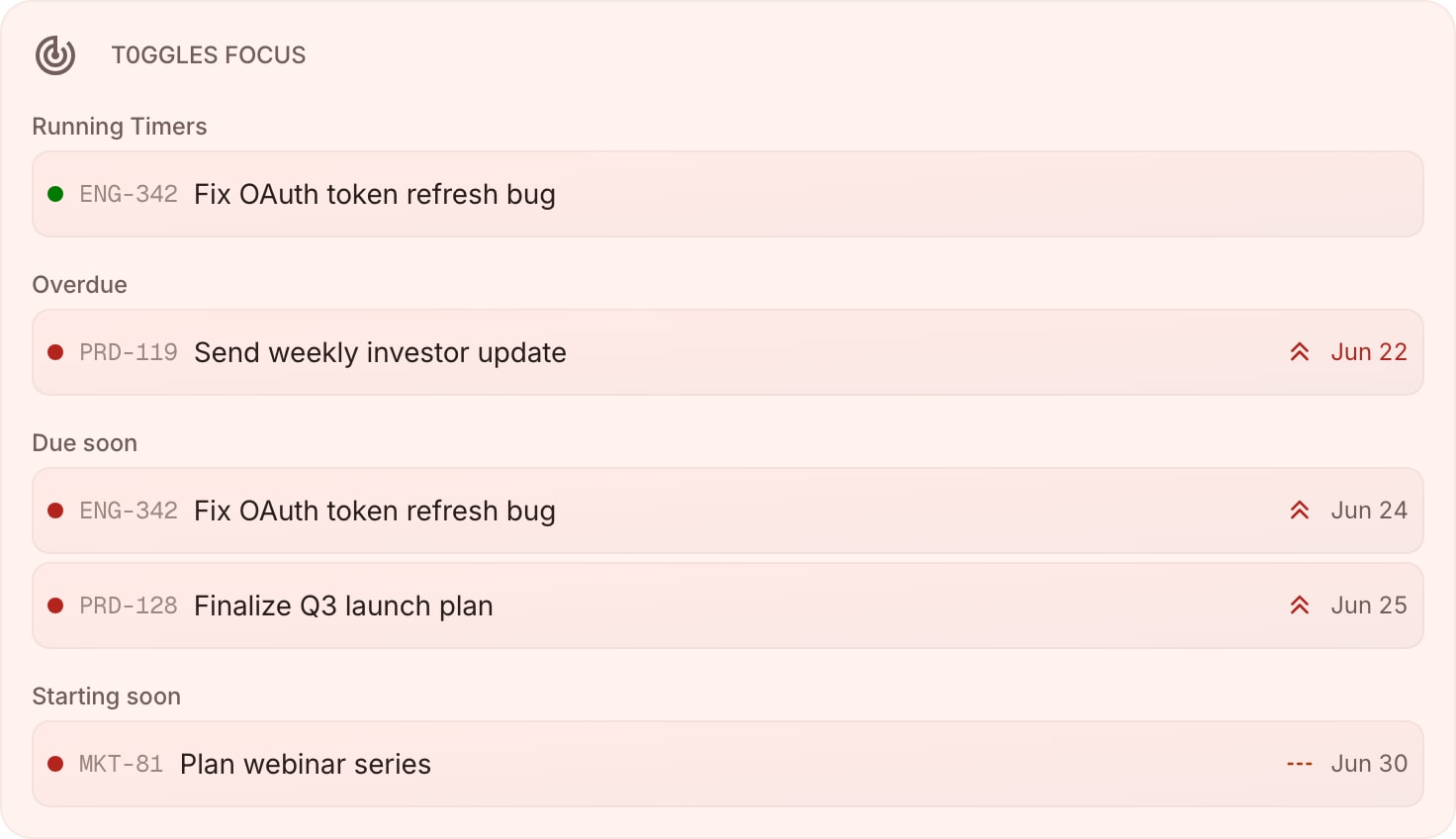
The t0ggles Focus widget mirrors the Focus view from your t0ggles dashboard. It shows what is happening right now - any timers you have running - alongside the tasks that need your attention soonest. Connect your t0ggles account once and the widget keeps your most time-sensitive work in view without opening t0ggles in a separate tab.
#How to Use
#Connecting Your Account
- Click the Connect t0ggles button on the widget.
- Sign in to t0ggles and approve access for Start Page HQ.
- Once connected, your Focus data loads automatically.
You link each t0ggles account once. Every t0ggles widget on your dashboard - Focus, My Tasks, and My Boards - reads from the same connection, so adding more widgets takes no extra setup.
#Reading the Widget
The widget is split into sections, each showing the tasks that matter most:
- Running - tasks with an active timer, marked by a pulsing green dot.
- Overdue - tasks whose due date has already passed, with the date shown in red.
- Due Soon - tasks coming up next.
- Starting Soon - tasks scheduled to begin shortly.
Each row shows the task key, title, priority, and due date. Click any task to open it in t0ggles, or right-click for quick actions like copying or sharing the task link.
#Widget Settings
- Account - choose which connected t0ggles account this widget shows. This selector appears only when you have linked two or more accounts.
- Running Timers - show or hide the running-timers section. On by default.
- Overdue - show or hide overdue tasks. On by default.
- Due Soon - show or hide due-soon tasks. On by default.
- Starting Soon - show or hide starting-soon tasks. On by default.
- Items Per Group - show 3 or 5 tasks per section. Default is 5.
#Tips
- Empty sections hide themselves, so the widget stays compact when there is nothing overdue or running.
- Pair Focus with the t0ggles My Tasks widget for the full picture, and t0ggles My Boards to jump straight into a board.
- Data refreshes when you open your dashboard and when you return to the tab, so timers and due dates stay current.