
Notion vs Evernote: Which Should You Pick?
Both store your notes — but they were built for different jobs. Here is how they actually differ on capture, structure, search, collaboration, pricing, and which one fits your workflow.
Pick Notion if you want a structured workspace where pages, databases, and team docs live together, real-time collaboration is built in, and you are happy to organize your notes as nested pages and relational tables. Pick Evernote if your job is capture and recall — clip articles, photograph receipts, dump quick text — and you need search that reaches inside PDFs and images. They overlap on long-form notes, but they differ on philosophy: Notion is a database you write into; Evernote is a filing cabinet you throw stuff into and find later.
At a Glance
A line-by-line look at how Notion and Evernote stack up.
| Feature | Notion | Evernote |
|---|---|---|
| Pricing (personal) | Free + Plus $10/mo | Free + Personal ~$14.99/mo |
| Free tier | Yes (generous, 1 person) | Yes (50 notes, 1 device) |
| Free tier device limit | Unlimited | 1 device |
| Storage model | Cloud database (blocks) | Cloud notebooks + notes |
| Native Mac / Windows | Yes | Yes |
| Native Linux | No | No |
| Native iOS / Android | Yes | Yes |
| Web app (no install) | Yes | Yes |
| Cross-device sync | Included | Limited on free, full on paid |
| Real-time collaboration | Yes | Limited |
| Relational databases | Yes | No |
| Kanban / calendar / gallery views | Yes | No |
| Web clipper | Basic | Best in class |
| OCR — search inside images | No | Yes |
| Search inside PDFs | Limited | Yes |
| Handwriting / scanned notes | No | Yes |
| Audio recording in notes | No | Yes |
| Tasks / reminders | Via databases | Built in |
| AI features | Included on paid tiers | Advanced tier |
| Public API | Yes | Yes |
| Quick capture from new tab | No | No |
Feature by Feature
How each product handles the things that actually matter day to day.
Capture and Web Clipping
This is where Evernote still wins. The Evernote Web Clipper is one of the most polished browser extensions in productivity software — it has been refined for over a decade across Chrome, Firefox, Safari, and Edge, and it handles full articles, simplified articles, screenshots, bookmarks, and PDFs with annotation. Notion has a Web Clipper too, but it is much simpler: it saves the page as a new entry in a Notion database, with limited formatting fidelity. If your day-to-day involves clipping research, receipts, or reference material from the web, Evernote is the stronger tool.
Structure and Organization
Notion is built around pages, blocks, and databases. You nest pages inside pages, and you build relational databases with properties — kanban boards, calendars, tables, galleries, timelines — that view the same underlying records in different ways. Evernote is built around notebooks, notes, and tags. There are no relational databases, no kanban views, no formula columns. For project management, planning, and team wikis, Notion databases are far more powerful. For an archive of clipped articles, scanned receipts, and quick text notes you find later by search, Evernote is plenty.
Search and Recall
Evernote indexes the text inside PDFs, images, and even handwritten notes — so a photo of a whiteboard or a receipt becomes searchable text. Search has been the headline feature for years, and it still holds up. Notion search is good for finding pages by title and full-text within blocks, and it has improved with AI search on Business and Enterprise plans, but it does not do OCR on images out of the box. If your archive is heavy on scanned and clipped content, Evernote finds things faster. If your archive is mostly typed pages and structured records, Notion is on par.
Collaboration
Notion is collaborative by default. Share a page, invite teammates, leave comments, and edit in real time — team workspaces, granular permissions, and guests are all first-class. Evernote was built as a single-user notes app and has added shared notebooks and limited collaboration over time, but it still feels like a tool one person uses to capture and find their own stuff. If you need to co-write specs, run a team wiki, or maintain a shared project hub, Notion is a clear win. If your notes are mostly for you, Evernote works fine.
Mobile and Sync
Both have native iOS and Android apps that sync to the cloud. Notion mobile feels like the same product as the web app — full database editing, page nesting, comments. Evernote mobile leans heavily on capture: snap a document, record audio, dictate a note, or scan a business card. Sync is included on every Notion plan, including the free tier. Evernote restricts the free tier to a single device since August 2024, so if you want to use Evernote on a phone and a laptop, you need a paid plan.
AI and Integrations
Notion has rolled AI into its paid tiers — writing assistance, summaries, Q&A across your workspace, autofill in databases, and (on Business) Notion Agents and AI Meeting Notes. Evernote ships AI features on its Advanced plan: AI search, summarization, transcription of audio notes, and AI editing. Notion is the more polished out-of-the-box experience, especially across a connected workspace. Both have public APIs and direct integrations with common SaaS tools — Notion is more popular as an integration target right now, so the third-party ecosystem around it is larger.
Ownership and Direction
Evernote was acquired by Bending Spoons in late 2022, and the new owners moved quickly: pricing went up, the free tier was capped at 50 notes in December 2023, and free accounts were limited to one device in August 2024. Loyal users have generally not loved these changes, and a steady stream of long-time customers have been migrating away. Notion is independent and well-funded, with a steady cadence of feature releases. If long-term direction is part of your decision, Notion currently feels more stable; Evernote is leaner and more focused but has been actively trimming the free experience.
Pricing
Both have free tiers — but the shape is dramatically different. Notion is free for personal use with unlimited pages and blocks for one person, 5 MB per file upload, and 7 days of page history. Plus is $10/member/month and adds unlimited file uploads, 30-day page history, and bigger guest limits. Business is $20/member/month and adds 90-day history plus AI features like Notion Agents and AI Meeting Notes. Enterprise is custom. Evernote restructured pricing under Bending Spoons. The free tier is now capped at 50 notes, 1 notebook, 1 GB of storage, and a single device. Personal (sometimes called Starter) is around $14.99/month and lifts the caps to 1,000 notes, 20 notebooks, 5 GB, and 3 devices. Professional / Advanced is around $17.99/month and unlocks unlimited notes, notebooks, storage, devices, plus the AI features. Enterprise is custom. Net: for a single person who only takes notes occasionally, Notion Free is dramatically more generous than Evernote Free. For someone who clips heavily across many devices, Evernote requires a paid plan; Notion does not. Once you compare paid tiers, Notion Plus and Evernote Personal end up at similar monthly costs, and the choice comes down to features rather than price.
Which One Should You Pick?
Specific use cases, not vague verdicts.
Choose Notion If
All-in-one cloud workspace for docs, wikis, and databases.
- You want a structured workspace with relational databases, kanban boards, and calendars driving your projects, not just notes.
- You collaborate with other people and want real-time editing, comments, and shared workspaces by default.
- You want zero-setup cloud sync across web, desktop, and mobile, with no device caps on the free tier.
- You are building a team wiki, product spec hub, or company handbook.
- You want AI summaries, agents, and meeting notes that work across all your pages, not just inside one note.
Choose Evernote If
Veteran notes app with deep search, OCR, and a best-in-class web clipper.
- Your job is capture — clipping articles, photographing receipts, scanning documents, dictating quick voice notes — and you want a tool obsessed with that.
- You need search that reaches inside PDFs, images, and handwritten notes (OCR), not just typed text.
- You have a long archive of existing Evernote notes you do not want to migrate.
- You like a flat notebook + tag model and find Notion databases overkill for personal notes.
- You are mostly a single user and do not need real-time collaboration or shared workspaces.
Start Page HQ
Notion and Evernote both assume you open an app to write or read. The fastest moment to capture a thought — the new browser tab you just opened — is something neither was really designed for.
Start Page HQ is a customizable start page with 63+ widgets that lives on every new tab. QuickNote and Notes sit one tab away — no workspace to navigate, no notebook to choose, no app to launch. You can keep using Notion as your team workspace, or Evernote as your long-term clipping archive, and let Start Page HQ handle the everyday capture, todos, links, weather, RSS, and dashboards that neither tool was built for. There is a free plan to start on — 1 page, 8 widgets, sync included — and a free public demo at startpagehq.com/demo if you would rather look first. A team can share one dashboard too: Teams gives it shared workspaces with links, a Kanban board, and notes everyone opens, at $4 per seat per month (or $40 per seat per year, minimum 2 seats) - shared rather than co-edited live the way Notion pages are.
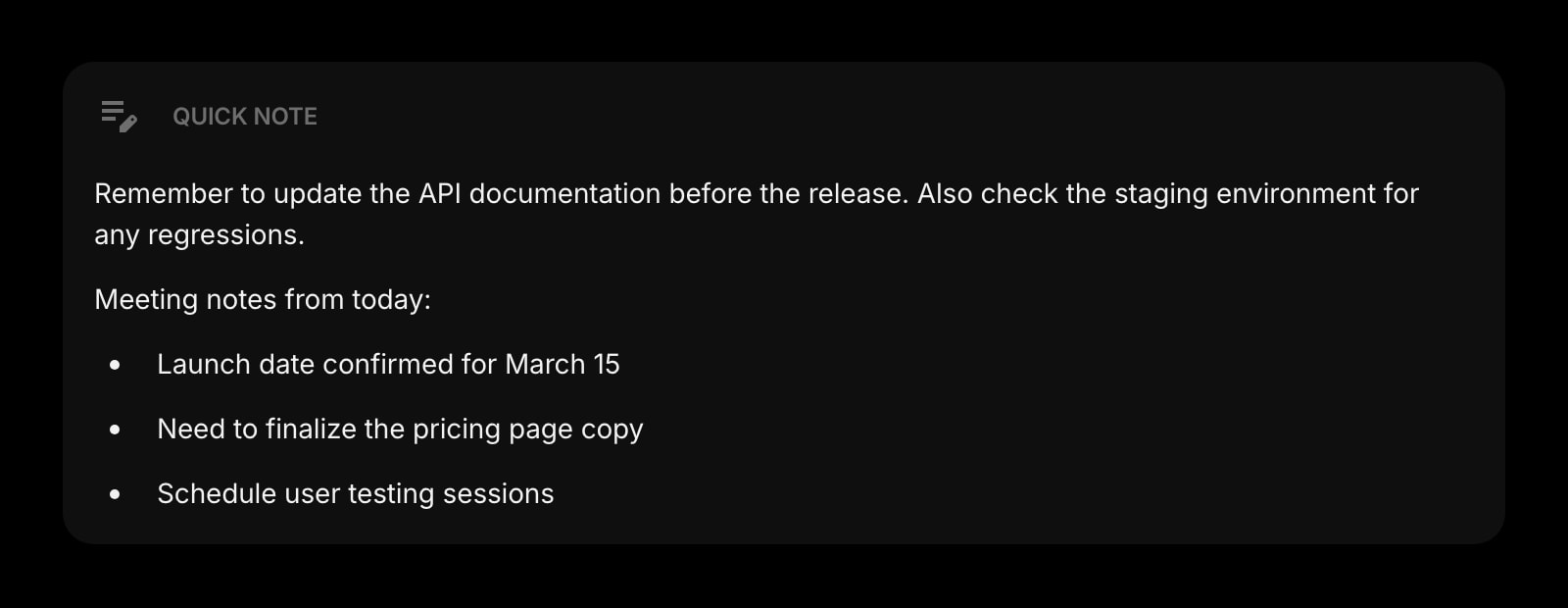
Quick Note
A tiny, always-visible scratch pad for the thought you would otherwise have lost — no app to open, no notebook to pick.
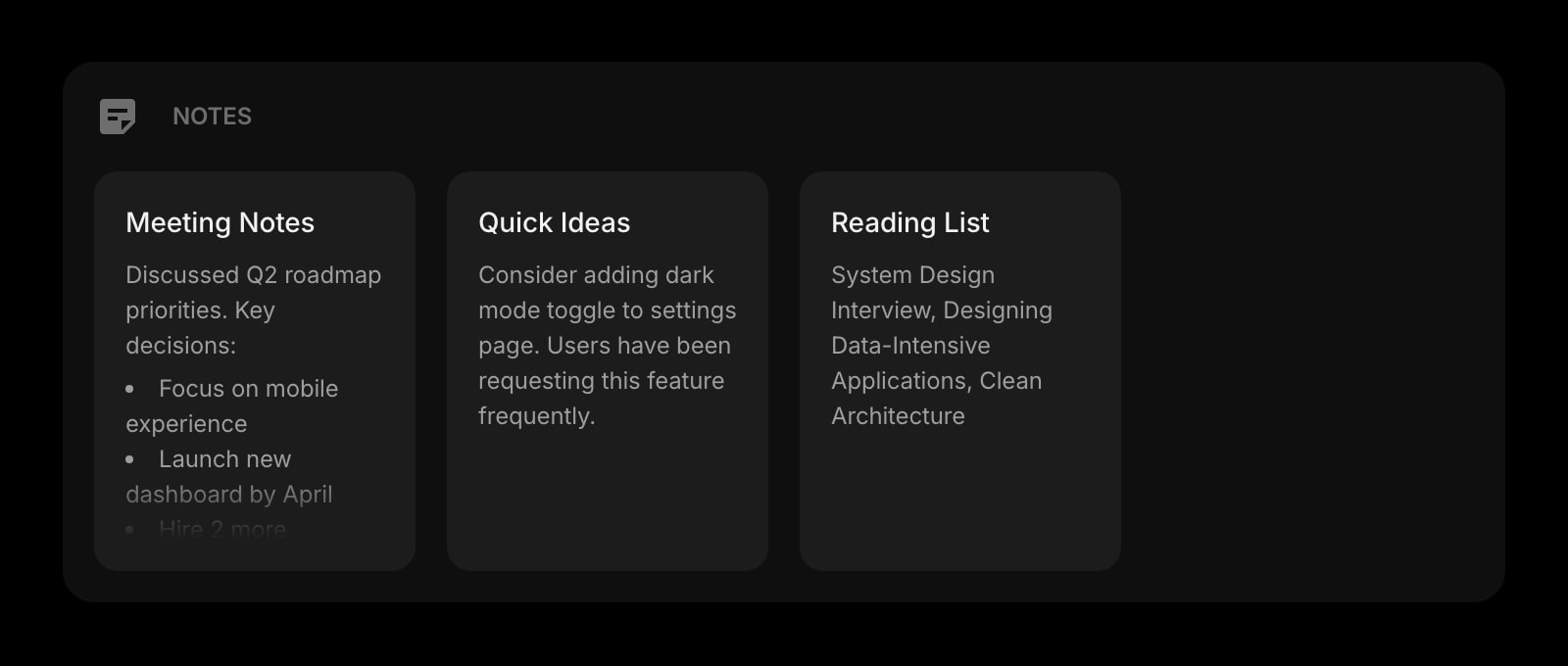
Notes
A simple board of notes for ideas, drafts, and reference, always visible on your start page next to your other widgets.
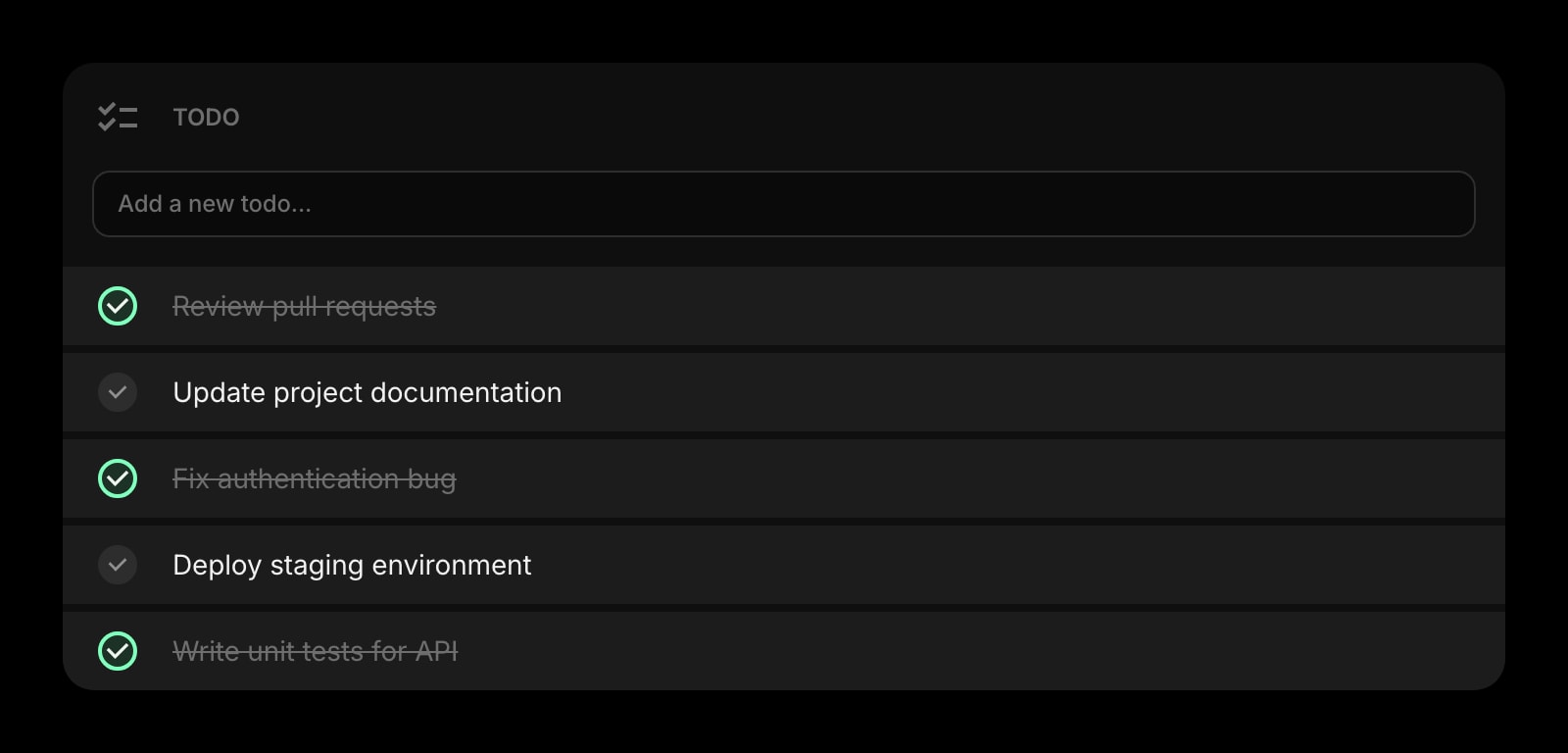
Todo
A daily task list that lives next to your notes, links, and clock — without rebuilding a database in Notion or layering a Tasks add-on in Evernote.
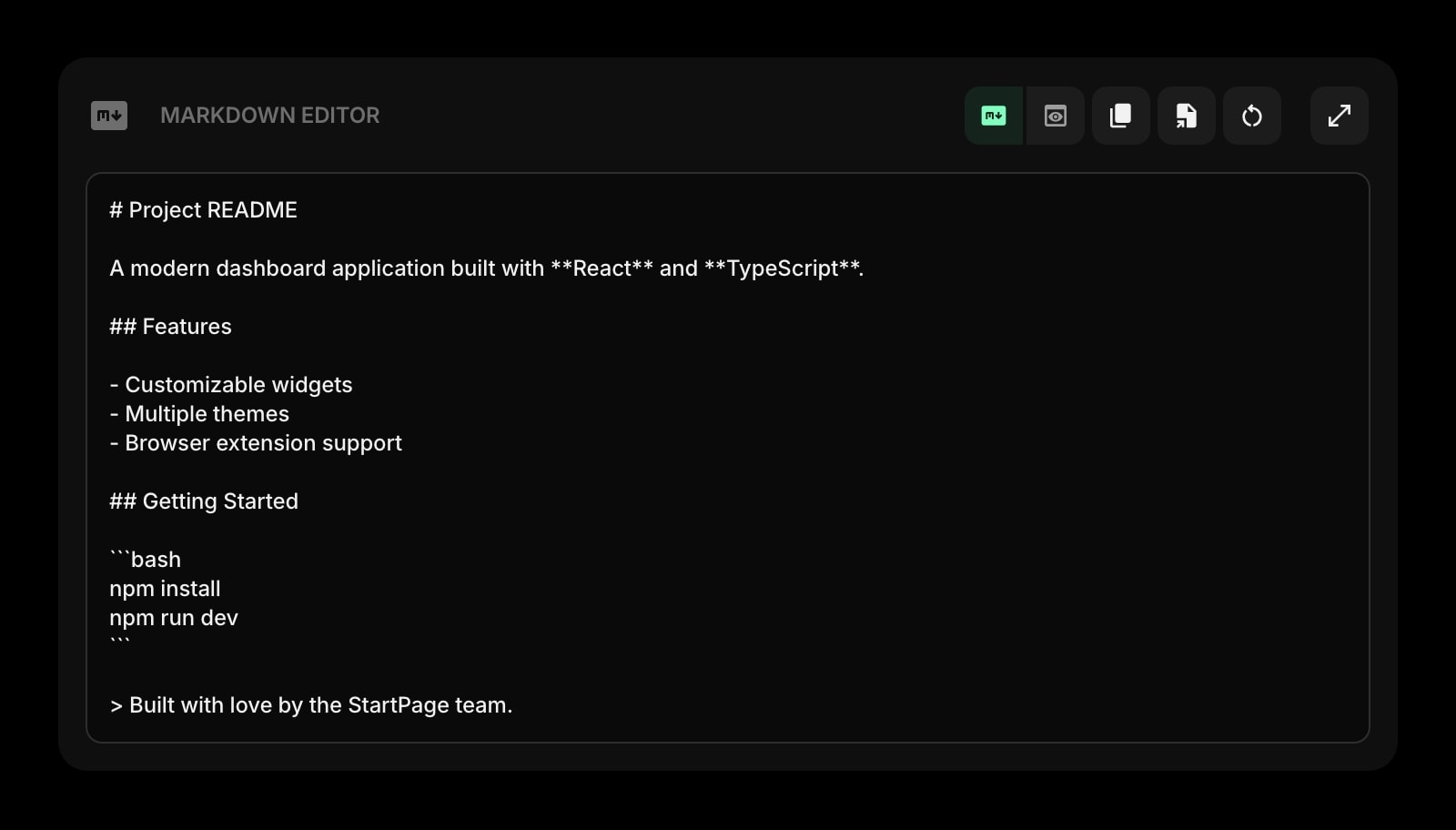
Markdown Editor
A live Markdown editor right on the start page — handy for drafting longer notes without opening Notion or Evernote first.
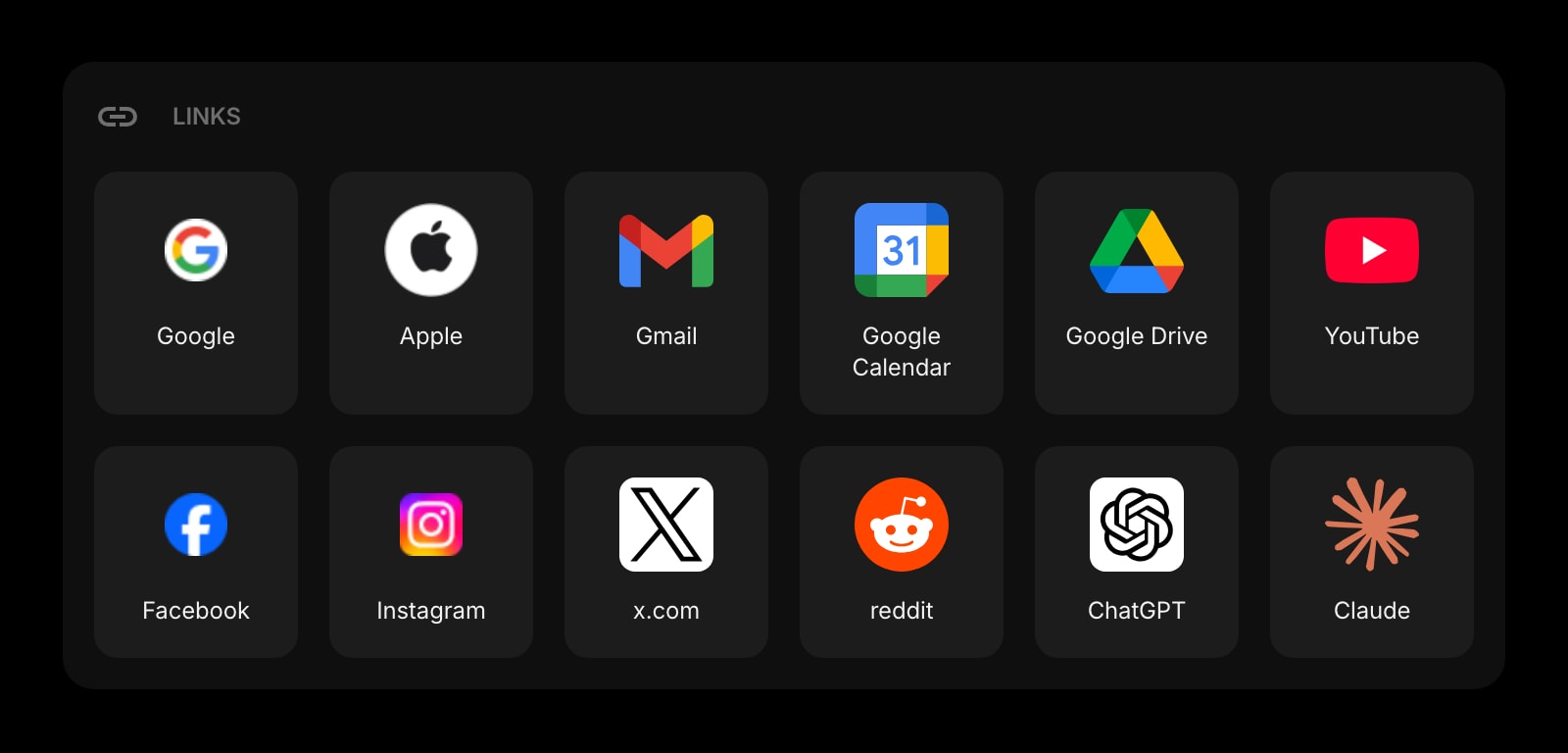
Links
Organize your most-used sites into clean, customizable groups — far more flexible than Notion link rows or Evernote shortcuts.
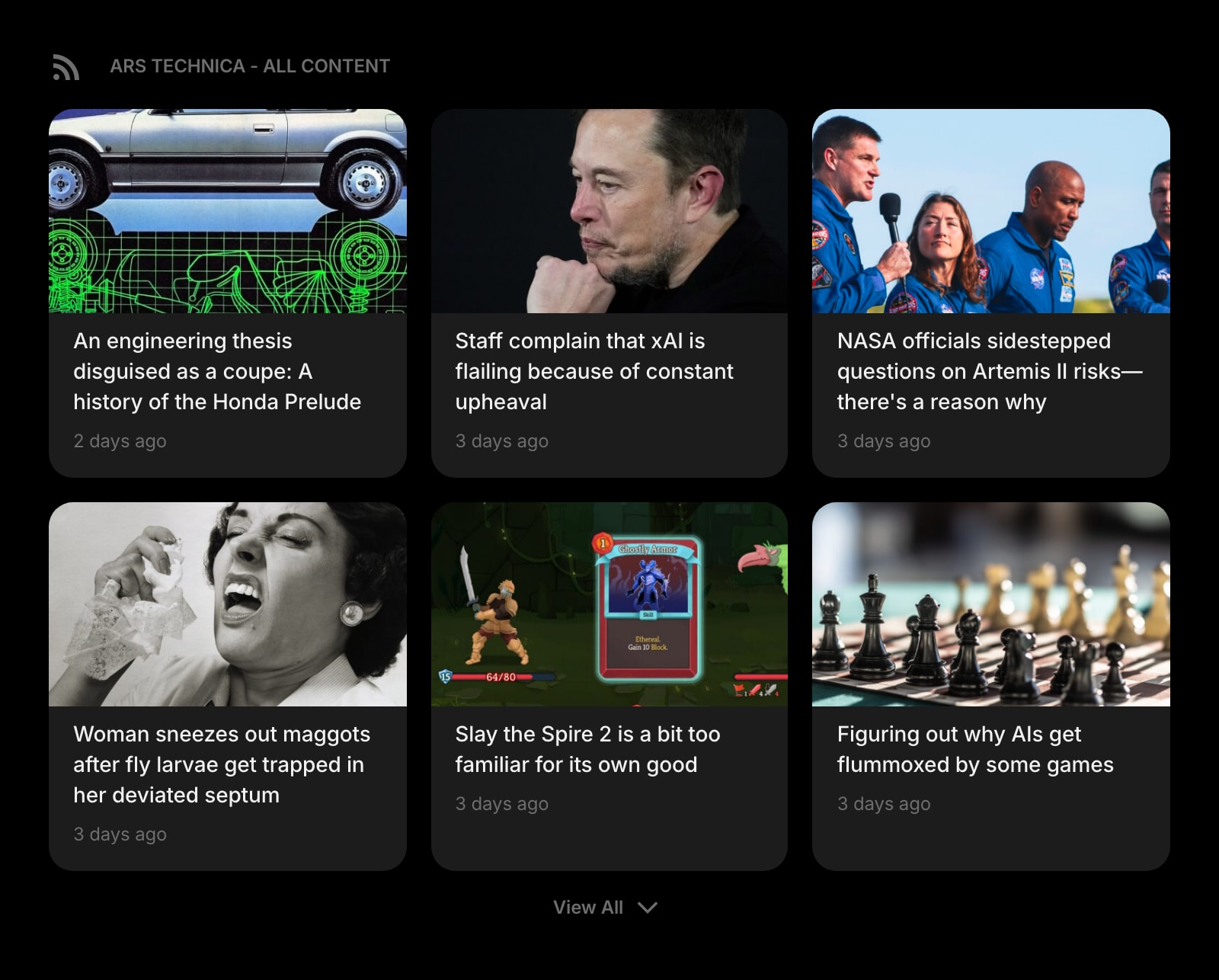
Feed
Follow RSS feeds and blogs right next to your tasks, notes, and clock — instead of clipping articles into a separate app to maybe read later.
Frequently Asked Questions
It depends on what you mean by note-taking. For long-form writing, structured documents, and team docs, Notion is better — its block-based editor and database views give you more to work with. For fast capture, web clipping, and finding text inside PDFs and images later, Evernote is better — that has been its core strength for over a decade. Many people use both: Notion for structured docs and projects, Evernote (or a lighter alternative) for raw capture and archive.
For most users, yes — but you give up two things. Evernote's web clipper captures full articles with much higher fidelity than Notion's, and Evernote indexes text inside images and PDFs (OCR) which Notion does not. If you rarely clip and your archive is mostly typed notes, Notion is a fine replacement and a clear upgrade for structure and collaboration. If you live in the web clipper and search inside scanned documents daily, you will feel the gap.
Not really. Evernote does not have relational databases, kanban boards, calendar views, real-time multi-user editing, or page nesting at Notion's depth. If you only need a place to type notes and find them later, Evernote is enough. If you are using Notion as a workspace — projects, wikis, dashboards, team docs — Evernote will feel cramped.
Yes, but the free tiers are very different. Notion Free is generous for a single user — unlimited pages and blocks, sync on every device, 5 MB per upload, 7-day page history. Evernote Free has been heavily restricted since 2023: 50 notes total, 1 notebook, 1 GB of storage, and 1 device. If you want to use Evernote on a phone and a laptop, you need a paid plan. Notion Free does not have those caps.
Bending Spoons acquired Evernote in late 2022 and has tightened the free tier (50-note cap added December 2023, single-device limit added August 2024) while raising paid prices. The core product is still actively maintained and AI features have been added on the Advanced tier. Whether that direction is good or bad depends on how you used the old free tier — long-time free users have generally migrated away, while paid users tend to be fine with it.
Neither has an official Linux desktop app. Both have web apps that work fine in any modern browser on Linux, and both have public APIs for third parties to build on. If a Linux desktop client is a hard requirement, you may want to look beyond either of these.
The Verdict
Both are good products built for different jobs. Pick Notion if your problem is structure and collaboration — projects, wikis, team docs, and dashboards built on databases. Pick Evernote if your problem is capture and recall — clipping the web, scanning paper, and finding any of it again with deep search. The honest middle ground is that many people end up using one for structured work and a lighter tool for everyday capture. If neither feels quite right — for example, you mostly need a fast place to drop a thought on every new tab without opening a workspace — Start Page HQ is worth a look.