Free Online Base64 Encoder & Decoder
Encode and decode Base64 and URL-encoded strings as you type. Full Unicode support, instant error messages, one-click swap - all in your browser.
What It Does
The capabilities you'd expect from a dedicated base64 & url encoder tool — nothing less.
- Convert text to Base64 and back, or percent-encode and decode URL components, with the output updating on every keystroke.
- Handles Unicode correctly - accented characters, CJK text, and emoji go through UTF-8 bytes the way servers and browsers expect.
- Swap moves the output into the input and flips direction, so you can round-trip a value or decode what you just encoded in one click.
- Clear error messages when a string is not valid Base64 or has a broken percent-escape, instead of silent garbage output.
- A status line shows the mode plus input and output lengths, handy when you are checking a header or query-string size limit.
Common Use Cases
Specific scenarios where this tool earns its place.
Reading a JWT or Basic Auth Header
Tokens and Authorization headers are Base64 all the way down. Paste the middle segment of a JWT, switch to decode, and the JSON payload with its claims and expiry is readable immediately - no jwt.io tab, no shell one-liner.
Building a Query String by Hand
Spaces, ampersands, and non-ASCII characters break URLs. Type the raw parameter value, URL-encode it, and paste the safe version into your link, curl command, or OAuth redirect URI.
Embedding a Small Image or Font as a Data URI
Encode a tiny SVG or icon to Base64 and prefix it with data:image/svg+xml;base64, to inline it in CSS or HTML. One fewer request, and no asset pipeline needed for a one-off.
Decoding a Value Found in Logs or a Config File
Kubernetes secrets, environment variables, and webhook payloads regularly arrive Base64-encoded. Paste the value, decode it, and check whether the certificate, key, or JSON inside is the one you expect.
Debugging a Double-Encoded URL
A redirect parameter that shows %2520 instead of %20 has been encoded twice. Decode once, look at it, decode again, and you can see exactly where the extra pass happened before you fix the code.
The Bigger Story
There are hundreds of "base64 encoder online" pages, and most of them are one text box and three banner ads. This one is the Base64 / URL Encoder widget from Start Page HQ, lifted onto its own page so you can use it without an account. The difference shows up tomorrow: the same dashboard has the JSON formatter for the payload you just decoded, the regex tester for the pattern that parses it, and the text diff for comparing two versions of it - 63+ widgets on one new tab page, synced across Chrome, Firefox, Safari, and Edge. Decode your token here now; the rest is there when you want it.
Start free — 1 page, 8 widgets, sync across devices, no credit card. Paid lifts the caps: $4/month, $24/year, or $48 lifetime.
Other Tools You Might Use
Tools developers and writers reach for next, all part of the same dashboard.
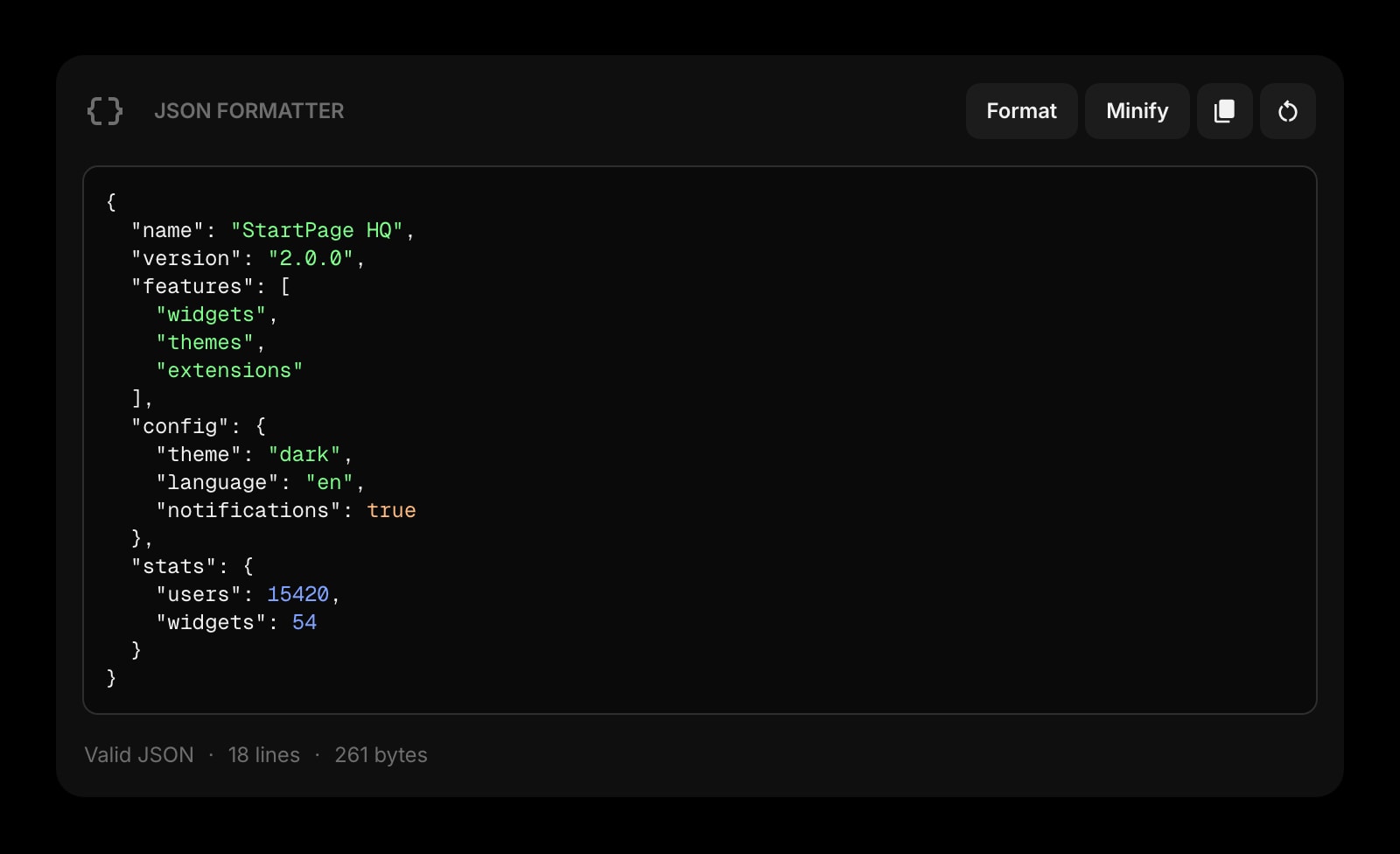
JSON Formatter
Format and validate the JSON you just decoded out of a token or a webhook payload. Line-number errors included.
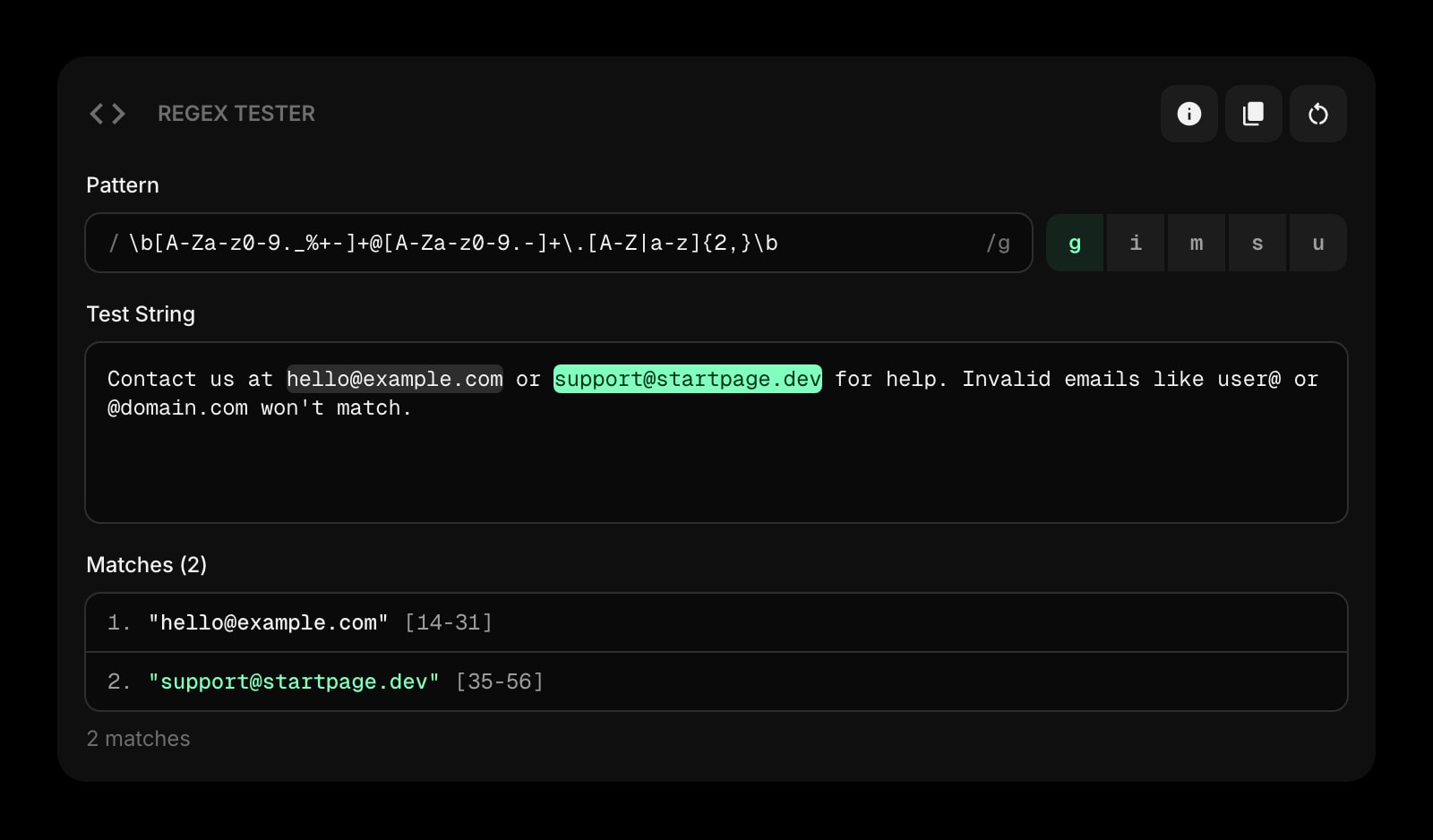
Regex Tester
Live regex matching with capture groups. Pull the segment you need out of a header before you decode it.
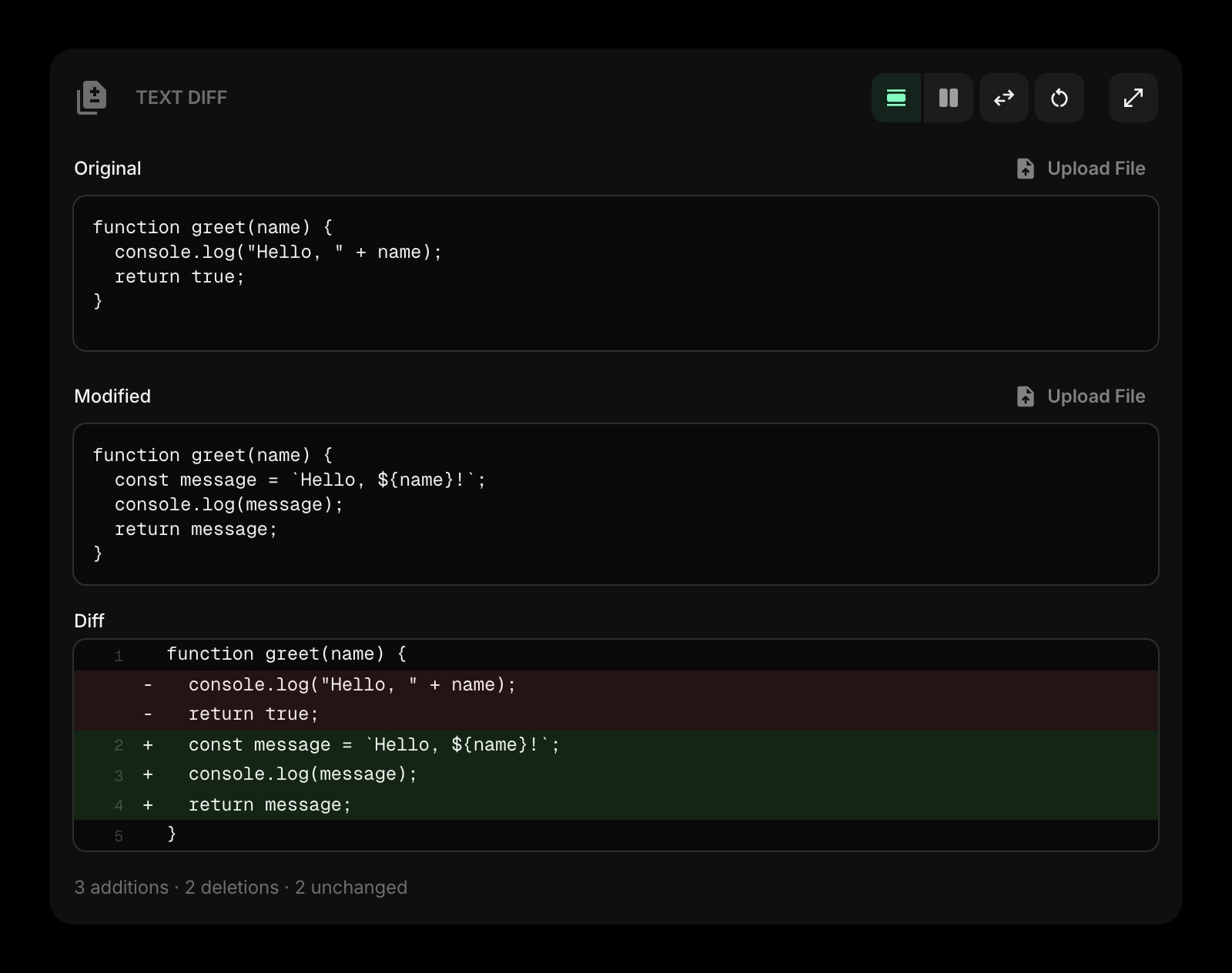
Text Diff
Compare two decoded payloads side by side and spot the claim or field that changed between requests.
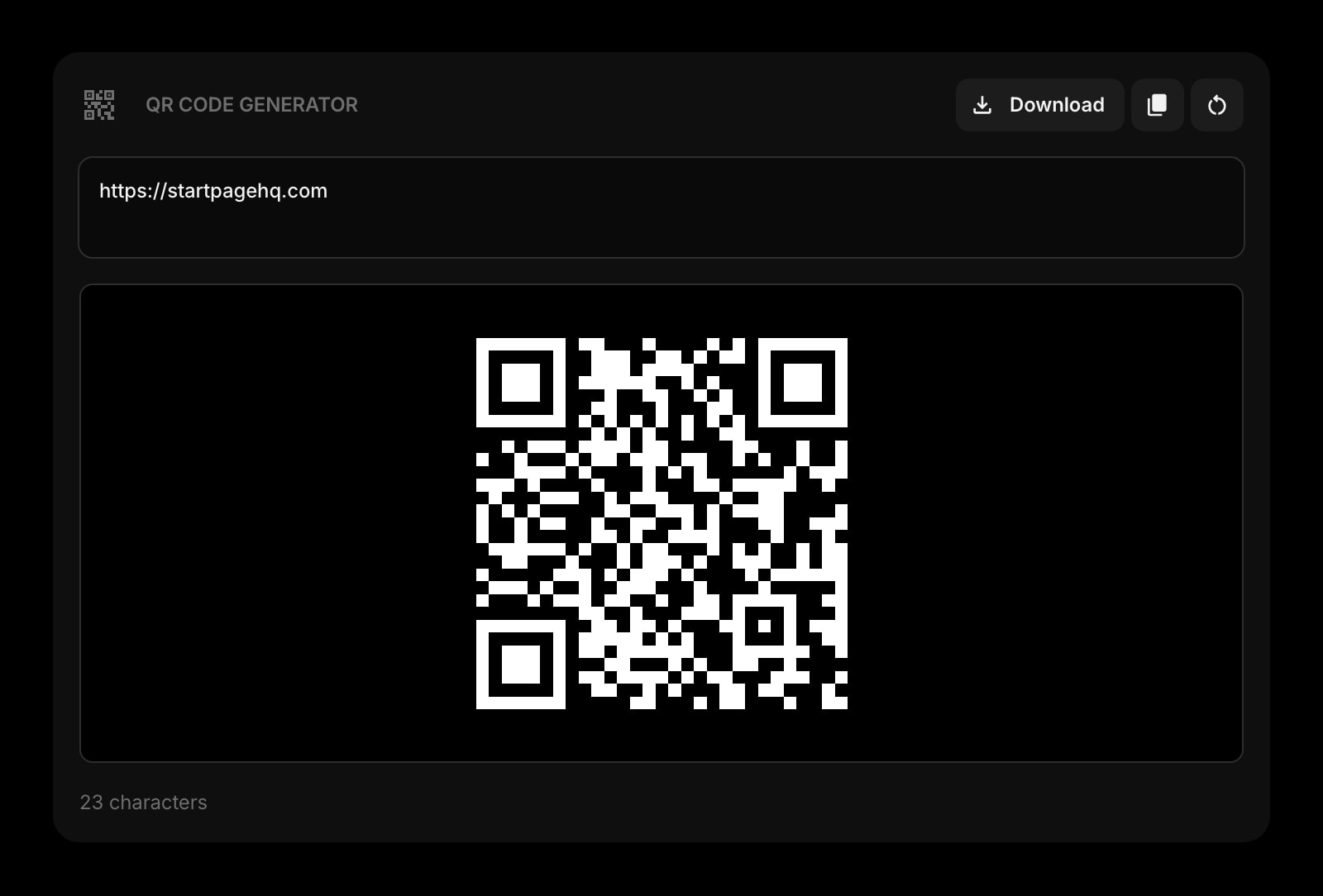
QR Code
Turn the URL you just percent-encoded into a scannable code for a phone, a poster, or a slide.
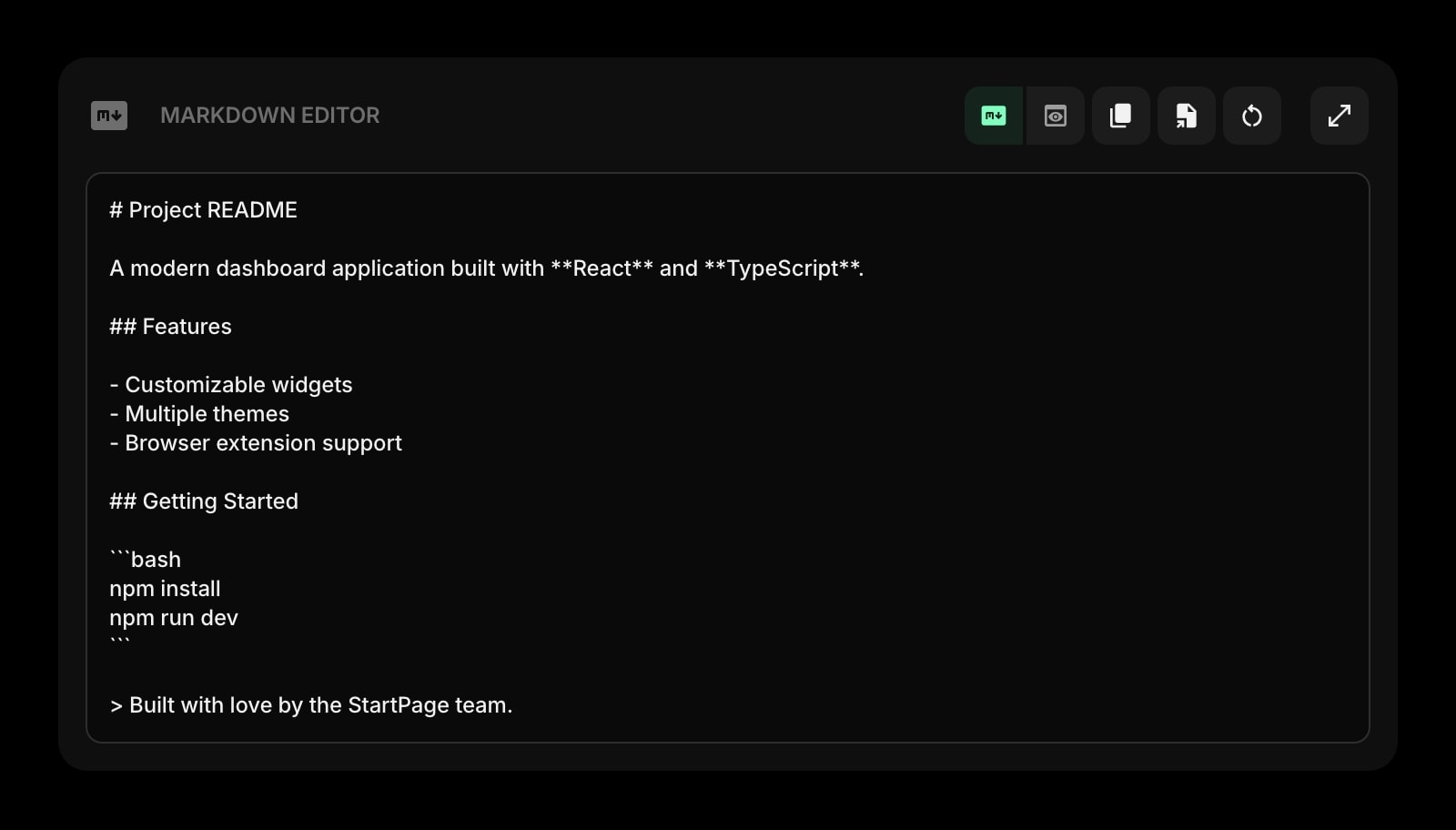
Markdown Editor
Document the header format or the auth flow you just debugged, with live preview, before it leaves your head.
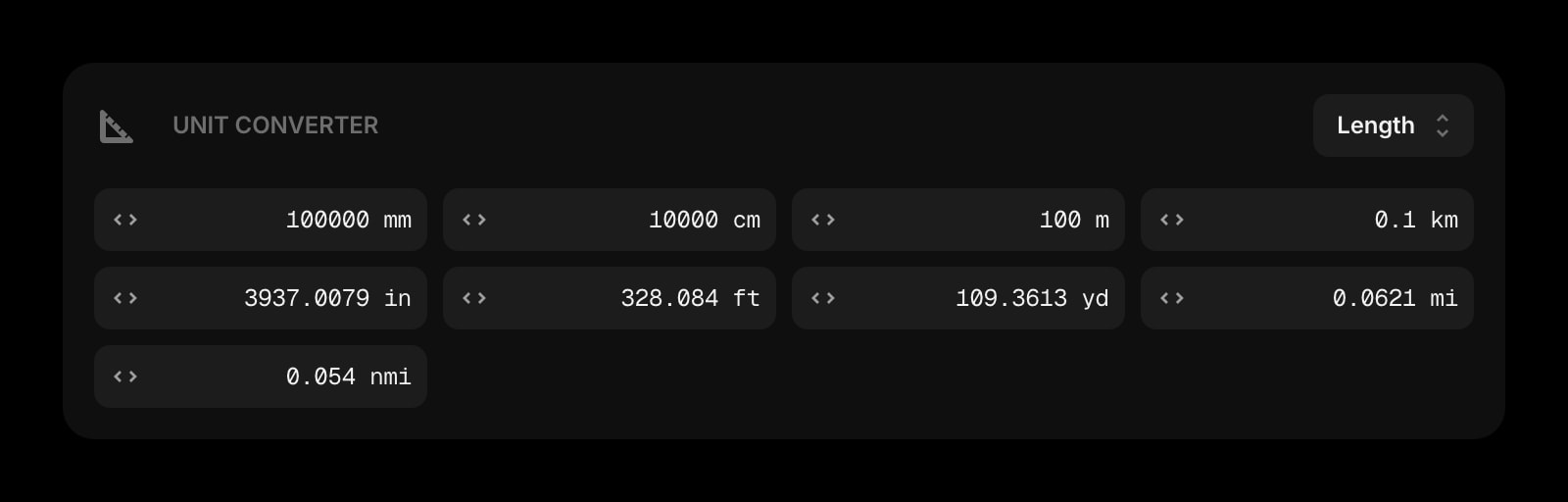
Unit Converter
Bytes to kilobytes, hex to decimal, milliseconds to minutes - the conversions that sit next to encoding work.
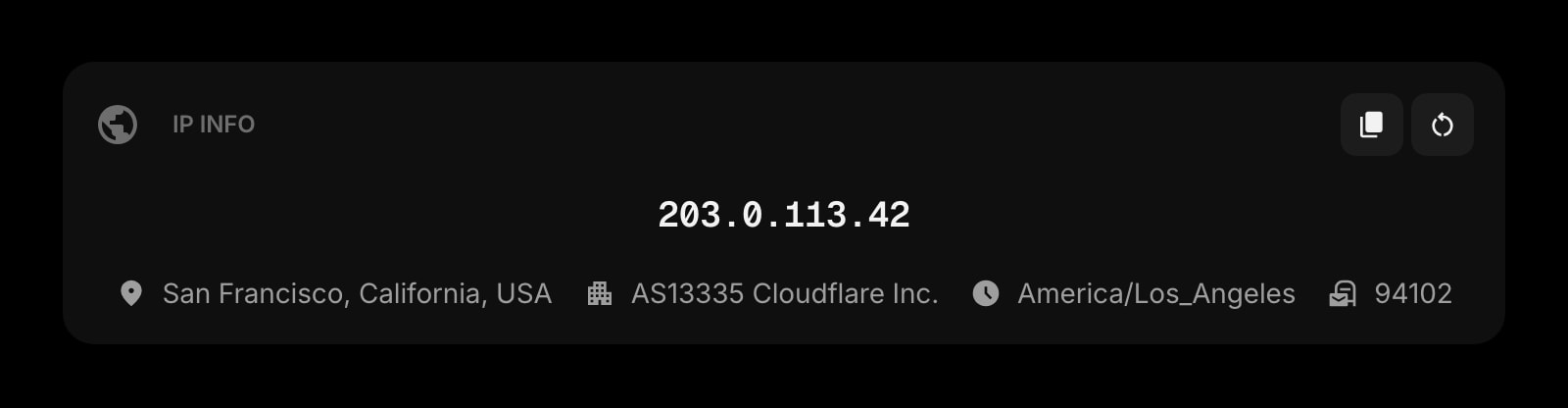
IP Info
Your public IP, location, and network at a glance. The other thing you look up while debugging a request.
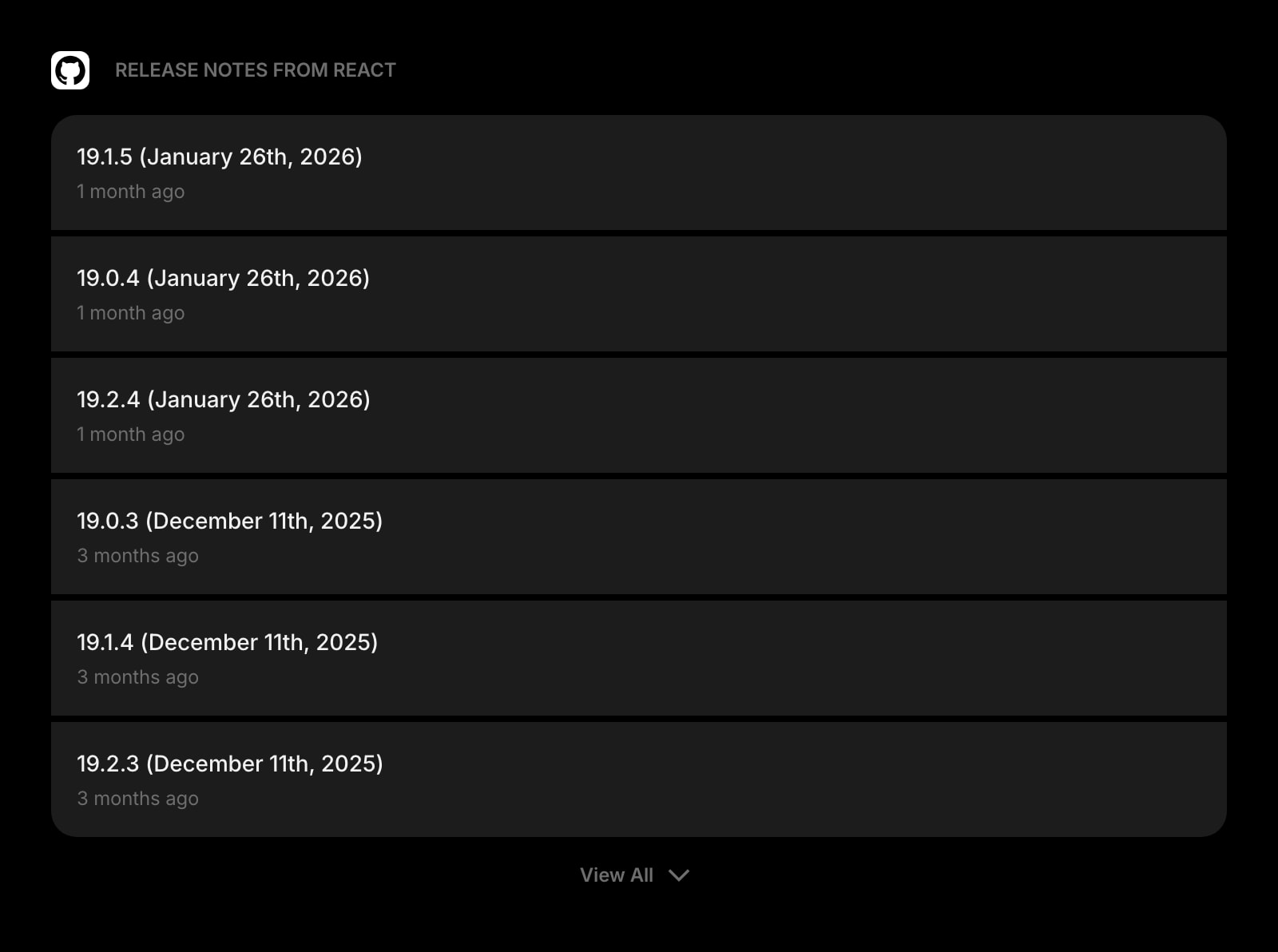
GitHub Releases
Track releases for the auth and HTTP libraries you depend on, so encoding bugs get fixed by an upgrade.
Frequently Asked Questions
Yes. The Base64 & URL Encoder above runs entirely in your browser with no usage cap and no signup. The full Start Page HQ dashboard also has a free plan - 1 page, 8 widgets, sync across devices, every browser extension, and 50 AI credits to start, with no credit card. Paid lifts the caps to unlimited pages and all 63+ widgets at $4/month, $24/year, or $48 lifetime. There is also a public demo at startpagehq.com/demo with every widget unlocked.
No. Encoding and decoding run in your browser with the built-in btoa, atob, encodeURIComponent, and decodeURIComponent functions plus a TextEncoder for UTF-8. Nothing you paste is sent anywhere or logged, so it is safe for tokens, credentials inside Basic Auth headers, and private payloads.
Yes. Text is converted to UTF-8 bytes before Base64 encoding, so "café", Japanese, and emoji all round-trip correctly. This is also why the output can be longer than you expect: a single emoji is four bytes, which becomes eight Base64 characters.
Base64 turns arbitrary bytes into a 64-character alphabet (A-Z, a-z, 0-9, +, /) so binary data survives text-only channels like email and JSON. URL encoding, also called percent-encoding, escapes only the characters that are unsafe inside a URL, replacing them with %XX sequences. Use Base64 for binary blobs and tokens, URL encoding for query-string values.
Usually one of three things: the string is URL-safe Base64 (using - and _ instead of + and /), the = padding was stripped, or you pasted a whole JWT instead of one segment. Replace - with + and _ with /, add = until the length is a multiple of four, and split JWTs on the dots.
Open the Full Dashboard
The base64 & url encoder tool, plus 63+ widgets, on every new tab. Free plan, no credit card — or try the demo without an account.