Start Page HQ for Designers
Inspiration boards, AI image generation, color and asset capture, image compression, freehand canvas - the dashboard companion that lives next to Figma instead of trying to replace it.
The Problem
What the current setup costs designers every day.
- Your inspiration is scattered across Pinterest boards, a Notion gallery, a Behance "saved" tab, screenshots in a Slack DM to yourself, and a folder on the desktop called "ref" that you have not opened in three months. None of it is in the same place when you actually need a reference.
- You bounce between TinyPNG, Squoosh, an online QR generator, a hex-to-RGB converter, and a free font preview site every single project. None of those tabs is "design work" - each one is a tax on focus.
- The new tab page you open dozens of times between Figma frames is a Google search box. The single most-opened surface in your day shows nothing visual, nothing useful, and nothing that knows what you are working on.
- Most "designer dashboards" you have tried lean on widgets you never use - stock tickers, calendar plugins, weather - and skip the ones you actually need (a moodboard, a quick QR for the device test, an image compressor that does not upload to a stranger's server).
- Your mood references are stuck on a personal account. Sharing them with a teammate or a client means screenshotting and Slacking, which strips the link, the source, and any chance of a follow-up search.
Widgets That Fit Designers
A curated set, not a dump. Each one earns its place on the page.
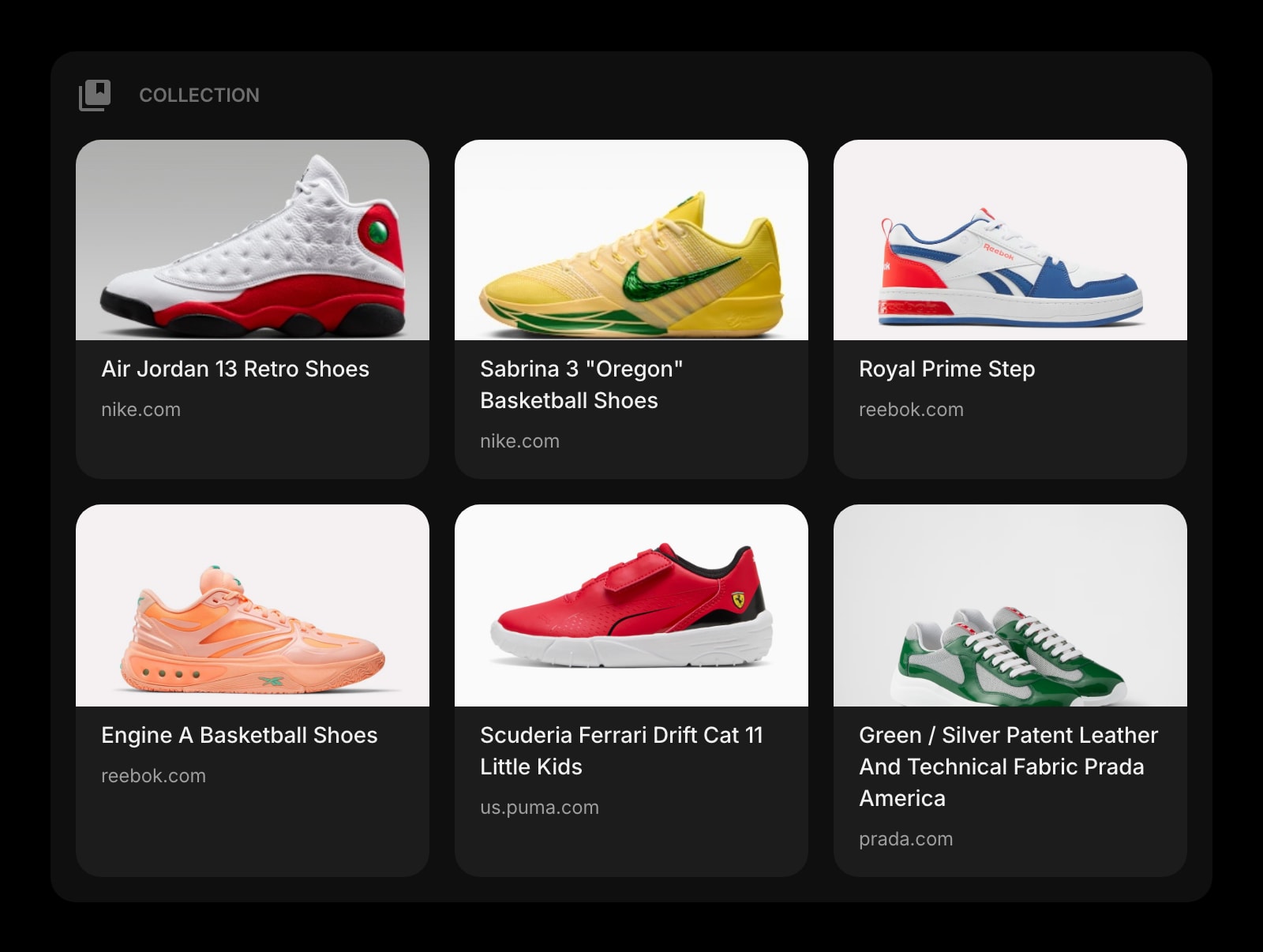
Collection
A Pinterest-style moodboard on the new tab page. Drop links, images, and references into a single visual grid you can flip between projects without ever opening Pinterest.
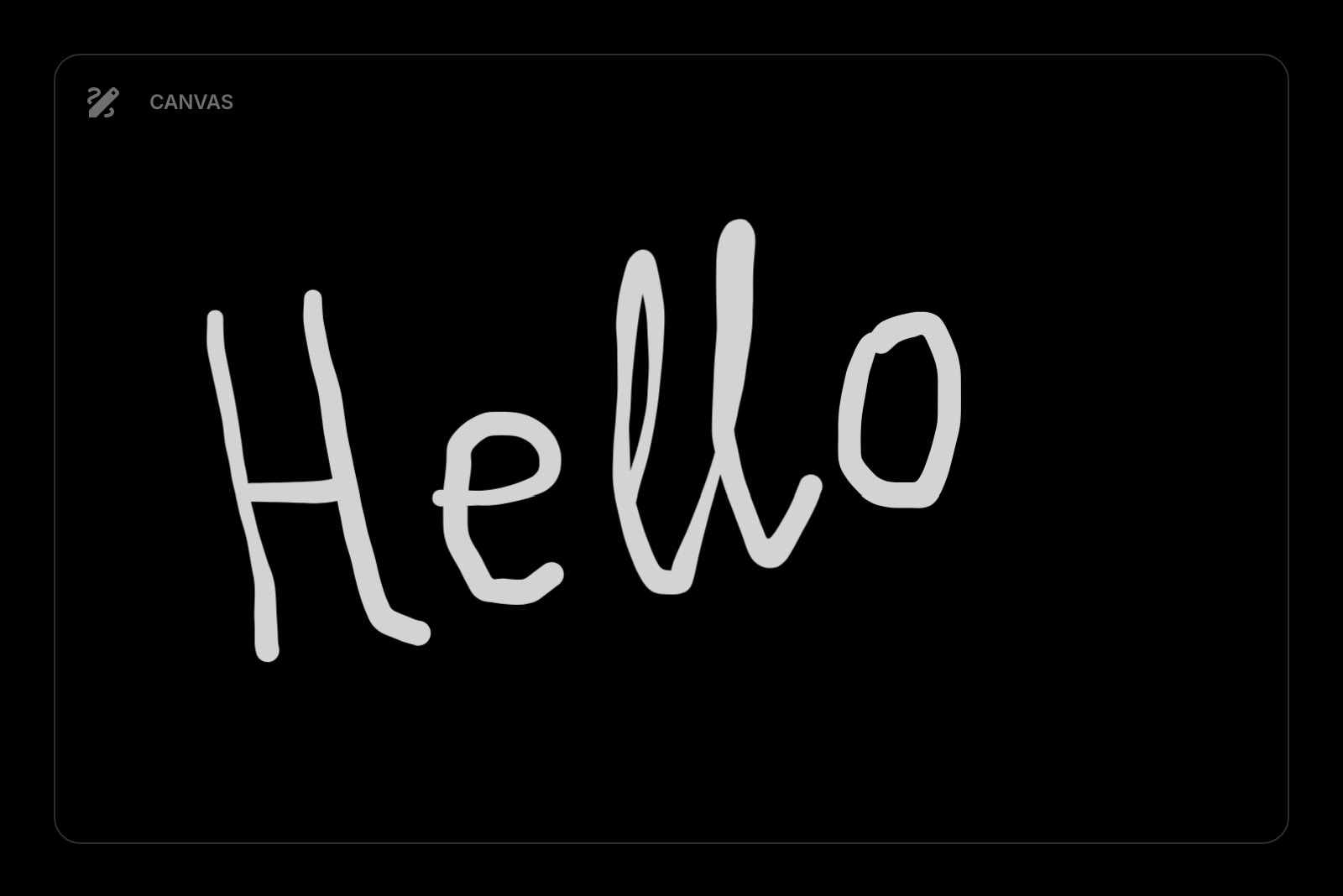
Canvas
A freehand sketching surface for wireframes, layout thumbnails, and quick concept doodles. Faster than opening Figma for the back-of-the-napkin moment.
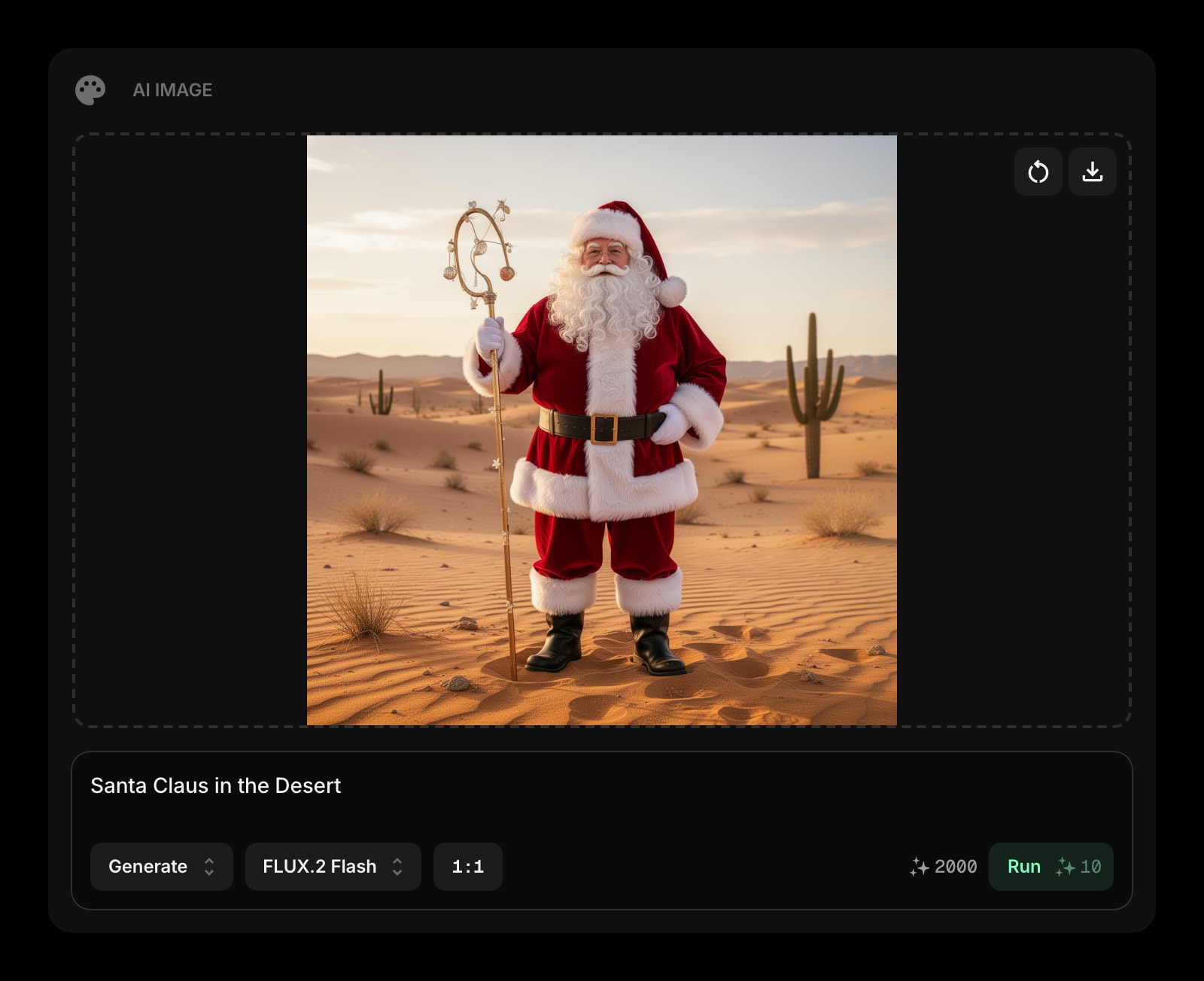
AI Image
Generate reference imagery and concept visuals from a text prompt without leaving the new tab. Useful for early ideation and mood exploration, not for final deliverables.
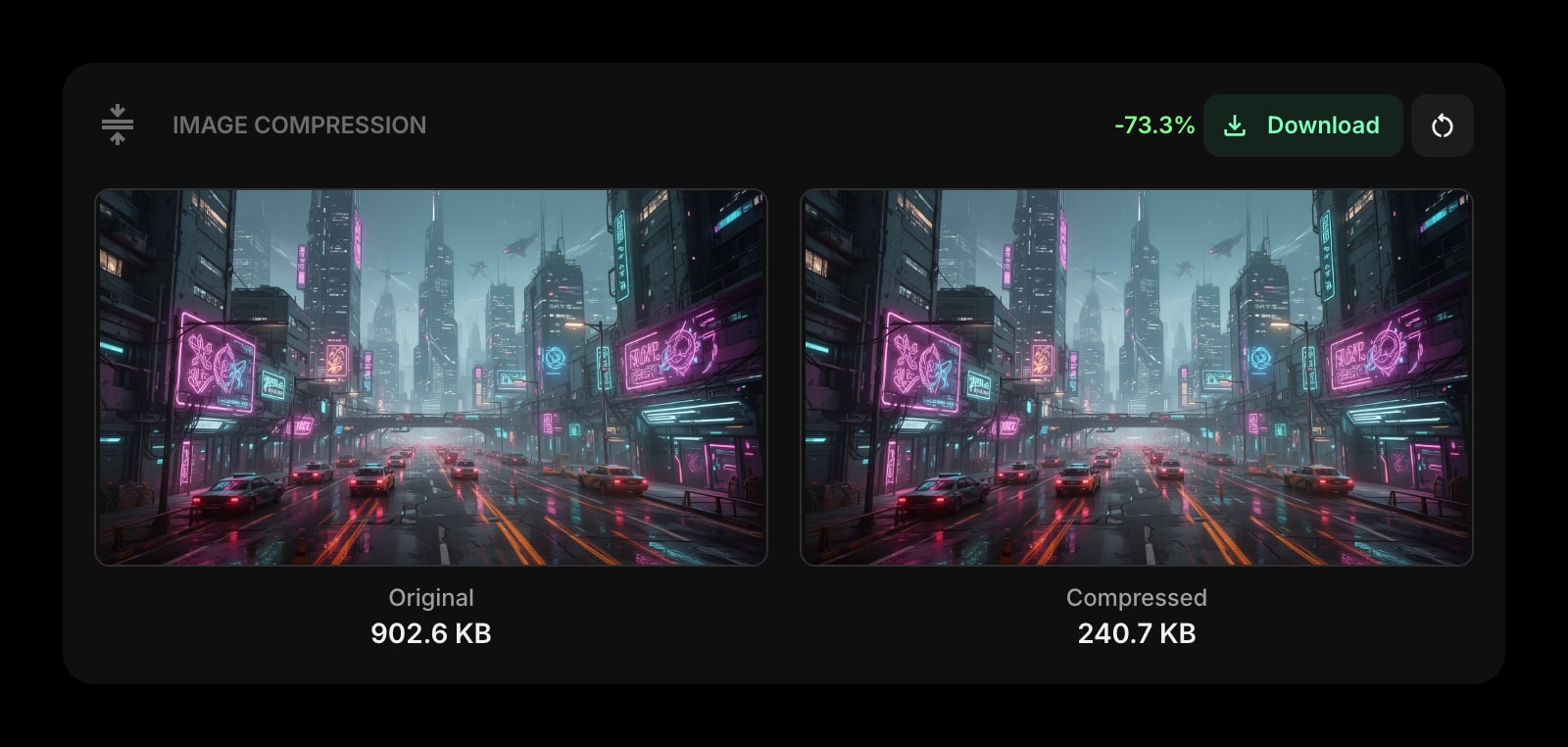
Image Compression
Drop a hero image, get a compressed PNG or JPEG back. Runs locally in the browser - no upload to a third-party server, no client NDA panic.
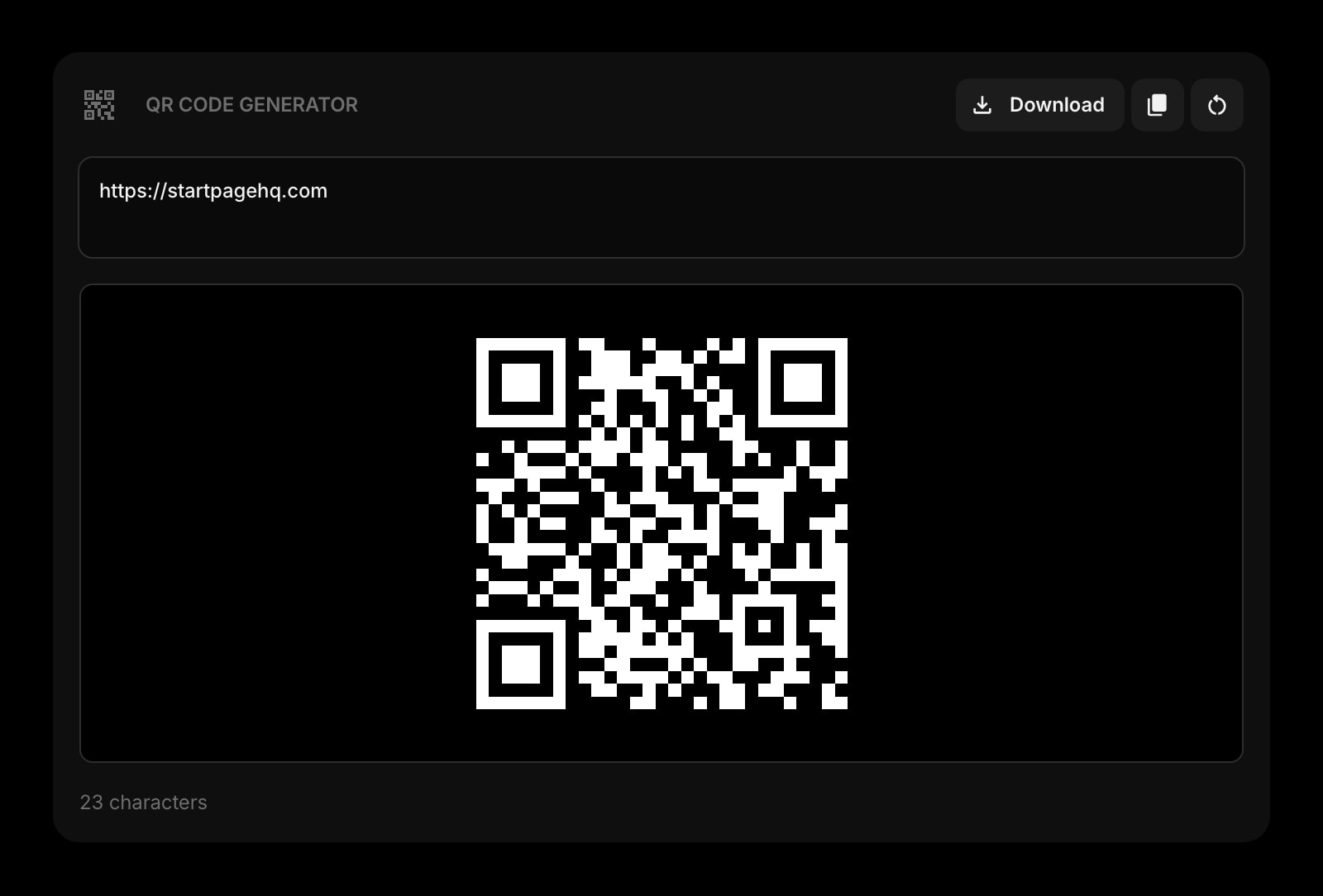
QR Code
Generate a QR code for a Figma prototype, a staging URL, or a deeplink. Point your phone at it for the on-device design review without bouncing through a third-party generator.
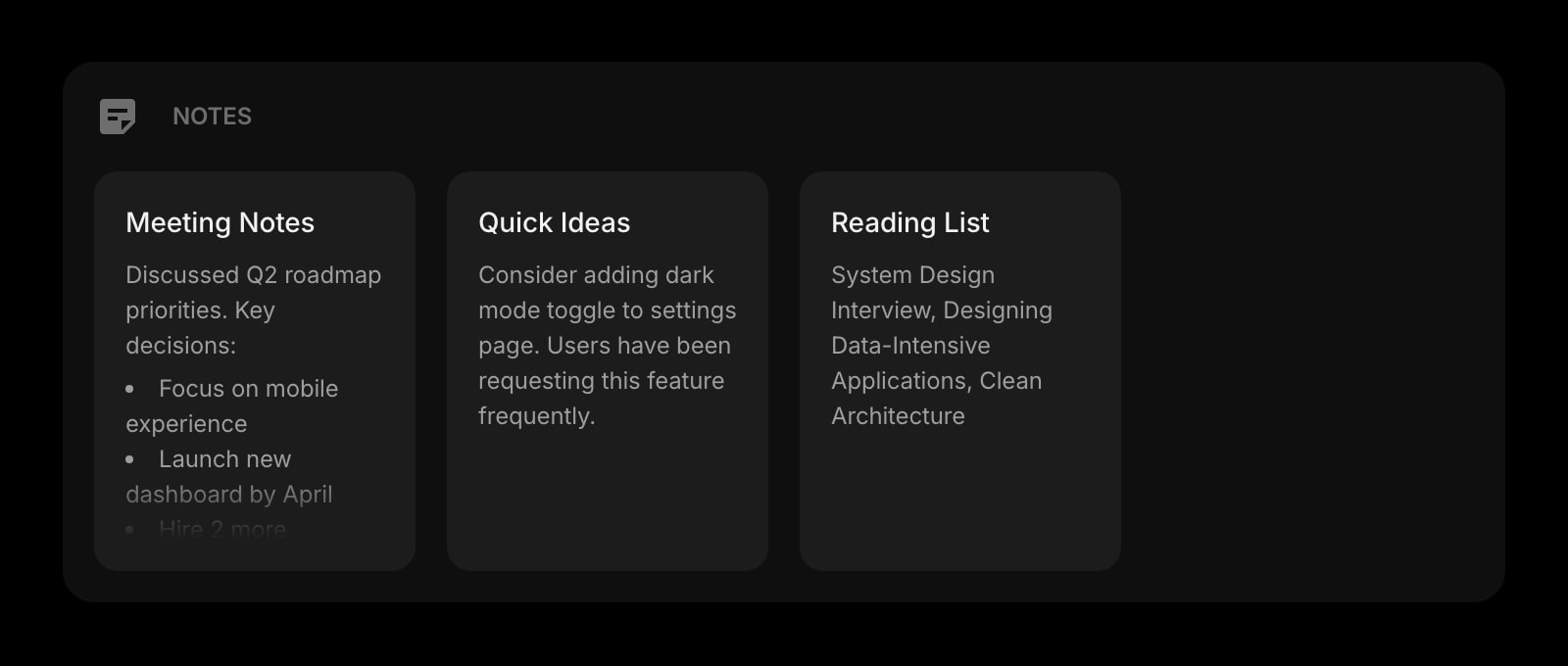
Notes
Rich text notes for design briefs, content strategy summaries, and component documentation. Lives next to the moodboard so the spec and the inspiration share a tab.
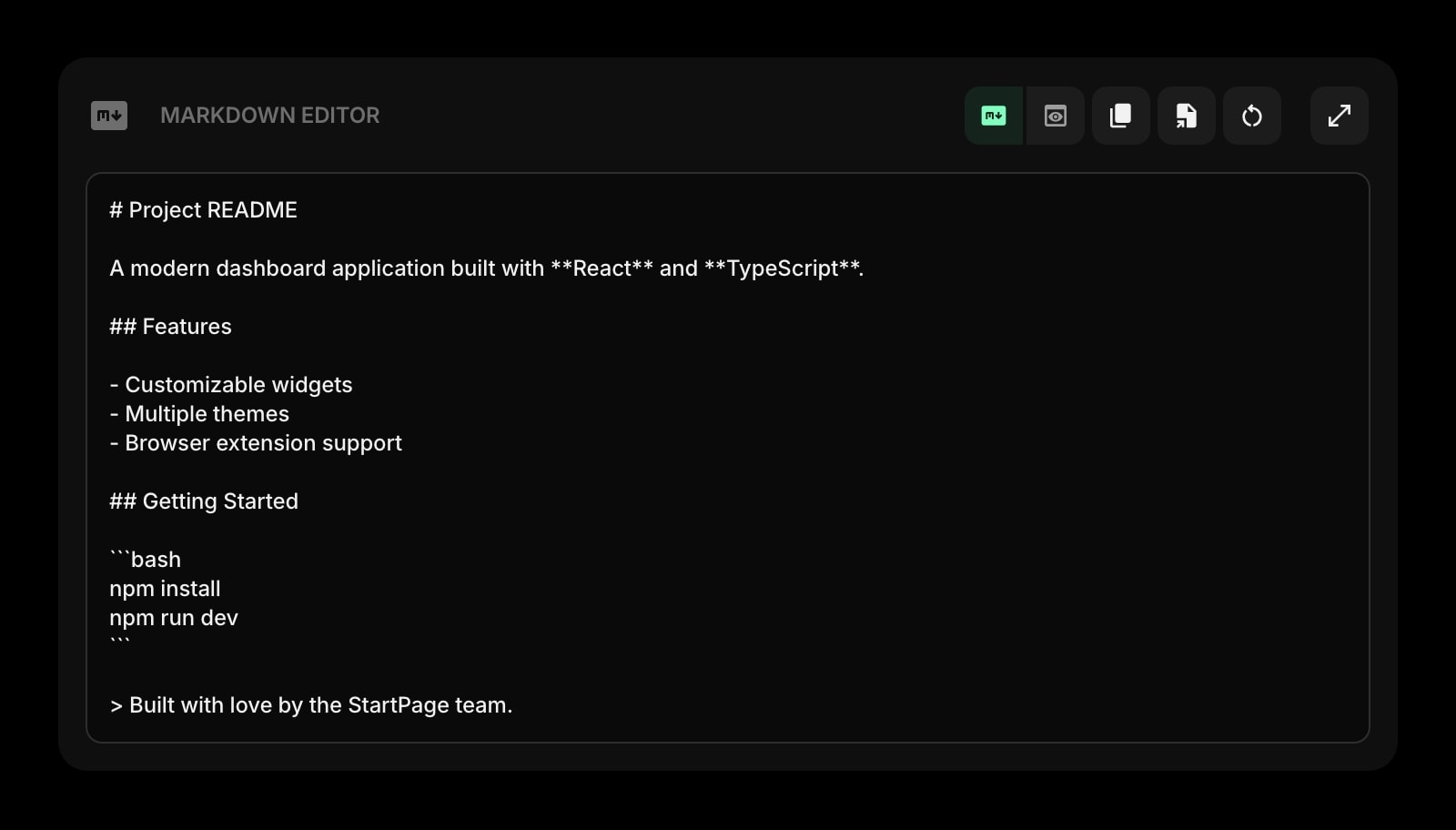
Markdown Editor
Draft a Figma comment thread response, a release post, or a handoff note in markdown with live preview. Paste it into wherever it needs to go.
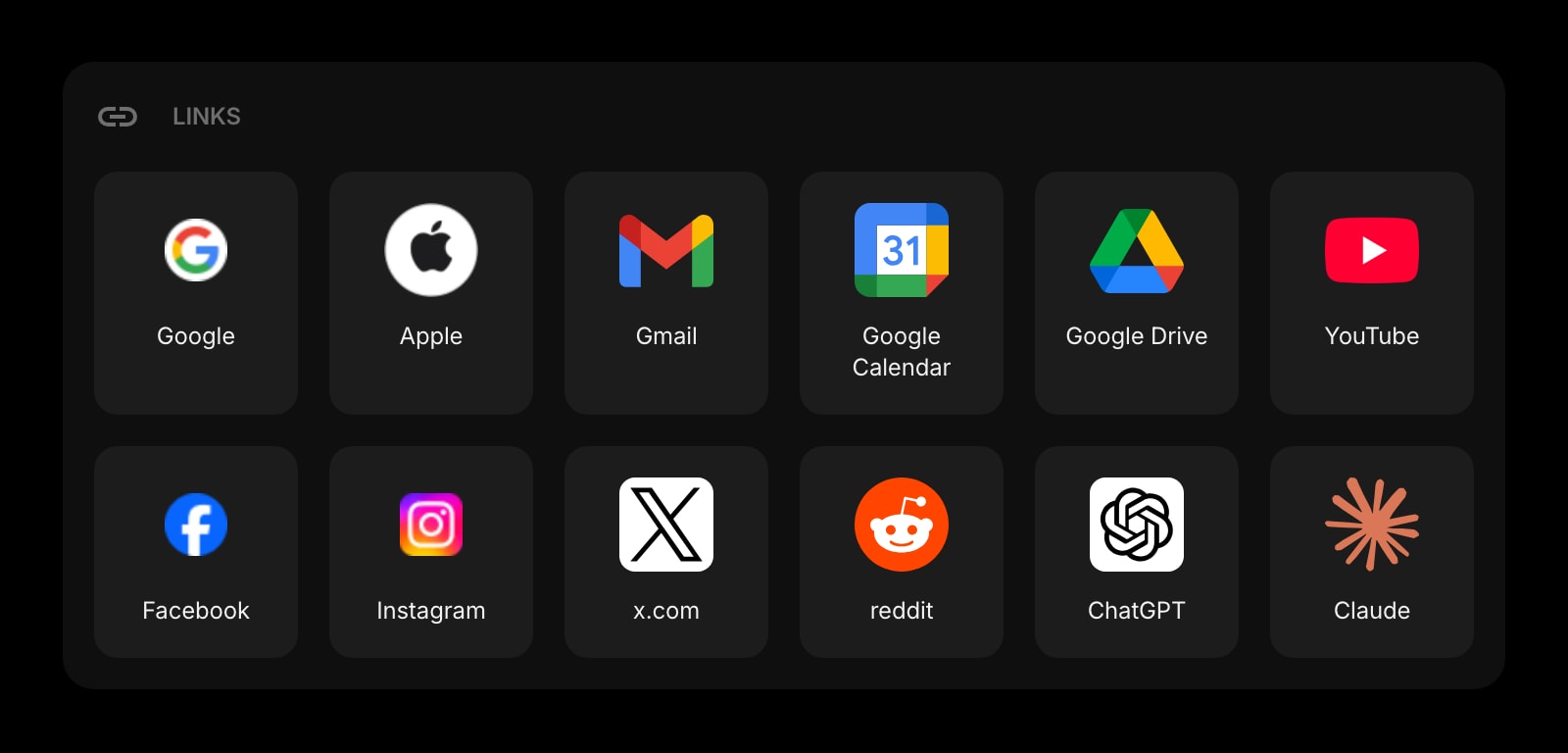
Links
Pinned shortcuts to Figma files, the design system doc, the brand assets folder, the client portal. The bookmarks bar curated for one project at a time.
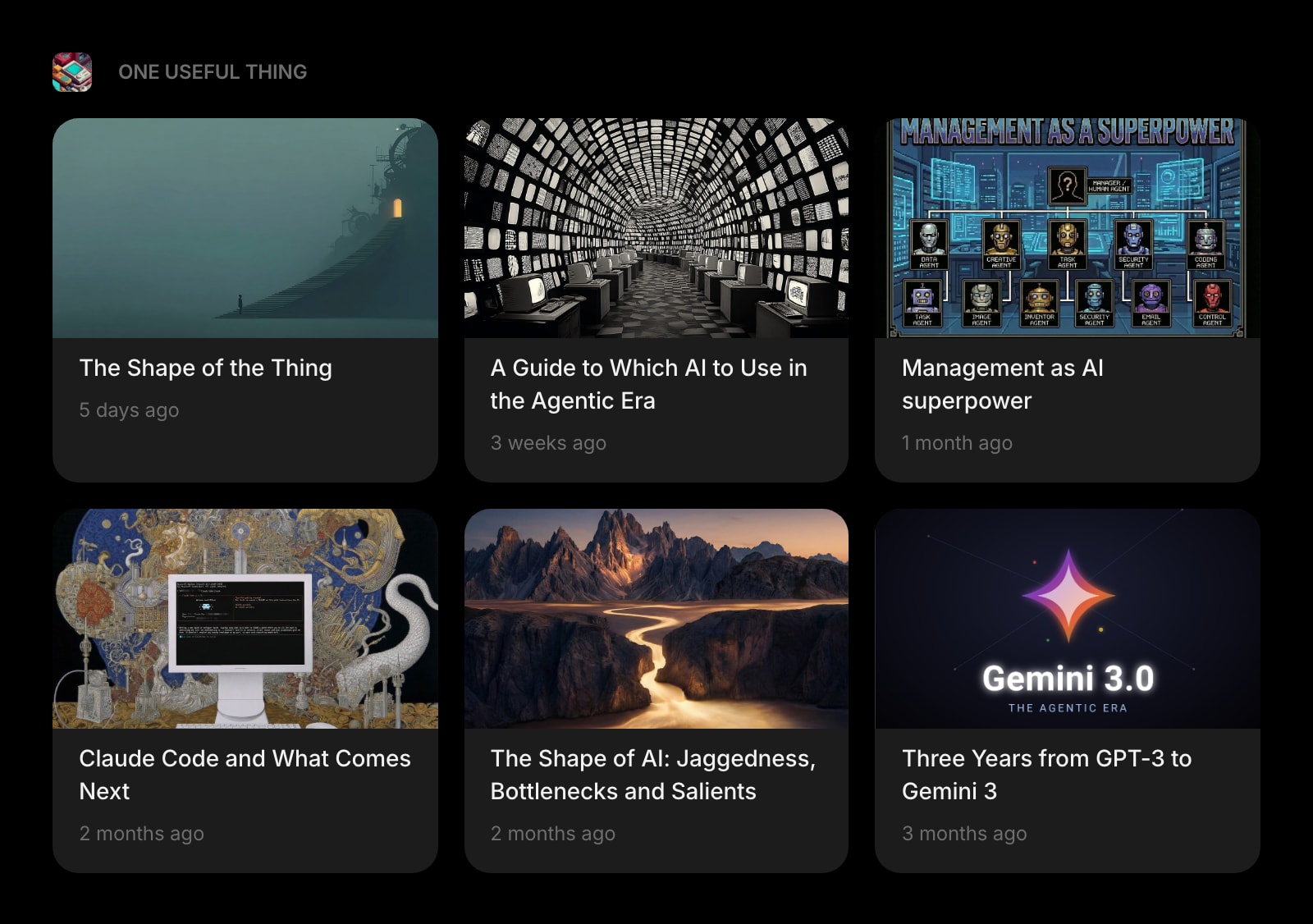
Substack
The design newsletters worth reading - typography weekly, design systems digests, founder dispatches - rendered inline instead of buried in an inbox folder.
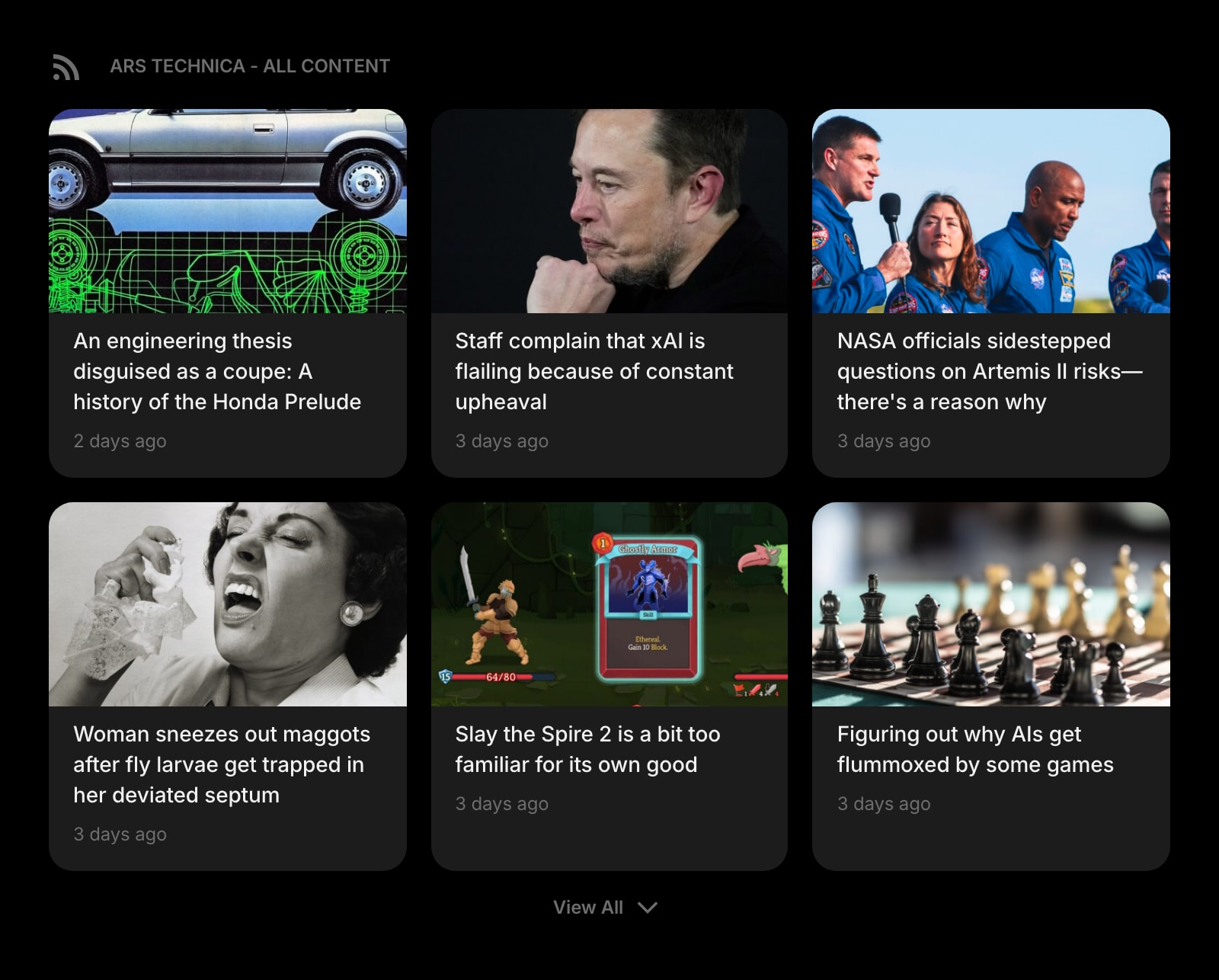
RSS Feed
Industry blogs, agency case studies, design system release notes - the long-form reading you keep meaning to do, on the page you already open every twenty minutes.
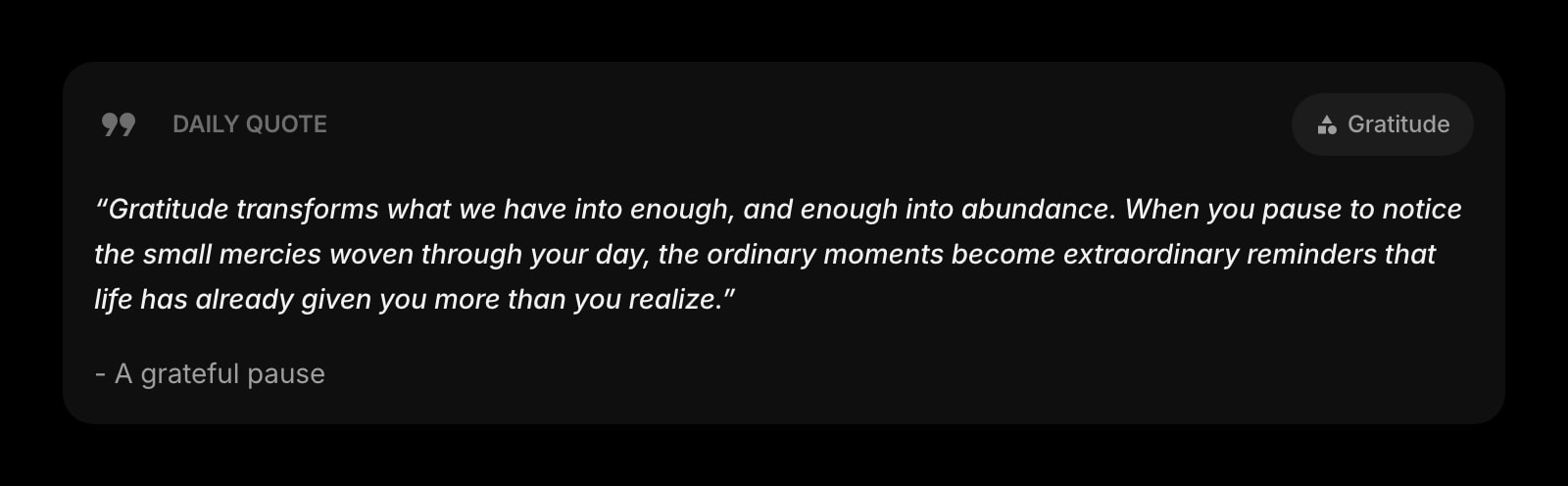
Daily Quote
A new typography or design-philosophy quote each morning. A small reset before the day's first frame.
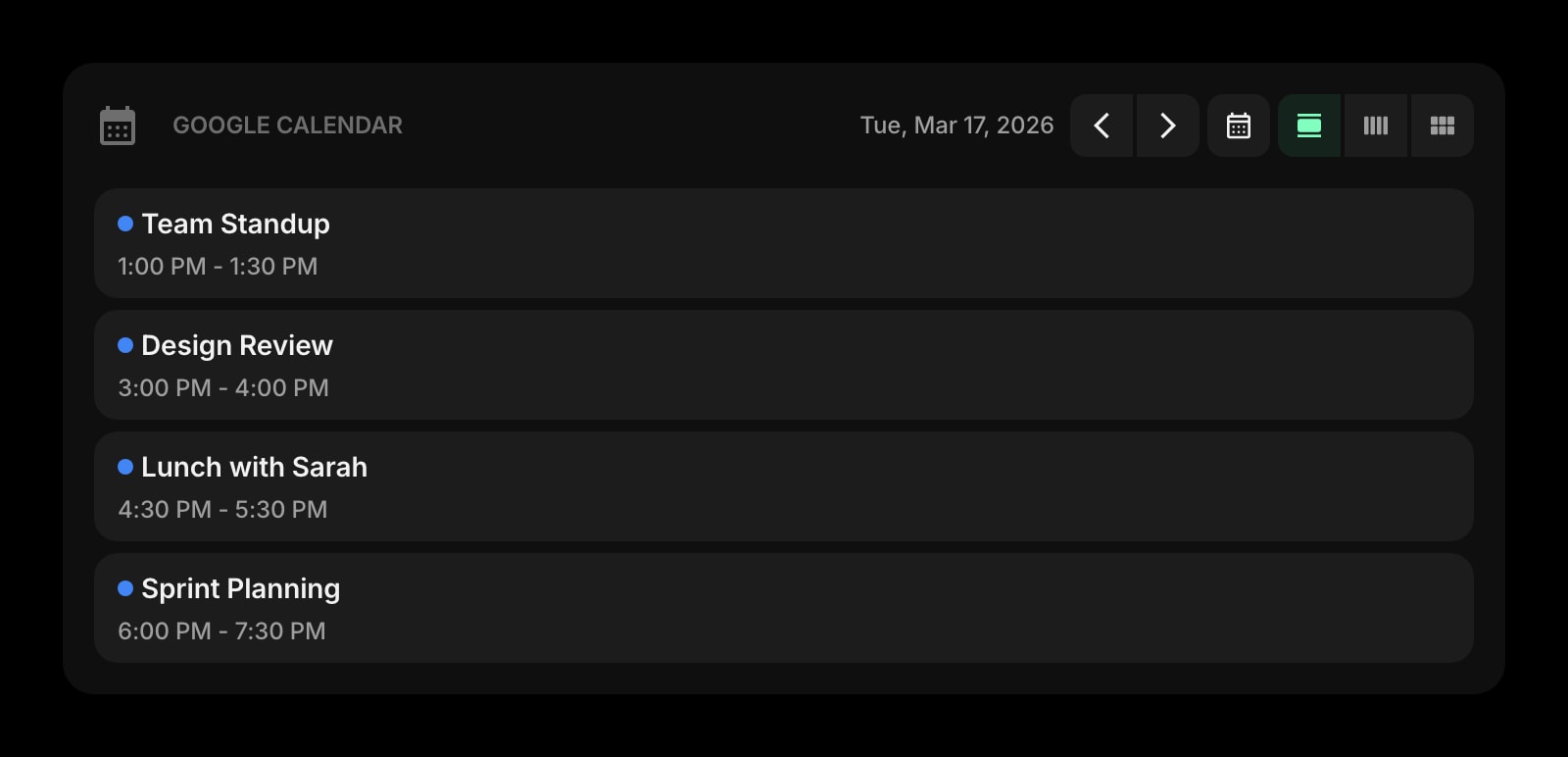
Google Calendar
Today's client reviews, design crits, and async deadline windows on the new tab page. See the next milestone without leaving the canvas.
A Day in the Life
How Start Page HQ shows up across the moments that actually matter.
Morning Inspiration Scan
Open the laptop, hit a new tab, and the Collection widget already shows the moodboard for the rebrand project. Skim the Substack widget for the typography newsletter that landed overnight. By the time you crack Figma open you have already absorbed the visual mood you needed for the day's frames.
Mid-Project Asset Wrangle
Client just shipped over a 4MB hero image. Drop it into the Image Compression widget, get a 380KB version back without uploading anywhere - then drop the result into Figma. Same flow as the dedicated tools, no tab-switching, no NDA worry about which server the file just touched.
On-Device Prototype Review
Got a Figma prototype link to test on the phone? Drop it into the QR Code widget, point the camera, and the prototype is loaded on the device in two seconds. Do the same when shipping a staging build to the client - no scrambling for a free QR generator.
Pre-Crit Reset
Five minutes before the design crit, open a fresh page in Start Page HQ, drop the latest Figma frames into the Collection widget as references, jot the talking points into the Notes widget, and walk into the meeting with the visual context and the agenda on the same screen.
Why It Sticks for Designers
Specific reasons it works for this audience - not generic productivity claims.
Companion to Figma, Not a Replacement
This is not a UI design tool. Figma stays where it is. Start Page HQ is the dashboard that lives in the tab next to Figma, holding the inspiration board, the asset workflow, the QR generator, and the design brief - the surrounding context that does not belong inside a Figma file.
Image Compression Without the Upload
The Image Compression widget runs entirely in the browser using WebAssembly. The file never leaves your machine - no upload to a free service of unknown provenance, no pop-up about a "premium tier", no NDA worry on client work.
Sync Moodboards Across Studio and Home
Sign in once and the Collection widget, the Canvas, the Notes, and the Links sync across every device. Studio iMac in the morning, MacBook on the train, phone on a coffee break - same moodboard, same reference grid.
A Page Per Project, Not One Stuffed Tab
A page for the rebrand client with its moodboard, brief, and asset links. A separate page for the side project with its own Collection and notes. Switch with one click instead of a single Notion file growing into a 60-section monster.
One Plan, No Per-Widget Paywall
No Plus tier. No "designer pack" upsell. $4 a month, $24 a year, or $48 one-time (lifetime) unlocks every widget, every page, sync across every device, and a pool of AI credits for the AI Image and Quick Answer widgets. Free public demo at startpagehq.com/demo before you pay.
Coming From Another Tool?
Already cobbling together inspiration, asset tools, and references from a half-dozen separate tabs? Each widget below covers a job you are doing somewhere else. See how they map.
Frequently Asked Questions
No. Start Page HQ is a dashboard companion - the Canvas widget covers quick freehand sketching, but the actual UI design work belongs in Figma. Think of this as the surrounding tab: moodboard, asset workflow, design brief, QR previews, and quick notes that would otherwise live in five different web tools.
It is genuinely useful for ideation and mood exploration - generating reference imagery, exploring a visual direction, or sketching a concept that does not yet exist as a photo. It is not a Midjourney replacement for production-grade hero imagery and should not be used for final deliverables that need fine control over composition and prompt iteration.
The Image Compression widget runs locally in your browser using WebAssembly. Files never leave your machine. Safe for NDA client work, prototype screenshots, or anything you would not paste into a free third-party tool.
Yes. Pick from 29 built-in wallpapers or upload your own image - a client palette, a project reference, a photo you shot - and the widgets turn to frosted glass over it. On top of that you get three color schemes, 10 accent colors, and per-widget styling (solid, clear, or outline) with individual widget colors, so the page can match whatever you are working on rather than a fixed template.
Yes, two ways. Any page or single widget can get a public share link on a paid plan - a live, read-only view a client can open without an account. For a design team, Teams adds a shared workspace: one Collection of references, the brand links, and the project briefs on everyone's new tab, with editors who add to it and viewers who can only look. Teams is $4 per seat a month or $40 per seat a year, minimum 2 seats.
Yes. Start Page HQ runs as a hosted web app at startpagehq.com - no extension required. Set it as your browser homepage and the full setup works on any machine with a modern browser, no IT permissions needed.
There is a free plan - 1 page, 8 widgets, sync across devices, every browser extension, and 50 AI credits to start. Paid lifts the limits at $4 a month, $24 a year, or $48 one-time (lifetime), unlocking unlimited pages, every widget including the premium ones, and a recurring pool of AI credits for AI Image and Quick Answer. A free public demo at startpagehq.com/demo unlocks every widget for evaluation - no signup.
Build Your Designers Dashboard
Start free — 1 page, 8 widgets, sync across devices, no credit card. Or open the live demo first, no signup needed.